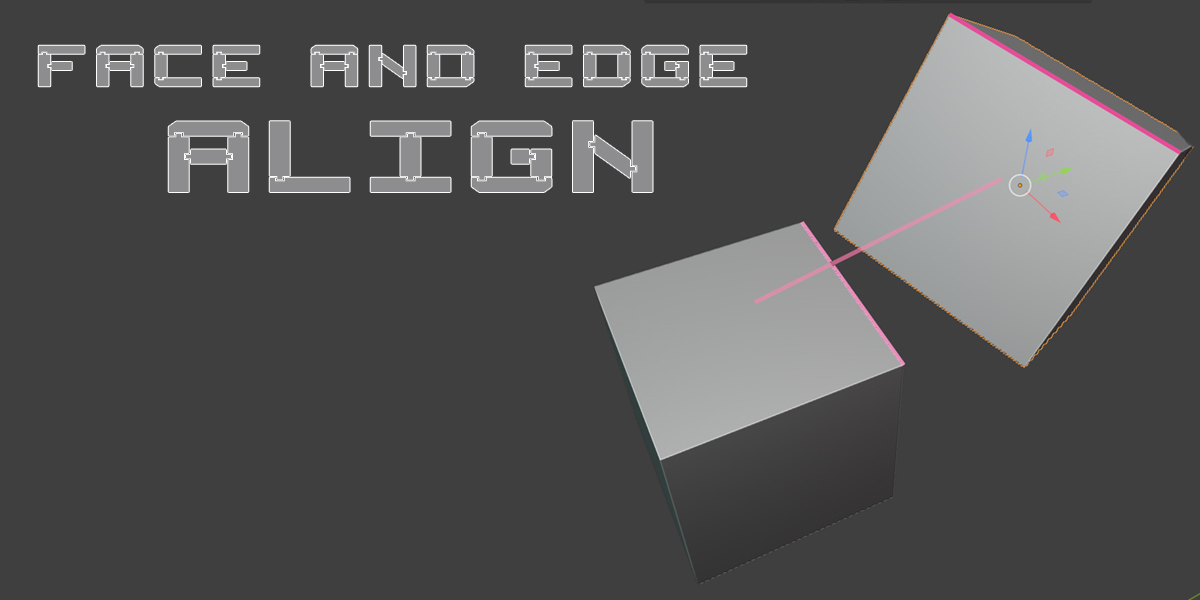
QuickSnap is a Blender add-on for moving an object or selected geometry from one point in the scene to another. Choose a source and destination, then snap objects, vertices, edges, faces or curve points into place. The Blender Extensions listing identifies julienh as its maintainer. Its catalog API lists version 1.5.1 with Blender 5.0.0 as the minimum version.
Snap between scene and geometry points
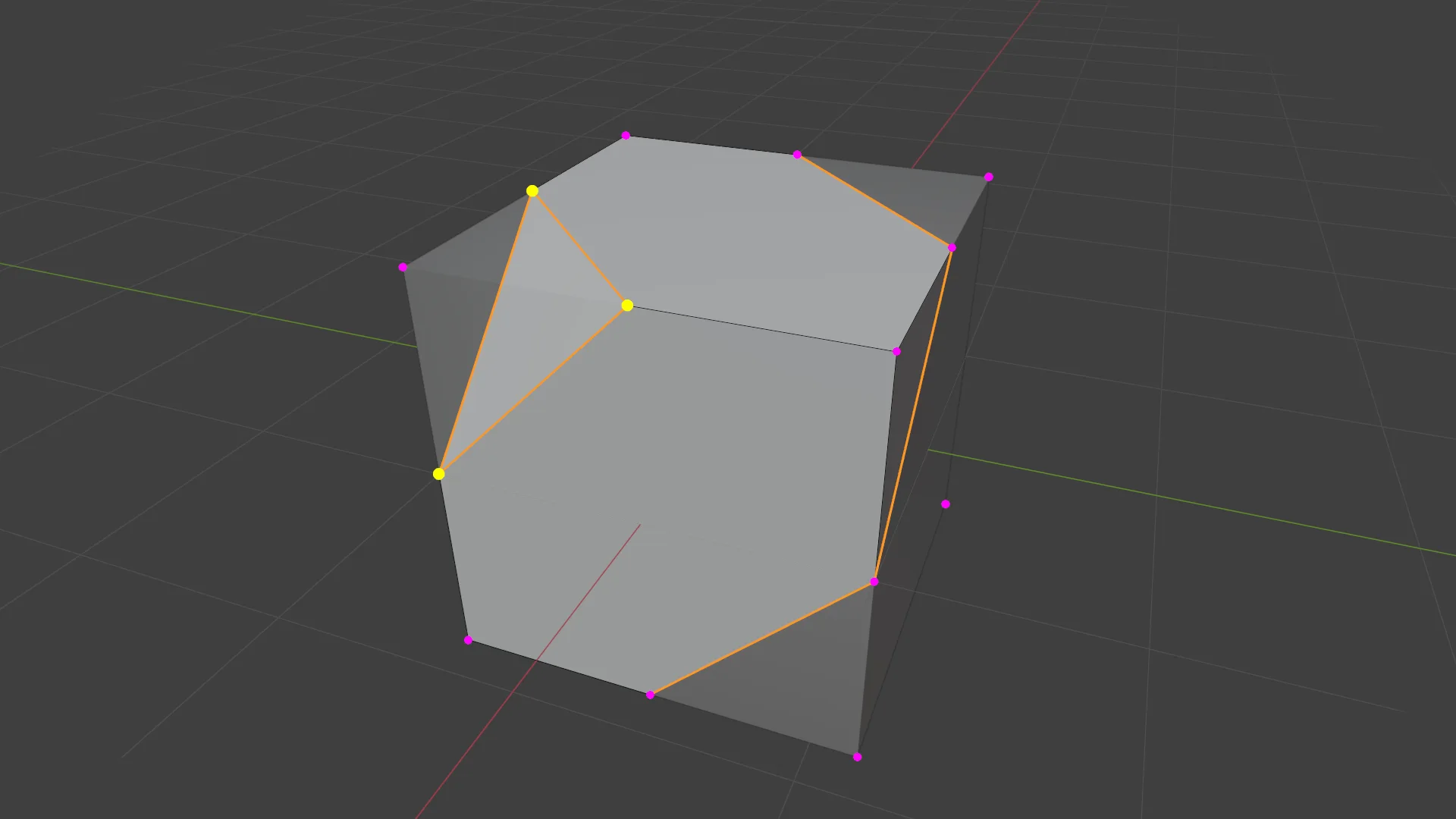
QuickSnap can use the scene cursor, object origins, vertices, curve points, edge midpoints and face centers as snap points. A pie menu lets you choose the point types for the source and destination. The tool can target visible and non-visible points, prioritizing points closer to the camera. Wireframe display and target highlighting help show the geometry under the pointer and the point being targeted.
Move with a drag or two clicks
- Select the object or the vertices, edges, faces or curve points you want to move.
- Press Ctrl+Shift+V to activate QuickSnap. This is the default shortcut; press it again to open the pie menu and choose the snap point types.
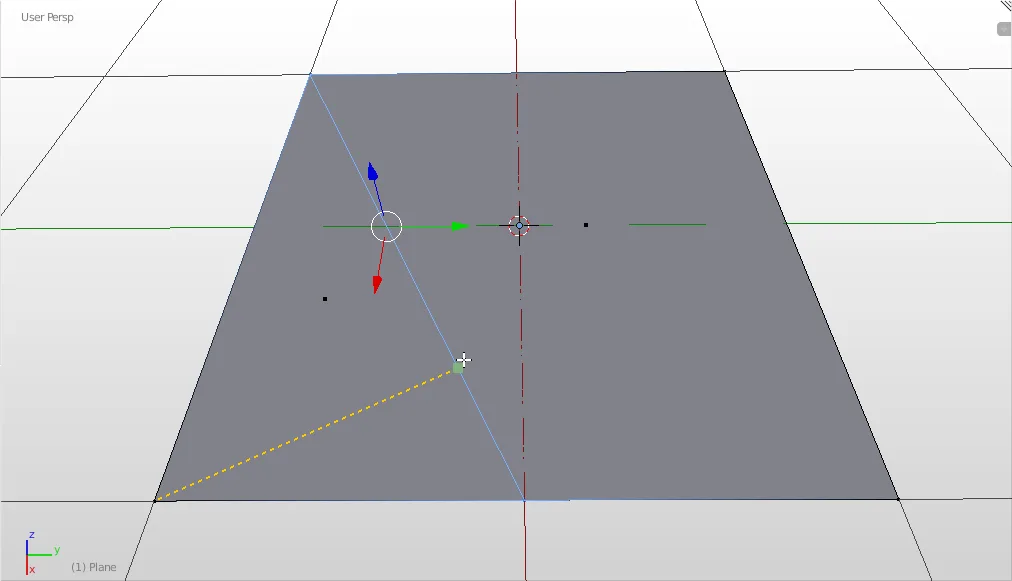
- To snap, either press and hold the right mouse button at the source point, drag to the destination, then release it, or click the source point and then the destination. Press Esc to cancel a translation.
Use X, Y or Z, with Shift where needed, to constrain a translation to an axis or plane. You can change the tool shortcut and adjust other hotkeys in the add-on settings.
Edit Mode behavior and limits
In Edit Mode, you can enable automatic vertex merging so vertices at the same location merge after a snap. The option can be disabled in the add-on preferences. The developer's product notes say that Edit Mode snapping uses the mesh's original points without modifiers. Target highlighting also does not work when “Ignore modifiers” is enabled.
The developer notes that QuickSnap is not intended for very high-poly objects; performance can drop when many heavy objects are under the pointer. Compatibility details differ between listings: the Blender Extensions API lists version 1.5.1 with Blender 5.0.0 as its minimum, while the Superhive page lists Blender 2.93–5.2. Check the compatibility shown for the specific version and package you plan to install.