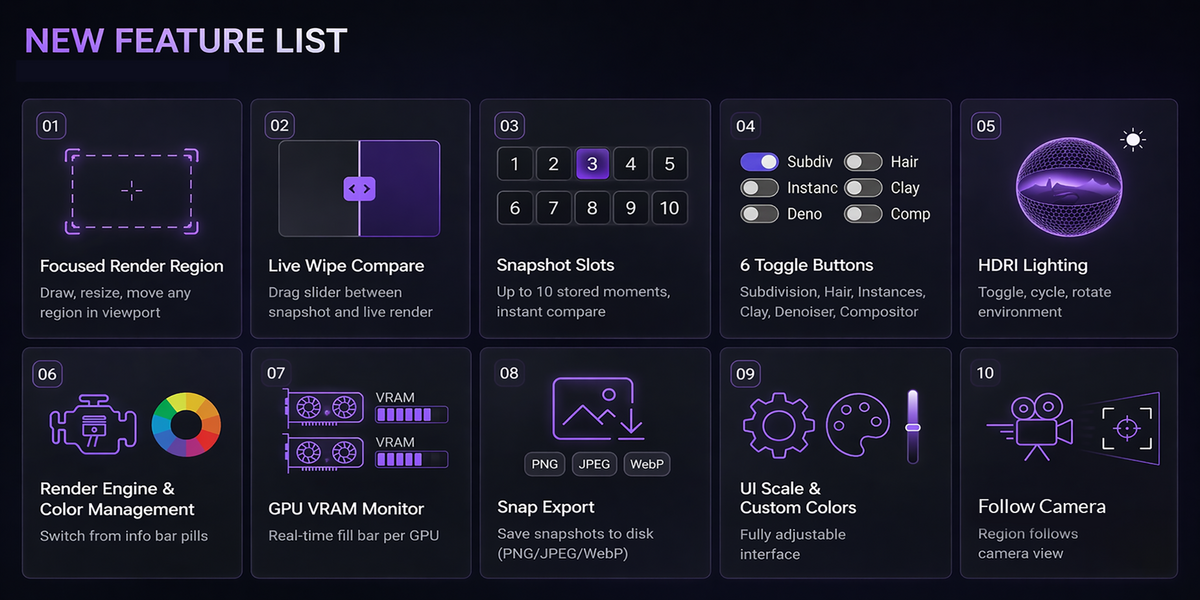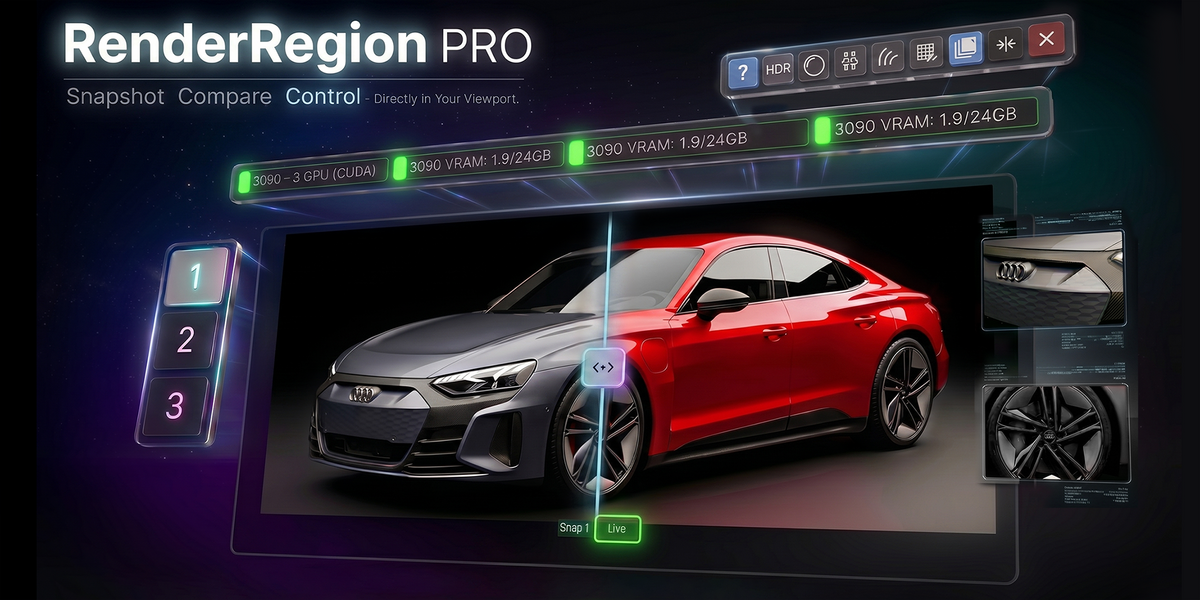
Render Region Pro is a Blender add-on for viewport lookdev. Draw a render region around an area you want to inspect, then compare the live result with up to 10 stored snapshots using a wipe slider. In camera view, the region follows the camera frame as you pan or zoom.
Viewport controls for lookdev
Six toolbar toggles let you change scene visibility and preview settings without searching through panels:
- Subdivision: Disable Subdivision modifiers globally; new objects are included automatically.
- Hair: Hide particle, Curves and GeoNodes hair.
- Instances: Hide collection, vertex and face instances, along with Alt+D duplicates and linked objects.
- Clay Mode: Apply a neutral grey PBR override to the view layer.
- Denoiser: Toggle viewport denoising, with Shift-click controls for both engines.
- Compositor: Toggle the viewport compositor; Shift-click opens a floating editor.
The add-on restores settings when these controls are turned off. Its info bar also provides render-engine and color-management controls, including color-transform cycling and False Color.
HDRI lighting and snapshots
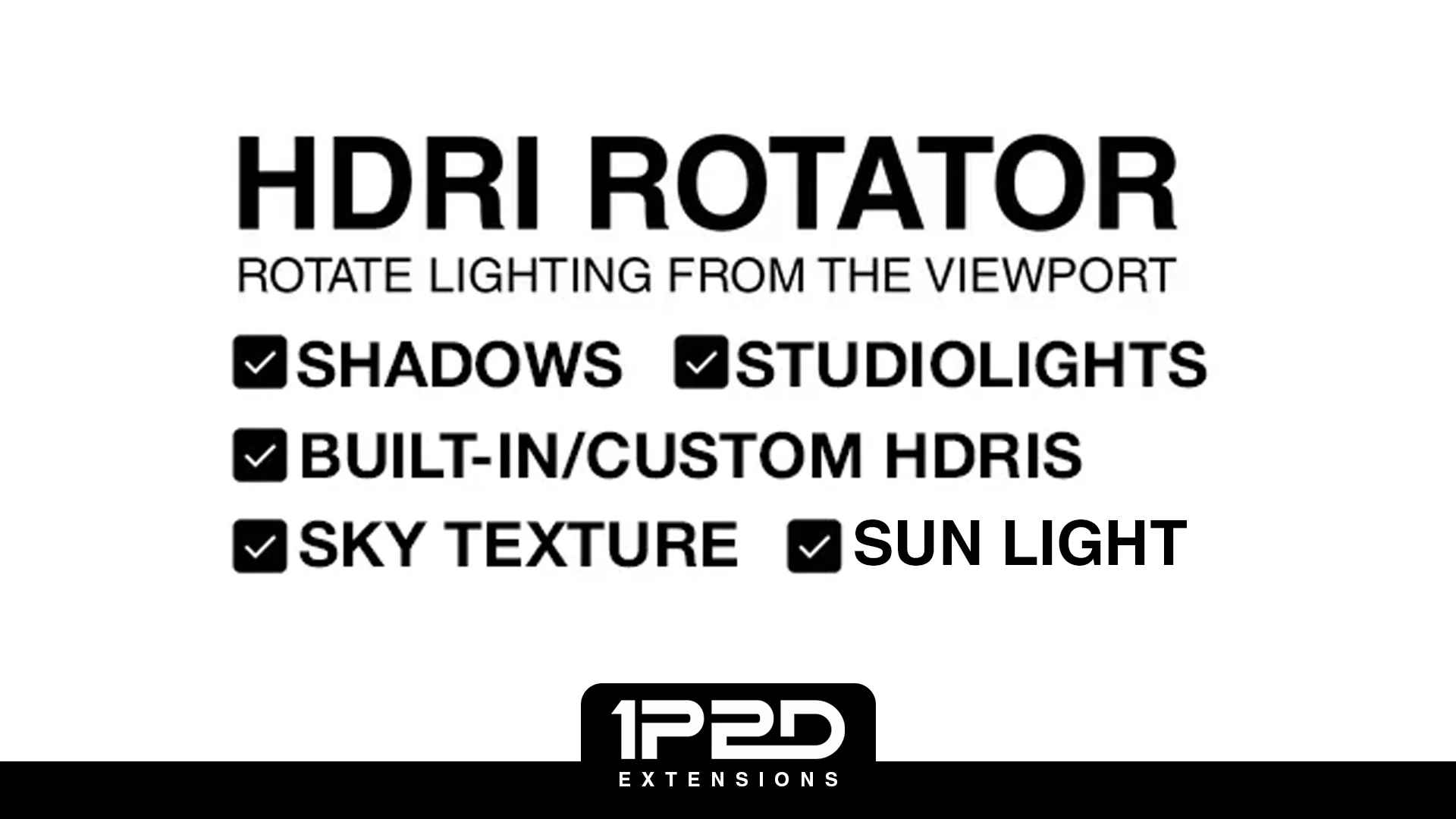
Render Region Pro can cycle through .hdr and .exr files, rotate the environment on the Z axis, and use a custom HDRI folder. The HDRI control supports a floating World Shader Editor and an intensity slider for worlds with a Background node. The add-on saves the original world and restores it when HDRI mode is turned off. Three HDRIs, for outdoor, indoor and studio lighting, are included.
Snapshot exports can use PNG, JPEG or WebP. Preferences also include UI scaling from 0.5x to 2.0x, custom region and button colors, and configurable keyboard shortcuts. Right-click menus and a built-in shortcut reference provide other ways to find the controls.
Blender and hardware requirements
The product description lists Blender 5.0 or later and the Cycles, EEVEE and Workbench render engines, with Windows, macOS and Linux support. The marketplace details separately list Blender 5.0–5.1, so check the included documentation for compatibility with your exact release. The real-time VRAM monitor displays color-coded usage bars across multiple GPUs, shifting from green to orange to red as usage climbs. It requires an NVIDIA GPU and nvidia-smi; the other features work with AMD and Intel GPUs.
The Superhive listing identifies the add-on as version 0.1 and includes its documentation. Check the Render Region Pro product page for the current files and compatibility details.