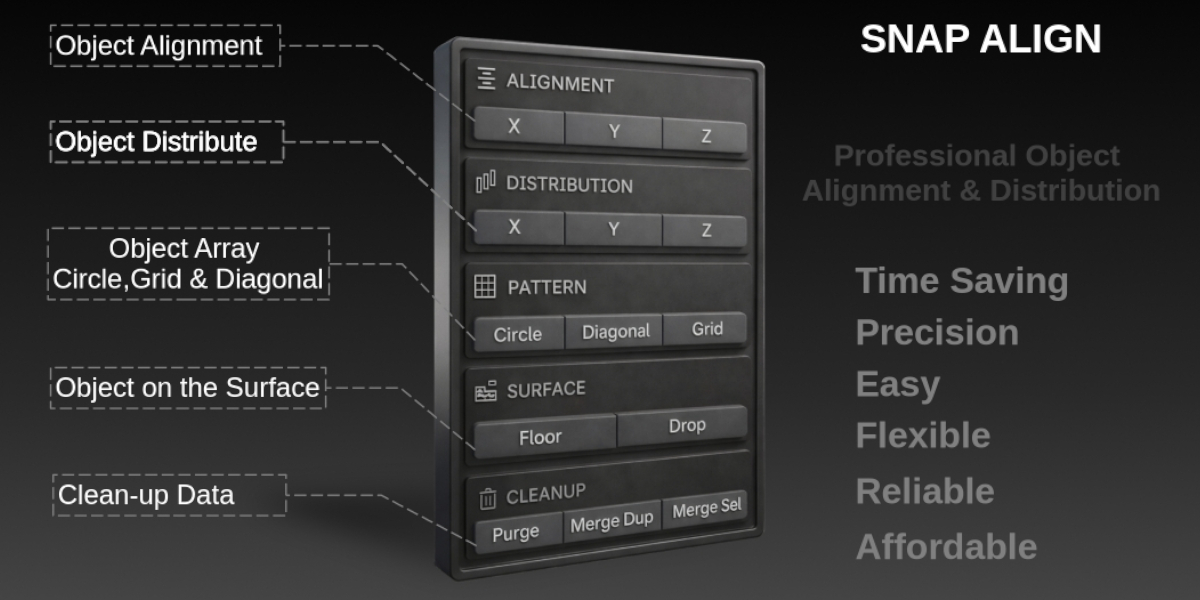
Snap Align is a Blender add-on by mashud008 that brings six scene tasks into one interface: aligning and distributing objects, making patterns, placing objects on surfaces, cleaning up materials and meshes, and batch renaming. The Superhive product listing gives version 1.0.0, Blender 4.2–5.1 compatibility, Blender Extension compatibility, and a GPL license. Check the listing for current details before installing.
Align and distribute selected objects
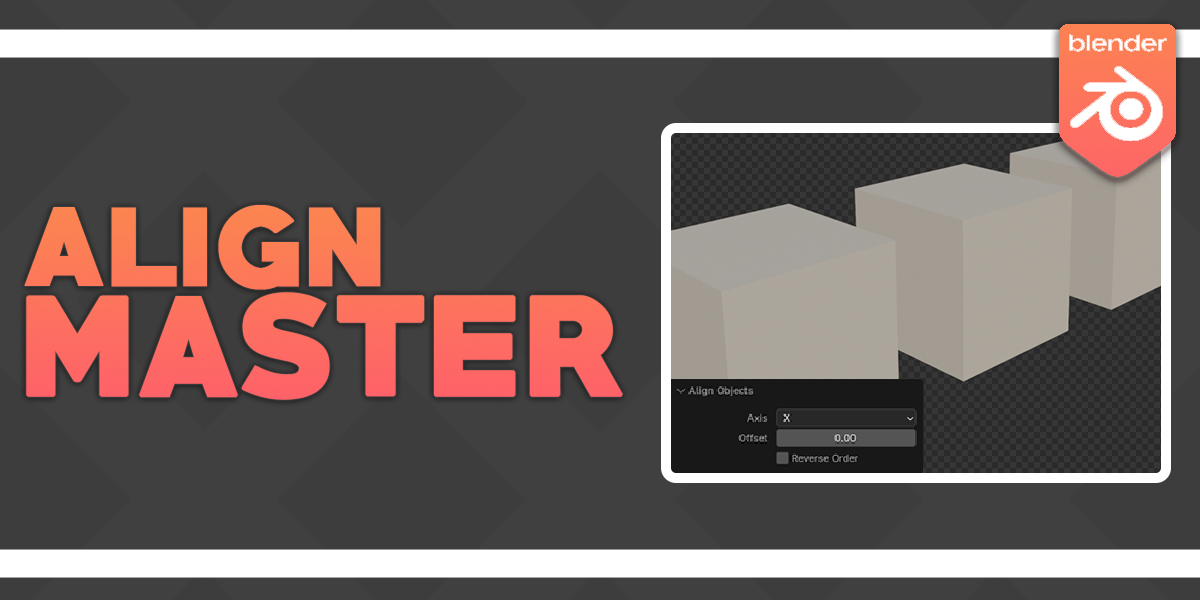
Alignment lines objects up along the X, Y, or Z axis. Its five reference modes are Bounding Box, 3D Cursor, Active Object, Median Point, and World Center. Distribution spaces objects along an axis, with origin-based or bounding-box edge spacing, automatic gap calculation, and custom gap values. The documentation sets a minimum of three objects for distribution.
Create patterns and place objects on surfaces
Pattern tools arrange objects in a circle with a chosen radius, a grid with adjustable rows, columns, and offsets, or a diagonal line with a chosen angle and gap. Surface tools can set objects to Z=0 or drop them onto a surface below. These controls are useful for laying out repeated scene elements or placing objects on terrain.
Clean up materials and rename objects
Cleanup can purge unused meshes and materials, merge materials with the same base name, or apply the first selected object's material to the selected objects. Batch renaming supports a custom prefix, automatic numbering and padding, and case options including Upper, Lower, Keep, and Camel. For example, a numbered prefix can turn a group of tree objects into names such as Pine001 and Pine002.
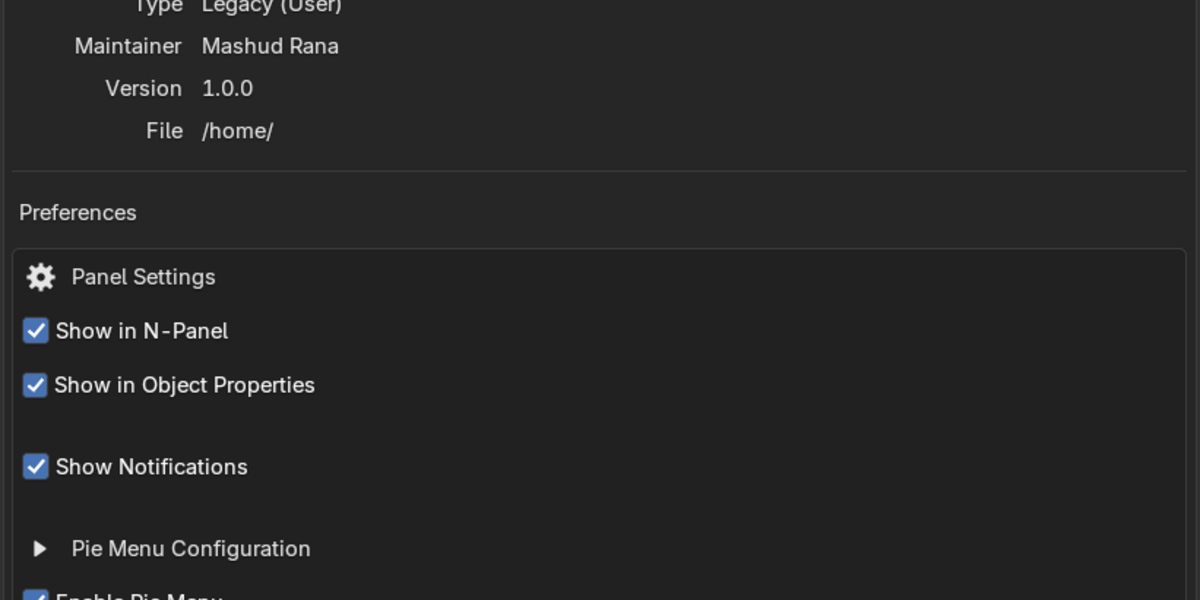
Open the popup with the single-quote key or find the Snap Align tab in Blender's N-panel. The Snap Align documentation covers installation and the individual controls. Review the listed Blender version range and GPL terms to confirm they fit your setup.