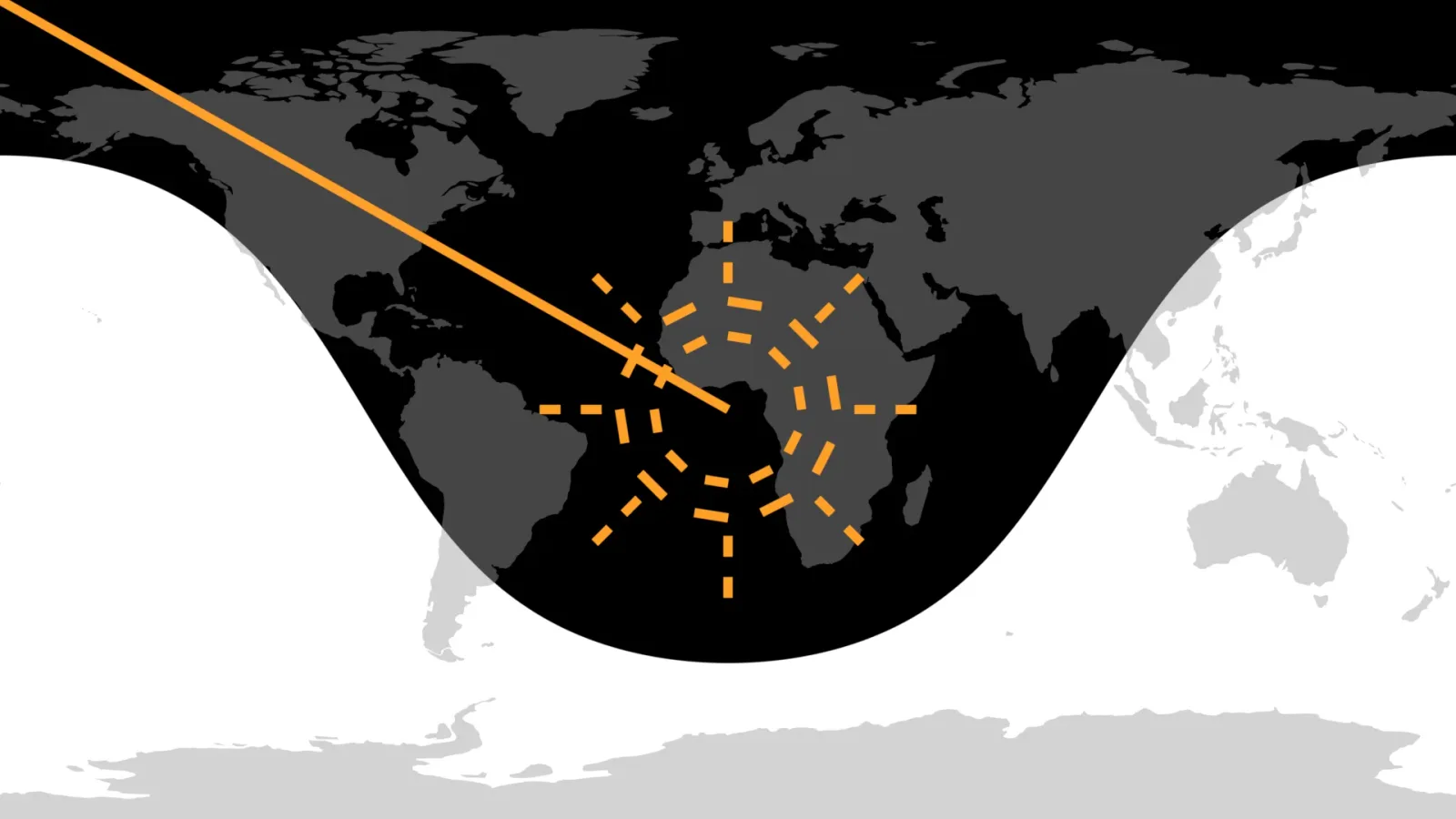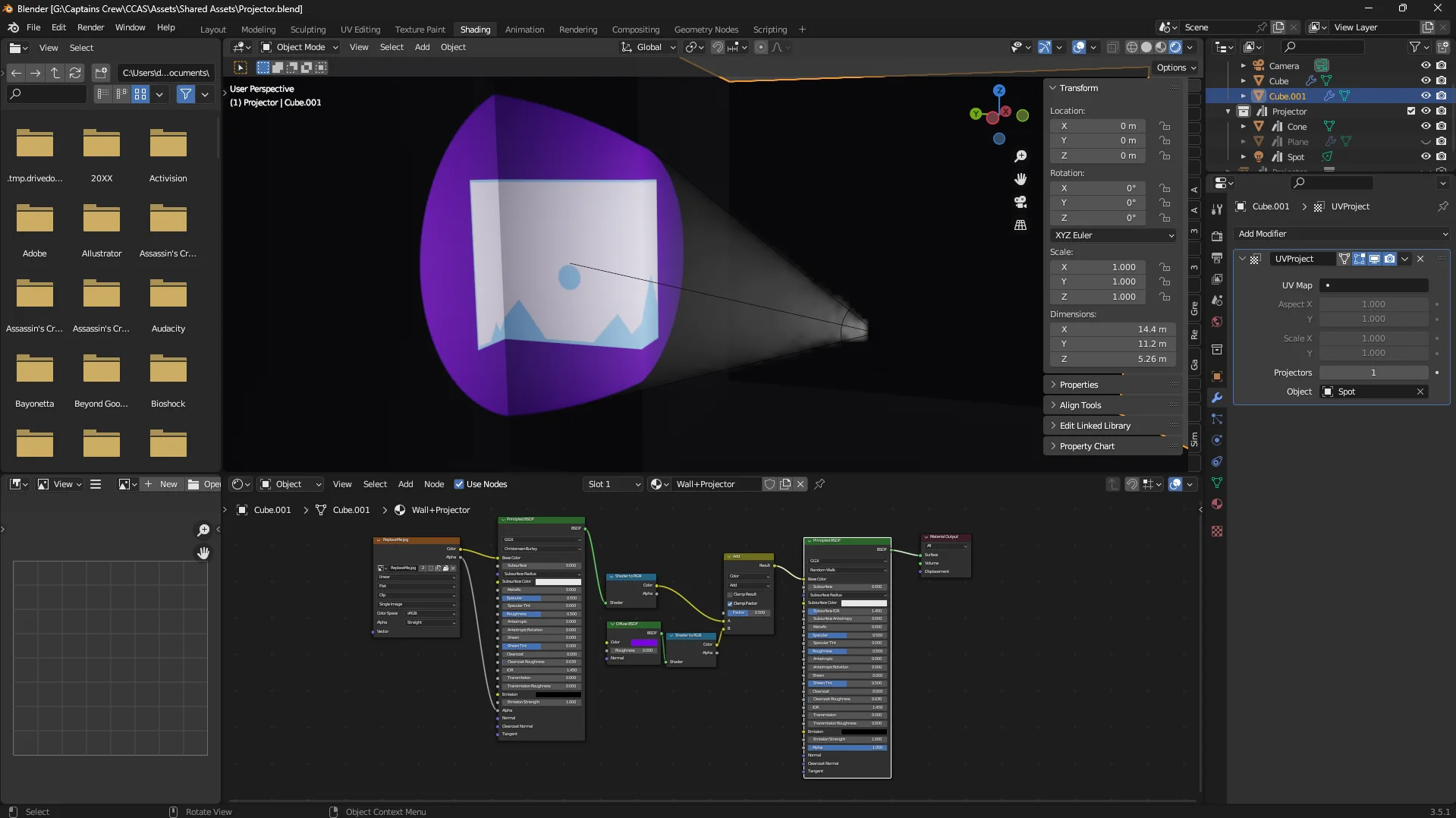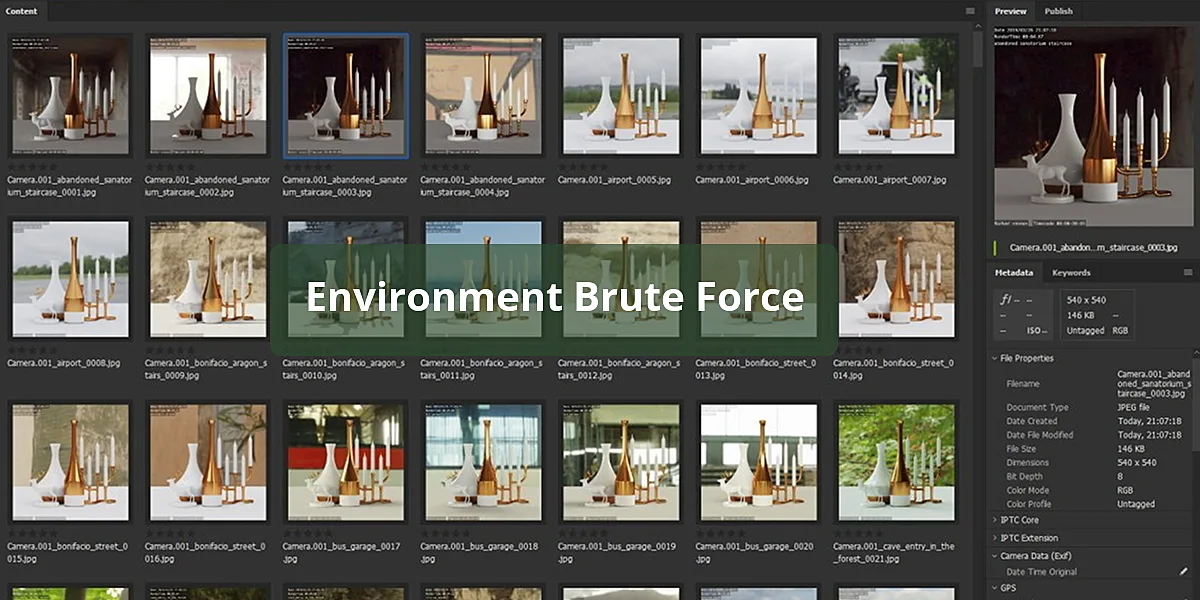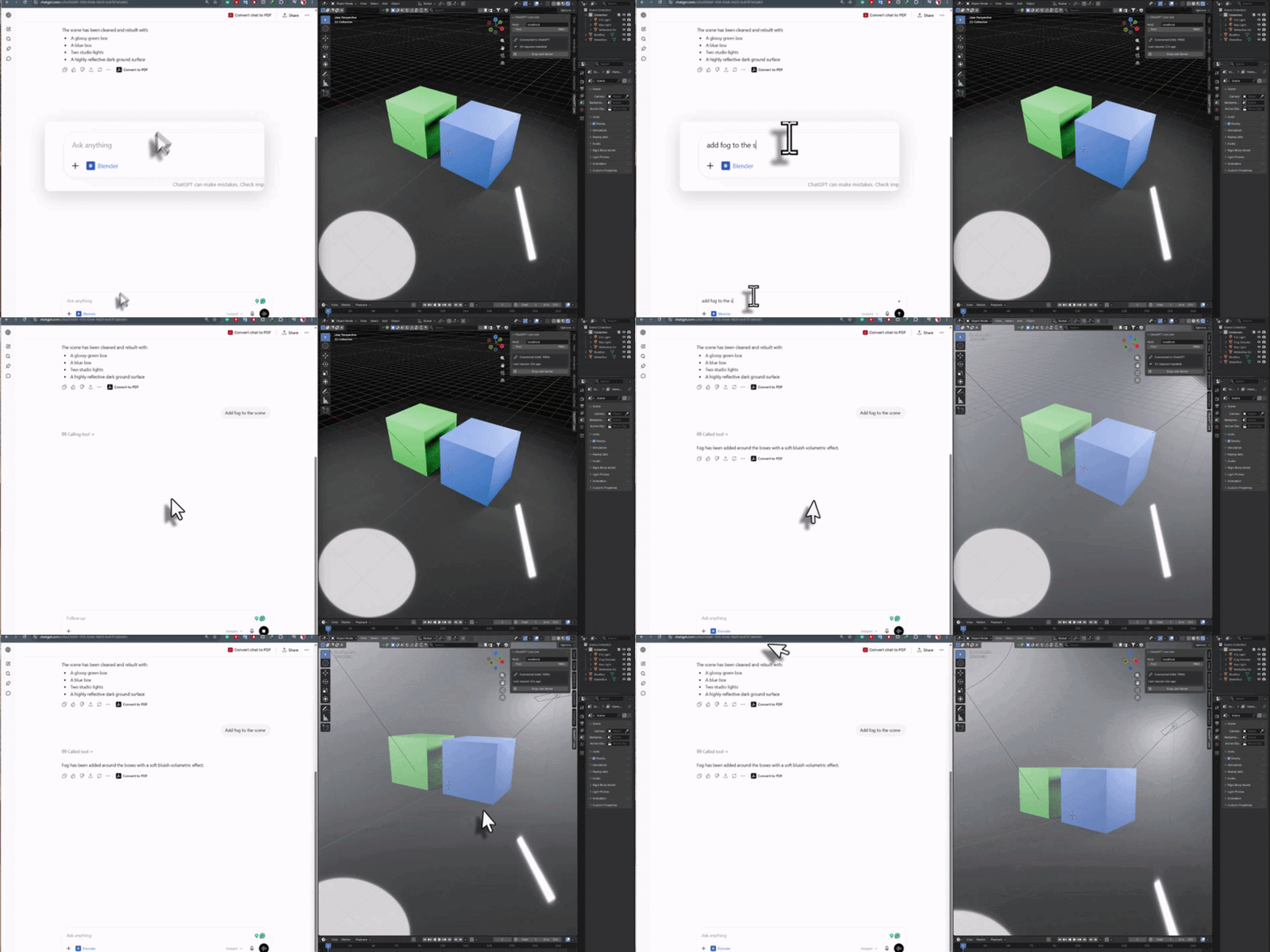
Sun Position is a Blender add-on by pioverfour that positions and animates the Sun from a geographic location, date, and time, with a certain degree of accuracy. Its Blender Extensions listing describes support for working with objects or an environment. Version 4.4.0 requires Blender 4.2.0 or later.
Use a location and time to set the Sun
Choose a place, date, and time when the scene needs a Sun light whose position follows those inputs. Sun Position can animate the lighting over time, which is useful for showing how the Sun’s direction and the resulting shadows change through a scene’s timeline. Check the location and time values against the scene you are building, especially when matching a particular moment.
Lighting is configured from Blender’s World Properties editor. The add-on’s solar-position calculation is based on NOAA’s online calculator and calculations from Jean Meeus’ Astronomical Algorithms. NOAA says its calculator is no longer actively maintained and that it cannot guarantee the calculator’s accuracy or functionality.
Choose the mode for your scene
- Sun Object Mode: Set up a Sun light, with a sky texture and a visualization collection when useful. The add-on can position or animate these elements based on the selected place and time.
- Environment Mode: Synchronize a Sun light with an environment texture so they rotate together, rather than calculating the Sun’s position for a real location and time. This suits scenes where a separate Sun light should follow the texture’s orientation.
Use Sun Object Mode when the Sun’s position over time is central to the setup. Choose Environment Mode when you need the light and an existing environment texture to stay aligned.
Version and compatibility
Sun Position 4.4.0 requires Blender 4.2.0 or later and is licensed under GPL-3.0-or-later. The release adds a “Now” preset that sets the date and time to the computer’s current time. It also stops automatically setting the date to today when a new file is created, which would override the user’s default. See the 4.4.0 feature summary .
Install and find help
Get the add-on from its official Blender Extensions page. If you install the downloaded archive manually, Blender’s Install from Disk instructions explain that step. For add-on issues, use the project’s issue tracker.