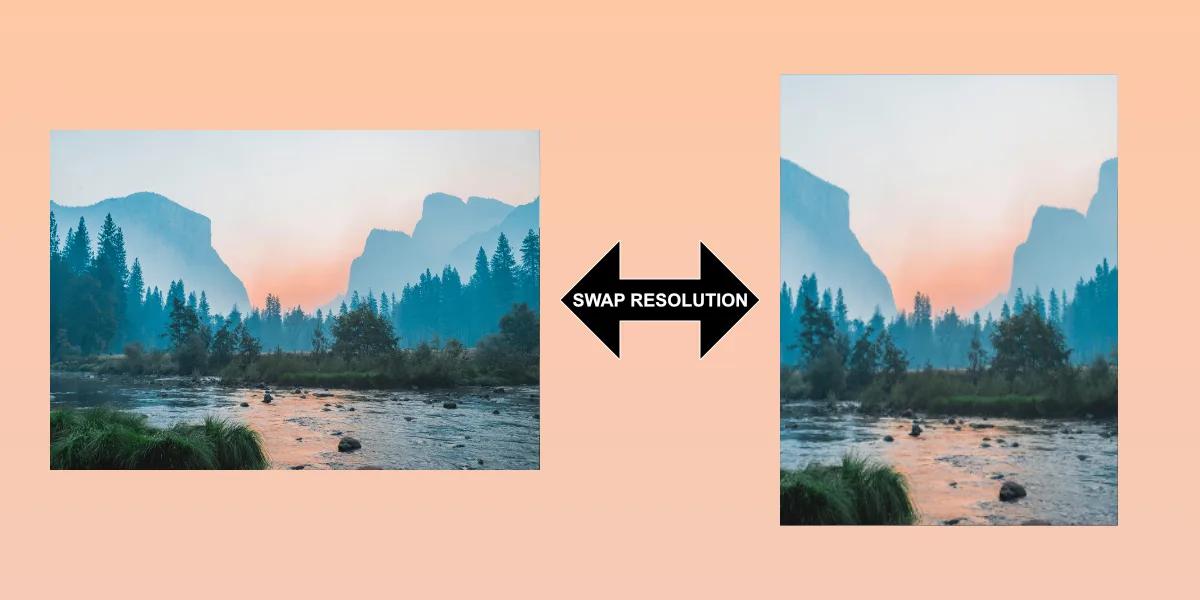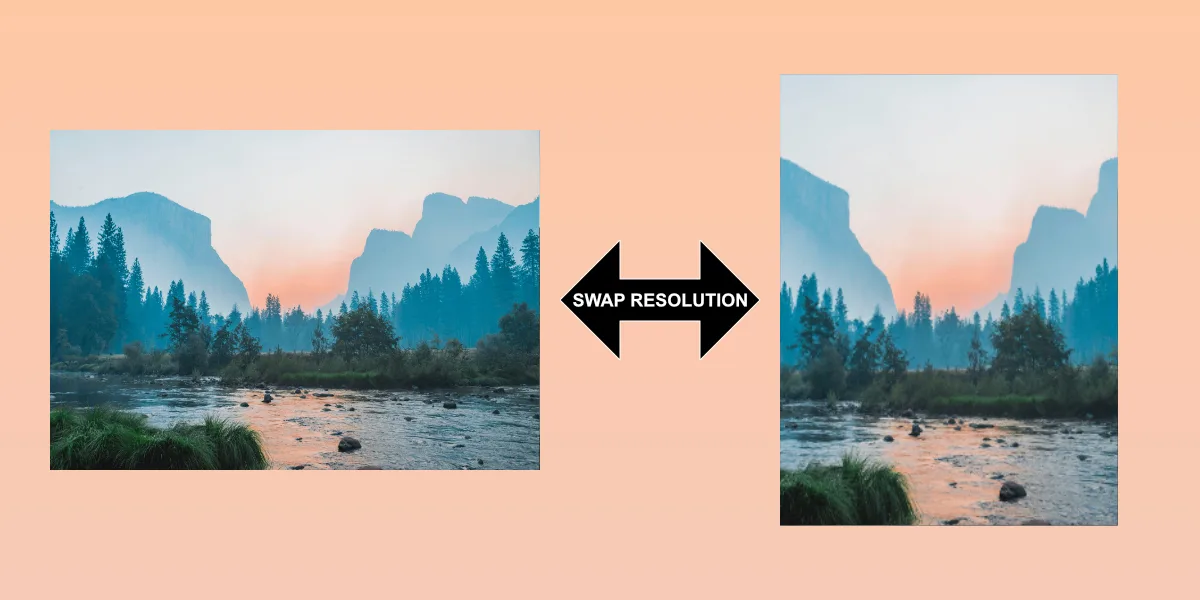
Swap Resolution is a Blender add-on for switching between portrait and landscape modes in the rendering settings. It suits workflows where output orientation changes between projects and manual resolution adjustments become repetitive.
Change orientation in the Format panel
After you install and activate the add-on, open Properties > Format and find Swap Resolution. The add-on provides a switch between portrait and landscape rendering modes.
Install Swap Resolution
- Download the add-on's .zip file.
- In Blender, open Edit > Preferences > Add-ons > Install.
- Locate the .zip file and install it, then activate the add-on.
- Open Properties > Format and find Swap Resolution.
Version and license
The Superhive product listing identifies Blender 3.6 and the GPL license. Its documentation page provides the installation steps. If you use another Blender release, ask Prince Eagle about compatibility before installing.