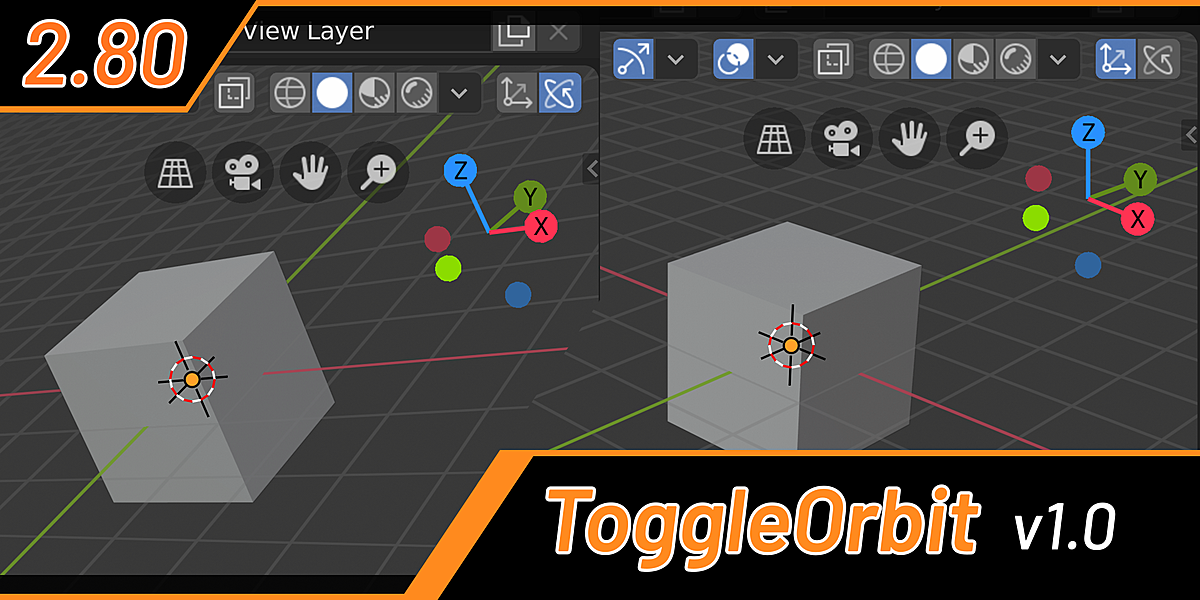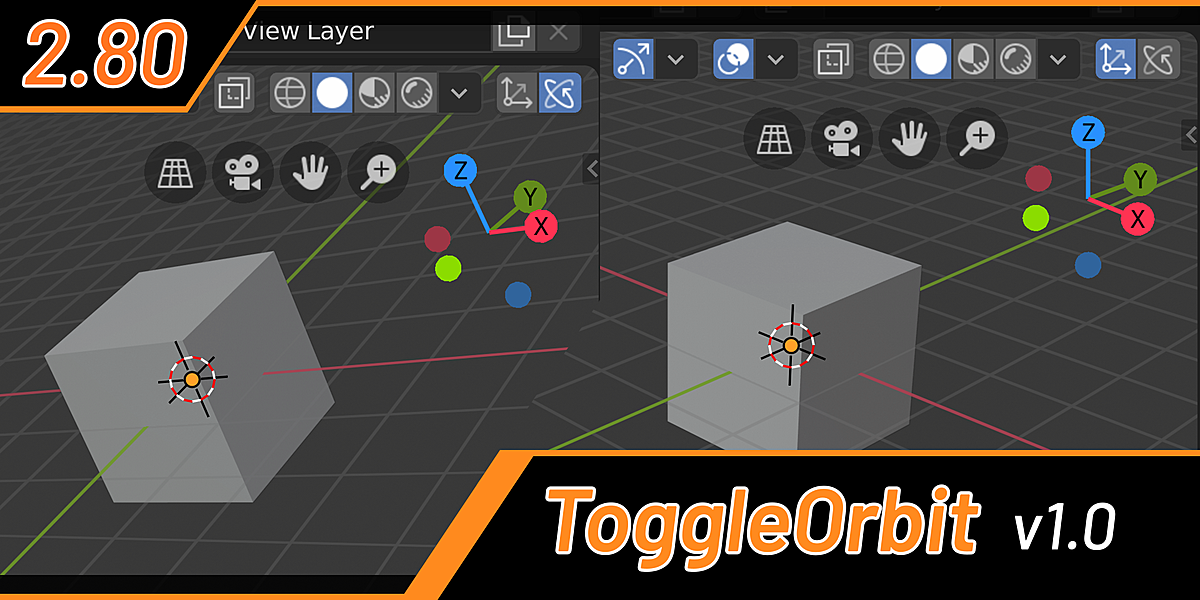
Toggle Orbit is a Blender add-on for changing the active Orbit Method in the 3D Viewport. It provides a grave-accent (`, also called ACCENT_GRAVE) hotkey and two buttons in the viewport header. The developer cites sculpting as a use case for switching orbit methods while working. See the product listing for its features and installation documentation.
Switch the Orbit Method
The hotkey runs an operator that toggles the Orbit Method in the 3D Viewport. The two header buttons show the active method and let you change it with a click. In Add-on Preferences, you can turn the buttons’ display on or off, so they can be hidden if you prefer to use the hotkey.
Install and manage keymap conflicts
Install the add-on by clicking its ZIP file in Blender. Installing an unzipped copy can prevent Blender from registering the add-on. In Add-on Preferences, you can turn off Blender keymaps that conflict with Toggle Orbit’s grave-accent binding.
Blender versions and license
The product listing identifies release v1.1.2 for Blender 3.5 and lists compatibility from Blender 2.8 through 3.5, including the intervening releases. It lists the license as GPL. The supplied compatibility information does not confirm support for Blender versions newer than 3.5, so check the product listing before installing on a newer release.