JTB FlexReport LT
JTB FlexReport LT creates free HTML reports for FlexNet and FLEXlm license use, with user, host, duration, borrowed-license and feature-code details.
Published software and plugin guides for Autodesk 3ds Max. Page 8 of 18.
Read the software guideJTB FlexReport LT creates free HTML reports for FlexNet and FLEXlm license use, with user, host, duration, borrowed-license and feature-code details.
KazQR is a 3ds Max QR code generator for raster images and DWG/DXF vectors, with logo and color controls, Unicode support, and batch input.
Key copier adds Ctrl+C and Ctrl+V copy and paste for keys in 3ds Max Track View. Its listing names 3ds Max 4.x; the help text documents Chugg_globals.
KeyShifter offsets existing 3ds Max transform keys using per-object distance, color, or name values. See its hierarchy and position-controller support.
Connect Autodesk 3ds Max to KeyShot with the KeyShot Plugin for Autodesk® 3ds Max®. Live Linking preserves materials and animation during updates.
Knot smooth is a Chuggnut script for 3ds Max that smooths bezier knot handles. Check the catalog version and visit the developer page for current details.
Model footwear lacing from one mesh strip in 3ds Max. Explore Lace Maker's patterns, adjustable eyelets, lace profiles, and tied or untied ends.
Light Excluder is Chuggnut’s 3ds Max script for assigning objects to selected lights. Review its include/exclude workflow and confirm release details.
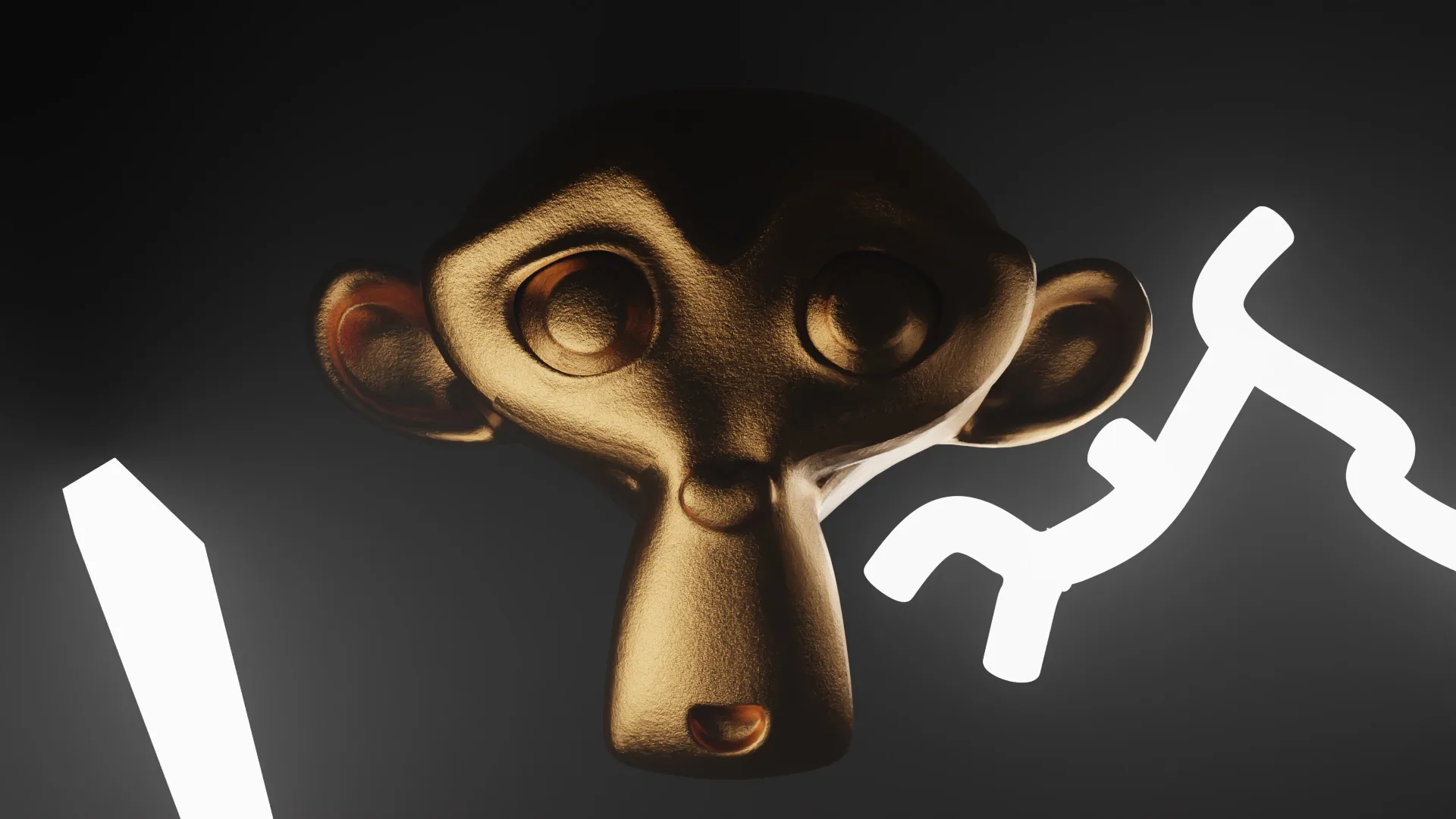
Light Painter is a Blender add-on for painting where light falls. It supports lamps, mesh lights, sky and shadow tools; gobos work in Cycles only.
Lightlister extends 3ds Max's V-Ray light list with Corona support, IES editing and material controls. Check tested versions and installation details.
LightMatcher matches a 3ds Max Free Spot light to a camera for projector-light workflows. Check Martin Breidt’s page for release and compatibility details.
Set a 3ds Max object's local pivot from bounding-box extremes. Review the tested version, MZP installation steps, seller pricing, and license details.
Loop Animation 1.2 repeats position, rotation, and scale keys in 3ds Max. Learn how iterations, the offset pause, installation, and version support work.
Use Mapping Operations 1.2 to apply Align, Bind, Link, Mirror and Constrain to matched objects with mapping files; 3ds Max versions listed: 2019–2023.
Use JokerMartini's Matcaps in 3ds Max for viewport shading like ZBrush and Mudbox, with 35 presets and support for custom matcaps.
MatchLightToView is Martin Breidt's 3ds Max MAXScript for matching a light to the active viewport. Check his page for download and licensing details.
Matrix demon is a Chuggnut 3ds Max script for direct matrix input to warp and scale objects, with local space and camera support. Check the source listing.
MatSnap AI is a 3ds Max script to make PBR materials from images or text prompts, derive maps, adjust tiling and set up a Corona Physical Material.
MaxBatch - Advanced Batch Render Manager is a 3ds Max tool for queuing cameras and external .max files with per-job controls and Telegram updates.
Recreate the Cornell Box in 3ds Max with maxCornellMaker, using Cornell's original measurements. Check its listed version requirements and area-light setup.
Give the 3ds Max Python (PyMXS) editor a dark palette with MaxPyDarkTheme. Review its tested version, administrator setup steps, and recovery option.
Read how mbFracture breaks a mesh into volumetric pieces, find its crack width option, and follow the listed macroscript setup for 3ds Max 9.
Measurement tape is a 3ds Max tool with a stretching tape and text readout. It uses system units; applying Extrude to the text stops distance updates.
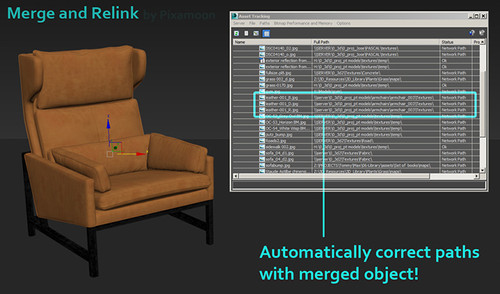
Merge / Relink is a 3ds Max script that relinks assets during merges, searches ordered folder paths and supports nearby, nested or specified asset locations.