Adobe Audition is Adobe’s audio workstation for recording, editing, mixing, and restoring audio. It includes a Waveform Editor for individual files, a Multitrack Editor for building mixes, and a spectral display for inspecting sound by frequency. Adobe lists podcasting, sound design, audio cleanup, and video production among Audition's uses.
Choose the editor for your task
Use the Waveform Editor to edit an individual audio file. Adobe describes this as destructive editing: changes affect the audio data when saved. This approach can suit tasks such as mastering, batch processing, or converting sample rate and bit depth.
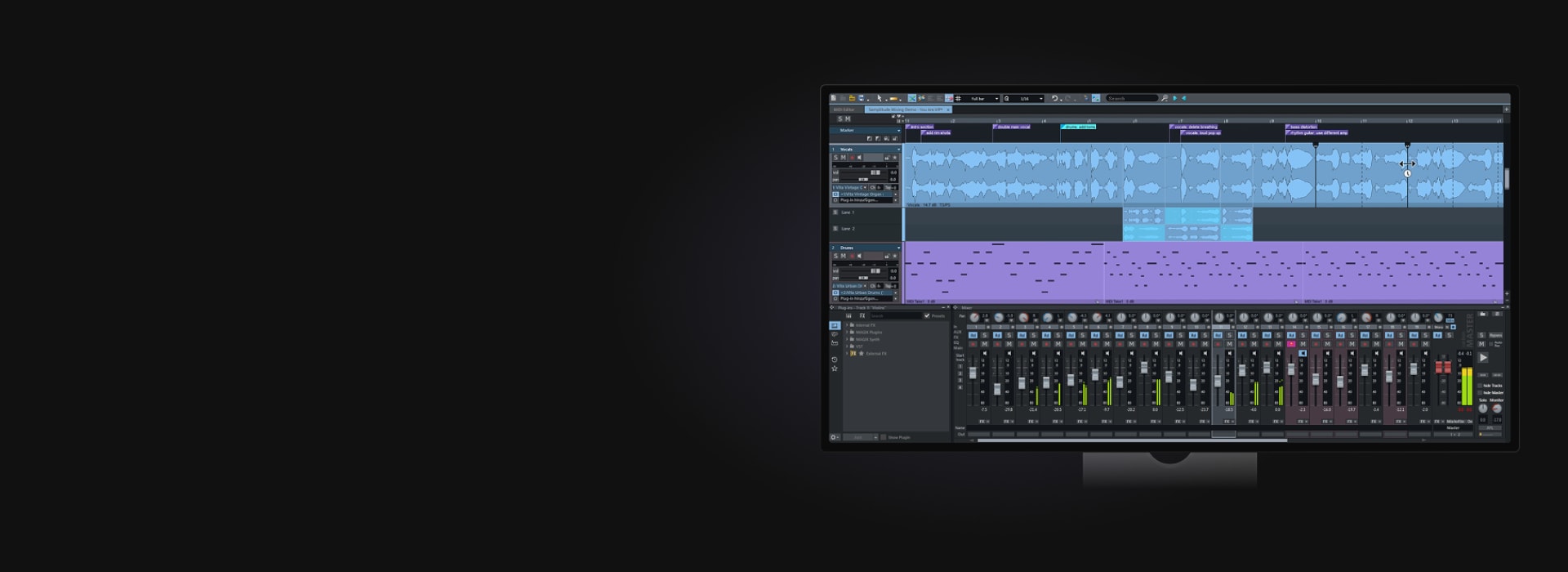
The Multitrack Editor is designed for arranging multiple clips into a composition or soundtrack. Its edits are non-destructive, so you can move and revise clips while keeping the source audio intact. Adobe notes that this flexibility is useful when building or revising a layered music composition or video soundtrack. You can open a clip from a multitrack session in the Waveform Editor when it needs direct file-level editing. Adobe explains the differences between the two editors.
Inspect sound in waveform and spectral views
The waveform view shows changes in amplitude over time, which can help locate louder sounds and speech in a recording. The spectral display maps frequency over time, making sounds such as coughs and other unwanted artifacts easier to identify visually. Adobe documents these views in its guide to displaying audio in the Waveform Editor.
Audition also includes audio effects and a Diagnostics panel for repair work.
For podcasts, sound design, and video
Audition supports podcast recording, mixing, and export, as well as sound-effect design and audio finishing for video. The Essential Sound panel provides tools for working on audio, while Remix can automatically rearrange a song to fit a chosen duration. Audition can be used in video production workflows with Premiere.
Adobe’s recording guide covers microphone input in the Waveform Editor and direct-to-file recording in the Multitrack Editor. In a multitrack session, recorded clips are saved as WAV files.
Who may find Audition useful
Audition is suited to people who need to edit individual recordings, assemble clips across tracks, inspect audio by frequency, or prepare sound for podcasts and video. The Waveform Editor fits direct file edits; the Multitrack Editor fits layered mixes that may need further revision. If you are comparing audio software, consider which of those workflows you use most and whether you need the spectral and repair tools described above.