Adobe InDesign is page-layout and desktop-publishing software for documents that need carefully arranged text and visuals across one or many pages. Adobe lists brochures, digital magazines, eBooks, posters, and presentations among its uses. Choose it when typography, page structure, and output need to be managed together. See Adobe's InDesign overview for current product details.
Build multi-page layouts
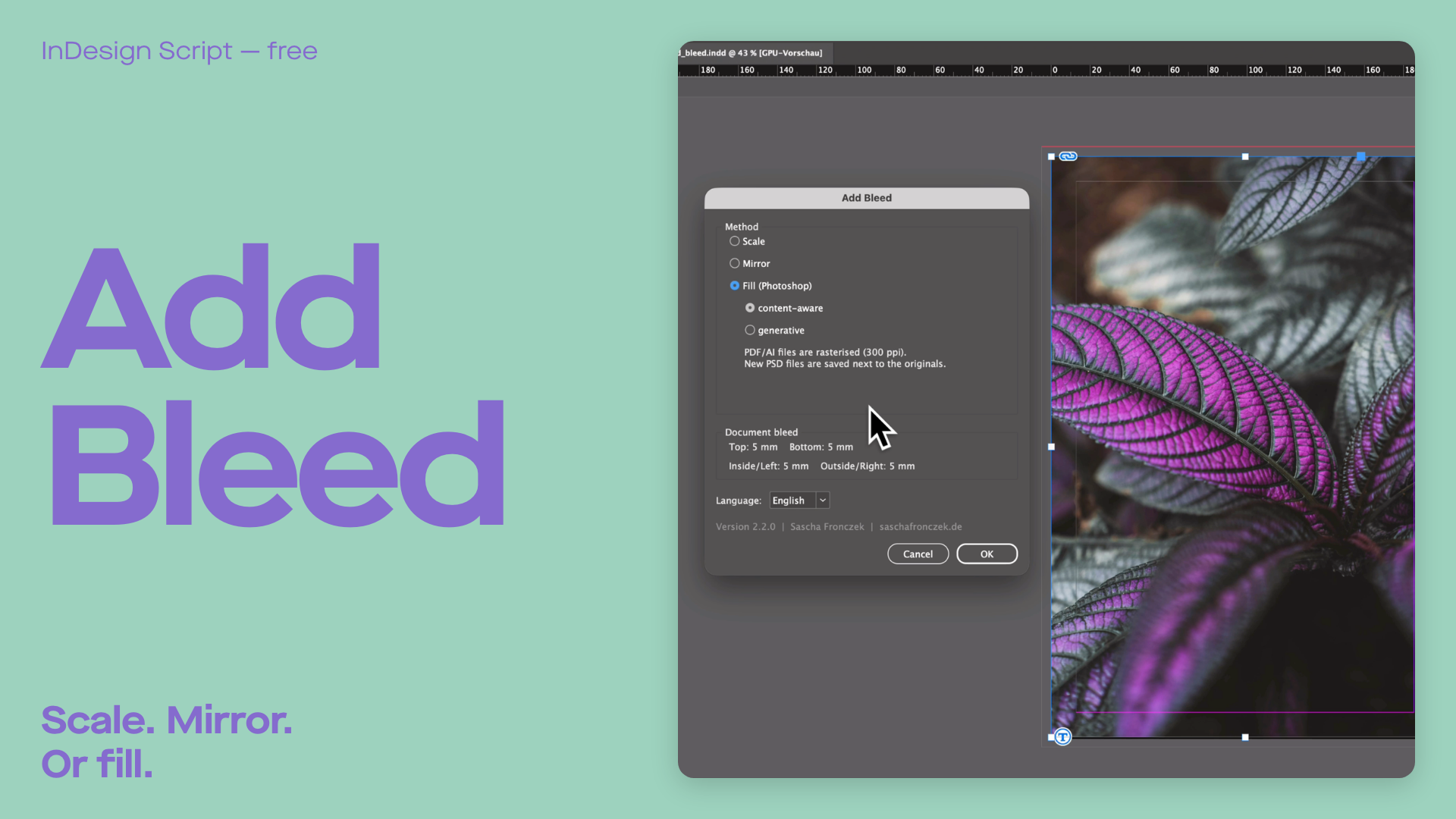
New documents can start from Saved, Print, Web, or Mobile presets. Before creating a file, Adobe Help's document setup guidance lets users adjust dimensions, page count, margins, columns, and bleed. Setting these choices up front establishes the document format before text and graphics go onto the page, which helps when a publication includes recurring page types or multiple output sizes.
Adobe also documents multi-page spreads, parent pages, and book files. Multi-page spreads arrange pages within a document, parent pages hold reusable elements such as headers or page numbers, and a book file manages multiple InDesign documents as one project while keeping each file separate. This helps teams coordinate chapters, reports, or a product catalog while refining individual layouts.
Prepare files for print and screens
For print delivery, InDesign exports to Adobe PDF (Print). Adobe's PDF export guidance says a single document, a book, or selected documents within a book can be exported as one PDF. The export dialog includes PDF/X presets and accessibility options under Advanced. Check the print provider's requested PDF/X standard before exporting, since the needed preset depends on the handoff.
Digital publishing is also among Adobe's stated use cases: the product page lists digital magazines and eBooks alongside print projects. Decide whether readers need a print file, a screen-friendly PDF, or another publication format before finalizing page size and export settings.
Adapt layouts and revise content
Adobe describes Flex Layout as a feature that adjusts a layout to content changes. This can help when copy or page requirements shift during design, though each changed page still needs visual review. Adobe also lists sharing assets and gathering stakeholder feedback as collaboration features, giving teams a way to discuss a layout before release.
Adobe describes Convert PDF to InDesign Document as creating an InDesign document from any PDF. Its listed uses include refreshing and republishing marketing materials, books, and reports.
Who should consider InDesign
Consider InDesign when your work involves repeated page layouts, careful type control, or publications prepared for print and digital readers.