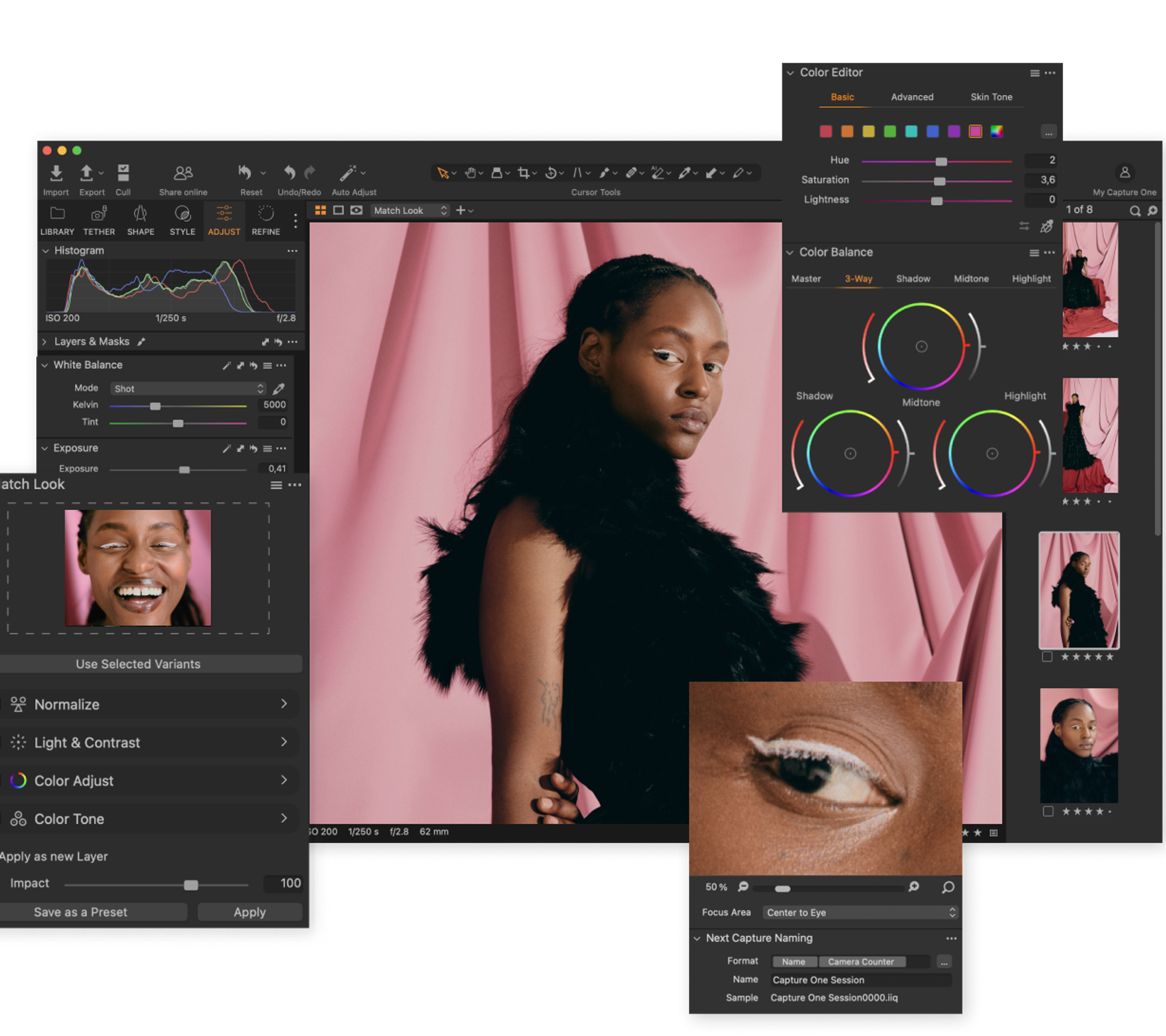
Capture One Pro is desktop photo software for RAW conversion, color editing, image organization and tethered shooting. Photographers can capture images directly into Capture One Pro for viewing, organizing and editing with custom camera profiles, color controls and assisted masking.
RAW processing and color control
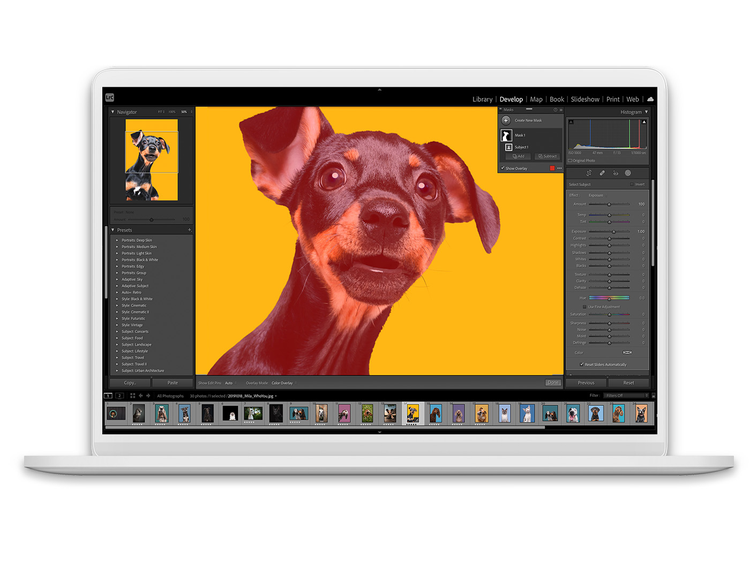
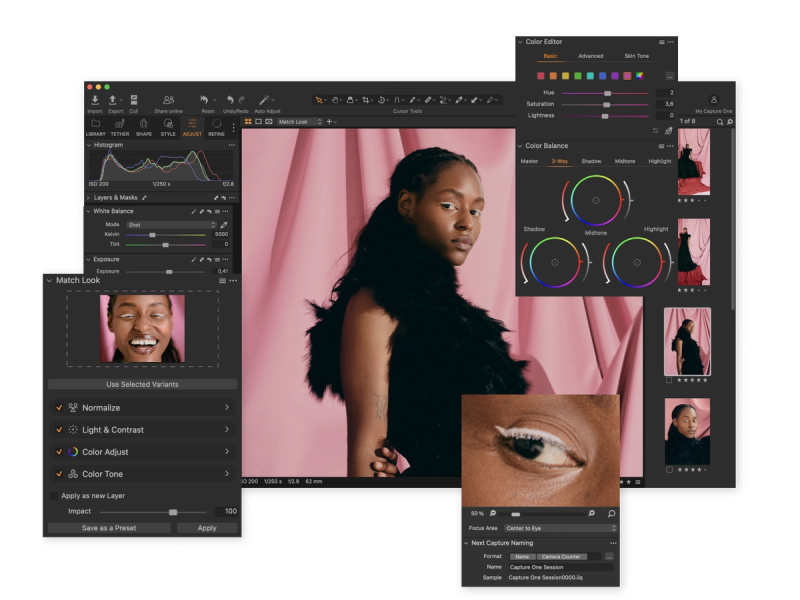
Capture One Pro uses custom camera profiles for RAW processing. Its color controls cover highlights, shadows, hue, saturation and luminance. Portrait tools support skin tone adjustments, while assisted masking can detect a subject or background. Capture One Pro can match the look of a reference image and use Enhanced Denoise on high-ISO photos to reduce noise while preserving skin and fine texture.
Tethered shooting on set
During a tethered shoot, images go directly into Capture One Pro for viewing, organizing and editing. While tethering, Live View shows what the camera sees, Snap to Eye assists with focus, and Next Capture Adjustments can automatically apply edits as you shoot. Check the current camera compatibility and connection details for your setup before relying on tethering in a shoot.
File organization and workspace
Session and catalog tools help manage files whether you are working on one project or hundreds. You can customize the workspace and set shortcuts to suit your editing process. Photographer Raymond Alva says Smart Folders make culling large photo collections easier.
Plans and product scope
Capture One Pro is desktop software with monthly and annual subscription options. Capture One Pro supports more than 550 cameras. Check the current pricing and plan details and confirm compatibility for your camera through Capture One support. A free trial is available with no commitment. Capture One Mobile is a separate product, so Pro's desktop features should not be assumed to apply to it.