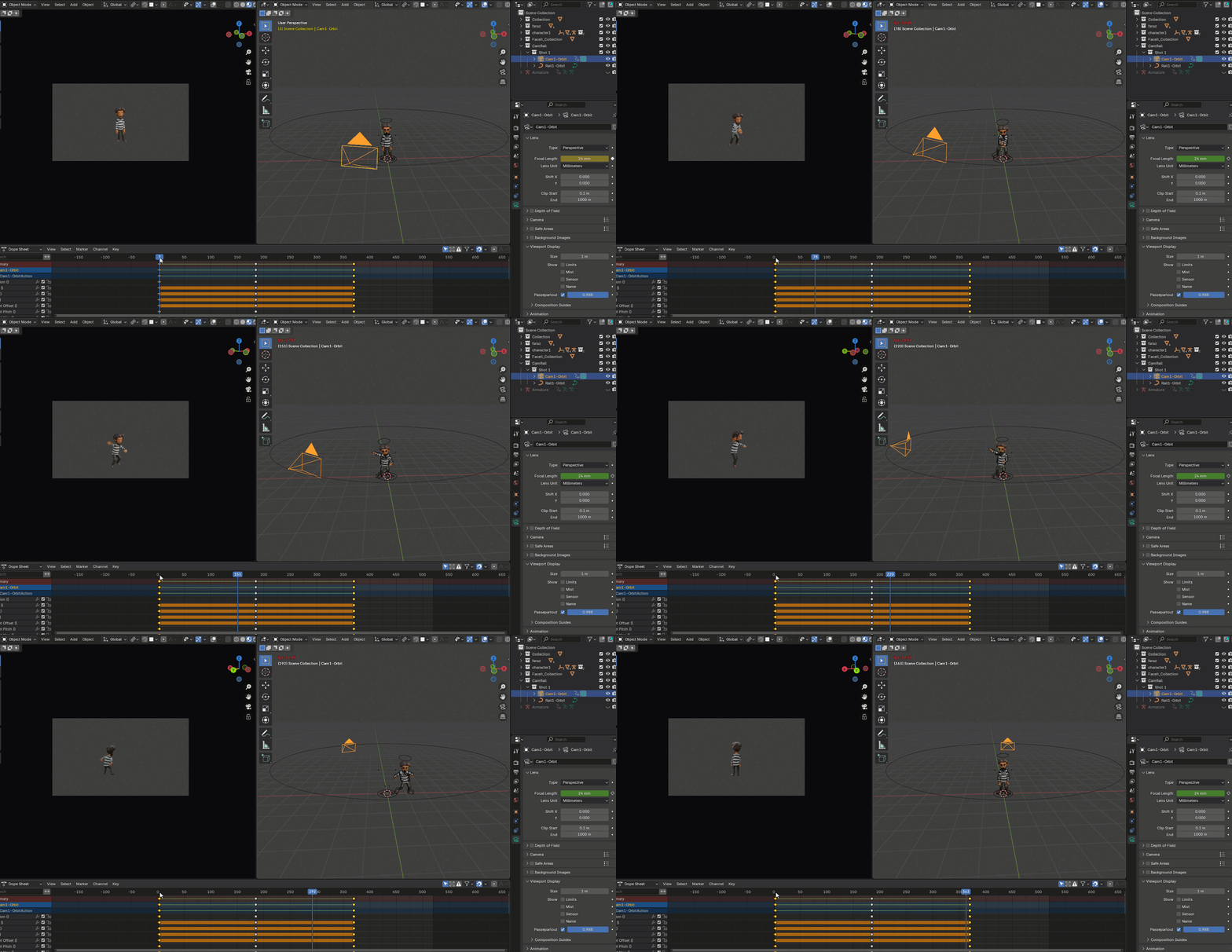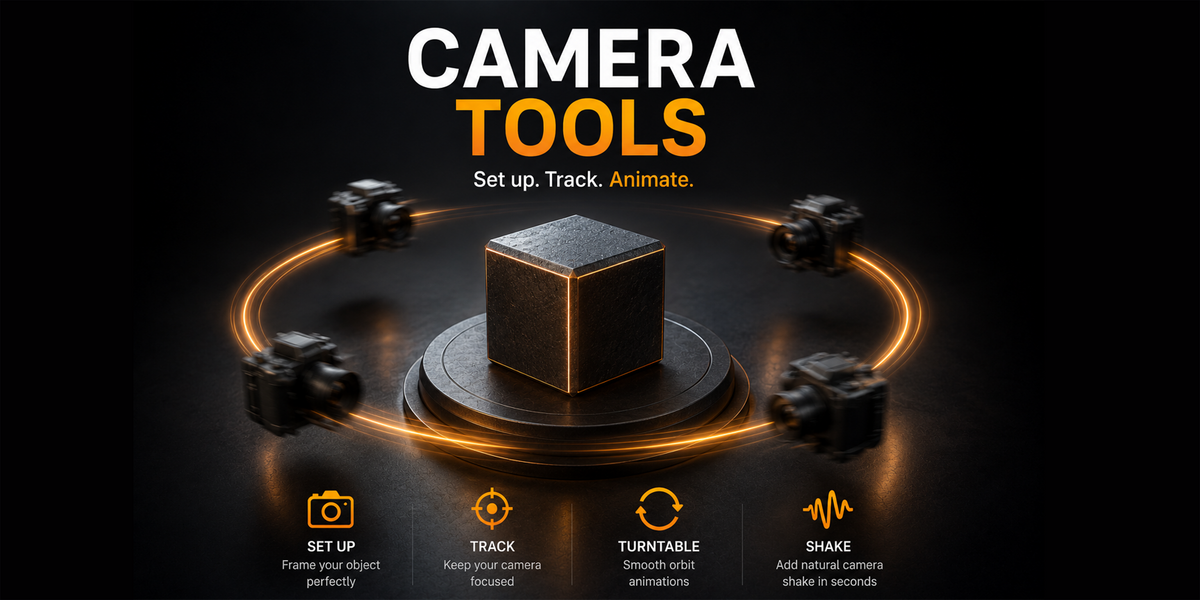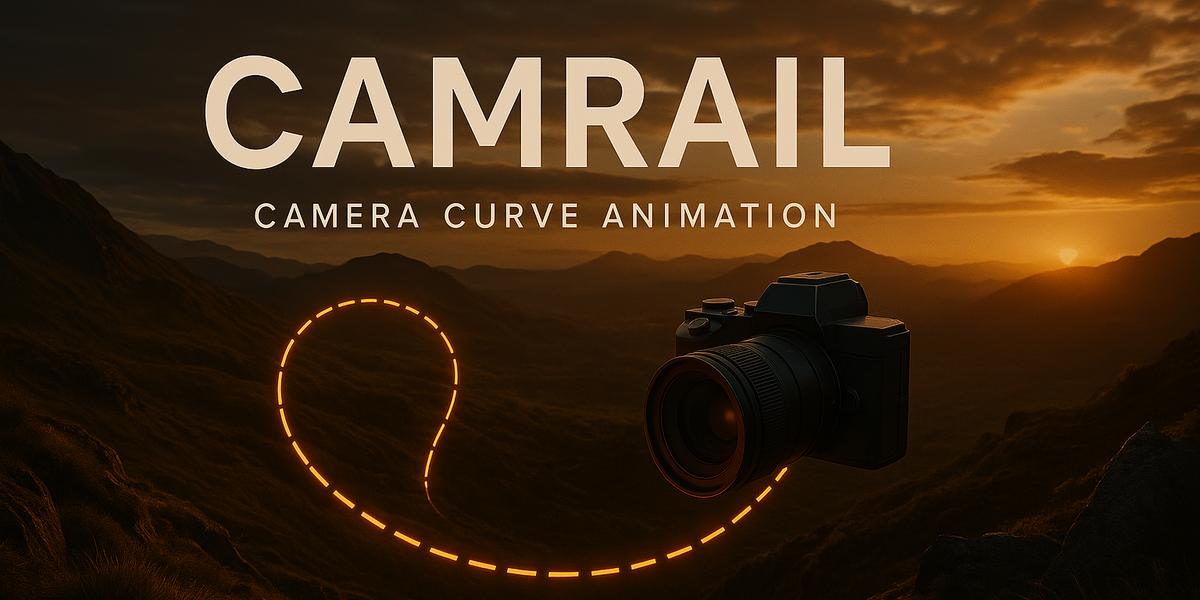
Camrail is a Blender add-on by Nabat for animating a camera along a curve. Set up a predefined rail or use a custom curve, track a target, and keyframe camera position from the 3D View sidebar. The listing says it works without constraints or baked animations.
Set up a camera path
Camrail supports Bezier, NURBS, and Poly curves. Choose a predefined rail or bring a custom curve, connect the camera to it, and set the camera to track an object. Target tracking includes a height offset, which lets you adjust the framing around the tracked object.
Once the path and target are set, keyframe the camera position. This workflow is intended for planned camera movement in Blender scenes, including cutscenes, product shots, and previews.
Adjust framing and motion
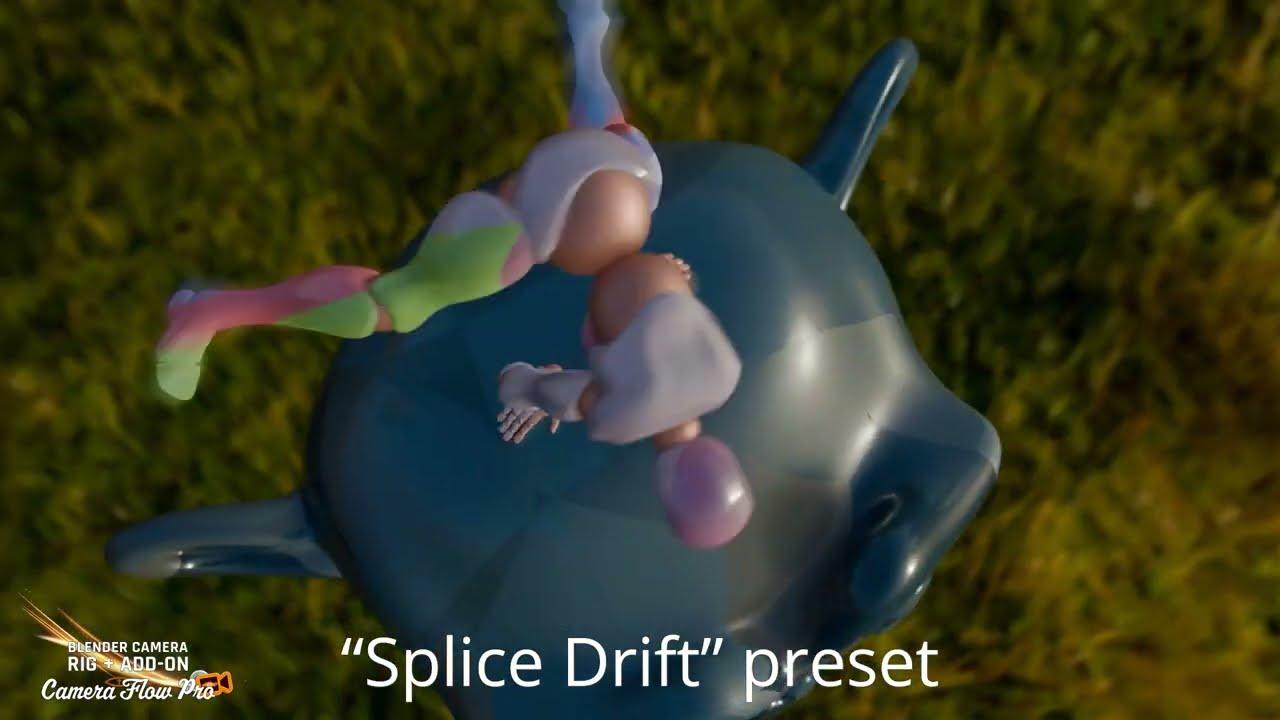
Camrail provides pitch, yaw, and roll controls with a live preview. You can set and clear keyframes from the sidebar, adjust camera easing, and add camera shake effects. The product listing also describes a one-click hand-shake effect for movement such as a running shot.
The documentation tab links to a demonstration video, which can help you see the add-on in Blender before trying its controls.
Compatibility and license
Superhive lists Camrail as compatible with Blender Extensions and gives a Blender version range of 4.2 to 5.0. Its details list Cycles and Eevee as render engines used and GPL as the license. AnyPlugins lists it as free. Check the current product listing for the latest compatibility and license details.