Oblique - Figma to After Effects
Oblique - Figma to After Effects imports editable compositions with live text, named layers, adjustable Figma Glass and a Reference layer for comparison.
Published software and plugin guides for Adobe After Effects. Page 49 of 76.
Read the software guideOblique - Figma to After Effects imports editable compositions with live text, named layers, adjustable Figma Glass and a Reference layer for comparison.
Obsessive Layers 2 trims After Effects layers by keyframes, markers, mattes, parenting, visibility, selection, and comp bounds. The tool is discontinued.
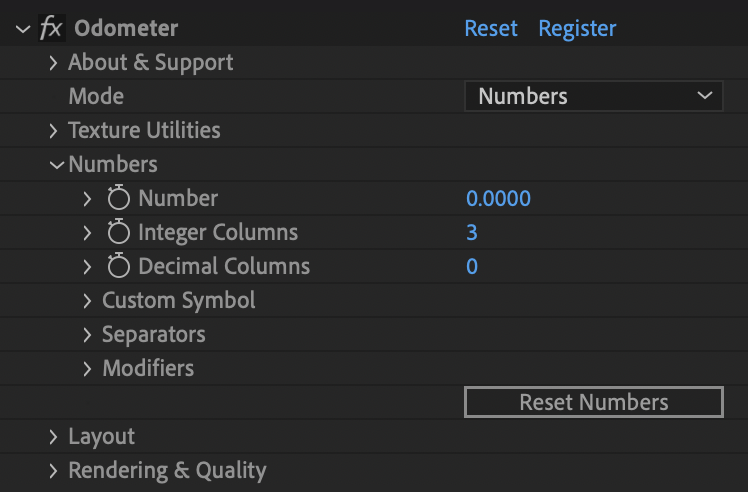
Odometer is an After Effects plugin for animating numbers, words, and glyphs. Its free version covers numeric animations of six figures or less.
Omotion Luma Glitch is a $49 luminance-driven transition for five editing apps. It requires FxFactory; check Mac and host requirements before installing.
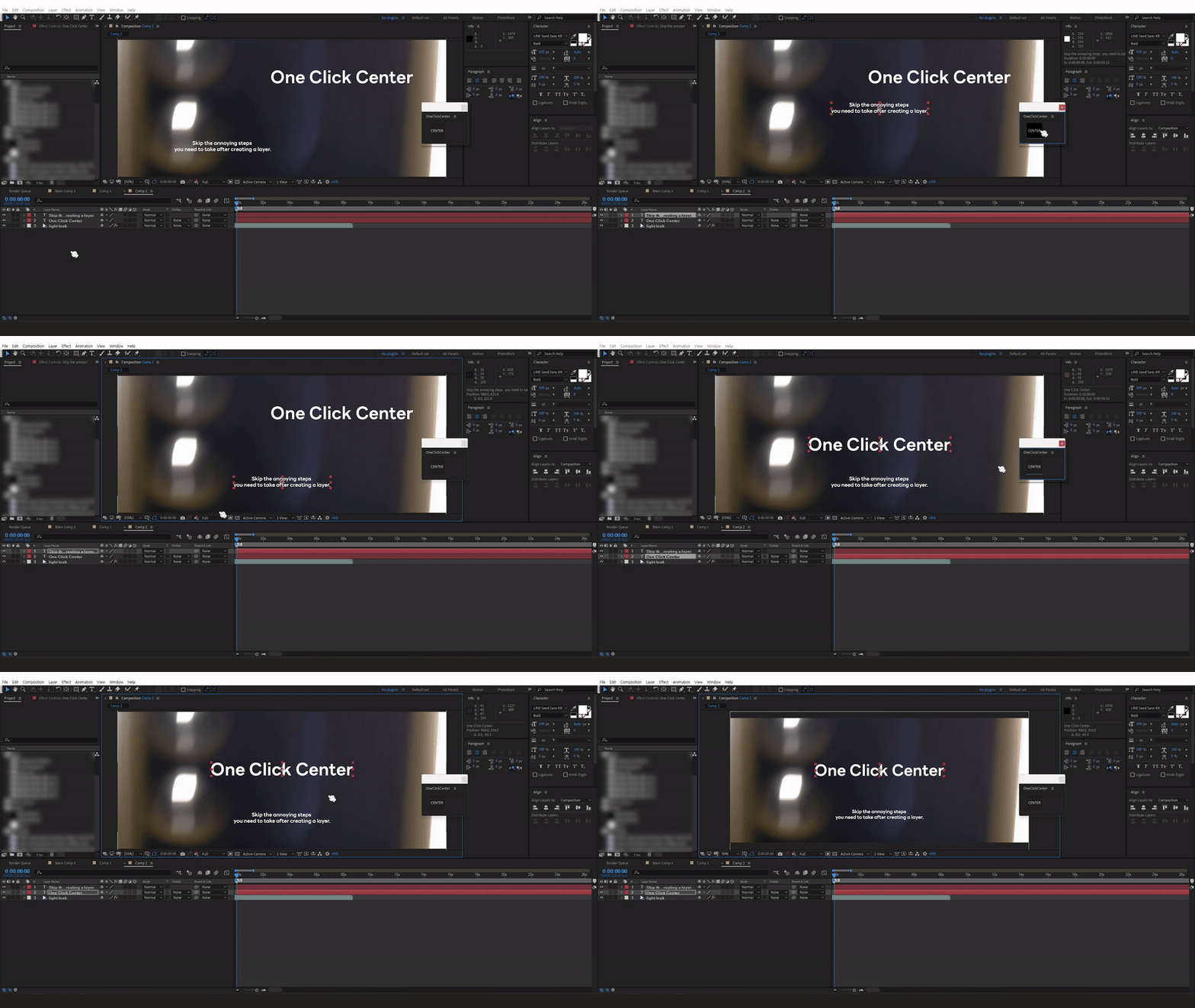
One Click Center is an After Effects script for centering selected layers. Check compatibility and its limitation with layers connected to a Null object.
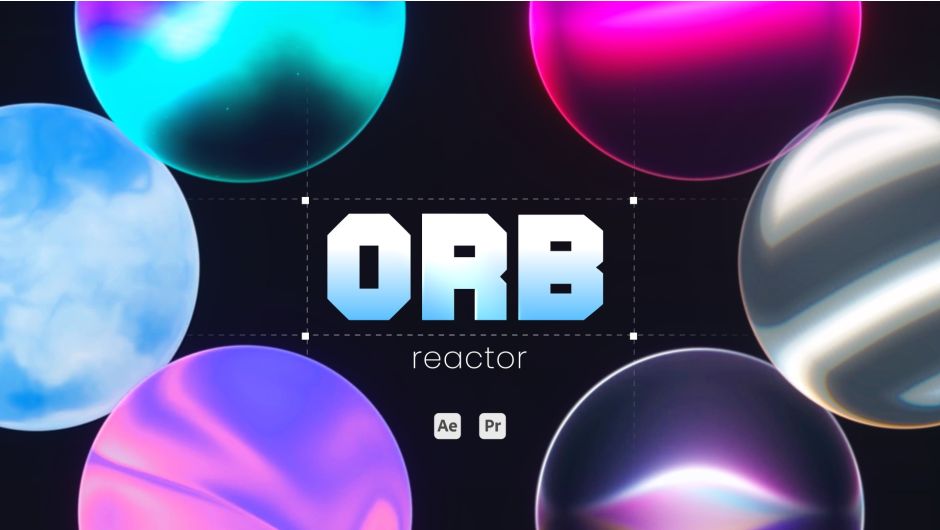
Create animated glass, liquid, aurora, chrome, and particle ribbon orbs, with optional voice response. Check Orb Reactor's styles, exports, and app support.
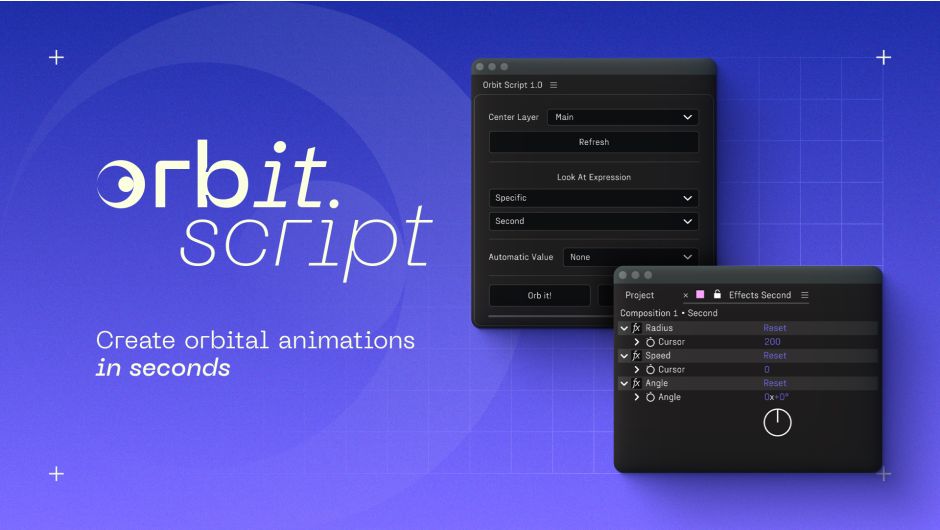
Orbit Script adds orbital motion to After Effects layers with Radius, Speed, Angle and smart Look-At options. Check compatibility and try the free trial.
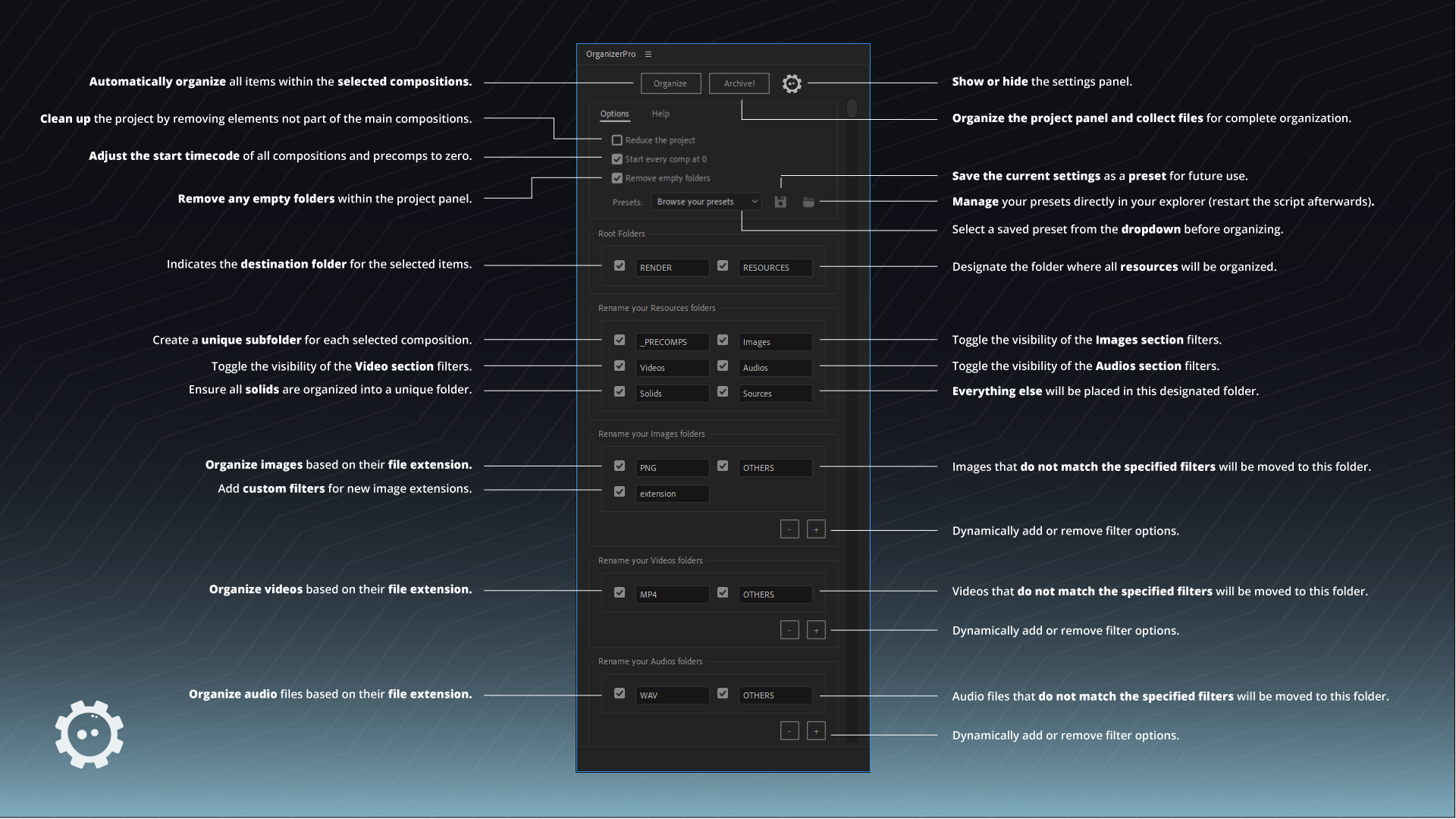
Sort selected After Effects comps and media into custom folders with OrganizerPro. Set comps to start at zero and share organization presets.
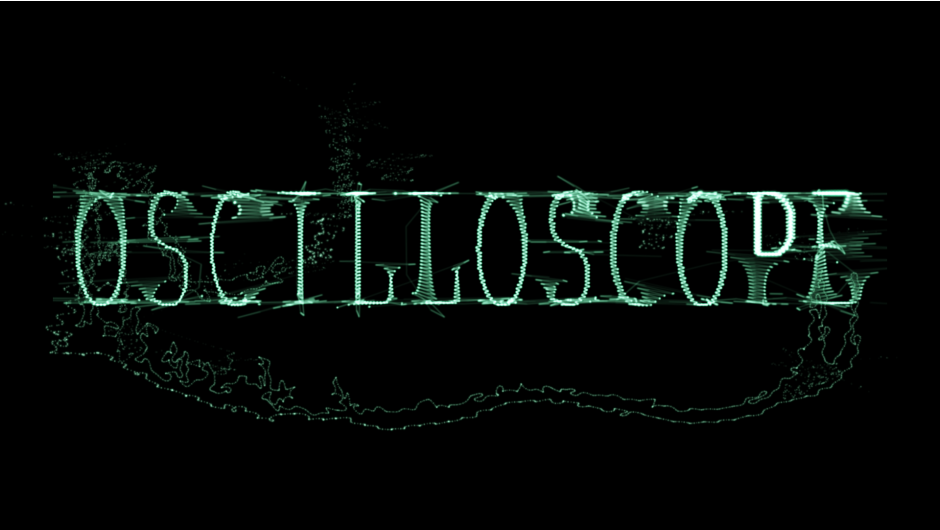
Create glowing CRT-style traces in After Effects from image, audio, path, or test signals. Review Oscilloscope's beam controls and free trial on aescripts.
Sander van Dijk & Remco Janssen
Create multiple strokes on one After Effects path with Ouroboros 2. Review shape, trim, stroke variation, timing, speed and listed After Effects versions.
OverAct adds adjustable overshoot and bounce to After Effects. Set cycle count, duration and timing, then check compatibility and free trial details.
Packer organizes After Effects project assets into folders with one-click control and configurable grouping. Review the tutorial and listed versions.
Paint in After Effects with Paint & Stick 2, animate strokes with onion skinning, and stick paint to CG renders. Check Apple Silicon and project limits.
Paint Cans Font is a rough, tag-inspired typeface for After Effects and Premiere Pro, with over 200 characters and Basic Latin support. Check glyph coverage.
Paint Link links After Effects and Photoshop for frame-by-frame animation, with live updates and customizable onion skinning. Review setup and compatibility.
Build 3D parallax scenes from layered Illustrator or Photoshop artwork in After Effects with Parallaxer’s Autoscale, three scale presets, and layer controls.
Parallaxer 3 turns layered Illustrator or Photoshop files into 3D After Effects scenes. See how Autoscale, scene presets and layer tools fit your workflow.
Parallel Animated Typeface is an After Effects font tool with line weight, color, Offset and per-letter timing controls. A free trial is listed.
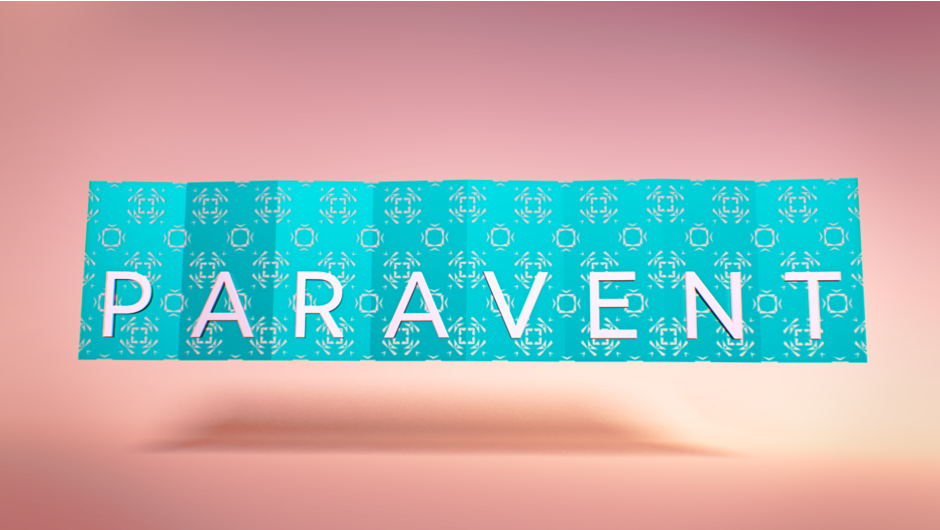
Create folding-screen animations in After Effects with Paravent. Adjust direction, panel count, folding decay and decay order to shape a selected layer's fold.
Parental Controls attaches After Effects layers to parent paths, shapes, or text. See horizontal or vertical constraints, compatibility, and license terms.
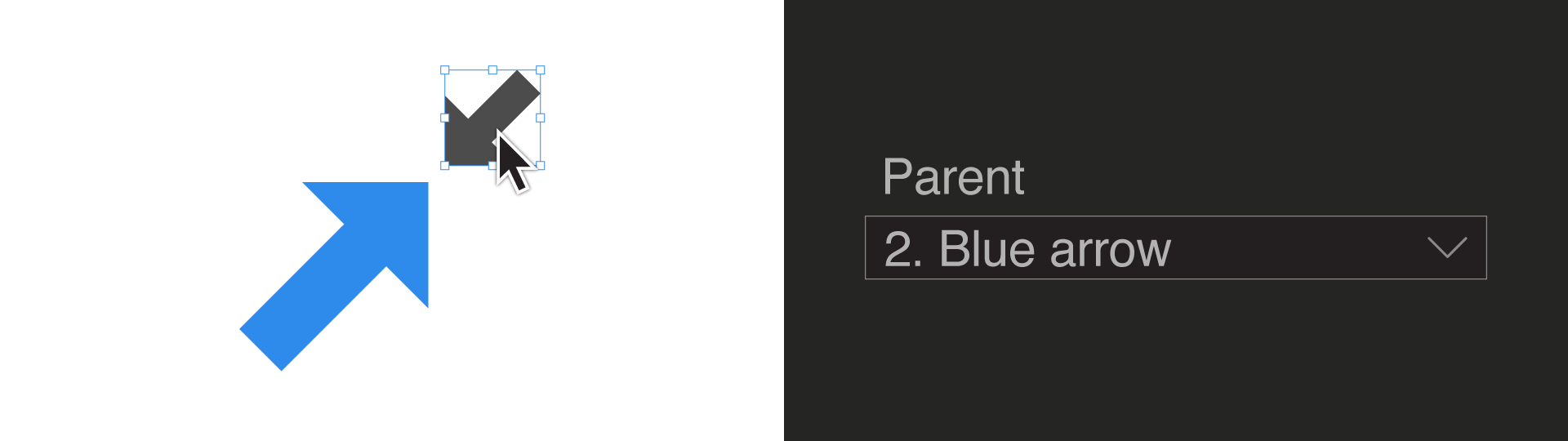
Parenter is an After Effects script that moves layers without changing animation. It restores parents. AE 2026 parametric 3D shapes aren't supported.
Parrot links a master animation to After Effects layers and triggers named actions with markers. See how offsets, the trial, and listed compatibility work.