Adobe Animate
Make frame-by-frame character animation and interactive web content in Adobe Animate, then publish to HTML5 Canvas, WebGL, video, or custom formats.
Animation tools for motion design, including keyframe helpers and transitions. Filter by your editing or 3D application. Page 2 of 45.
Make frame-by-frame character animation and interactive web content in Adobe Animate, then publish to HTML5 Canvas, WebGL, video, or custom formats.
AE Banner Bridge is an After Effects script for exporting HTML5 banners with text animation, easing controls, SVG conversion, interactions and batch export.
AE Camera Morph builds a rig to morph all or selected After Effects cameras along linear or Bezier paths; the trial allows up to three cameras.
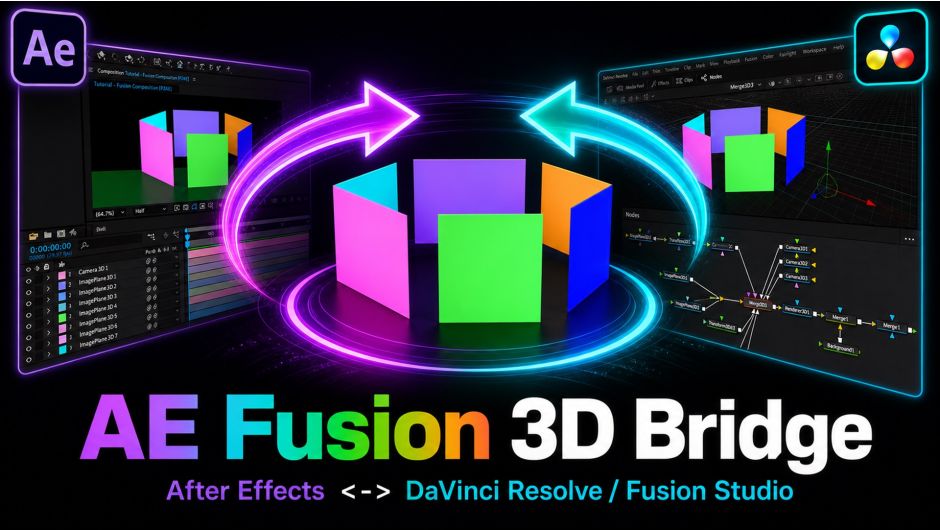
AE Fusion 3D Bridge is for moving supported 3D scene layouts, cameras and baked animation between After Effects and Fusion. See trial limits and compatibility.
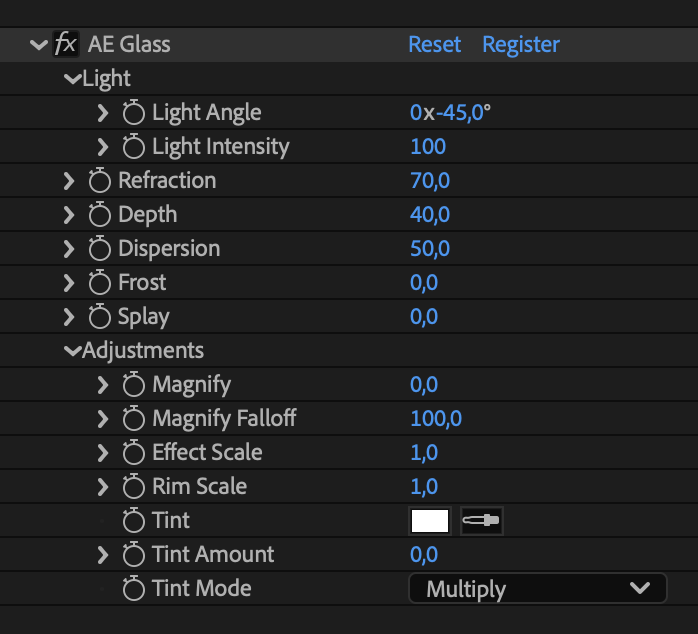
AE Glass is an After Effects plug-in for refraction, frost, edge light and dispersion via its Adjustment Layer switch, with 3D layer behavior and shape limits.
AE Screens Type is an After Effects panel for type-on text, number and time counters, styling, adaptive boxes, monospacing, and editable layer splits.
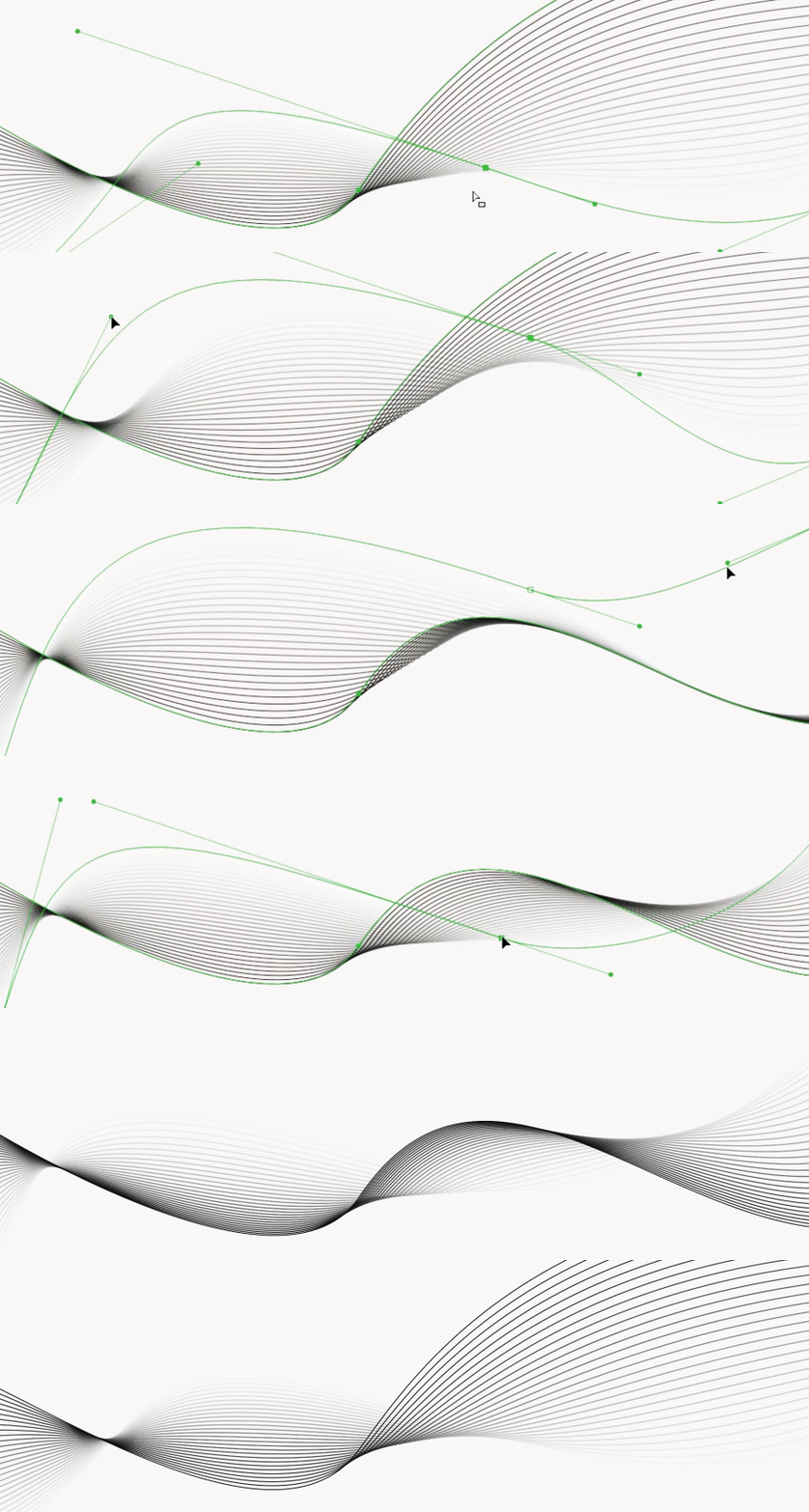
Blend two or more After Effects paths directly or along a spine, animate master shapes, style loops, and use vertex tools for editable motion design.
AEInfoGraphics makes animated charts from CSV or tables entered in the panel. Preview 8 of 12 templates; some compare two data sets. Adjust timing and labels.
Build animated charts with AEInfoGraphics 2 in After Effects. Preview most templates; compare two data sets in selected templates and set timing and labels.
For selected After Effects properties, AEJuice Add Bounce Expression applies a bounce with settings you can adjust and save. It also integrates with kBar.
Add a resizable text box in After Effects with AEJuice Add Dynamic Text Box; see border controls, language support, kBar use, compatibility, and license terms.
AEJuice Add Glow applies a soft glow to selected After Effects layers. Review its color, radius and intensity controls, setup, compatibility and licensing.
AEJuice Add Typing Cursor is an After Effects typing reveal with a blinking cursor, adjustable cursor speed, color and size, a sound option, and multiline text.
Browse 144 looped backgrounds for After Effects and Premiere Pro, with speed controls, batch export, and square, horizontal, or vertical layouts for edits.