The LoopMaker
The LoopMaker is an After Effects script that loops layers, footage or comps. Set a dissolve length, choose opacity or the Blend effect, and stretch the loop.
Browse published guides by application, developer or task. Check product details before downloading. Page 301 of 337.
The LoopMaker is an After Effects script that loops layers, footage or comps. Set a dissolve length, choose opacity or the Blend effect, and stretch the loop.
The Parliament creates a parliamentary visual in After Effects with one click, then lets you adjust shapes, colours, size and animation.
Add The Particle Library to a Blender VFX workflow: explore 57+ customizable animations, 10 pre-animated 3D models, one-click import, and adjustable effects.
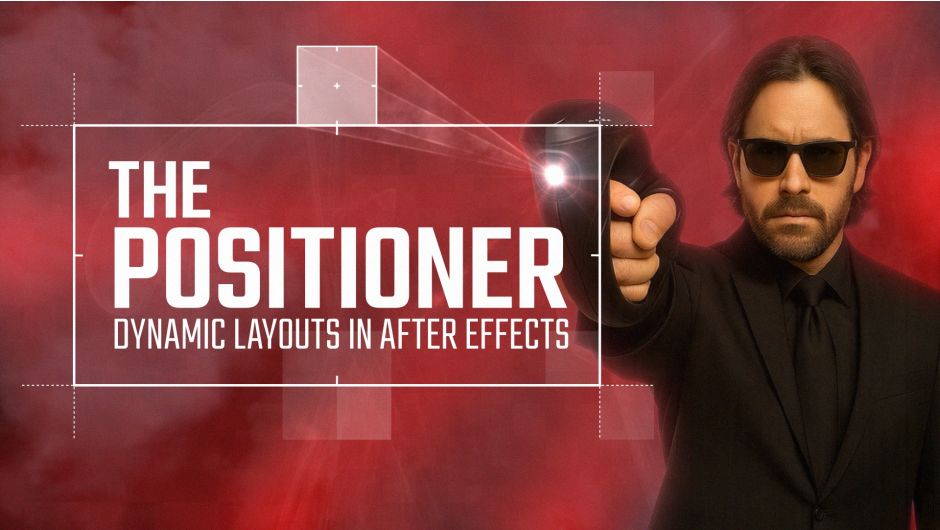
The Positioner is an After Effects panel that pins layers to composition or layer edges. It has 10 scale modes, padding and size limits. See trial terms.
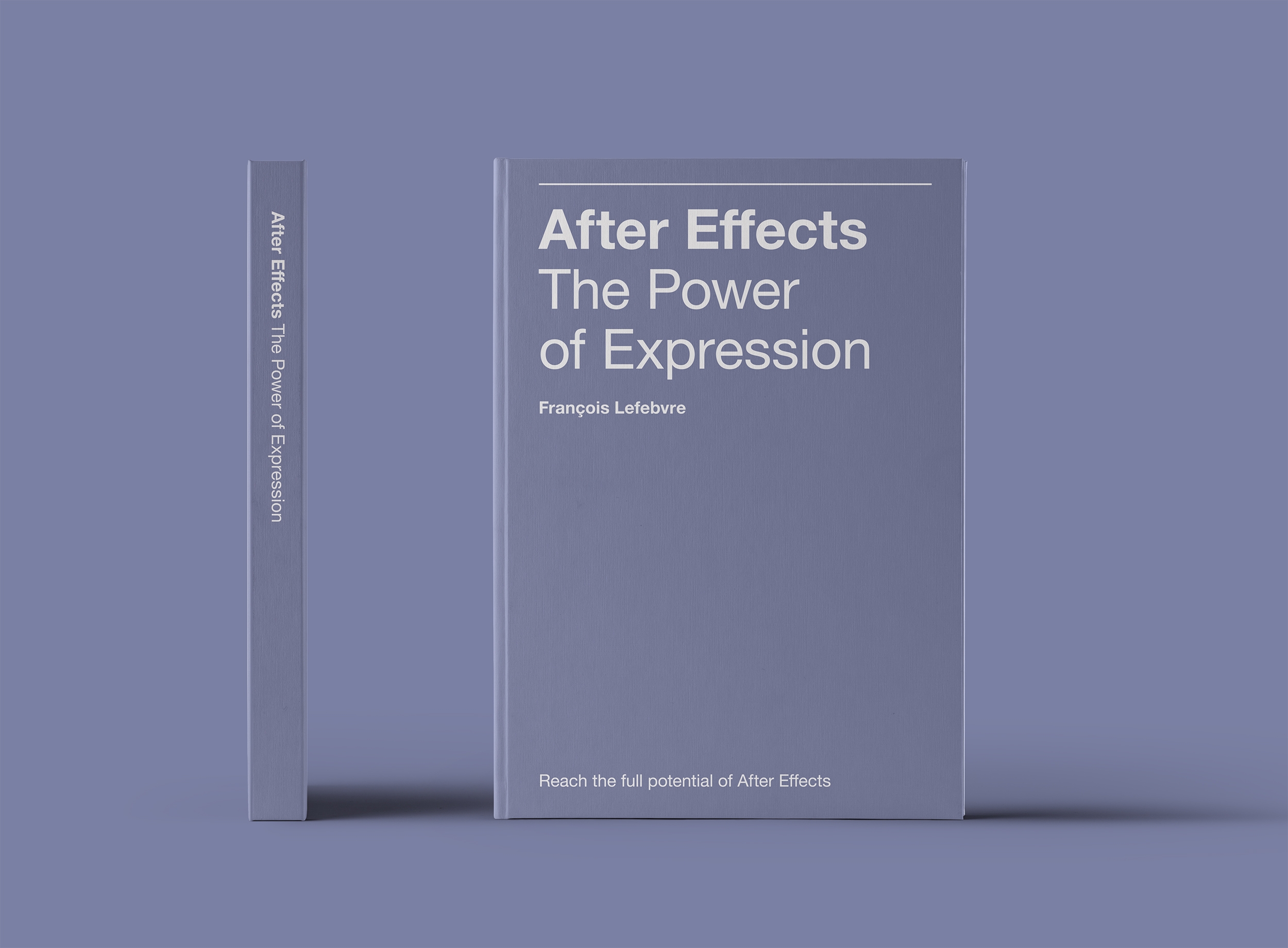
Learn what The Power of Expression Book teaches, who it suits, which After Effects versions its developer lists, and the hardcover and PDF options.
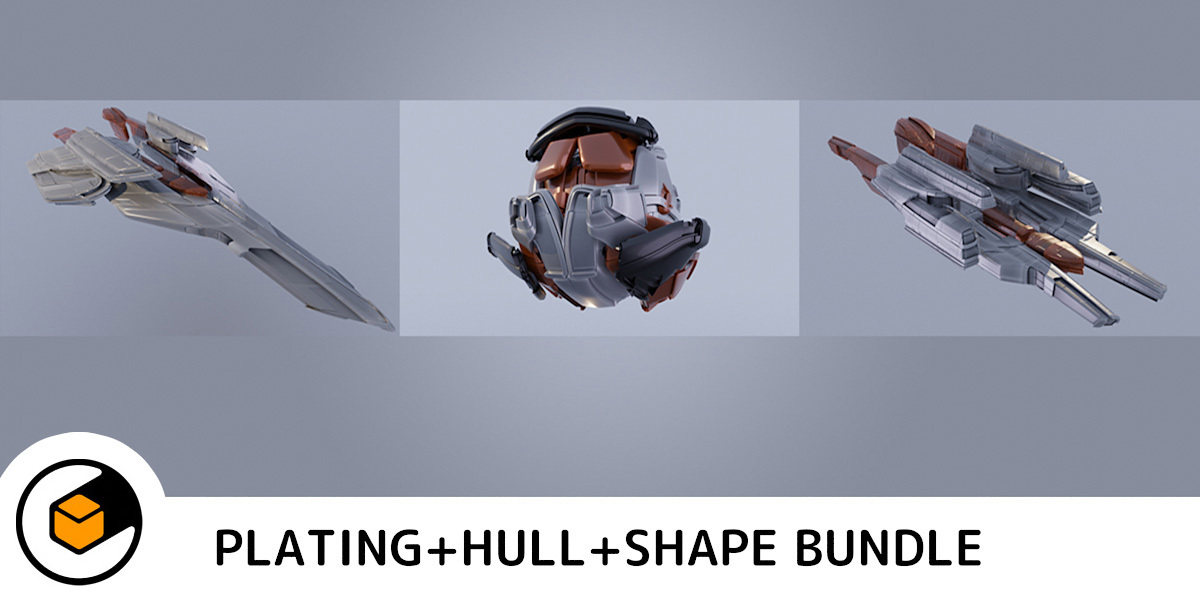
Generate editable sci-fi shapes in Blender with The Shipwright. Adjust parameters, scatter layers, add custom objects, and prepare models for export.
Build a Blender ball rig in one click with CGDive's add-on. See how adjustable squash and stretch, multi-mesh support, compatibility and setup work.
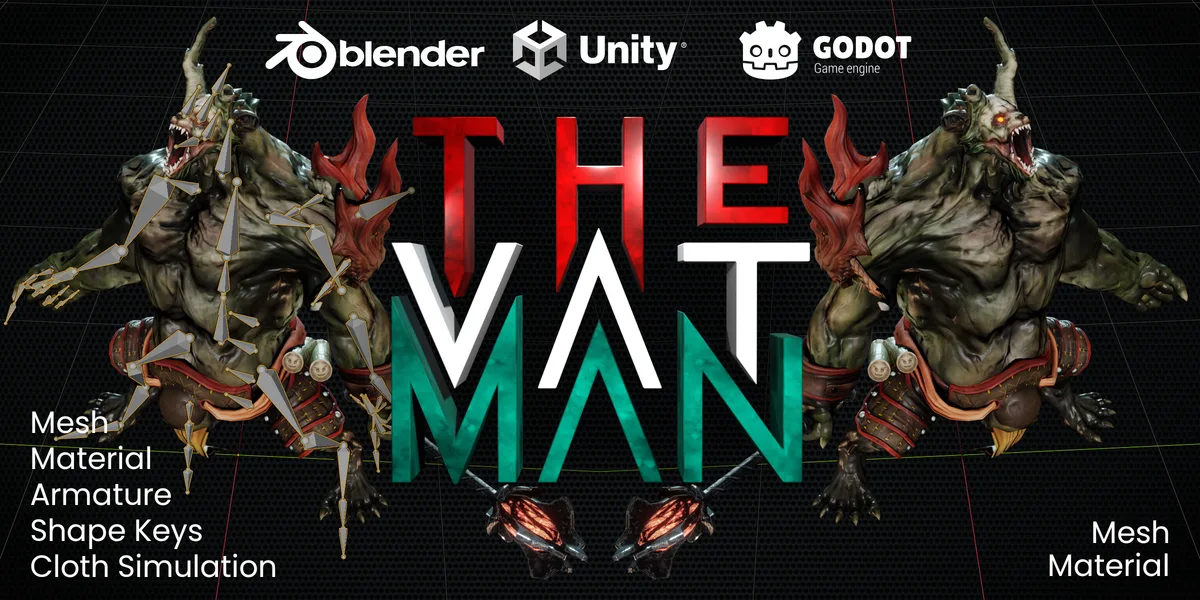
The Vat Man is a Blender add-on for baking Vertex Animation Textures, with playback in Cycles and export to Unity or Godot.
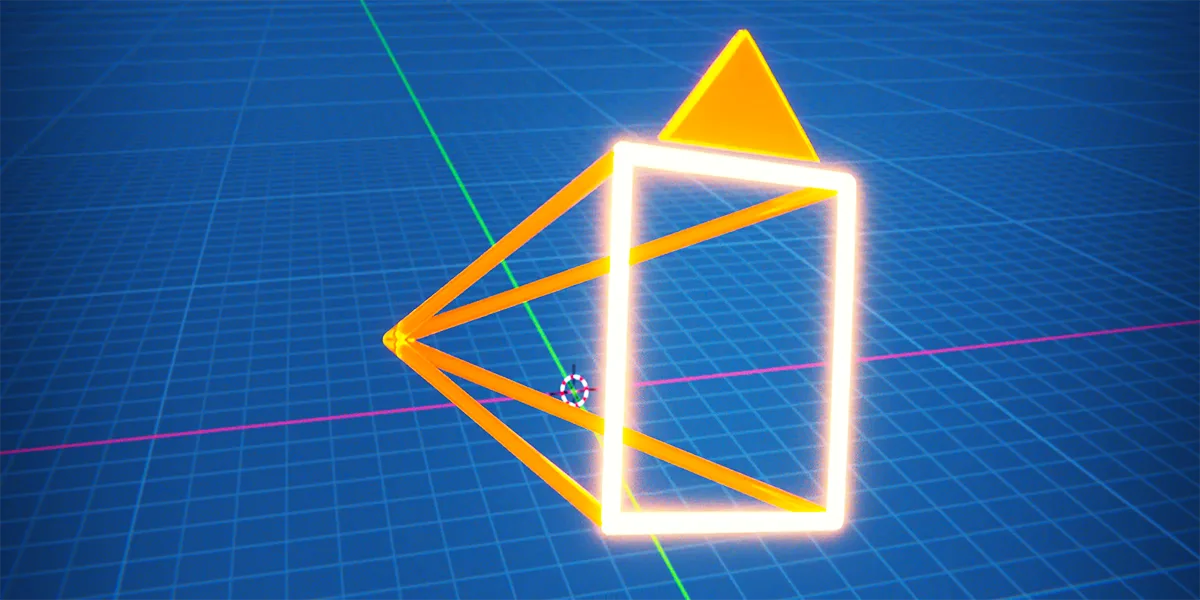
The View Keeper (Lite) for Blender stores multiple camera views and per-view render settings, then renders them together without repeated setup.
Create in-place walk cycles with The Whimsy Wonder Walker - Cycles, a 3ds Max MaxScript and rigging tool. Version 1.03 lists MAX2009 compatibility.
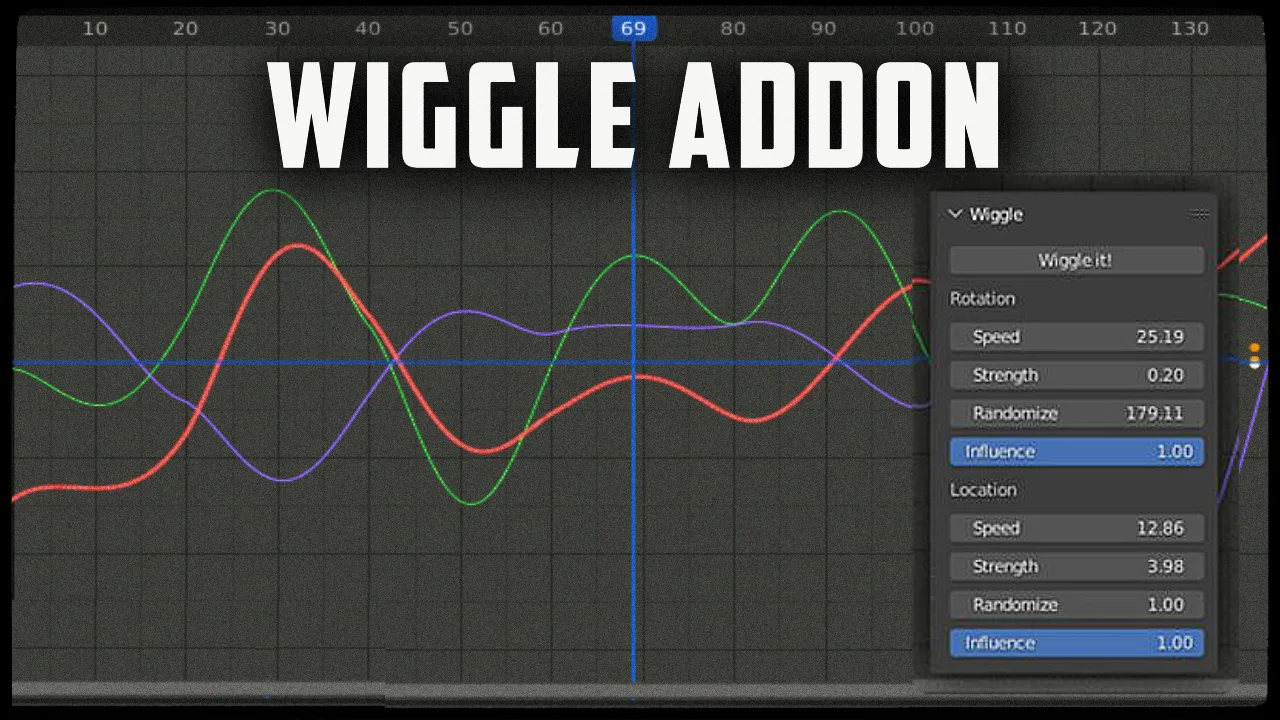
Add noise-based motion to Blender objects with controls for strength, speed and influence across location and rotation. See the listing for supported versions.
Theme Box adds theme switching to Blender's 3D Viewport header. Apply built-in styles, import compatible XML themes, and restore Blender Default.
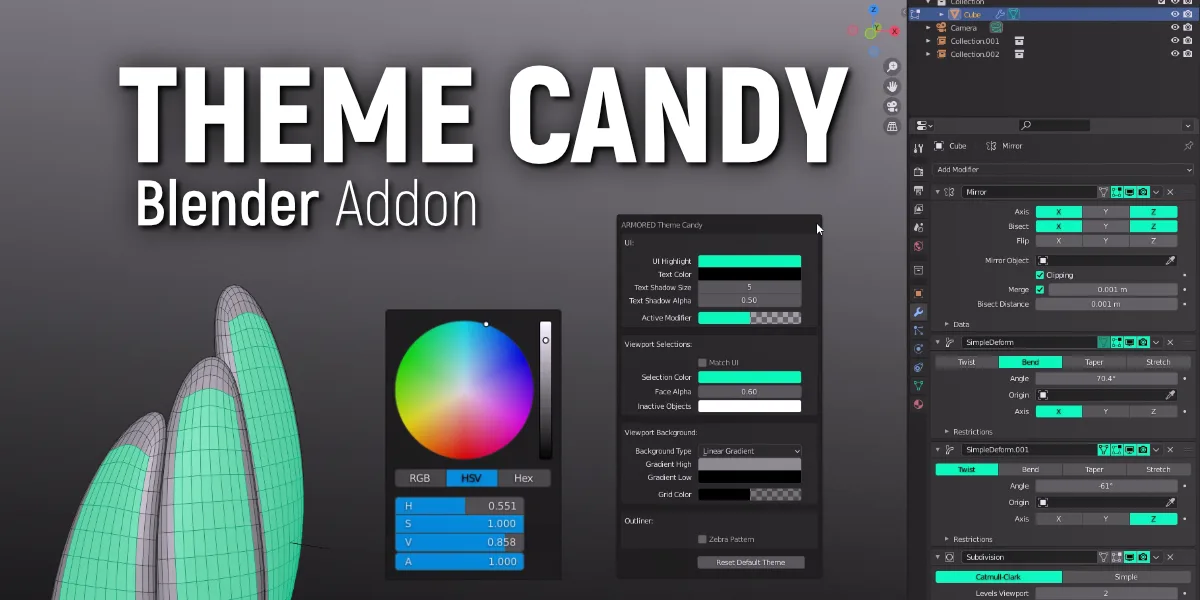
Recolor Blender’s interface with Theme Candy’s color wheel, sync viewport selection colors, adjust Edit Mode and panel colors, and fine-tune themes.
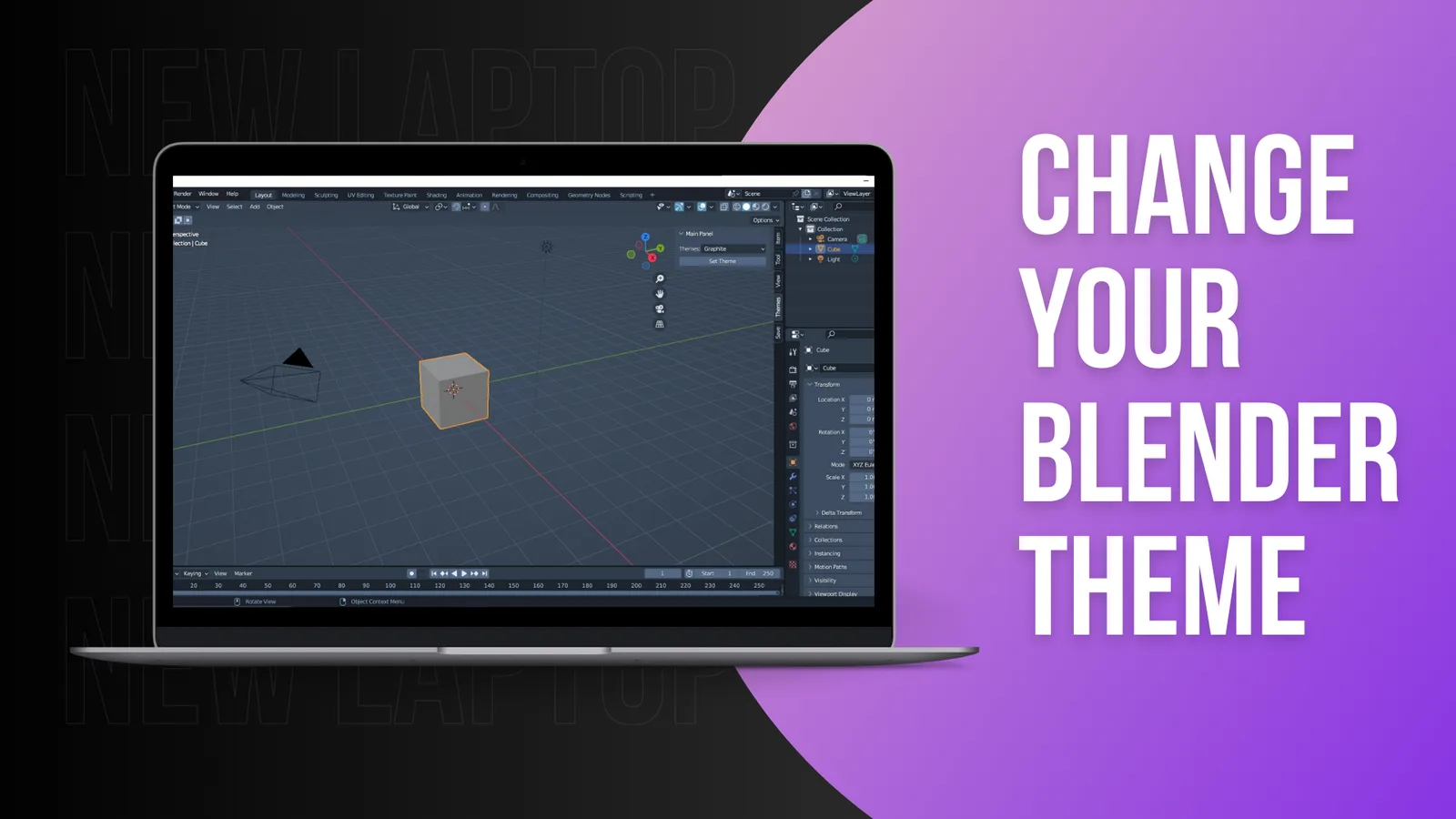
Change Blender's interface with preset themes from a 3D Viewport panel. Check the listed Blender versions and installation steps before installing.
Find Blender theme entries by sampled color, narrow matches with tolerance, revisit edits, and jump to matching preferences with Theme Dictionary 0.6.5.
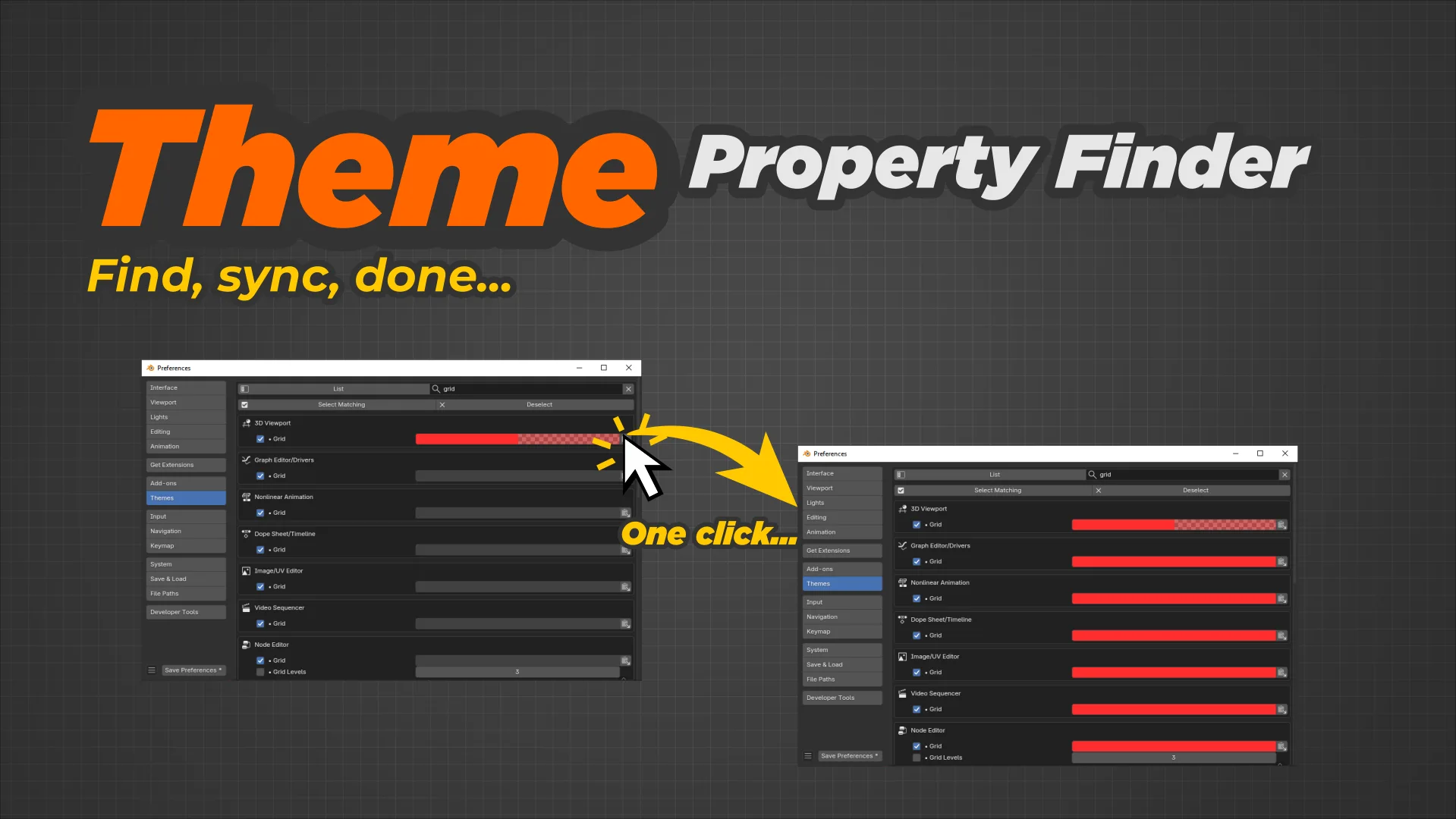
Find theme colors, sizes, and toggles across Blender editors with Theme Property Finder, then sync selected values. It supports Blender 4.2 LTS and newer.
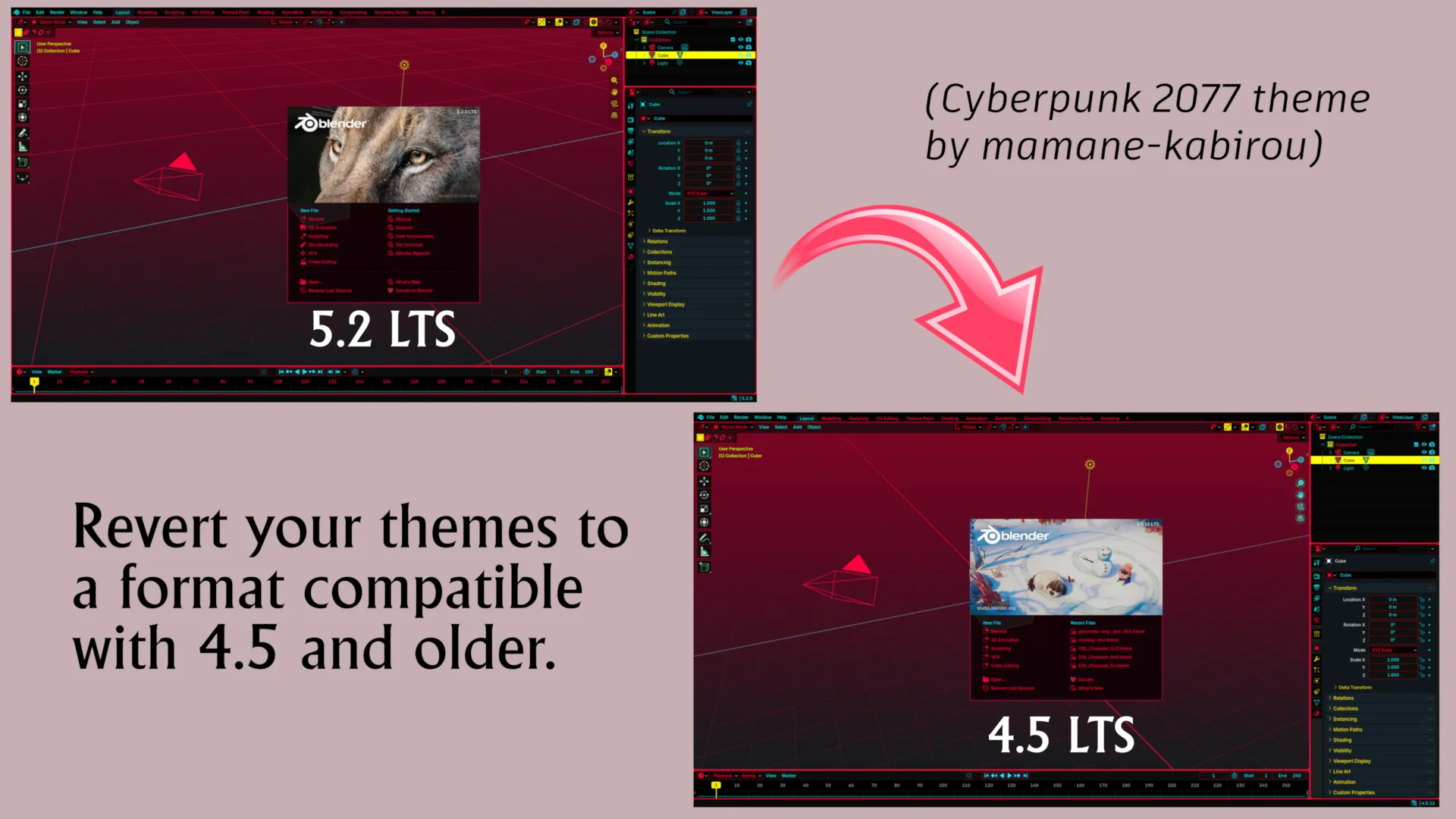
Theme Reverter is for taking Blender 5.0+ themes back to Blender 4.5 LTS or older; its minimum host version is 4.2.0, and the API lists XML file permissions.
Search Blender theme properties by color or label, group and batch-edit values, then save or share templates. Check Theme Tamer’s Blender 5.2+ listing.
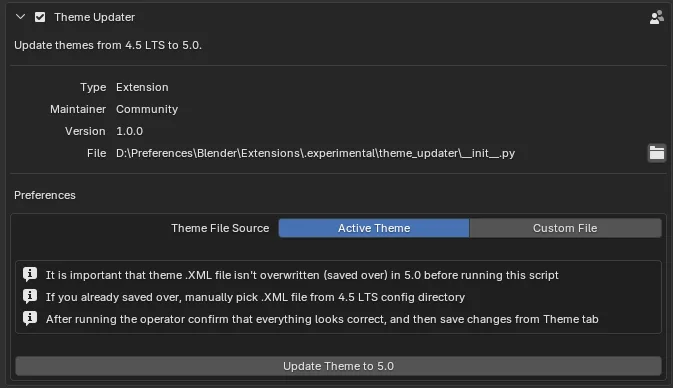
Theme Updater reads a Blender 4.5 LTS theme XML and maps colors to Blender 5.0 properties. Learn what file to prepare and what to review after migration.
Keep track of Blender's viewport states with Themeable Modes and Views: borders mark Local View, Navigation in Camera View, and interaction modes.
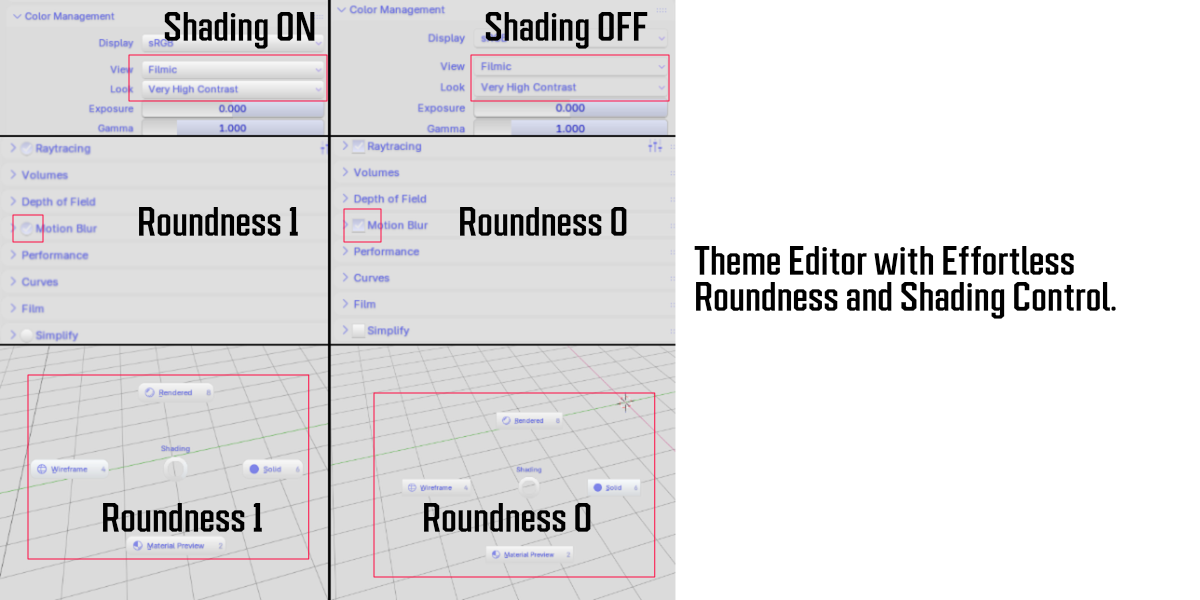
Customize Blender themes with ThemeLab: icon and widget colors, Edit Mode colors, shading, and roundness. Check version details and try sample themes.
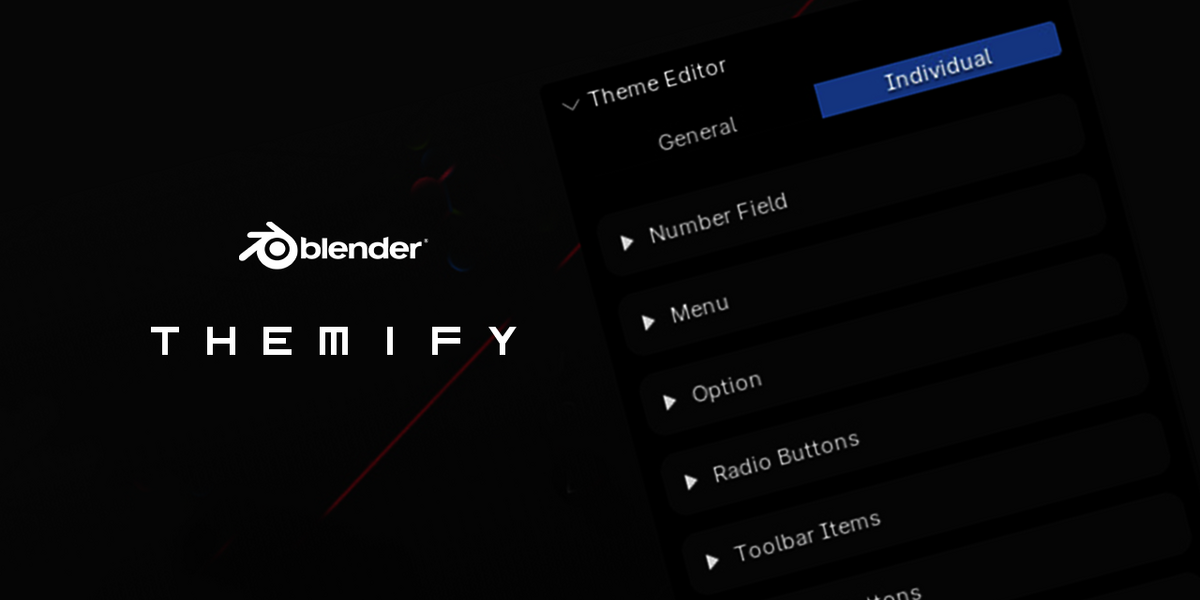
Themify - Blender Theme Editor is a Blender add-on for UI colors, scale, fonts and icon colors, with live preview. Blender compatibility is listed as 3.0–5.0.
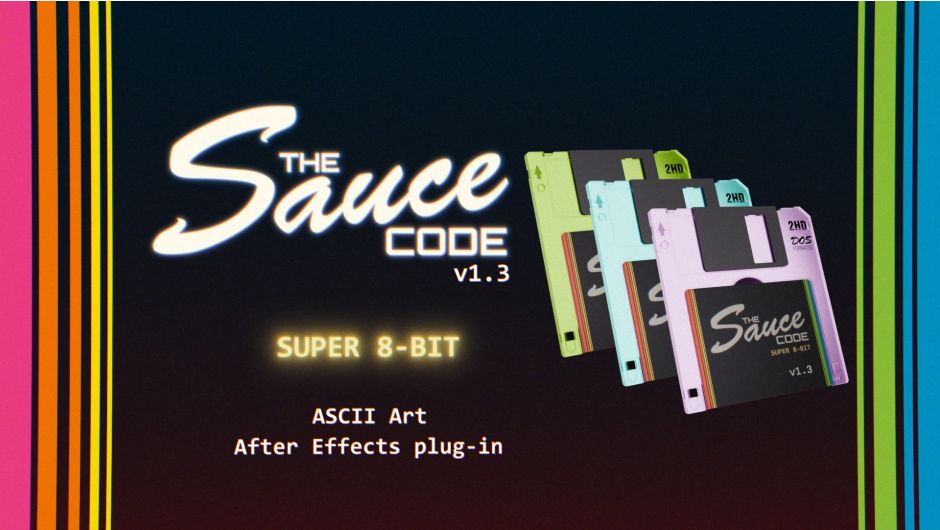
Create character-based ASCII art from After Effects footage with theSauceCode. Adjust tones, animate parameters and export alpha PNG sequences for compositing.
Thicc Stroke is an After Effects plugin for variable-width strokes, gradients, and trim paths. Review its features and compatibility before downloading.