Emg (Edit Mode Guard)
EMG warns before TAB enters Edit Mode on dense Blender meshes. Review its cancel-or-continue choice, Blender 2.8 scope and PIE menu limitation.
Tools for organizing files and automating repeated tasks in creative applications. Browse by application or search for a task. Page 48 of 163.
EMG warns before TAB enters Edit Mode on dense Blender meshes. Review its cancel-or-continue choice, Blender 2.8 scope and PIE menu limitation.
Emma uses chat prompts for repetitive Premiere Pro timeline work, with object, image, and movement detection. Check compatibility before installing.
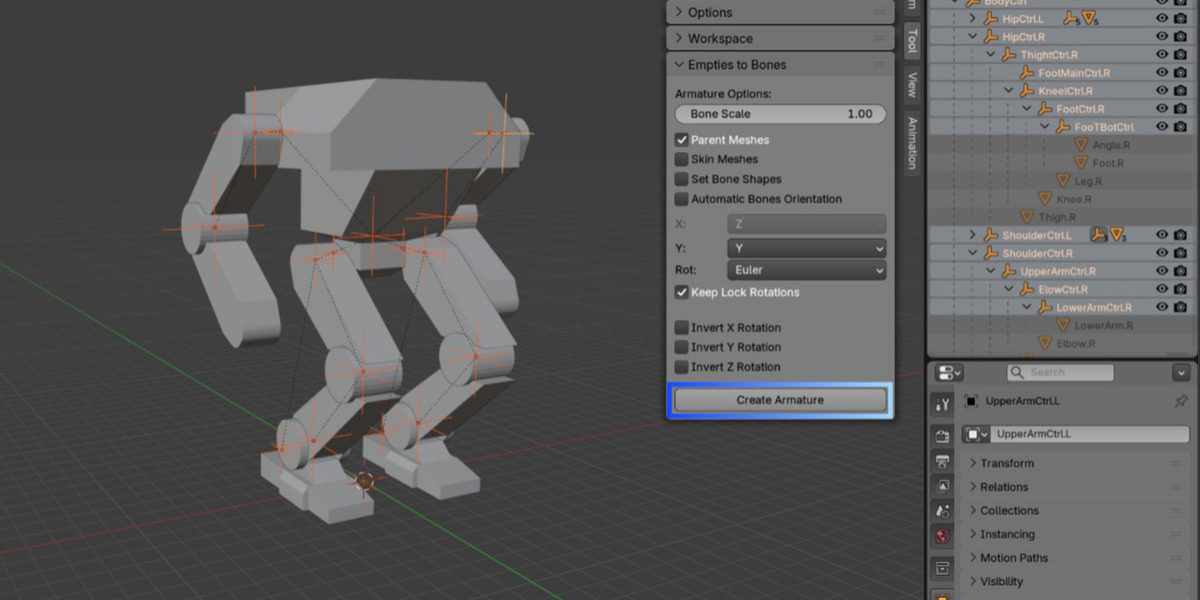
Empties To Bones converts static or animated Blender empty hierarchies into bone armatures. Compare its free GitHub version, paid extras, setup, and support.
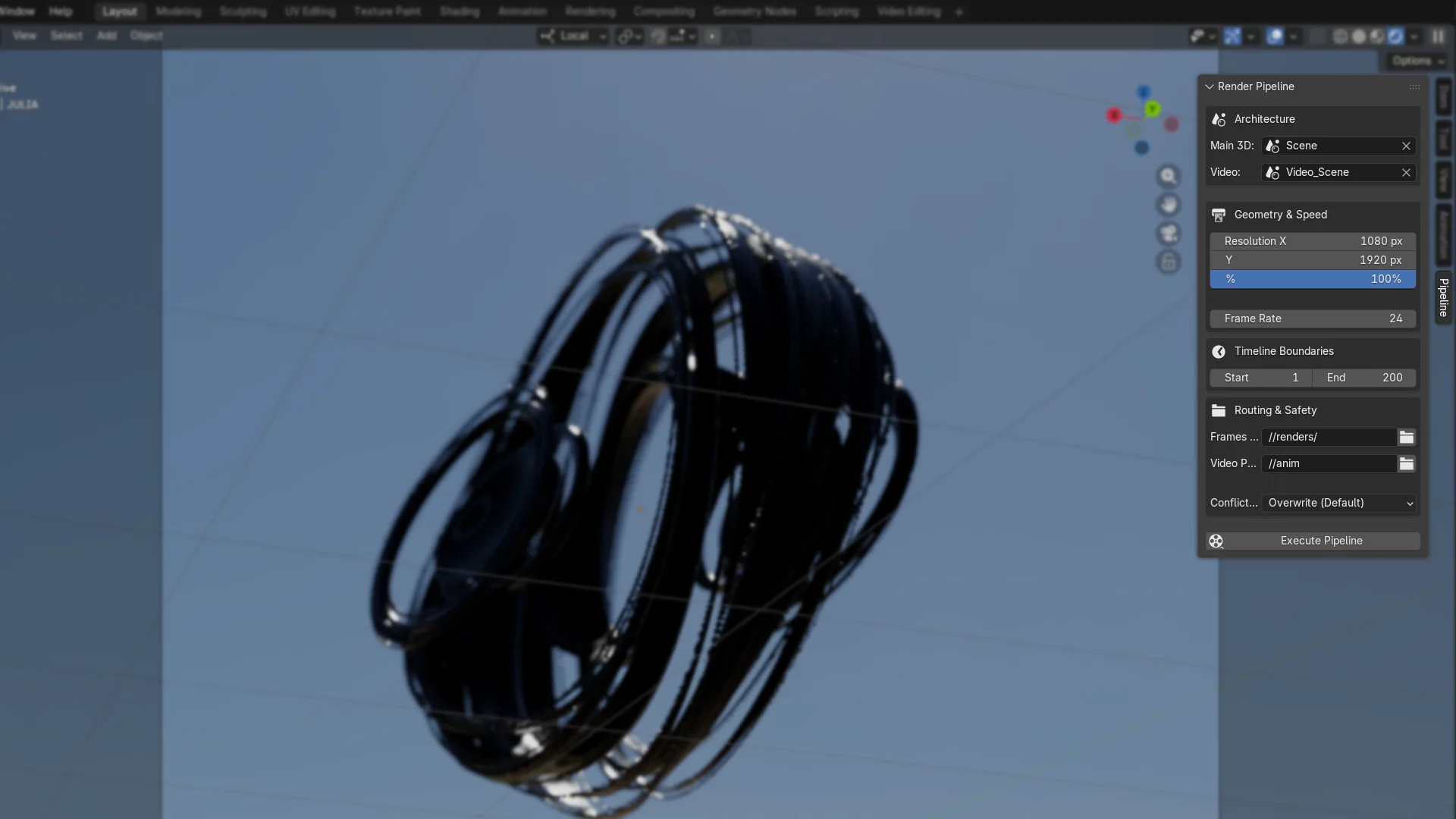
Automate Blender frame rendering and video compilation with sidebar controls, audio syncing, and overwrite protection. Requires Blender 4.2 or later.
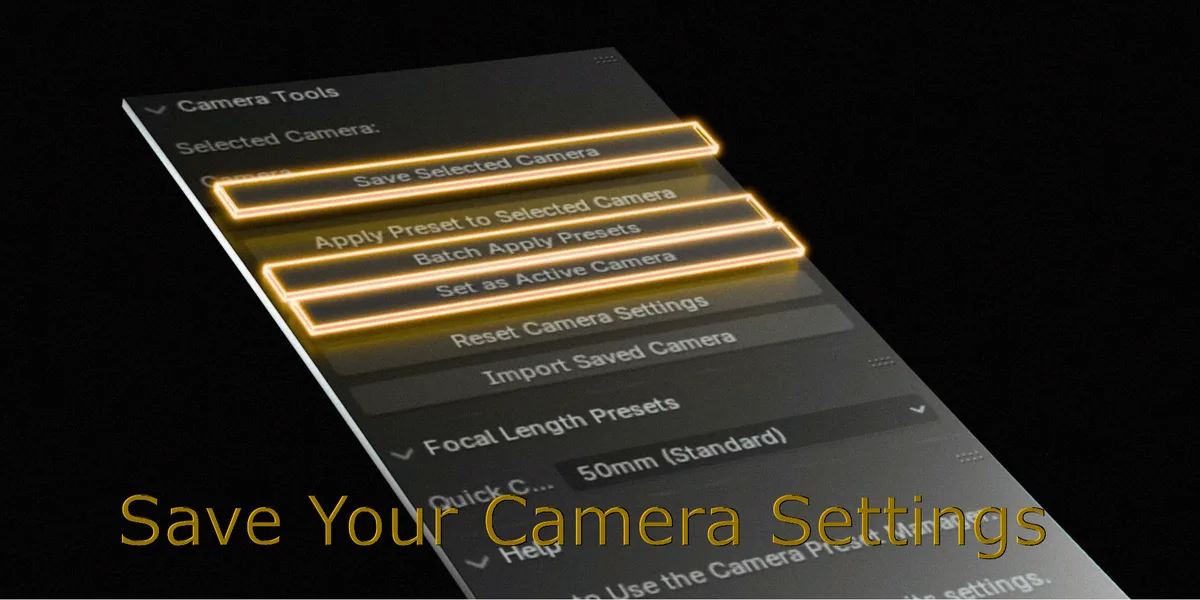
Enhanced Camera Tools saves Blender camera presets, applies them to selected cameras, and adds focal length controls and quick resets. Check setup details.
Set Revit DWG layer standards, use DWT templates and export parameter data as block attributes with Enhanced DWG Exporter - EDER-Tool. Try it free for 20 days.
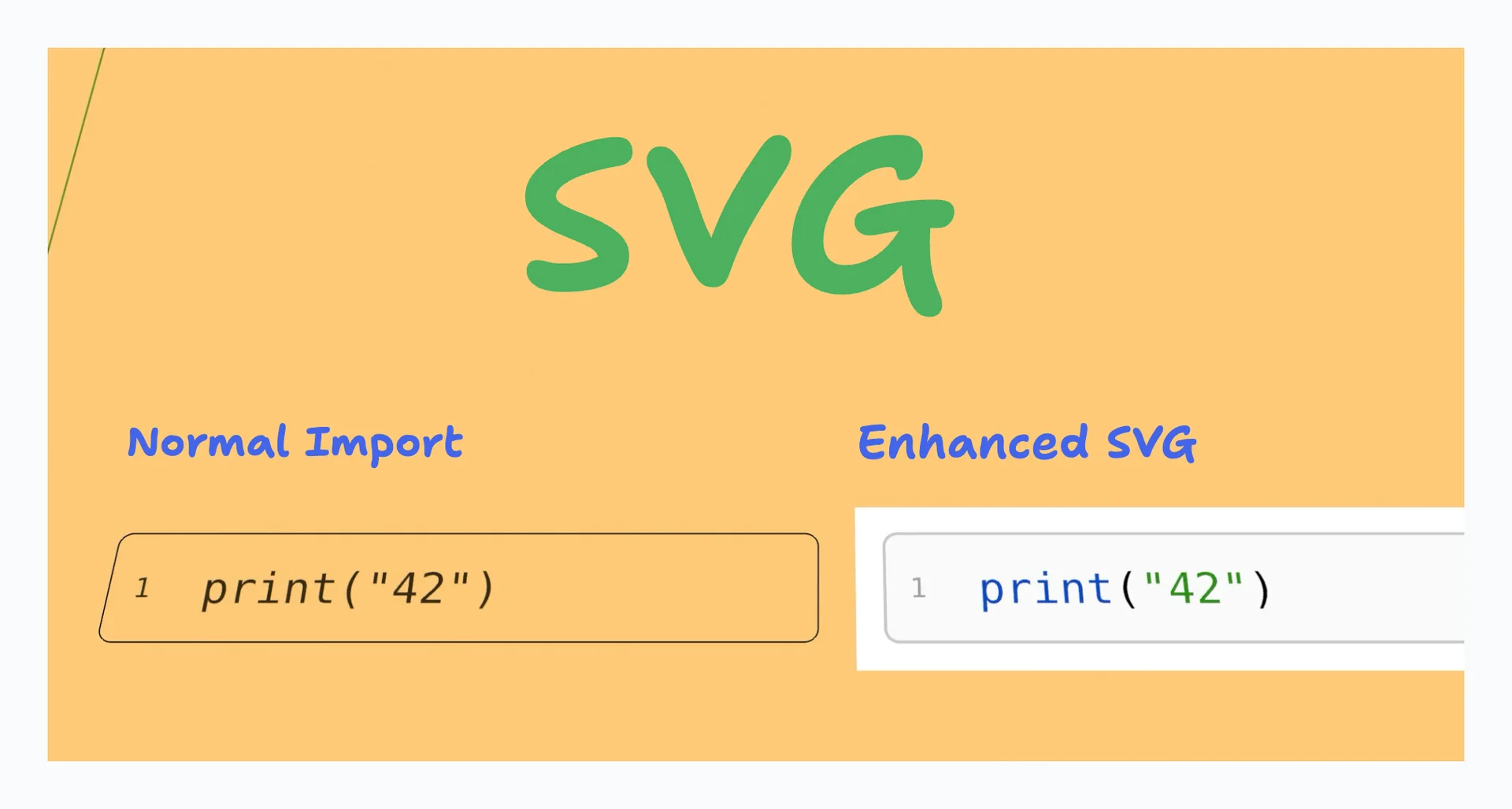
Enhanced SVG helps Blender import SVG artwork with accurate colors and stroke widths, optional emission shader, opacity control, and drag-and-drop support.
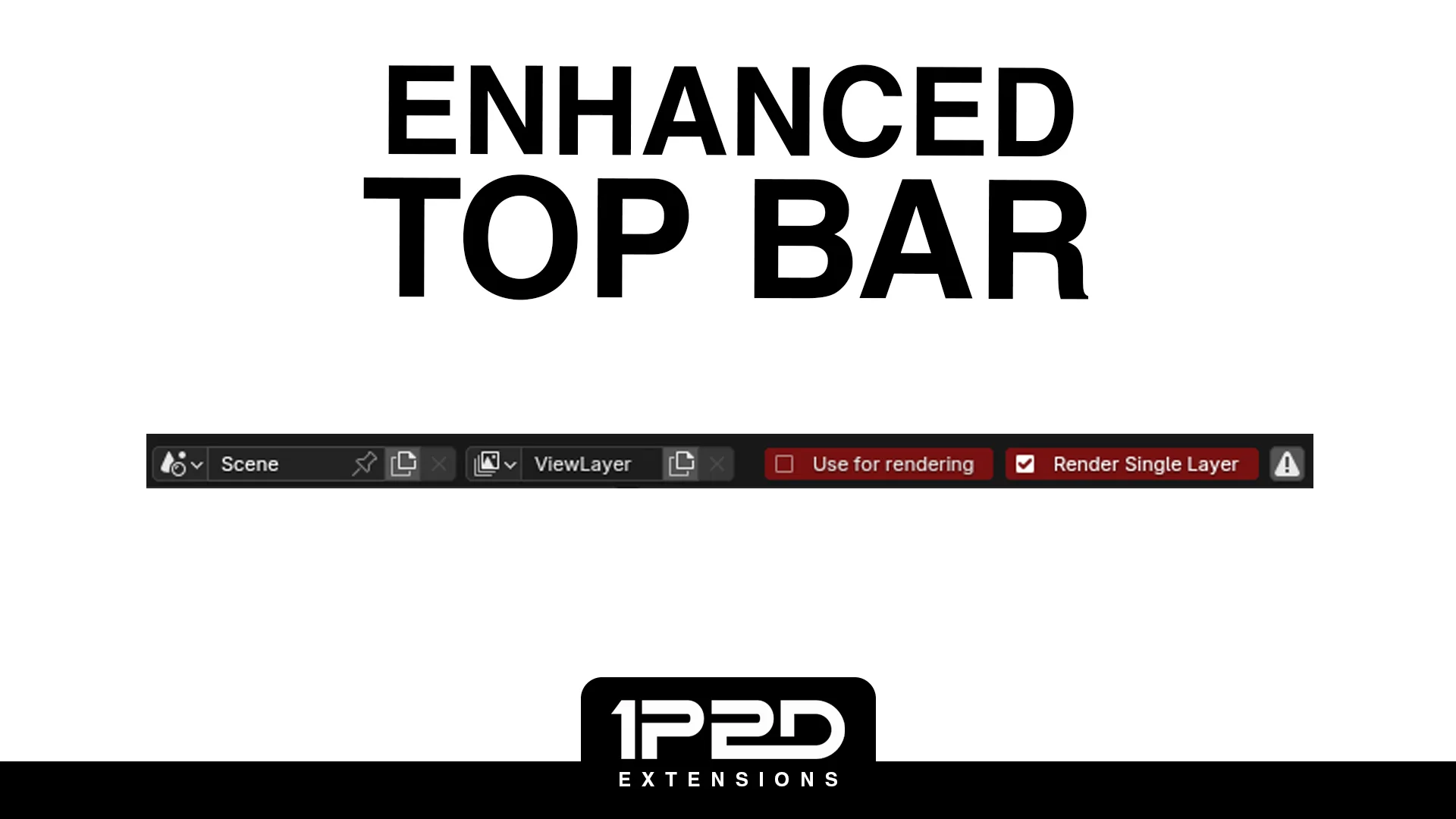
Enhanced Top Bar puts View Layer rendering controls in Blender's Top Bar and flags non-standard settings. Check version support and installation details.
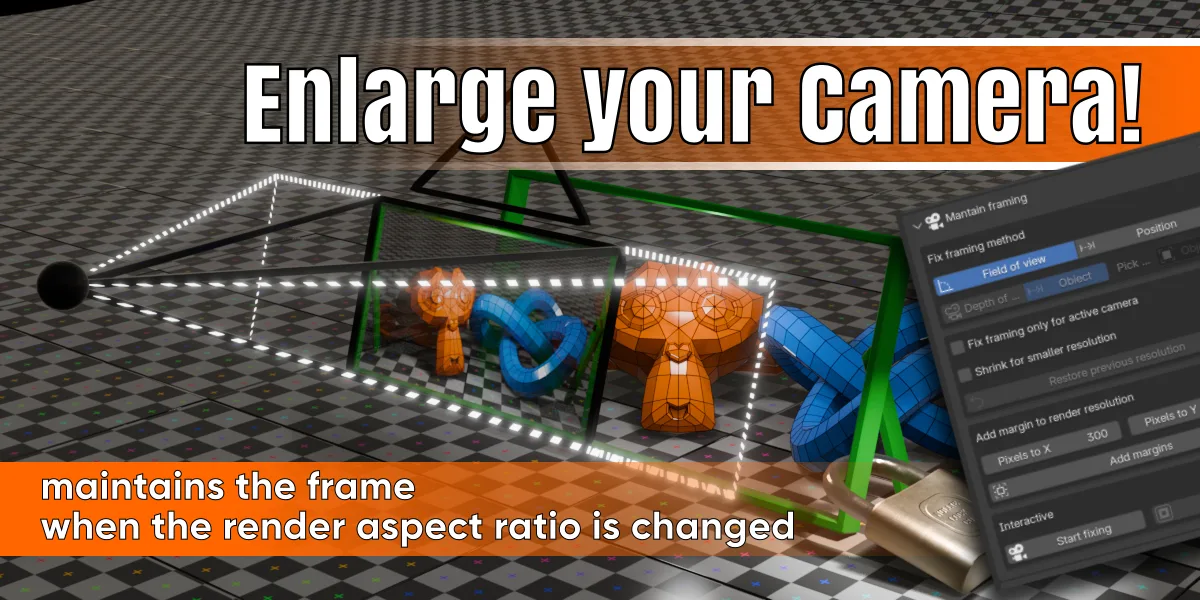
Enlarge Your Camera is a Blender add-on that keeps framing as renders change. Add margins, preview changes, and choose focal length or camera movement.
Ephoto Dam is a media connector for After Effects and Premiere Pro, with search and album browsing in-app for finding assets for animations and video edits.
Epic Toolbag brings Blender shader presets, asset tools, scene lighting, remeshing, post-processing and 25+ HDRIs together. Check current compatibility.
See how EPoly MatID Randomizer randomizes material IDs on editable poly objects, keeps chosen polygons outside the random range, and installs in 3ds Max.
erLab_edgeBlender builds After Effects comps for multi-projector panoramas. Set the slice count and blend width, render the output, then align projectors.
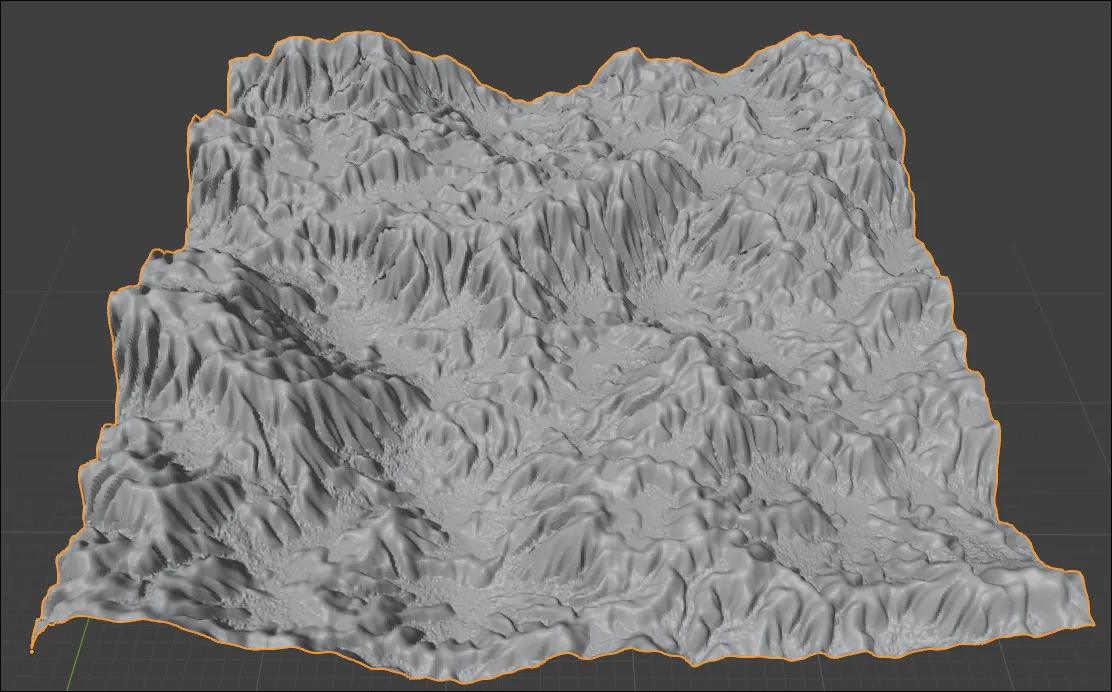
Generate a Blender terrain grid from layered noise, then apply simulated erosion. Review the two-step workflow and Blender 5.2+ compatibility.
Essential Brush Saver restores Blender brush settings across sessions. Check supported modes, JSON storage, and Blender 4.3+ compatibility before installing.
Add After Effects layer transforms, source text, and selected properties to Essential Graphics with custom naming, comp matching, and KBar support.
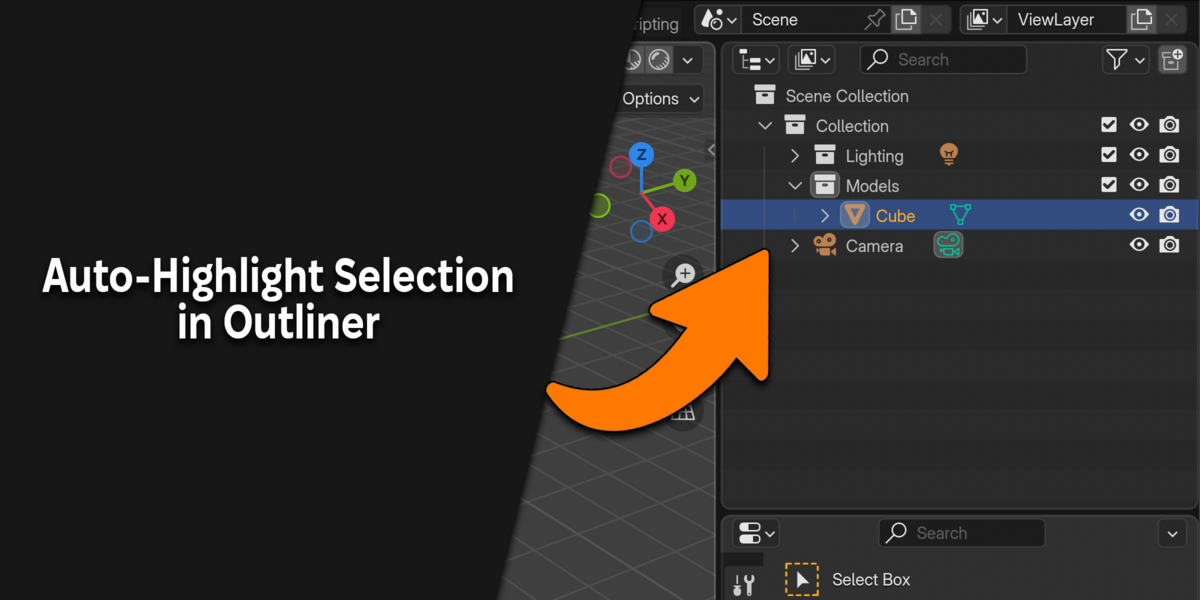
Essentials are a Blender add-on for Gravity Snap, Outliner expansion and camera reset, with setup instructions and listed Blender versions 4.3 to 5.2.
Review Snowflake's Civil 3D contour-label cleanup, preview removals before confirmation, retain native labels and undo in one step. See package details.
Review ETAP DataX's Revit-to-ETAP mapping, study result exports, and listed compatibility before connecting your electrical BIM model.
Evercast Device Interface is a Premiere Pro plugin for Evercast, with sub-frame latency, wide color, deep color and HDR. Primary audio is not supported.
Turn Excel worksheets into linked Revit legends, flag changed files, and refresh views in one click. Check supported Revit versions and workbook limits.