FxFactory Light Show
FxFactory Light Show is an animated light wipe for clips in five video apps, with transitions in Final Cut Pro and Premiere and title effects in Final Cut Pro.
Published software and plugin guides for Adobe After Effects. Page 32 of 76.
Read the software guideFxFactory Light Show is an animated light wipe for clips in five video apps, with transitions in Final Cut Pro and Premiere and title effects in Final Cut Pro.
FxFactory Pro adds color tools, masks, generators and transitions to supported video editors. Review tracking workflows, host apps and Mac requirements.
Animate maps in After Effects with geographic search, labels, styling and CSV/TSV visualization. The MapTiler Cloud data subscription is optional.
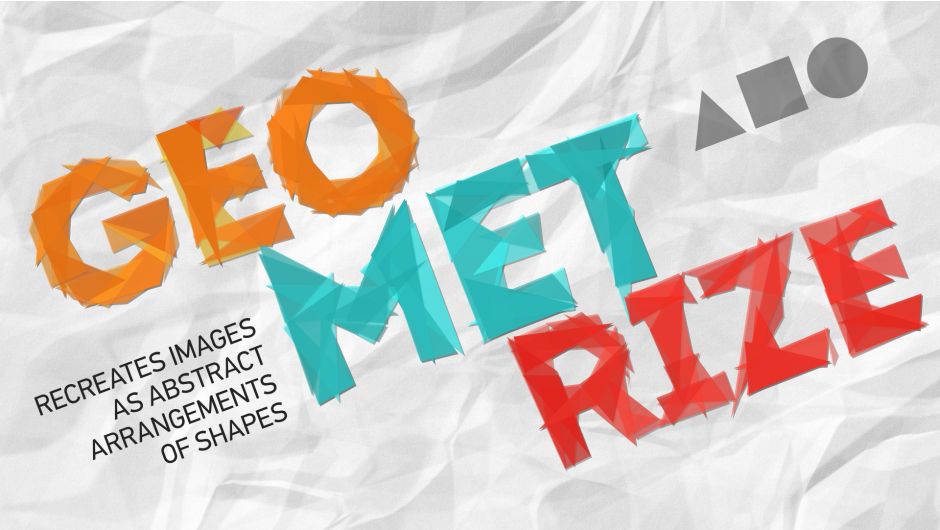
Geometrize! turns images into abstract compositions of geometric shapes in After Effects, with wiggle animation, three shape types, and SVG or PNG export.
Bundle common After Effects setup in one panel: create layers, organize project folders, apply effects, and generate backgrounds. Check listed version support.
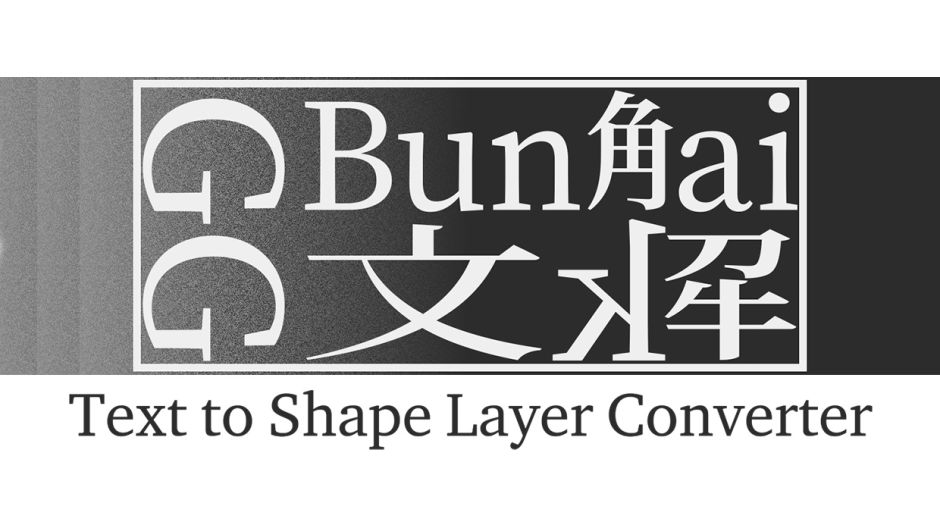
GG Bunkai - Text to Shape Layer Converter is an After Effects text converter with five modes, centered anchors on splits and optional pre-compositions.
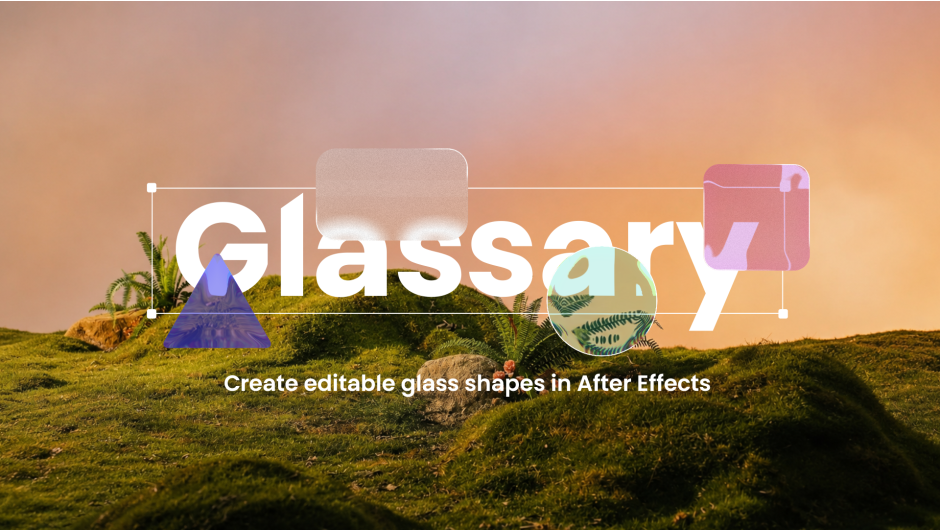
Build shape-based glass in After Effects with live refraction, frost, color, noise, gradients and 3D support. Review compatibility and license terms.
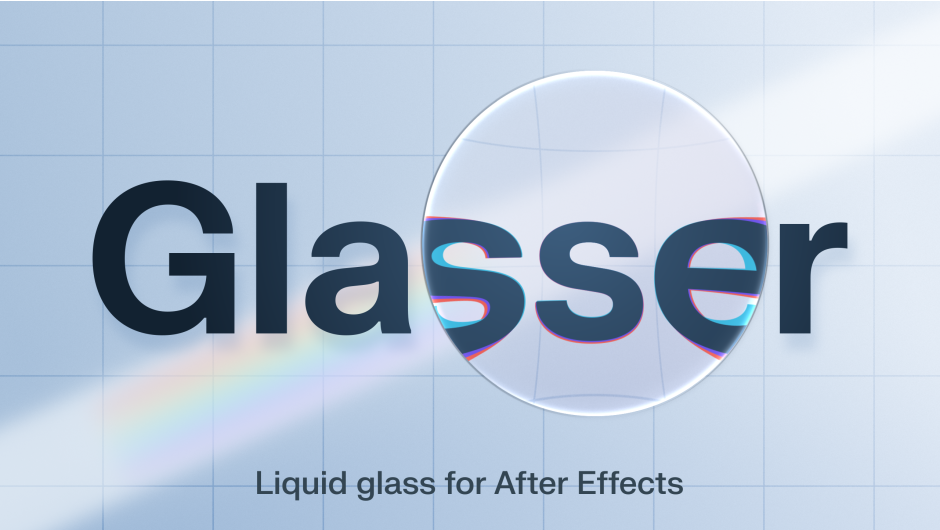
Create editable glass from After Effects layers with Glasser, tune refraction, then revise artwork; the Control Null keeps animated glass aligned.
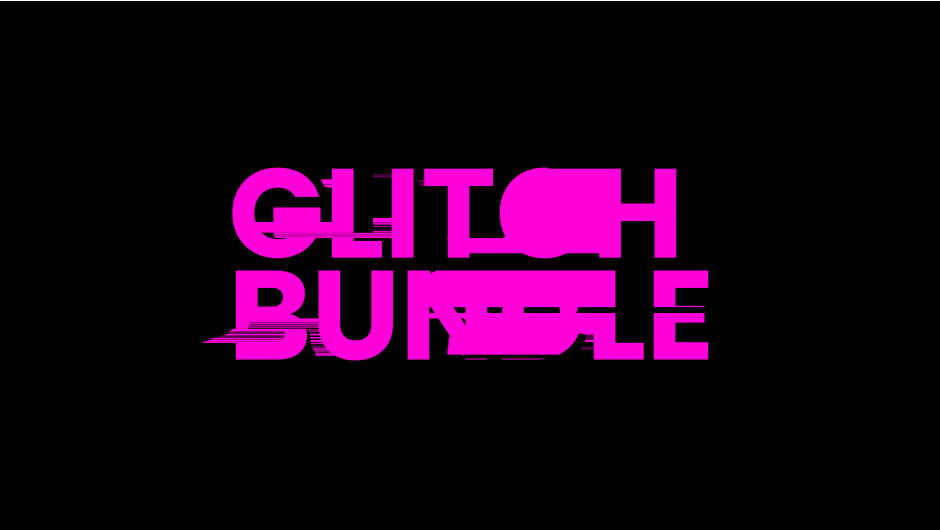
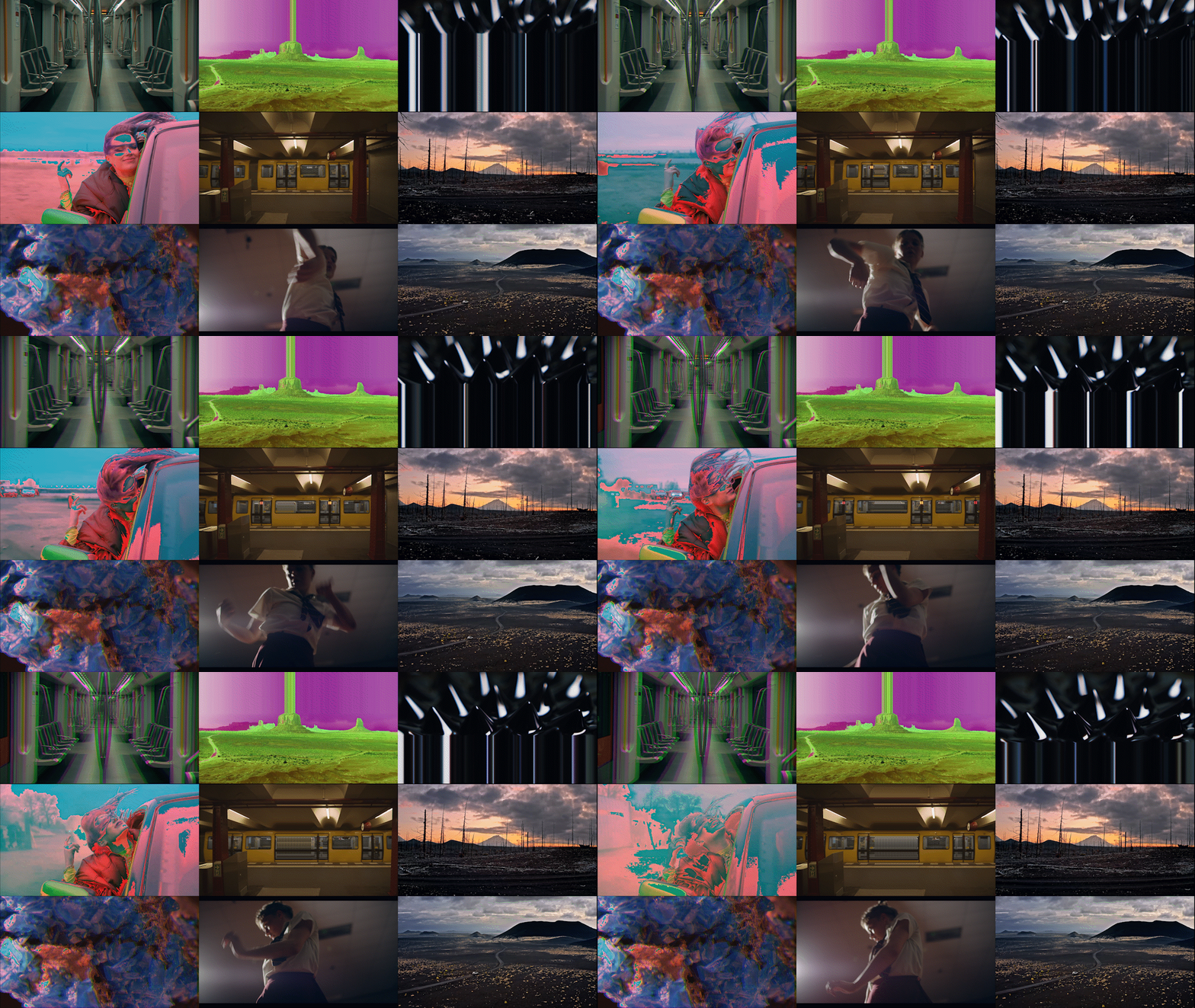
Apply seven combinable glitch effects in After Effects, with editable presets, pixel sorting, scattered shapes, block distortion, noise, warp and RGB controls.
Build RGB splits, choppy displacement, pixel stretches, and color cycles in After Effects or Premiere Pro. Four modules let you combine and mix effects.
Glitch Vandalizer adds adjustable Photoshop distortion, including datamosh, glitch maps, slit-scan, scanlines, channel shifts, and filter controls.
See how Good Parents keyframes parent changes for layers or groups in After Effects, with 3D support, compatibility, setup steps, limits, and license terms.
Move mocha tracking and roto data into C4D with MochaBlend. Direct roto-shape and camera-solve exports require mocha Pro; C4D version listings differ.
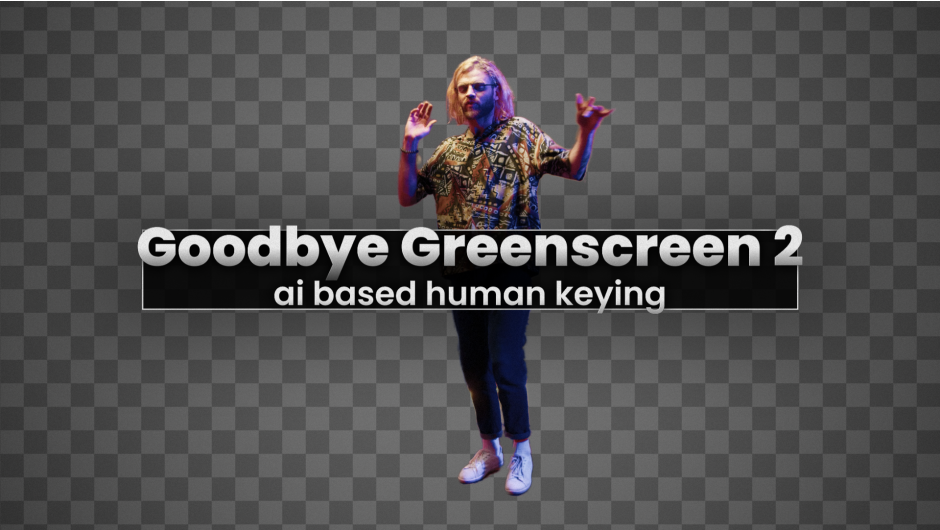
Goodbye Greenscreen 2 makes AI mattes for people, clean-plate footage, or a solid-color backdrop in After Effects and Premiere Pro. Compare workflows.
Goodbye Greenscreen 2 creates AI mattes in After Effects and Premiere Pro. Compare automasking, clean-plate and color keying; check hardware limits.