Imagen
Imagen is a free Premiere Pro extension for searching and downloading media from Imagen libraries. Check compatibility and service terms before installing.
Published software and plugin guides for Adobe Premiere Pro. Page 17 of 33.
Read the software guideImagen is a free Premiere Pro extension for searching and downloading media from Imagen libraries. Check compatibility and service terms before installing.
Use Instant Assets Versioning for Premiere Pro to switch timeline clips between available versions, jump to the first or last, and compare edits.
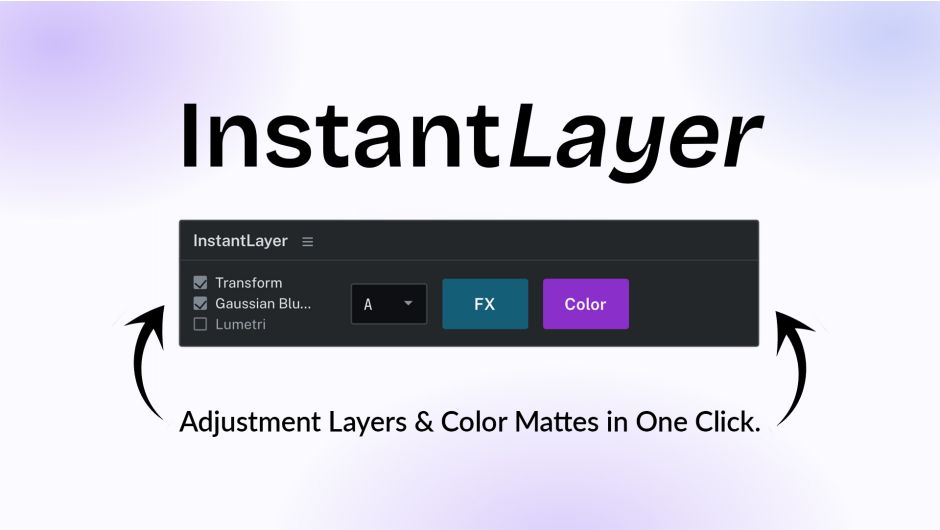
Create adjustment layers and color mattes in Premiere Pro with one click. Match clip lengths, target tracks, reuse presets, and split layers at cuts.
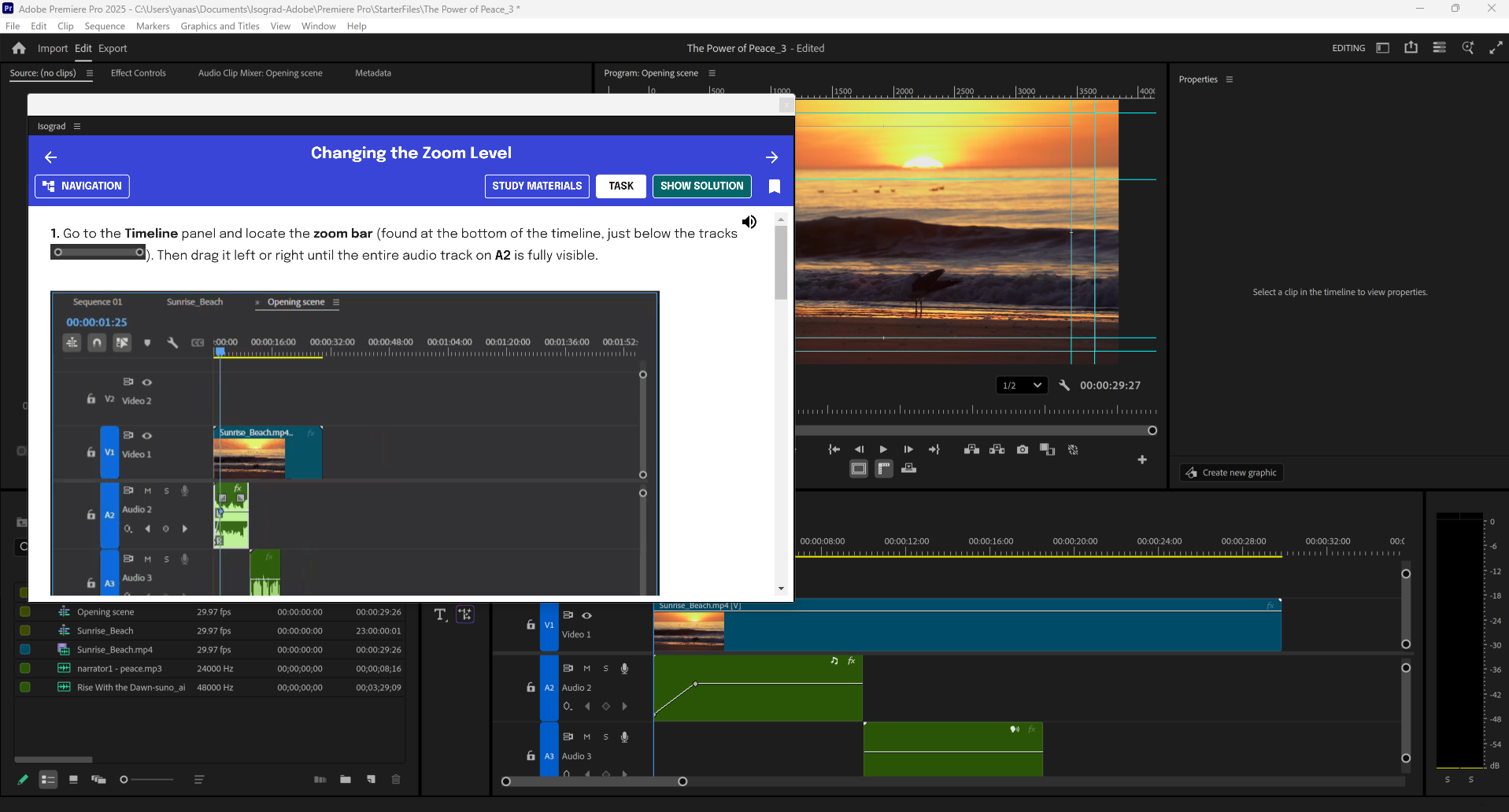
Explore the Premiere Pro course, in-app lesson format, teacher tools and desktop requirements for Isograd Learning Lab before you install it.
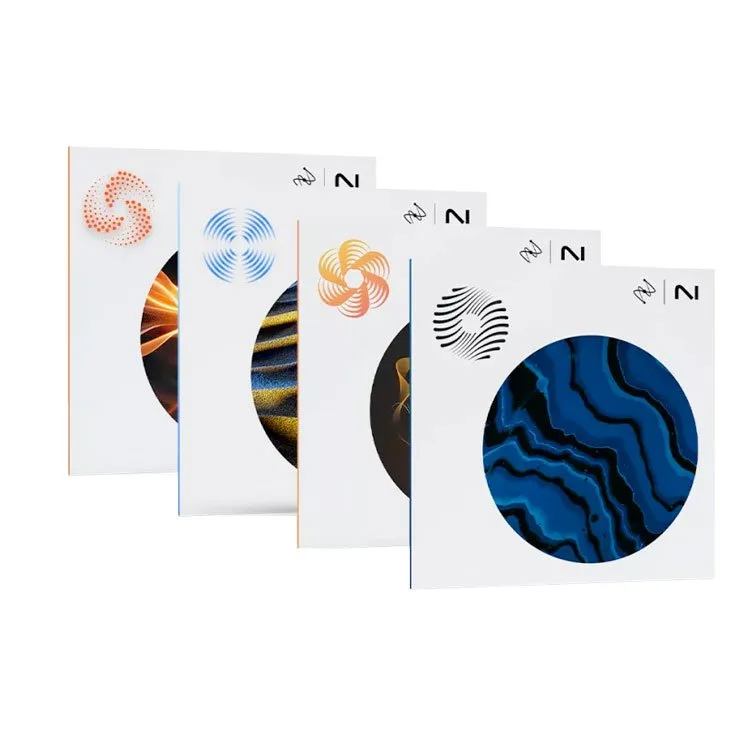
Four products cover mixing, mastering, vocals and audio repair in iZotope Elements Suite 12. Review what's included and check your host's compatibility.
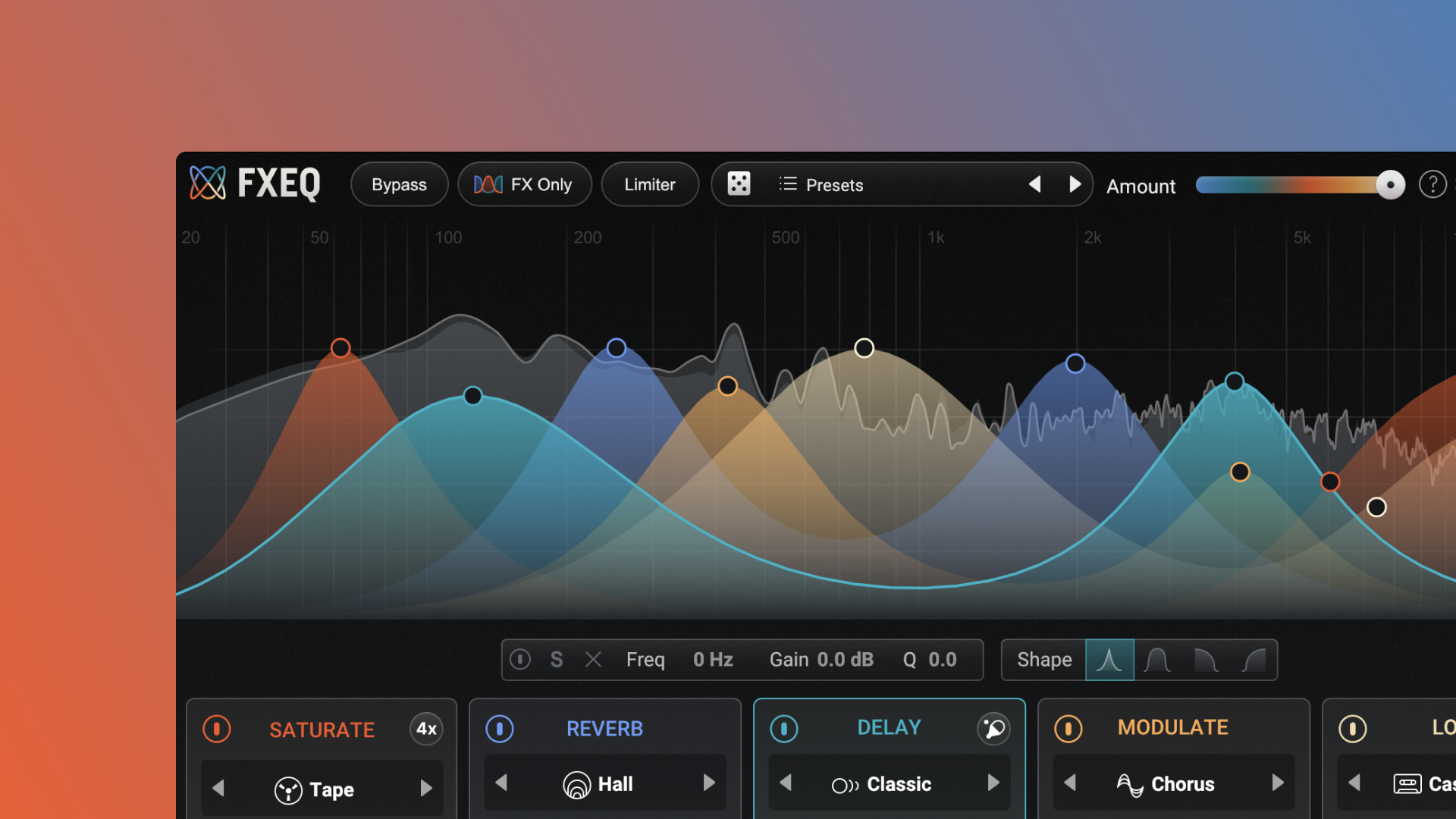
Shape saturation, lo-fi, modulation, reverb, and delay by frequency with iZotope FXEQ's 6-band EQ modules. Check host requirements before downloading.
Explore iZotope RX Advanced for audio repair, dialogue cleanup and spectral editing, with guidance on RX 9 and RX 12 versions.
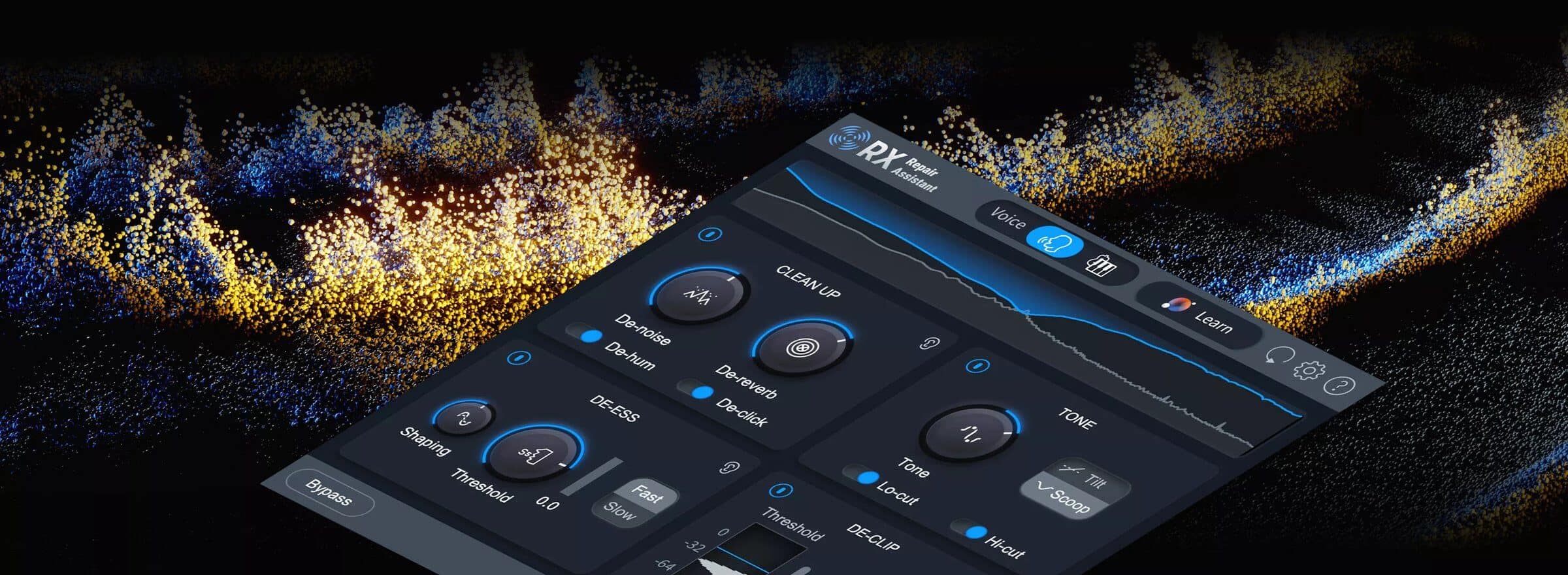
iZotope RX Elements are six repair plugins in RX 12 for Premiere Pro 2026. This catalog lists version 7.0.1; check OS and host support before installing.
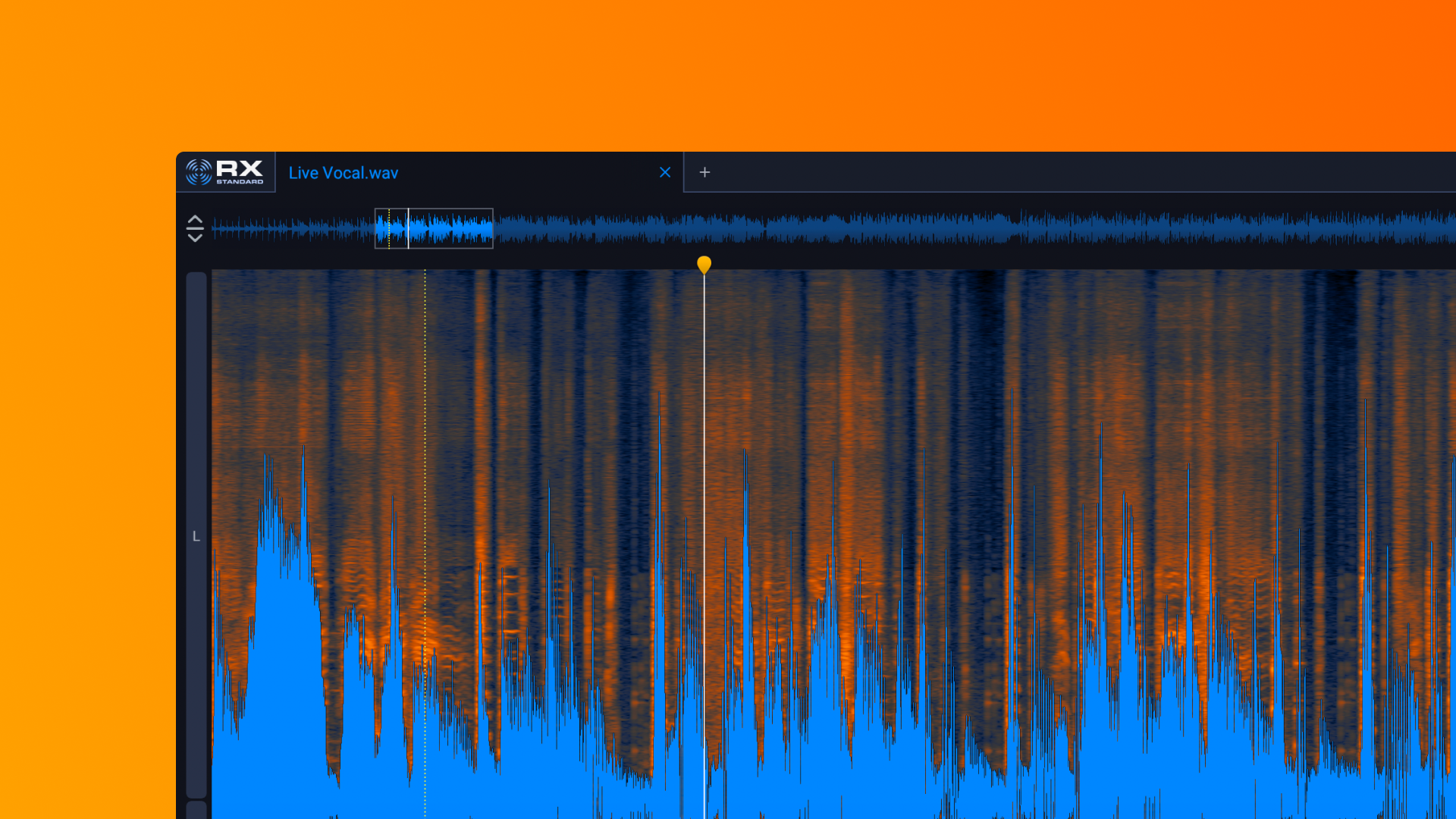
iZotope RX Standard is RX 12 audio restoration software. Check Premiere Pro 2026 support, formats and its listed $399 USD price.
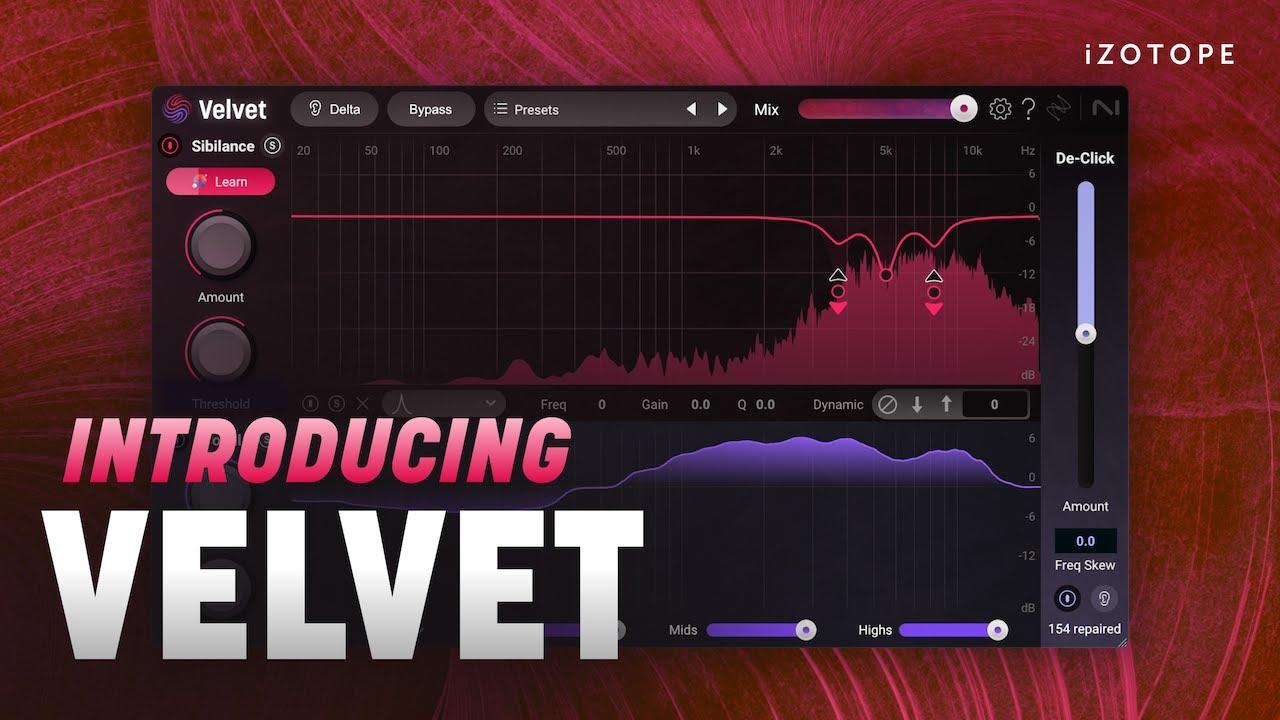
iZotope Velvet is a vocal de-esser with a 6-band dynamic EQ, tone shaping and De-Click. It supports AAX, AU and VST3; check system and trial terms.
Search, filter, upload and update KeyShot DAM images and graphics inside Adobe apps, with metadata search, synced folders and high- or low-resolution options.
Turn transcript searches into permanent Premiere Pro markers with Keyword Marker. Choose sequence or clip placement, preview matches, save terms for reuse.
Kingluma Fresh Face smooths skin while preserving detail, with face tracking and precise eye and mouth adjustments for close-up or medium shots.
Search GIFs and stickers in Premiere Pro with KLIPY: GIFs and Stickers, then add them to a sequence. Check compatibility and rights before publishing.