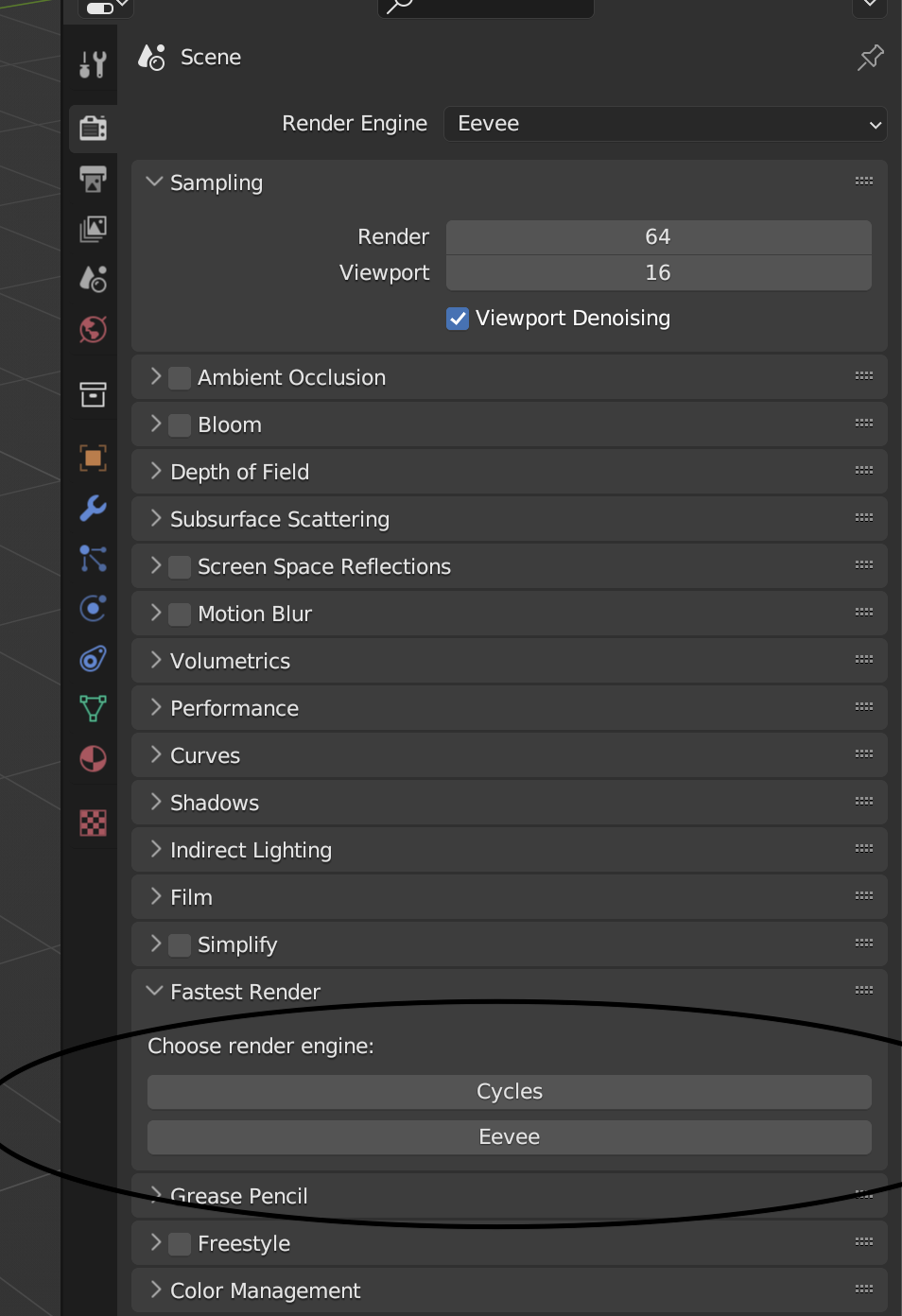
Fastest Render
Fastest Render retunes Blender settings for simple animations. Check the developer's up-to-80% rendering claim, Blender 3.5 listing, and GPL license.
Browse published guides by application, developer or task. Check product details before downloading. Page 111 of 337.
Fastest Render retunes Blender settings for simple animations. Check the developer's up-to-80% rendering claim, Blender 3.5 listing, and GPL license.
FastTracker Panel is a Premiere Pro tool for searching Facilis media, previewing clips, updating metadata, and importing proxy-linked assets.
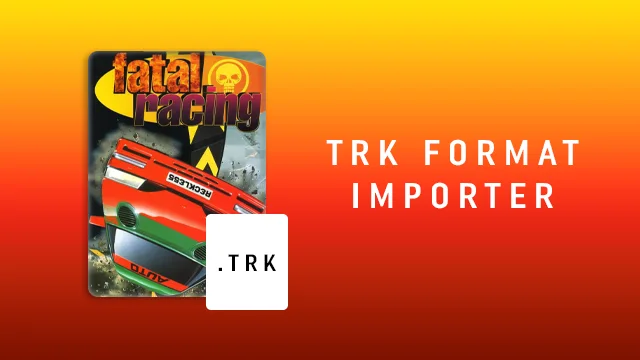
Import Fatal Racing tracks into Blender from game files. Check Blender 4.2+ compatibility, declared file access, and installation options.
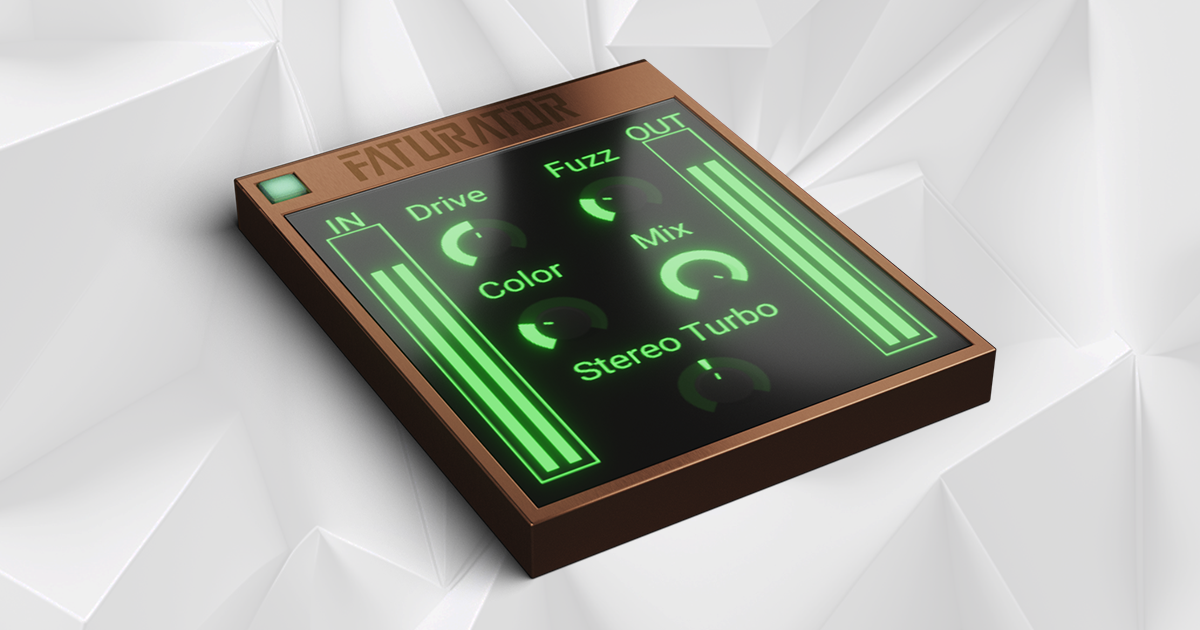
Faturator adds saturation, pre-distortion tone shaping, high-frequency fuzz and stereo width. Review its DAW formats, Snapin use and license options.
Faux Dolly Zoom for FCPX approximates a dolly zoom with an adjustable center point and keyframed timing. Review macOS and Final Cut Pro requirements.
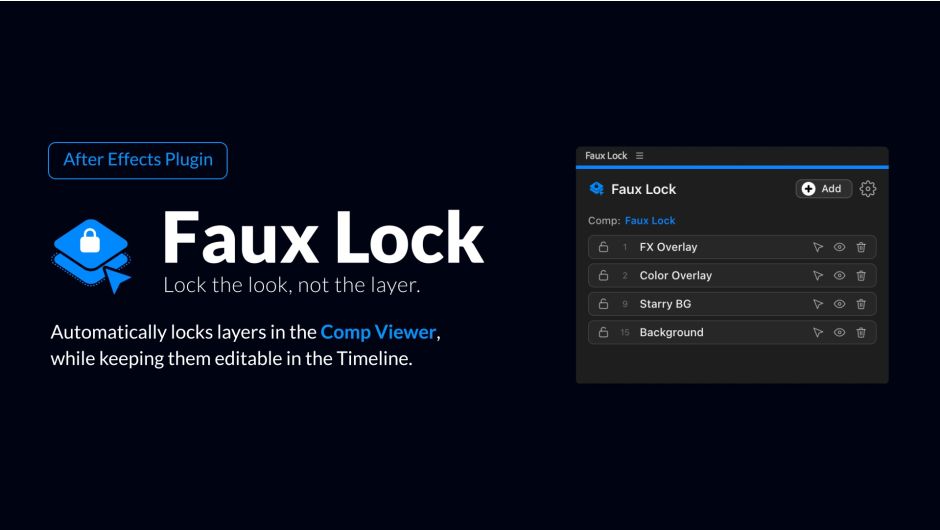
Faux Lock makes After Effects layers click-through in the Composition viewer while keeping Timeline editing available. See its workflow, setup and requirements.
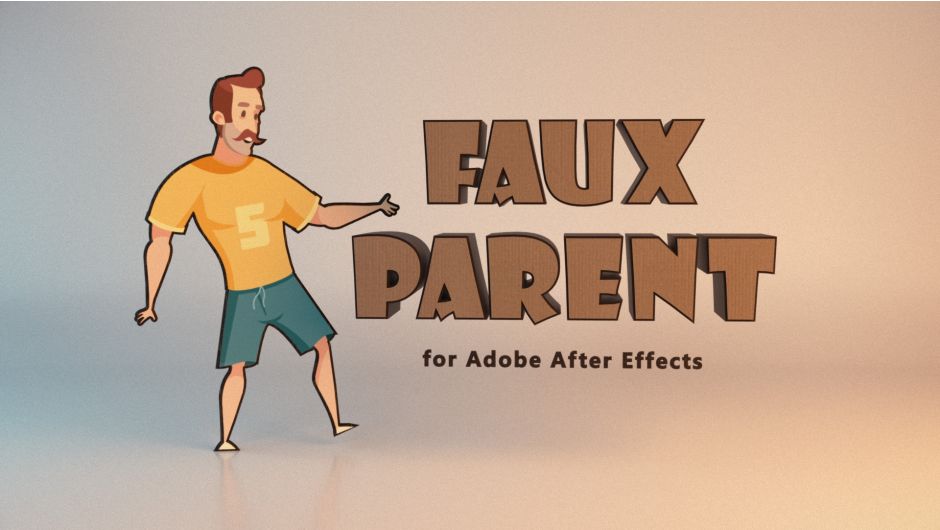
Faux Parent separates Position, Scale, Rotation and Opacity; batch influence and delay can vary by layer, and sequential influence supports 2D parallax.
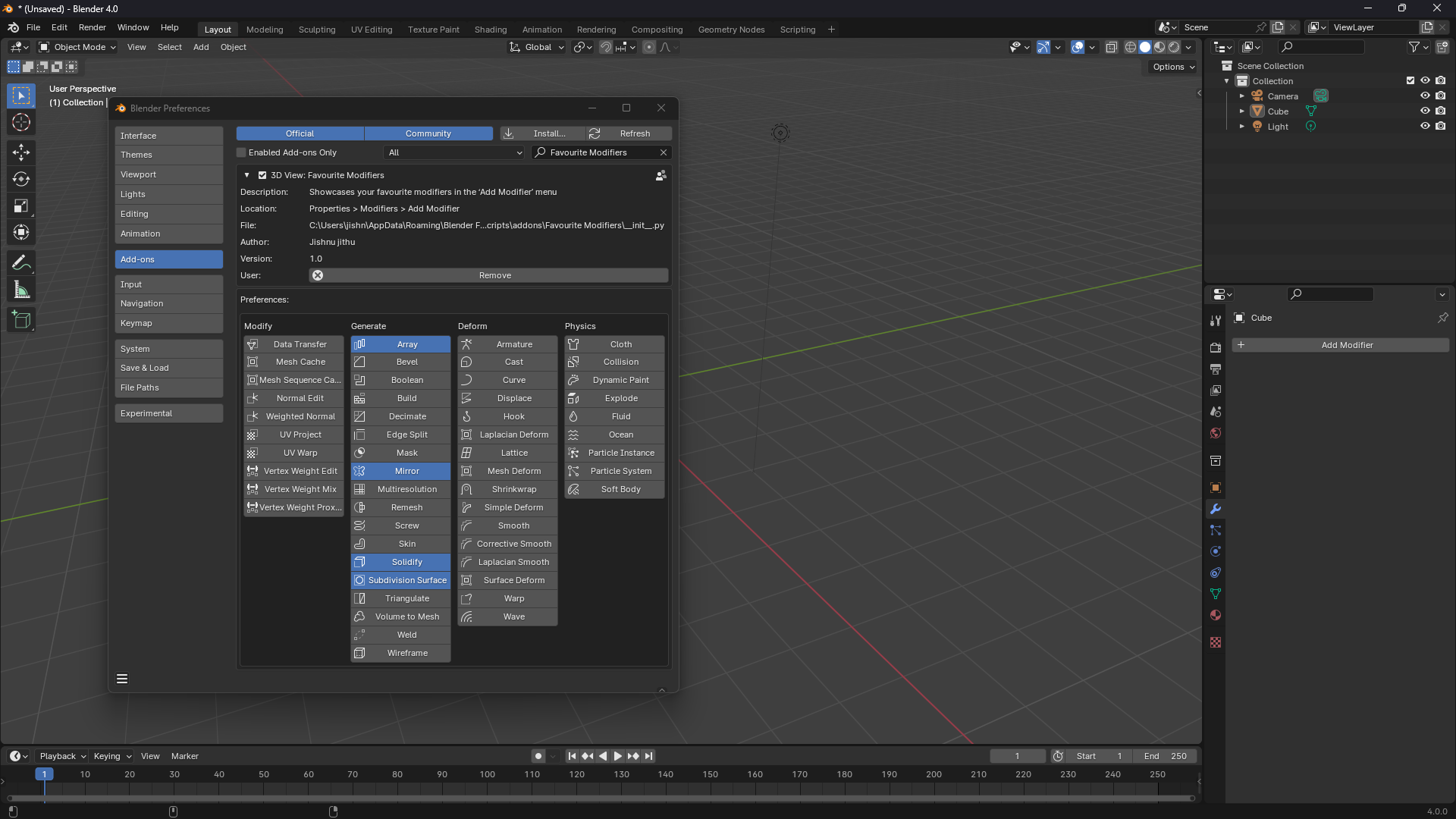
Favorite Modifiers lets you choose what appears in Blender's Add Modifier menu. Review its listed Blender 4.0 to 4.5 support and GPL license.
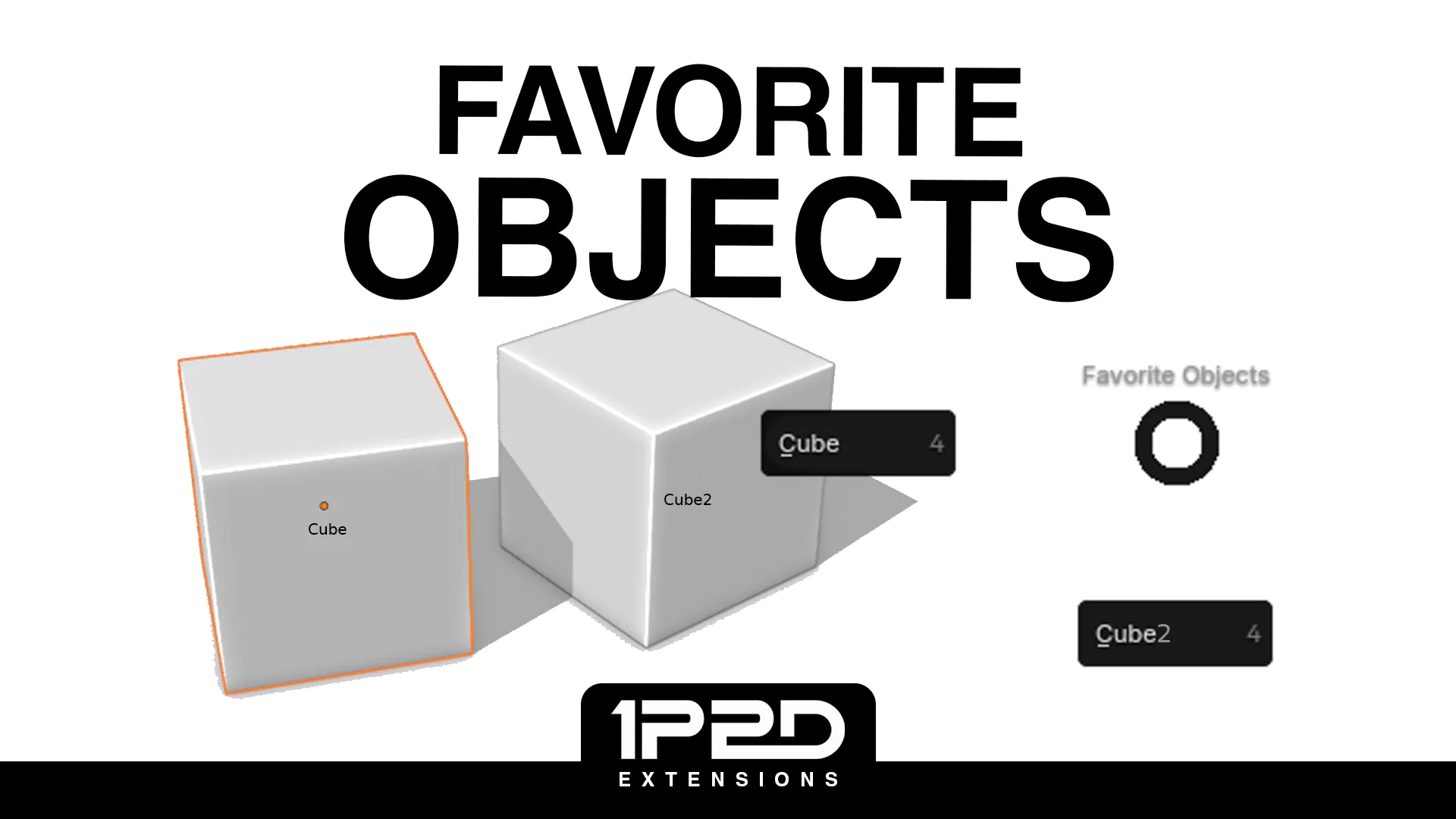
Select favorite objects from Blender’s Viewport with Favorite Objects 1.0.5. Blender 4.2.0+ is required; favorites past eight use a More submenu.
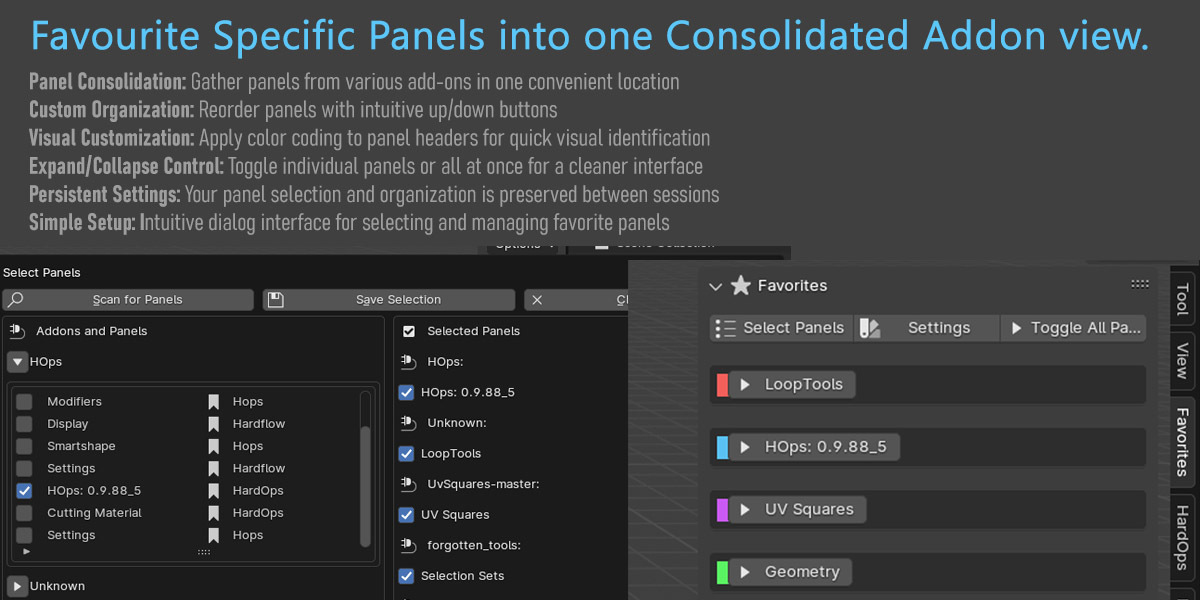
Collect Blender add-on panels in a Favorites view, divide them into tabs, and keep their order between sessions. Check compatibility with your Blender version.
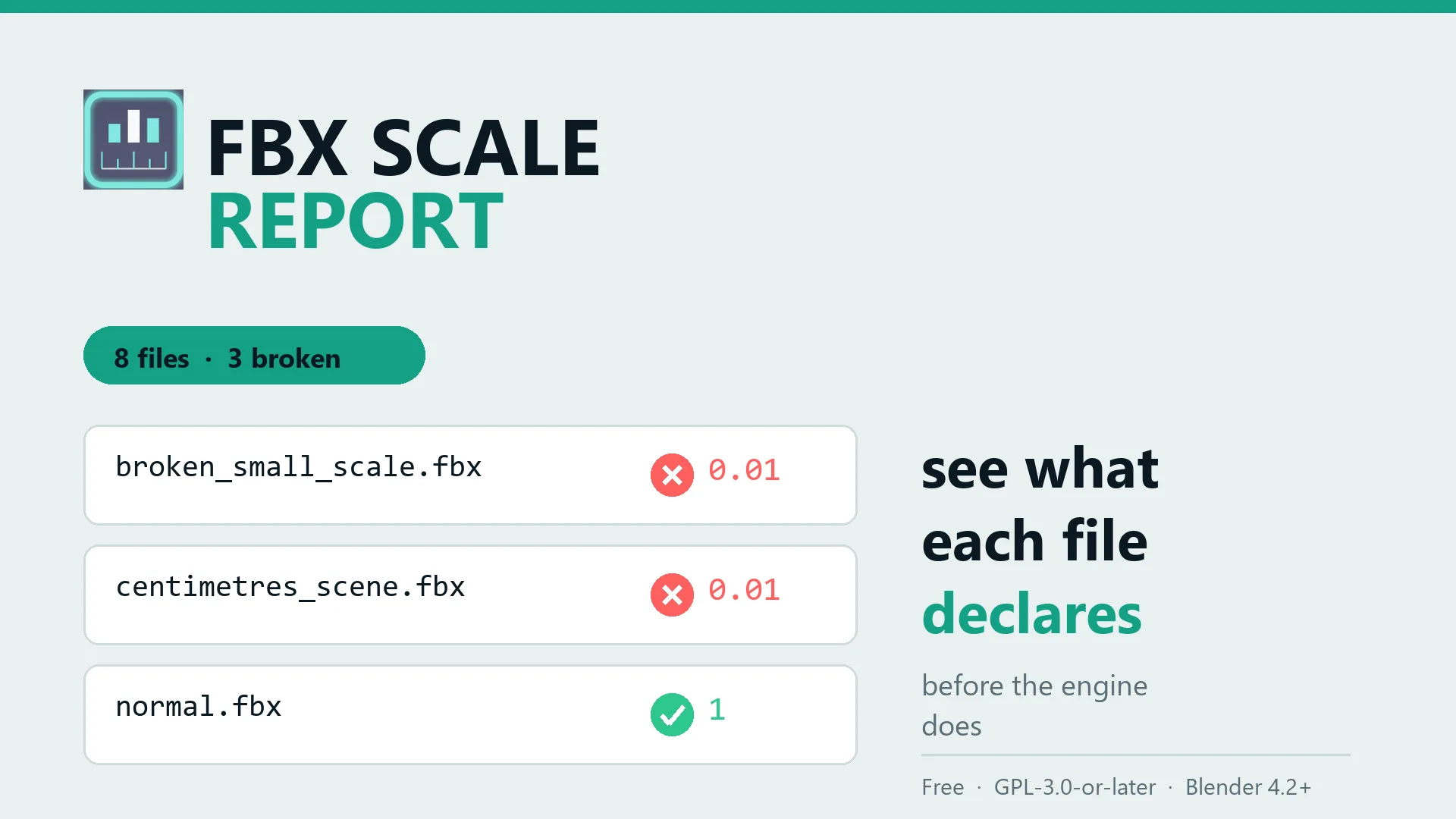
Check declared FBX unit scales before import with FBX Scale Report. Review folder scans in Blender or Python, then read results in CSV or offline HTML.
Manage Premiere Pro review notes with saved feedback, timeline markers and customizable versions in Feedback Pro. Check supported releases before installing.
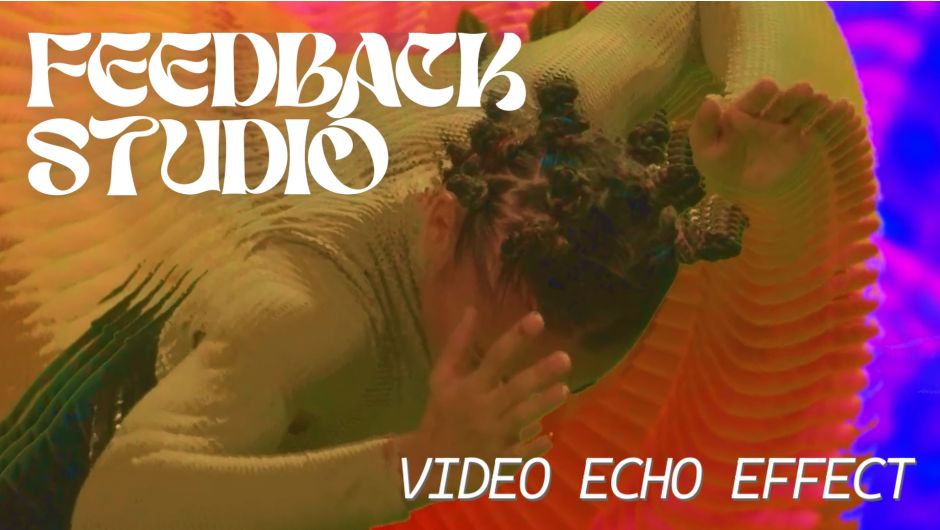
Make feedback trails, tunnels and fractals in After Effects with keyframeable transforms, mirror modes, color controls, and luma, chroma or alpha keying.
Fence It! - Metal is a parametric Blender add-on for modular metal fences in chain-link, ornamental, and wrought-iron styles. Check compatibility.
Create customizable wooden fences in Blender with Fence It! - Wood, a Geometry Nodes add-on for garden and architectural scenes. Review support and GPL details.
Learn what Ferramentas de Segurança de Cena do 3ds Max detects, how scene cleanup works, and why the utility does not replace antivirus.
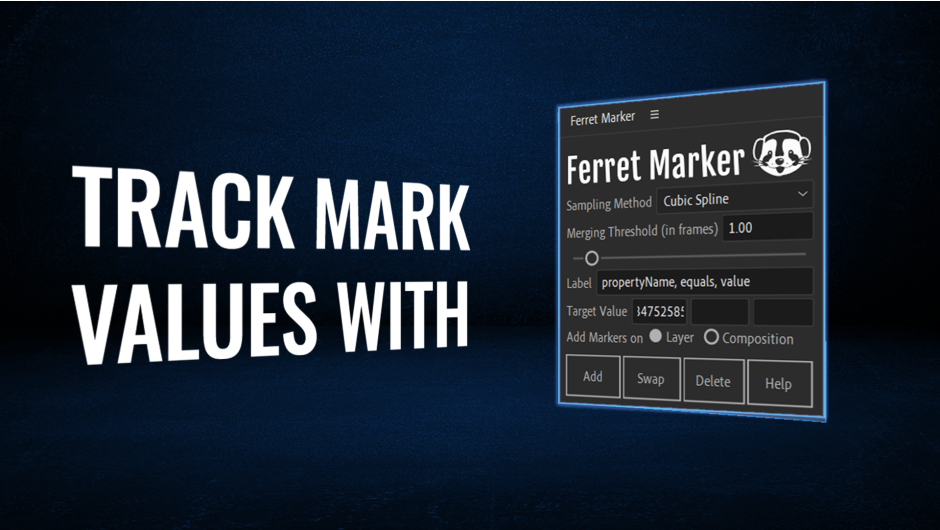
Search After Effects properties for a target value with Ferret Marker; add timeline markers with interpolation choices, a merging threshold and custom labels.
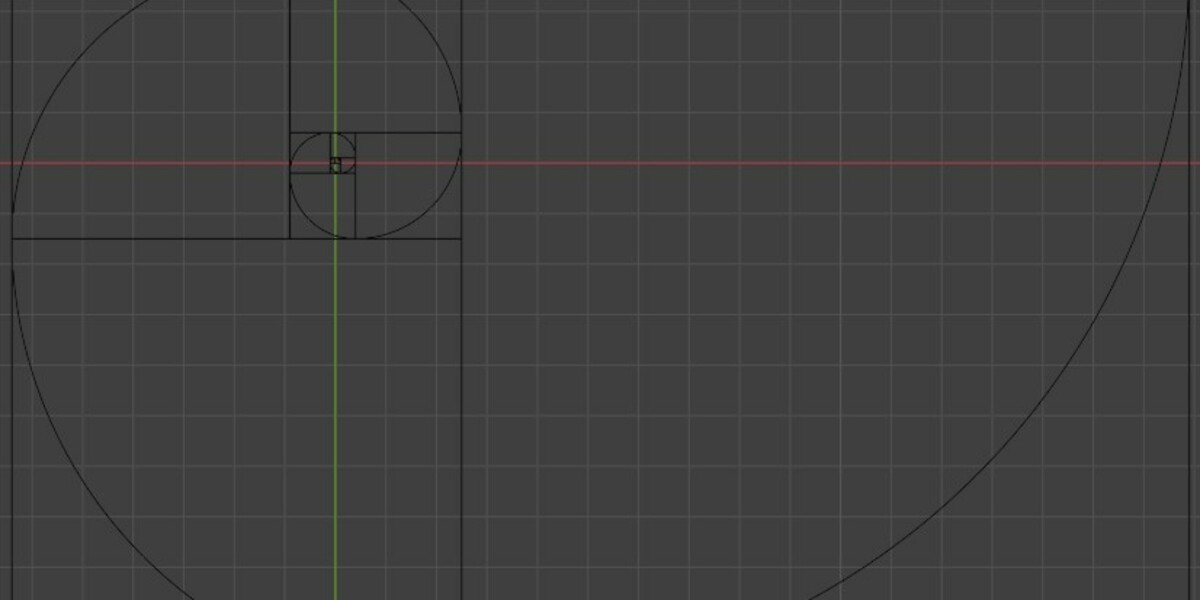
Fibonacci Spiral & Cube Generator is a Blender add-on for spirals, cubes, and arcs, with adjustable size, scale, and rotation for 3D scenes.
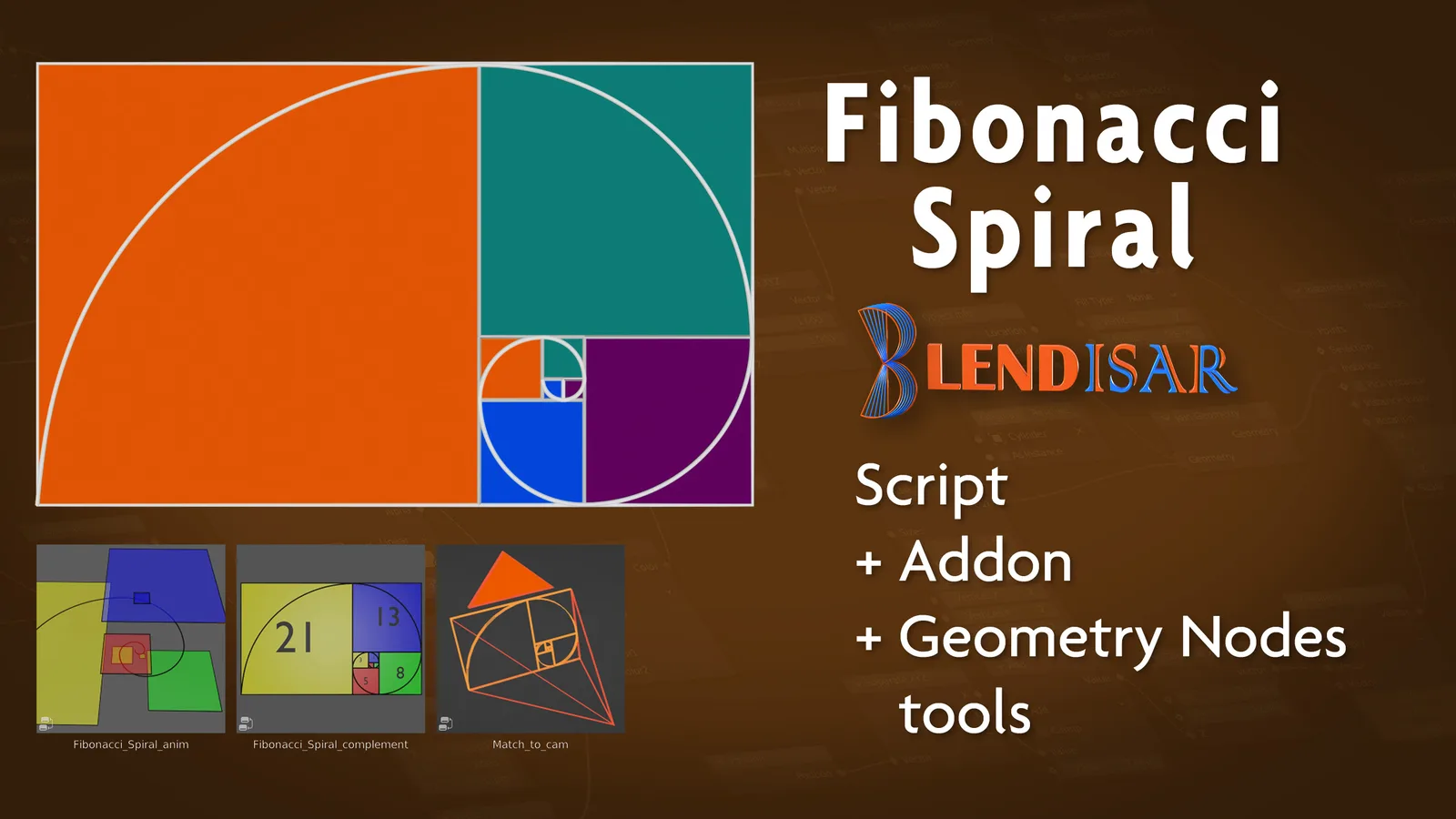
Explore Fibonacci Spiral Script+Addon+Gn Tools in Blender: three designs, scripts, Geometry Nodes tools and a .blend file, with version and setup details.
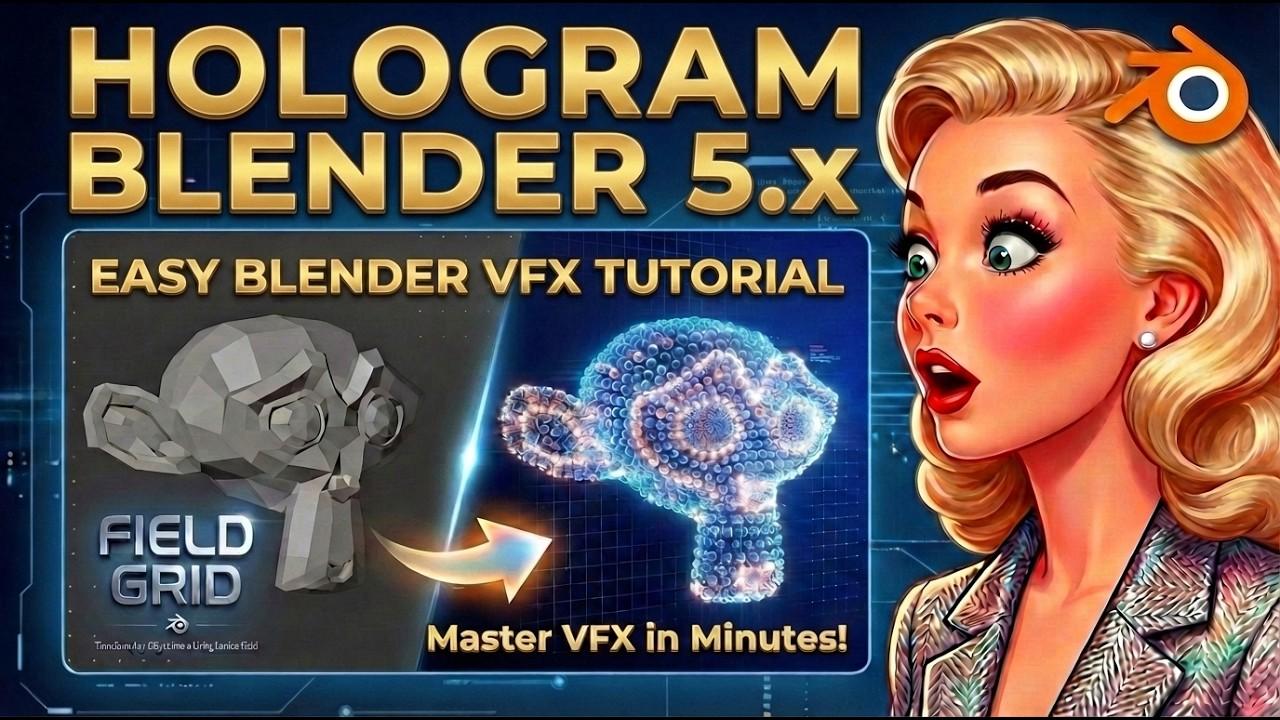
Field Grid turns Blender meshes into editable lattices. Set point density, element shapes, offsets, and inside or outside visibility with Geometry Nodes.