Keys
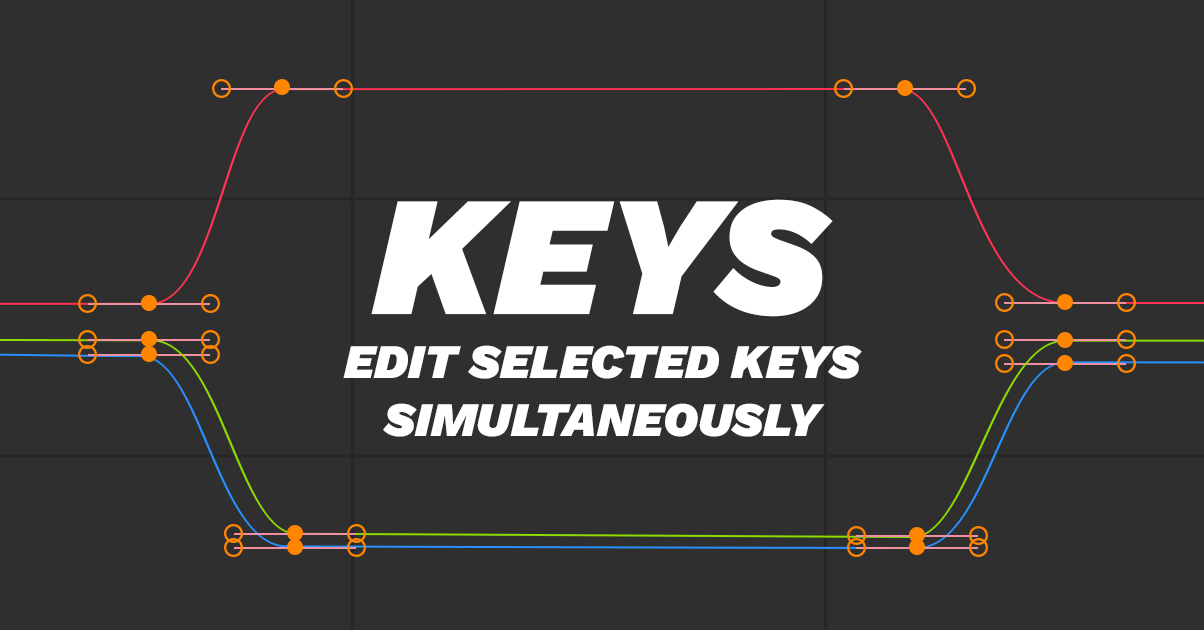
Keys adds a Blender Graph Editor panel for selected keyframes, interpolation, values and handle settings. Check the product listing for compatibility.
Browse published guides by application, developer or task. Check product details before downloading. Page 151 of 337.
Keys adds a Blender Graph Editor panel for selected keyframes, interpolation, values and handle settings. Check the product listing for compatibility.
KeyShifter offsets existing 3ds Max transform keys using per-object distance, color, or name values. See its hierarchy and position-controller support.
Search, filter, upload and update KeyShot DAM images and graphics inside Adobe apps, with metadata search, synced folders and high- or low-resolution options.
Connect Autodesk 3ds Max to KeyShot with the KeyShot Plugin for Autodesk® 3ds Max®. Live Linking preserves materials and animation during updates.
Keysmith edits After Effects keyframes and properties with axis control, unit-aware values, timing and interpolation tools. Review its compatibility listing.
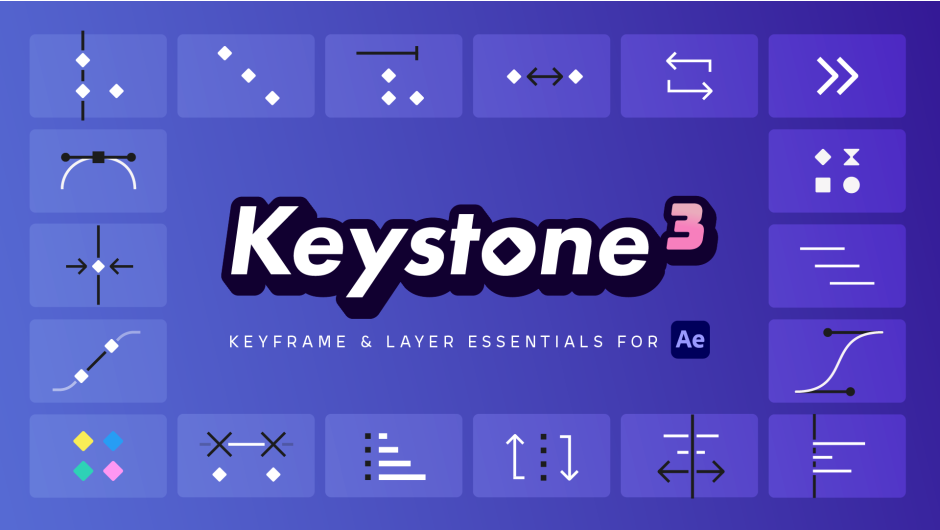
Keystone is an After Effects extension for keyframe values, easing-preserving moves, Bezier staggers, layer sorting, color labels and anchor-point tools.
Keystone 3 edits After Effects keyframe values, sorts layers, preserves easing and shapes staggered motion. See anchor tools, compatibility and license terms.
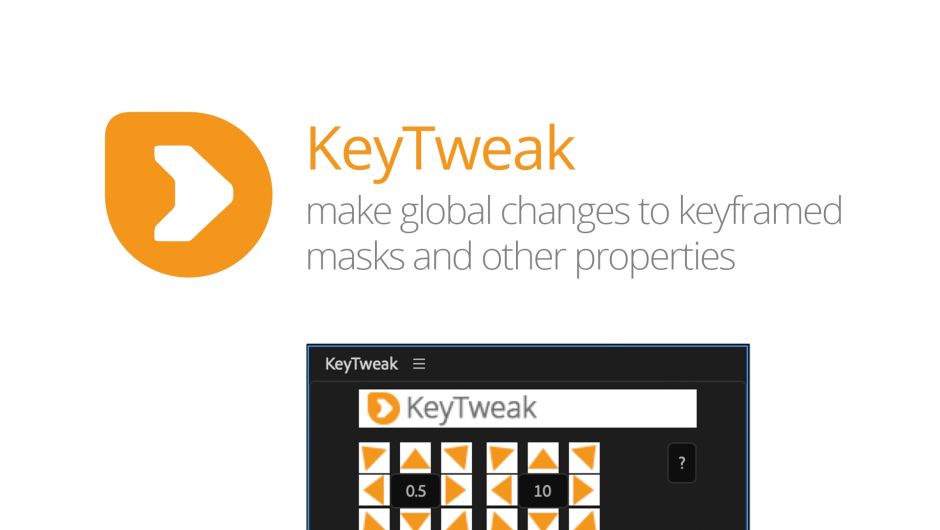
KeyTweak adjusts After Effects keyframes on masks and other properties, carrying edits through animation. Check compatibility, pricing and license terms.
Turn transcript searches into permanent Premiere Pro markers with Keyword Marker. Choose sequence or clip placement, preview matches, save terms for reuse.
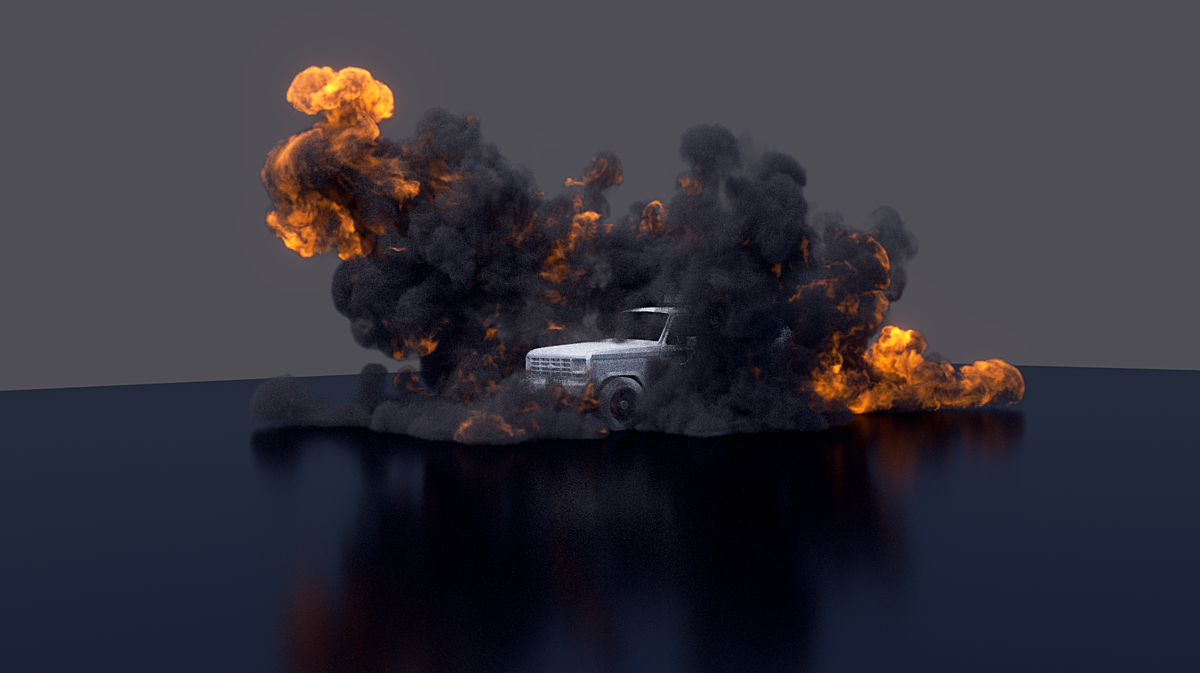
Khaos Fire Shader: Straightforward Fire Shading (Free 2024 Update!) is a Blender volumetric shader with two nodes for smoke and flame.
Khaos: Ultimate Explosion/Destruction Add-On is a Blender add-on with mesh and particle effects; version listings differ, so check support first.
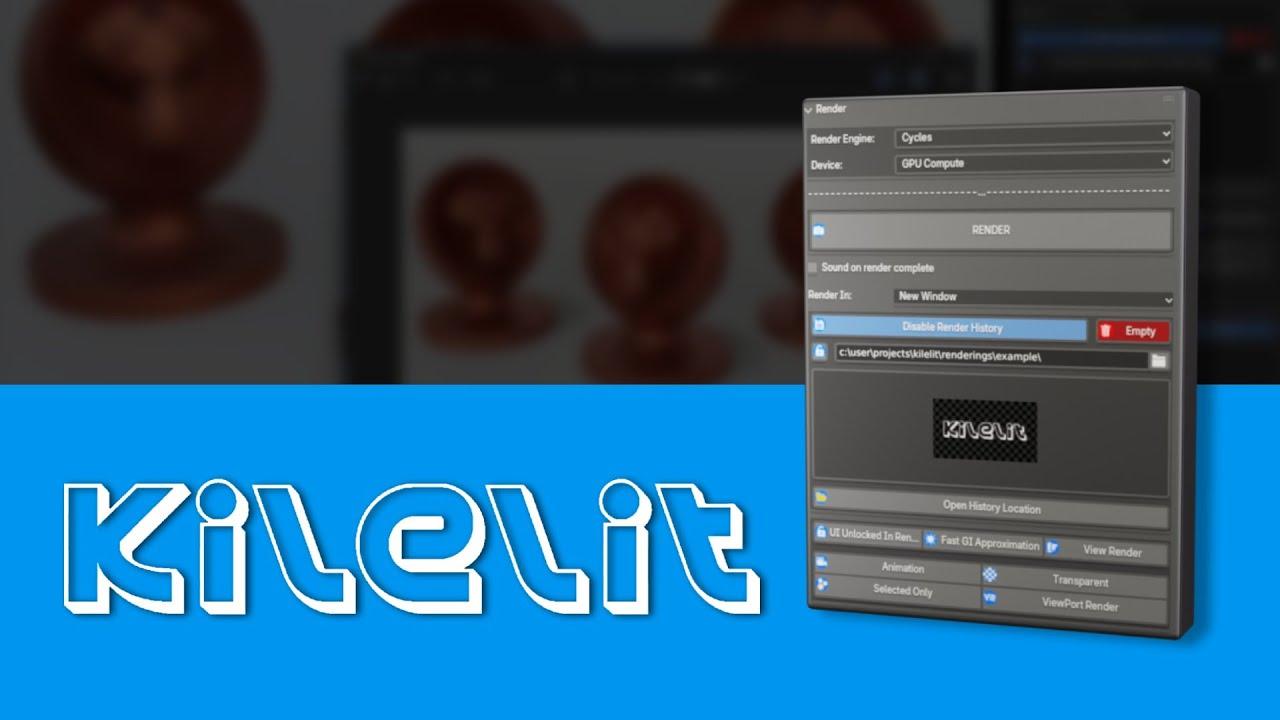
Kilelit adds render history, selected-only rendering, animation, and quick access to Cycles and Eevee settings in Blender. See how its modes work.
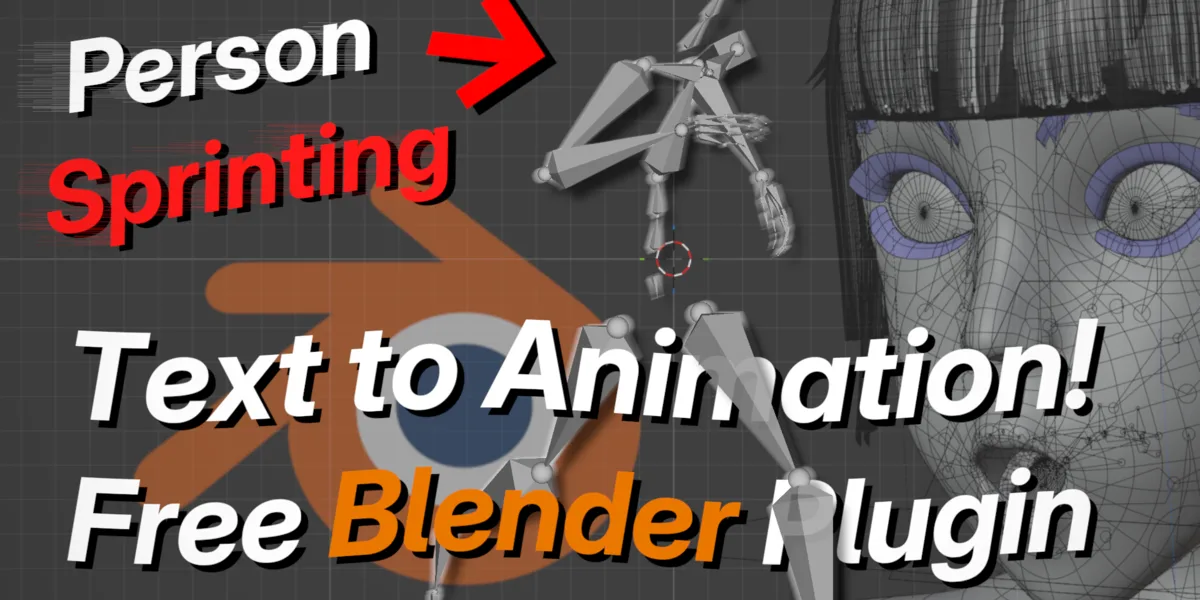
Generate motion with Kimodo Blender Bridge, chain clips and retarget rigs. After setup, its managed environment runs offline; an NVIDIA GPU is required.
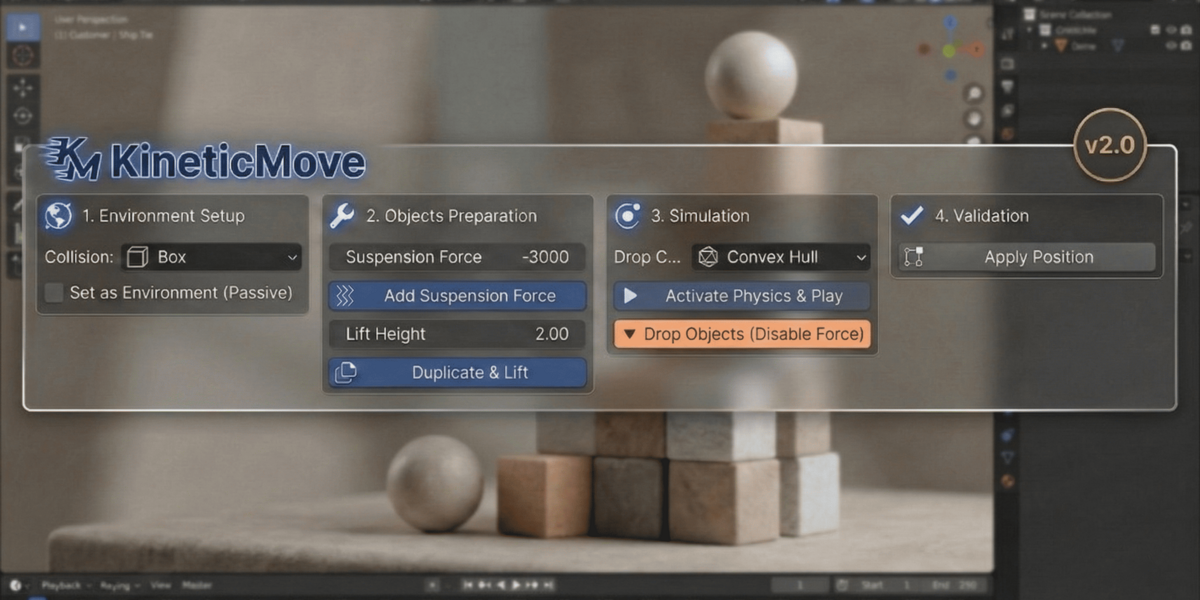
KineticMove adds collision shapes, object placement, and rigid body simulation controls in Blender’s 3D View sidebar. Check version details before installing.
Explore the 365 Blender gobos in King Of Light, including animated and procedural patterns, and learn how Asset Browser placement and light controls work.
Kingluma Fresh Face smooths skin while preserving detail, with face tracking and precise eye and mouth adjustments for close-up or medium shots.
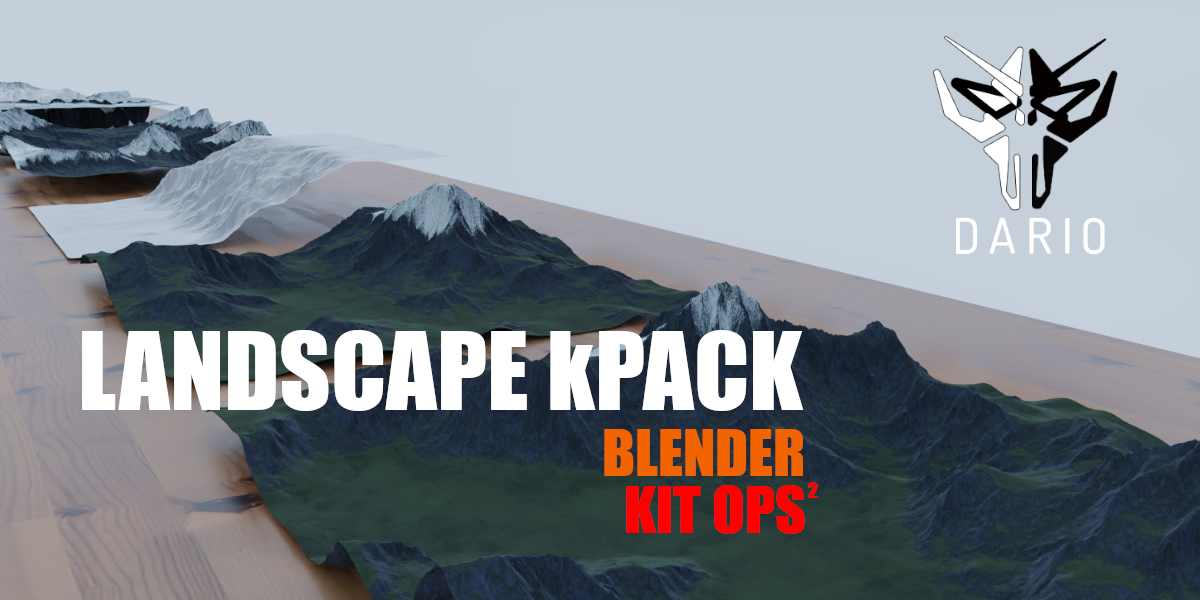
Kit Ops - Landscape Kpack is a Blender kPack with 50+ inserts, 4k maps, seamless tiles and fog. Add a Subdivision Surface modifier for finer terrain.
Kit Ops 2 Free Kitbashing Addon is a Blender kitbashing tool using INSERTS, KPACKS and Blender modifiers; support above Blender 3.5 is disputed.
Kit Ops 2 Pro: (Deprecated) is a Blender kitbashing add-on. Its 2.26.4 search includes unloaded KPACKs and INSERTS; it fails above Blender 3.5.
KIT OPS 3 Free is Chipp Walters’ Blender kitbashing add-on for INSERTS. Review its workflow and listed compatibility, then compare the Free and Pro editions.
KIT OPS 3 Pro adds editable INSERTs, material merging and five sci-fi KPACKs for Blender. Check version 3.1.5 compatibility before installing.
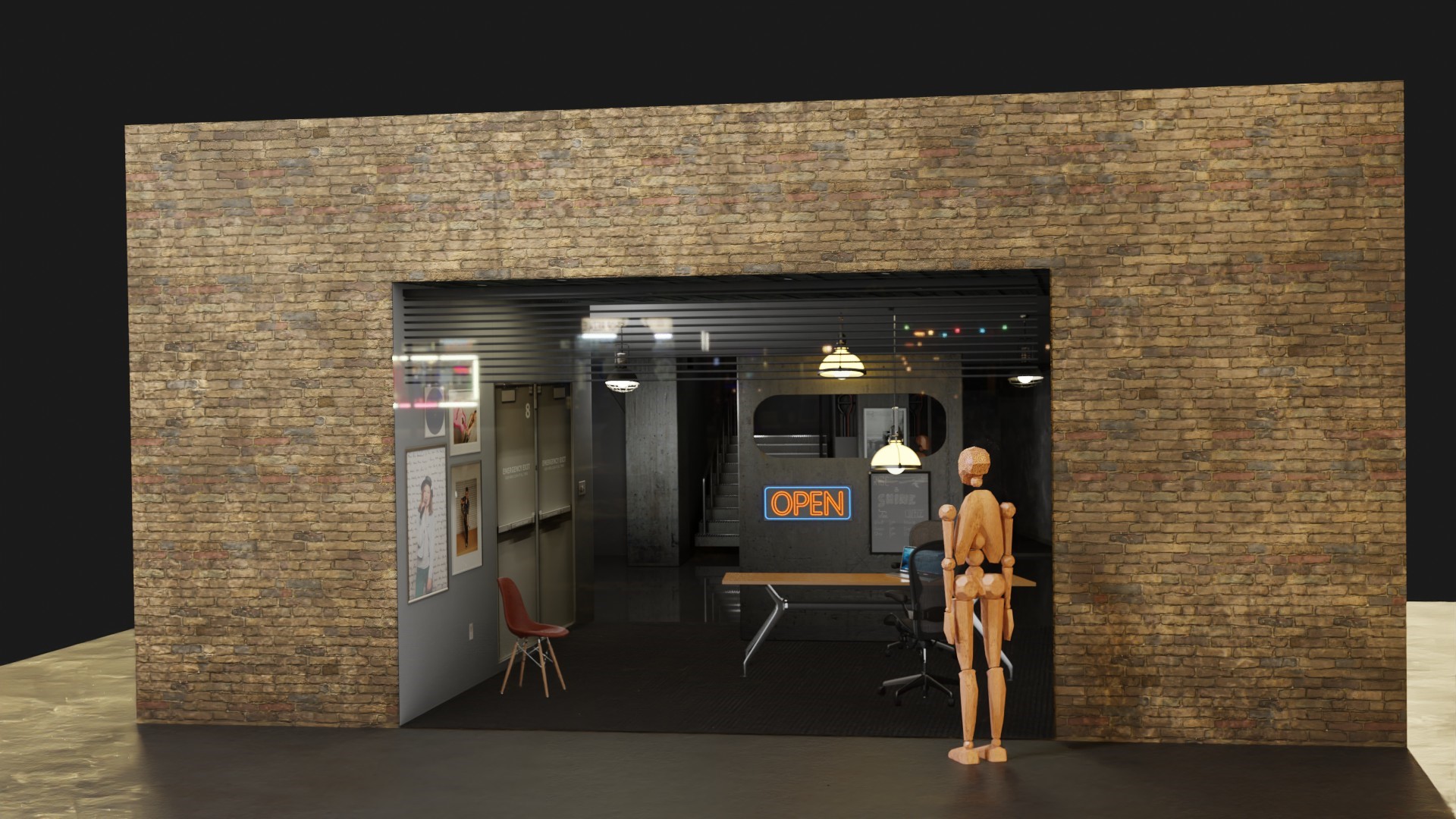
Build virtual rooms from one plane in Blender with KIT OPS PARALLAX and over 60 Loft assets. Check the documentation for version details before installing.