You're Auto Keying
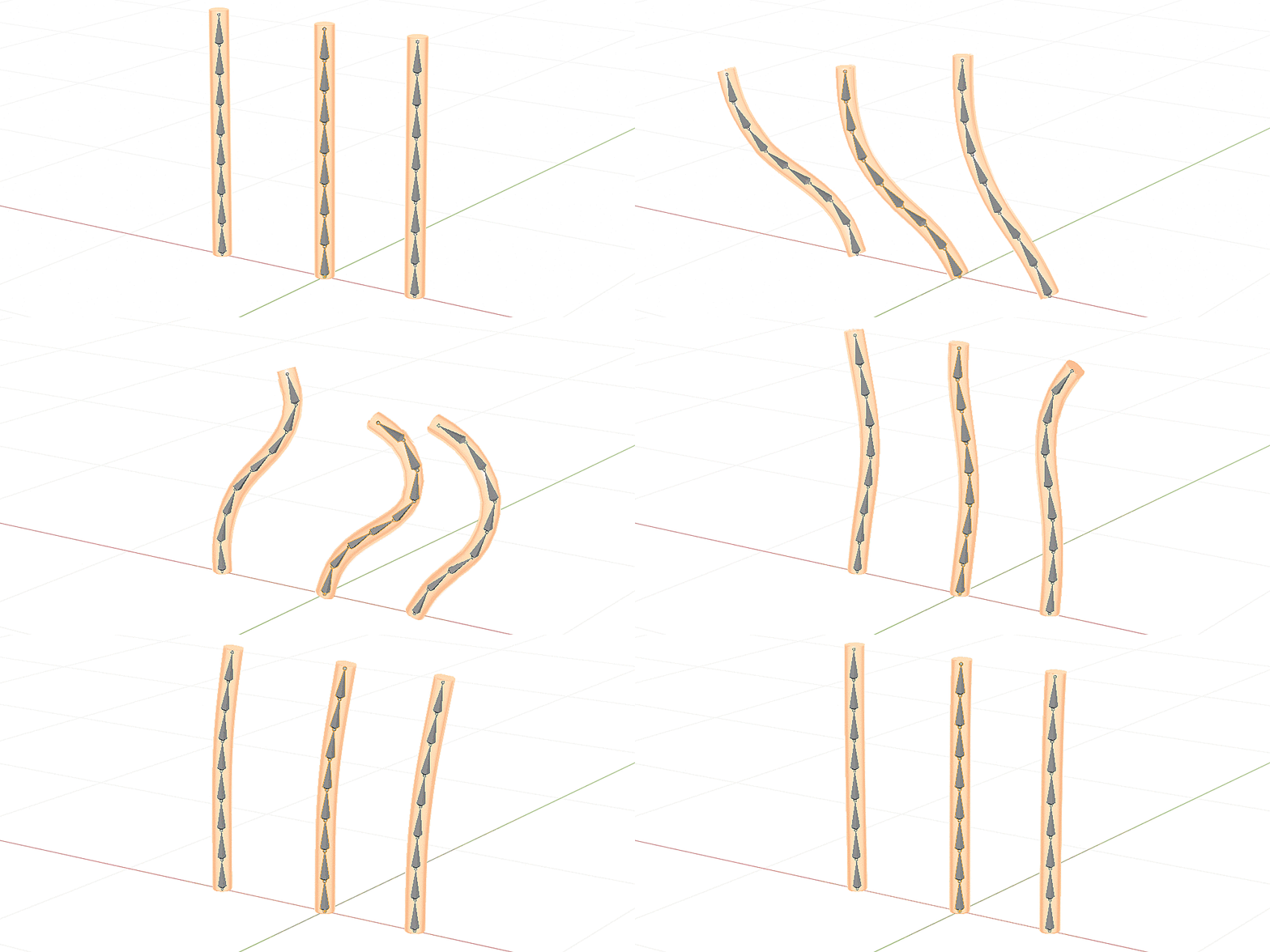
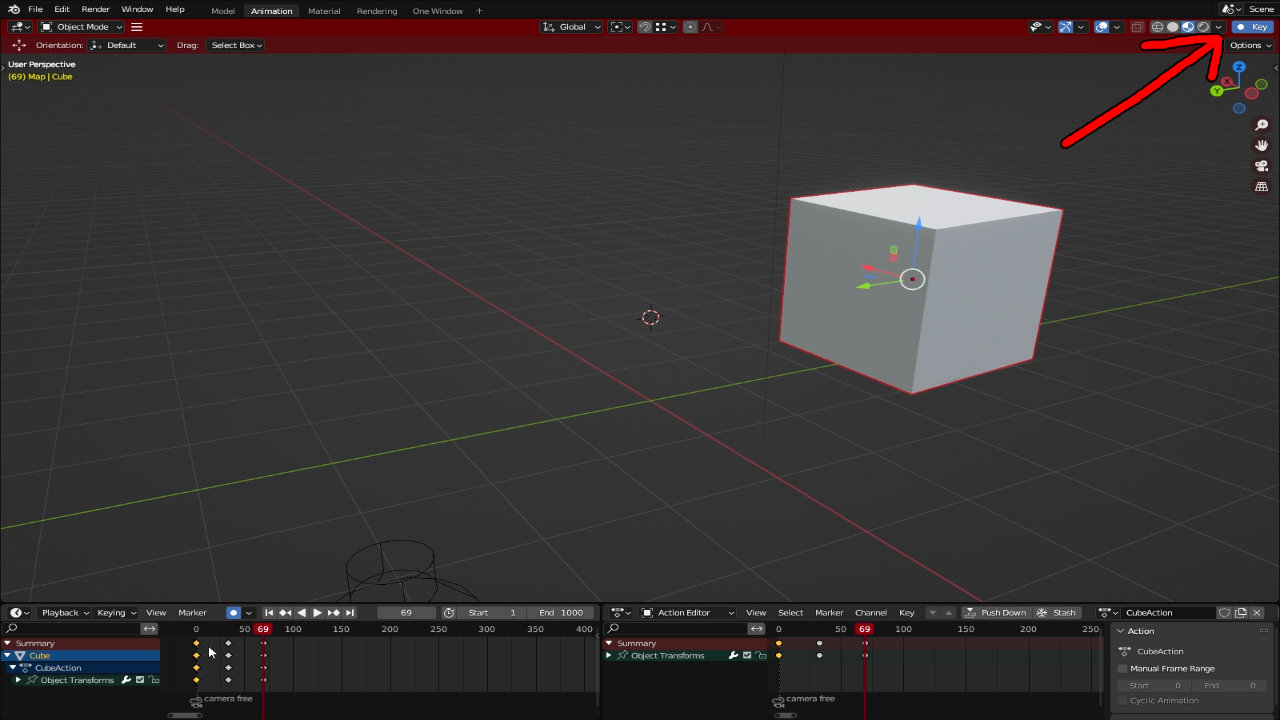
You're Auto Keying shows Blender's Auto Keying state in the outliner, playhead, viewport and Pose Mode, with adjustable colors and optional hotkey control.
Browse published guides by application, developer or task. Check product details before downloading. Page 334 of 337.
You're Auto Keying shows Blender's Auto Keying state in the outliner, playhead, viewport and Pose Mode, with adjustable colors and optional hotkey control.
Search YouTube in Adobe apps with YouTube Assistant and download video, audio or SRT captions for non-commercial or learning use. Check app support and price.
Turn Premiere Pro project markers into a formatted YouTube chapter list with YouTube Chapters by Film Tools. Check compatibility and current terms.
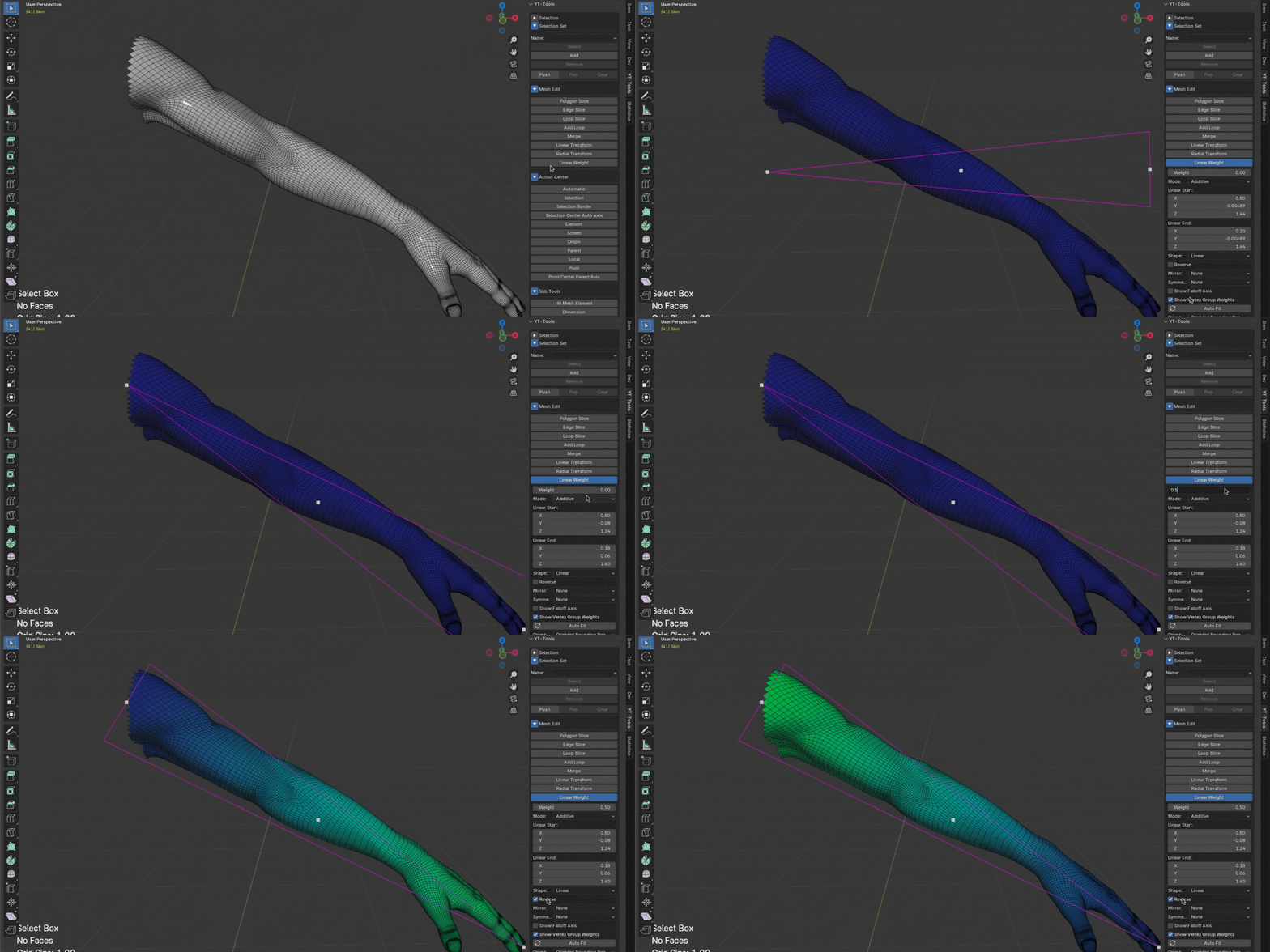
YT-Tools are a Blender modeling add-on with Modo-style selection, slicing, falloff transforms, and mesh clipboard tools. Check versions and setup.
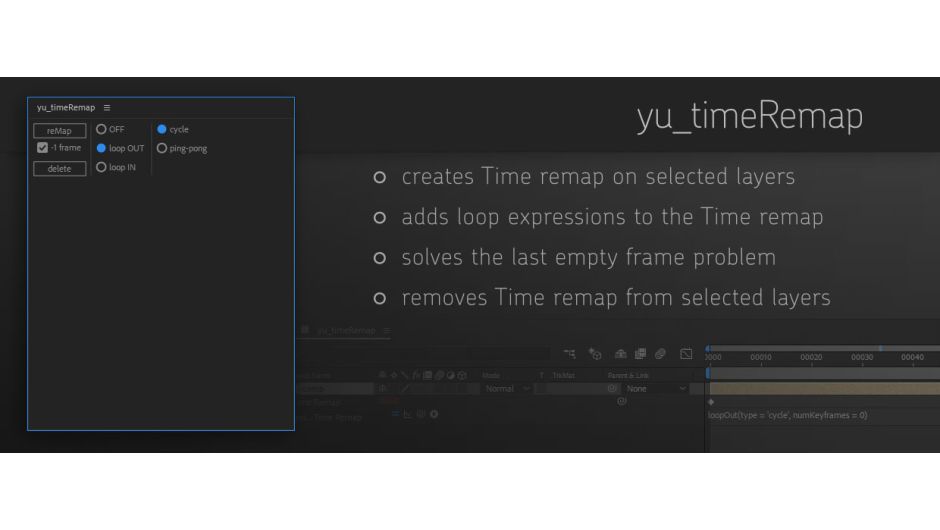
Yu_timeRemap is an After Effects script for creating or removing Time Remap on layers, with optional loop expressions and optional last-frame reduction.
Yure Driver [Setup Spring Driver] is a Blender add-on for delayed spring and wave motion, with adjustable values, location-based delay and animation baking.
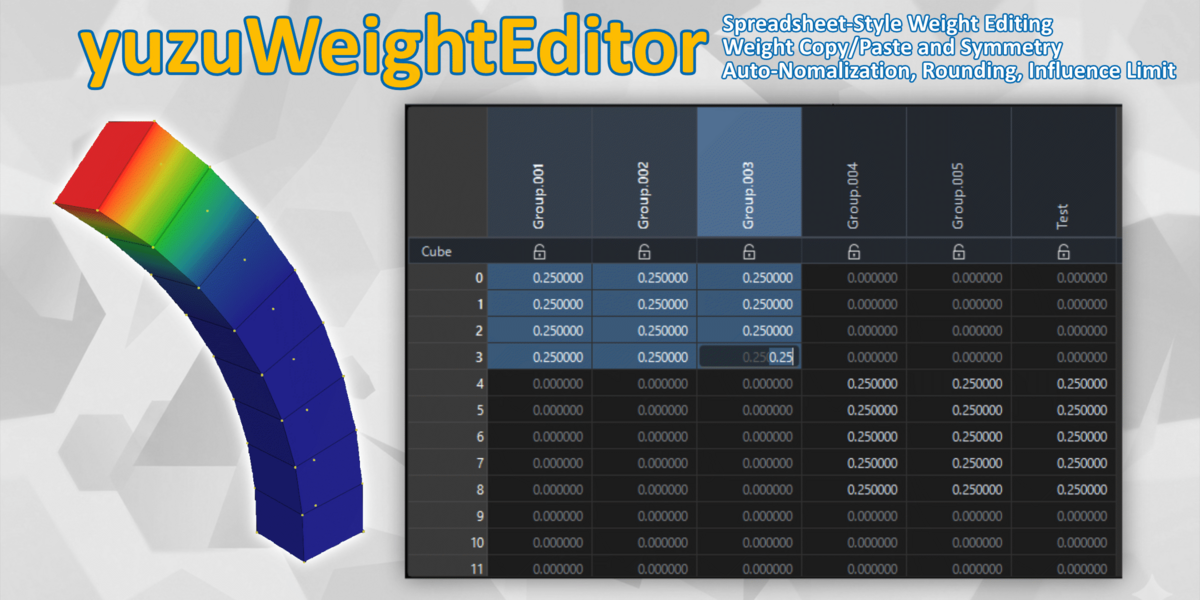
Yuzu Weight Editor puts Blender vertex-group weights in a spreadsheet for numeric edits, selection sync, validation, copying and symmetry workflows.
Explore YY_BitExtender's threshold, intensity, color, and tint controls for bright areas in 32 bpc After Effects work, and check version compatibility.
YY_HexTex creates tiled hexagon textures in After Effects. Adjust grid offset and size, then animate controls in the comp without nested precomps.
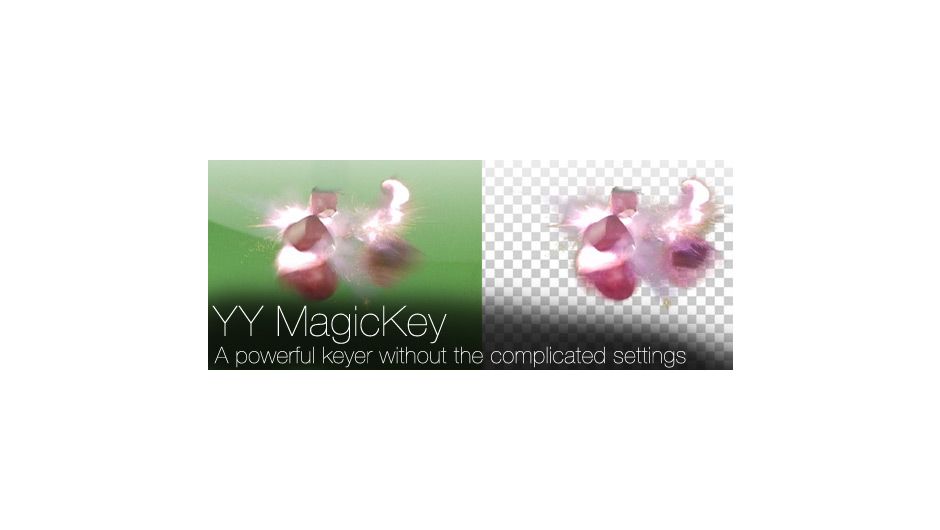
See how YY_MagicKey keys premultiplied stock elements in After Effects, with controls for transparency, opacity and despill, plus four output views.
YY_Ramp+ adds opacity, 20 additional blend modes, three ramp shapes and midpoint controls to After Effects. Review the compatibility list and release details.
Explore YY_ShockRing for After Effects, with controls for ring size, thickness, edge softness, color, noise and compositing. Check compatibility and licensing.
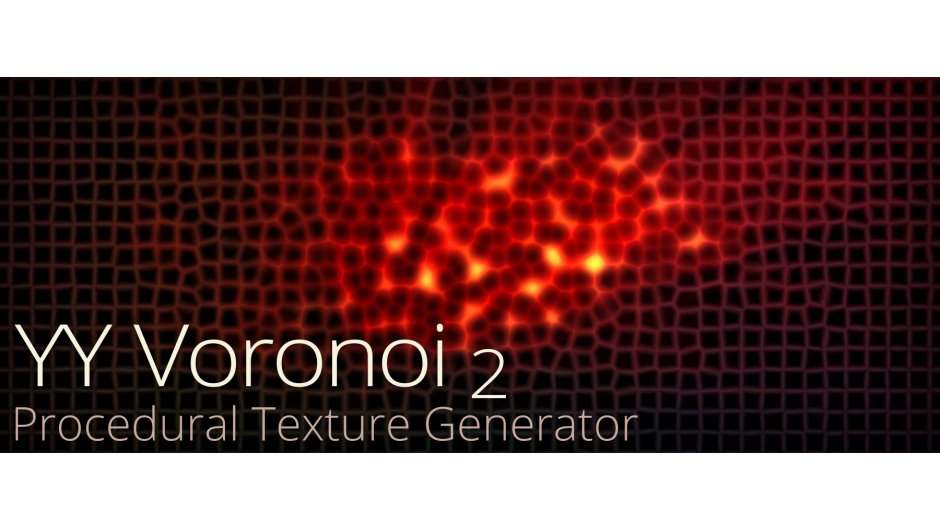
Generate Voronoi textures with YY_Voronoi in After Effects. Adjust color modes, distance, dispersion, tiling and animation, then check compatibility.
Generate Voronoi textures in After Effects with controls for cell shape, dispersion, animation and tiling. Make terrain maps, caustics or abstract patterns.
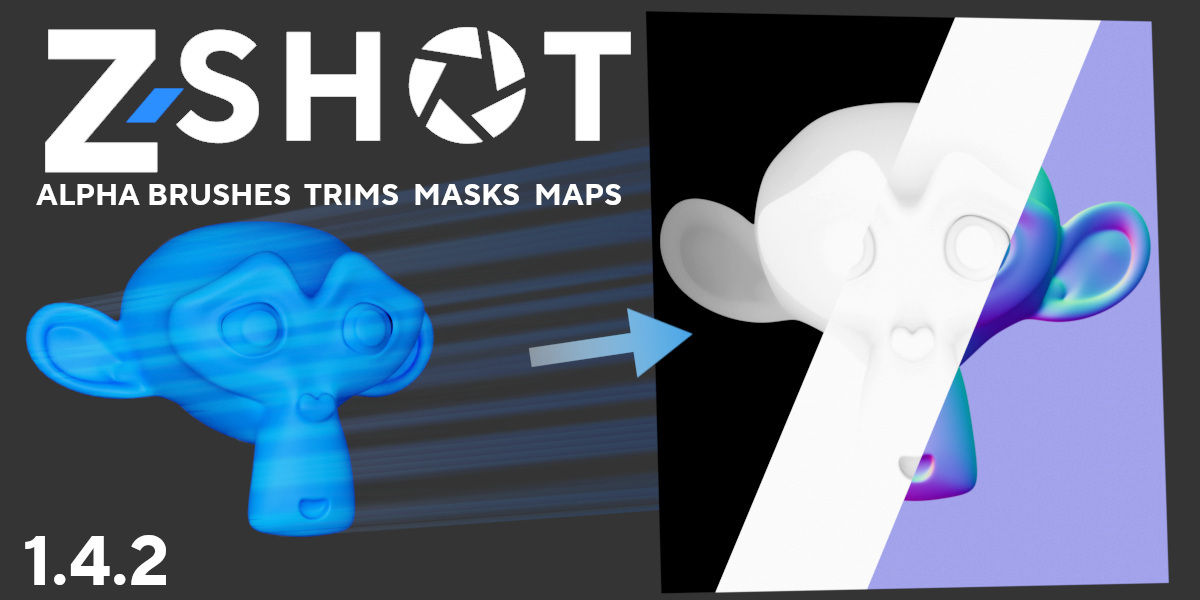
Turn Blender objects into alpha brushes, trims, masks, decals and maps with Z-Shot. Pack channels or render batches in EXR, TIFF or PNG.
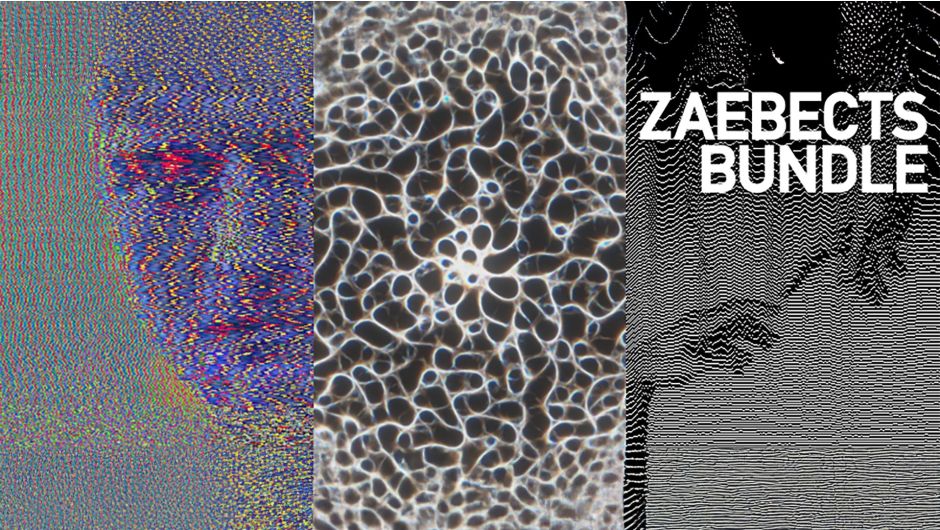
Zaebects Bundle is an After Effects trio: Signal emulates analog glitches, Physarum simulates organic growth, and Modulation 2 adds video modulation.
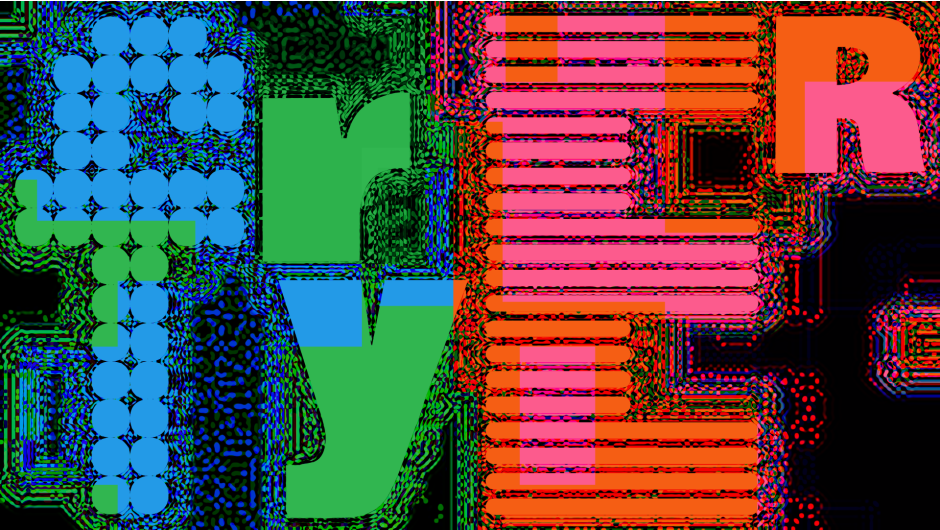
Zaebects Fryer repeatedly processes images in After Effects to build glitch, color shifts and digital damage. Review its controls, compatibility and trial.
See how Zaebects Oscilloscope turns images, audio, paths, or test signals into CRT-style traces in After Effects; check compatibility before downloading.
Compare ZBrush for iPad’s free and subscription tools, touch and Apple Pencil controls, project transfer to desktop, and iPad-specific limits.
See what the Blender bundle includes: zCloth cloth setups and surfacing, plus zSmoke's volume-free smoke controls, compatibility, and installation steps.