ProtoTech's PARASOLID Importer for 3ds Max®-Trial
ProtoTech Solutions and Services Pvt. Ltd
Import Parasolid models with ProtoTech's PARASOLID Importer for 3ds Max®-Trial. Check Windows 10/11, 3ds Max 2024-2027, trial limits and licenses.
Tools for organizing files and automating repeated tasks in creative applications. Browse by application or search for a task. Page 109 of 163.
ProtoTech Solutions and Services Pvt. Ltd
Import Parasolid models with ProtoTech's PARASOLID Importer for 3ds Max®-Trial. Check Windows 10/11, 3ds Max 2024-2027, trial limits and licenses.
ProtoTech Solutions and Services Pvt. Ltd
Import Solid Edge models into 3ds Max with colors retained. Check 3ds Max 2021 to 2026 support, Windows, trial limits and license options.
ProtoTech Solutions and Services Pvt. Ltd
ProtoTech's Solid Edge Importer for 3ds Max®-Trial is a 3ds Max importer that keeps model colors. See versions, Windows 10/11, trial and license terms.
ProtoTech Solutions and Services Pvt. Ltd
ProtoTech's USD Exporter for Fusion 360™ - Trial is a USDz export plugin for Windows 10/11 only, with material preservation. Check trial terms.
ProtoTech Solutions and Services Pvt. Ltd
Export 3ds Max solid bodies as interactive HTML models with ProtoTech's WebGL Exporter For 3ds Max®; adjust materials, precision, and tessellation.
ProtoTech Solutions and Services Pvt. Ltd
Export 3ds Max solid bodies as interactive HTML with ProtoTech's WebGL Exporter; see its material, tessellation, Windows, and trial details.
ProtoTech Solutions and Services Pvt. Ltd
ProtoTech's WebGL Exporter for Inventor® is a plugin for interactive HTML models with adjustable precision and tessellation. See trial and license terms.
ProtoTech Solutions and Services Pvt. Ltd
ProtoTech's WebGL Exporter for Inventor® - Trial is an add-in that exports models as interactive HTML for browser viewing, sharing or embedding.
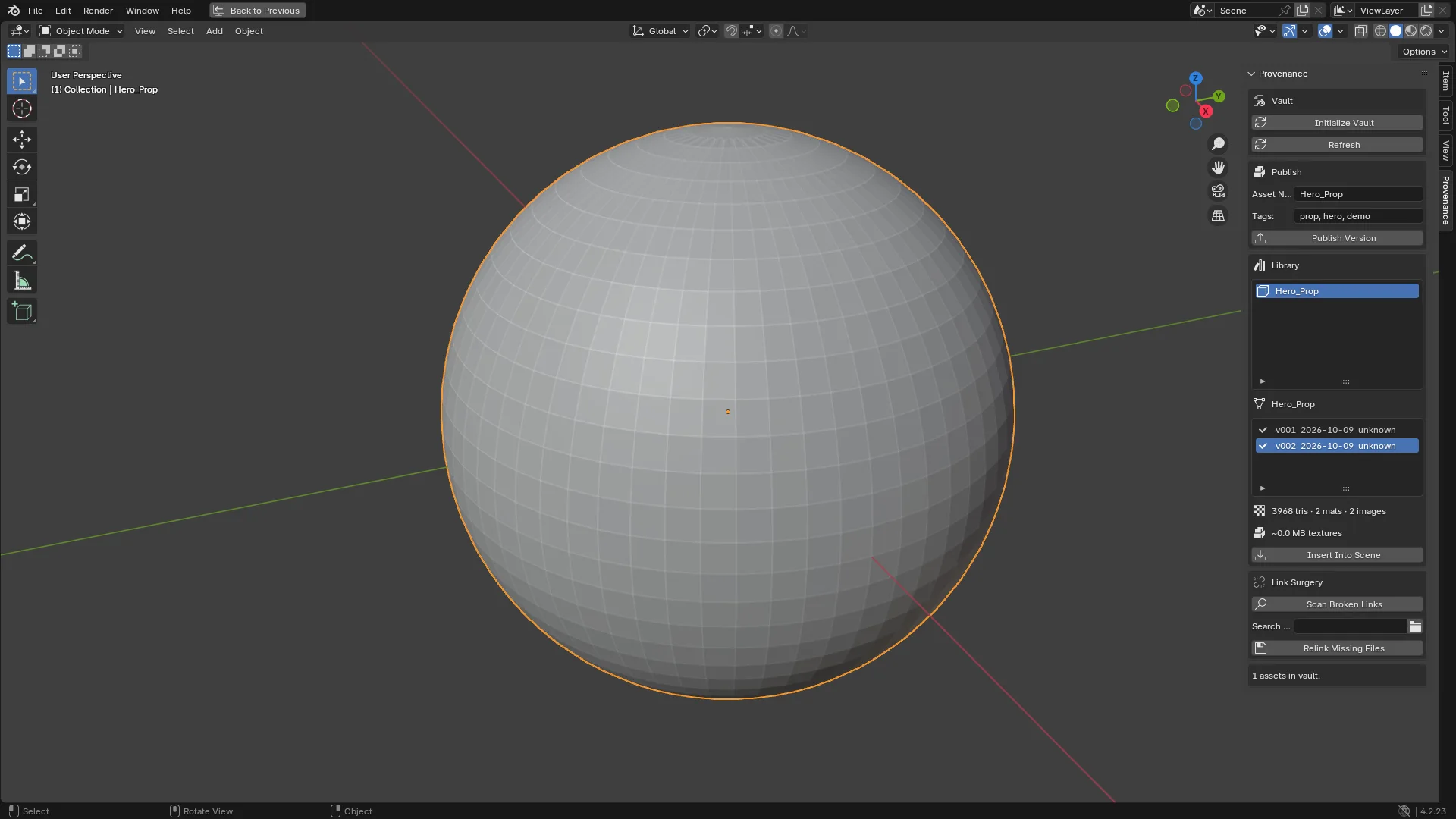
Provenance stores numbered Blender asset snapshots locally, with dependency reports, texture packing and broken-link repair for a file-based workflow.
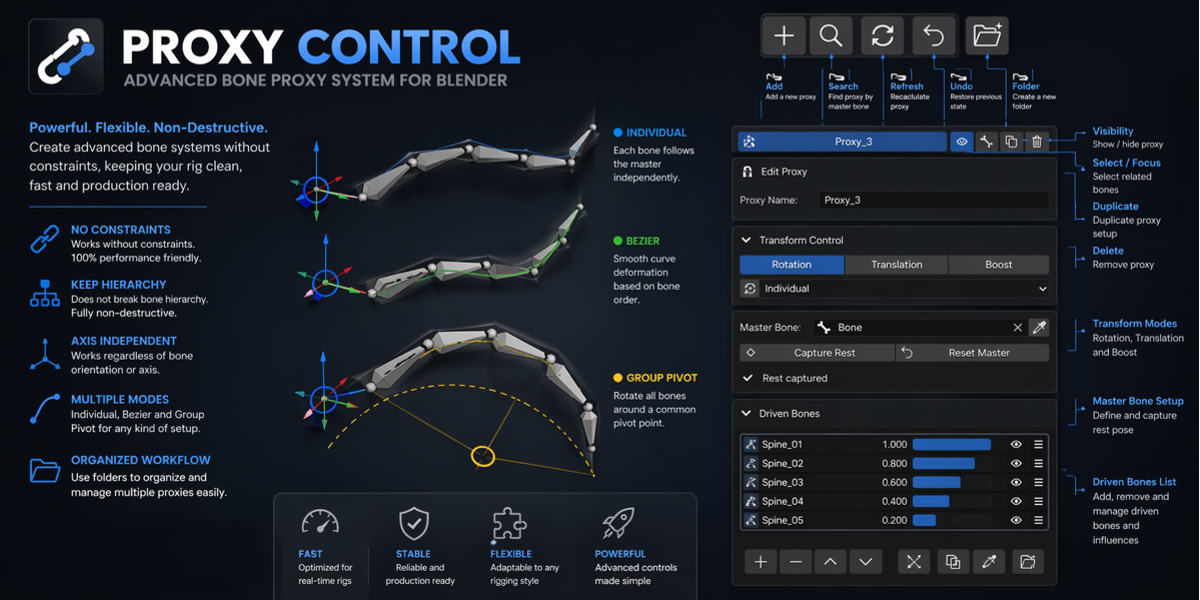
Proxy Control is a Blender rigging add-on to control bones from one Master Bone and export proxy configurations as a script. Check Blender compatibility.
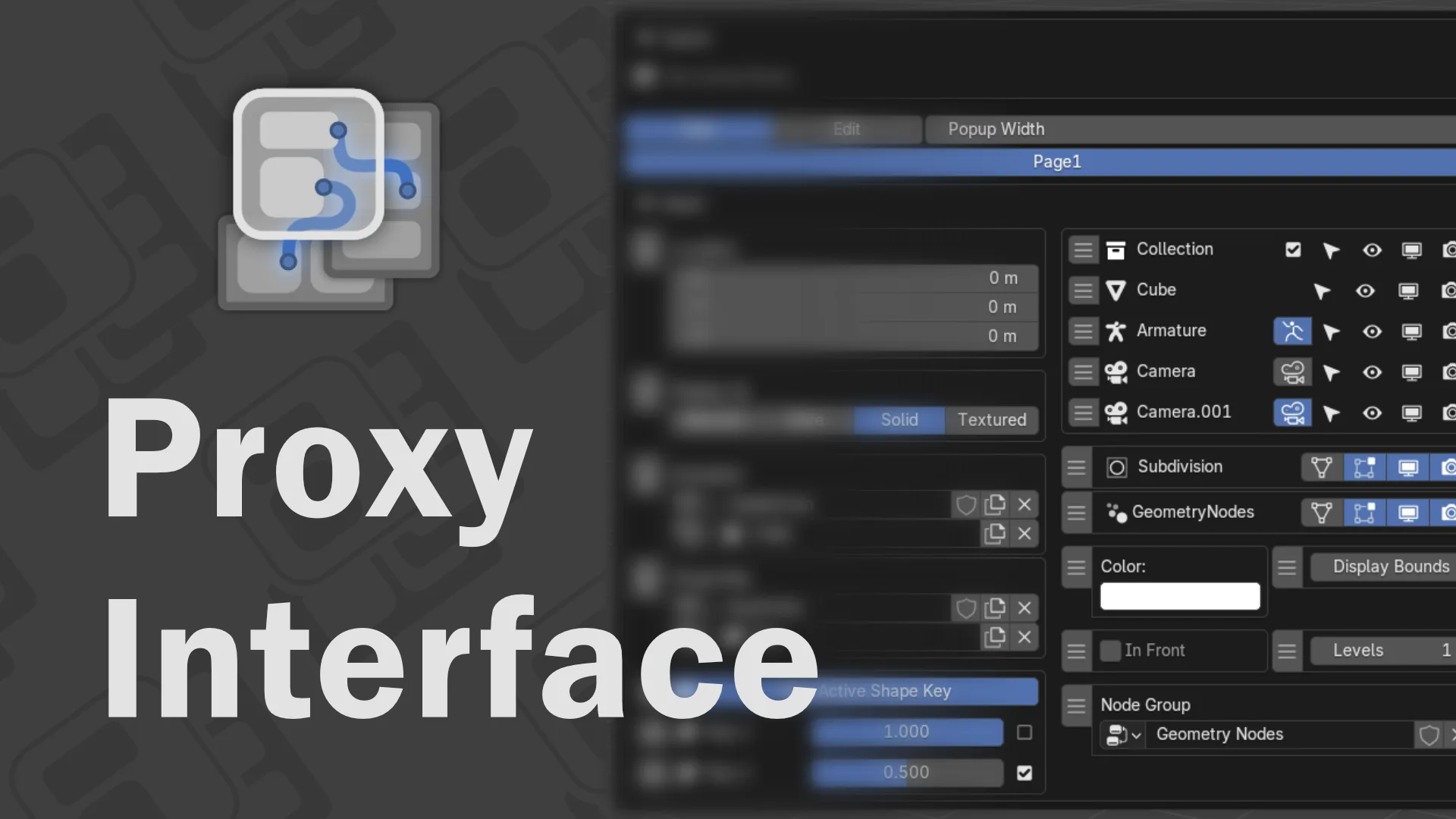
Proxy Interface is a Blender add-on for reusable task layouts. Complete layout data is saved with the scene and can be imported or exported as JSON.
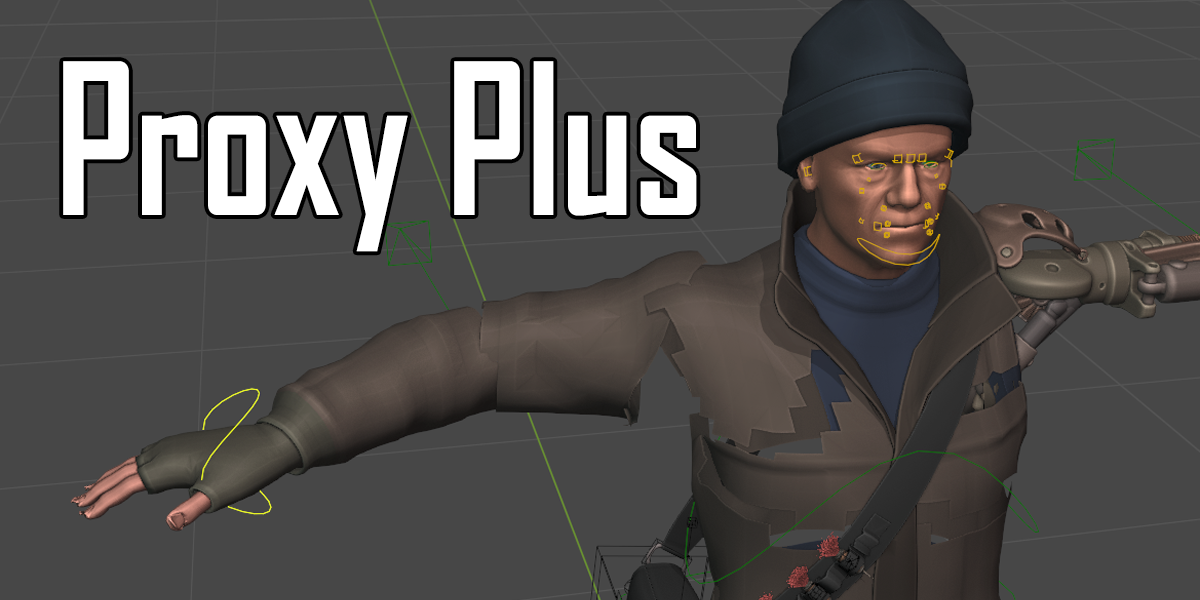
Proxy Plus automates rig and decimated proxies, switches between proxy and full-fidelity meshes, and keeps renders intact while lowering viewport detail.
ProxyWrangler lays out dense Blender scenes with silhouette proxies, then renders production geometry at their placements. Review its controls and preflight.
Browse Printables in Fusion, then use Prusa EasyPrint & Printables for Fusion® to create an Original Prusa setup and send it to EasyPrint for slicing.
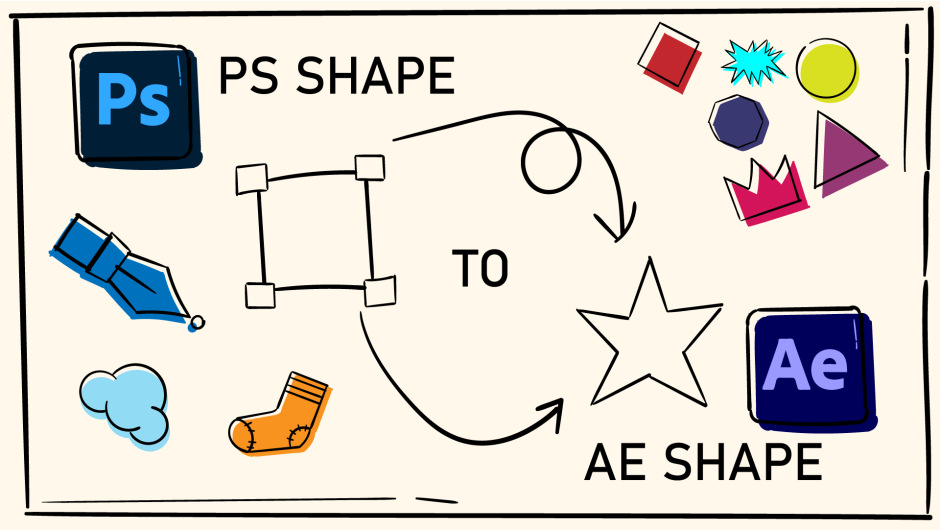
Use PS Shape to AE Shape to convert Photoshop Shape Layers into After Effects vector shapes and Photoshop masks into AE shape layers; hide or delete the original layer.
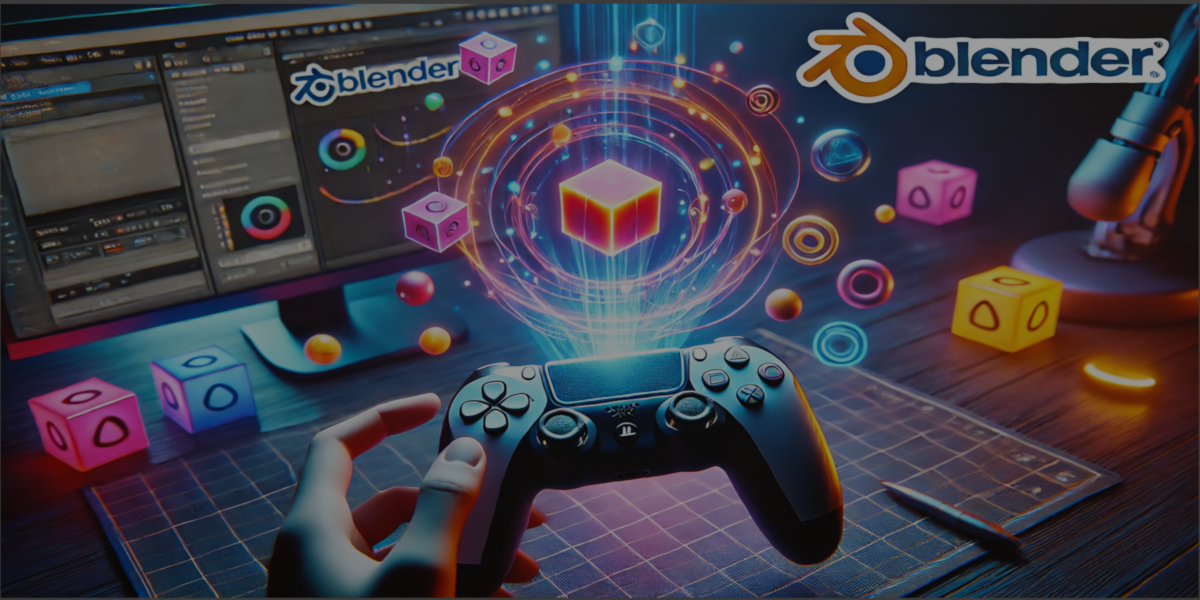
Use a PS5 gamepad to move objects and control the view in Blender on Windows. Review its button mappings, setup steps and listed version support.
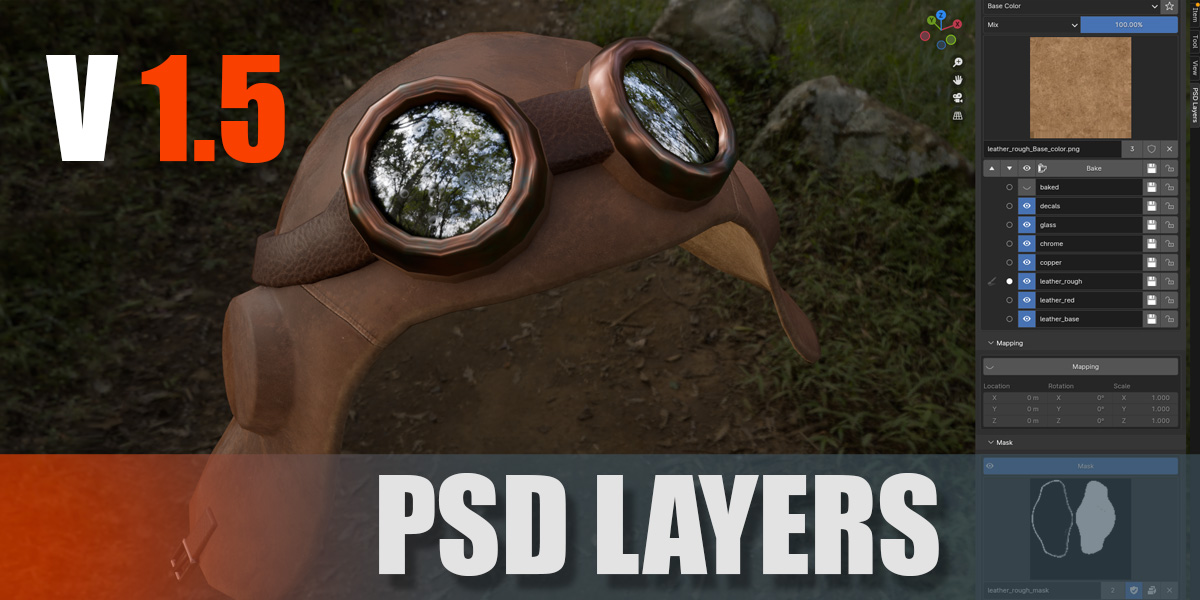
Paint Blender textures in layers with blending, opacity, masking, PBR channel baking, and image tools. See how Psd-Layers handles nodes and saving.
See how PSelect for Blender manages object and bone sets, saves presets, groups selections, and controls viewport visibility in Object and Pose modes.
Pseudo Effect Maker is for grouping expression controls in After Effects. Replacing a control can preserve expressions and keyframes.
Create grouped custom effect controls in After Effects with Pseudo Effect Maker 3. Update controls while preserving expressions and keyframes.
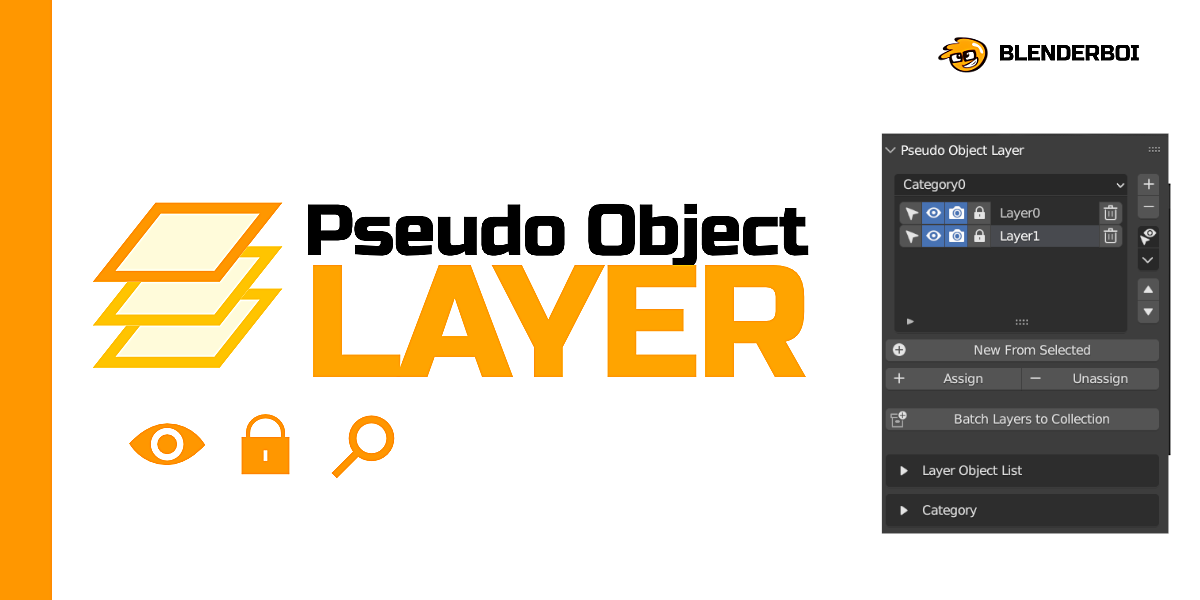
Group Blender objects temporarily with Pseudo Object Layer. Control visibility, selection, modifiers and render state, then export a layer to FBX. See the docs.
pt_CropPrecomps crops nested After Effects compositions to their image content. See the Photoshop workflow, layer limits and current licensing terms.
Pt_EffectSearch 3 is an After Effects script for finding missing or third-party effects in projects and toggling, deleting, or linking selected results.
Search, edit and test After Effects expressions across a project, add them to selected properties, and save presets with pt_ExpressEdit 2.