Smart Transform
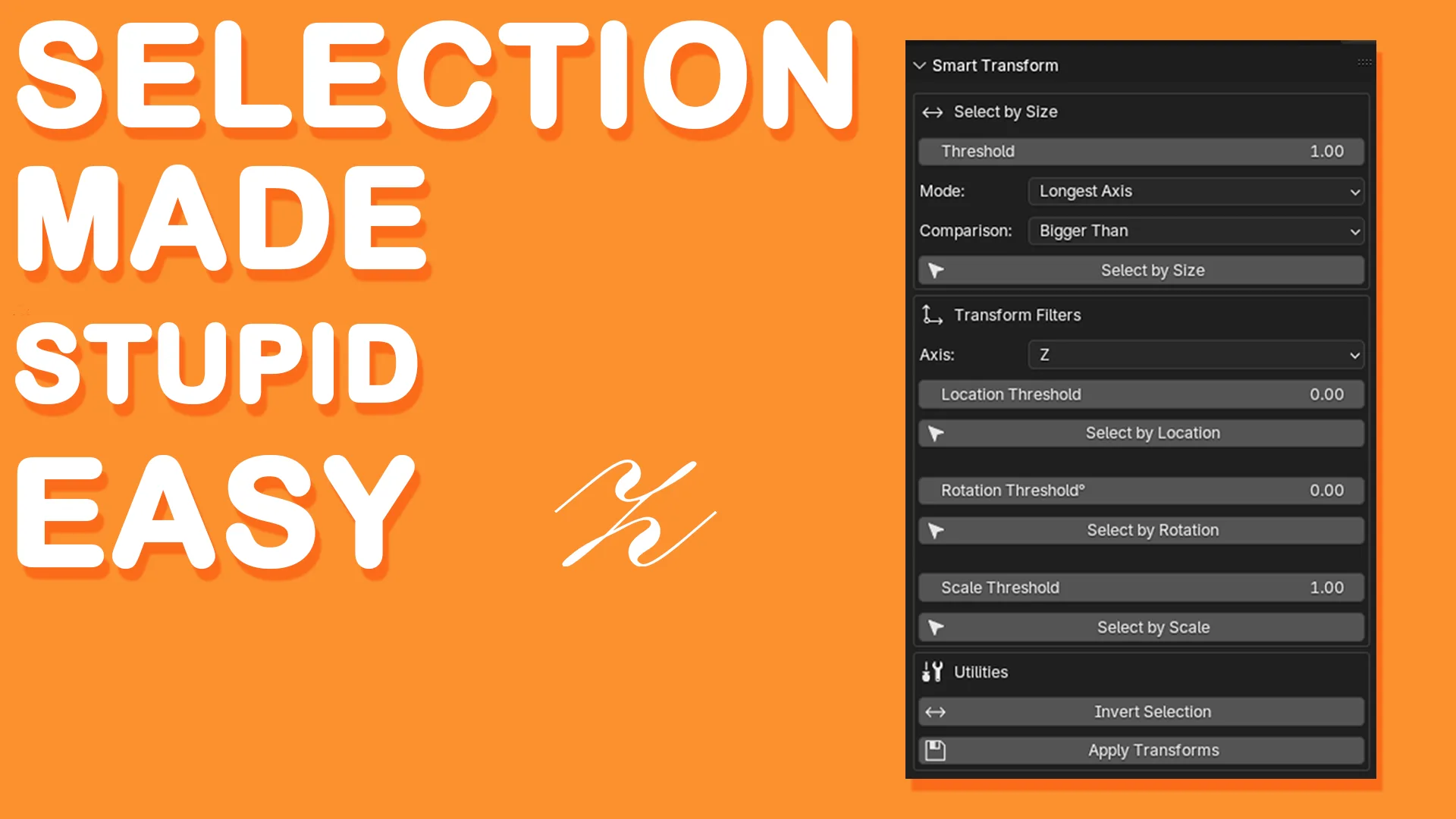
Filter objects by size or position in Blender with Smart Transform, then invert selection or apply transforms with one click. Check version 1.0.2.
Tools for organizing files and automating repeated tasks in creative applications. Browse by application or search for a task. Page 134 of 163.
Filter objects by size or position in Blender with Smart Transform, then invert selection or apply transforms with one click. Check version 1.0.2.
Smart3DView – Fast 3D Section Box Viewer is a Revit add-in with a GPU-accelerated 3D window for model areas. Review features, requirements and licensing.
Record and replay Blender operations, edit macro presets, bundle .blend assets, and choose stored property values on recall. Read the Smartist Macros docs.
Review SmartRename's Inventor rename and copy tools, naming rules, path previews, and drawing limits. See whether it fits your workflow.
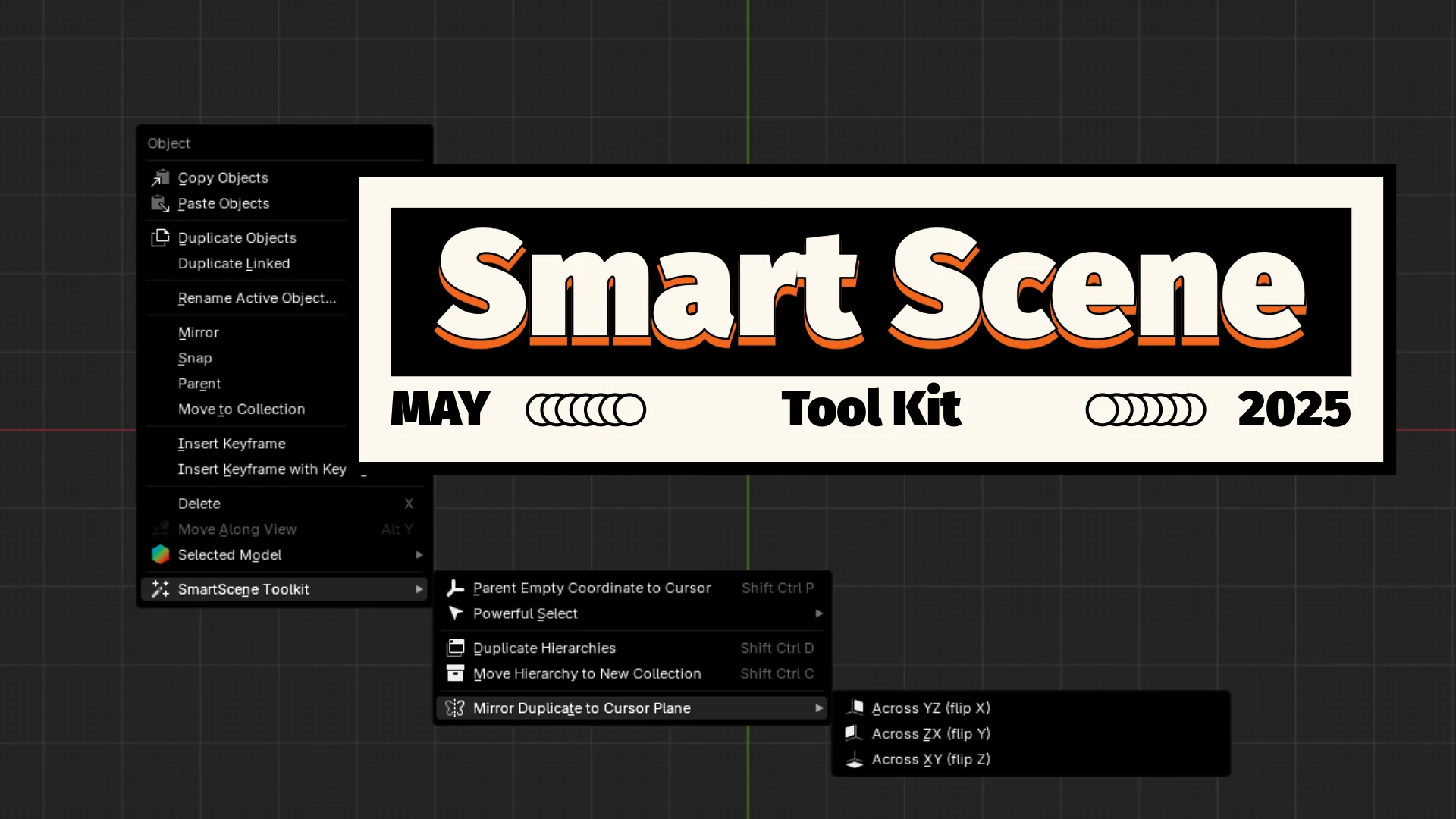
Explore SmartScene Toolkit for Blender scene organization with cursor-based parenting, hierarchy duplication, collection moves and mirroring.
Smartvideo is listed as free on Adobe Exchange; the plugin imports markers from Smartvideo into Premiere Pro. Check its listing for download details.
Duplicate Revit sheets with their views in place, arrange views precisely, and change sheet settings with SmartViews by BIMIZE for Revit 2025–2027.
Smooth It Out - Camera Animation Smoother Add-On smooths Blender camera keyframes with in-betweens. Learn when to use Revert or Erase; pass counts accumulate.
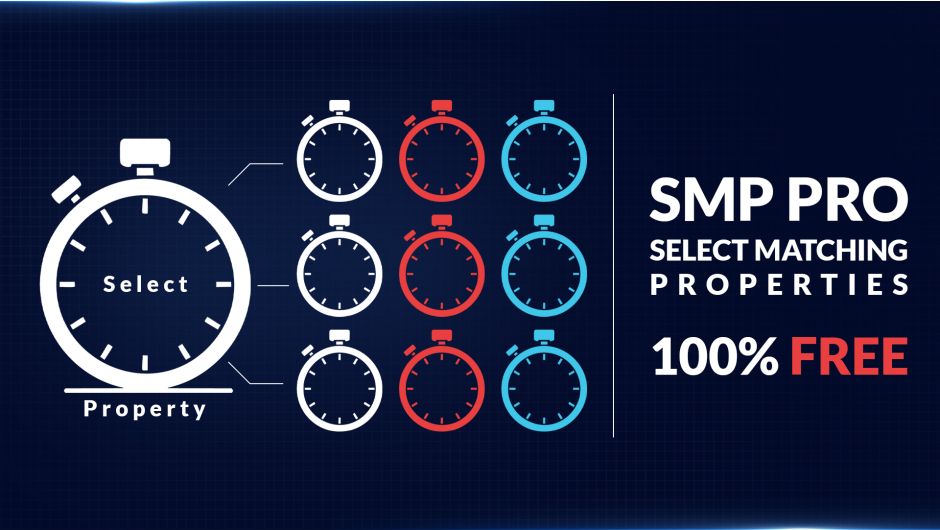
SMP Pro is an After Effects tool for value, expression and animation-state filters, plus batch expression and keyframe edits. Free for AE 2021-2026.
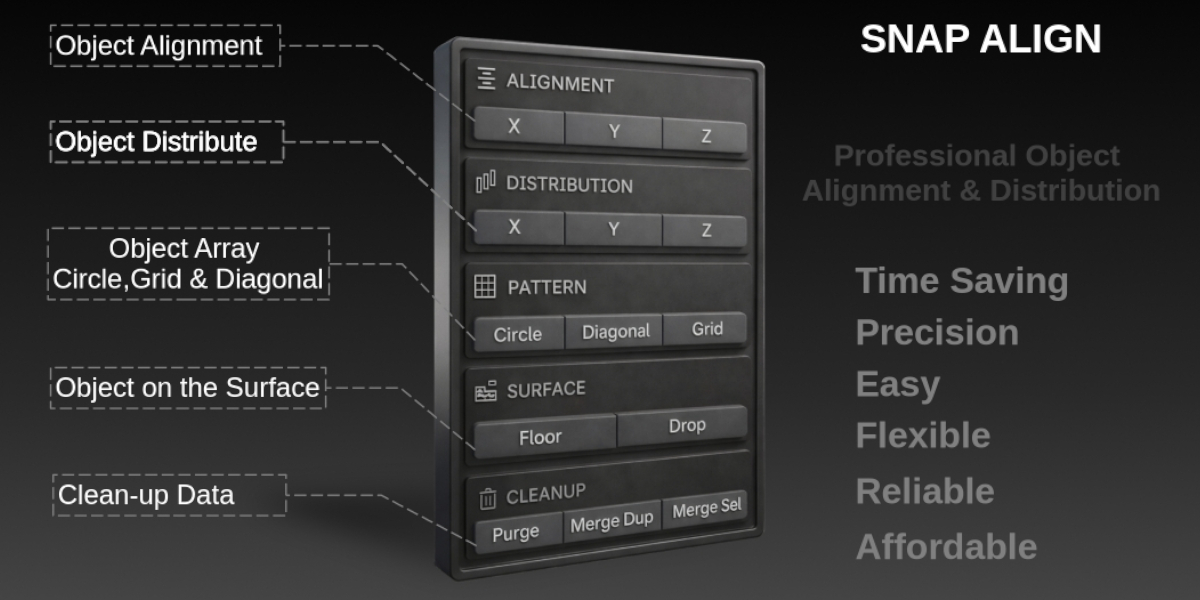
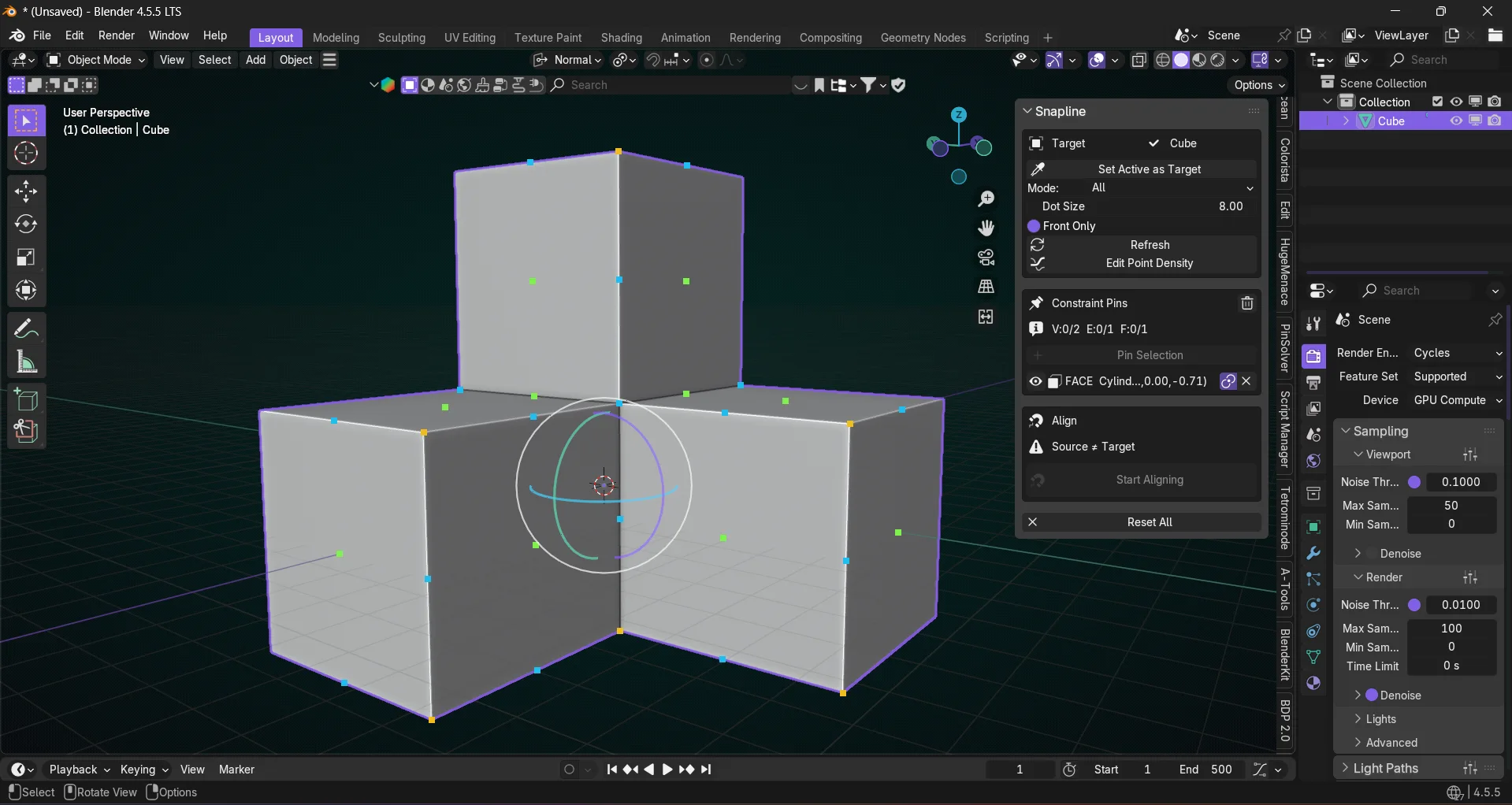
Snap Align for Blender groups object alignment, distribution, patterns, surface snapping, cleanup, and batch renaming. Review its version range and workflow.
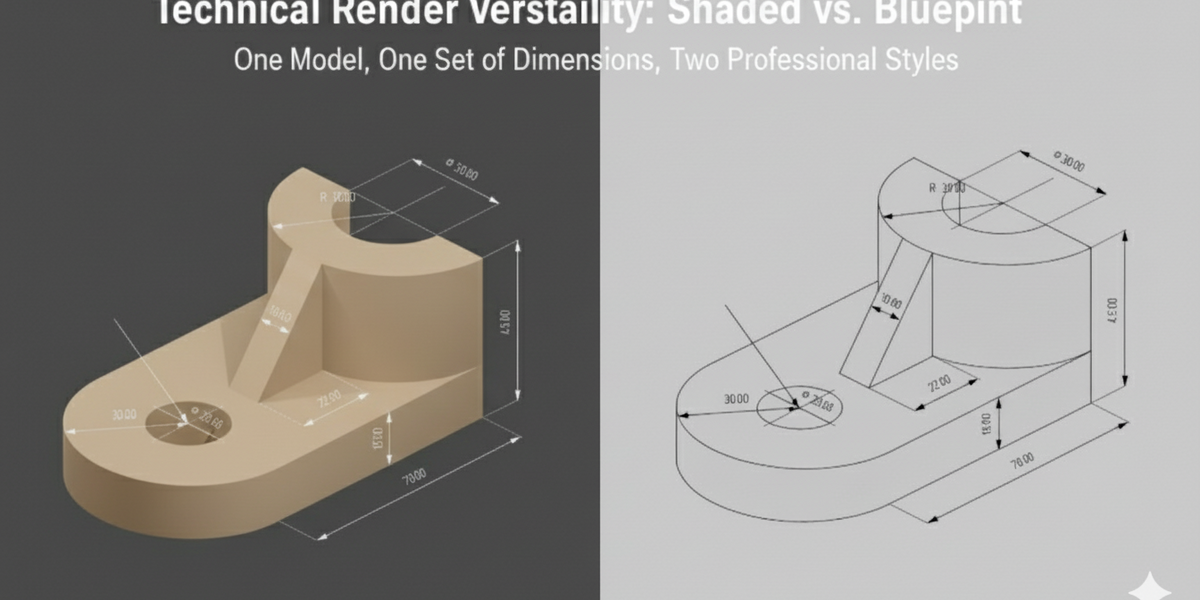
Snap Measure is a Blender add-on for snapping, chained dimensions and measurement-driven modeling, with technical drawing tools. Check compatibility.
Keep a Blender object on the floor while moving, rotating, or animating. Review the 3D cursor and all-mesh options, then check the developer listing.
Snap Tools adds 3ds Max commands for cycling snap modes and opening the Snaps dialog. Assign them to shortcuts or quad menus; check current terms.
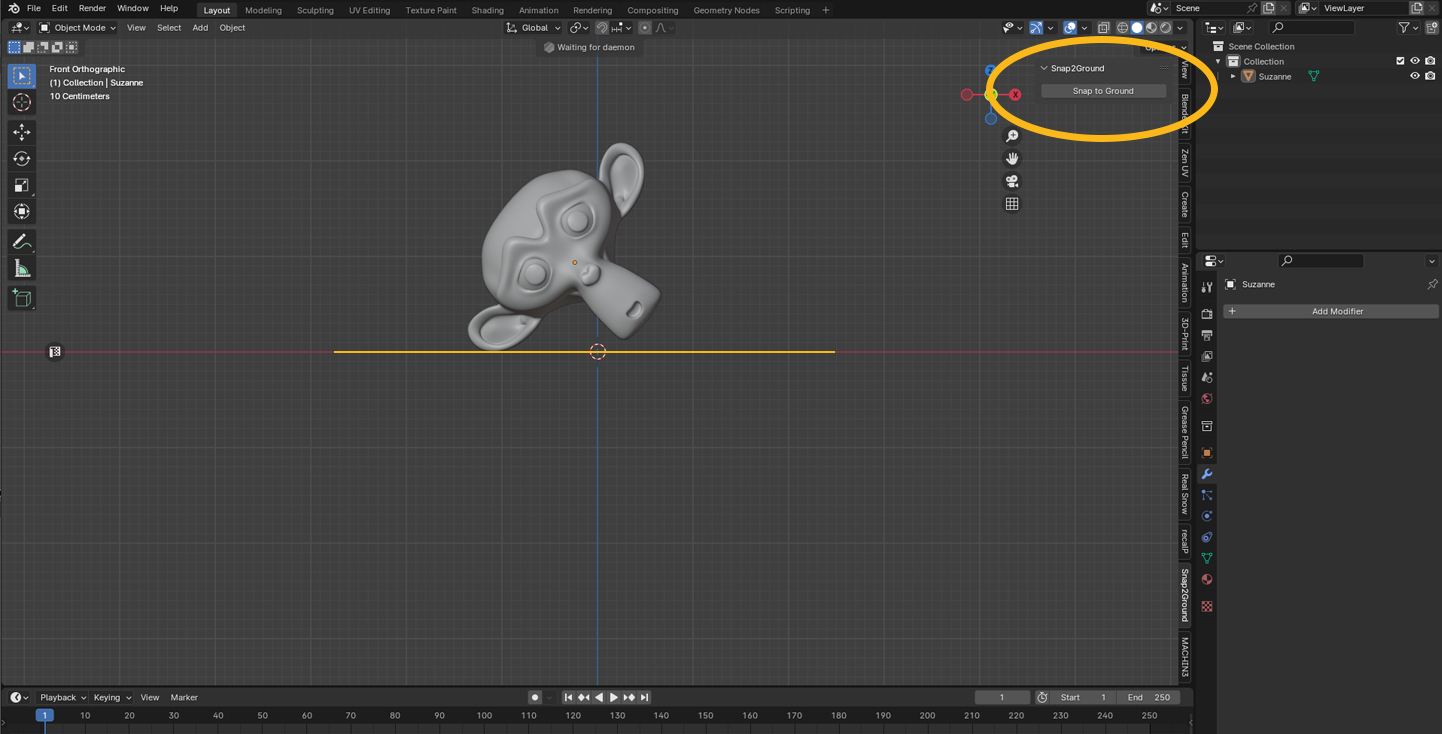
Snap2Ground places selected Blender objects on the ground plane for architectural visualization, landscape design, and animation. Check version support.
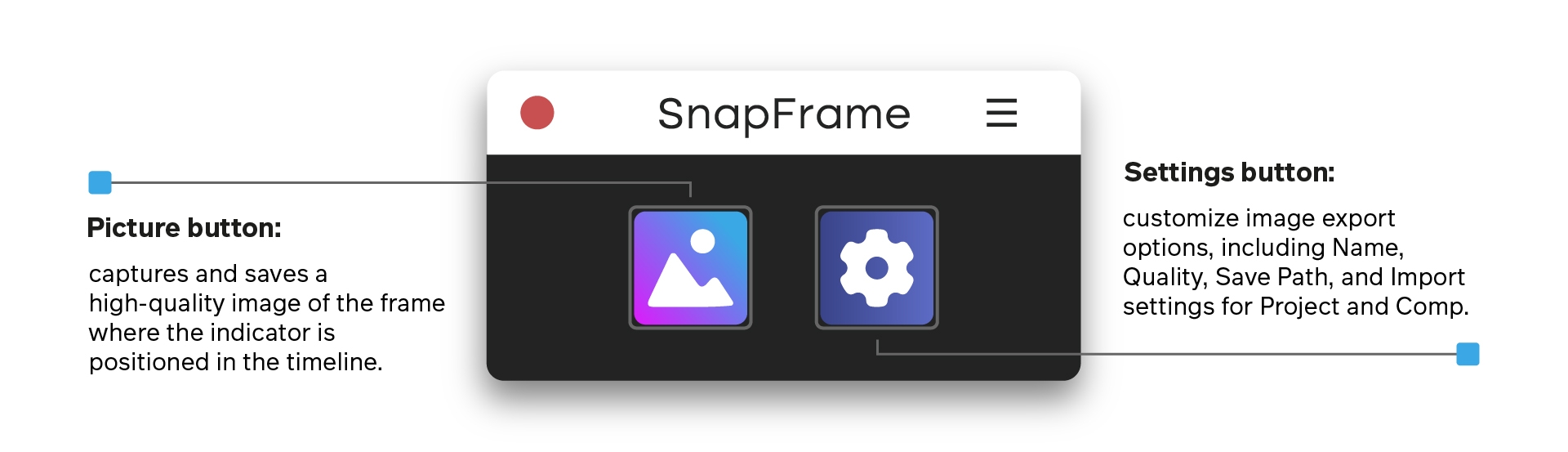
Export the After Effects frame as a PNG with SnapFrame; choose a project or custom folder, then import it into the Project panel or active composition.
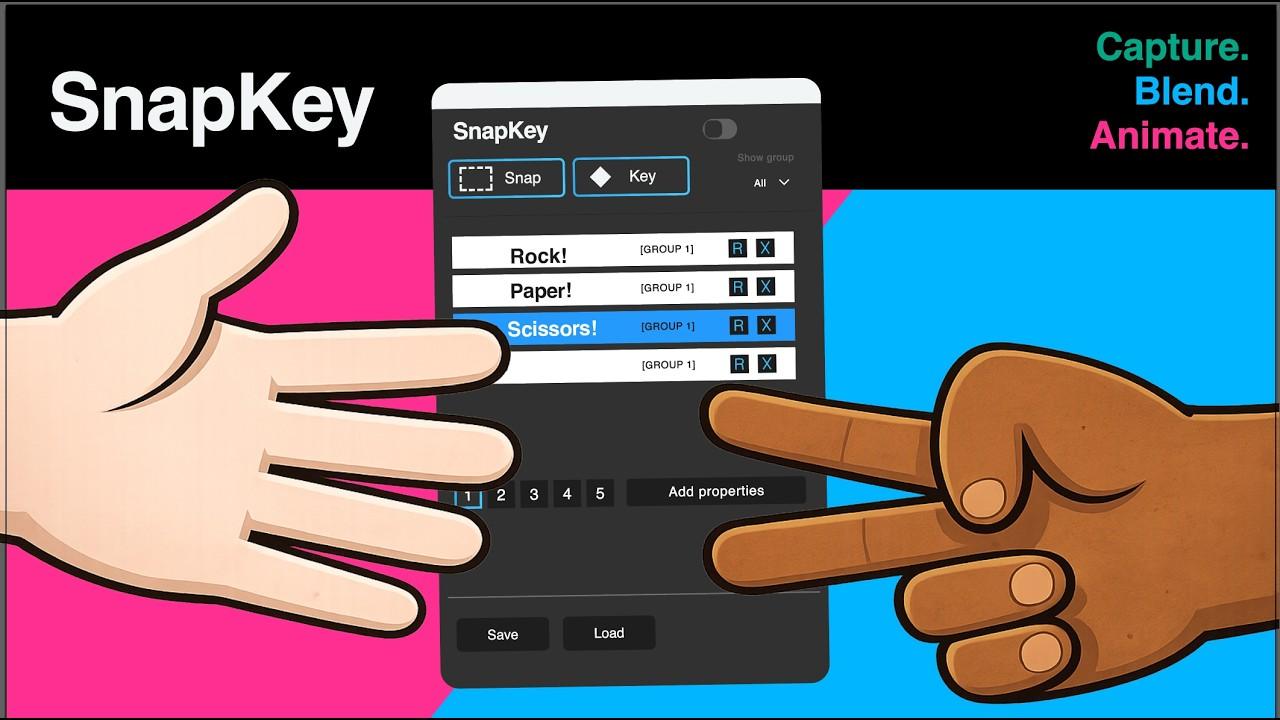
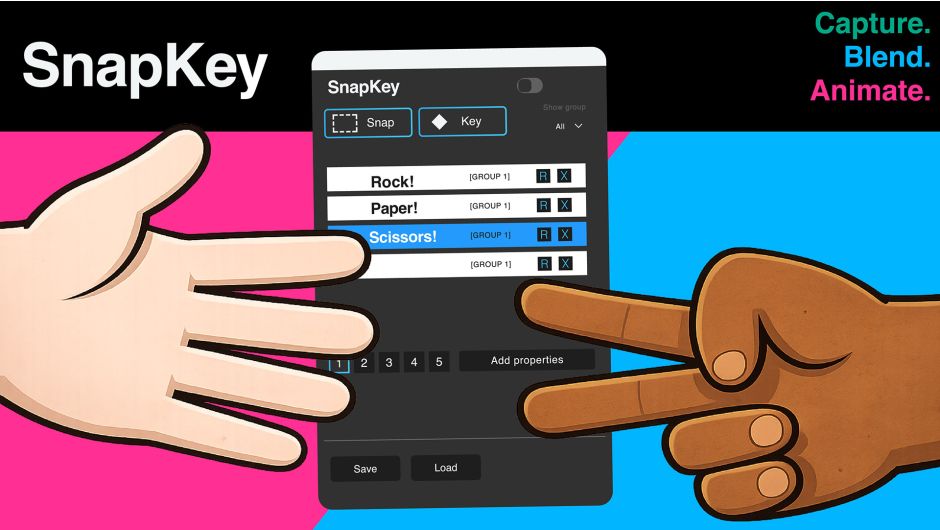
SnapKey saves multi-layer animation states as reusable Snaps inside an After Effects comp. Recall a pose or blend saved states while testing motion variations.
Save multi-layer After Effects setups as reusable Snaps with SnapKey - Capture Blend and Reuse Poses. Check version, compatibility, price and trial terms.
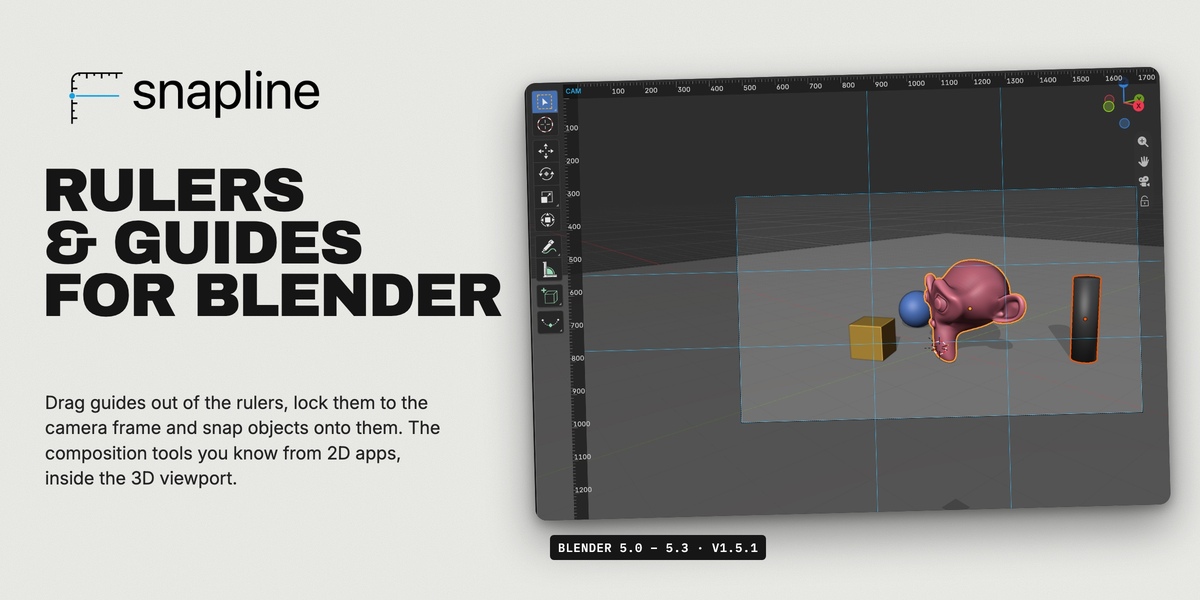
Snapline adds viewport rulers, camera guides, composition presets and object snapping to Blender, with guides kept out of renders. Tested on Blender 5.0 to 5.3.
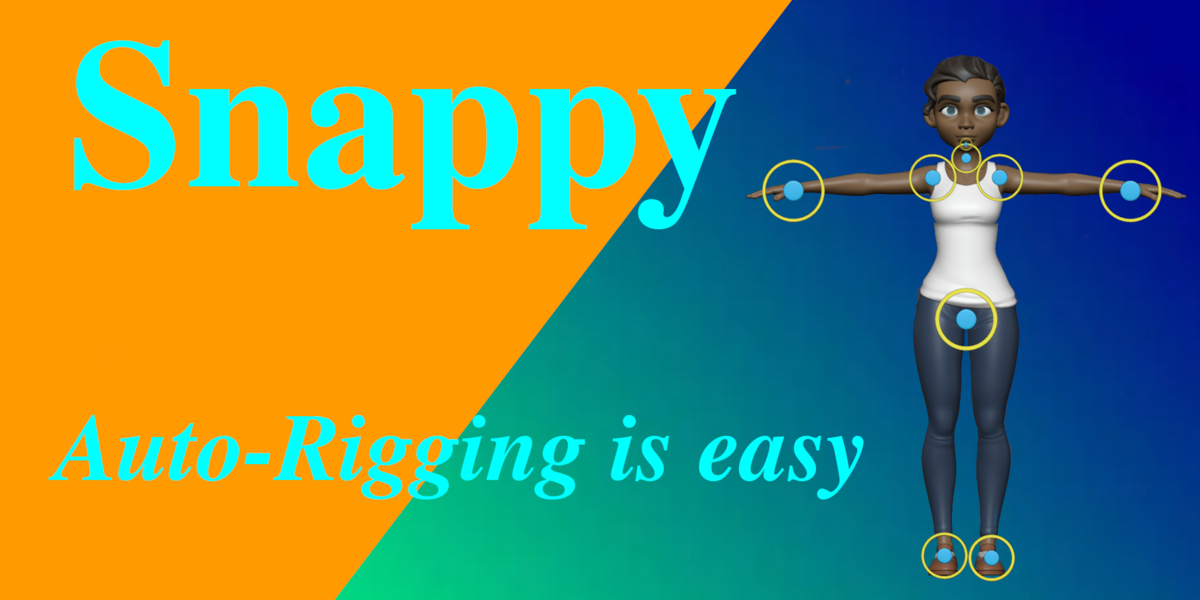
Explore Snappy Rigger's Blender workflow for body detection, binding, facial markers and rig export to FBX or GLTF. Check listed Blender support.
Snapshot FX for After Effects saves effect settings and keyframes, then restores full stacks or selected components as you iterate and organize your library.
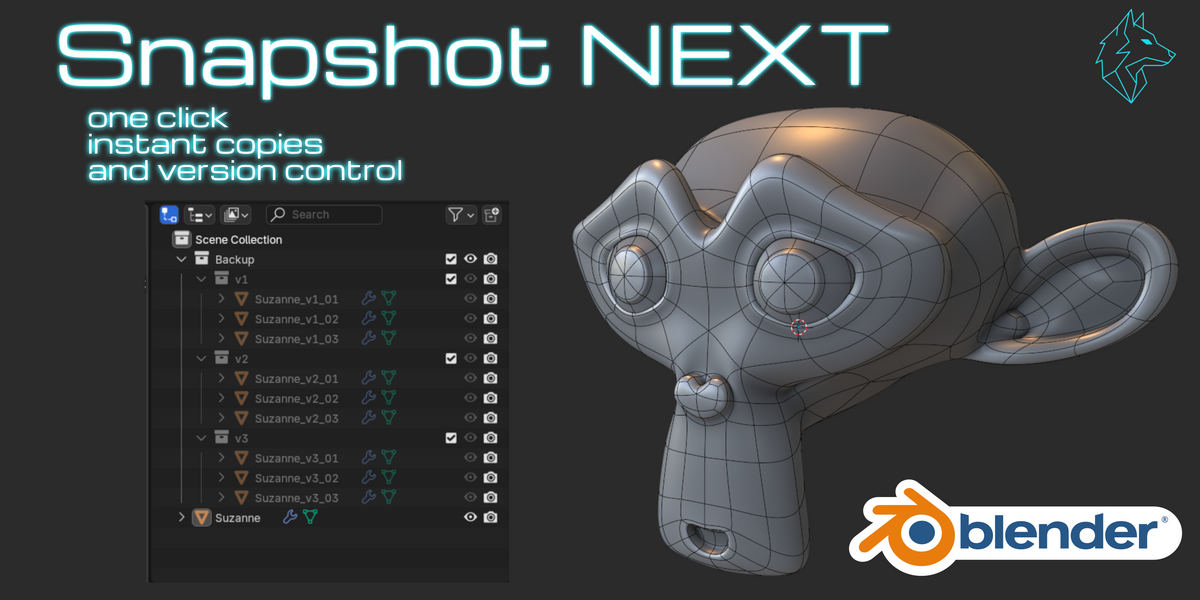
Snapshot Next - One Click Copies And Version Control is a Blender add-on for one-click backups in hidden collections and milestone folders for kitbashing.