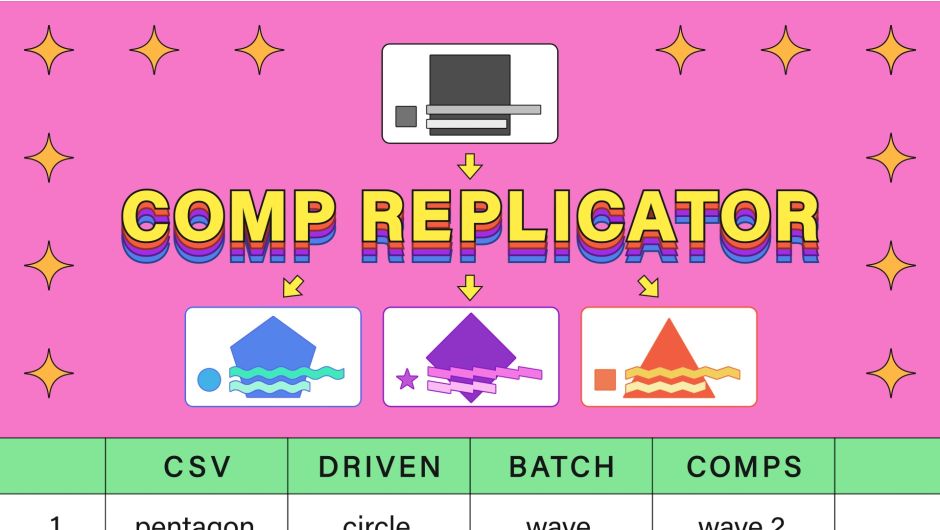
Comp Replicator: CSV Driven Batch Comps
Turn CSV, TSV, or TXT data into After Effects comps with Comp Replicator, including nested comp duplication, text and media replacement, and render options.
Published software and plugin guides for Adobe After Effects. Page 20 of 76.
Read the software guideTurn CSV, TSV, or TXT data into After Effects comps with Comp Replicator, including nested comp duplication, text and media replacement, and render options.
COMP-O-RAMA is an After Effects tool for batch compositions, CSV variants, smart naming, and multi-output render checks before queueing jobs.
Select colors with Composite Brush in After Effects, refine mattes, adjust color or alpha, and pull keys. See transfer modes, compatibility, and layer limits.
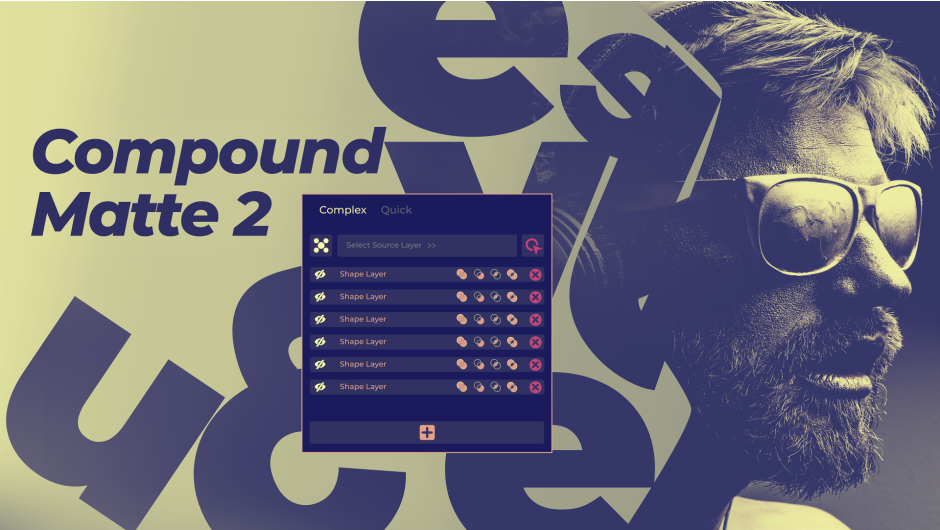
Compound Matte 2 is an After Effects matte operator for combining mattes on one layer with four modes and automatic switching between Quick and Complex engines.
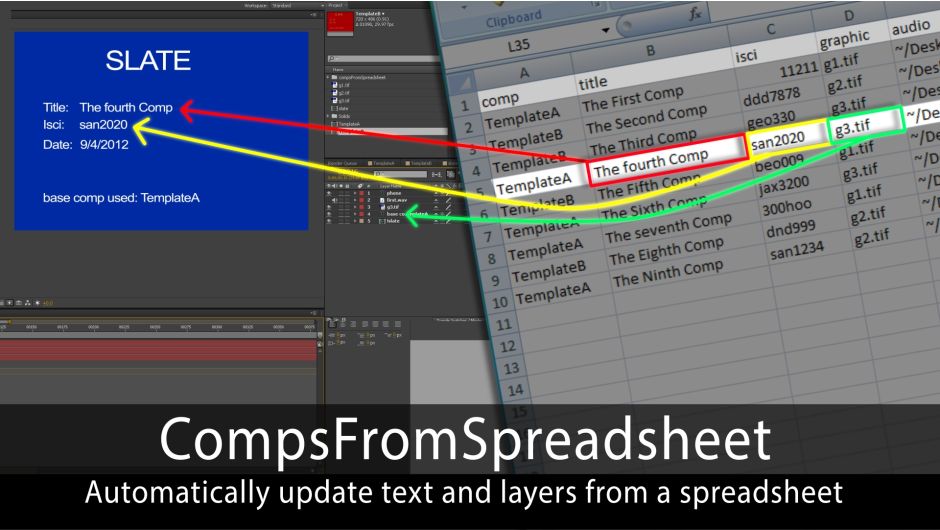
CompsFromSpreadsheet 5 is for spreadsheet-driven After Effects comps, replacing text, project items and files, with duration and render settings.
Compstronaut is an After Effects history panel for composition switches and timeline jumps, with mouse, keyboard, Command Frame and Stream Deck navigation.
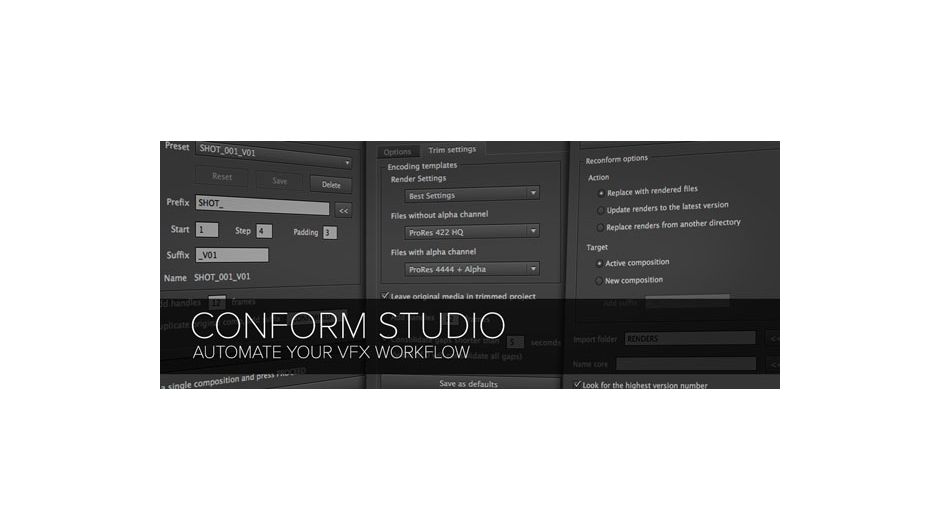
Conform shots, trim and package After Effects media, then replace comps with renders or graded files. See the workflow, compatibility, and license limits.
Connect Layers PRO is for live After Effects paths in chain, tree, triangulation and 3D layouts. The 7-day trial is limited to 3 layers per connection.
Browse, preview and drag cloud assets in Adobe Creative Cloud and Figma with Content Cloud Plugin. See supported services, setup, plans and compatibility.
Connect Box inside After Effects or Premiere Pro to search, preview, and place cloud assets. Review the limited free plan, paid tiers, and host-app support.
Browse, preview and place Dropbox assets from Adobe apps with Content Cloud Plugin. See its file-link workflow, supported hosts, setup and plan limits.
Browse Google Drive and Google Photos assets in Adobe apps: search, preview, drag and drop, upload and link files, with account access and free-plan limits.
Save layer sets and timeline bookmarks with Control Groups. Spaces hold groups; Stream Deck syncs group states; Command Frame chains group actions.
Control LMFX groups layers, manages effects across compositions, filters the timeline, and includes frame-rate, composition, palette, and keyframe tools.
Control Maker makes icon-based controllers for After Effects from Illustrator files, with color controls and optional Puppet pin expression links.
Control Suite for After Effects combines searchable commands, layer groups, row-based selection and composition history. Check compatibility and licensing.
Generate animated polygon outlines and filled shells from layer alpha in After Effects, with controls for compositing, stroke position, trim paths, and styling.
Copy Face swaps one face in After Effects from an image or text prompt. See its Instant and Style models, local processing, verification, and hardware needs.
Copy Paste Markers 2 copies markers between After Effects layers using time or range options. The demo excludes work-area and before-or-after-time copying.
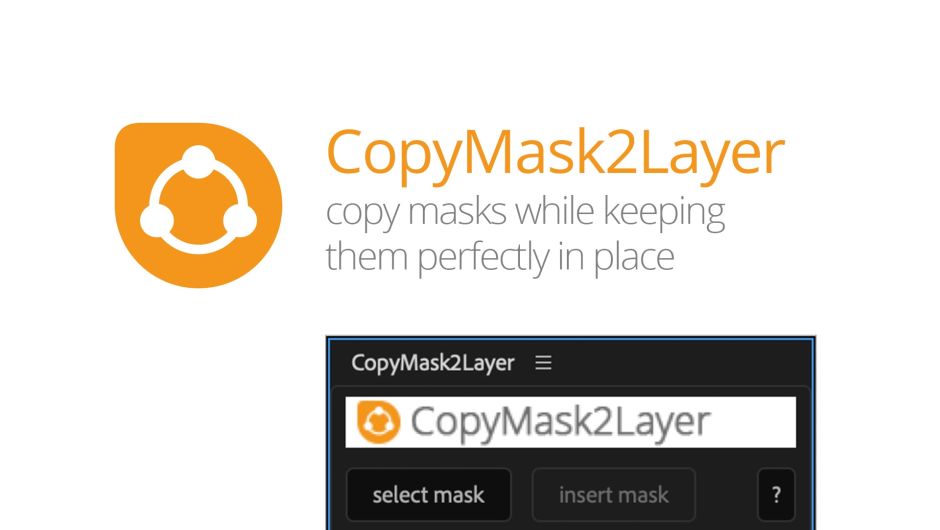
CopyMask2Layer 2 transfers masks between After Effects 2D layers, preserving position as layers move and mask paths are keyframed. It supports RotoBezier masks.