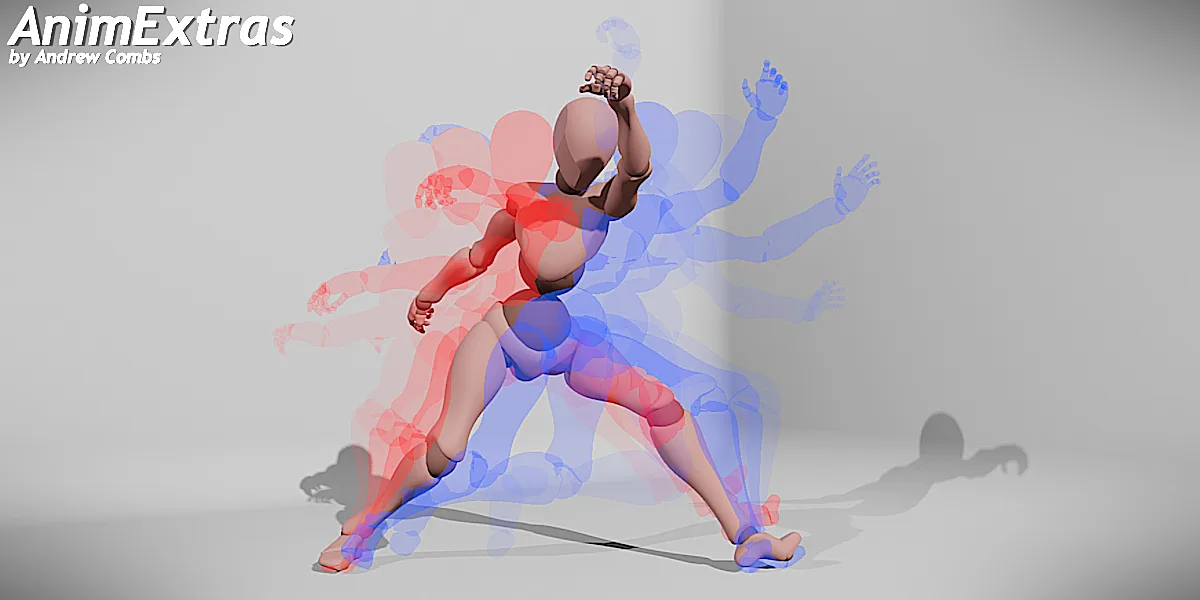
Animation Extras
Animation Extras adds 3D onion skinning to Blender, with frame, color and opacity controls. Check its documented Blender version range before installing.
Browse published guides by application, developer or task. Check product details before downloading. Page 20 of 337.
Animation Extras adds 3D onion skinning to Blender, with frame, color and opacity controls. Check its documented Blender version range before installing.
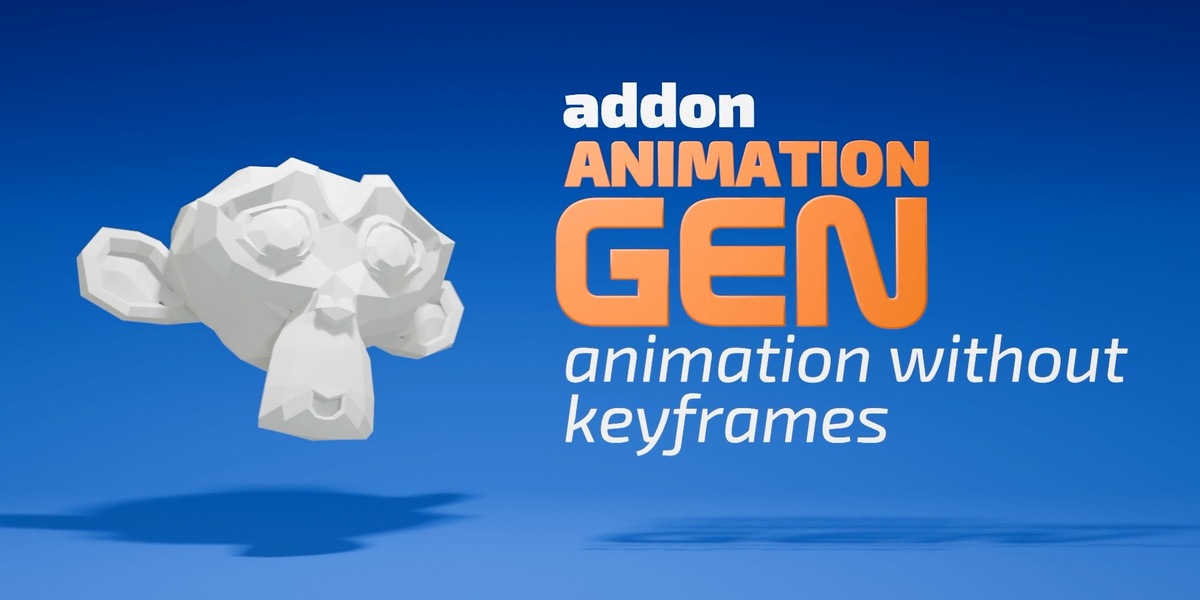
Animation Gen is a Blender add-on for curve-based animation of objects, groups, and lights. Check the current listing for Blender compatibility.
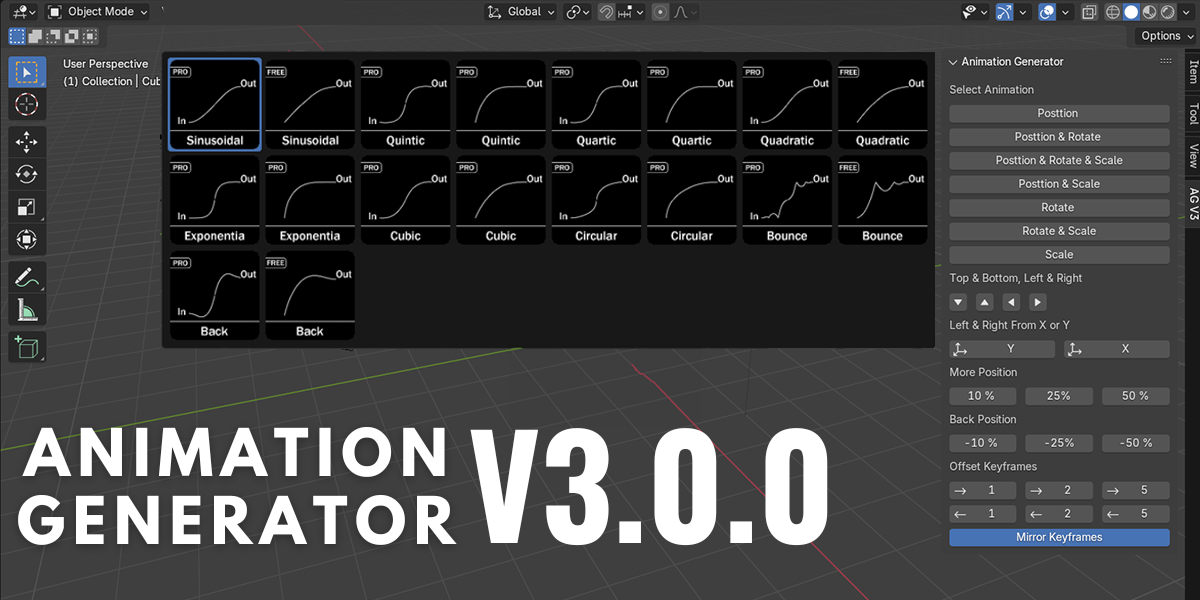
Compare Animation Generator's 28-animation Basic and 126-animation Pro tiers, Blender versions, motion controls, and the Animation Out or Both restriction.
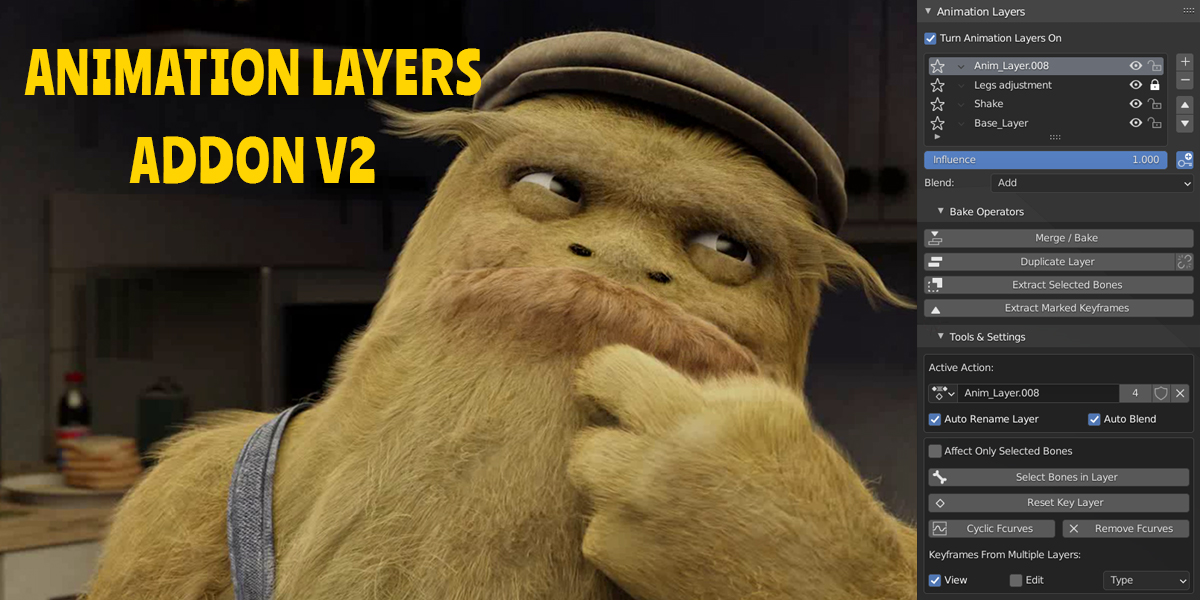
Animation Layers adds Blender NLA layer editing, influence controls, smart baking, shape key support and mocap tools. See features and compatibility.
Animation Library Export & Import Clips are Blender tools to save and preview actions, filter by bone set, and mirror compatible rigs. Check version support.
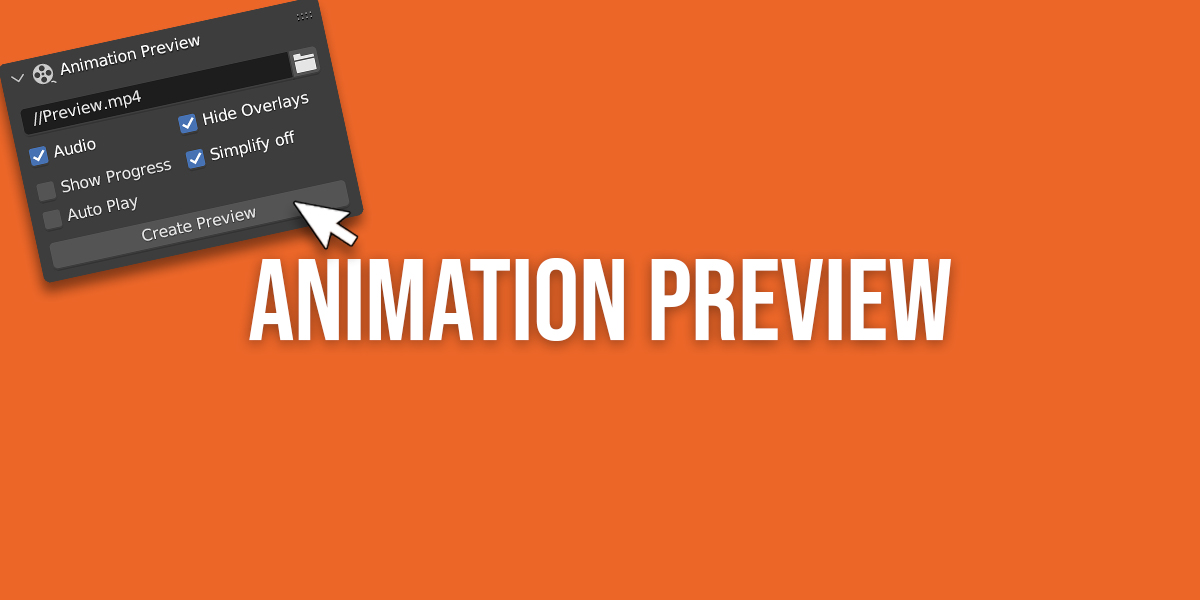
Animation Preview uses Blender's active viewport and scene frame range, with audio and overlay options. Its progress display may override output settings.
Retiming keyframes across Blender objects? Animation Retimer offers Ripple, Replace and Combine methods, NLA support, data filters and a timeline preview.
Animation Snapper Pro brings keyframe snapping, mesh helpers and batch tools to Blender. Review Switcher details and version notes before downloading.
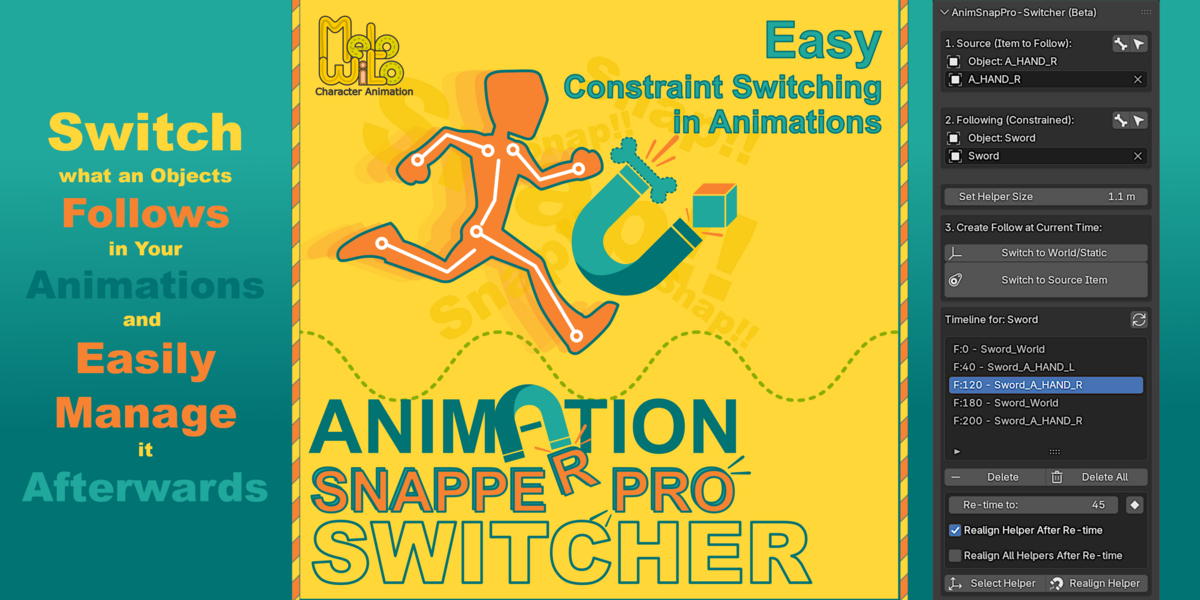
Animation Snapper Pro - Switcher adds Blender space switching, retiming and keyframe baking. Check Blender 5.0 to 5.1 support and dynamic parenting details.
Time After Effects actions by frame with Animation Stopwatch. Lap records multiple timings at common or custom frame rates; check compatibility and licensing.
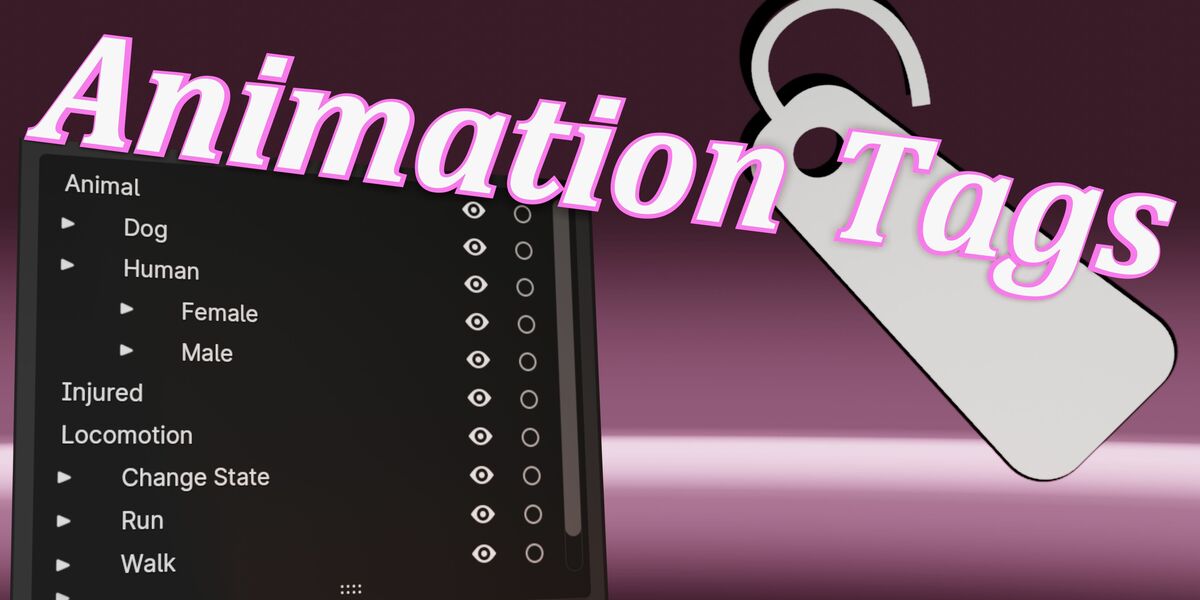
Animation Tags are Inlet's Blender add-on for applying multiple tags to animations, creating tag hierarchies, and searching or filtering actions.
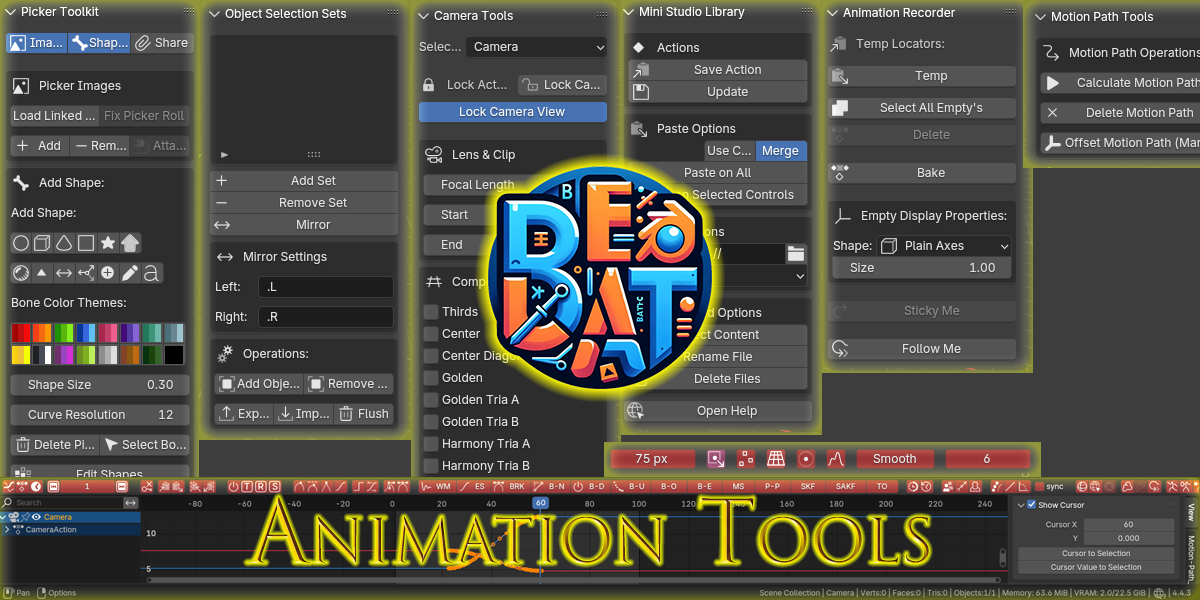
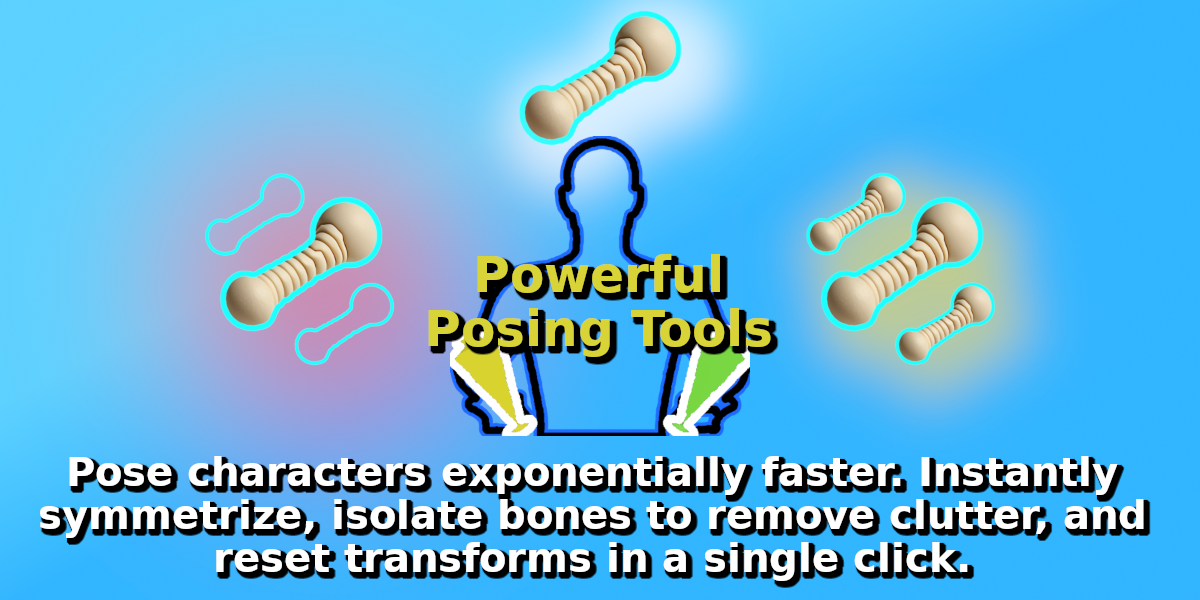
Animation Tools for Blender groups keyframe timing, curve cleanup, pose editing, motion paths, and onion skinning in one panel. Check listed versions.
Animation Tools - Beat 1.0 for Blender lists versions 3.0–3.6 and 4.0–4.4 under GPL. See the developer's BEAT 2.0 page, which requires Blender 5.0+.
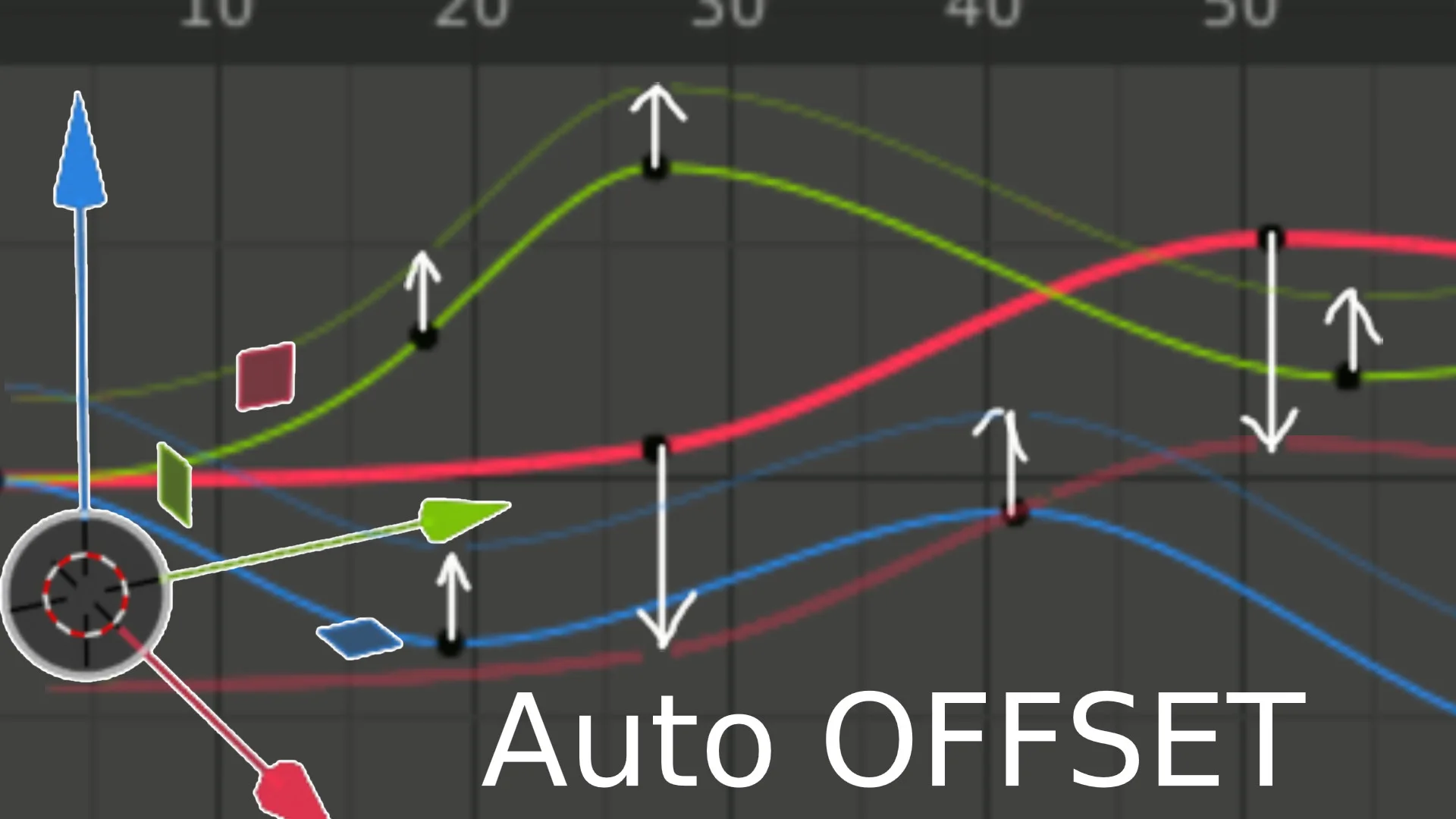
Animation Transform Offset shifts animation curves while you move, rotate or scale Blender objects. Release 1.0.0 lists Blender 4.3.2 as the minimum version.
VertSoftex Studio - Support Periods Included at NO Extra Cost!
Animation Utilities for Blender groups character posing, NLA, keyframe, playback, and viewport tools. Review its Blender version support and workflow fit.
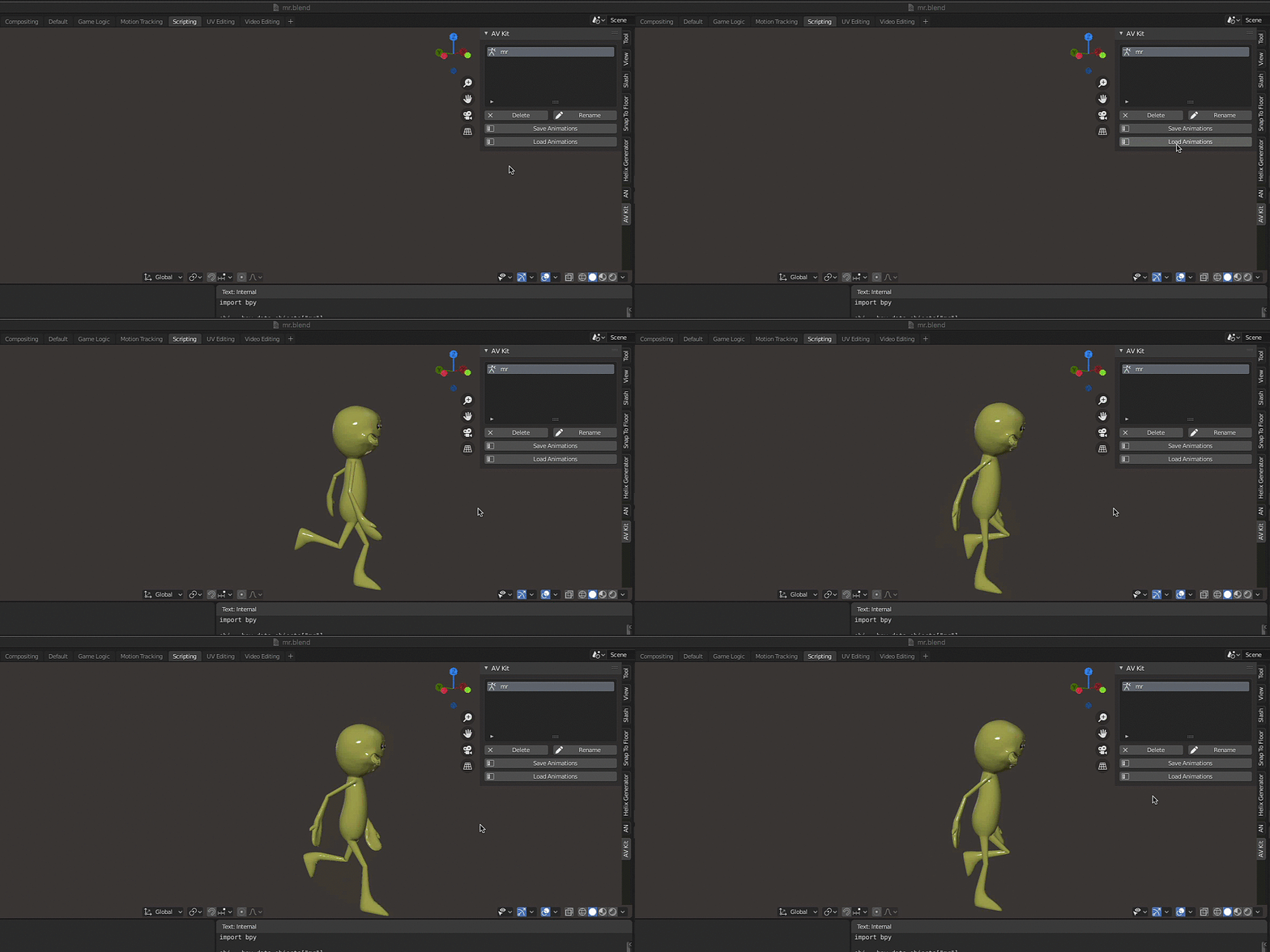
Save named animations such as Idle and Walk in one Blender file, then reload earlier versions for comparison. Check the listed Blender releases.
Animation+ is a GPL-licensed Blender add-on by Nyetei Team. Superhive lists Blender 4.5 to 5.3 support; check the documentation and demo before installing.
animationPATTERNS applies editable easing to After Effects keyframes in a dockable panel, with reusable patterns, manual setup, and version limits.
Explore animationPATTERNSpro's After Effects easing workflow, reusable patterns, curved paths, expression-related limits, compatibility and licensing.
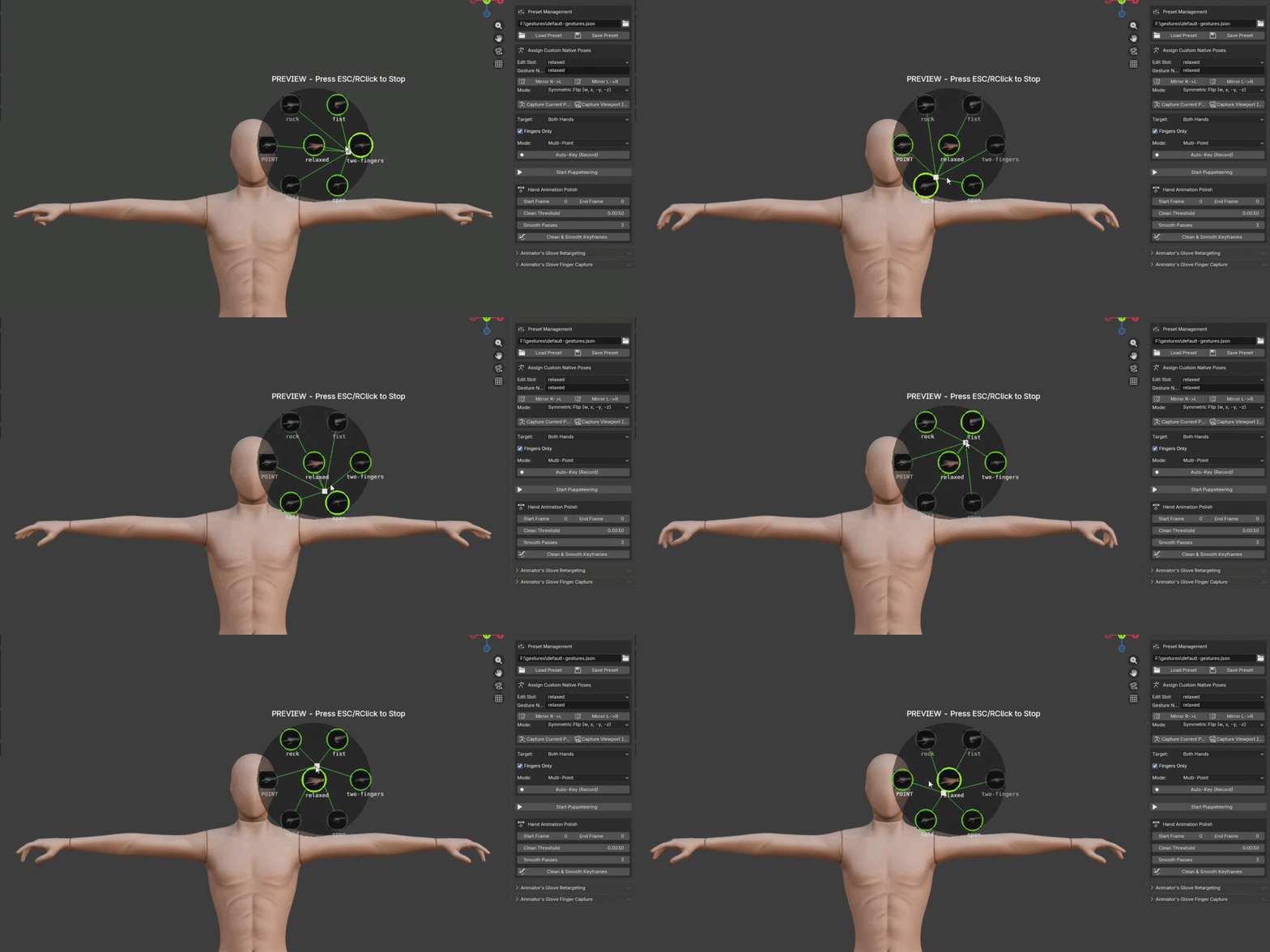
Animate Blender hand gestures with a seven-node puppeteering HUD, reusable pose presets, image-based finger capture, rig retargeting, and keyframe cleanup.
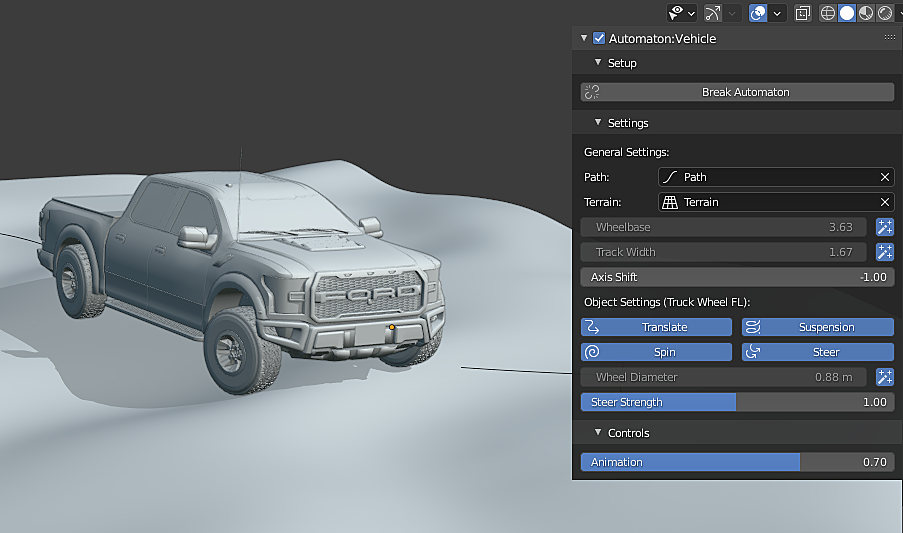
Animauto animates Blender vehicles on a path with auto-steering, terrain-reactive suspension, and wheel spin based on travel distance and wheel radius.
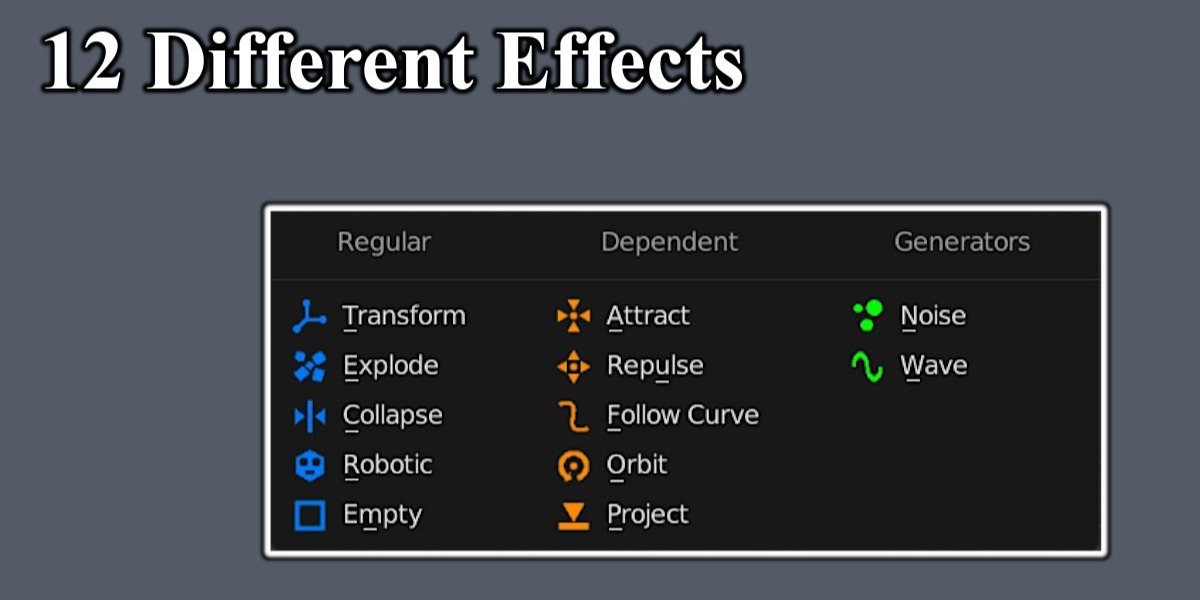
Animax for Blender animates instances with effects and presets, plus mesh fracturing, procedural text and material animation. Explore its workflow.
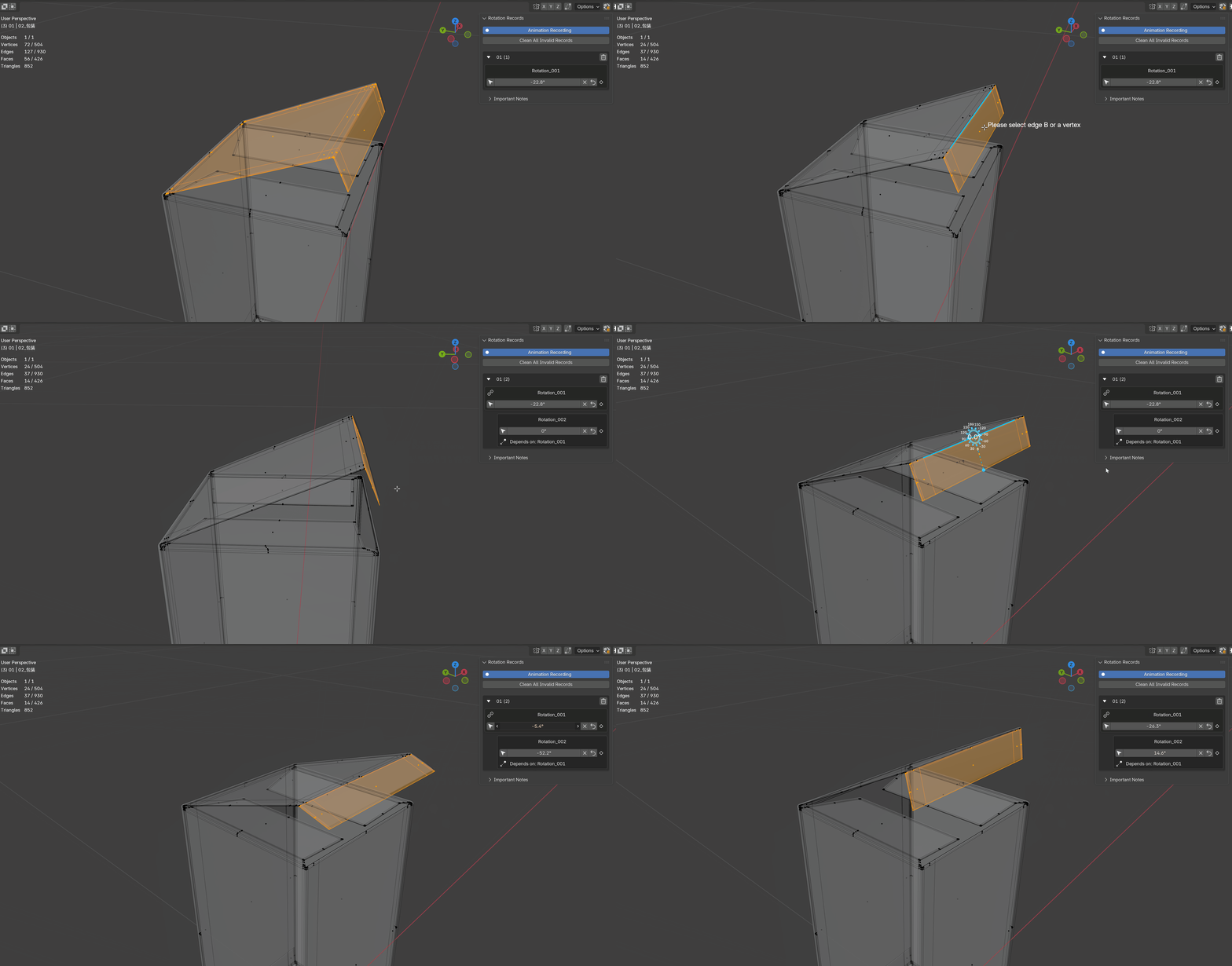
Animate hard-surface parts in Blender using an edge as a hinge, with linked motion chains and no rigging. Check version support before installing.
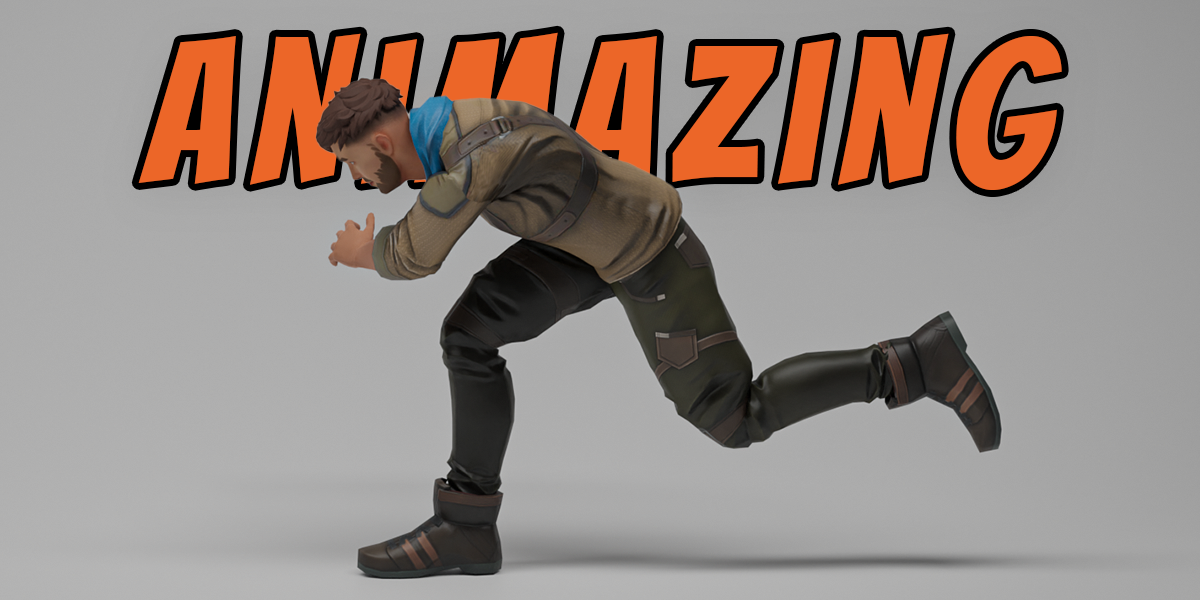
Animazing - Animation Tools is a Blender add-on for character animation, in-place clips, Graph Editor curves, keyframes, foot locking and timeline setup.