Sitni Sati FumeFX
Sitni Sati FumeFX is a Cinema 4D fluid simulator for fire, smoke and explosions, with version 6 features, renderer paths and host compatibility details.
Tools for particles, fluids and other simulated effects. Filter by application, then check the product’s requirements. Page 8 of 9.
Sitni Sati FumeFX is a Cinema 4D fluid simulator for fire, smoke and explosions, with version 6 features, renderer paths and host compatibility details.
Sketch N' Simulate is a Blender add-on for one-click rigid body, soft body, and cloth physics, with optional loose-part separation and ground creation.
Create soft objects and collisions in After Effects with Soft Body 2. Compare Quick and Advance, supported layers, Wobble animation, and known limits.
Soft Body Painter is a Blender add-on for painted soft-body zones, adjustable controls and a non-destructive workflow. Check Superhive for version support.
Softbody Simulator adds chain and bone dynamics in Blender, with guided setup, editable chain parameters and one-click removal. Check version details.
Solid Emitter turns a Blender mesh into an emitter for objects from a named collection, with controls for direction, count, velocity and collisions.
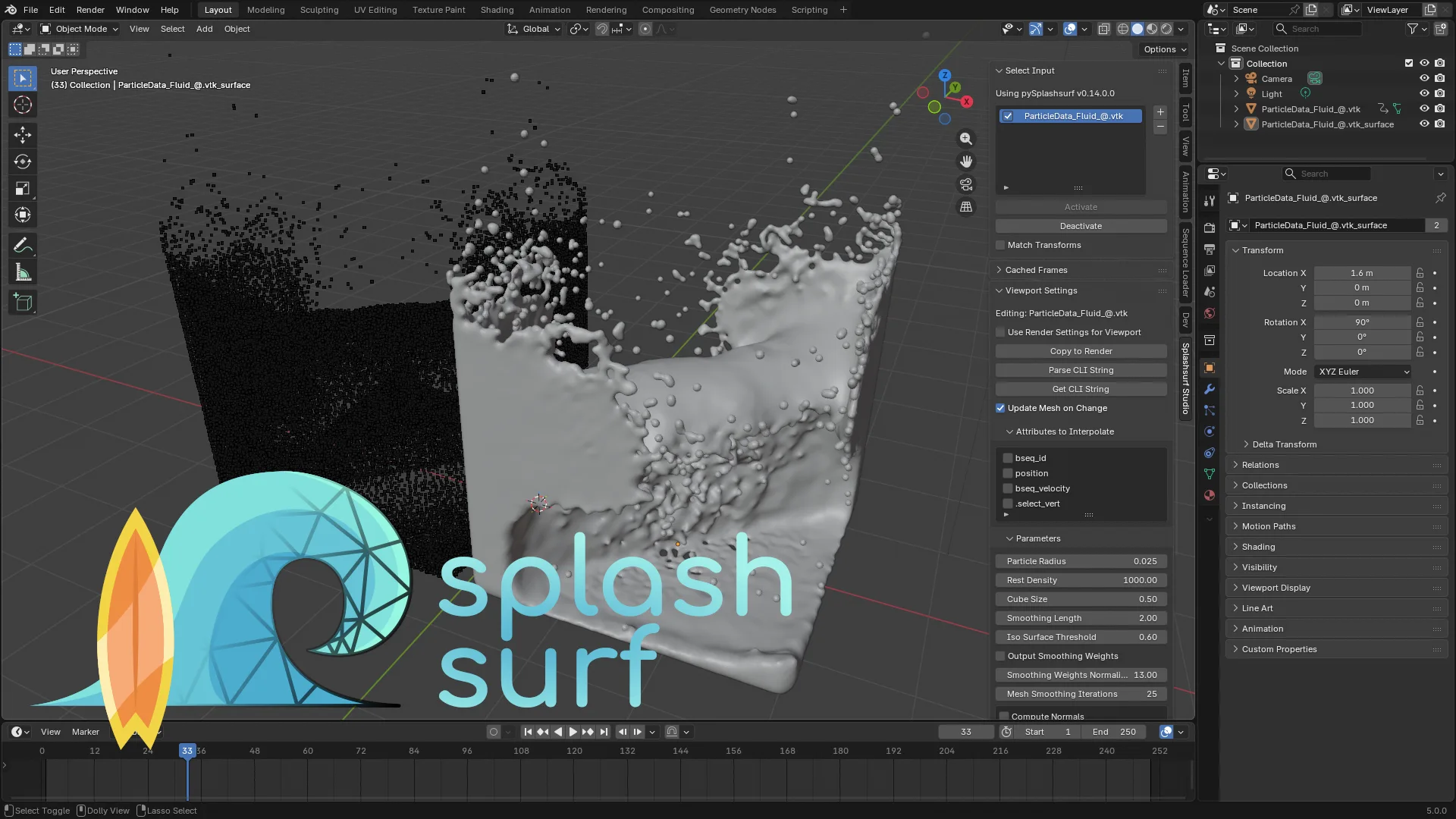
Reconstruct fluid simulation surfaces from particle data in Blender with Splashsurf Studio. Check Blender 4.5.0 compatibility and available platform packages.
Build Blender boid scenes with Spyderfy's animated bird and insect assets, optional goals, and native particle controls. Check compatibility first.
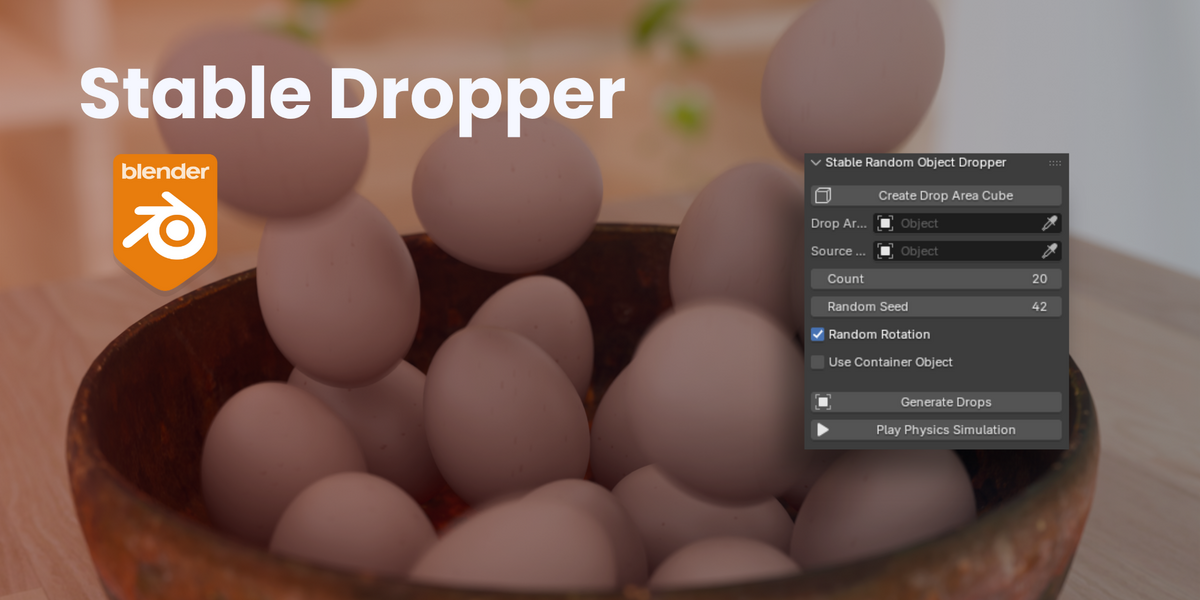
See how Stable Dropper scatters Blender objects inside a cube with rigid body physics, collision avoidance, count controls, and repeatable seeds.
Structural Topology Optimization is a Blender add-on for exploring early forms with a voxelized SIMP+OC solver. Validate load-bearing designs with FEA.
Stylized Water Pro Shader - One-Click System is a Blender add-on for stylized water with animated Geometry Nodes waves, effect collections, and presets.
Simulate droplets for rain, sweat, and condensation in Blender with Sweat (Condensation) Simulator. Review its controls, motion support, setup, and versions.
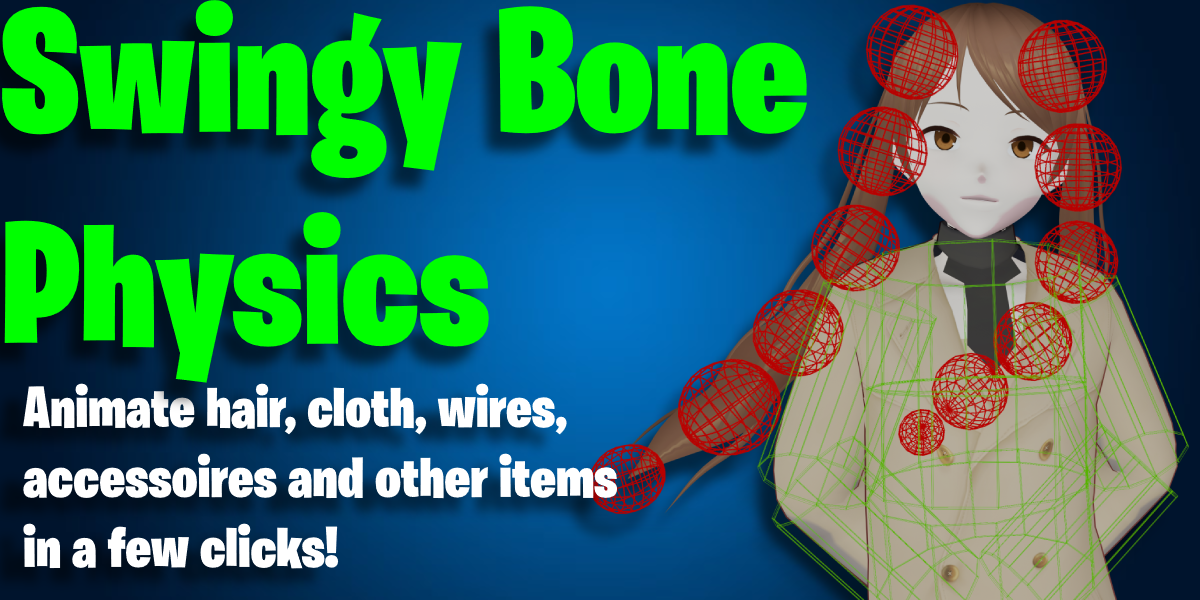
Swingy Bone Physics is a Blender bone-chain solver with beta driver bones, collision, wind and one-click baking for rigged hair, cloth and accessories.
Tensor-Cloth The Bidirectional Physics Engine is a Blender add-on for flexible materials that interact with rigid objects. Explore setup and compatibility.
Explore airflow around drone, plane, RC vehicle, or car designs with Test Pilot for Blender. Review its controls, setup steps, and listed Blender versions.
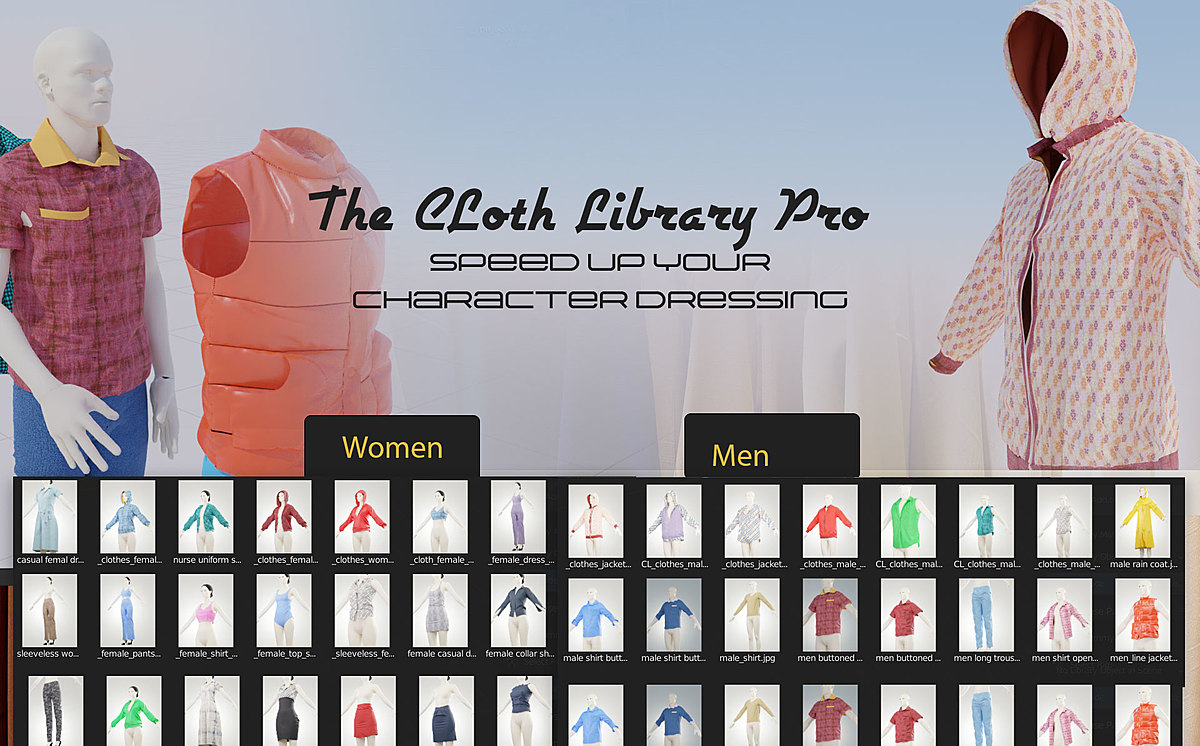
Explore The Cloth Library Addon for Blender, with premade garments, sewing-pattern simulation, pose and pattern controls, and cloth sculpting tools.
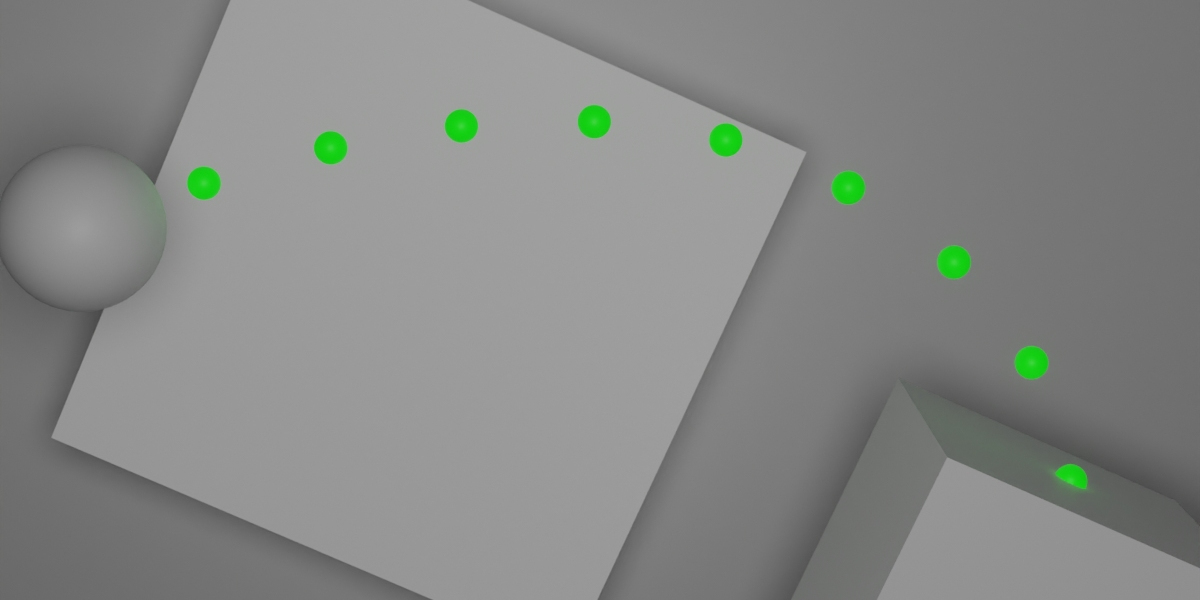
Trickshots uses Blender physics and Python scenarios to solve for event-driven shots. Review its limits and supported versions, then read the manual.
Turbo Charged Custom Vehicle Generator is a Blender add-on for customizable vehicle rigs with rigid body physics, keyboard driving and replay mode.
TwoDPhysics adds 2D rigid-body simulation to Blender, with documented shapes, joints and scene controls. Check its listed Blender versions and platform support.
Explore tyFlow, a 3ds Max particle and simulation plugin for destruction, cloth, crowds and PhysX. Review FREE edition limits and supported versions.
VeeDynamics connects Blender to Gaia Vertex Block Descent for elastic body simulation. Review its Windows, GPU, Blender compatibility and license requirements.
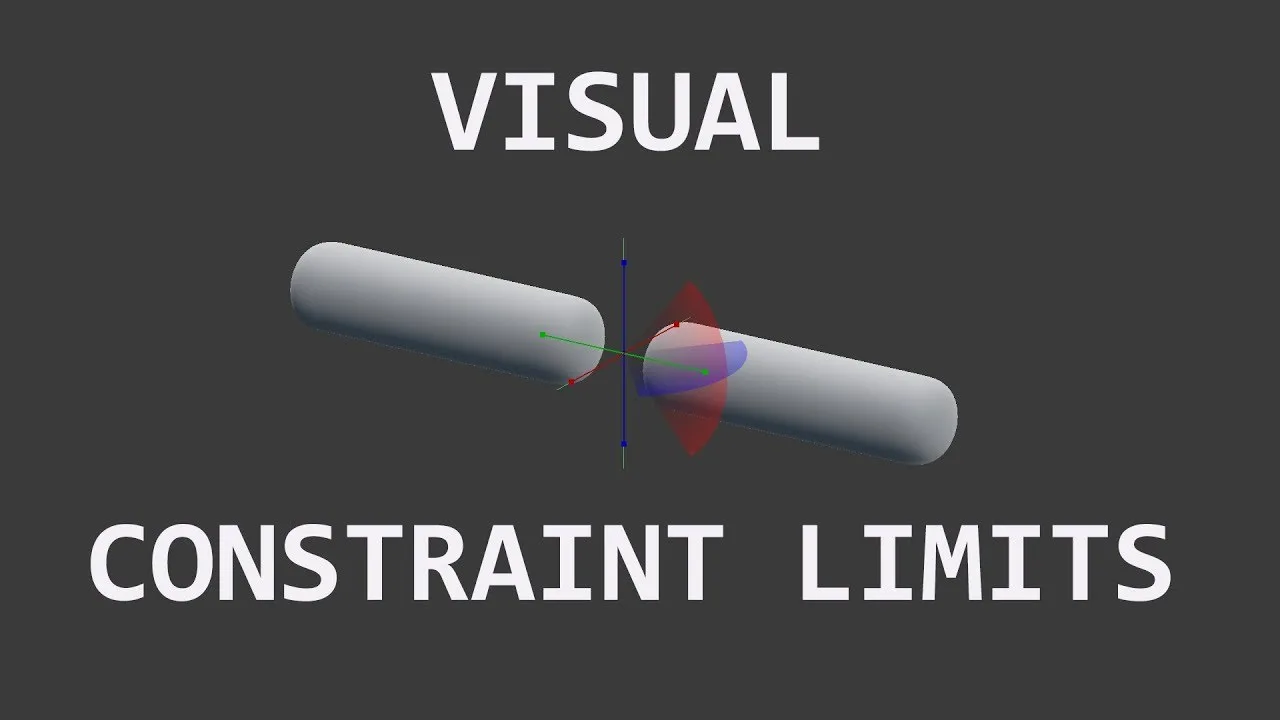
Visual limits displays rigid body constraint limits in Blender's viewport. See version 1.3.2, the Blender 4.3.0 minimum, source code, and install instructions.