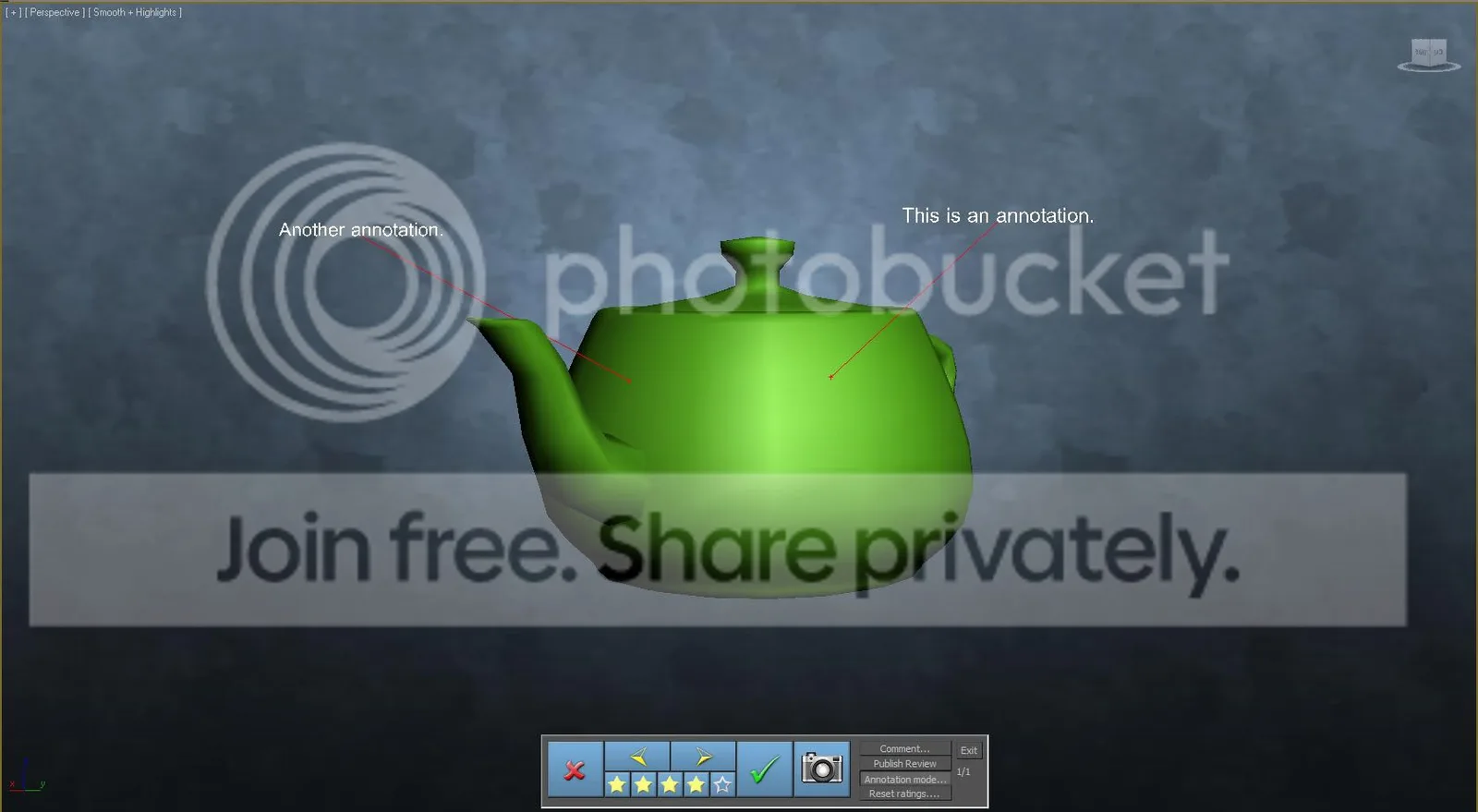
Randomize Wire Color 2
Randomize Wire Color 2 assigns random pastel wire colors to selected 3ds Max objects. Check 3ds Max 2015+ compatibility and the menu setup.
Published software and plugin guides for Autodesk 3ds Max. Page 14 of 18.
Read the software guideRandomize Wire Color 2 assigns random pastel wire colors to selected 3ds Max objects. Check 3ds Max 2015+ compatibility and the menu setup.
Rapid Resize Modifier is a 3ds Max modifier for precise real-world sizing with 27 pivot positions. See ScriptSpot for 3ds Max 2010+ support.
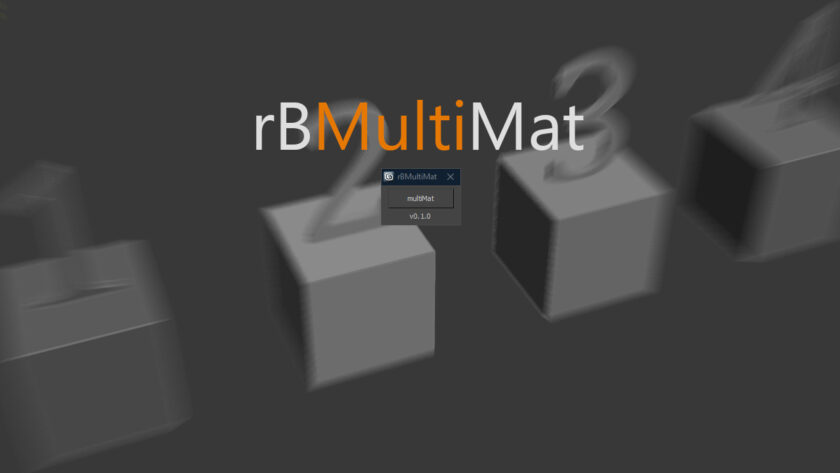
rBMultiMat combines materials on selected 3ds Max nodes into one name-sorted MultiMaterial. Review its two modes and their effects on the modifier stack.
rdg::graphPaper creates a procedural graph-paper texture in 3ds Max with two Gradient Ramps. Check its listed version requirement and .mzp setup notes.
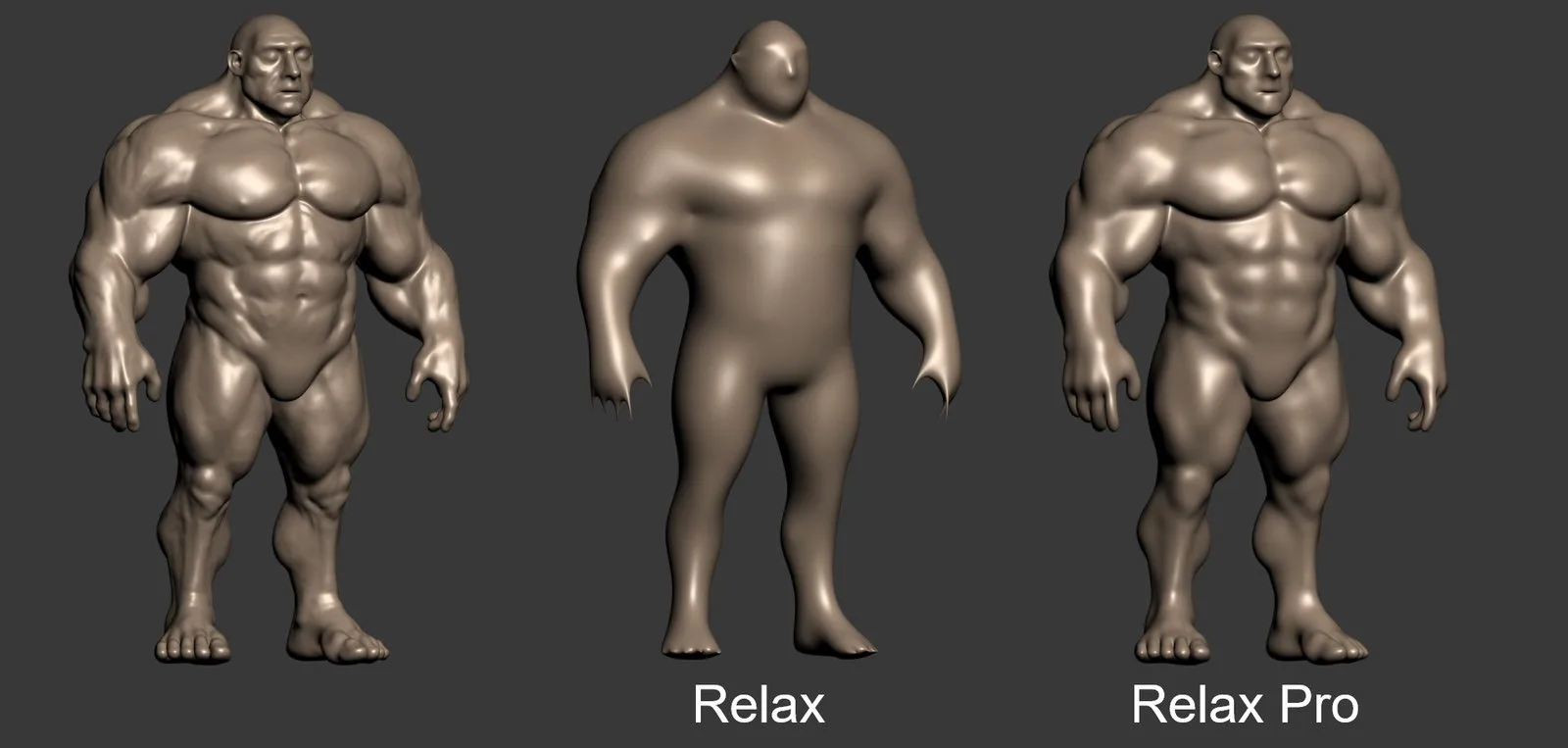
Smooth 3ds Max meshes with Relax Pro's surface sliding to retain volume, smoothing across polygon sizes, and smart border smoothing. See versions and licenses.
Create real-world terrain in 3ds Max with Relevo. Pro adds OpenStreetMap buildings and roads; the free edition includes procedural terrain.
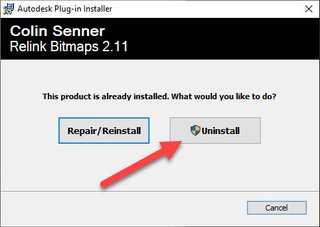
Relink Bitmaps are for reconnecting missing 3ds Max assets when folders move or a project opens on another computer. See file support and batch options.
Rename helper is a Chuggnut 3ds Max script for renaming selected objects. See how the macro works, what the yellow box marks, and where to check the listing.
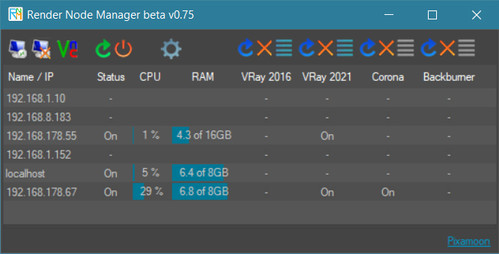
Render Node Manager is a tool to manage VRaySpawner, Corona DrServer, and Octane Daemon on selected nodes; it tracks node status, CPU, memory, and DR.
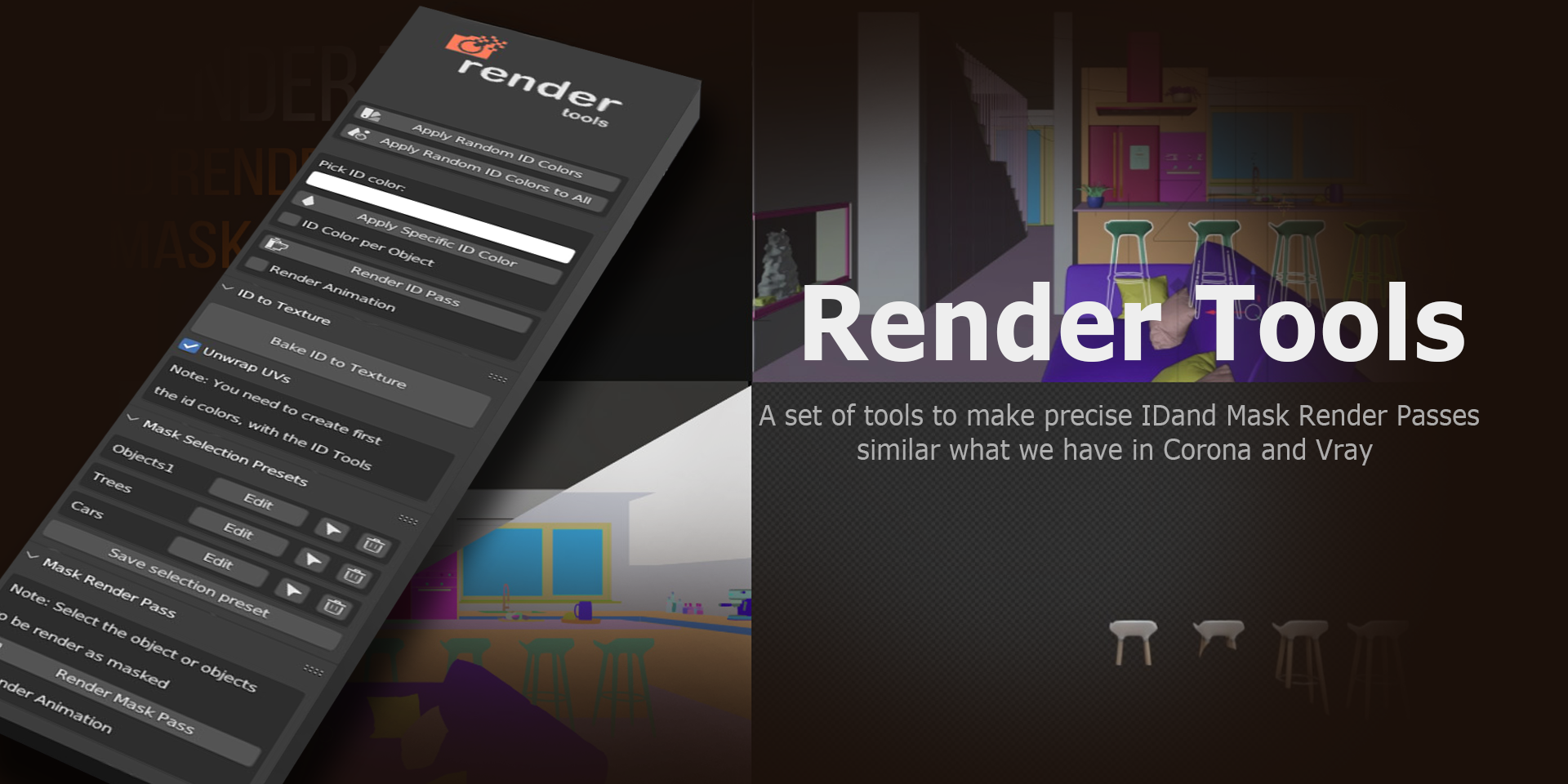
Render Tools for Blender creates ID passes, transparent object masks and baked ID textures for Cycles compositing. See how to install it.
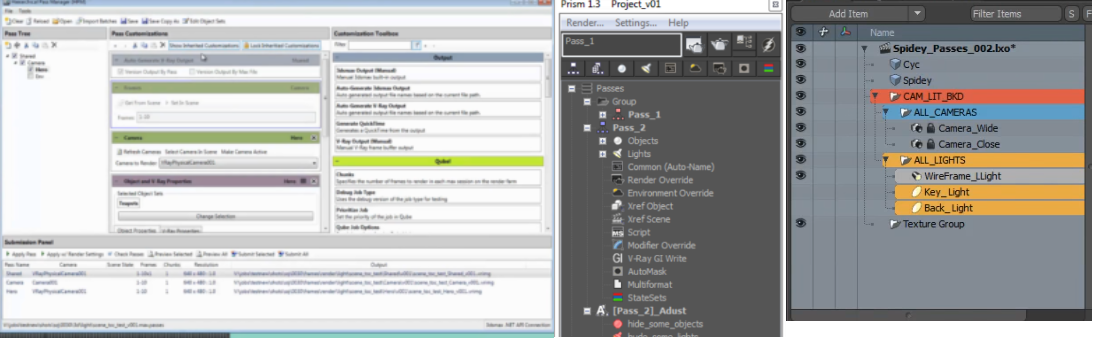
Manage 3ds Max render passes and scene states with renderStacks. Explore its pass workflow, renderer controls and current compatibility details.
Set an object's dimensions with Resizer Modifier by Atelier Bump in 3ds Max. Autodesk lists it as free; AnyPlugins lists version 1.1.1 for 3ds Max 2025+.
Reverse crosssection is Chuggnut's 3ds Max script for reversing crosssection order on a skinned model. ScriptSpot lists it for 3ds Max 4.x only.
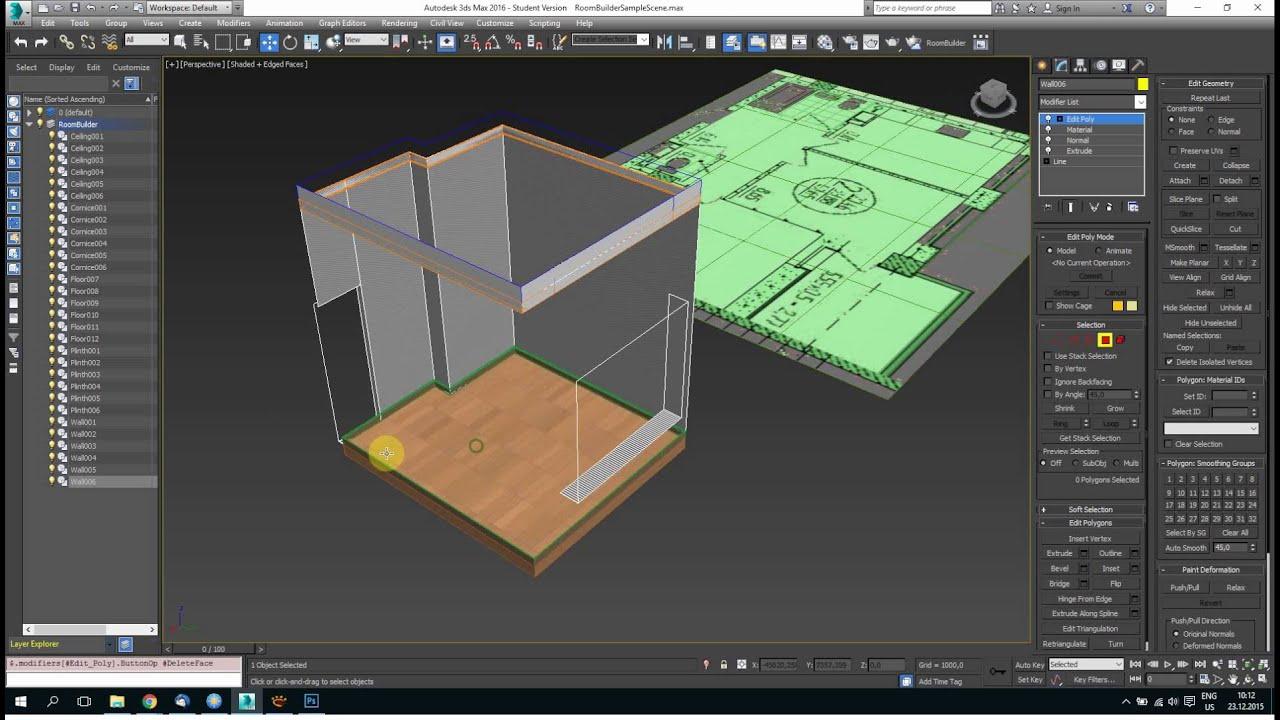
RoomBuilder is a MAXScript utility for 3ds Max, building rooms from dimensions or splines with one-sided walls and optional floor, ceiling, plinth and cornice.
Rotate To Grid aligns a 3ds Max object to the closest axis along one edge. Review its face-normal behavior and install steps before downloading.
Savas Cetin's maxscript and python (pymxs) repository is a 3ds Max script collection with FBX, STP, spline and CAD tools. Check GitHub usage notes.
Save Selected With Maps gathers selected 3ds Max assets, relinks supported maps and saves or archives the output with V-Ray, Corona and IES support.
See how Scale Checker scans 3ds Max scenes for non-uniform scaling and writes flagged objects to a script file. Check compatibility before installing.
Move 3ds Max objects with Scale Move Tool: scale points to preserve object scale. Skewing Mode moves points proportionally; Quick Align aligns on X, Y or Z.