Adobe Premiere Pro guides - Page 29
Published software and plugin guides for Adobe Premiere Pro. Page 29 of 33.
Read the software guideCatalog results
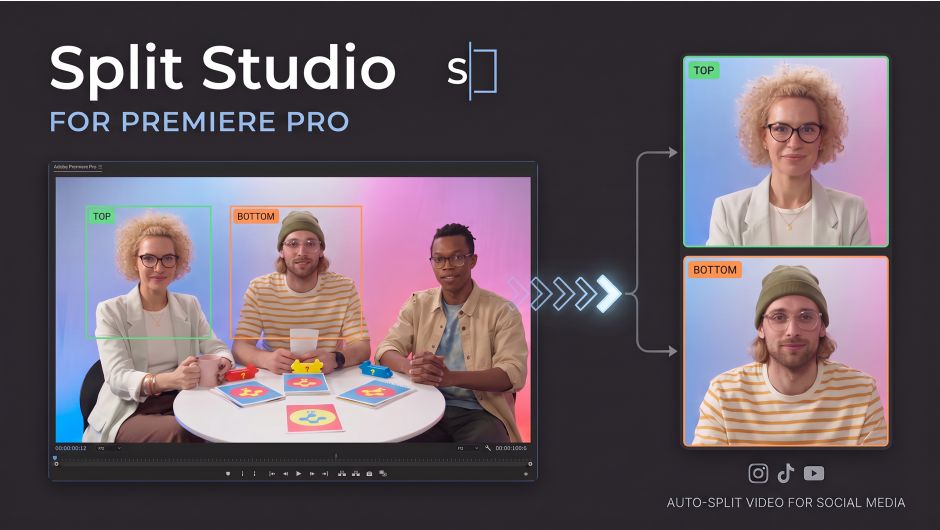
Split Studio
Split Studio crops clips, composes split-screen cells in four aspect ratios, and builds nested Premiere Pro sequences. Review presets and trial details.
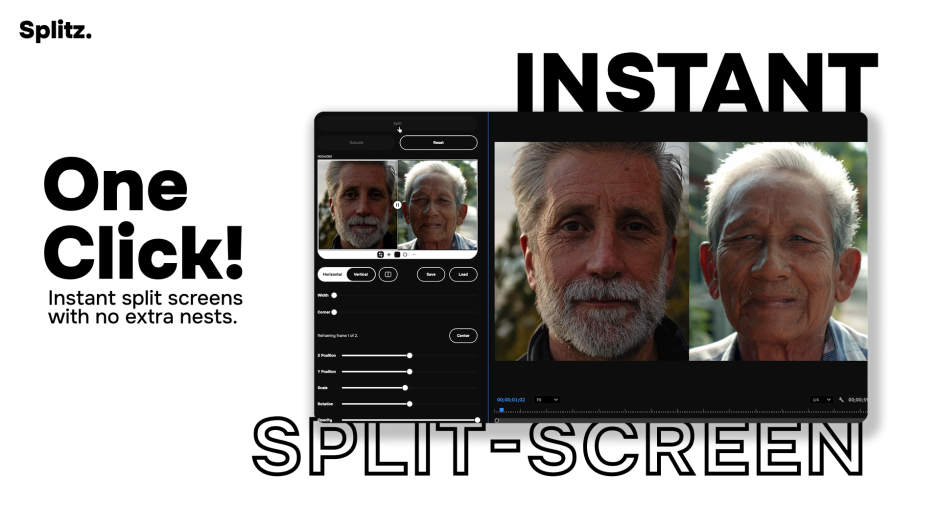
Splitz
Splitz creates split-screen layouts in Premiere Pro from stacked timeline clips, with up to 8 frames, presets, shot swaps and aspect-ratio rebuilding.
Spool
Spool is a floating Premiere Pro panel for clip metadata and timecode. Copy individual values or a formatted specs summary. Free for Premiere Pro 25.6+.
SRT to VTT FastConvert
SRT to VTT FastConvert converts exported SRT subtitle files to WebVTT in Premiere Pro. Check the file workflow, limits and setup requirements.
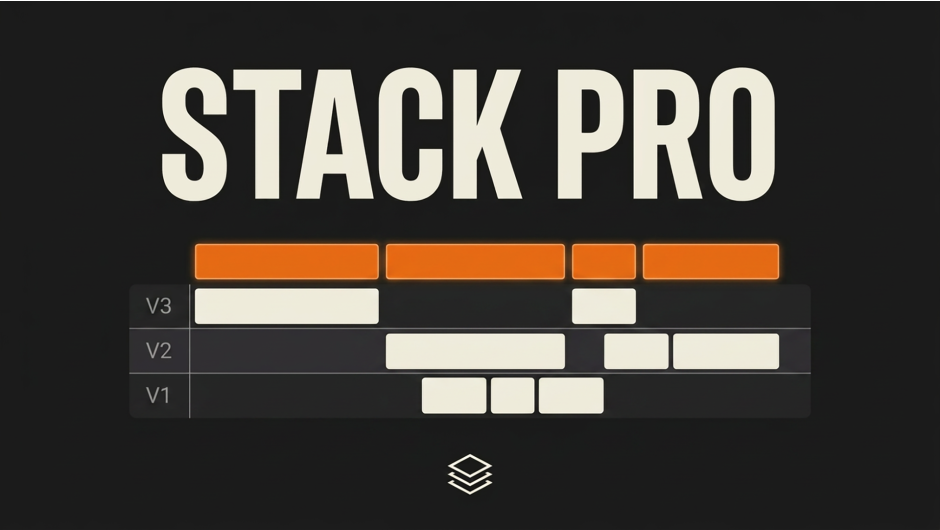
Stack Pro
Stack Pro for Premiere Pro automates adjustment layer and color matte placement across clips and cuts, with reusable looks for repeat edits.
Steereo 3D
Steereo 3D aligns stereo pairs, adjusts convergence and previews anaglyph, side-by-side, Difference or single-eye views in After Effects or Premiere Pro.
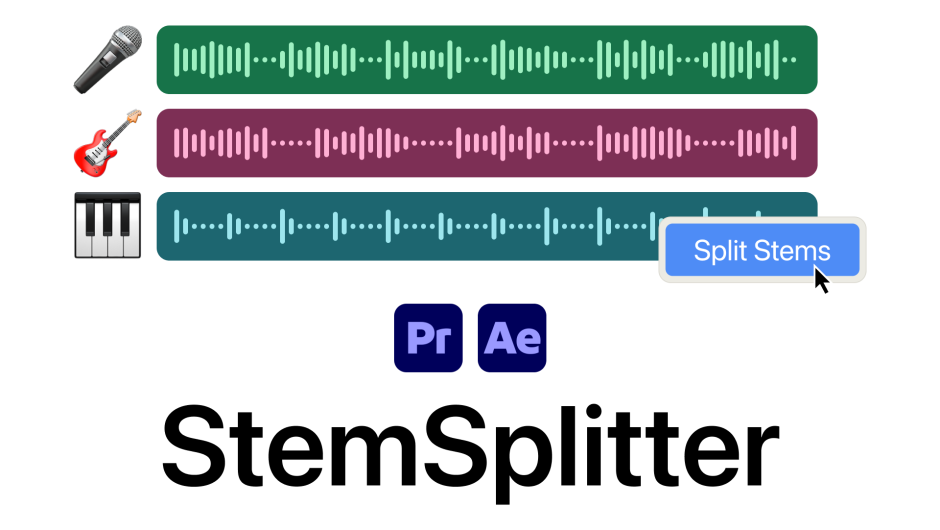
StemSplitter
StemSplitter separates songs into six tracks in Premiere Pro and After Effects, processes audio locally, and supports common video and audio formats.
Still Exporter
Export marked Premiere Pro frames as JPG, PNG, TIFF or DPX with filenames built from marker, project, sequence and timecode details.


Stock Search
Find free stock images, vector graphics, music, and video with Stock Search inside Adobe apps. Review app compatibility and each asset's license.

Stock Search Pro
Stock Search Pro is a plugin for stock video, image, GIF, icon, and music searches in Adobe apps. Check trial access, asset credit, and compatible apps.
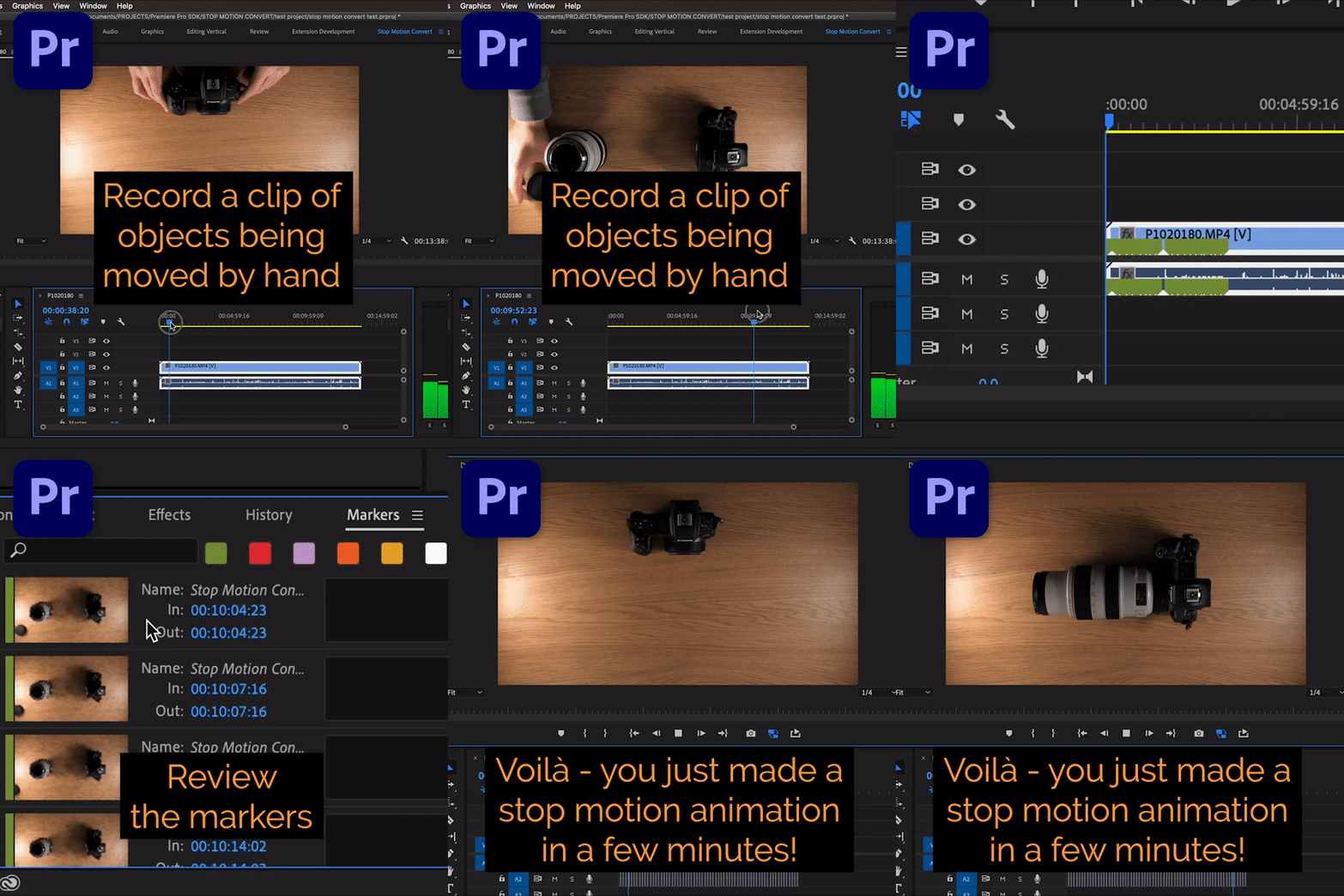
Stop Motion Convert
Stop Motion Convert turns a tripod clip into stop-motion video in Premiere Pro. Check supported versions and footage requirements before downloading.
Stornaway.io - The Interactive Video Editor
Stornaway.io - The Interactive Video Editor is an Adobe panel for building interactive video journeys and publishing to the web or LMS platforms.

Storyblocks
Search, preview, and download Storyblocks media in Premiere Pro and After Effects. Check subscription access and version requirements before installing.
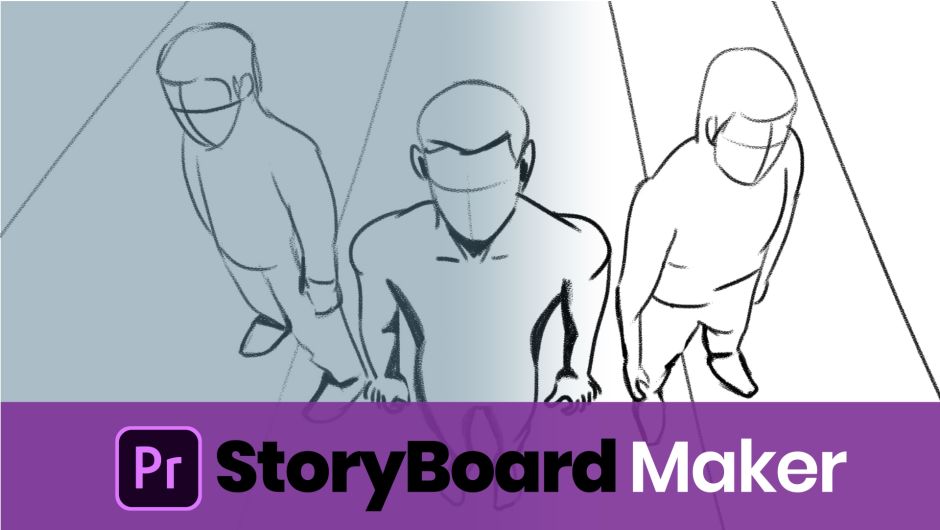
Storyboard Maker Premiere
Storyboard Maker Premiere adds shot notes, drawing and photo editing in Premiere Pro. Export and re-import storyboards; check compatibility before installing.

StrikeGuard
StrikeGuard is a Premiere Pro tool that scans content for copyrighted material before release. Confirm compatibility and license terms on Adobe Exchange.

Strokes Font Family
Compare Strokes Font Family's four all-caps brush styles and glyph coverage, then confirm current compatibility and availability before downloading.

SubMachine
Style and animate Premiere Pro subtitles with SubMachine MOGRTs. See template styles, SRT language support, compatibility notes, and license options.
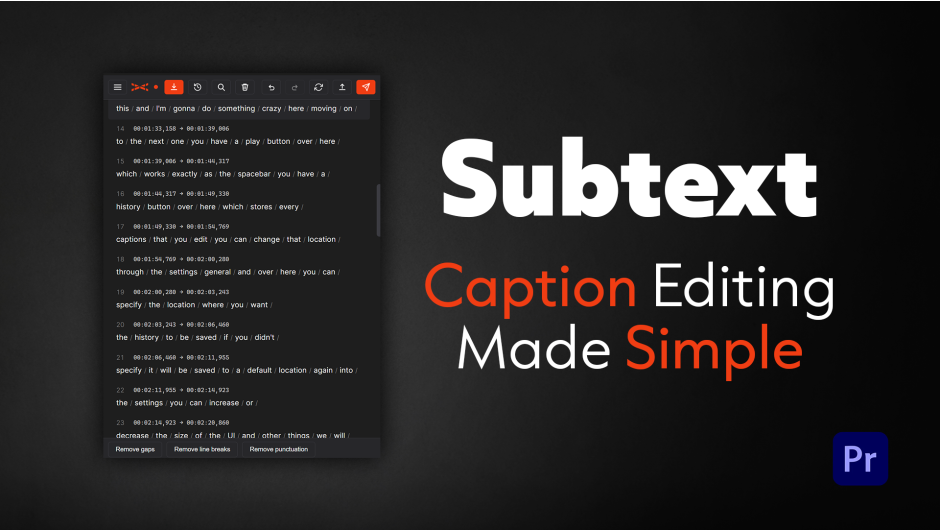
Subtext
Edit subtitle wording and timing in Premiere Pro, clean whole files, sync captions to playback, and send them to a caption track or export an SRT.
Subtitle Pro
Subtitle Pro is a subtitle plugin for After Effects and Premiere Pro. Import SRT or YouTube captions; use After Effects animation templates. Try the free trial.
SUGARfx MagiMoto
SUGARfx MagiMoto is a filter collection for keyframe-free animation in Final Cut Pro, Motion and After Effects. Review its controls and current price.