Software and plugin guides - Page 206
Browse published guides by application, developer or task. Check product details before downloading. Page 206 of 337.
Catalog results
Optimesh Pro
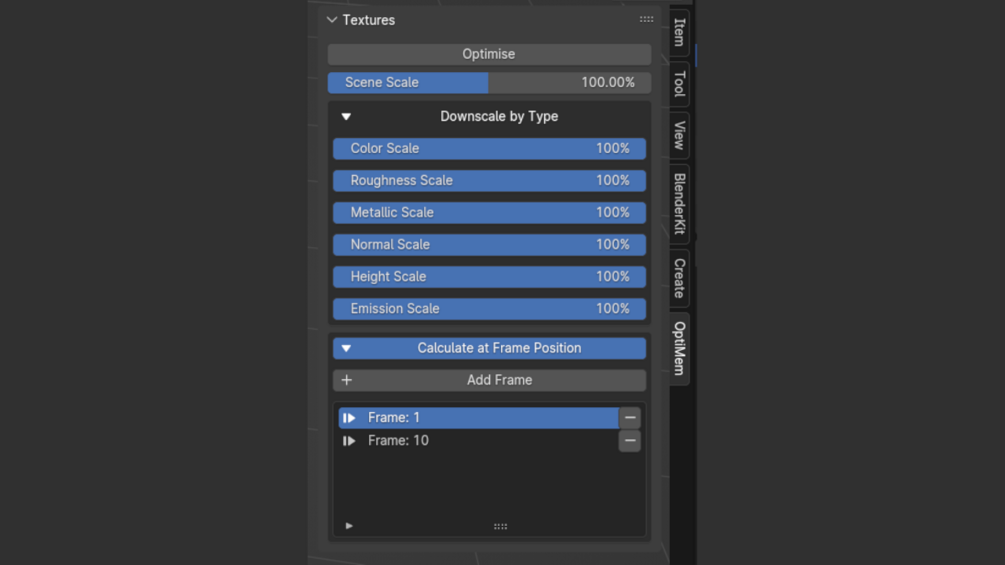
Prepare Blender game assets with Optimesh Pro: reduce polygons, build LODs, bake textures, create colliders, and export to Unity, Unreal, Godot 4, and more.

Optimize You Workflow! - Blender Object Hotkeyer
Blender Object Hotkeyer assigns objects to keys, with optional mode switching for weight painting and scene work. Check listed versions before installing.
OptiPloy: Rig Spawner
OptiPloy: Rig Spawner lets Blender users browse .blend assets and choose what to link or localize. Check Blender compatibility, setup, and file permissions.
Orb Reactor
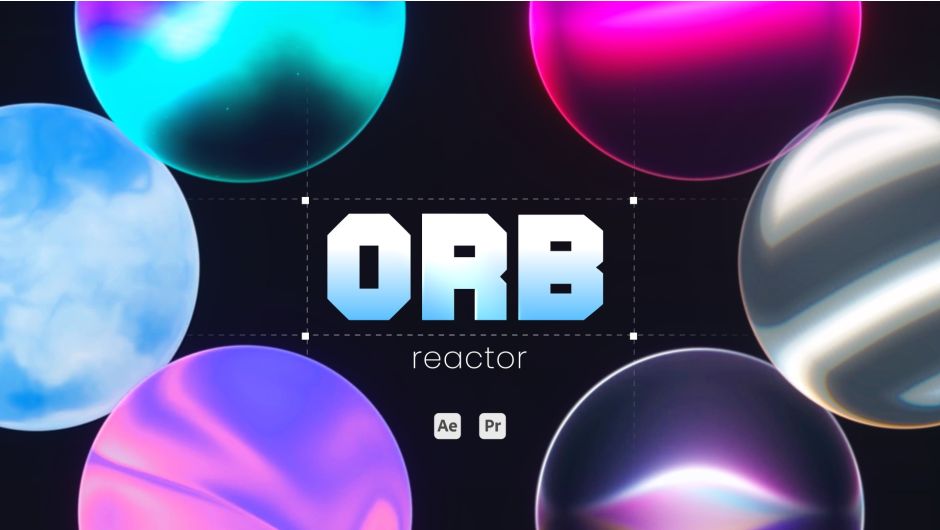
Create animated glass, liquid, aurora, chrome, and particle ribbon orbs, with optional voice response. Check Orb Reactor's styles, exports, and app support.
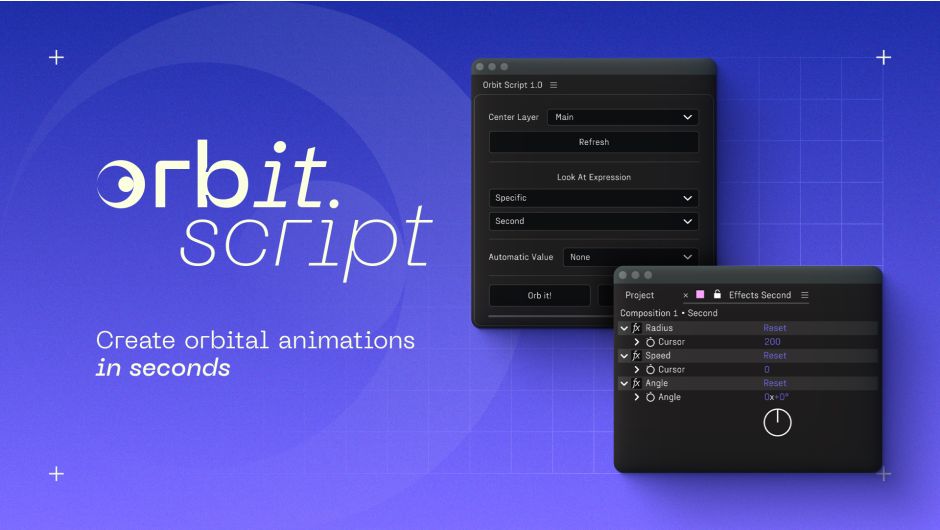
Orbit Script
Orbit Script adds orbital motion to After Effects layers with Radius, Speed, Angle and smart Look-At options. Check compatibility and try the free trial.
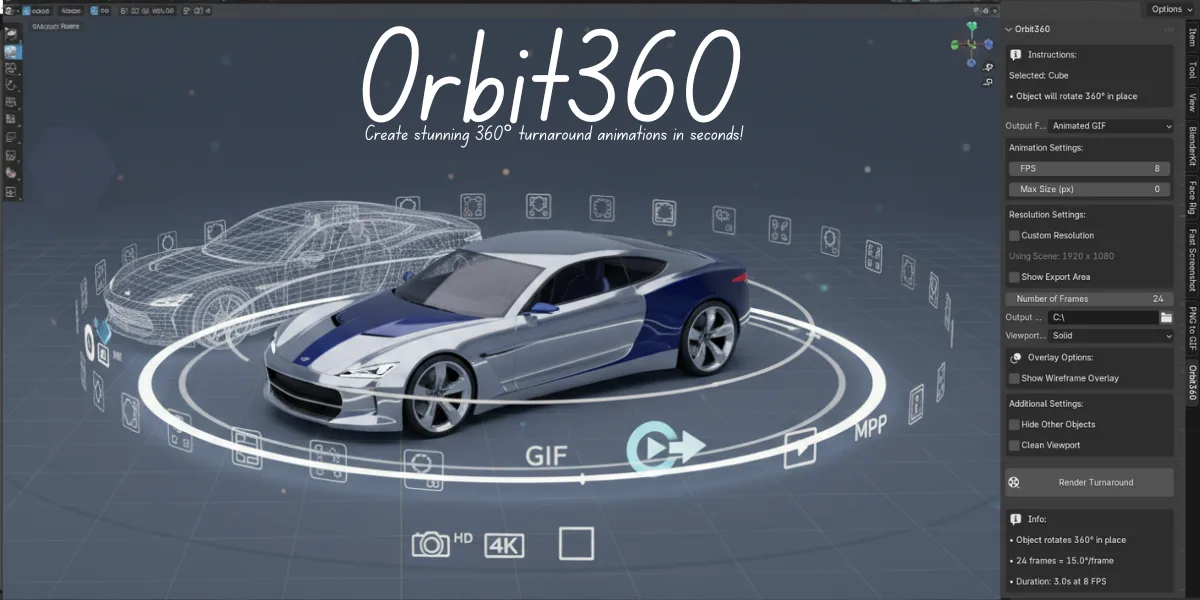
Orbit360 - One Click Turnaround Animation Export From Viewport
Orbit360 exports Blender viewport turnarounds as PNG sequences, GIFs, or H.264 MP4, with five resolution presets and four shading modes. Review the workflow.
Organic Addon - Procedural Organic Tools - Discord Promotion
Organic Addon - Procedural Organic Tools - Discord Promotion is a Blender add-on for organic forms using procedural tools and ready-made materials.
Organizer
Organizer helps Blender artists inspect and clean large scenes with tools for materials, modifiers, names, UV maps, and other object data.
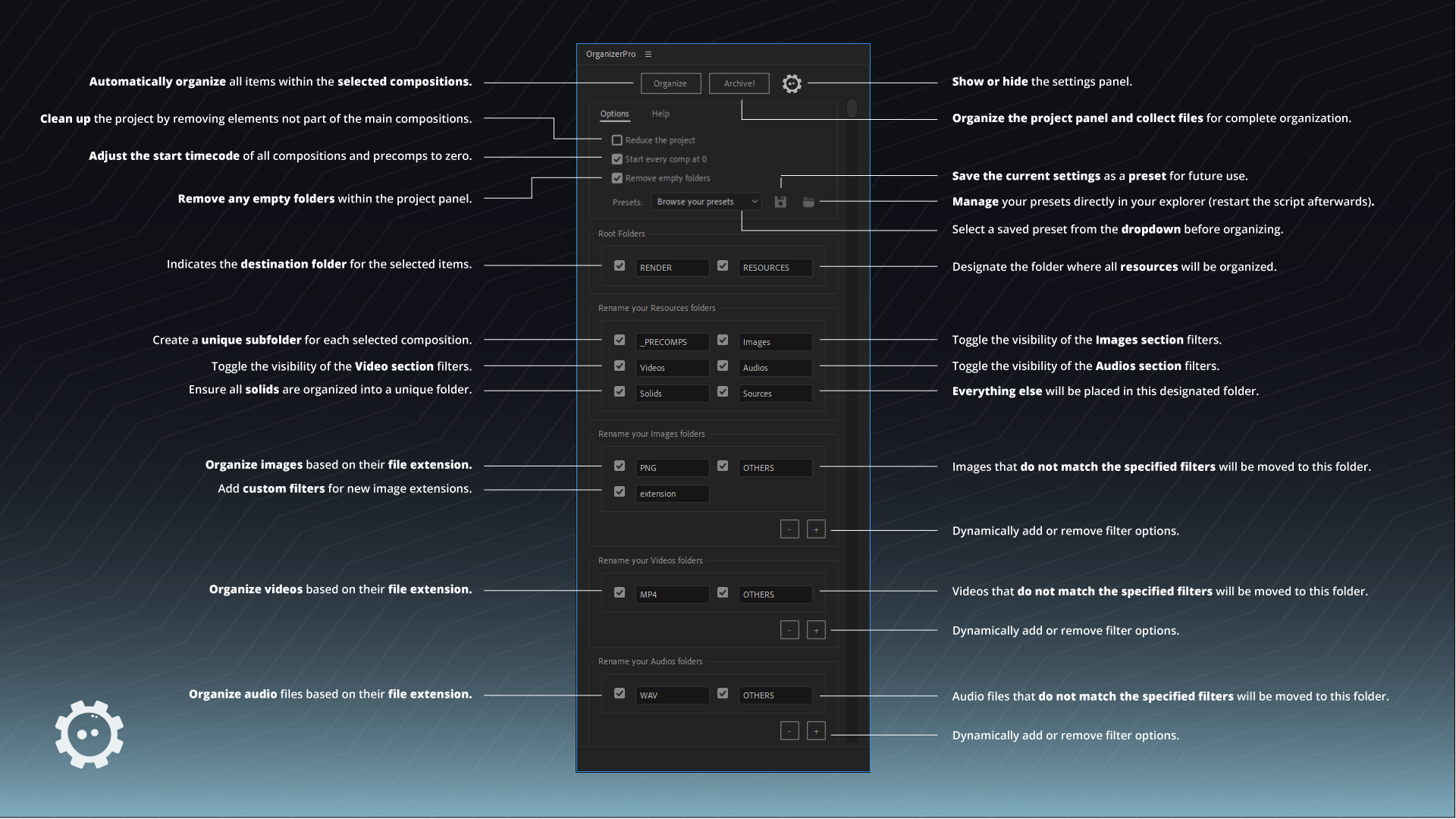
OrganizerPro
Sort selected After Effects comps and media into custom folders with OrganizerPro. Set comps to start at zero and share organization presets.
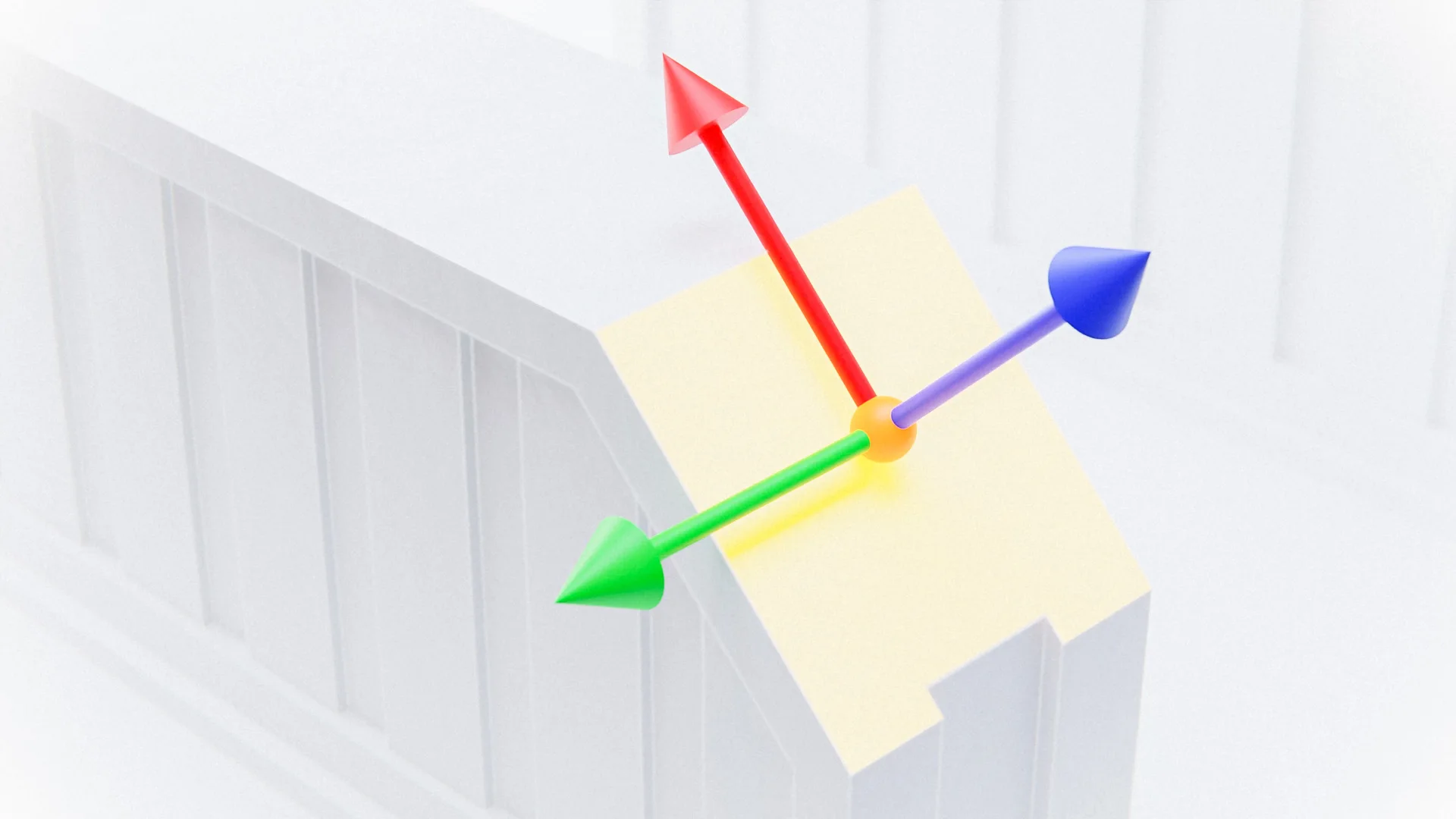
Orient And Origin To Selected
Orient And Origin To Selected aligns orientations and snaps origins to a selection in Blender. The listing gives Blender 4.2.0 as the minimum for version 1.3.0.
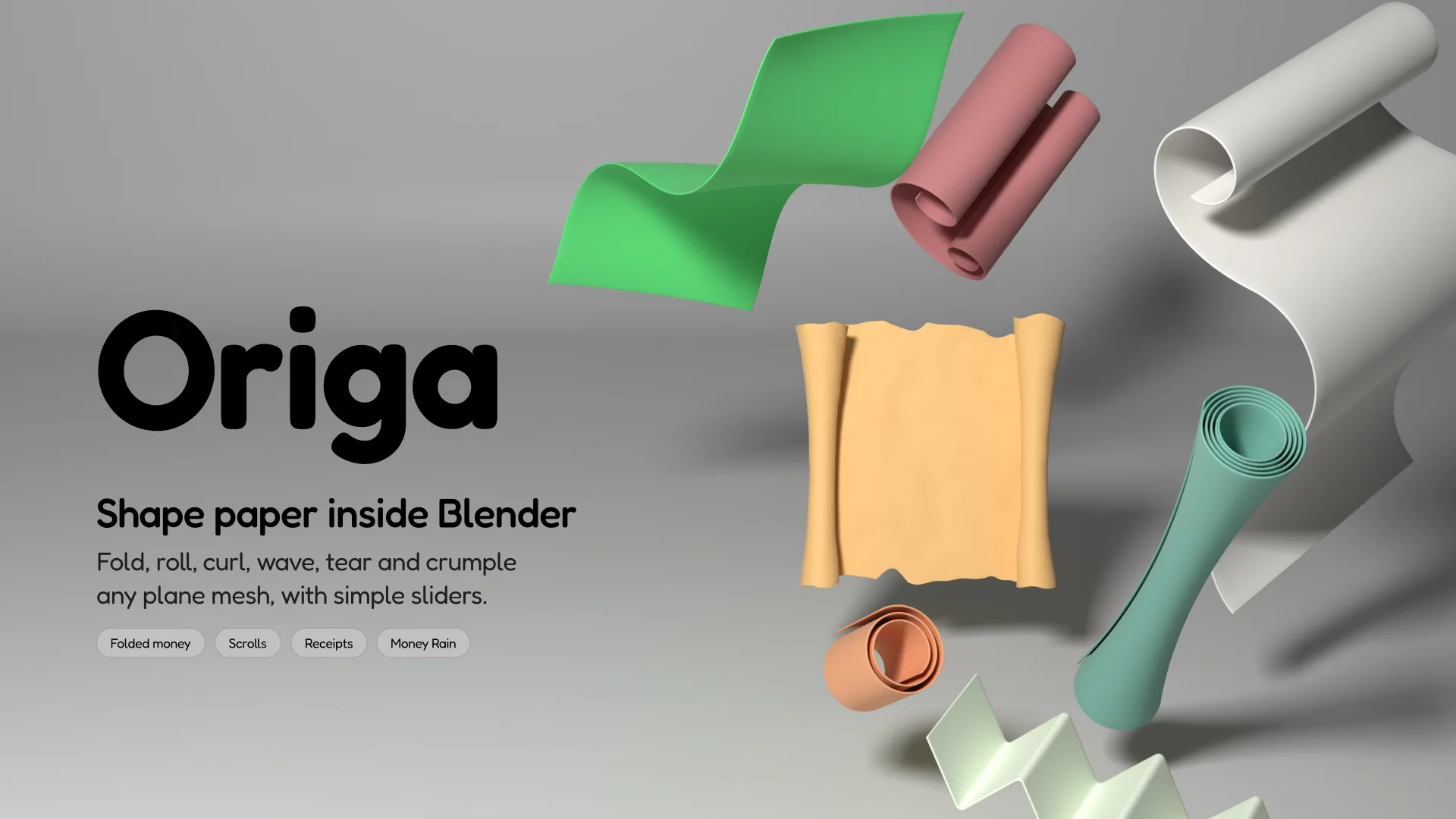
Origa
Turn Blender plane meshes into foldable paper with sliders for folds, rolls, curls and crumples. Origa 0.6.1 adds note-stack presets. See the listing.
Origin Align
Set Blender origins to mesh sides, faces, or grid points. Compare Center First with geometry-aware Smart Center, then review installation notes.
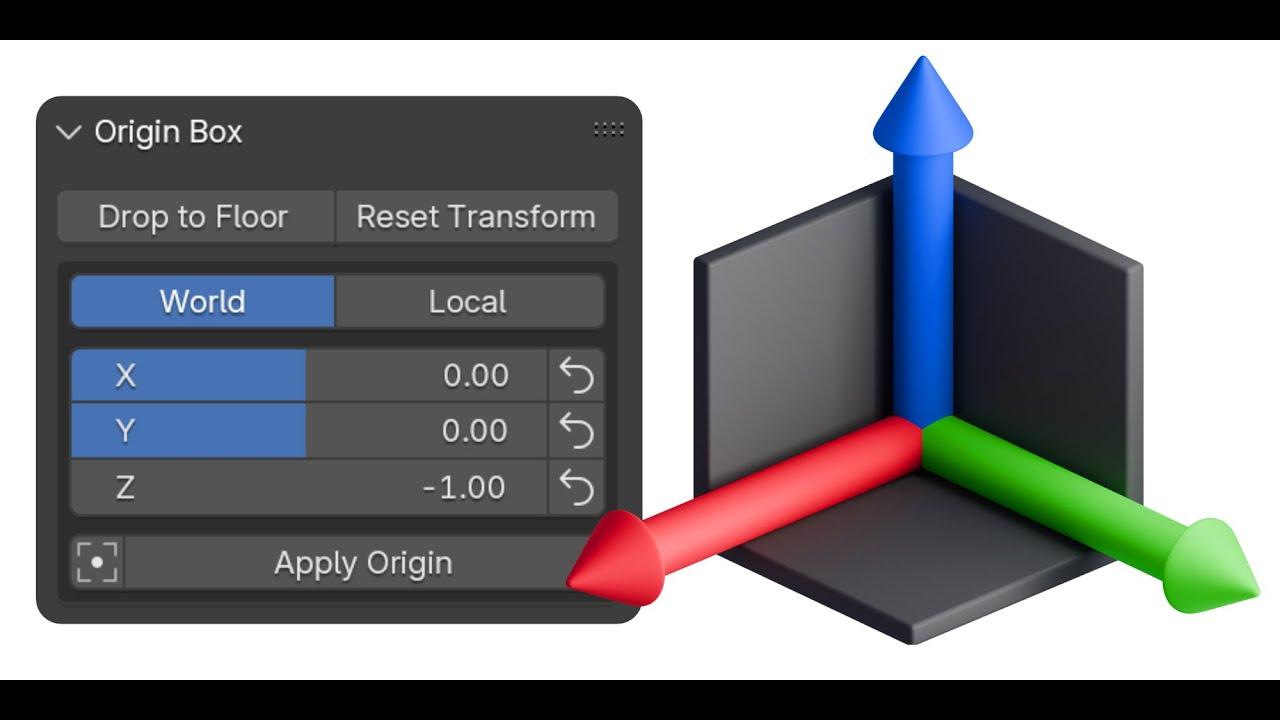
Origin Box
Adjust Blender origins on X, Y, and Z, use World or Local modes, and drop objects to the floor. Check Origin Box compatibility on the 3DPRS listing.
Origin Master Tools
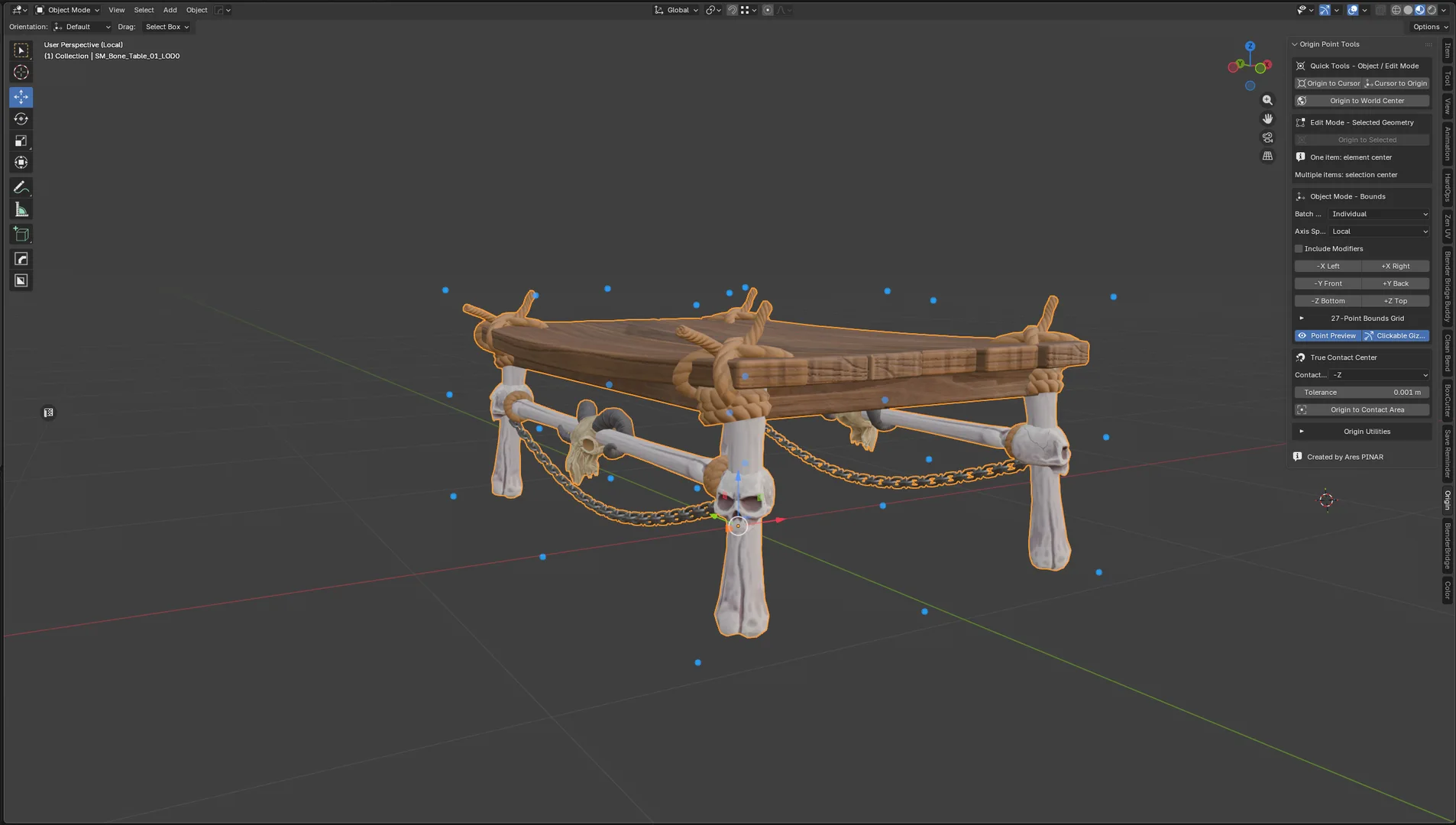
Position Blender object origins with Origin Master Tools. The pie menu places them directionally or at selected mesh parts; its N-panel supports complex tasks.
Origin Setter
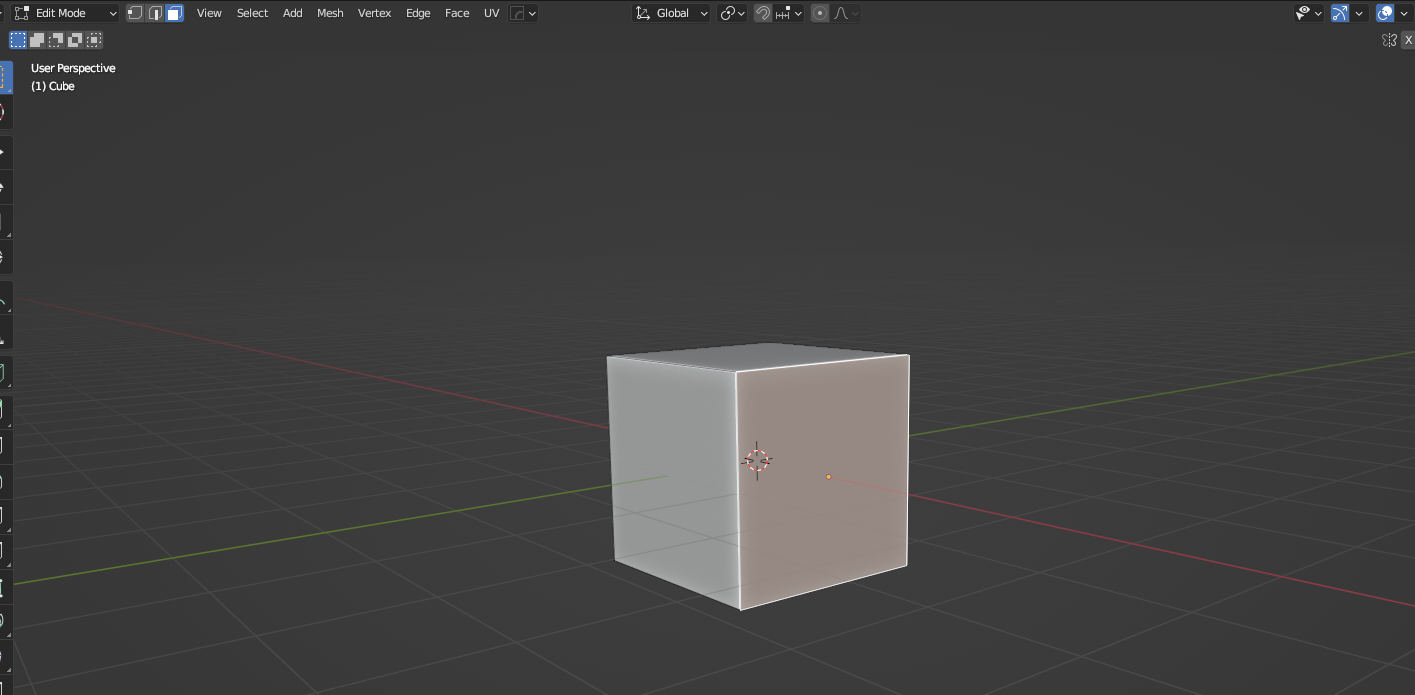
Origin Setter moves a Blender object's origin to a selected vertex, edge, or face with Alt+7. Check its setup steps, listed versions, and GPL license.
Origin To Selected
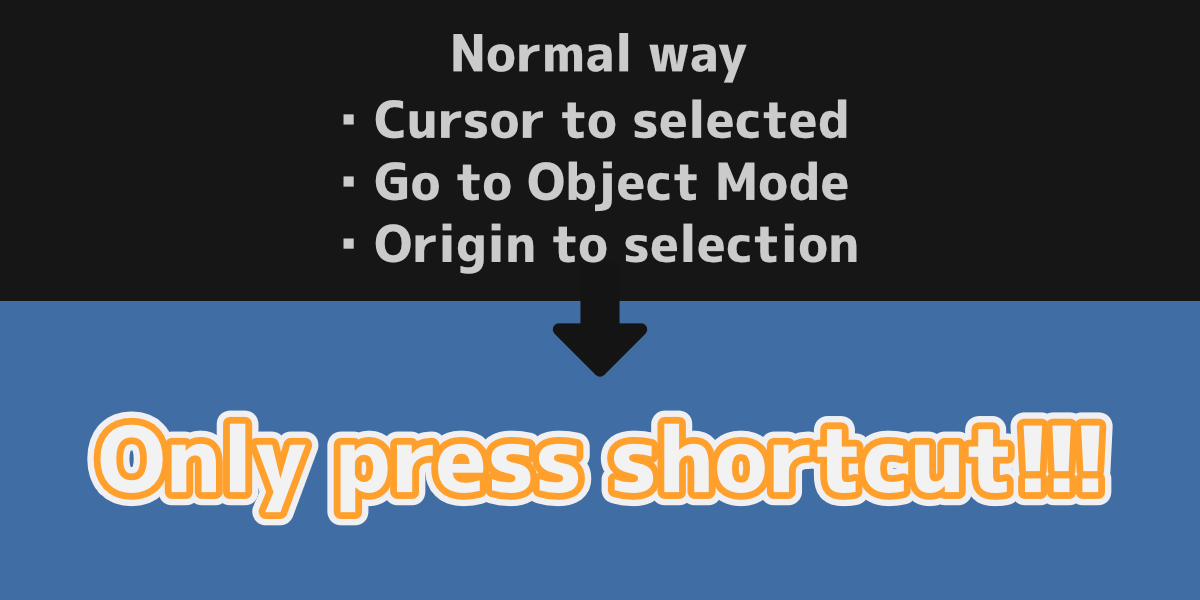
Set a Blender object's origin at a selected vertex, edge, or face with Origin To Selected. Check Blender versions, object types, shortcut, and options.
Origin Tools
Origin Tools are a Blender add-on for moving object origins to the top, bottom, or selected faces. Check installation steps, Blender versions, and license.
Origin Wrangler
Origin Wrangler expands Blender's Set Origin tools with selection, axis, bounds, and final-mesh options. Check compatibility and choose the add-on format.
Origin_move_like_maya (Press D)
Move a Blender object's origin in Object mode with a Maya-style pivot workflow. Press D to enter or exit pivot mode, and S to toggle snapping.
Originmover
Originmover is a Blender add-on for real-time X, Y and Z origin edits in the 3D View's Item tab, without moving the object's geometry.