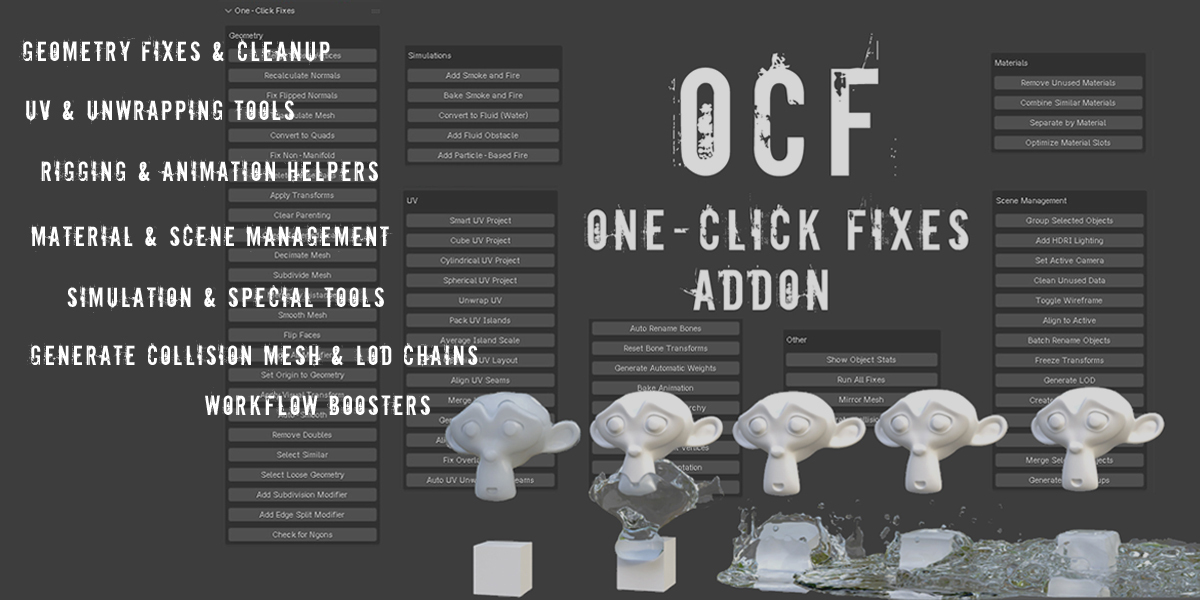
One-Click Fixes
One-Click Fixes are a set of over 100 Blender operators for mesh cleanup, UV work, rigging, simulation and scene management in the 3D View Sidebar.
Browse published guides by application, developer or task. Check product details before downloading. Page 205 of 337.
One-Click Fixes are a set of over 100 Blender operators for mesh cleanup, UV work, rigging, simulation and scene management in the 3D View Sidebar.
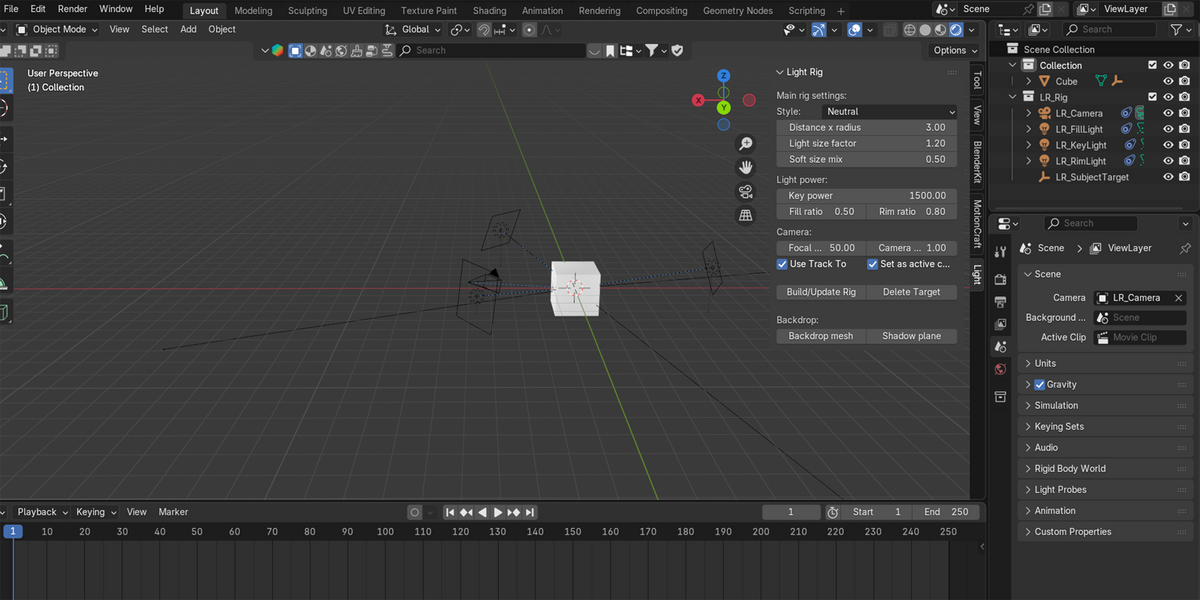
Blender product animation with MotionCraft LT: One-Click Product Animation & Studio Lighting pairs motion presets, camera tools and three-point lighting.
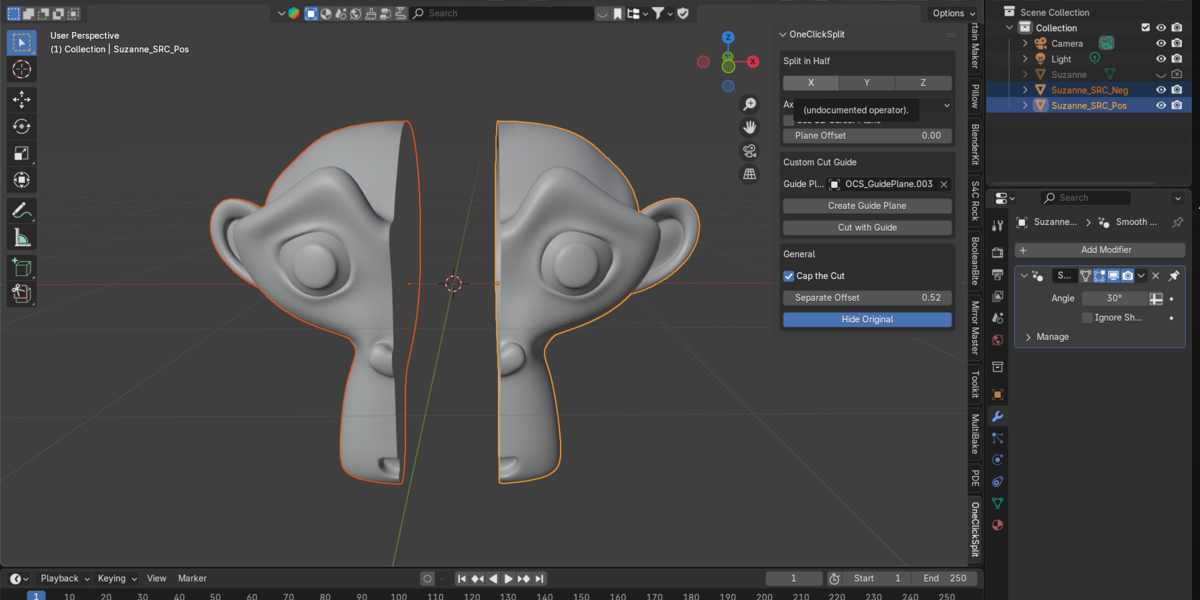
One-Click Split - Blender Add-On is a mesh cutter for X, Y, or Z axes or a guide plane. Cap the cut or offset the halves for a split view.
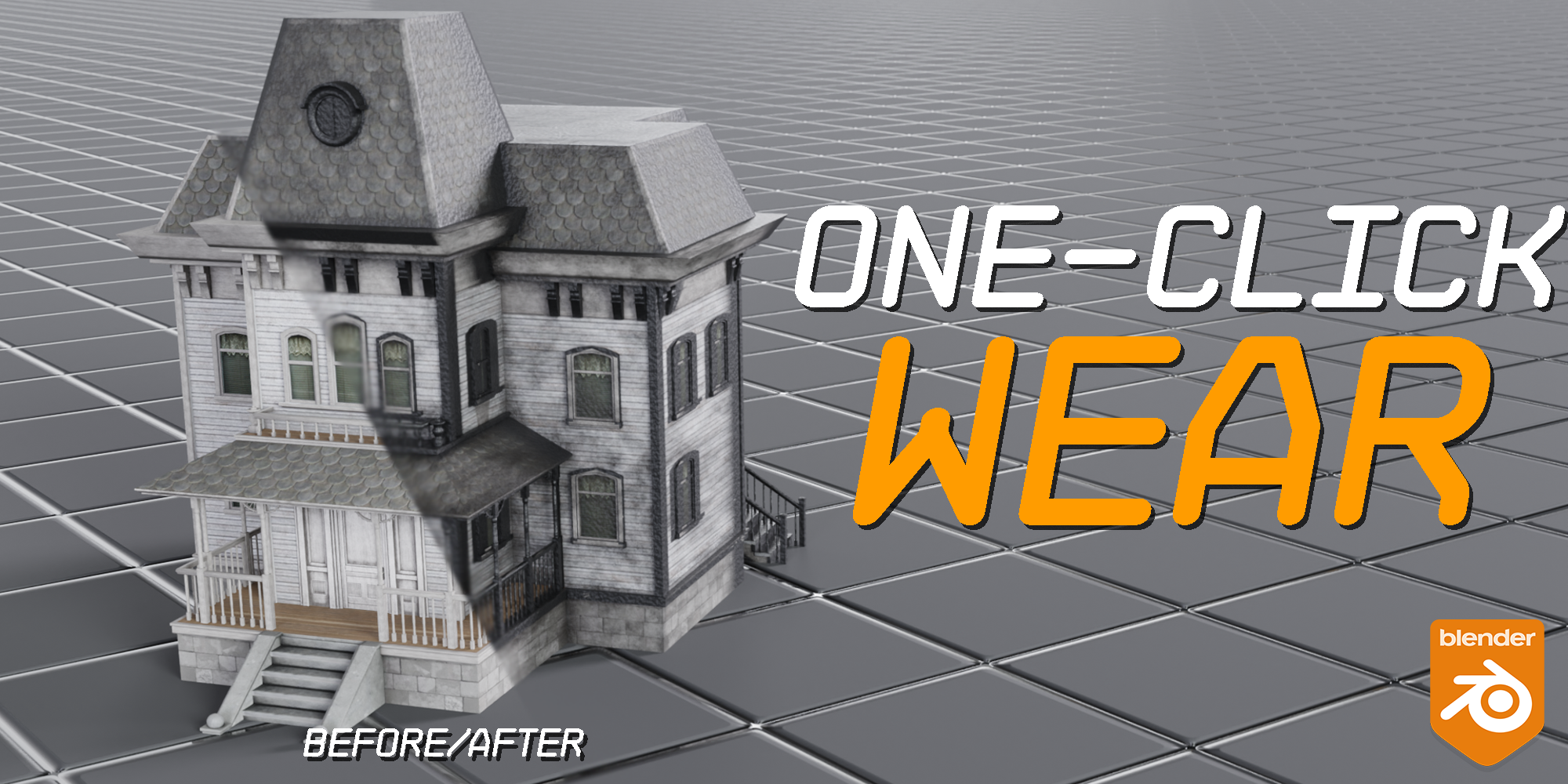
Create aged, weathered assets in Blender with One-Click Wear Generator. Check its Blender 4.0 and 4.1 support, Cycles and EEVEE notes, and included files.
One-Step Copy & Relink (Bitmap Path Manager) is a 3ds Max script that copies textures and relinks paths with a chosen extension before external conversion.
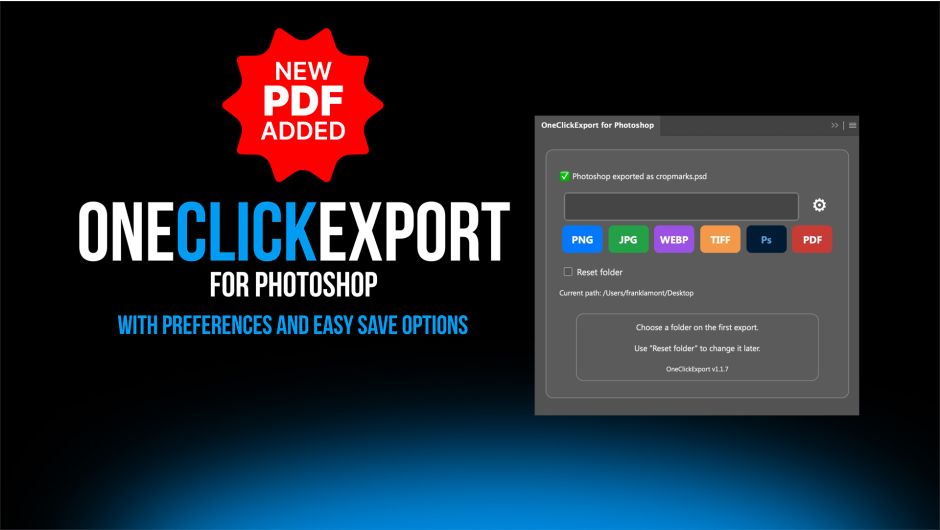
OneClickExport for Photoshop exports PNG, JPG, WebP, TIFF, layered PSD, and PDF from a dockable panel. Review its controls, compatibility, and free trial.
Onedeck - Streamline Your Workflow is a Blender add-on for environment artists. A July 2026 listing names 4.3 and 4.4; Superhive says it is no longer for sale.
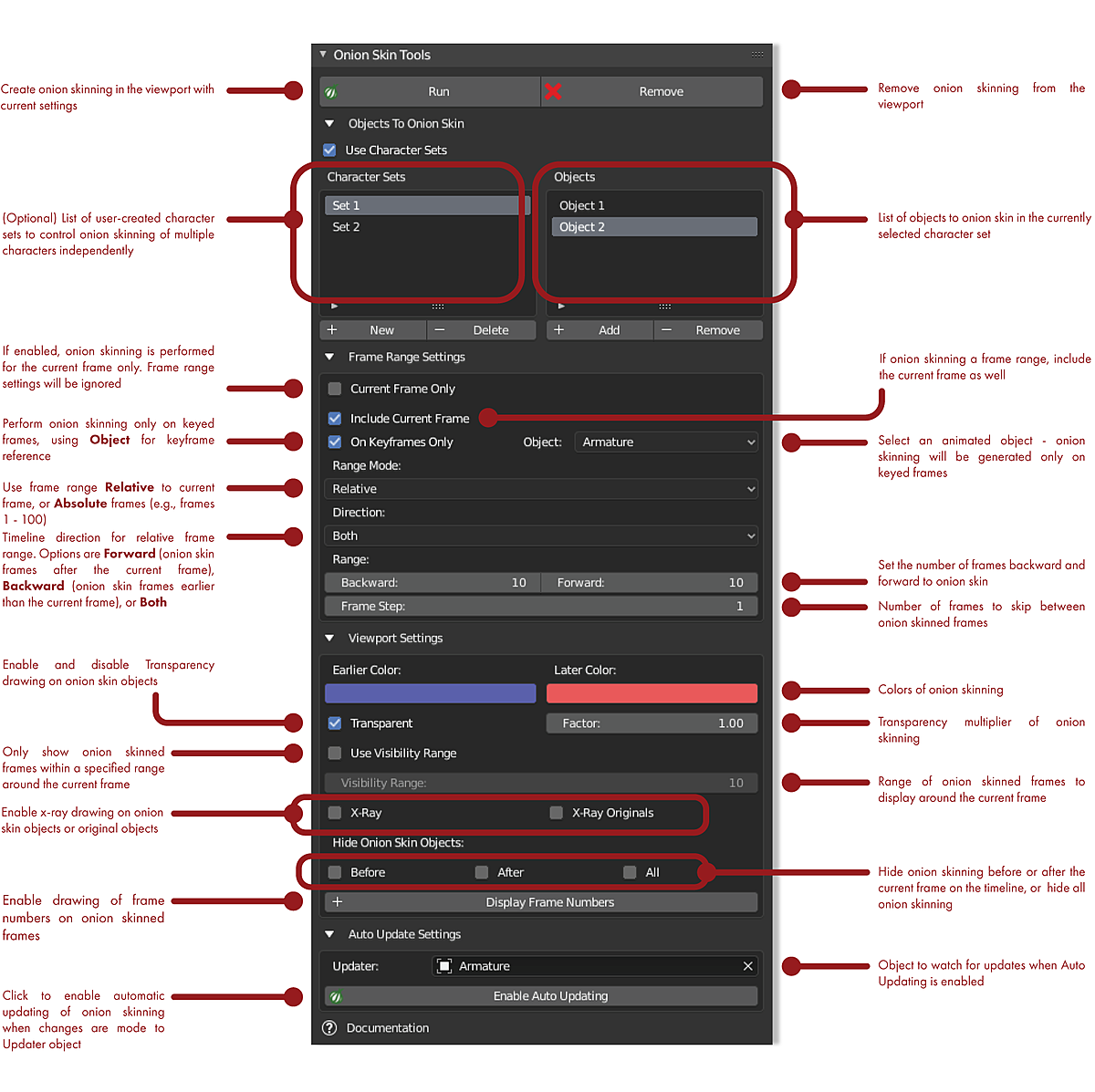
Onion Skin Tools are a Blender add-on for viewport onion skinning, with frame ranges and Character Sets for pose comparison and object grouping.
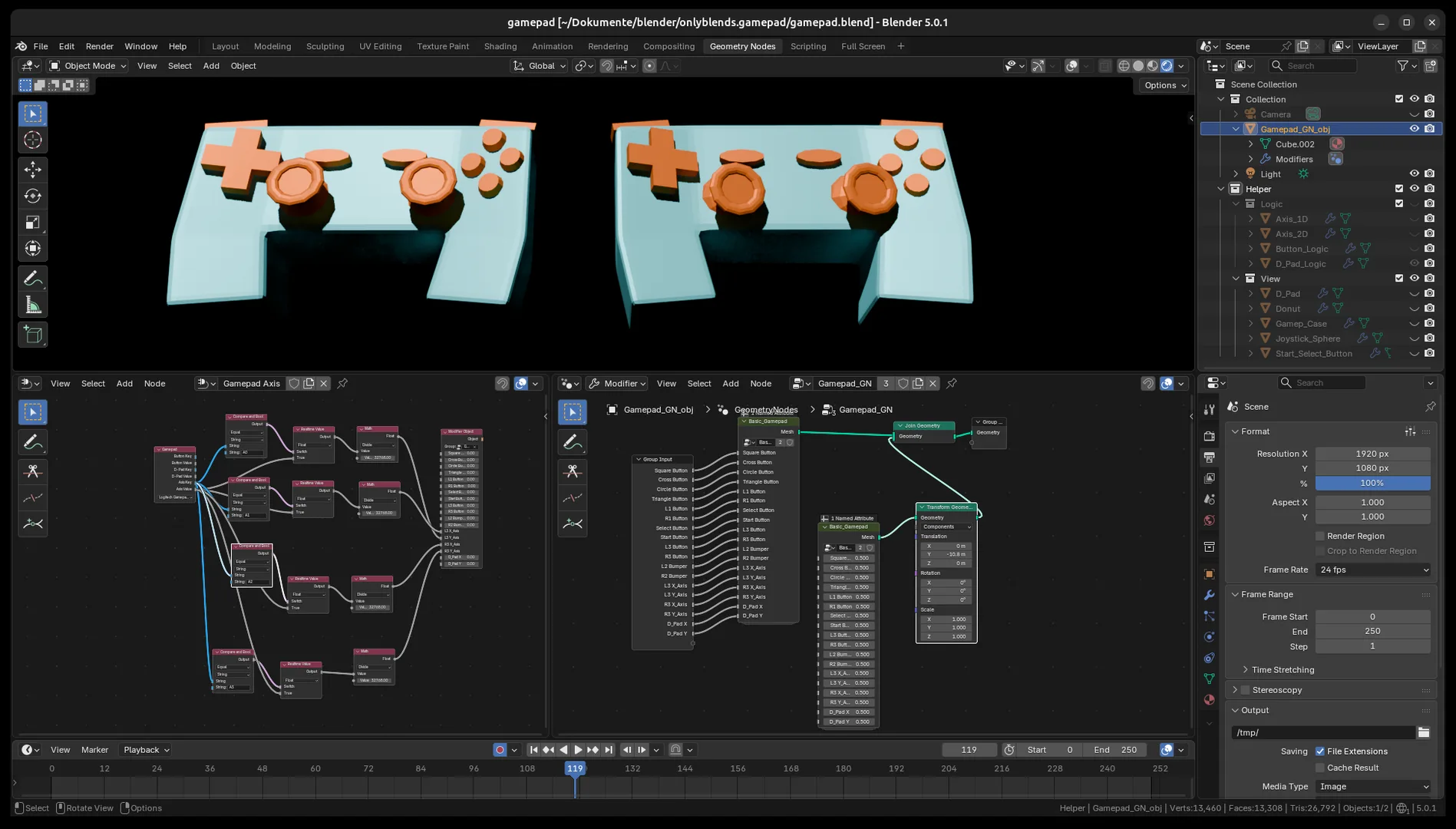
OnlyBlends.Gamepad routes gamepad buttons, D-pad and axes into Blender Geometry Nodes for real-time controls. Requires Blender 4.2 or later.
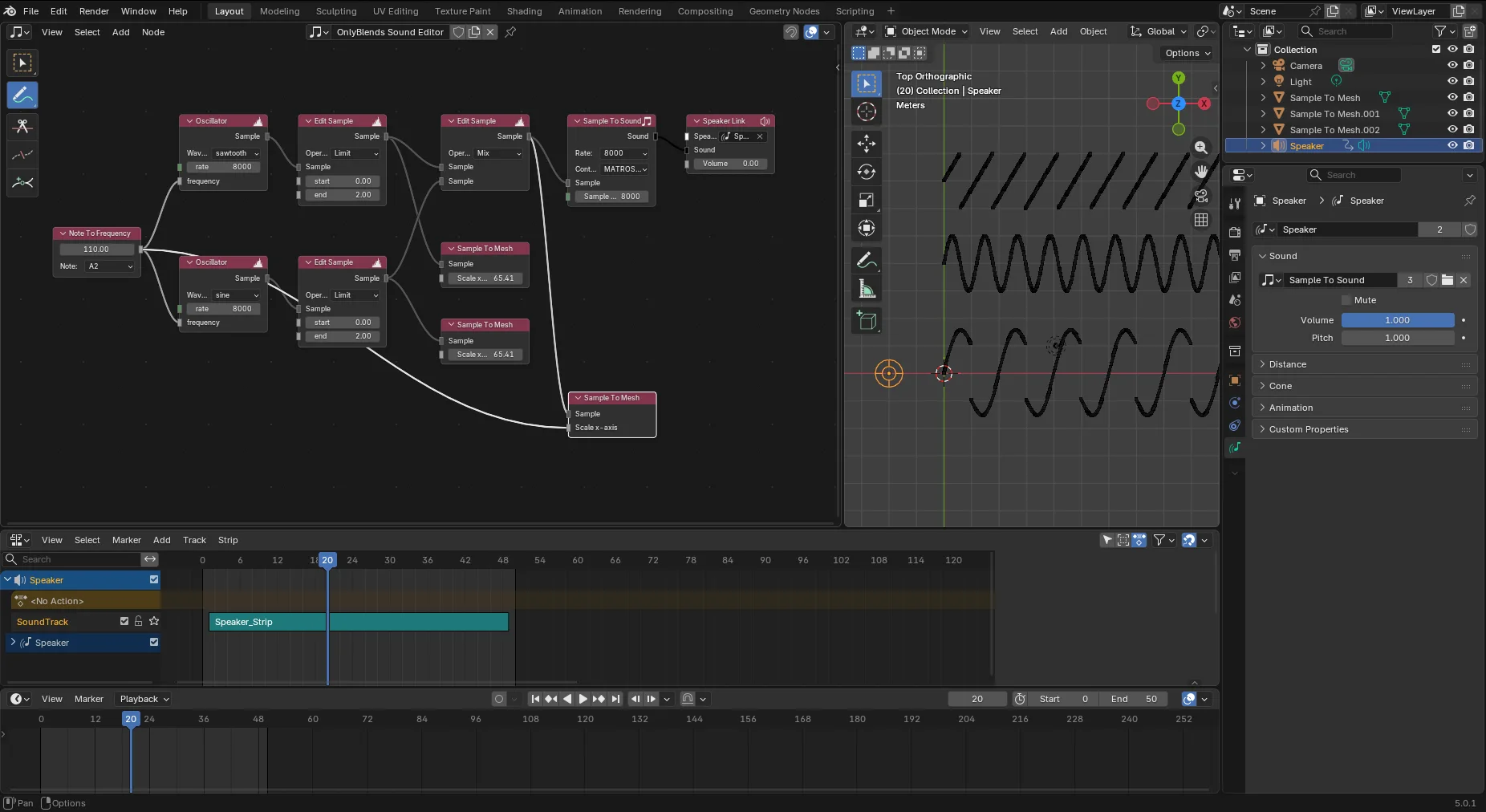
Explore OnlyBlends.Mixer's Blender example: Geometry Nodes create an oscillator that Mixer Nodes turn into a sample. Check compatibility before installing.
OnMic automates speaker-based multicam edits in Premiere Pro from isolated mic tracks. See its setup needs, local processing and free 14-day trial.
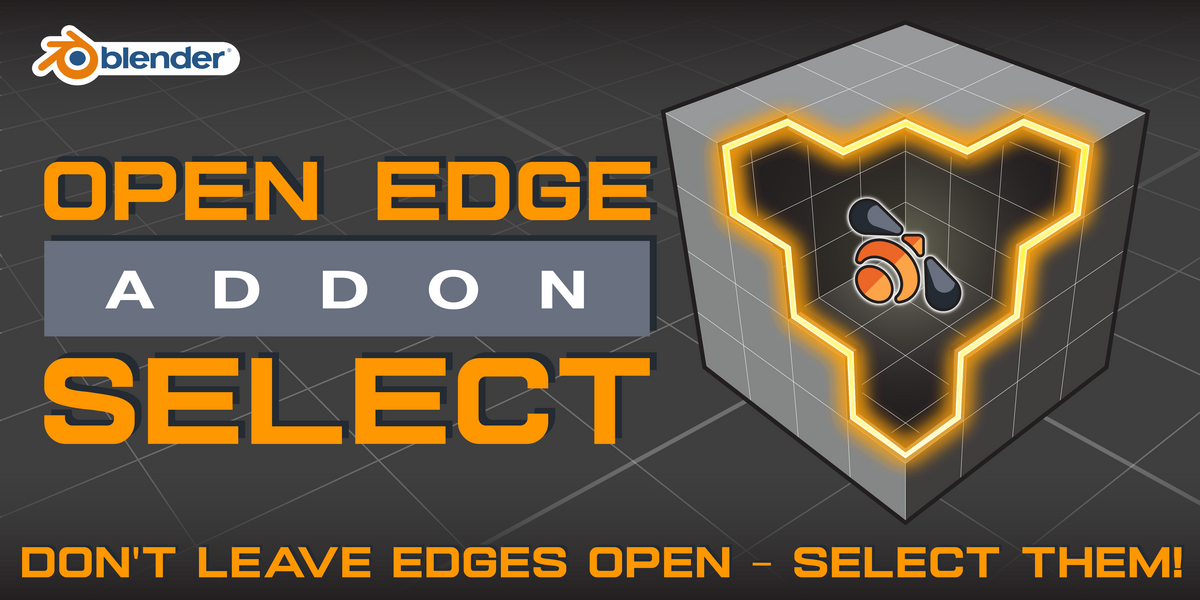
Open Edge Select selects open edges and fills loops with triangles or quadrilaterals; quad fills use an active edge. Listed for Blender 4.2 under GPL.
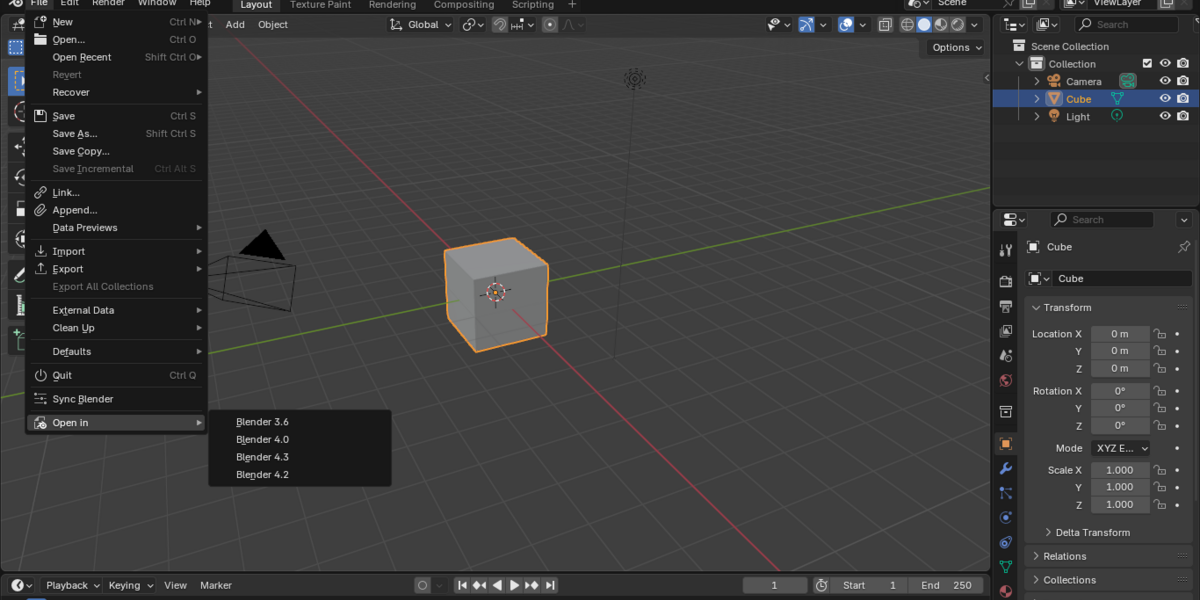
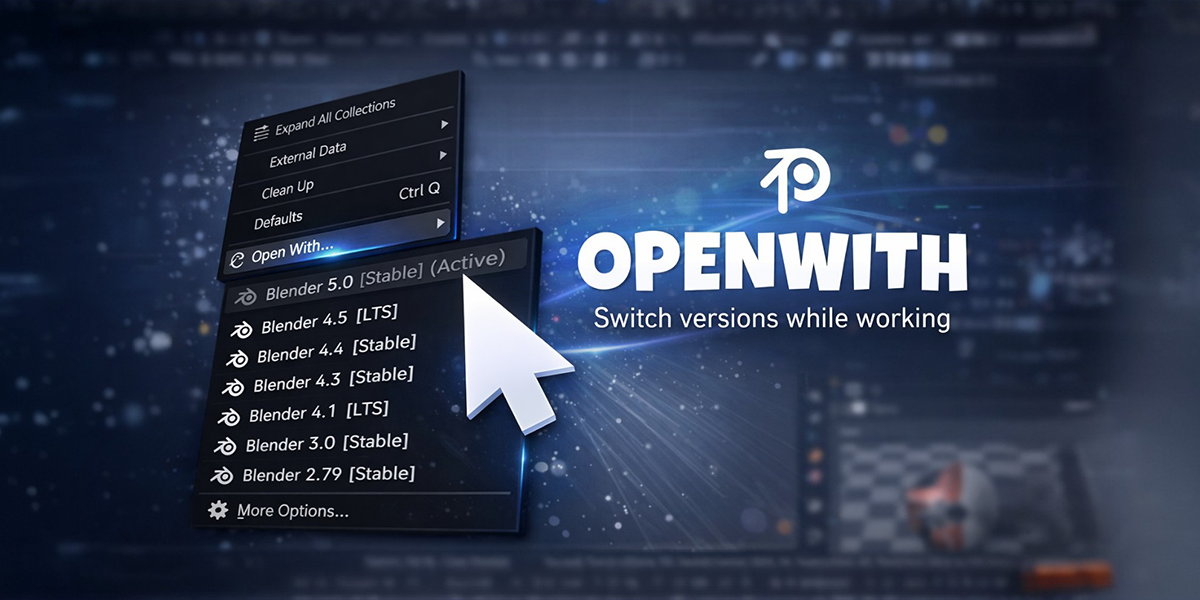
Open a .blend project in another installed Blender release using Open In from Blender's File menu. Review setup, version detection, and OS support.
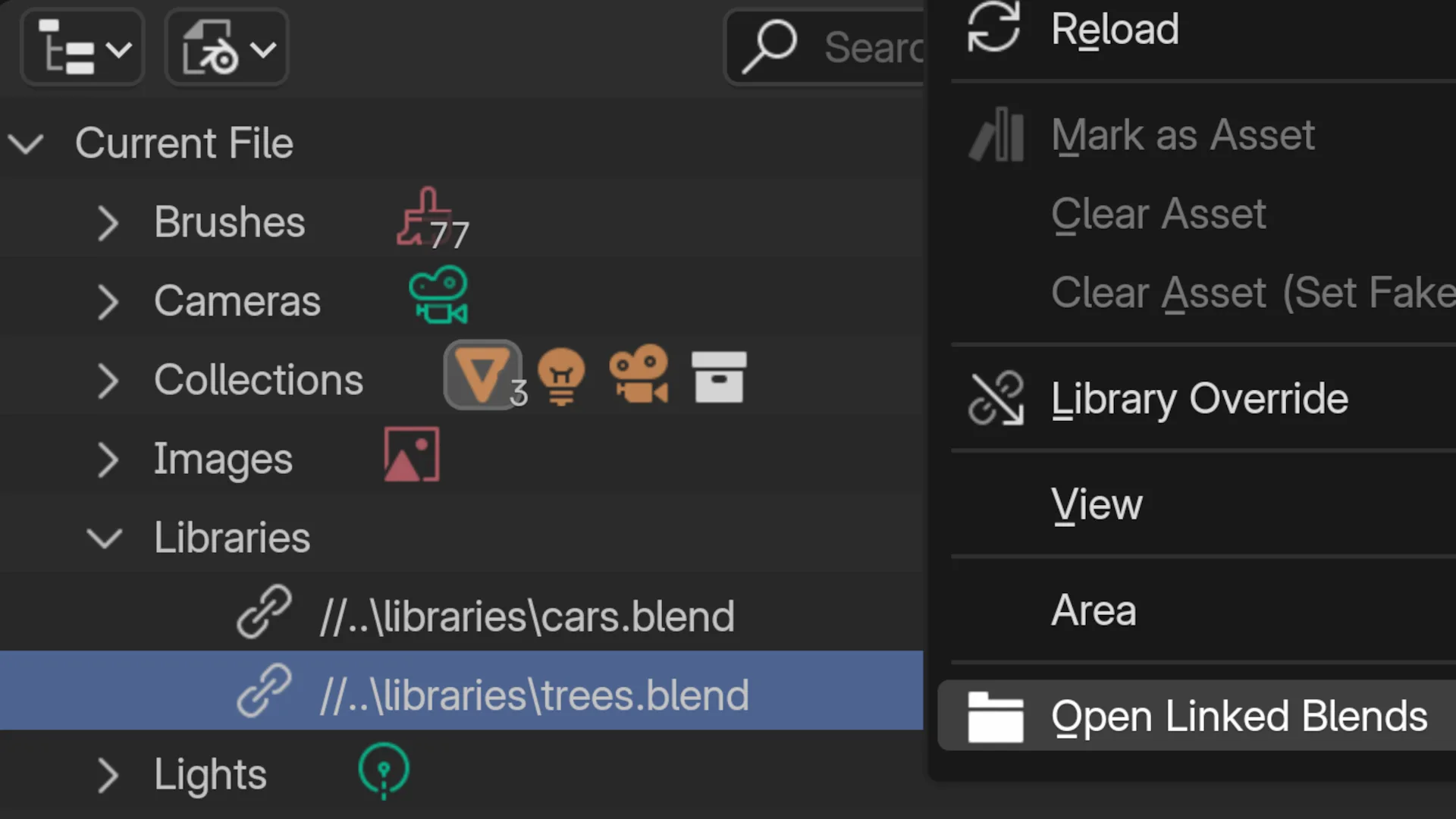
Open Linked opens linked .blend files from Blender’s Outliner. Extensions require Blender 4.2 LTS; ZIP installs support Blender 3.3 LTS or later.
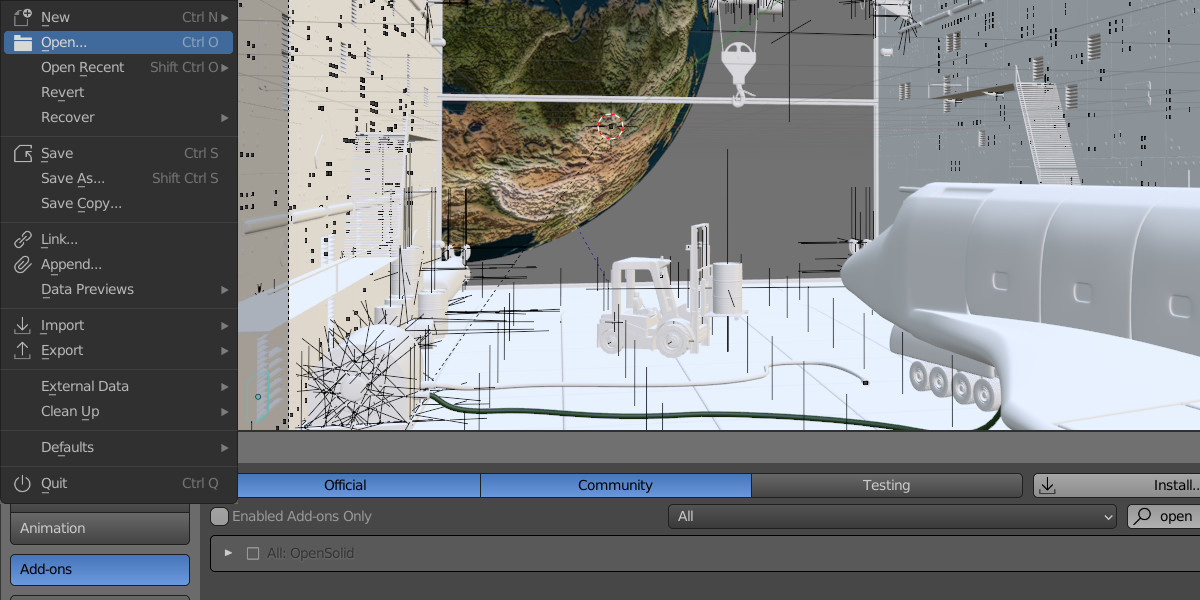
Open Solid opens Blender files in Solid mode to avoid Material Preview loading delays on heavy scenes. Check your Blender version before installing.
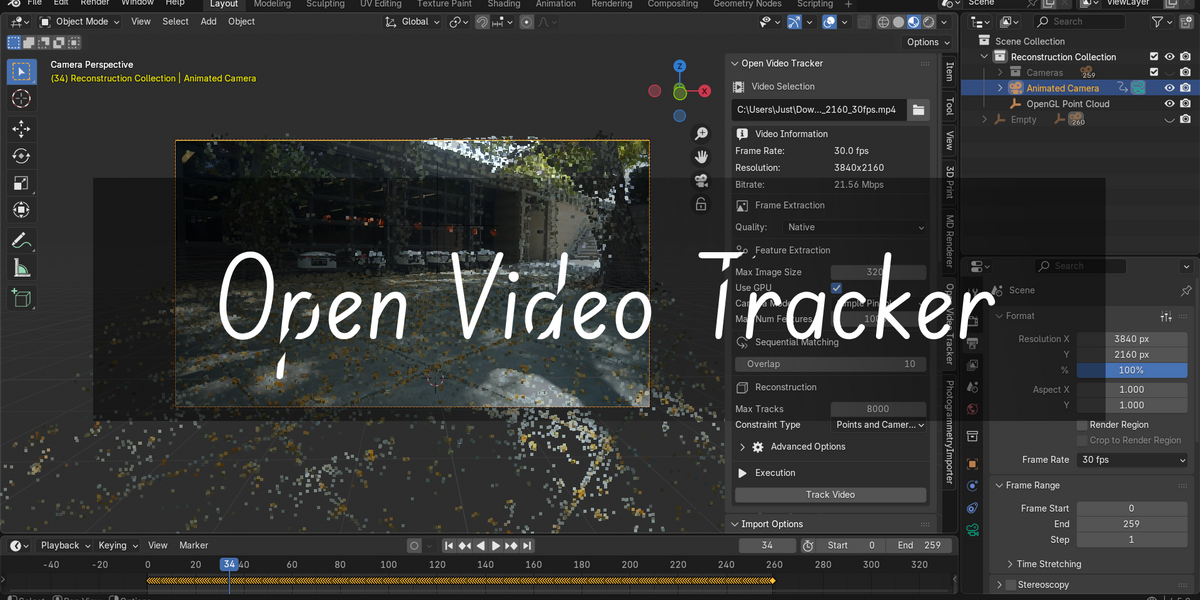
Open Video Tracker is a Blender video-tracking add-on listed for Blender 3.6 to 4.5 and Blender-Internal, Cycles, and Eevee. Review its GPL license and demo.
Open With is a Blender add-on for version switching, add-on comparison, backups and launch monitoring. Check supported versions and setup.
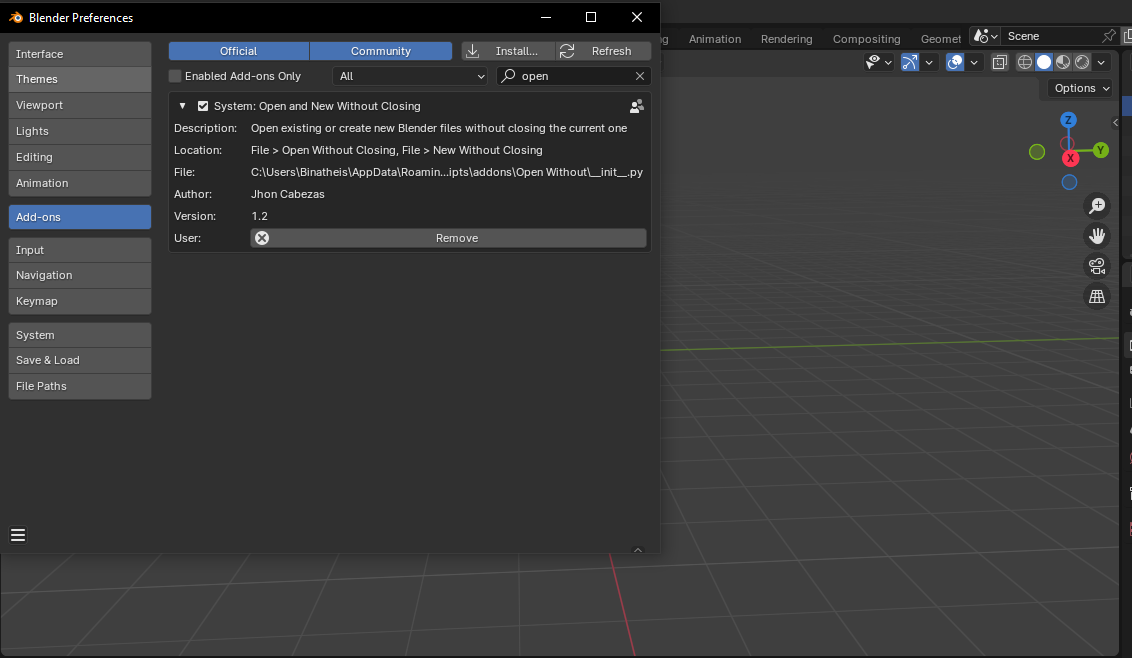
Open Without: Open Files Without Closing Current is a Blender add-on that opens files in separate instances while the current project stays open.
See how Opening Handing for Revit calculates LH, RH, LHR and RHR for doors and windows, checks room context, and lets you review parameter updates.
Openrocketanimator animates OpenRocket OBJ models from CSV flight data in Blender. See its roll, keyframe, and camera controls; Blender 4.0+ is required.
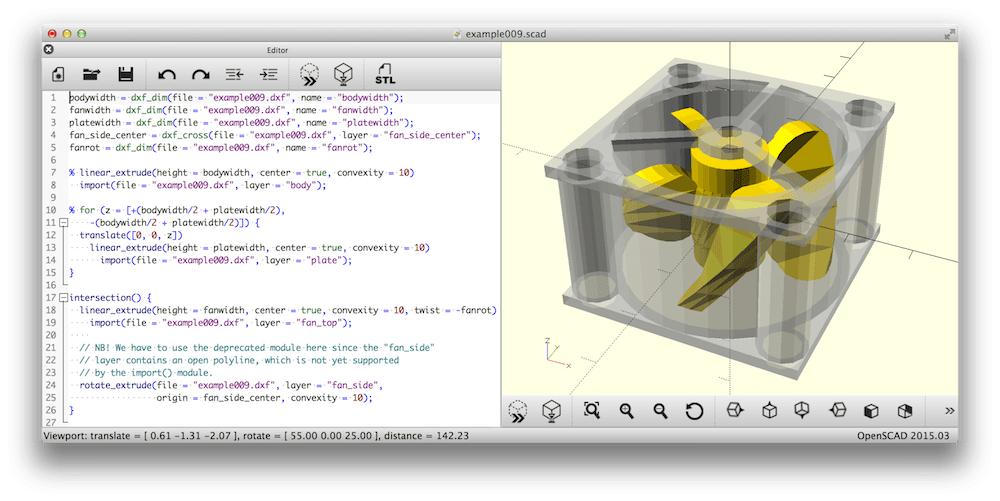
Use OpenSKP to import and export SketchUp .skp files in Blender without SketchUp. Check version support, structure, materials and texture handling.
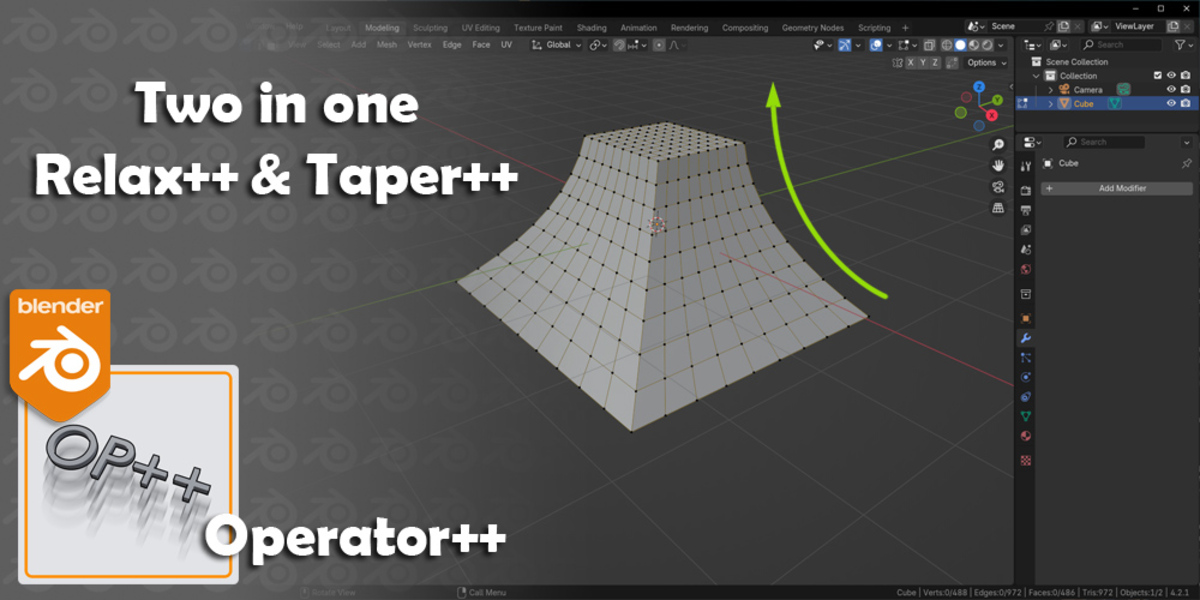
Operators++ are Blender mesh operators for Relax++ and Taper++, with Preserve Volume, curvature and axis controls for selected geometry. See how they work.