Bone Engraver
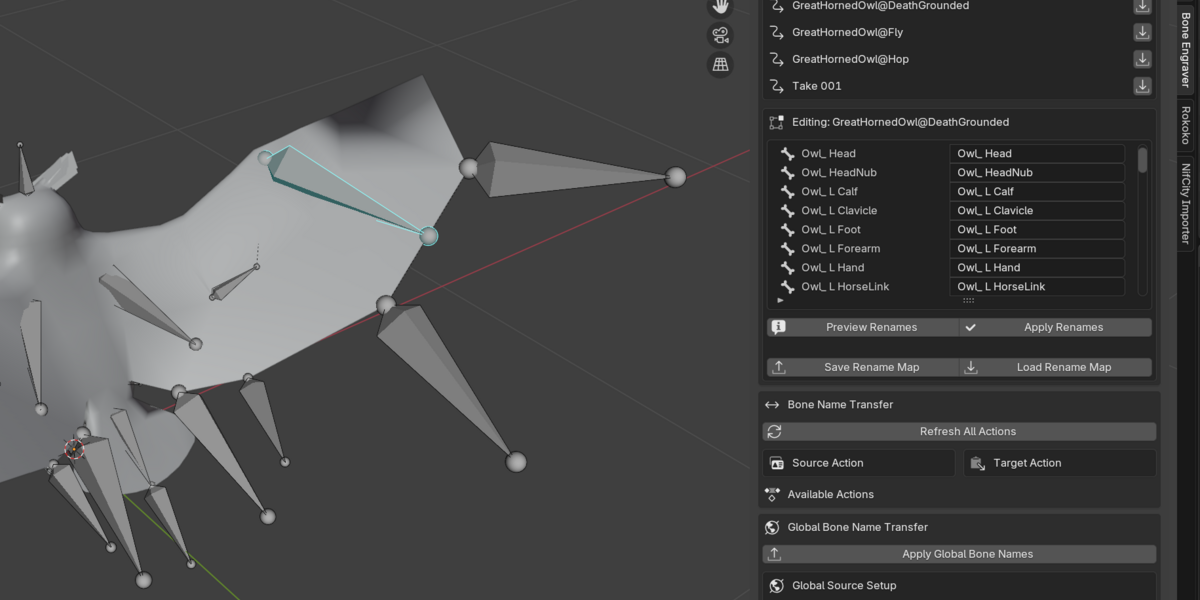
Bone Engraver combines Blender tools for bone renaming, armature reordering, and restoring matrices for animation and FBX workflows.
Browse published guides by application, developer or task. Check product details before downloading. Page 50 of 337.
Bone Engraver combines Blender tools for bone renaming, armature reordering, and restoring matrices for animation and FBX workflows.
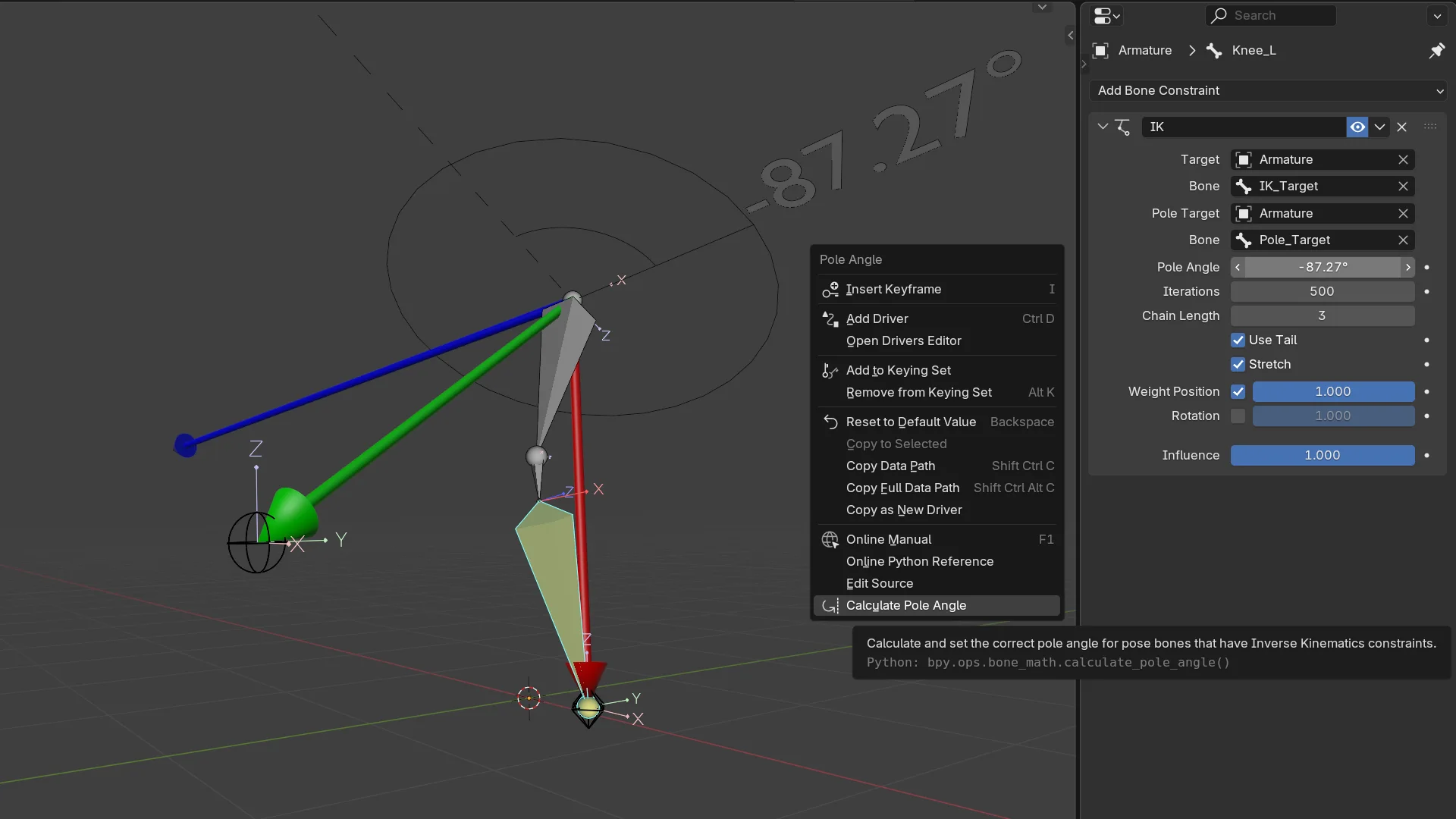
Pick a bone from Blender's 3D Viewport and assign it to a constraint subtarget with Bone Eyedropper, a focused rigging add-on for Blender 4.2+.
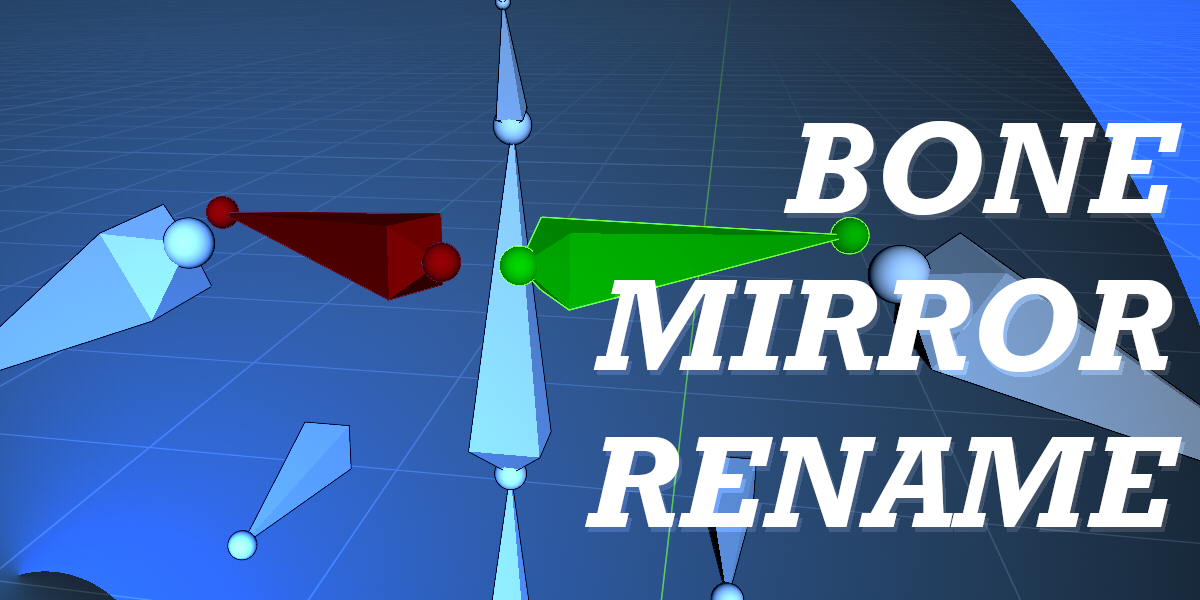
Bone Mirror Rename is a Blender add-on that updates a mirrored bone when one is renamed. See its naming rules and Blender 4.0–4.5 compatibility.
Create and reuse custom bone shapes, then manage rig colors with Bone Widget for Blender. Check its Blender 4.2 compatibility, installation route, and license.
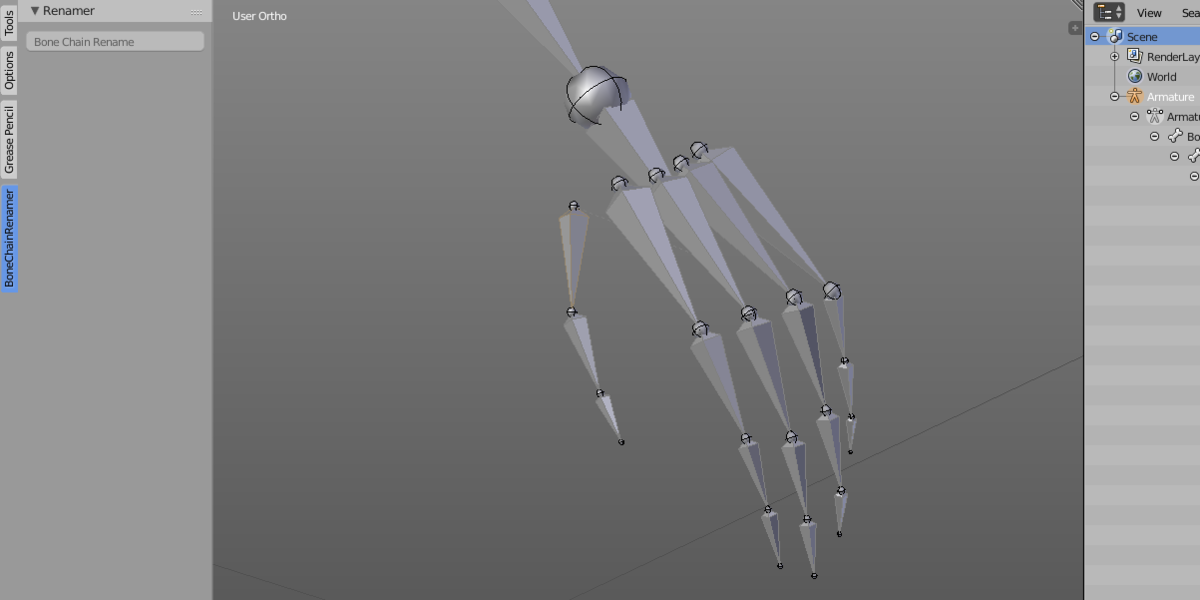
Rename Blender bone chains from a chosen root name with BoneChainRenamer. Review its listed Blender versions, GPL license and release history before use.
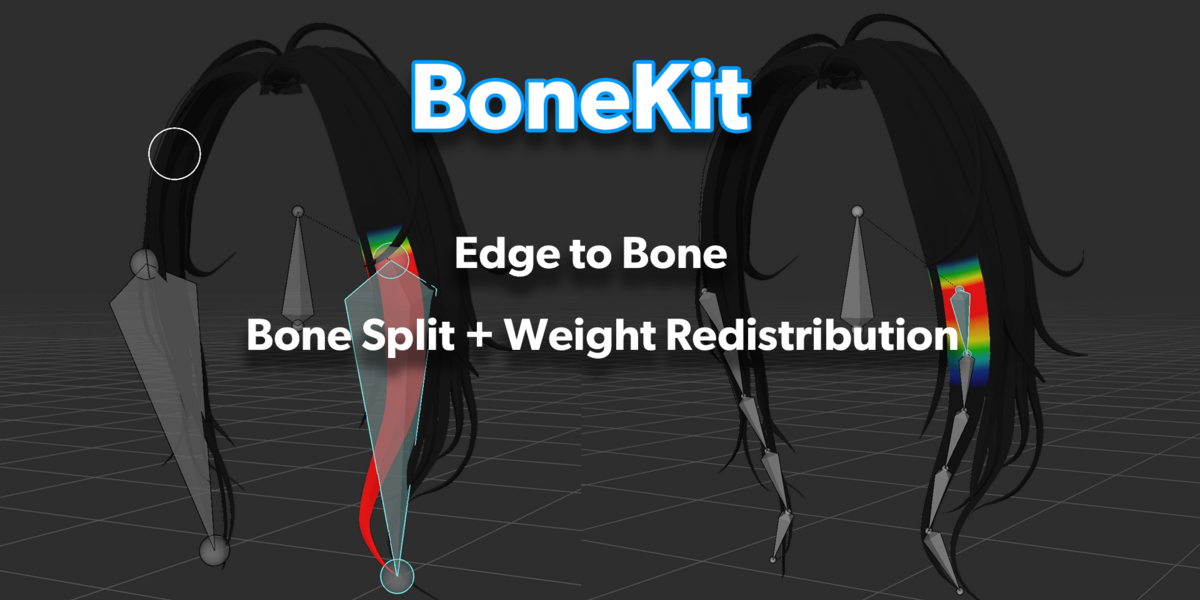
Build bone chains from mesh edges and split bones in BoneKit. BoneKit redistributes weights for already-weighted bones and was tested on Blender 5.1.
Bonera - Manual Rigging Toolkit is a Blender add-on of separate operators for chains, IK, bone shapes and name lists. Read the docs for its rigging tools.
Bonerng - Randomize Bones Pose Blender Addon randomizes bone rotation, location, and scale with adjustable noise and automatic keyframing.
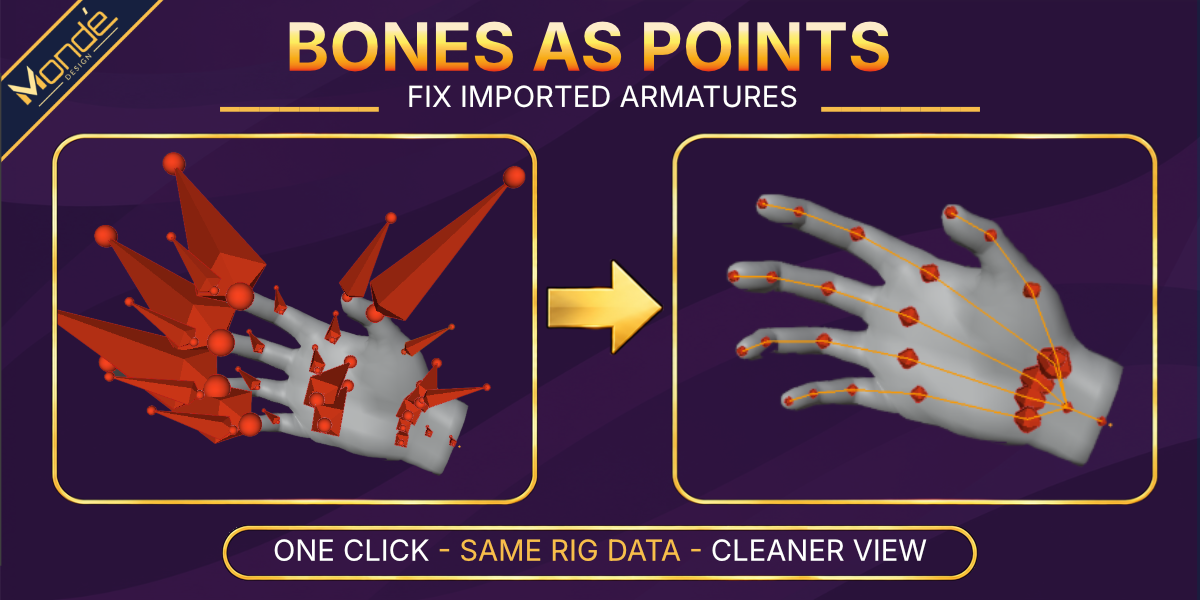
Bones As Points changes Blender armature display to points for imported rigs. See how exports behave, the listed Blender compatibility and known limits.
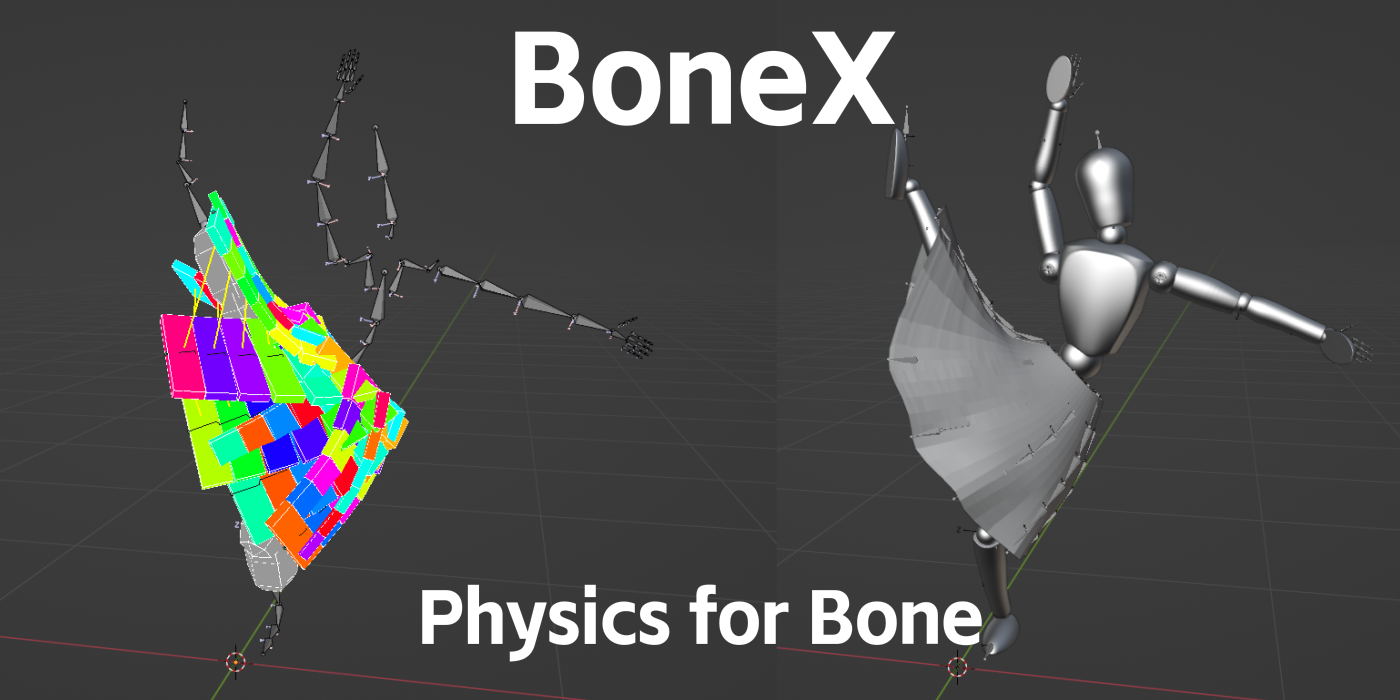
Add BoneX's PhysX-driven bone physics to Blender character animation with adjustable rigid bodies, soft connections, collision groups and substeps.
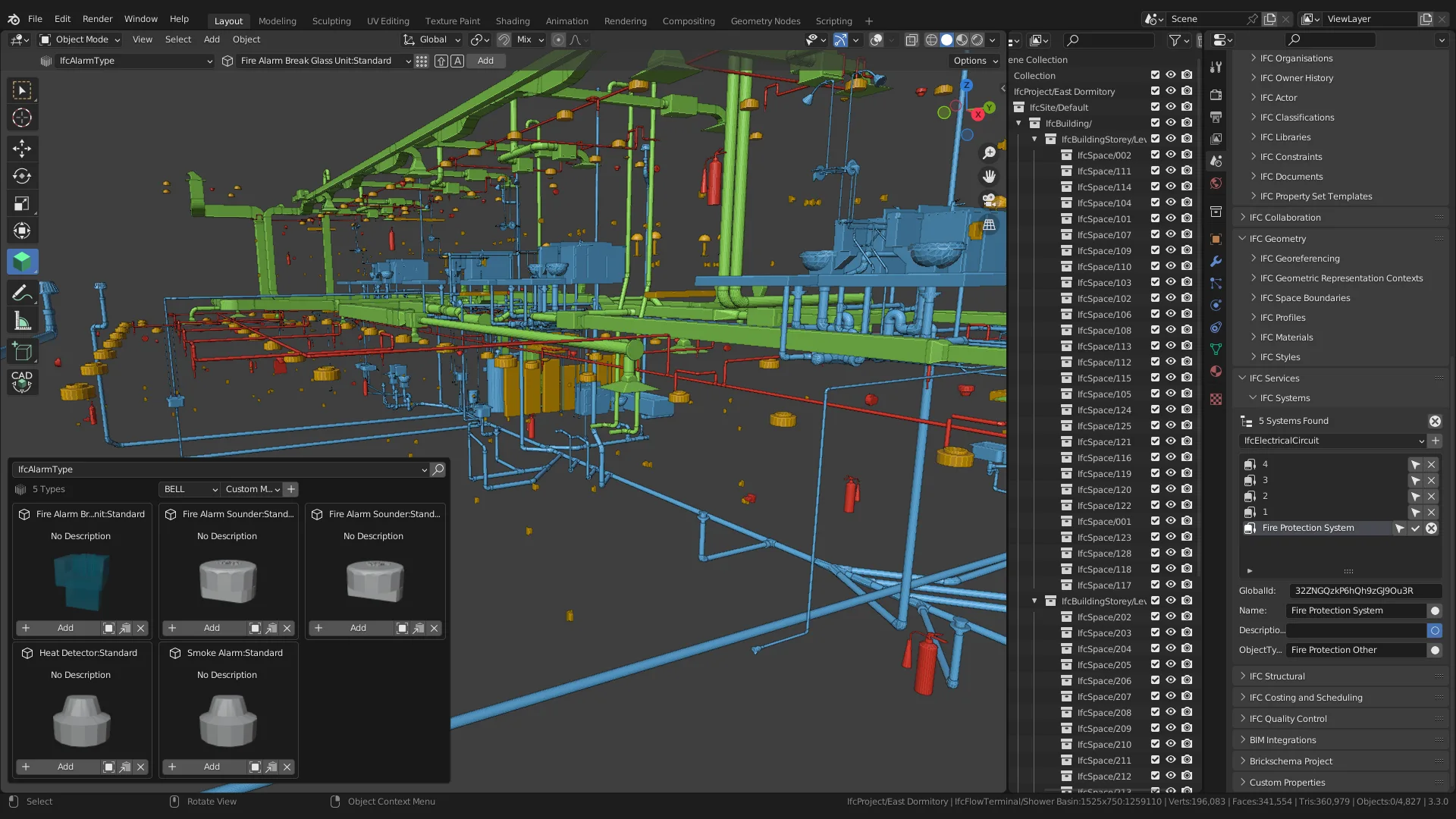
Bonsai adds native IFC authoring to Blender for building models, project data, drawings and schedules. Review its BIM workflow and Blender compatibility.
Align Blender objects along a path, match corresponding points, use bounding-box references, or arrange items on a grid with Bonus Tools.
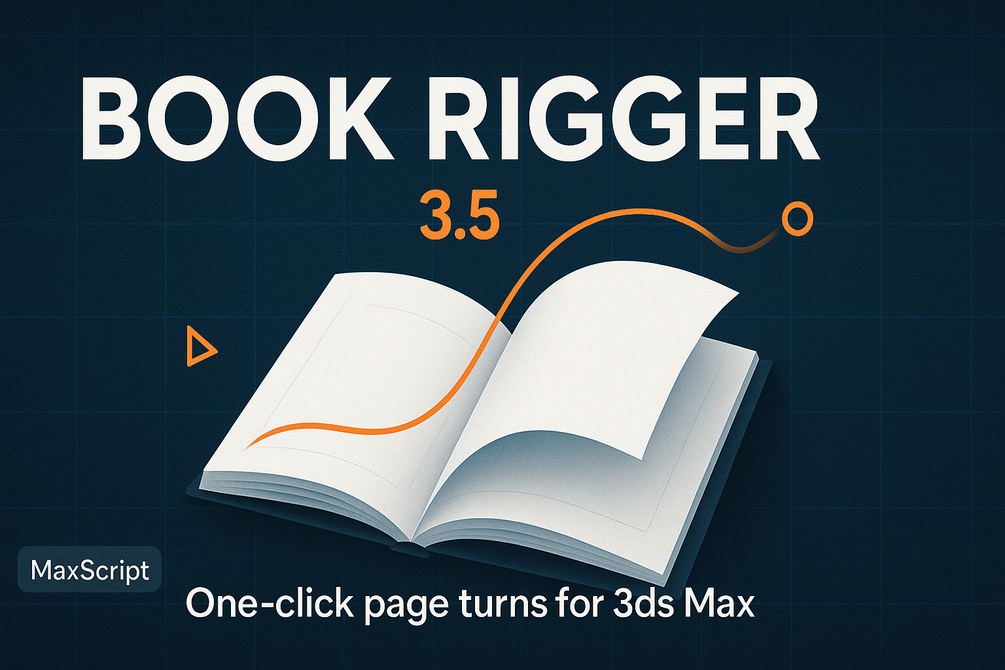
Build 3ds Max page-turn rigs for any page count with Book Rigger 3.5. See controls for curvature, turns, landings, shuffles and animated textures.
Generate varied book stacks and covers with Book Wizard 2: Books Creation Tools. The Covers Generator needs Cycles and the supplied base-book material.
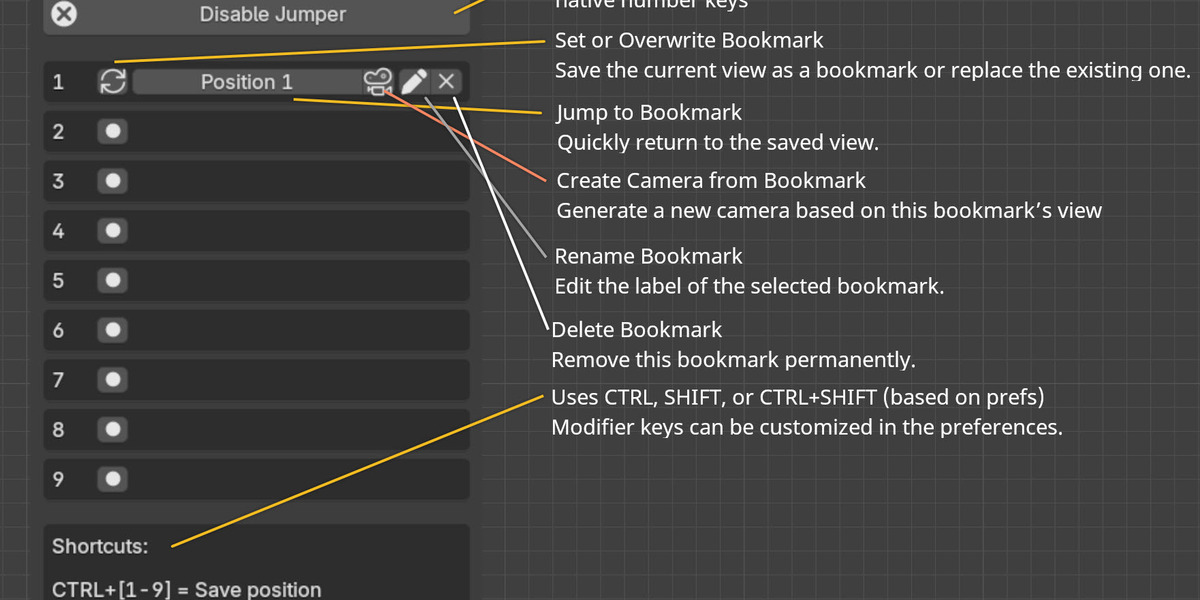
Save Blender viewport and camera views with hotkeys in Bookmark Jumper, group up to 45 positions in sets, and preview them with automatic thumbnails.
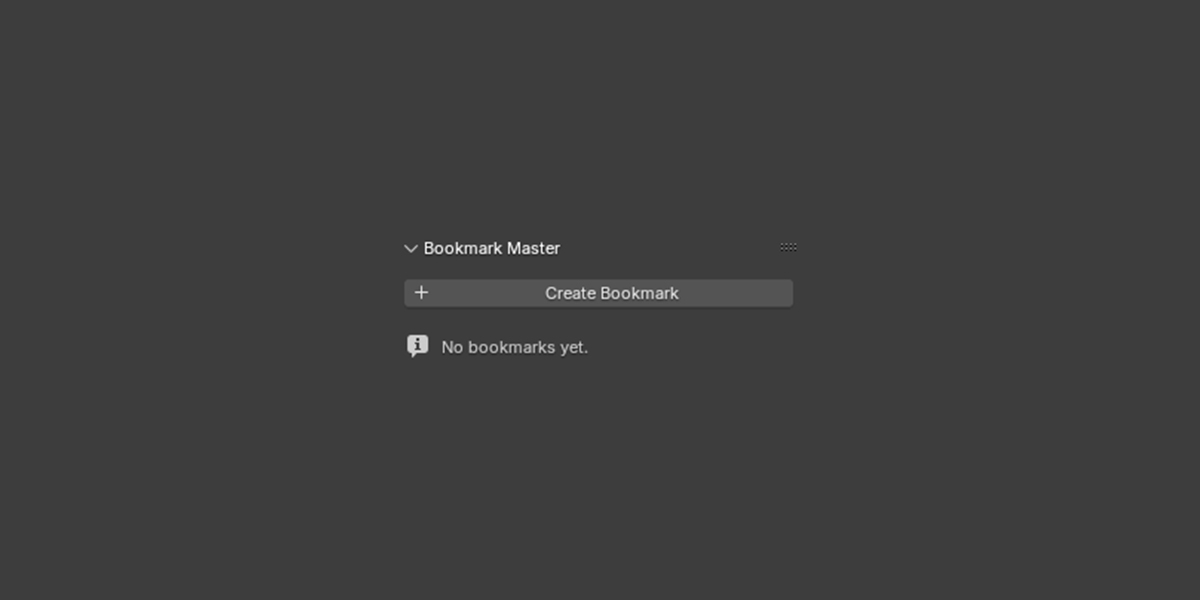
Bookmark Master saves a Blender 3D View's position, rotation, and zoom so you can label and revisit useful viewpoints from the viewport sidebar.
Bookmark View saves Blender 3D viewport positions so you can return with one click. See how its bookmarks, shading options and lens recall work.
Keep frequently opened After Effects projects in a searchable list with screenshots and comments, bulk import, and a shared bookmark file for multiple machines.
Bookmarks for 3ds Max organizes animation with scene or object markers, time ranges, comments and linked cameras. See compatibility and license options.
Use Bool It for Blender object-mode booleans, part-by-part modifiers and quick edge or face edits. See how its union and subtraction workflow works.