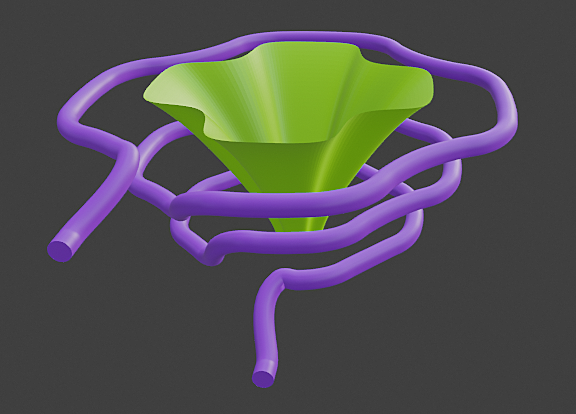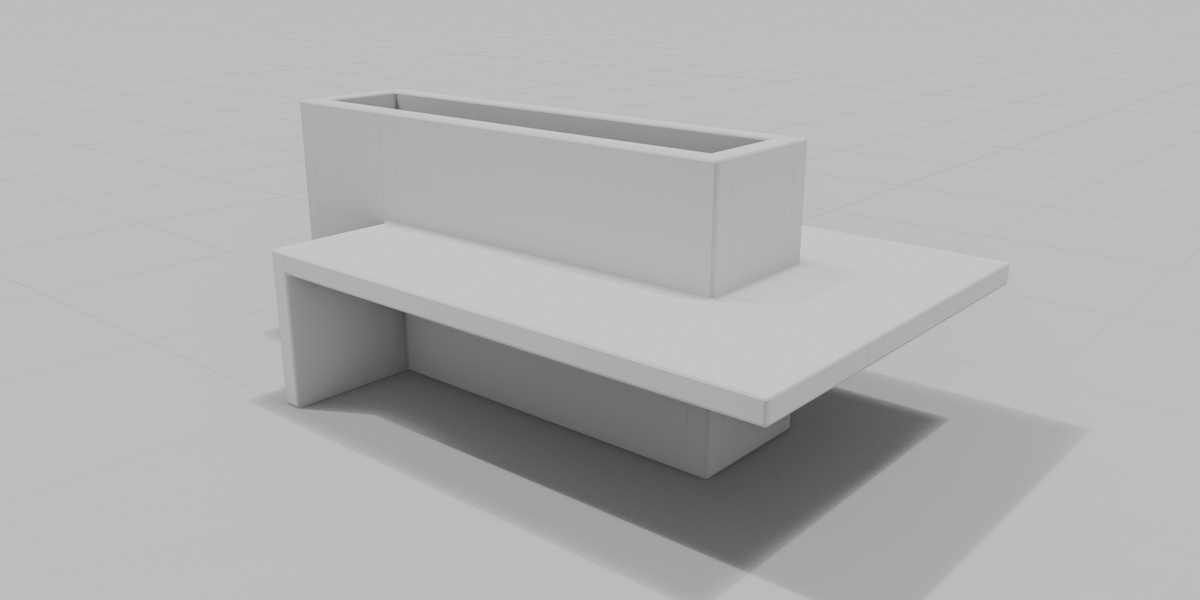
Confine_Lattice_Femur_Bone
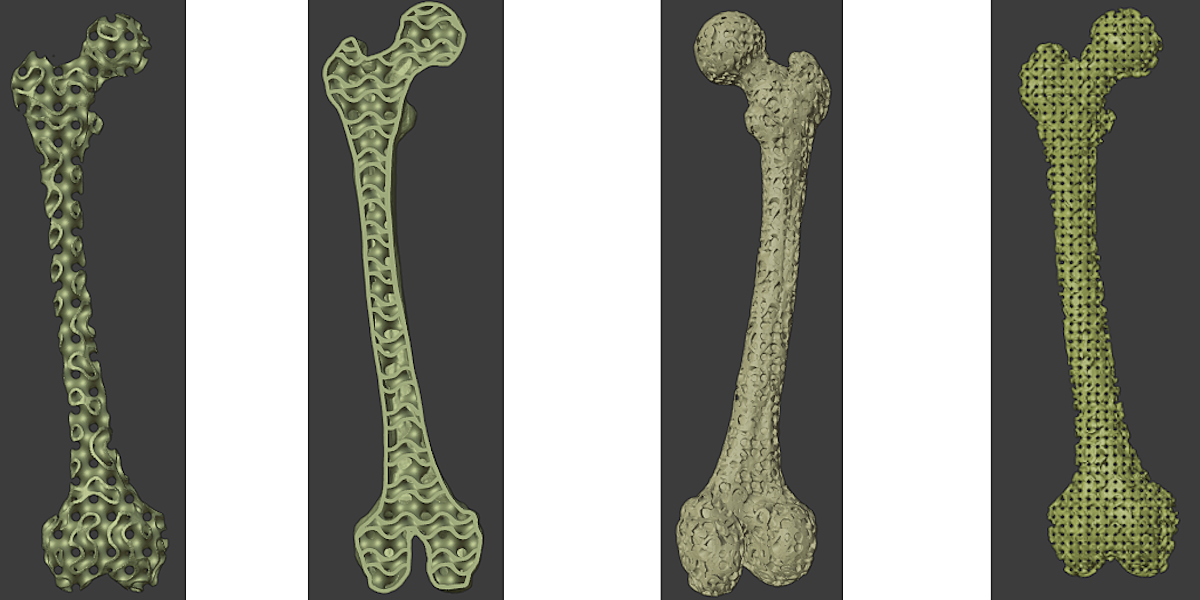
Confine_Lattice_Femur_Bone includes four Blender lattice files. See their outputs, script controls, listed Blender versions, and GPL license.
Browse published guides by application, developer or task. Check product details before downloading. Page 72 of 337.
Confine_Lattice_Femur_Bone includes four Blender lattice files. See their outputs, script controls, listed Blender versions, and GPL license.
Conform Object projects Blender models onto a surface in one direction. Compare its modes, mesh needs, and limits before downloading.
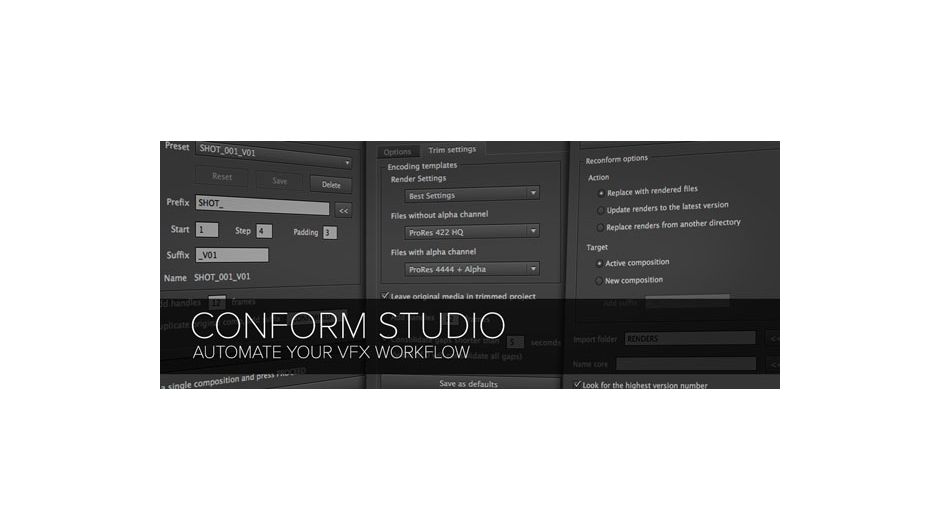
Conform shots, trim and package After Effects media, then replace comps with renders or graded files. See the workflow, compatibility, and license limits.
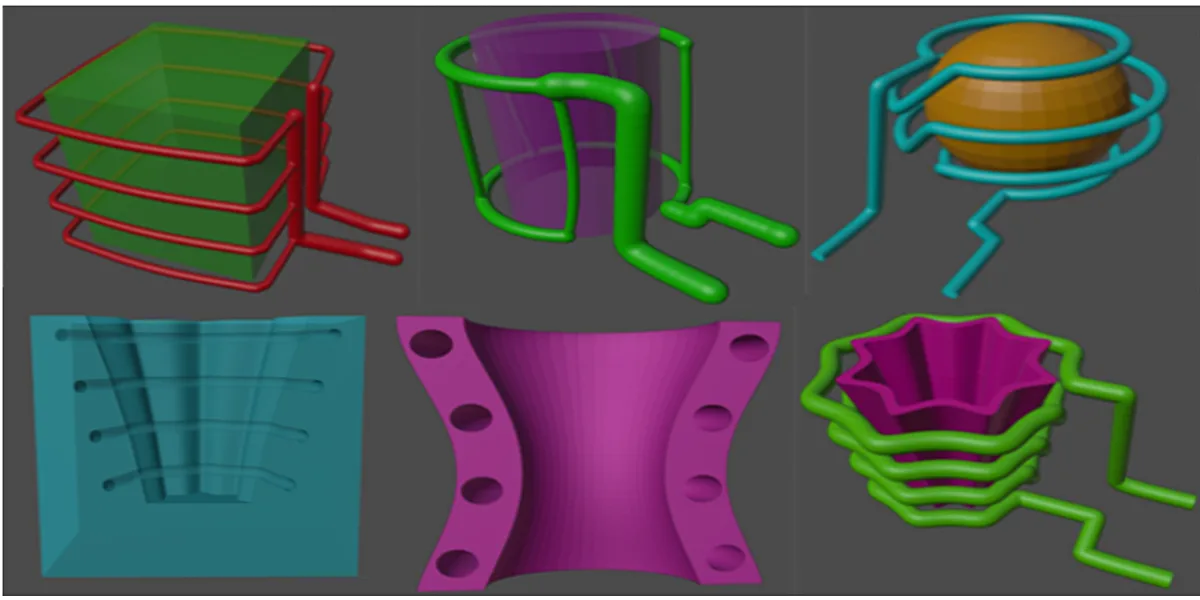
Create channels with Conformal Channel (Old Version) for Boolean work. Review the Blender 2.8 setup, channel controls, and newer-version compatibility.
Conformal_Channel_(New Version) is a Blender add-on for cooling channels and mold booleans, with three types and path controls. Check listed versions.
Model hard-surface forms with ConjureSDF’s SDF primitives, booleans and blending modes. Check its Blender compatibility and Alpha limits before installing.
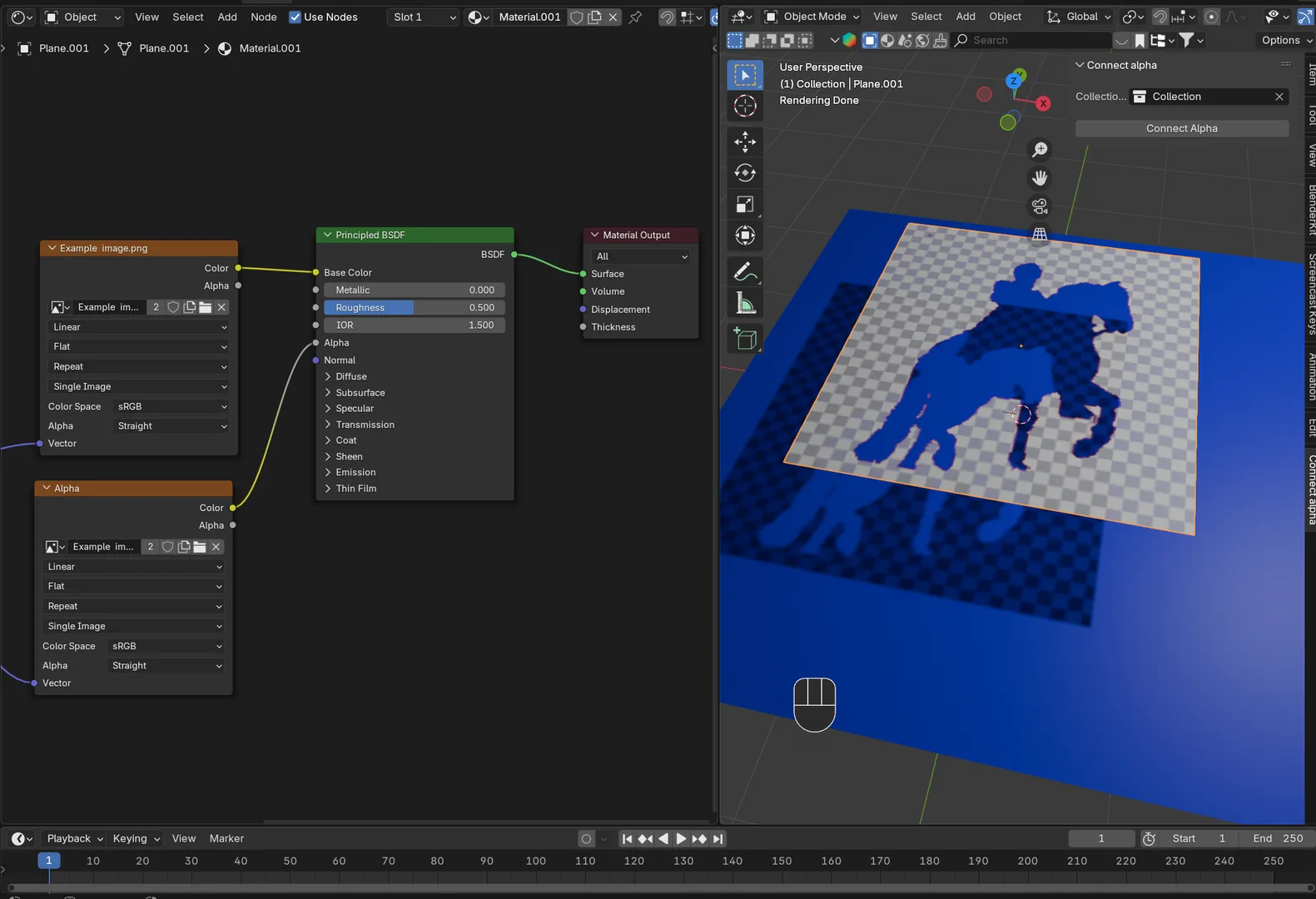
Connect image alpha to Principled BSDF nodes across active materials in a Blender collection. Check label priorities and version requirements before installing.
Connect Layers PRO is for live After Effects paths in chain, tree, triangulation and 3D layouts. The 7-day trial is limited to 3 layers per connection.
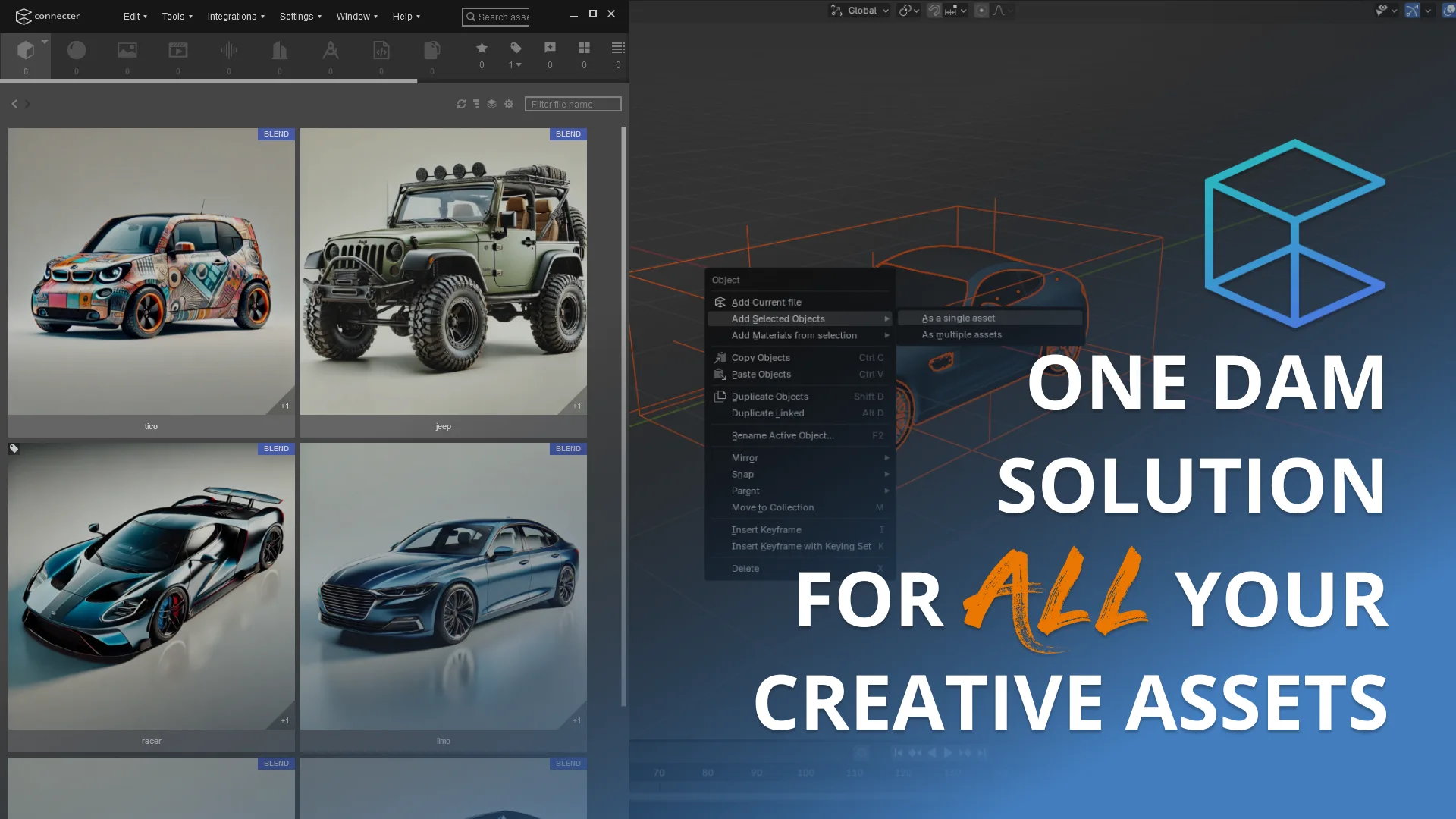
Connecter links Blender with DesignConnected’s standalone asset manager to place .blend objects, materials and collections, then save assets back.
Build Cinema 4D networks with ConnectO from clones, mesh points, splines, or objects, then animate pulses and reactive nodes. Review its modules.
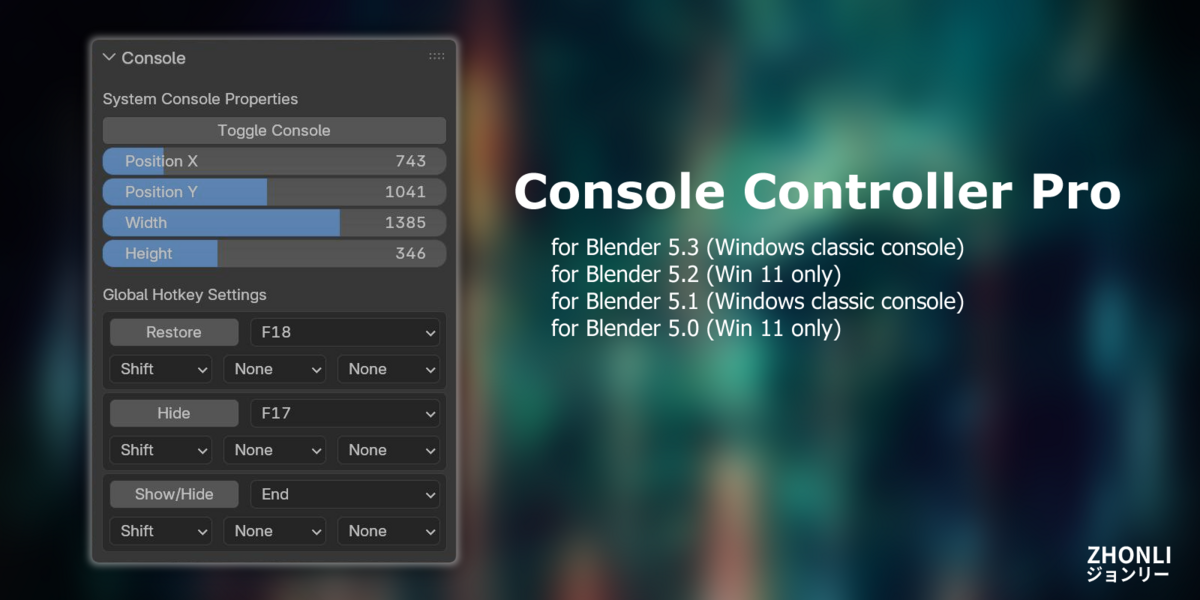
Console Controller Pro For Blender 5.X is a Windows add-on for Blender's system console, with position, size and hotkeys. Check version requirements.
Console Top Most is a Windows add-on for Blender that keeps the System Console above other windows and saves window dimensions to restore on scene changes.
ConsoliMate is a Premiere Pro panel that packages sequences with used media and re-wraps supported video without re-encoding. Check MoovIT’s trial terms.
Model house plans in Blender with constrnHouse. Add floors, walls, columns and beams, cut openings, adjust measurements, and choose how to join or merge meshes.
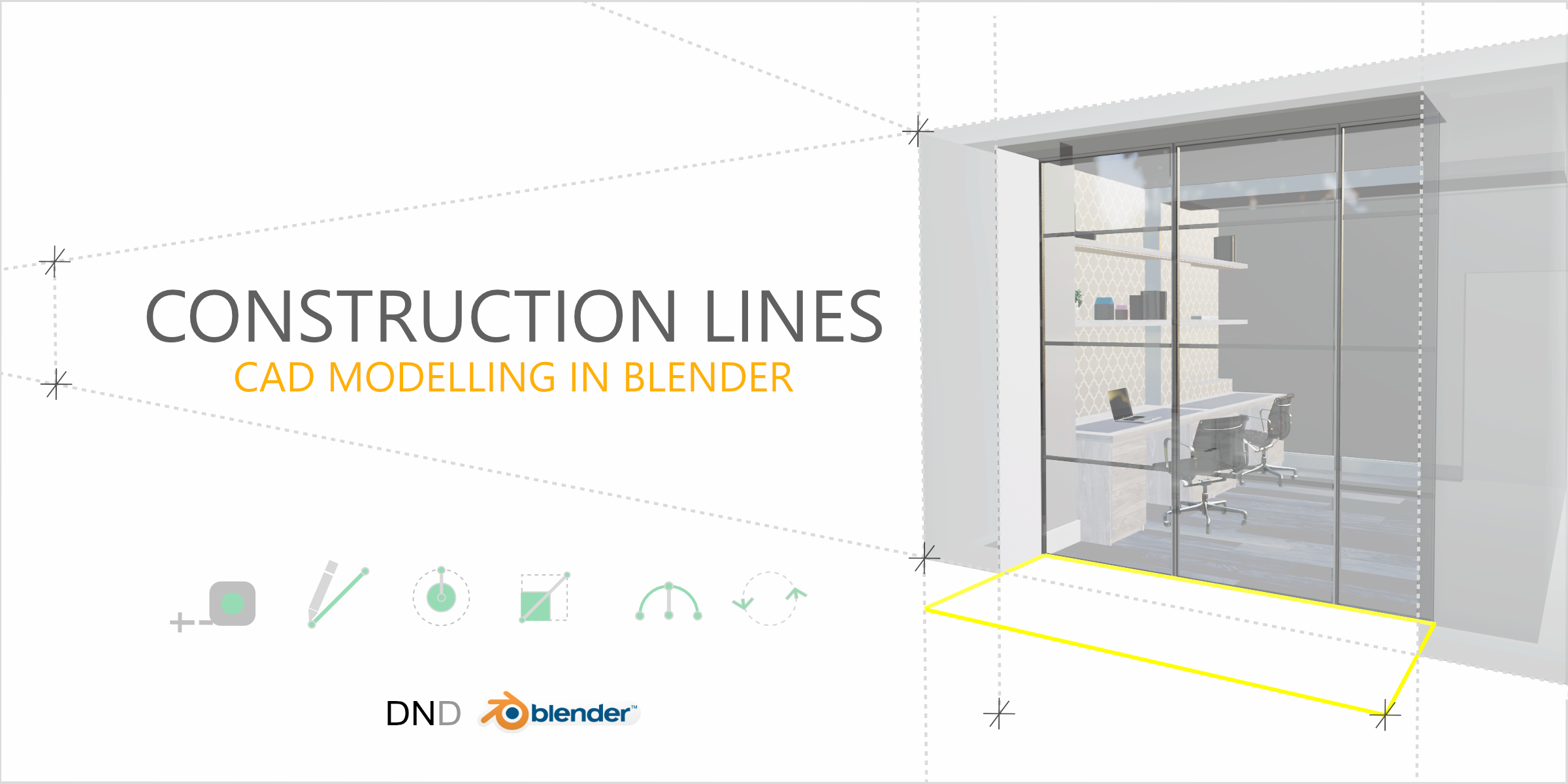
Add CAD-style guides, precise snapping, numeric dimensions and in-place mesh cuts to Blender with Construction Lines. Check compatibility and dense-mesh limits.
Constructor Addon generates procedural animation in Blender with Geometry Nodes. Check Superhive for Blender 4.5 to 5.3 support, Cycles, Eevee, and GPL terms.
Content Browser for 3ds Max lets artists browse local models, scenes, materials and HDRIs, filter assets, choose variations, and import them.
Browse, preview and drag cloud assets in Adobe Creative Cloud and Figma with Content Cloud Plugin. See supported services, setup, plans and compatibility.
Connect Box inside After Effects or Premiere Pro to search, preview, and place cloud assets. Review the limited free plan, paid tiers, and host-app support.
Browse, preview and place Dropbox assets from Adobe apps with Content Cloud Plugin. See its file-link workflow, supported hosts, setup and plan limits.
Browse Google Drive and Google Photos assets in Adobe apps: search, preview, drag and drop, upload and link files, with account access and free-plan limits.
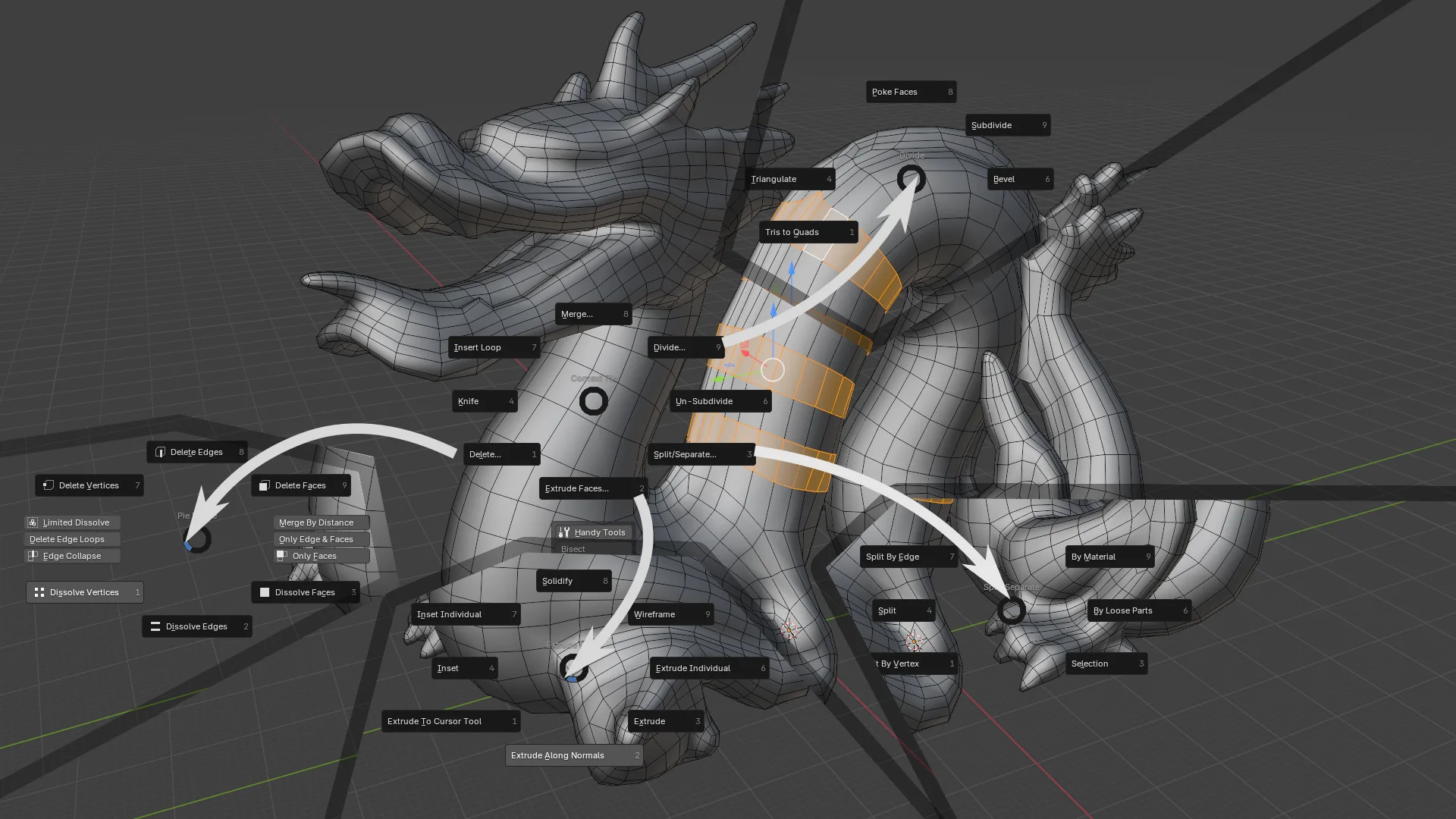
Context Pie adds Blender pie menus for mode selection, context-aware actions, pivots and node links. Version 0.9.51 lists Blender 5.1.0 as its minimum.
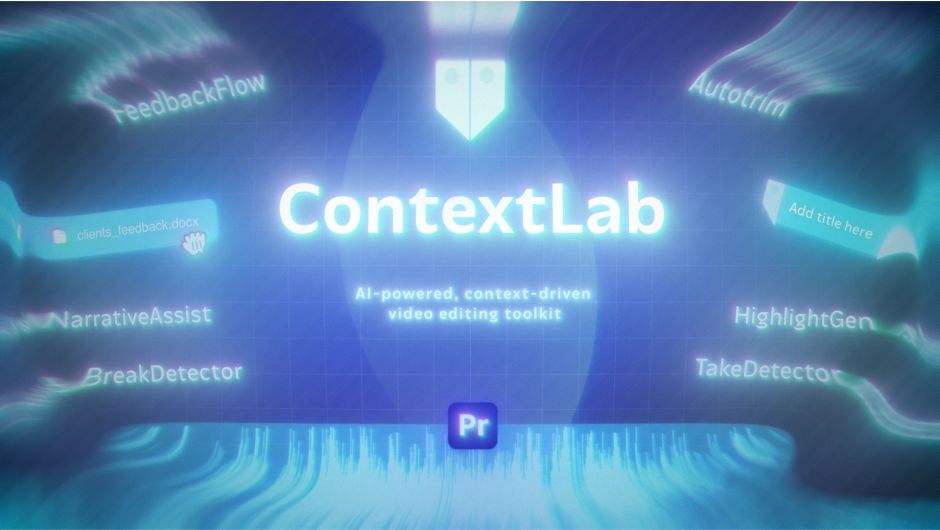
ContextLab: AI Context Video Editing is a Premiere Pro plugin for feedback markers and contextual captions in SRT or plain text. Check compatibility.
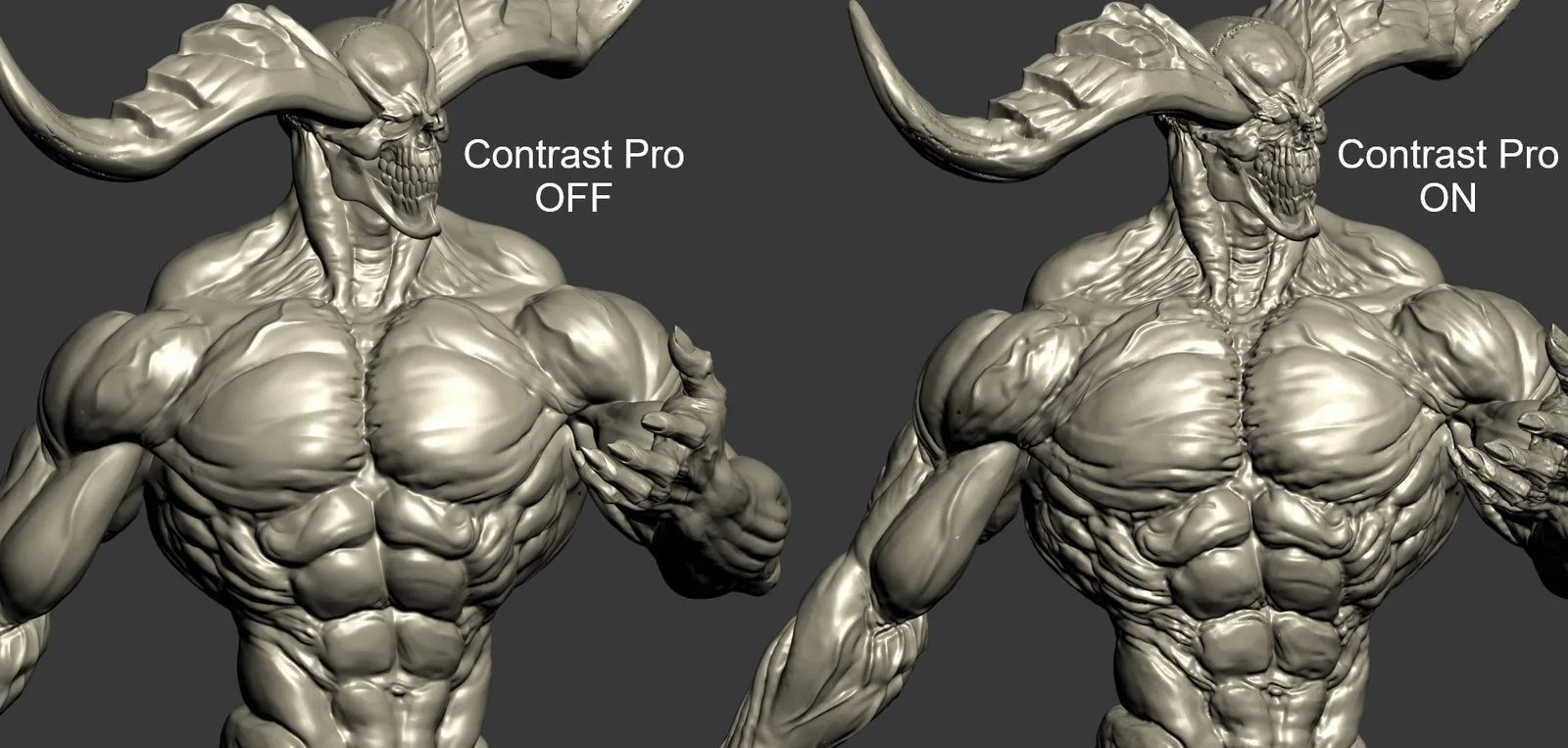
Contrast Pro adds detail contrast to whole 3ds Max models or selected areas. See how Uniform handles mixed polygon sizes and check license options.