Software and plugin guides - Page 73
Browse published guides by application, developer or task. Check product details before downloading. Page 73 of 337.
Catalog results

Contriver Node Atlas
Map Fusion design dependencies with Contriver Node Atlas. Trace change impact, record missing links and trace rebuild failures to their source.
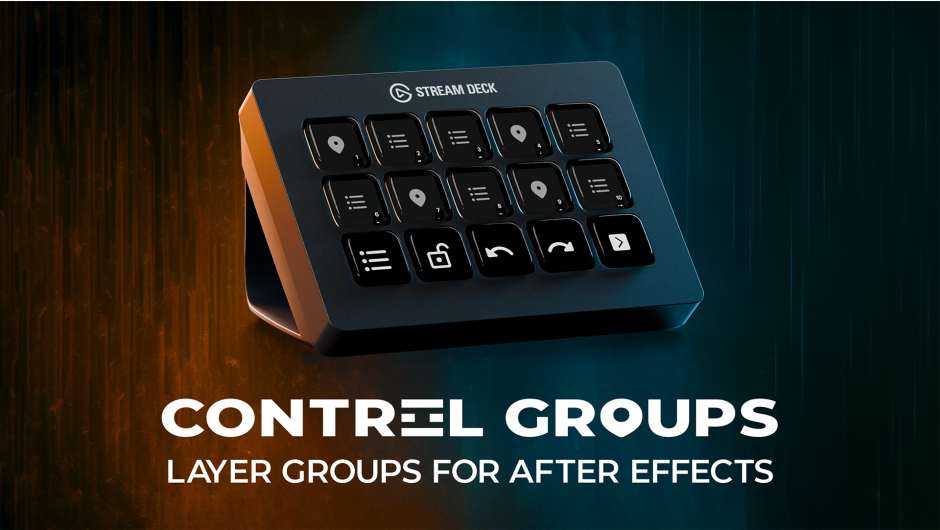
Control Groups
Save layer sets and timeline bookmarks with Control Groups. Spaces hold groups; Stream Deck syncs group states; Command Frame chains group actions.
Control LMFX
Control LMFX groups layers, manages effects across compositions, filters the timeline, and includes frame-rate, composition, palette, and keyframe tools.
Control Maker
Control Maker makes icon-based controllers for After Effects from Illustrator files, with color controls and optional Puppet pin expression links.
Control Render Regions
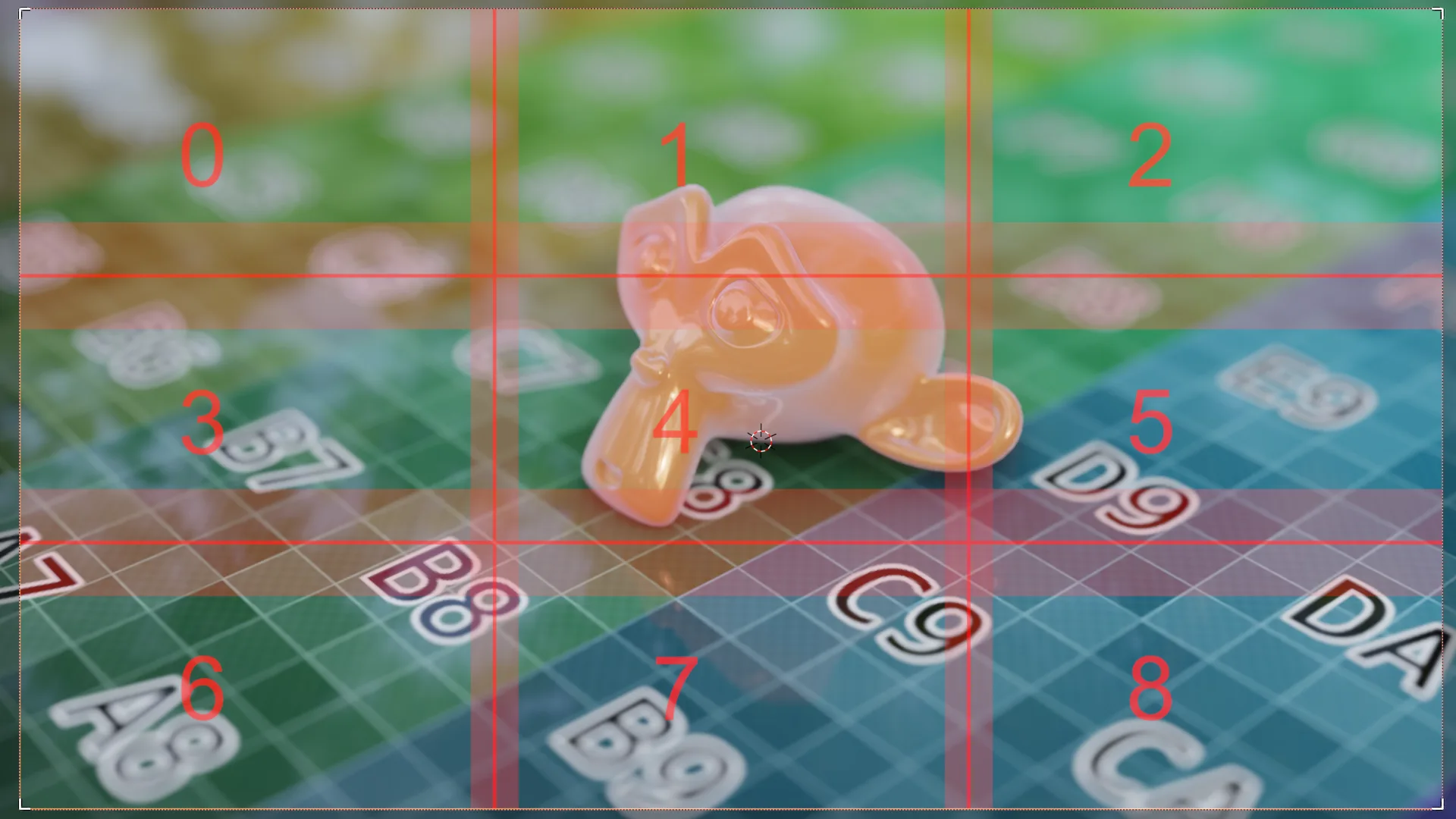
Control Render Regions splits Blender renders into regions, adds overlap margins and creates merge scripts. Check format support for automatic merging.
Control Suite
Control Suite for After Effects combines searchable commands, layer groups, row-based selection and composition history. Check compatibility and licensing.
Controller Link
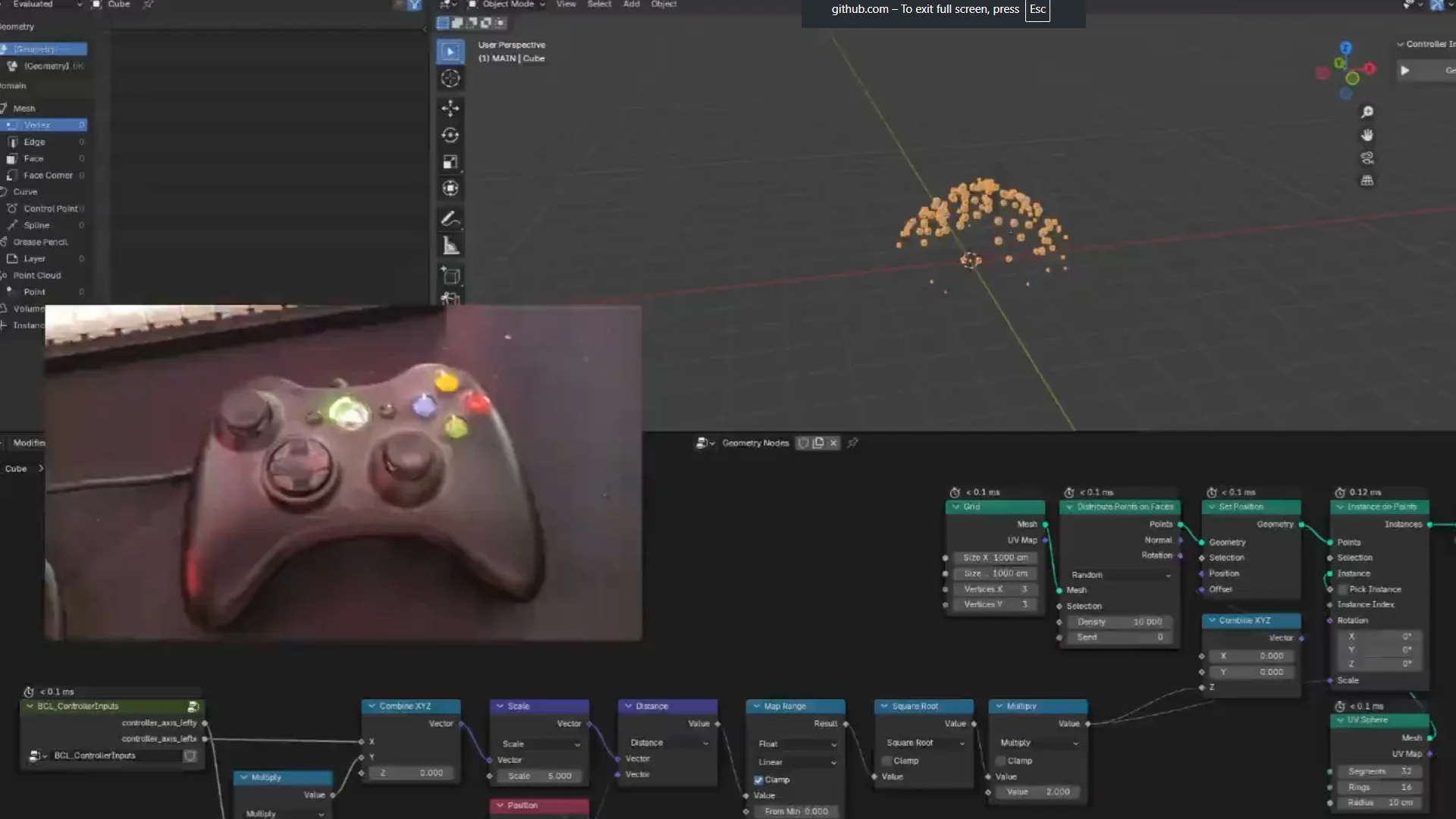
Drive Blender properties and Geometry Nodes with a gamepad, record inputs as keyframes, and review Controller Link's version, compatibility, and license.
Conversy Representation Monitoring
Use Conversy Representation Monitoring in Premiere Pro to compare men's and women's speaking time. Check compatibility and service terms before sending video.
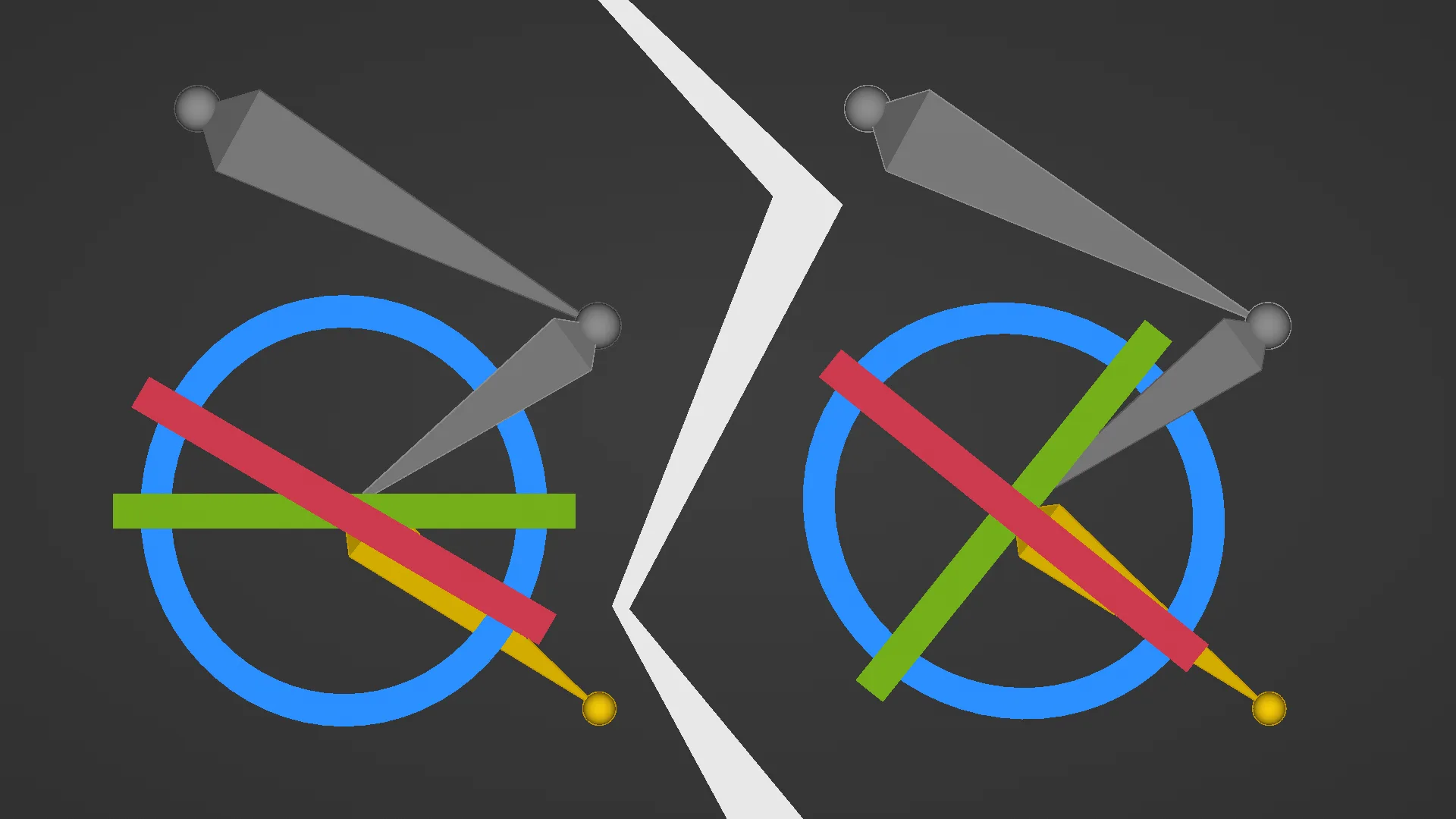
Convert Rotation Mode
Convert Rotation Mode is a Blender add-on for changing bone rotation modes while preserving keyed motion. Check 4.5 to 5.2 support and Blender's 5.3 operator.
Convert Timeline markers to clip markers
Move timeline markers onto Premiere Pro clips with Convert Timeline markers to clip markers. Choose a target track and optionally remove them afterward.
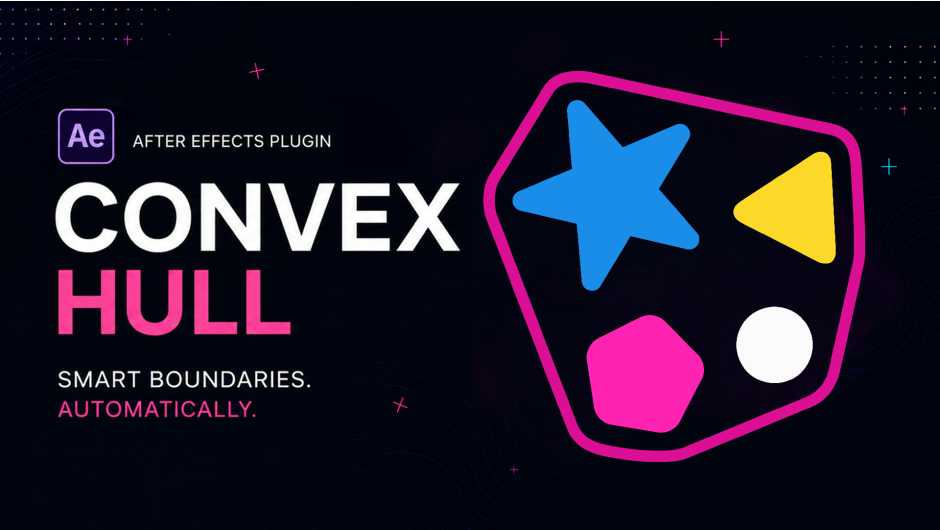
Convex Hull
Generate animated polygon outlines and filled shells from layer alpha in After Effects, with controls for compositing, stroke position, trim paths, and styling.
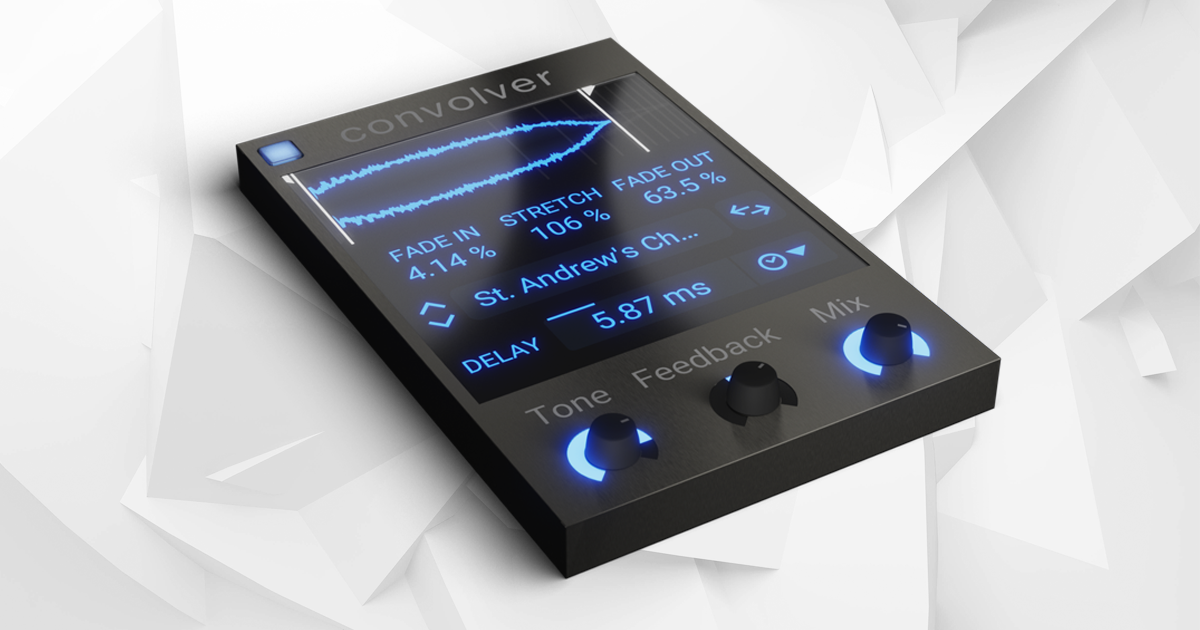
Convolver
Use Convolver for impulse-response reverb, amp-cabinet tones and sample-based effects, with controls for IR timing, tone, feedback and dry/wet mix.
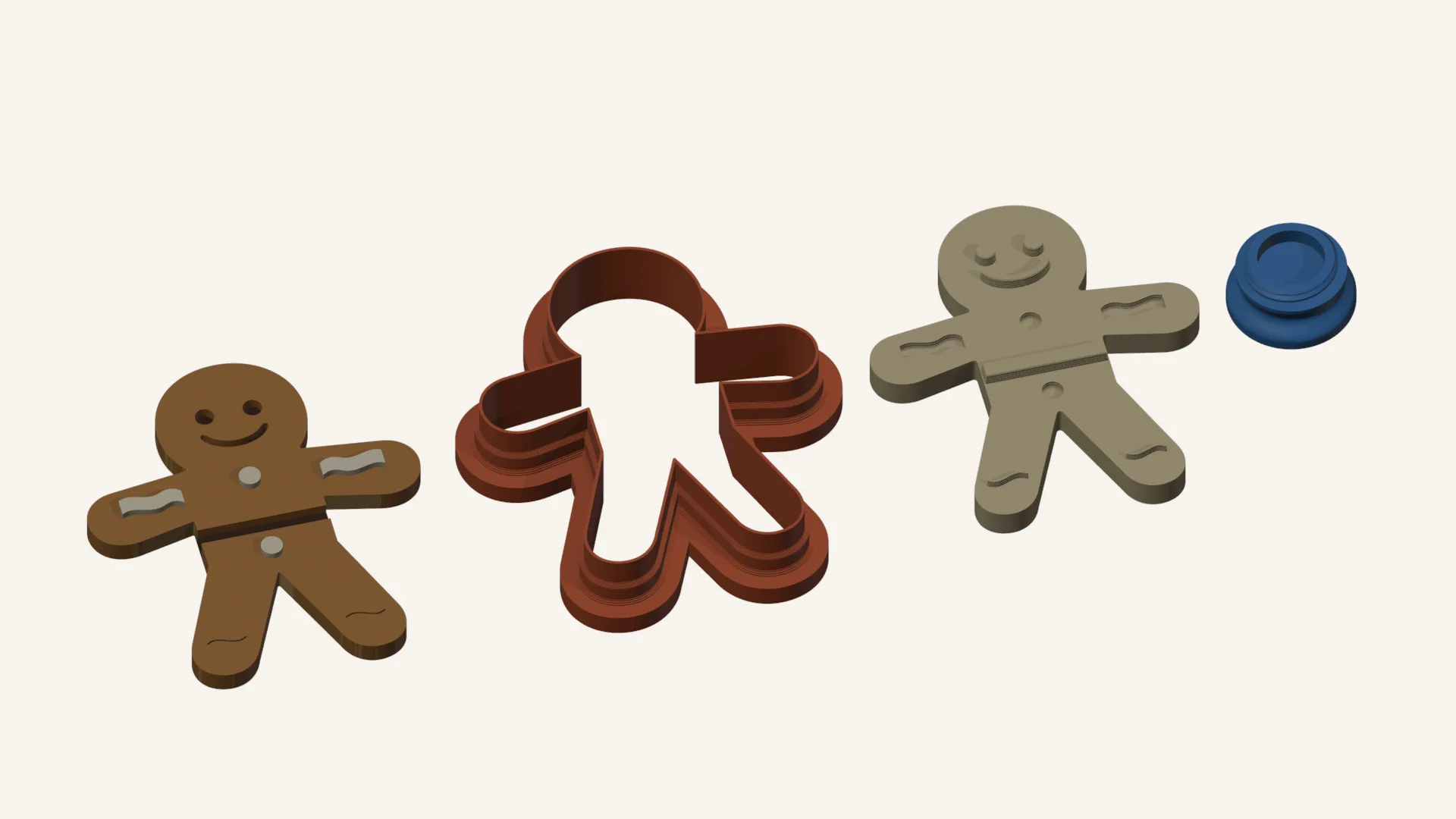
Cookie Cutter Studio
Turn vector artwork into cookie cutters, stamps, handles, and STL parts with Cookie Cutter Studio for Blender. Check supported files and setup details.
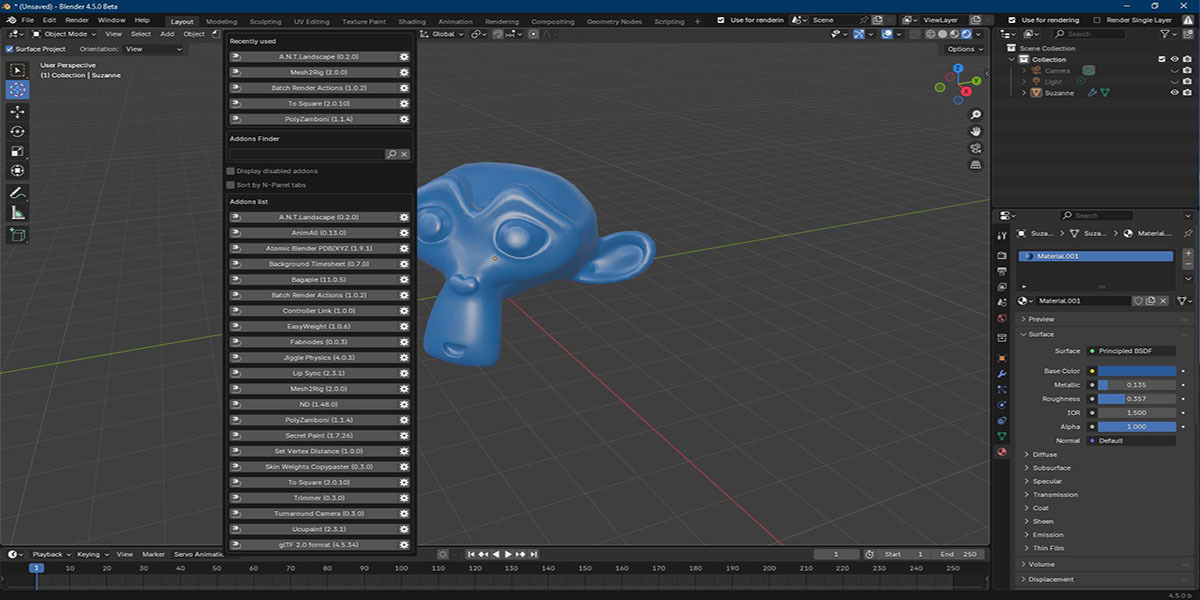
Cool Addons Menu
Find Blender add-on panels and preferences in one searchable list with Cool Addons Menu. Sort by N-Panel tab and revisit the last five add-ons.

Cool Magic Shader
Use Cool Magic Shader in Blender to set up toon lights, outlines and materials, then switch between toon EEVEE NEXT and realistic Cycles rendering.
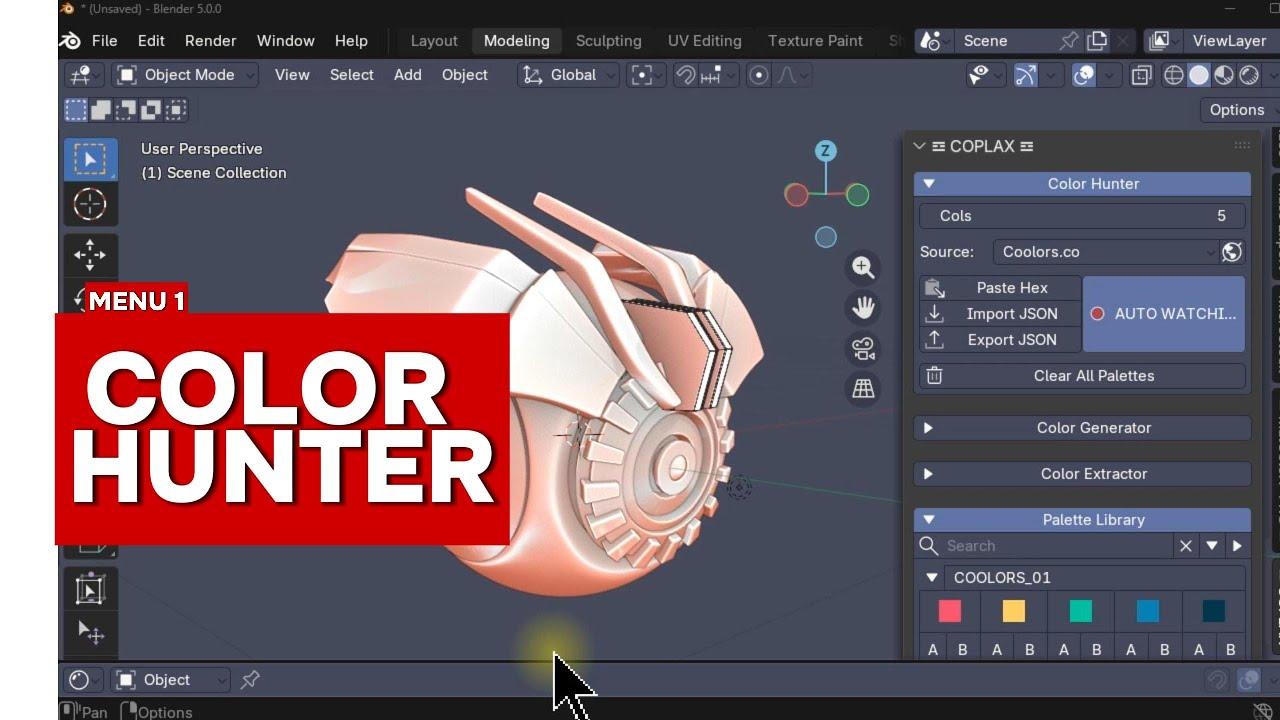
Coplax
Coplax is a Blender toolkit for web palettes, image extraction and harmonies. Check supported versions, render engines and Studio Pro gradient tools.
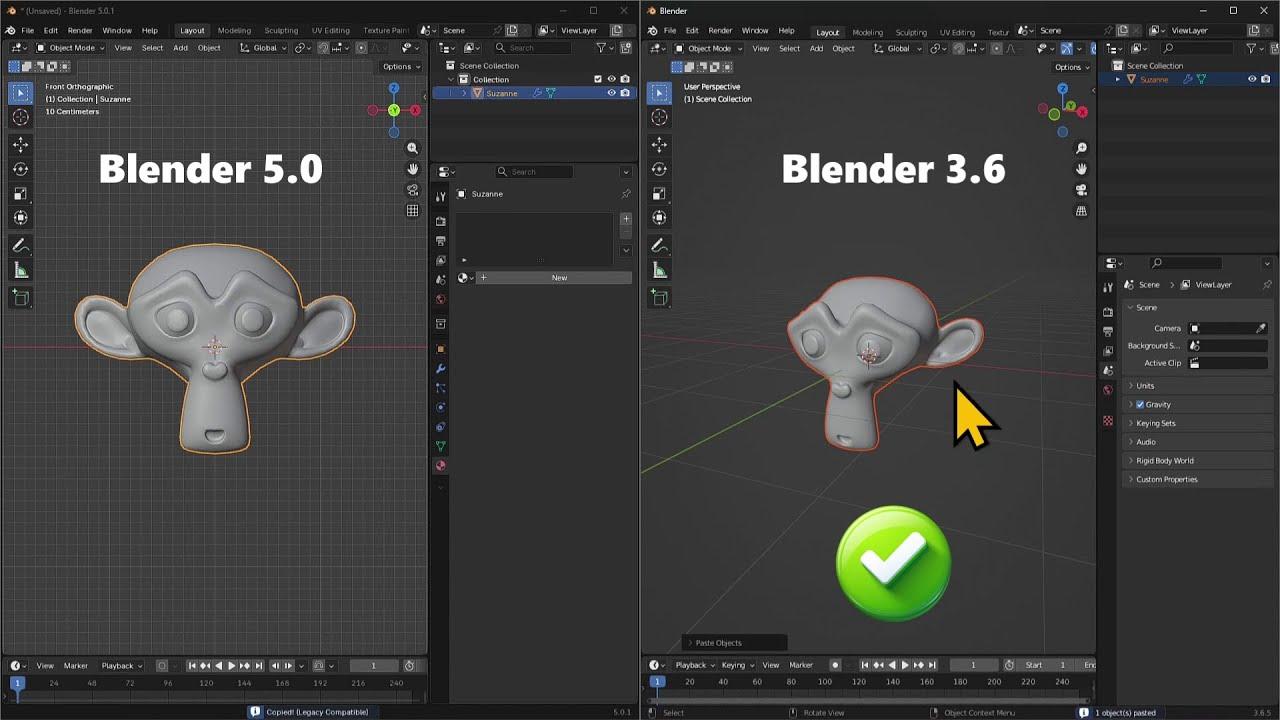
Copy (Legacy)
Copy (Legacy) is a Blender add-on for moving Blender 5.0+ objects and collections to older versions via Blender 4.5 LTS; its listing says Blender 5.0 to 5.2.
Copy Attributes Menu
Copy Attributes Menu copies object, mesh-face, and pose data from Blender's Ctrl-C menu. The current extension requires Blender 4.2.0 or newer.
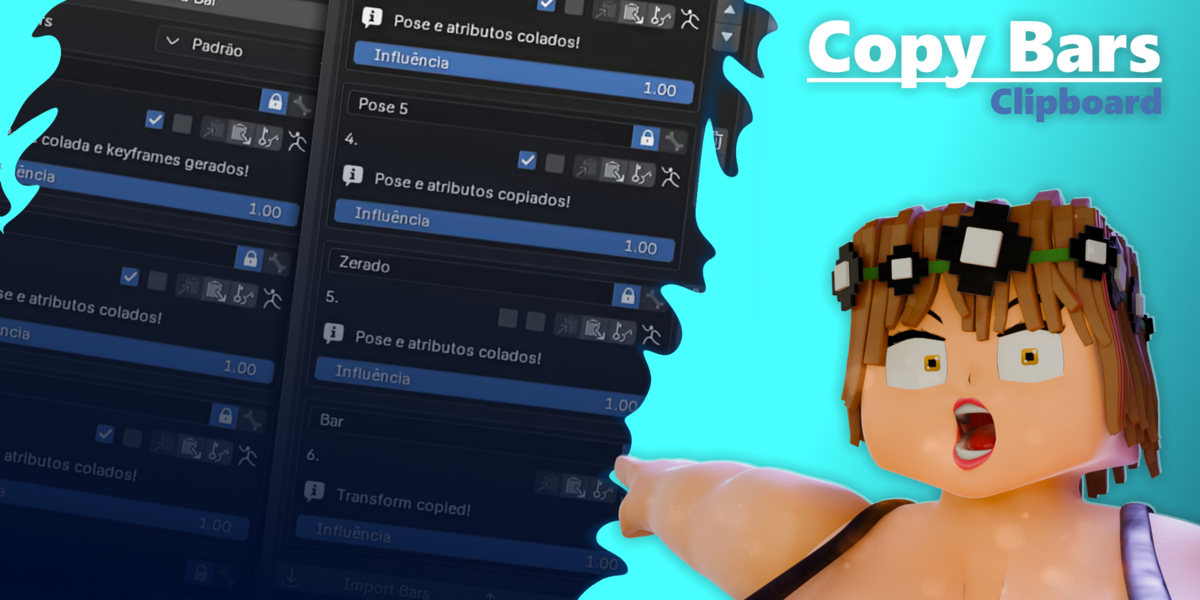
Copy Bars
Copy Bars are for storing armature poses, object transforms and custom properties. Save presets, insert keyframes and export JSON for Blender 4.2-4.5.
Copy Cat - Smart Copy & Paste Tool
Copy Cat transfers transforms, modifiers, materials, and UV maps between Blender objects. Review its alignment tools, compatibility notes, and workflow fit.

Copy Face
Copy Face swaps one face in After Effects from an image or text prompt. See its Instant and Style models, local processing, verification, and hardware needs.
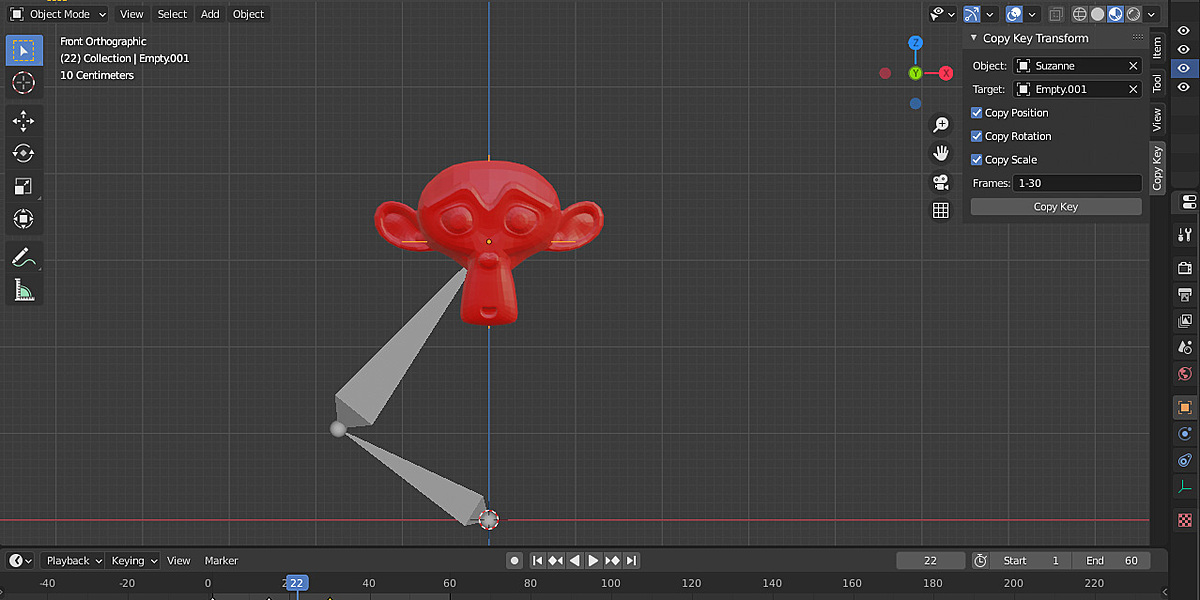
Copy Key Transform
Copy Key Transform is a Blender add-on that copies transform keyframes from a target object at given frames. Check Blender compatibility and installation steps.