Copy Nodes Keyframes
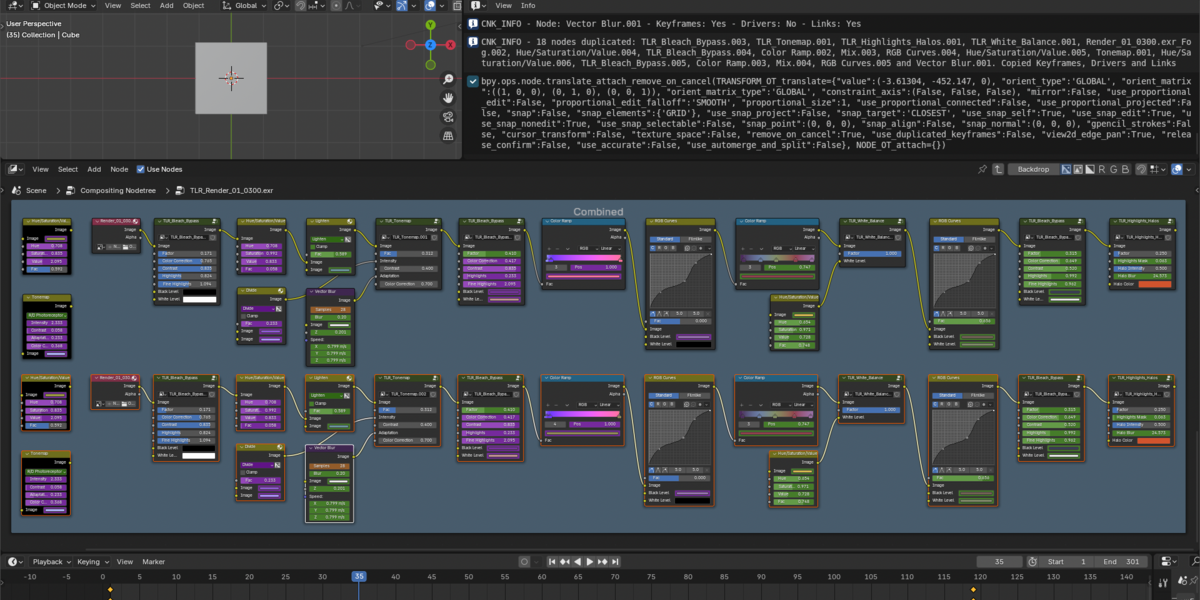
Copy Nodes Keyframes duplicates Blender nodes with keyframes, drivers and links; its new method copies nodes to other trees, not the source or nested trees.
Browse published guides by application, developer or task. Check product details before downloading. Page 74 of 337.
Copy Nodes Keyframes duplicates Blender nodes with keyframes, drivers and links; its new method copies nodes to other trees, not the source or nested trees.
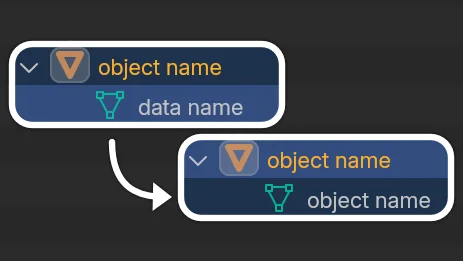
Copy Object Name to Data adds a Blender operator for object and data naming, with a reverse option in v1.1.1. Check Blender 4.2+ support before installing.
Copy Paste Markers 2 copies markers between After Effects layers using time or range options. The demo excludes work-area and before-or-after-time copying.
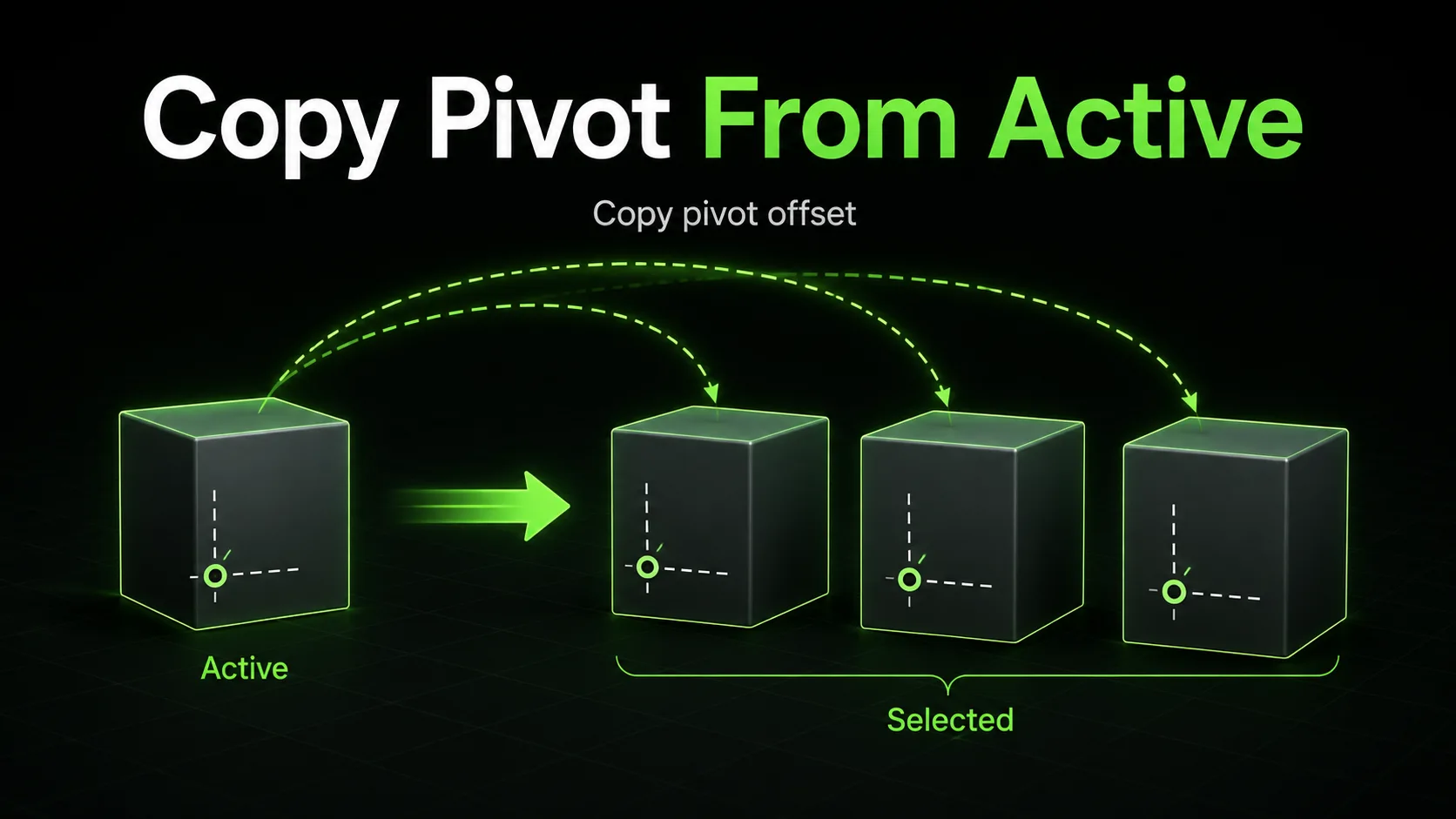
Copy Pivot From Active copies the active mesh’s relative pivot offset to selected meshes in Blender Object Mode. Learn selection steps and requirements.
Copy Relative Transform restores Blender object transforms relative to a viewport or reference object, with independent Location, Rotation, and Scale controls.
Copy, rename, batch-apply, and remove Revit family parameters with Copy Remove Parameters. Check version support, limitations, and Marketplace pricing.
Copy a selection of render settings in Blender with mont29's add-on. Check the Blender version notes and installation steps before downloading.
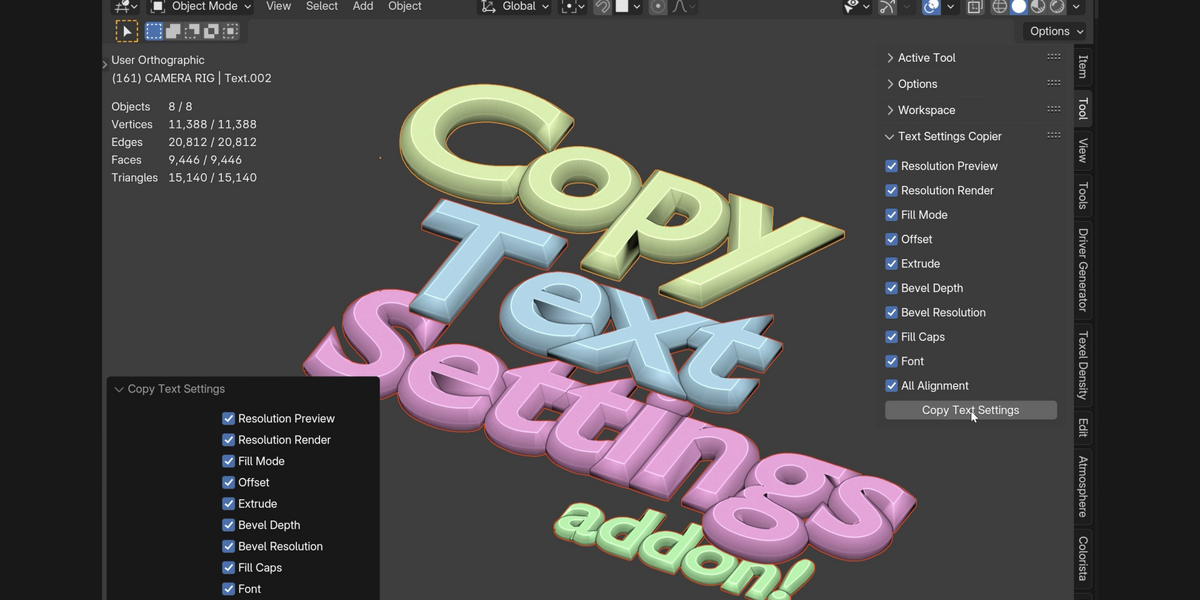
Copy Text Settings (Plus Svg And Curves) Addon is a Blender add-on for copying selected settings between text and curve objects, including SVG imports.
Copy to Autograph puts selected Blender objects on the clipboard as JSON. Check mesh limits and match FPS in Blender and Autograph before pasting.
Copy-Align-Link copies a source object to multiple 3ds Max targets, aligning and linking each copy. Review its workflow, options and compatibility.
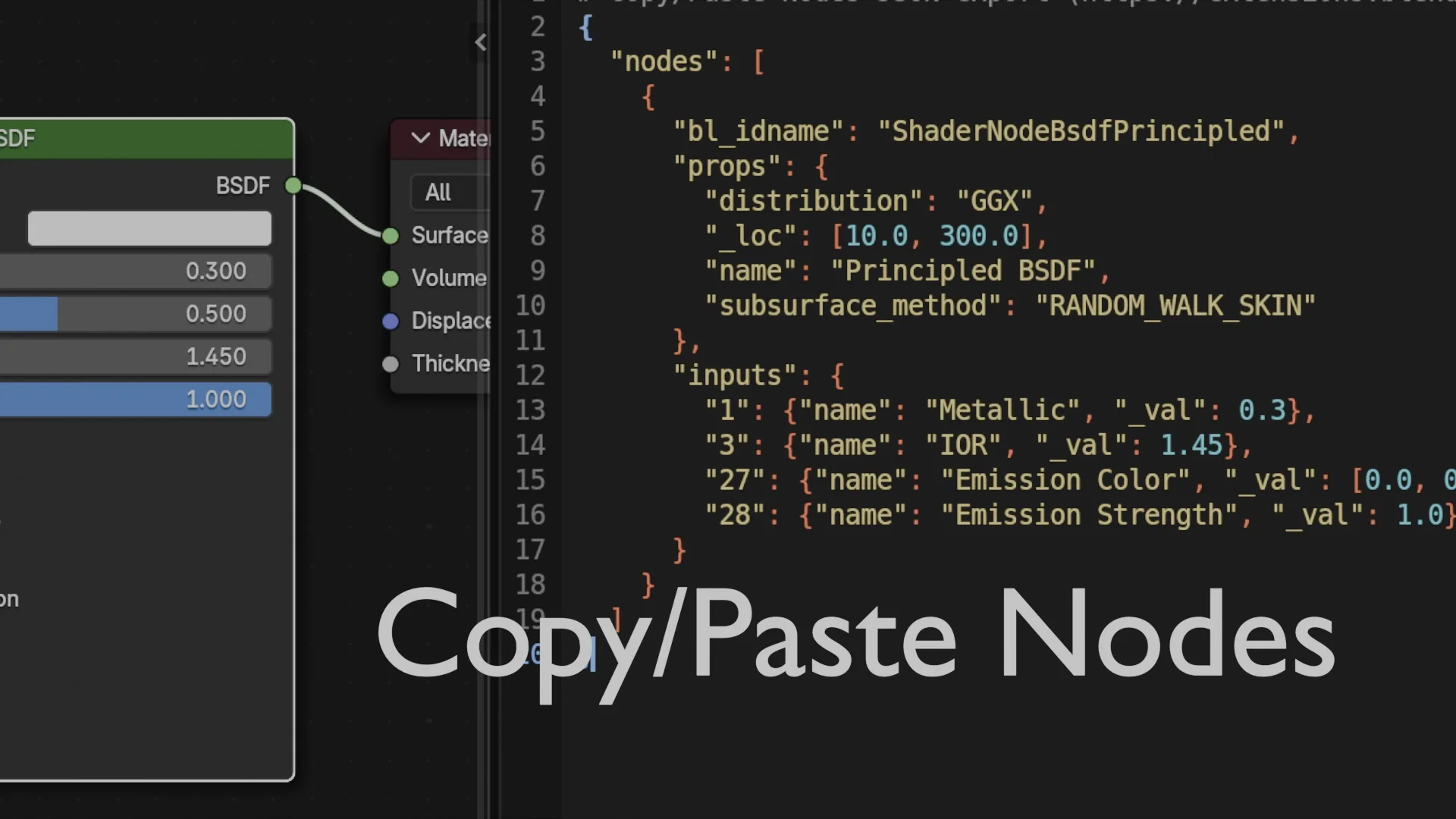
Copy/Paste Nodes transfers Blender nodes as JSON through the system clipboard, with dedicated shortcuts in Node Editors. Check its Blender version requirement.
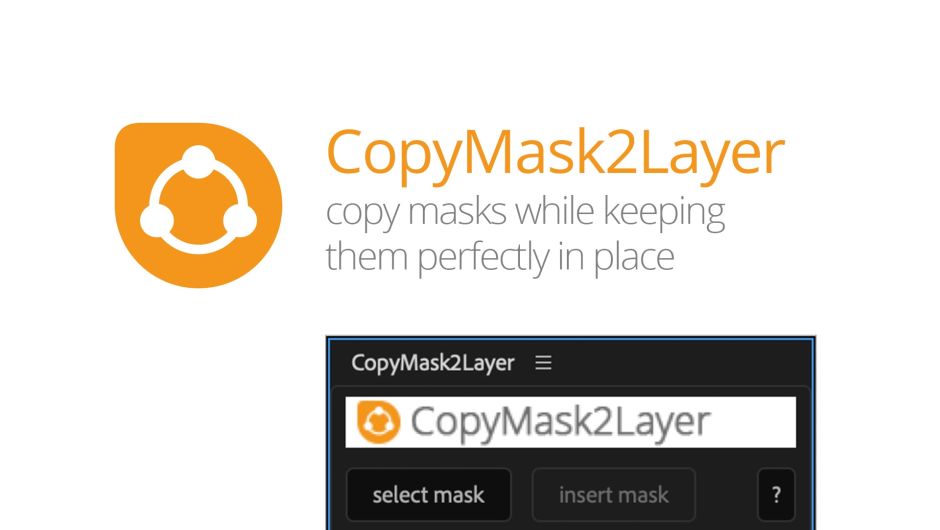
CopyMask2Layer 2 transfers masks between After Effects 2D layers, preserving position as layers move and mask paths are keyframed. It supports RotoBezier masks.
COPYPRO is a 3ds Max MAXScript for copying objects and supported assets between files without relinking paths, with V-Ray, Corona and FStorm support.
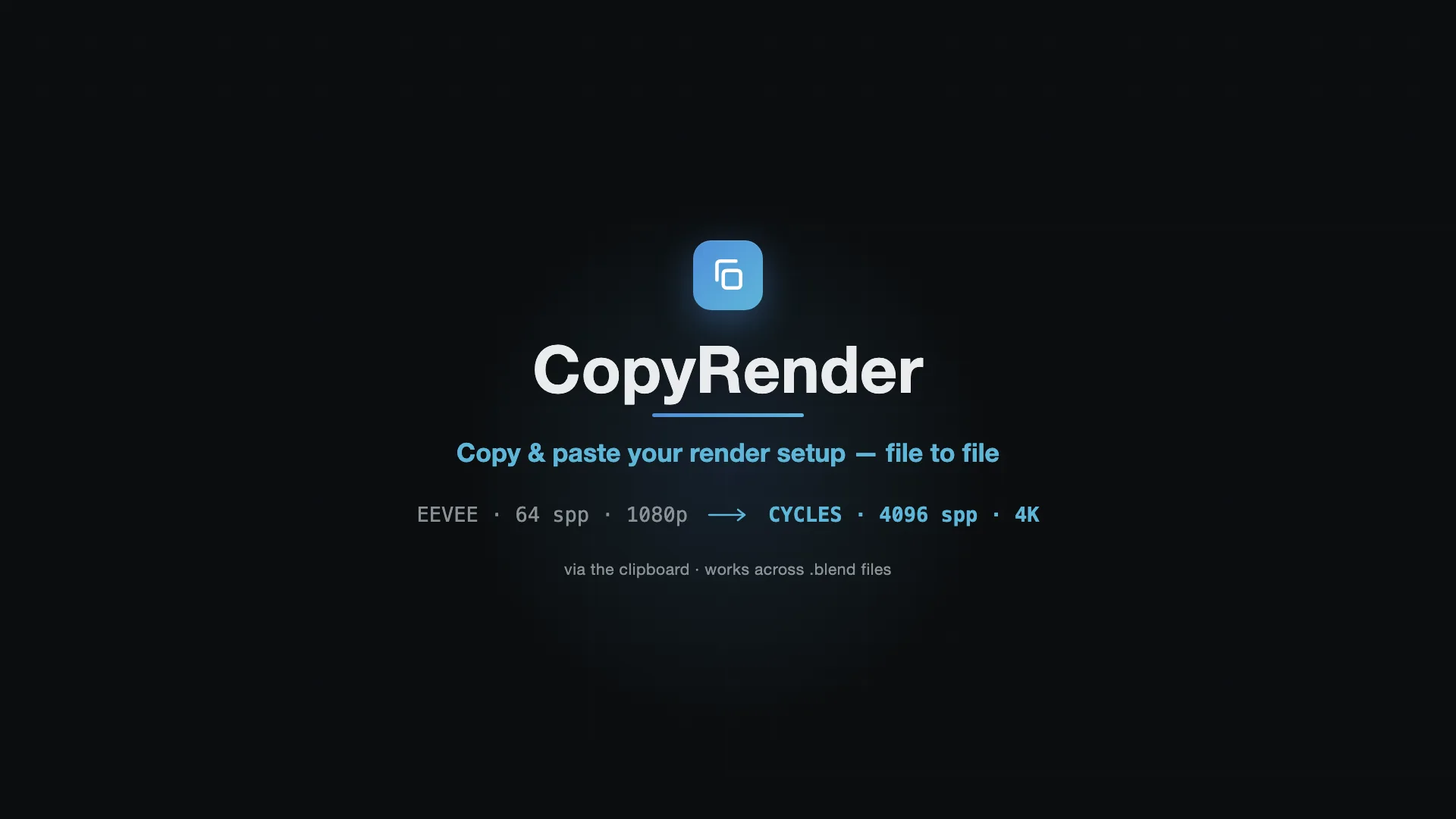
CopyRender moves Blender render, color management, output, Cycles and EEVEE settings between files or through a linked JSON package. Compare both methods.
Core Debug Tools visualizes Blender dependency graph relations and Geometry Nodes lazy-function graphs with a bundled browser viewer. Check compatibility.
CoreLink organizes 3ds Max assets with image search, previews, and path repair. Check whether the free Standard license's 5,000-asset cap fits.
Corenodix - Procedural Tools are a Blender add-on with a shared engine, material utilities and a Cycles-only procedural materials demo. See setup steps.
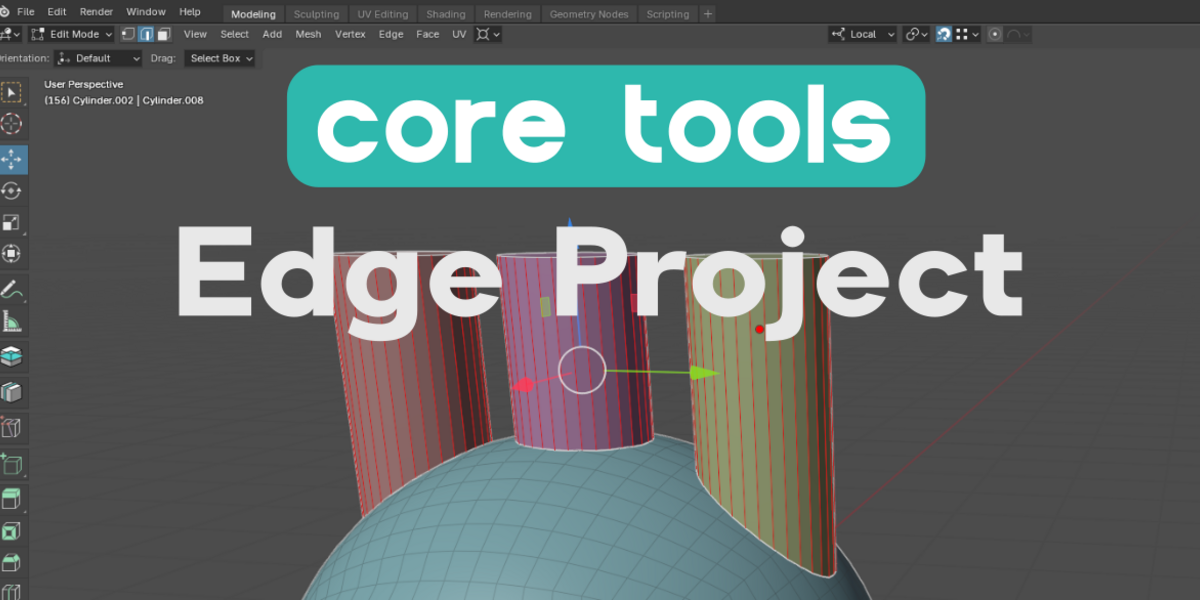
See how Coretools - Edge Project projects Blender open edges toward visible surfaces, handles multiple objects, and filters projection targets.
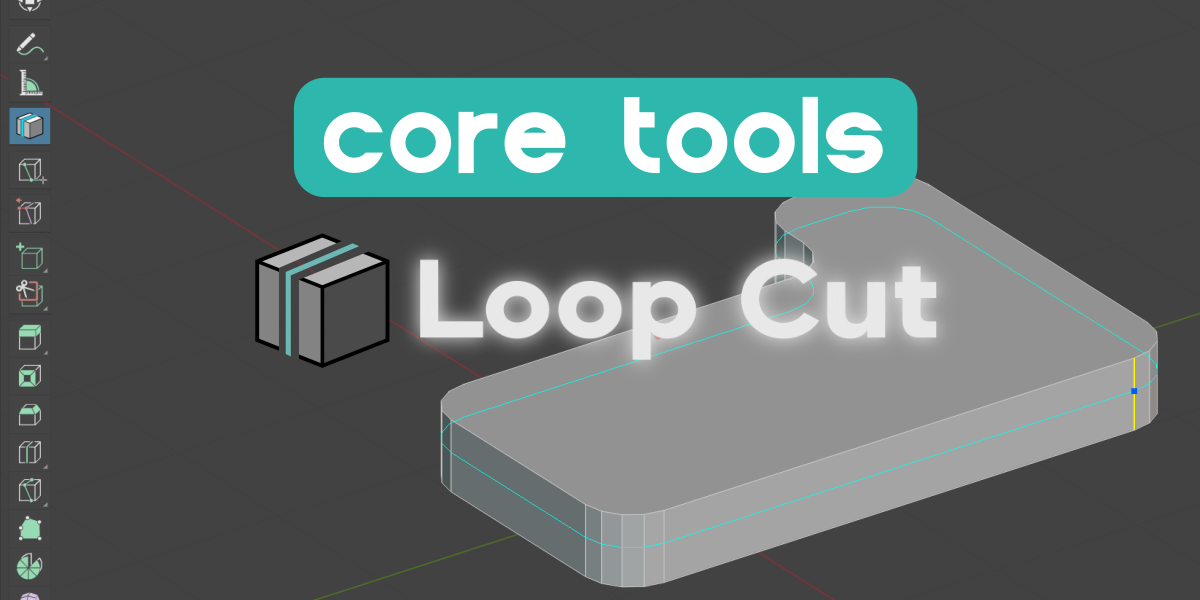
Coretools - Loop Cut adds even, dynamic and fixed-offset placement, plus a center mode, to Blender edge-loop editing. Check listed versions and OS support.
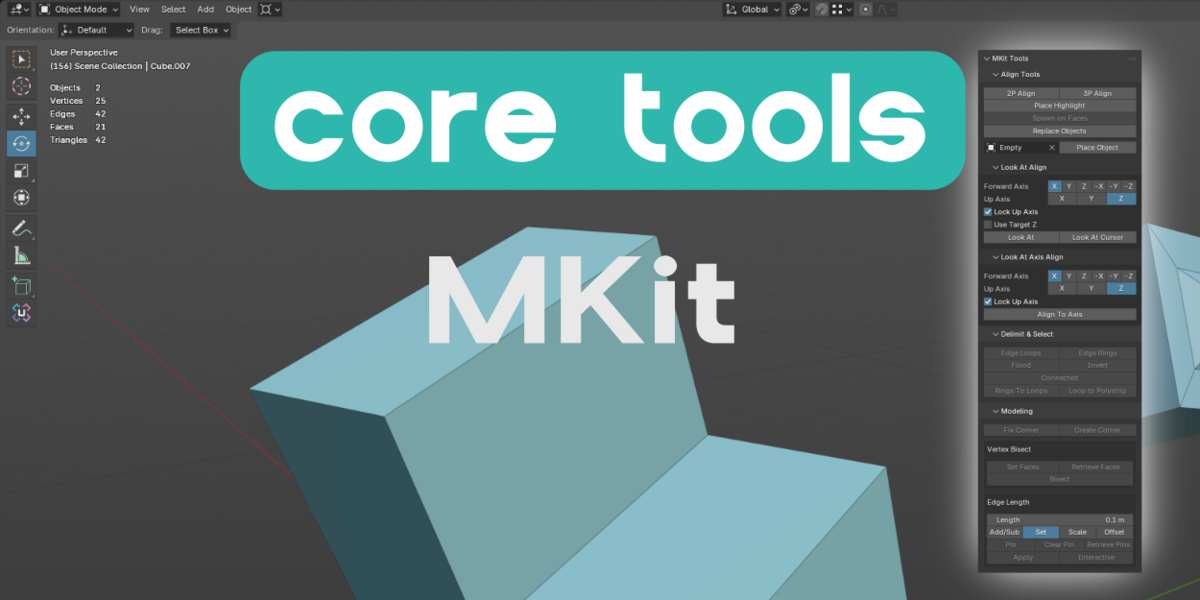
Coretools - Mkit is a Blender add-on for alignment, selection, geometry tweaks, and object naming. Check listed Blender versions and GPL terms before download.