Section Cut
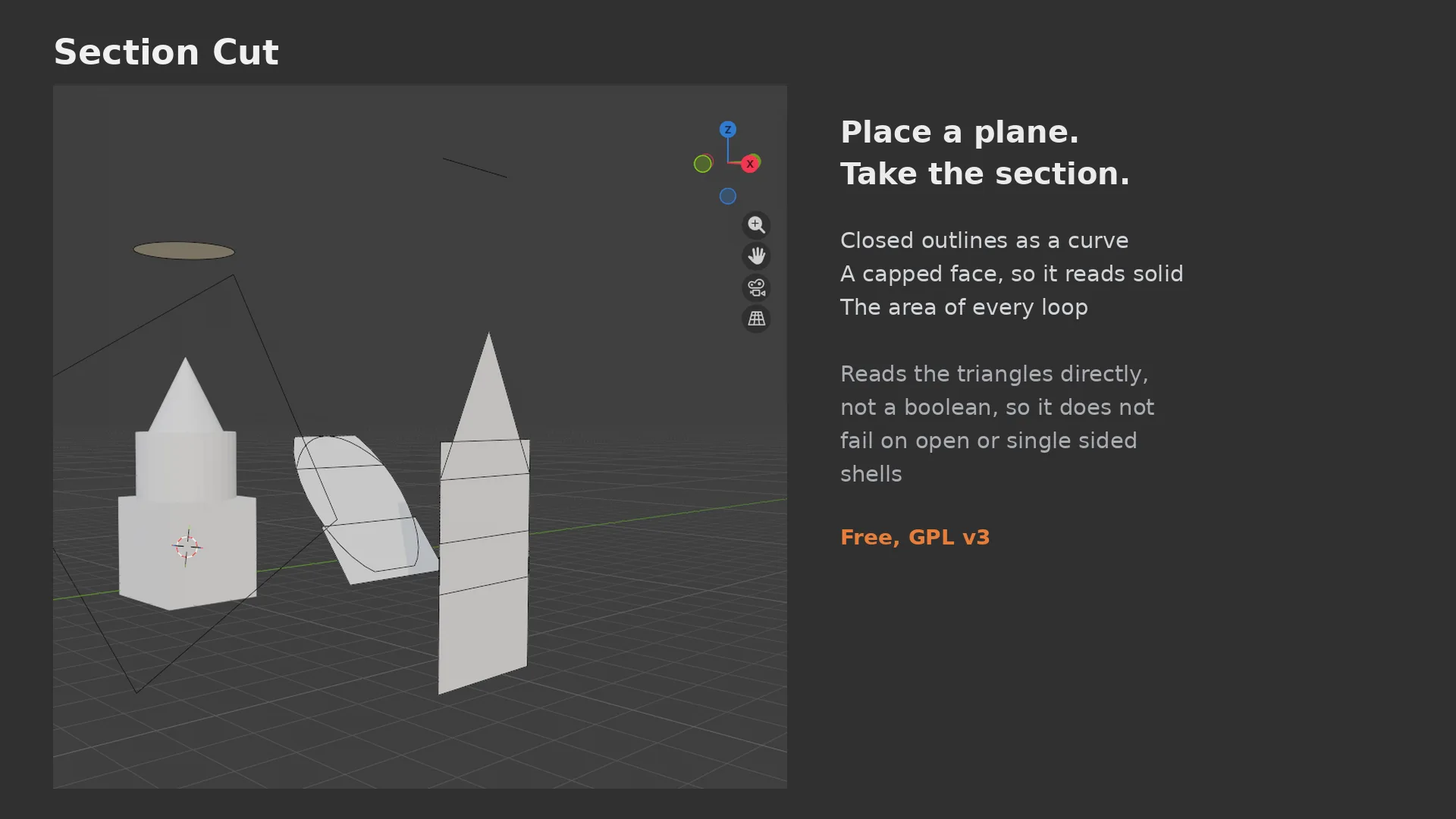
Section Cut 1.0.1 is a Blender add-on for placing a plane and taking a section as real geometry. It requires Blender 4.2.0 or later.
Add-ons for building and editing 3D models, from mesh tools to sculpting utilities. Choose your 3D application to narrow the list. Page 42 of 52.
Section Cut 1.0.1 is a Blender add-on for placing a plane and taking a section as real geometry. It requires Blender 4.2.0 or later.
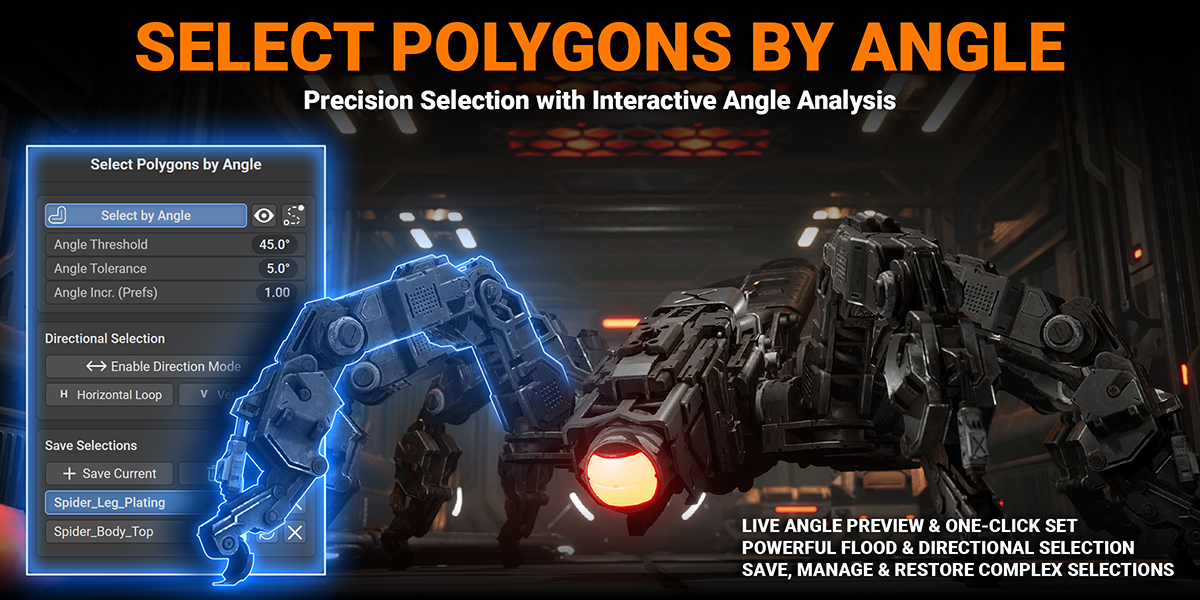
Select Polygons By Angle adds angle-based flood fill, quad loops, preview and saved sets to Blender. Check supported Blender versions before installing.
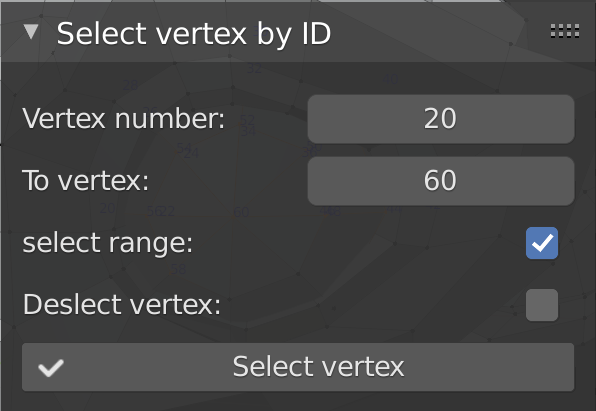
Select a Blender mesh vertex by its index, or choose a range. Learn how to show indices in the viewport and check the add-on's listed Blender versions.
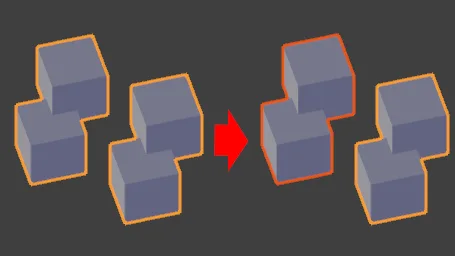
Separate by Collision splits loose mesh parts and keeps colliding parts together. Compare Surface and Bounding box modes; it supports Blender 4.2+.
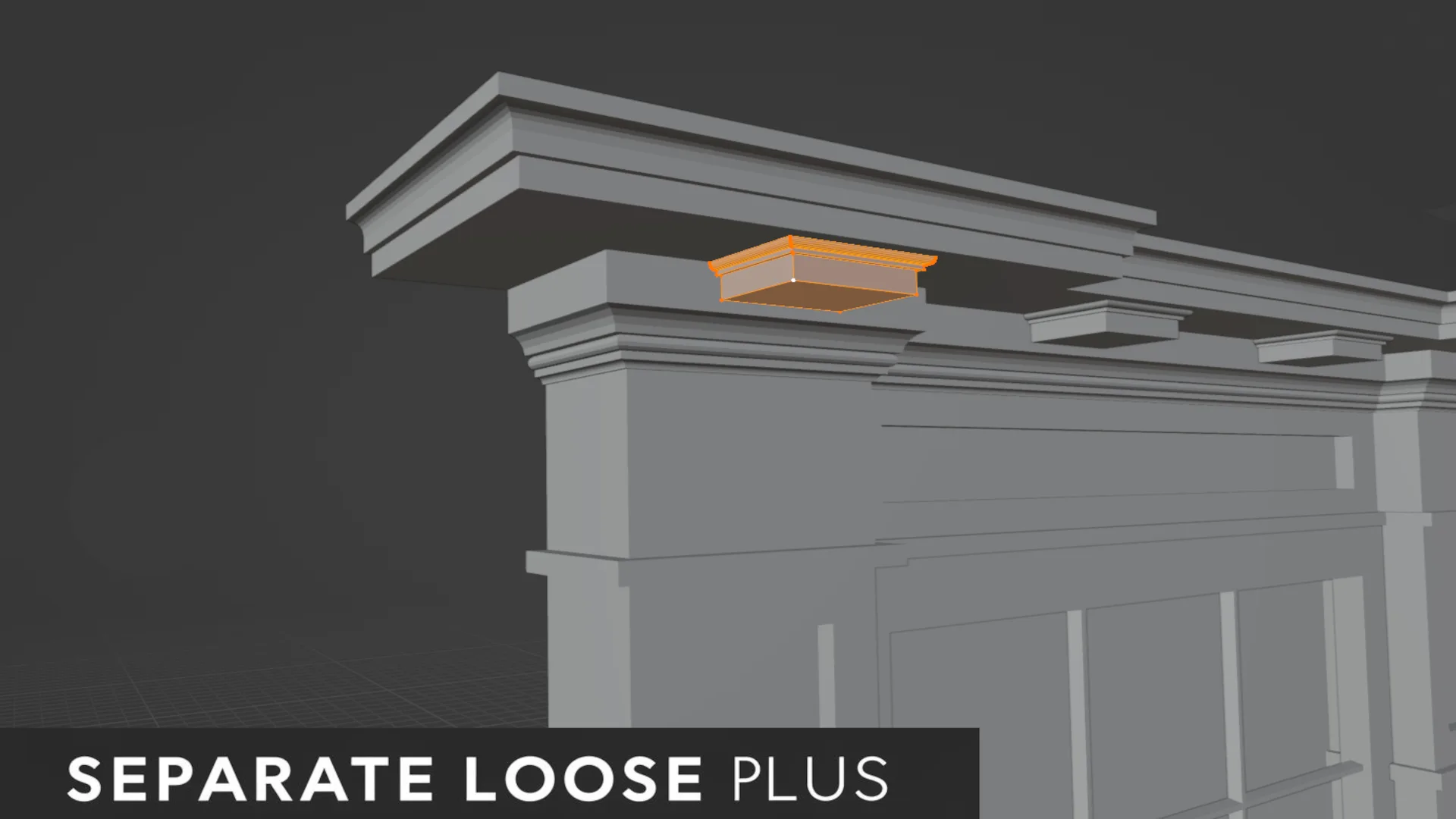
Separate Loose Plus helps edit loose meshes in Blender 4.2+ and merge them back. Review its workflow, compatibility, license, and installation details.
ShadowCory's Almost Useful Artist's Tools
Separate loose meshes in Blender with one click, then reset each piece's origin for editing. See the listed version range and installation notes.
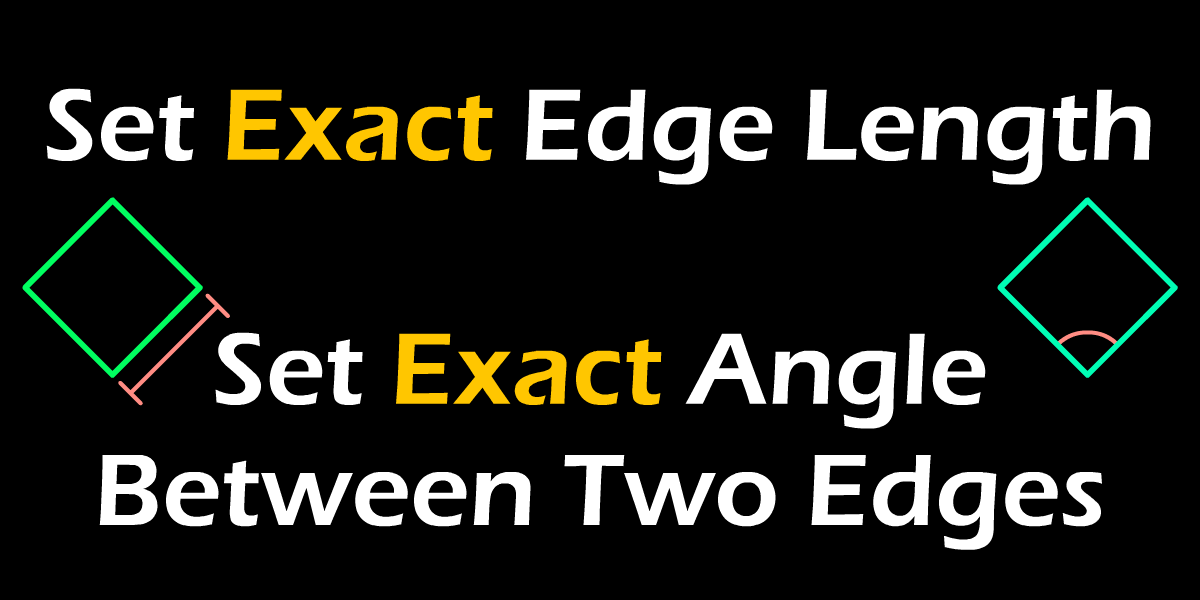
Set Exact Edge Length is a Blender add-on for setting exact edge lengths and angles from Blender’s right-click menu. Check Blender versions and GPL terms.
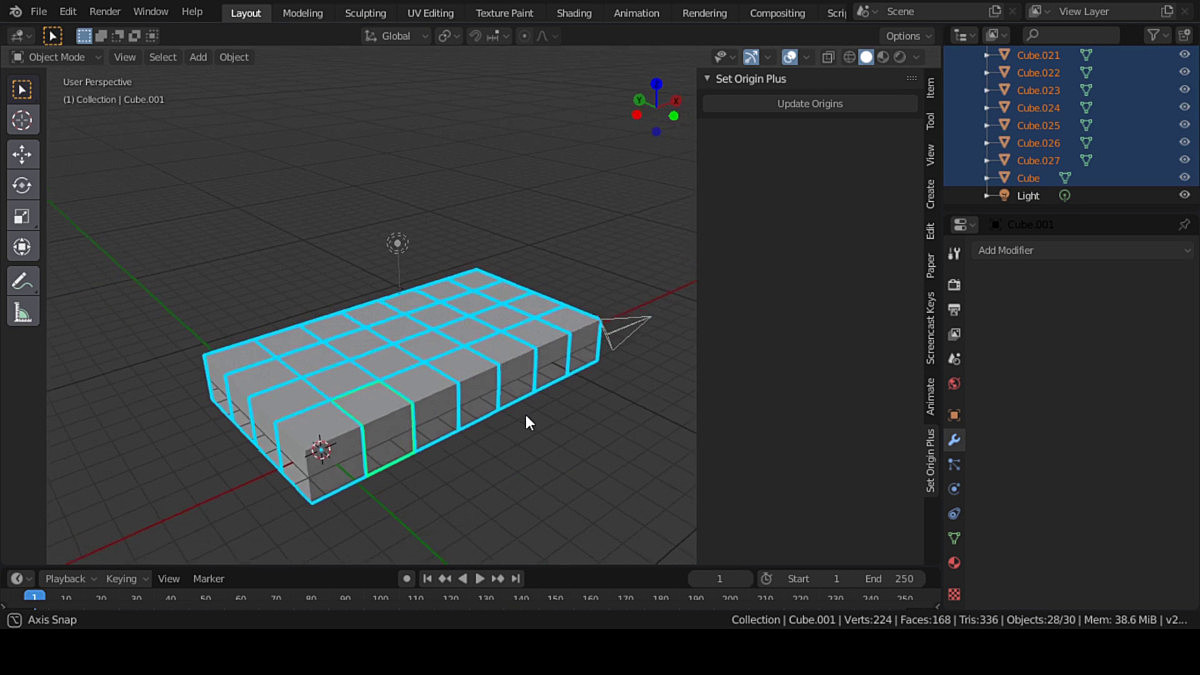
Set Origin Plus sets Blender object origins to selected faces, including bottom-face placement. Check its listed Blender versions before installing.
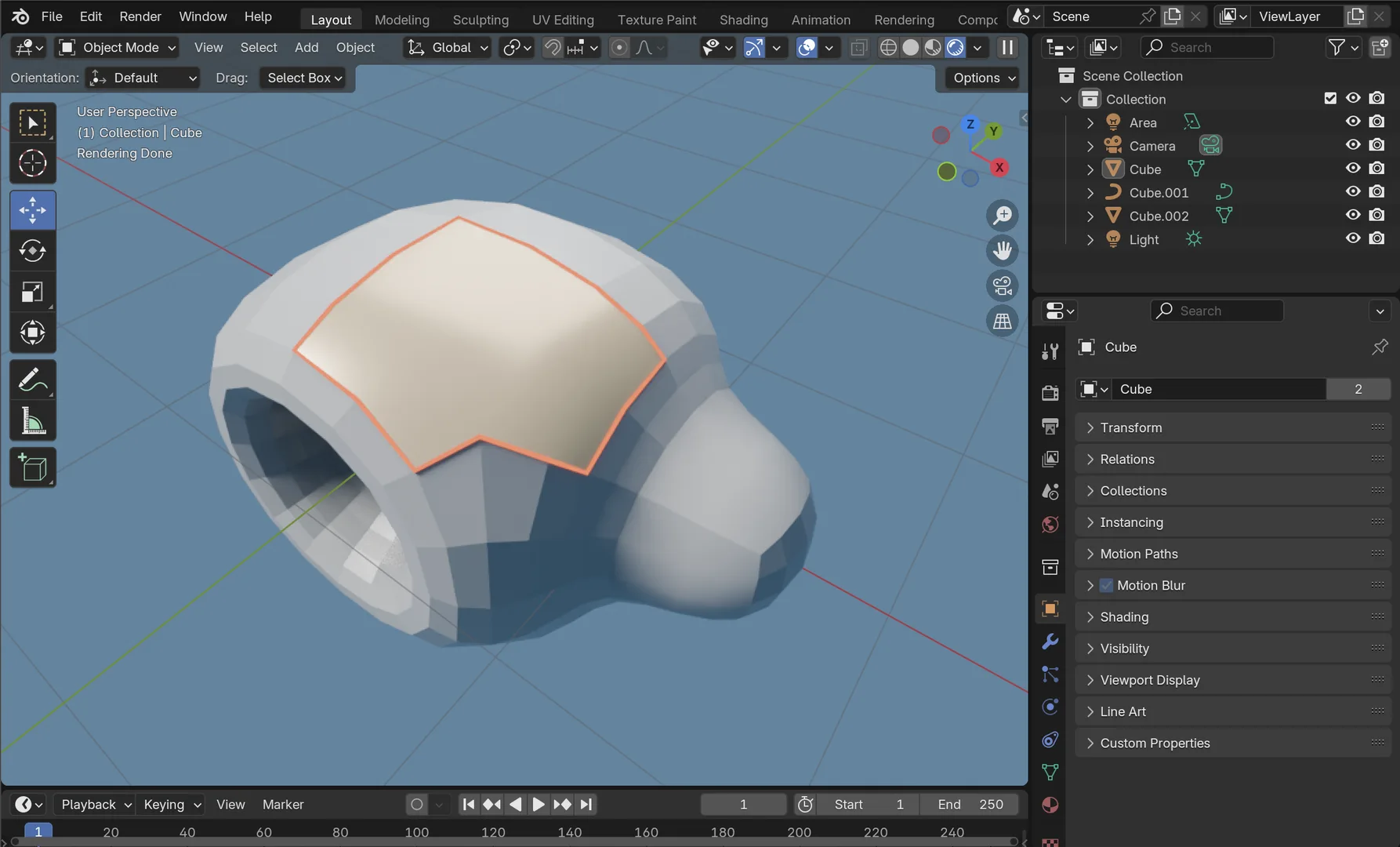
Set Smooth Group for Blender smooths selected faces and marks boundary edges sharp. See its hotkey and adjustable options in version 1.1.0.
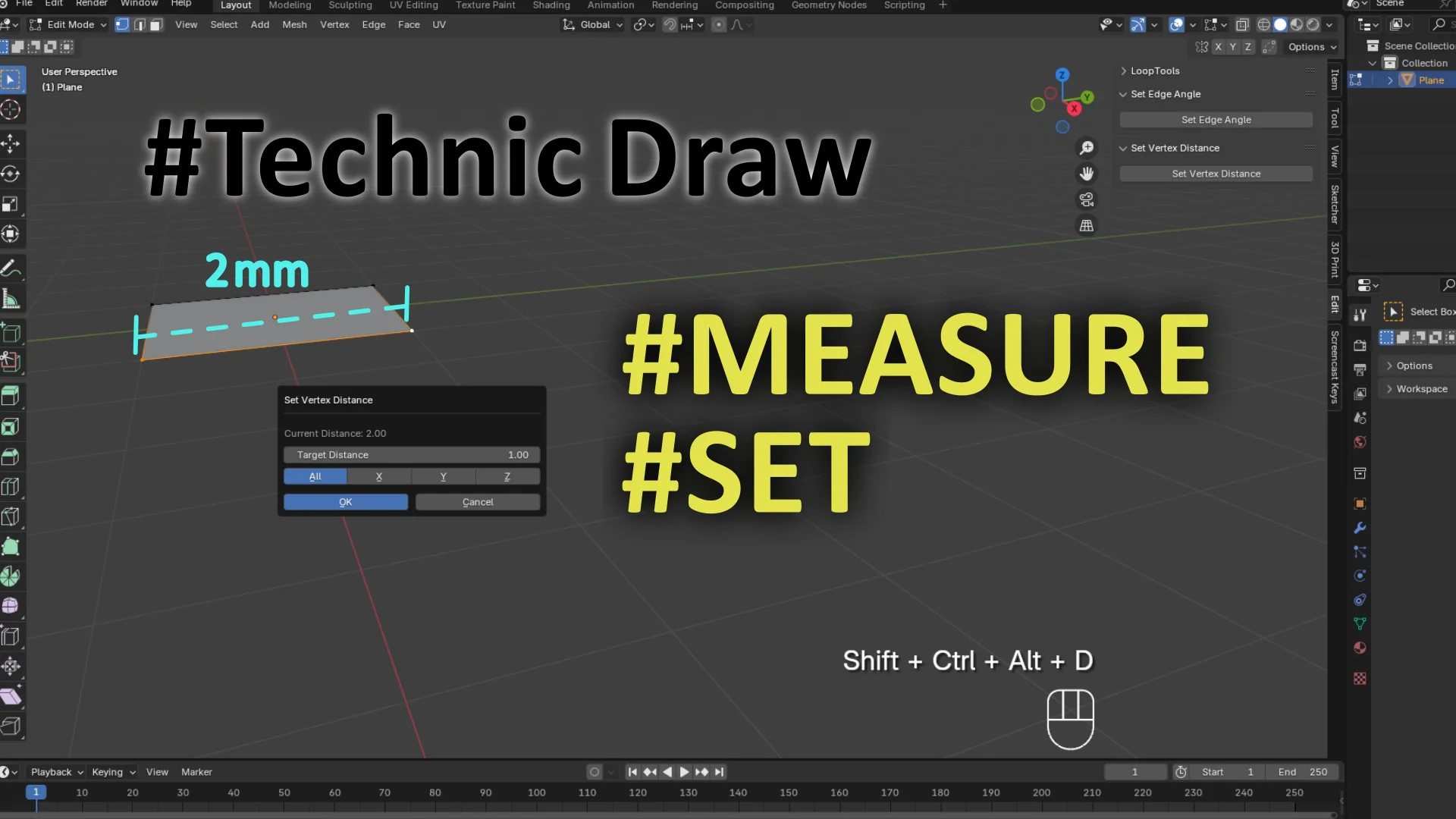
Set exact spacing between two Blender vertices with axis control and single-vertex or connected-component movement. Check version 2.0.0 requirements.
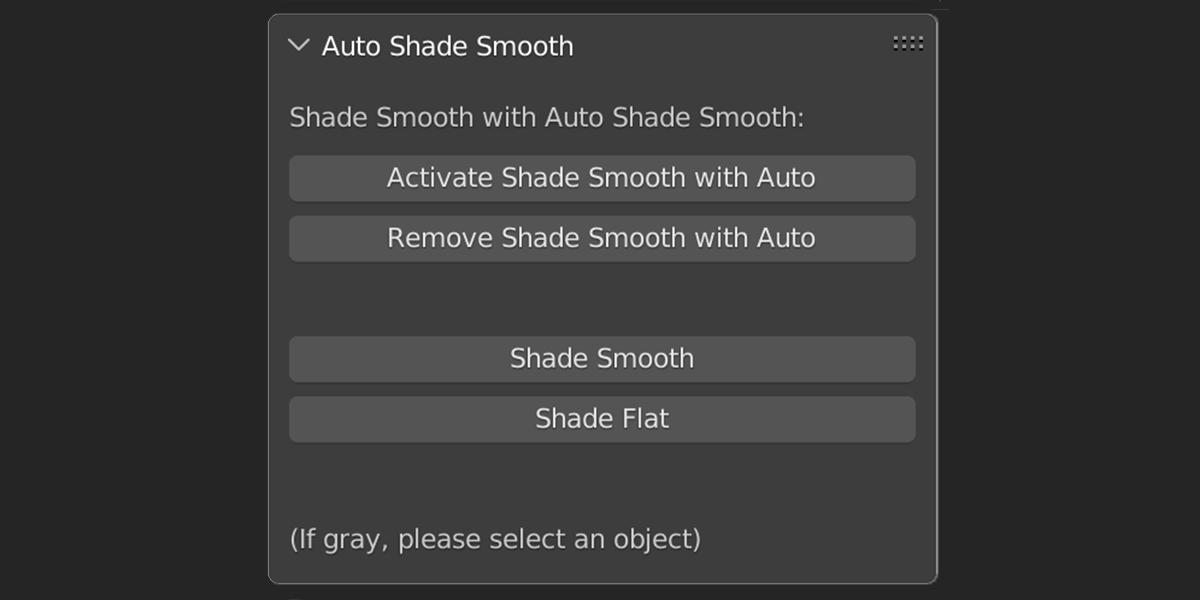
See how Shade Smooth Tools adds smooth and flat shading buttons to Blender, toggles Auto-Shade-Smooth for each action, and which older versions it lists.
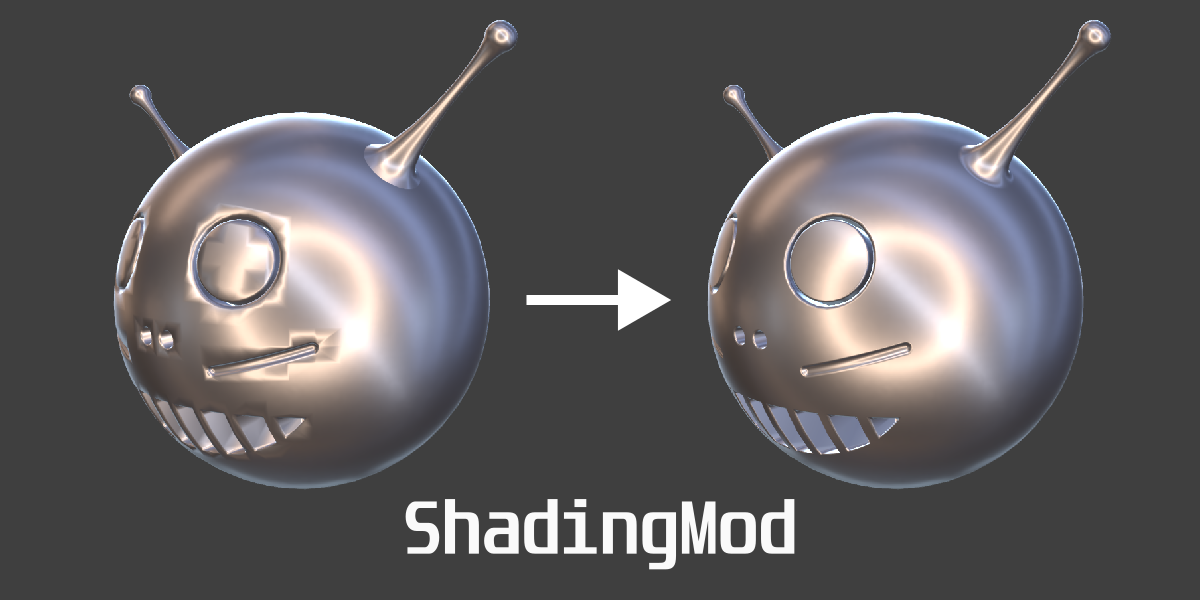
Explore ShadingMod's Blender tools for normal transfer, Weighted Normal+, shading reset and N-gon triangulation, with version notes before you install.
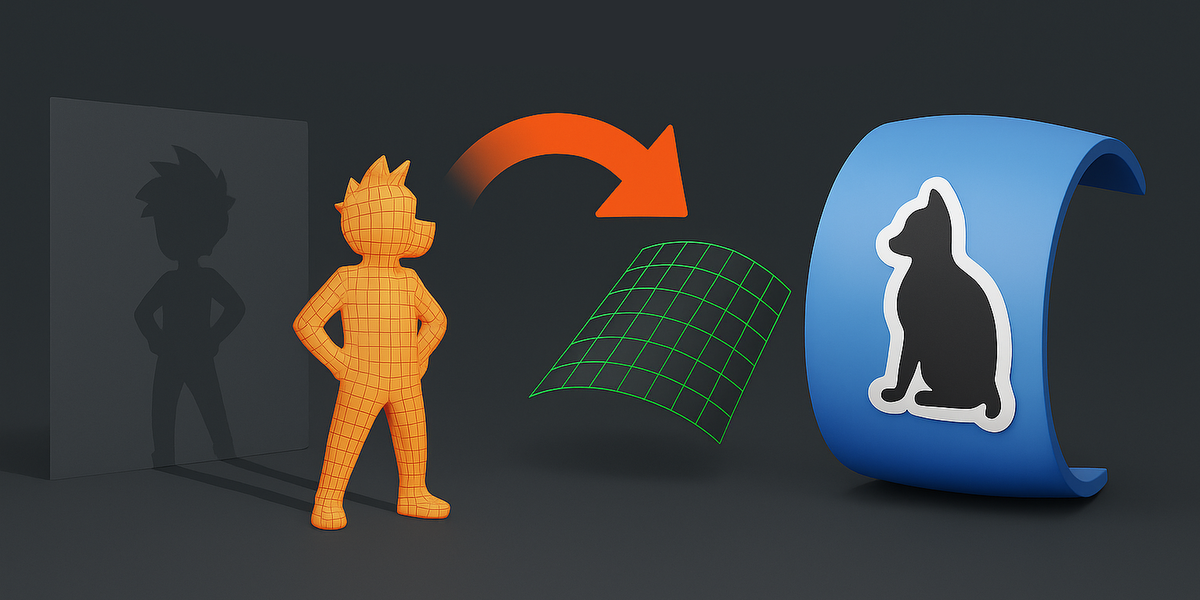
Shadow Retopology uses shadow projection for retopology and makes stickers from 3D objects. It is in early access and lists Blender versions 3.0 to 4.5.
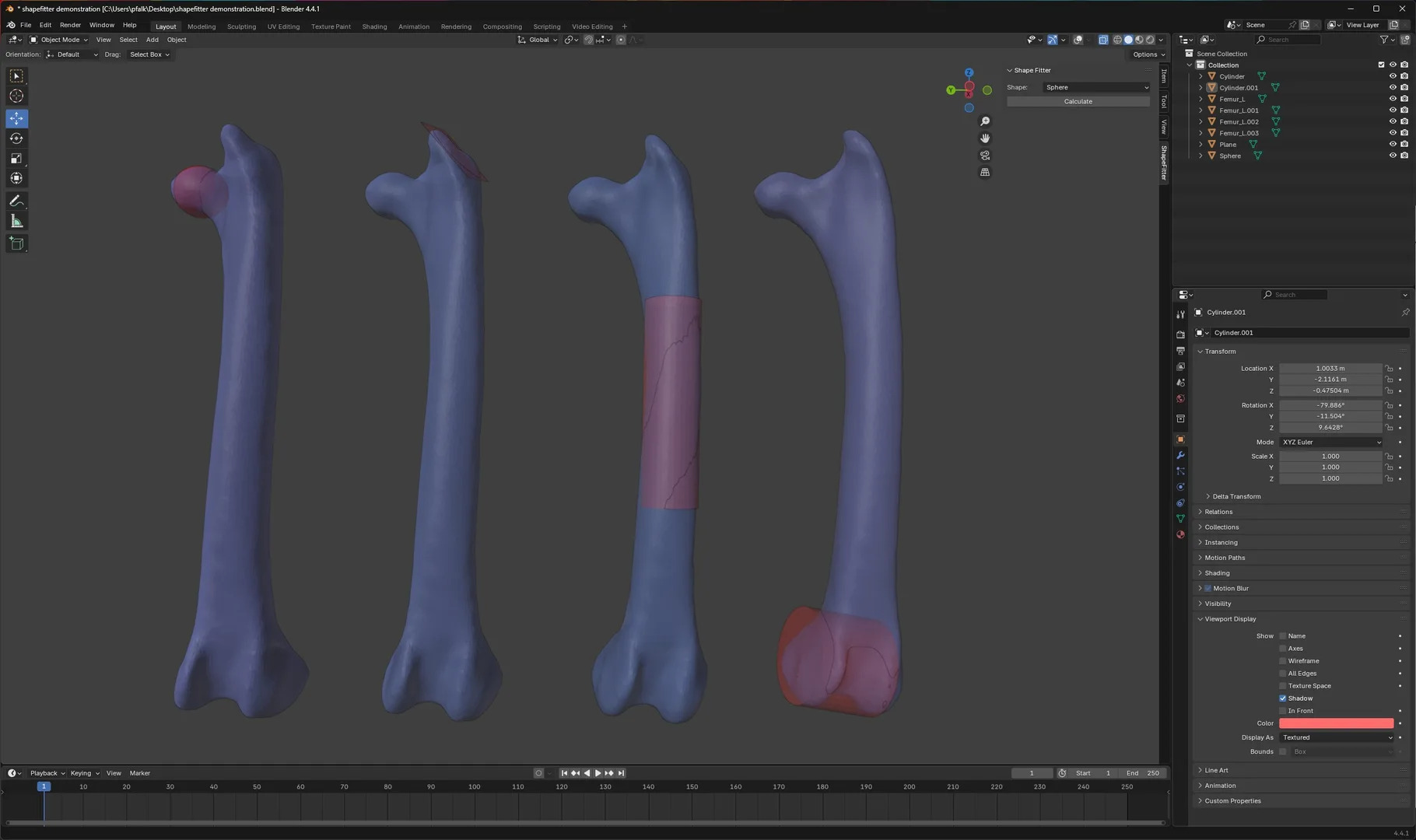
Fit Blender mesh vertices to spheres, planes, cylinders, ellipsoids, or a two-condyle cylinder. Review centering options, vertex minimums, and setup steps.
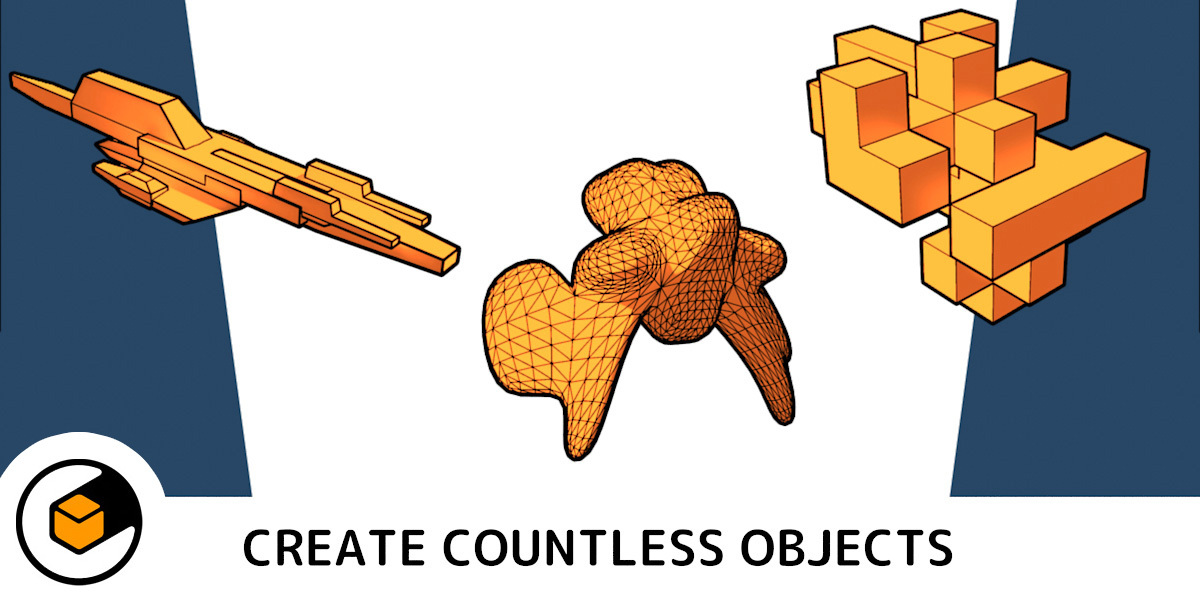
Shape Generator is a Blender add-on for creating base meshes, with extrusion and modifier controls, UV mapping, and an Iterator to compare seed variations.
LeafyBush7’s add-on manages shape keys and vertex groups. Its v2.0.0 record sets Blender 4.5.0 minimum; the Requirements say 4.2+, leaving 4.2 to 4.4 unclear.
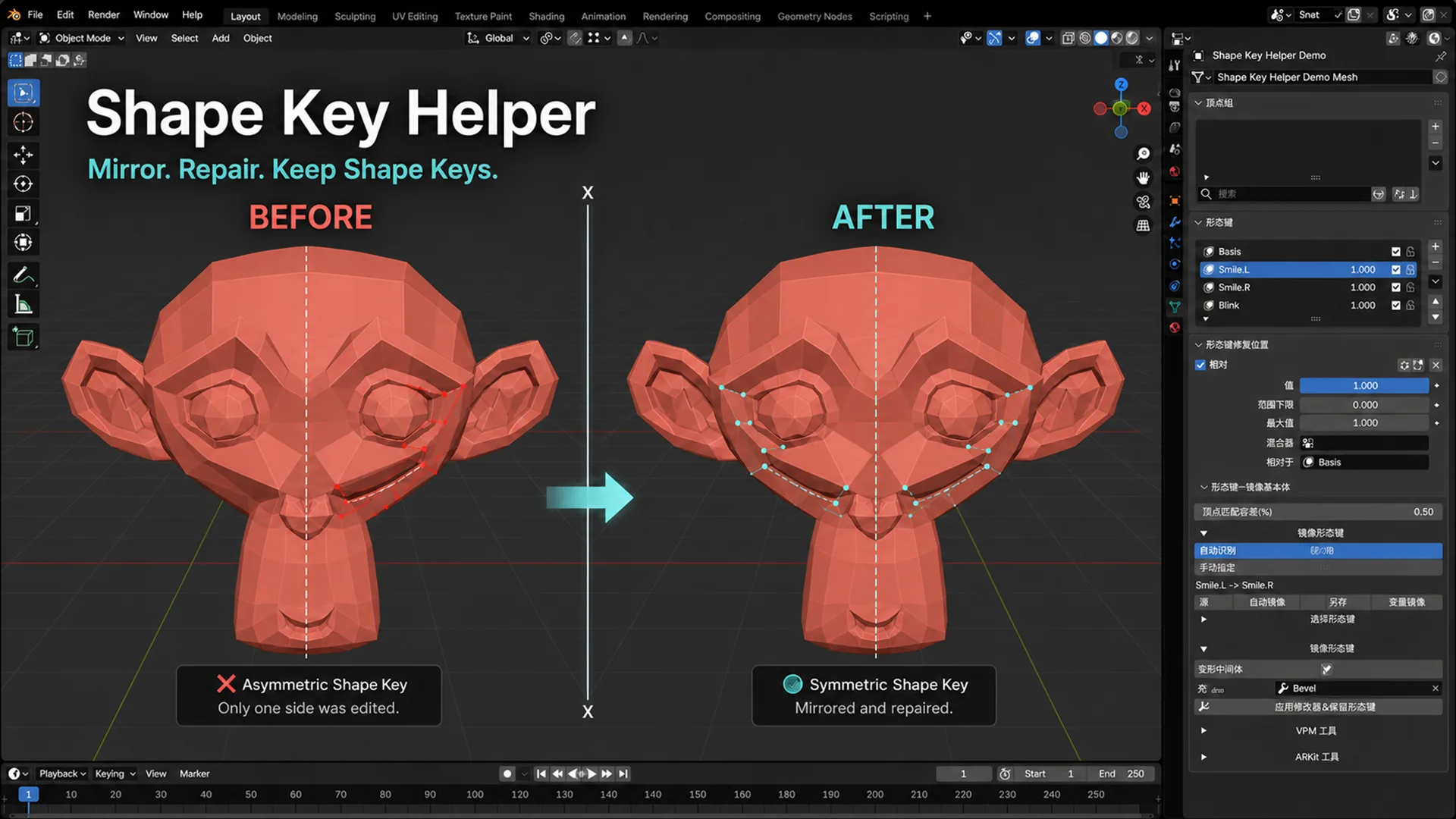
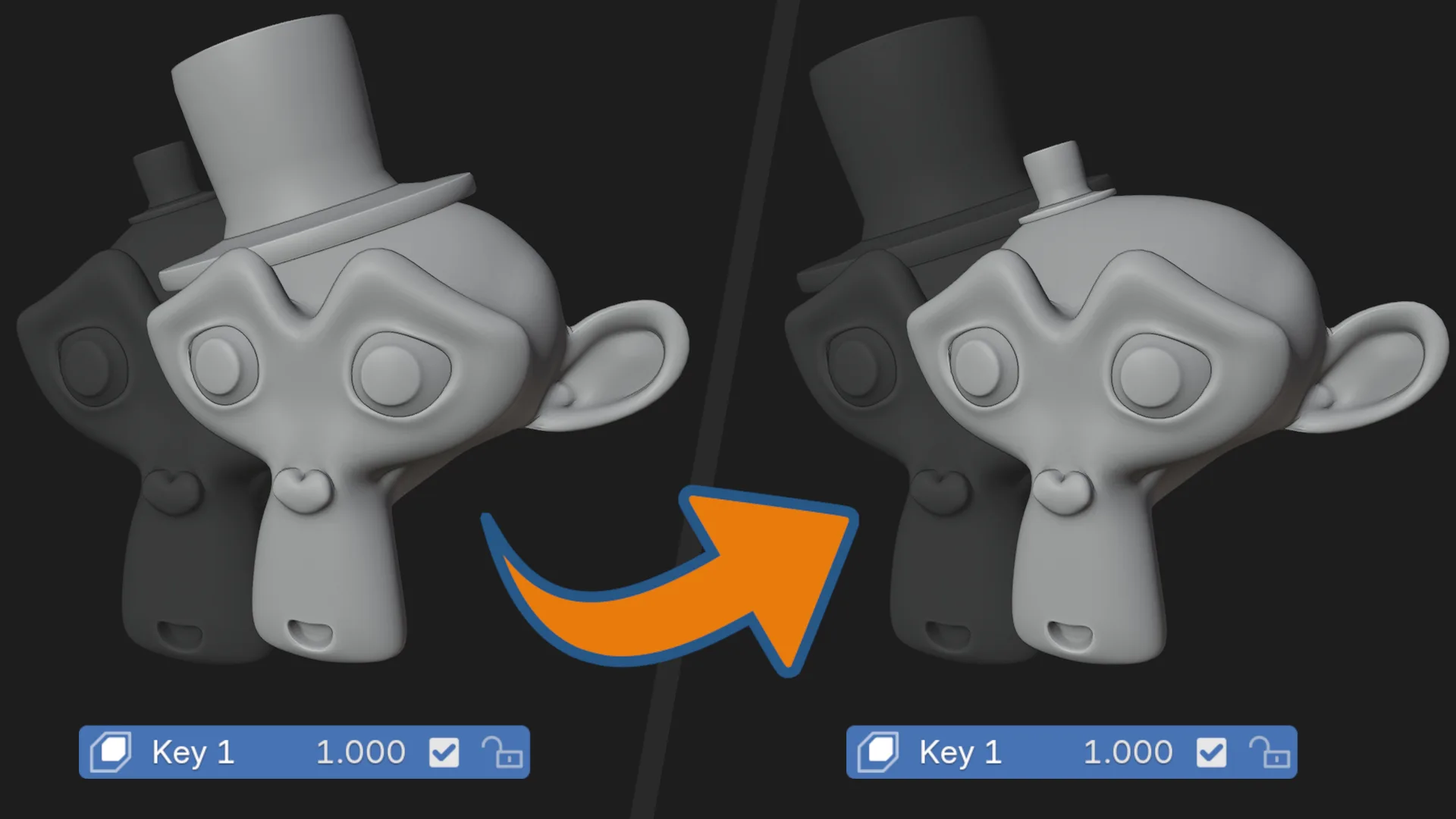
Shape Key Helper is a Blender add-on for mirroring and repairing shape keys. Release 1.14.6 requires Blender 4.2.0 or later; see the official listing.
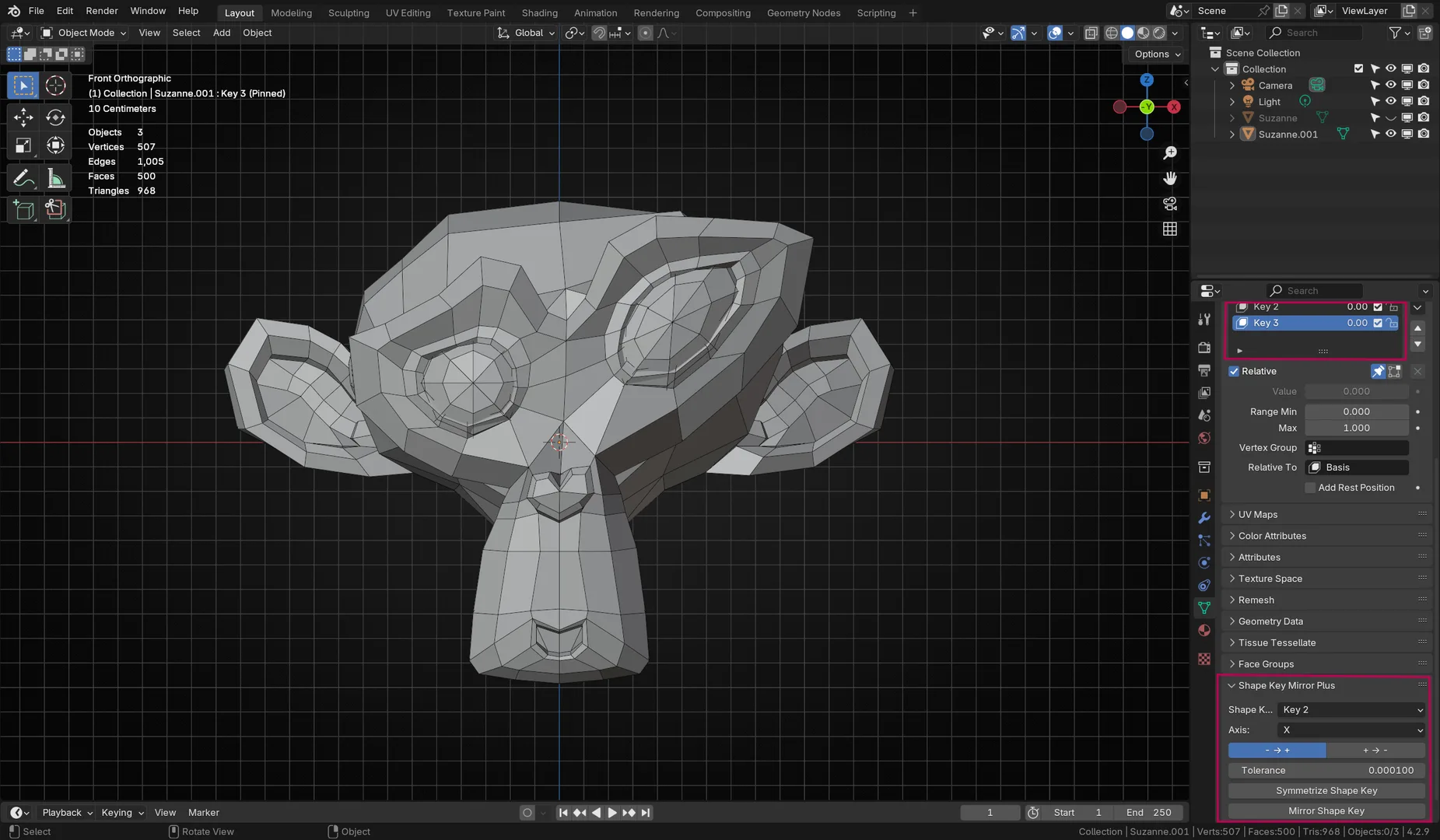
Shape Key Mirror Plus is a Blender add-on that mirrors shape key deltas across symmetric axes. Blender 4.2.0 is the listed minimum for version 1.9.0.
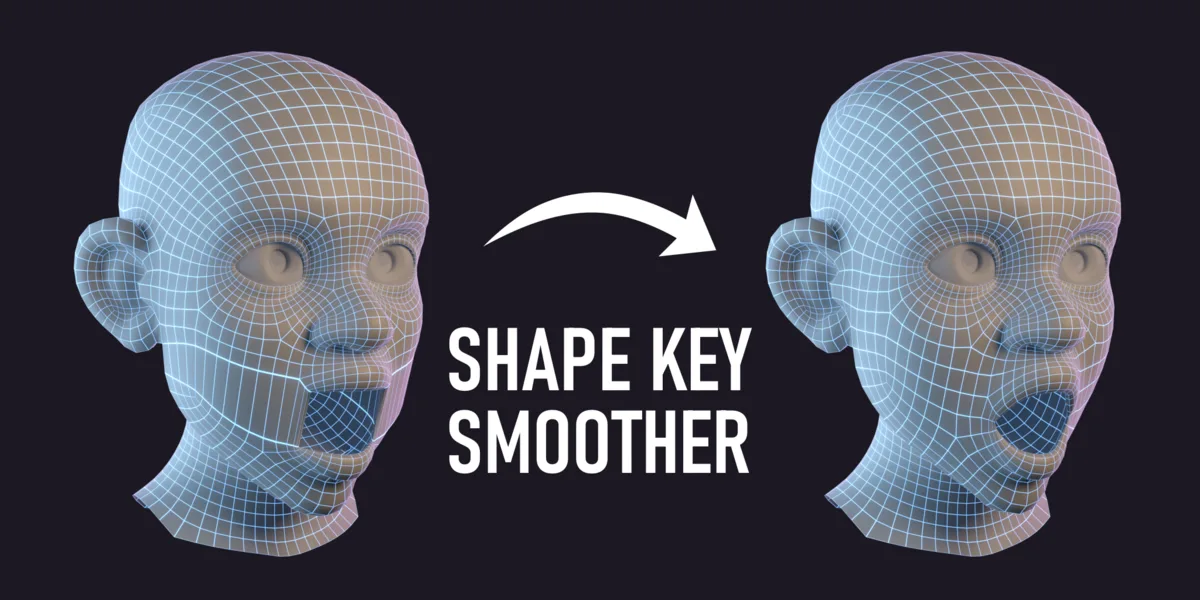
Shape Key Smoother smooths Blender shape keys from a selected area while preserving the Basis shape. Review key requirements and Blender version support.
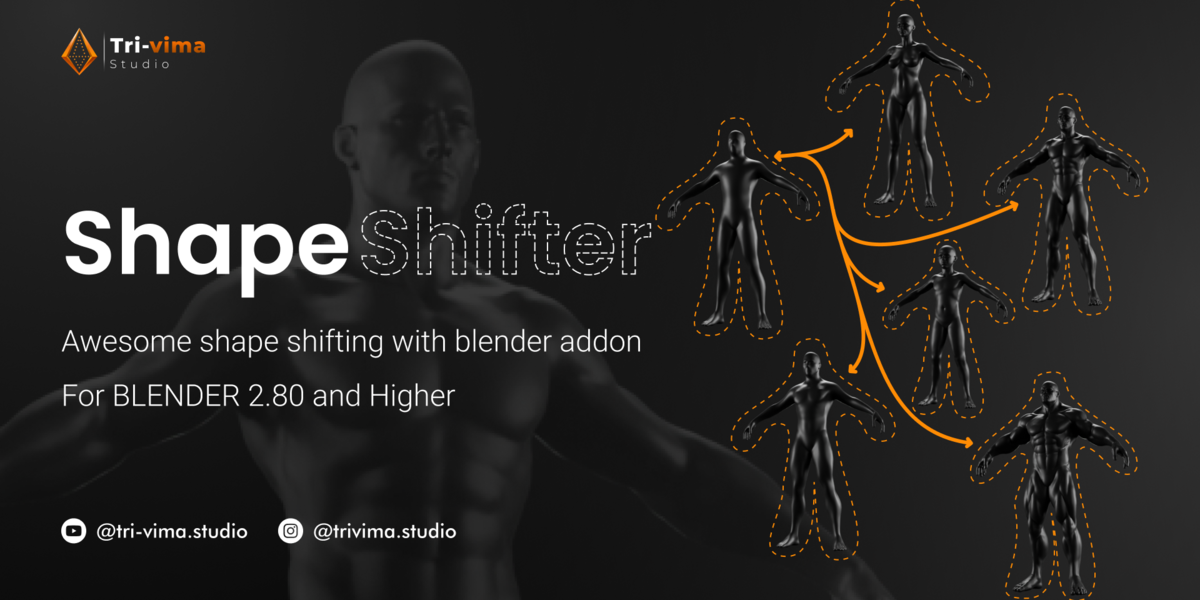
Shape Shifter: Awesome Shape Shifting With Blender Addon groups Shape Key controls and copies keys between objects. Check Blender versions and GPL terms.
ShapeKeySwapper is a Blender add-on for swapping a shape key's 0 and 1 vertex positions. Blender 4.2.0+ is required; a reviewer reports a Basis caveat.
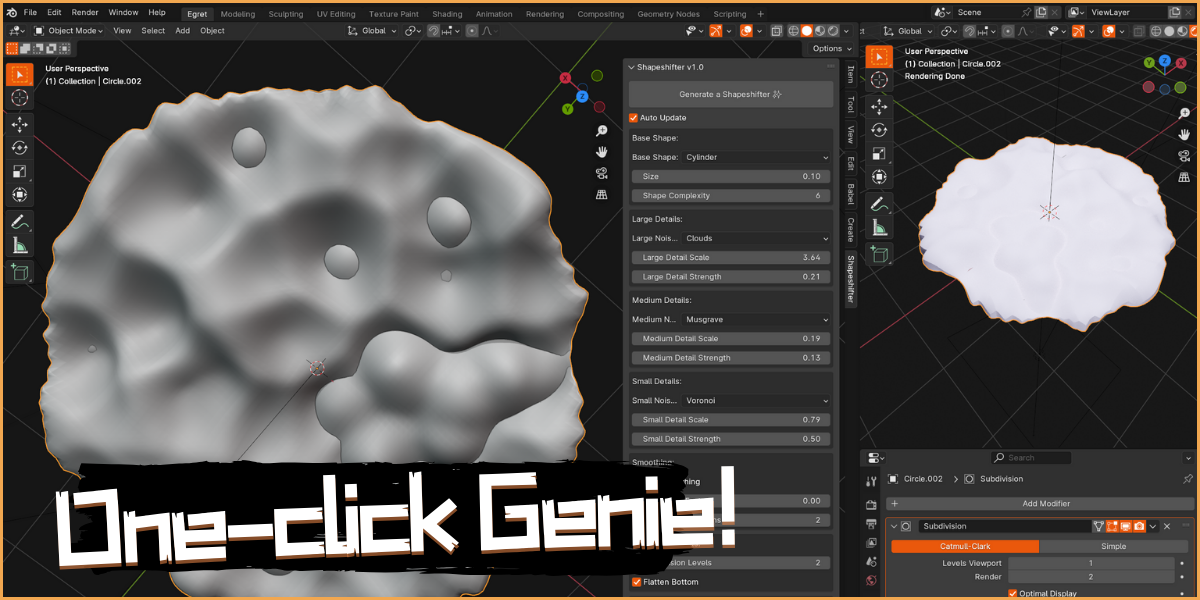
ShapeShifter generates and deforms Blender meshes with procedural textures. Review its modeling controls, workflow, and conflicting Blender version details.
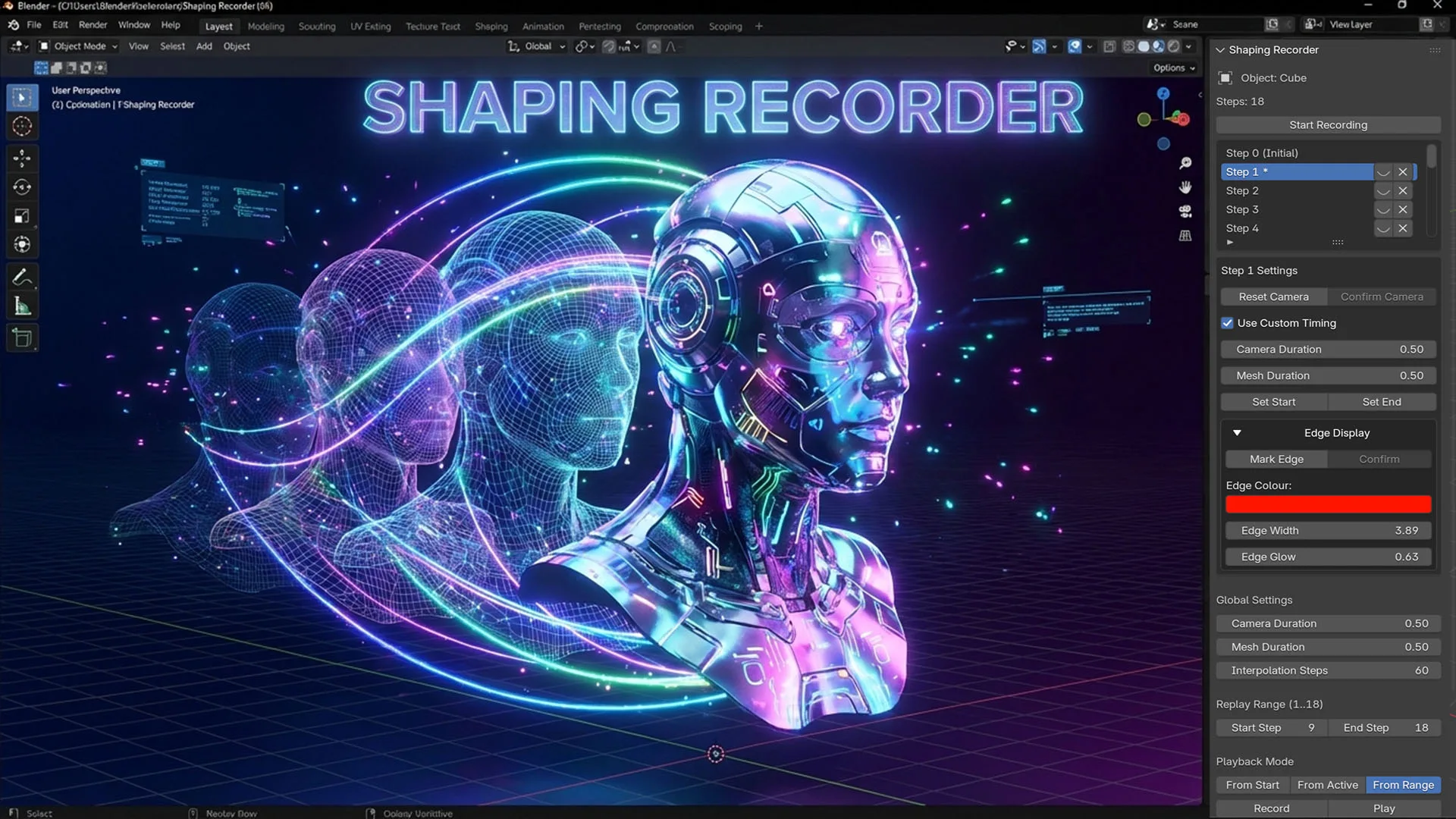
Shaping Recorder captures Blender mesh edits and viewport moves, then replays them with interpolation. Frame-sequence export is optional during playback.
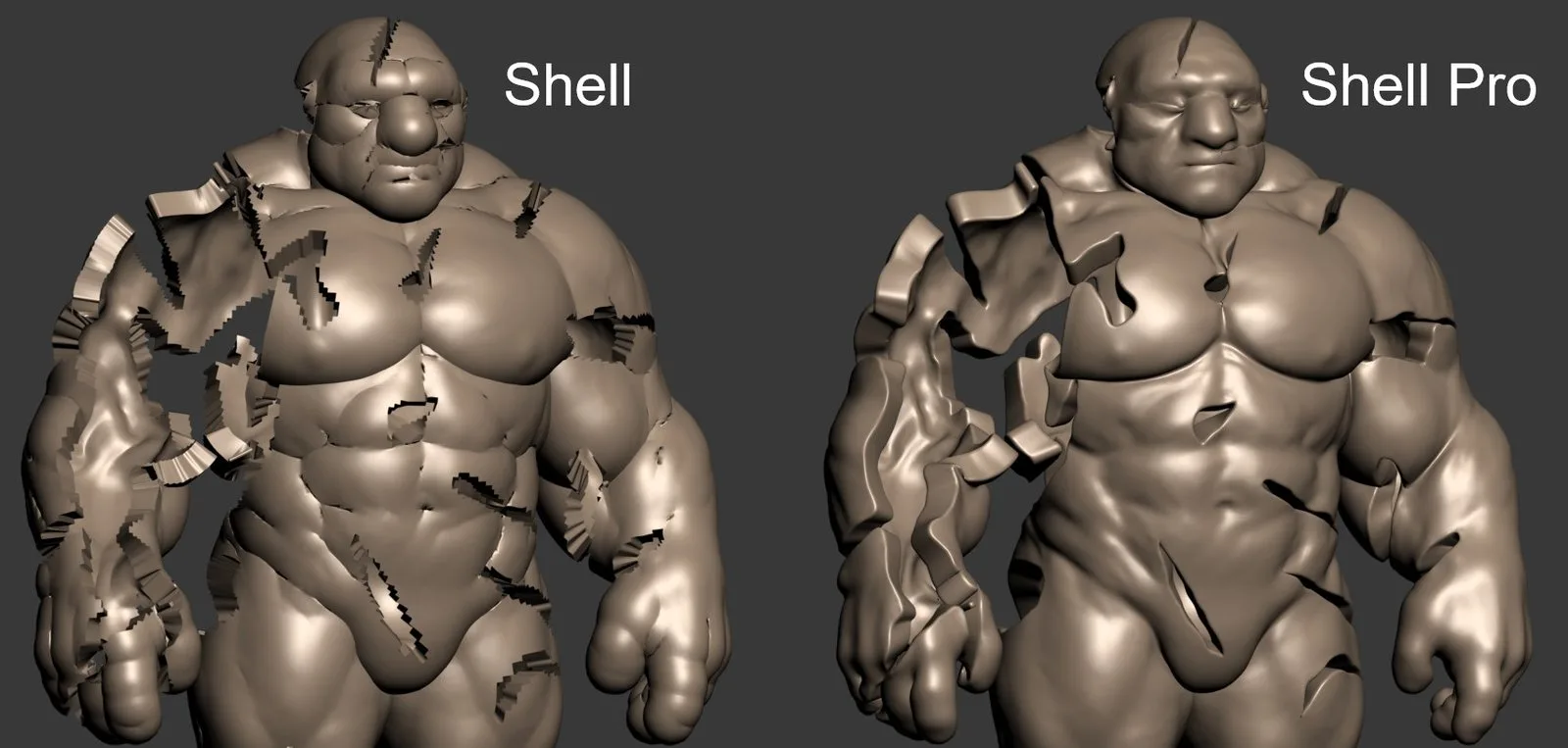
Shell Pro is a 3ds Max modifier for creating model shells with fewer self-intersections, preserved surface detail, and chamfer, fillet, or bevel edge options.