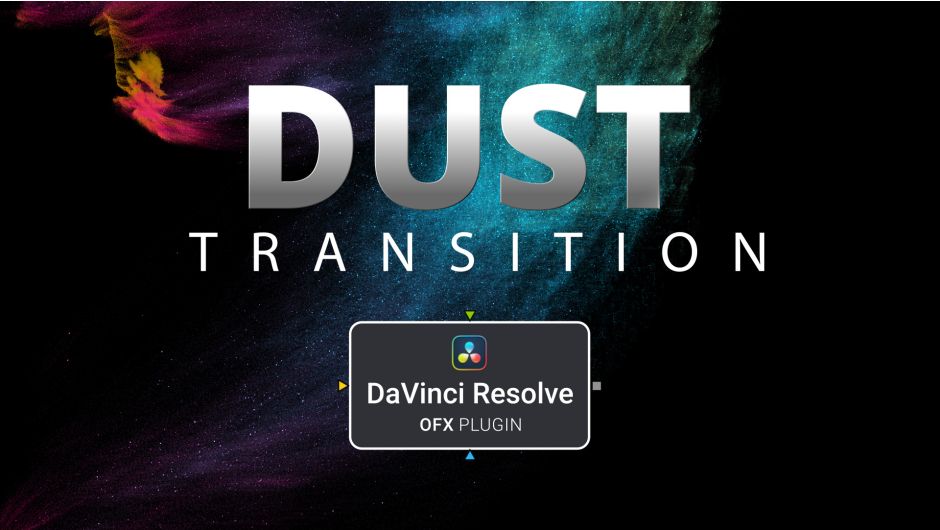
Dust Transition for DaVinci Resolve
Make particle wipes with Dust Transition for DaVinci Resolve using linear, noise, or image-based shapes, color controls, wind, gravity, and 3D depth.
Animation tools for motion design, including keyframe helpers and transitions. Filter by your editing or 3D application. Page 15 of 45.
Make particle wipes with Dust Transition for DaVinci Resolve using linear, noise, or image-based shapes, color controls, wind, gravity, and 3D depth.
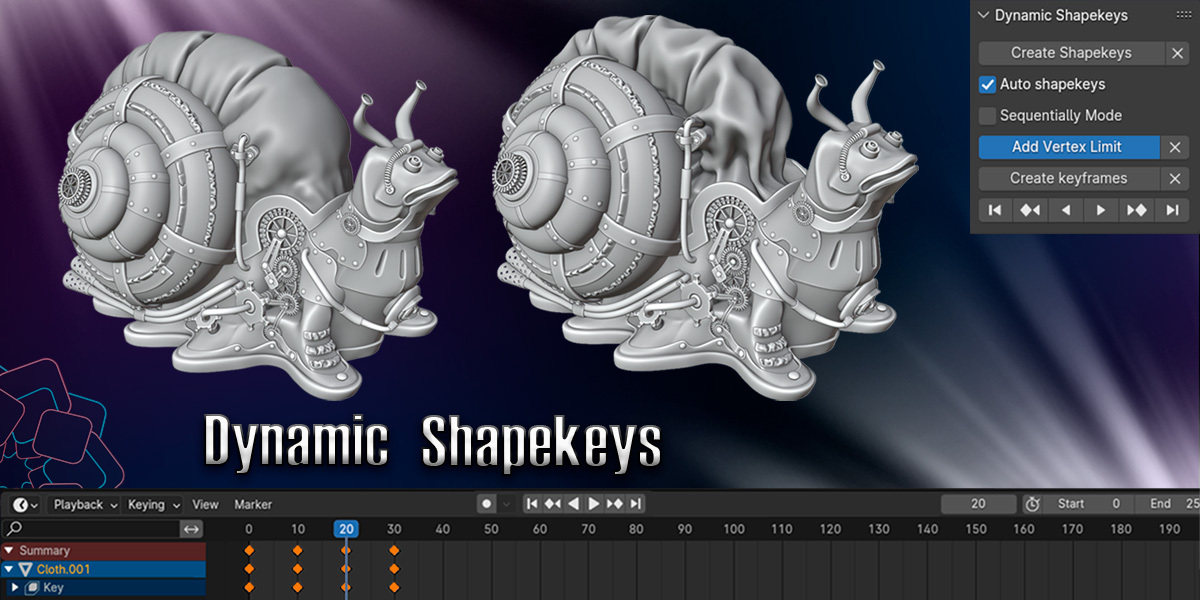
Dynamic Shapekeys creates Blender shape key animations in Edit and Sculpt modes, with relative or sequential modes and vertex bounding groups.
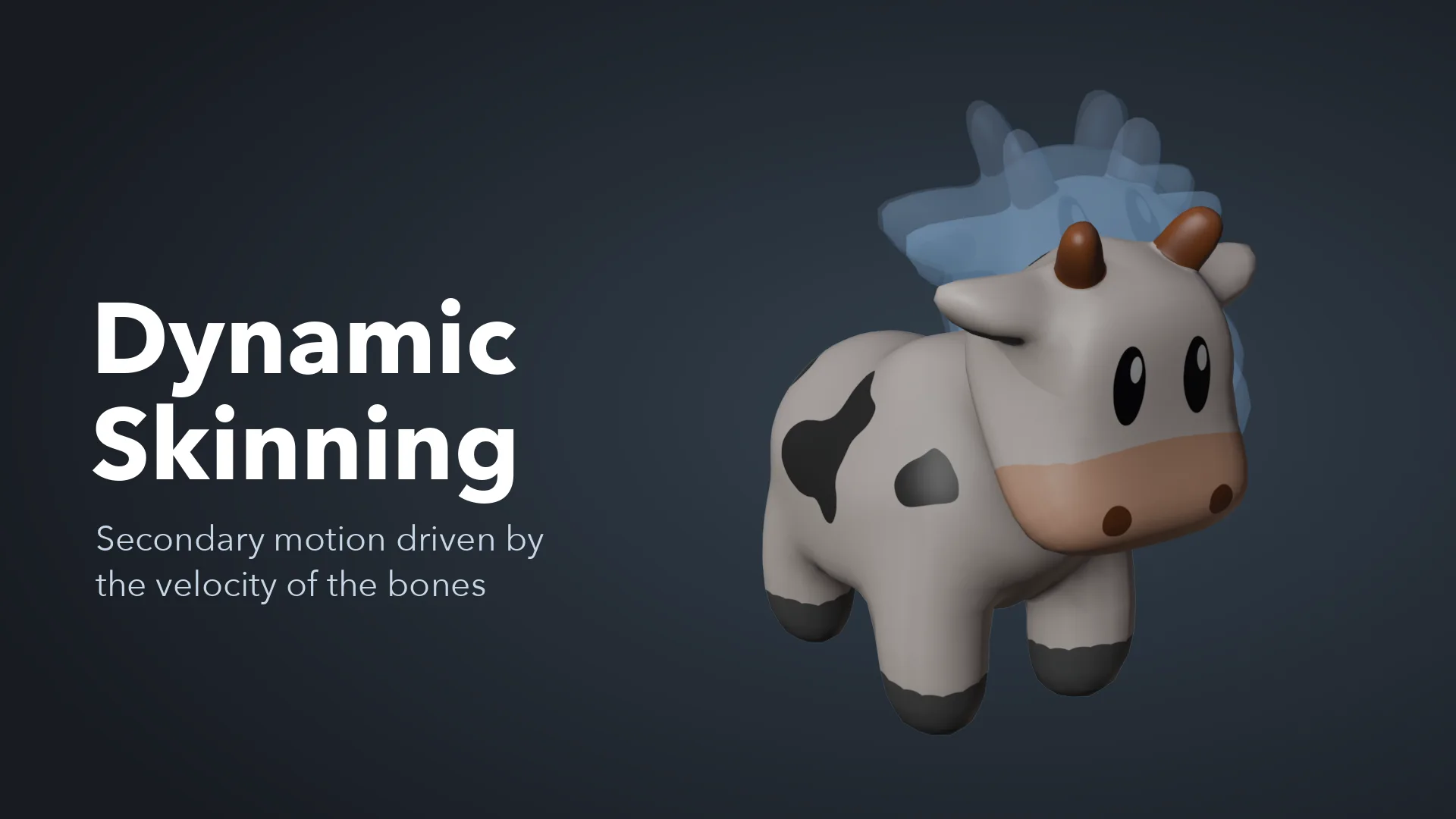
Dynamic Skinning adds velocity-driven lag and oscillation to rigged Blender characters, with adjustable controls and optional DS_bend vertex masking.
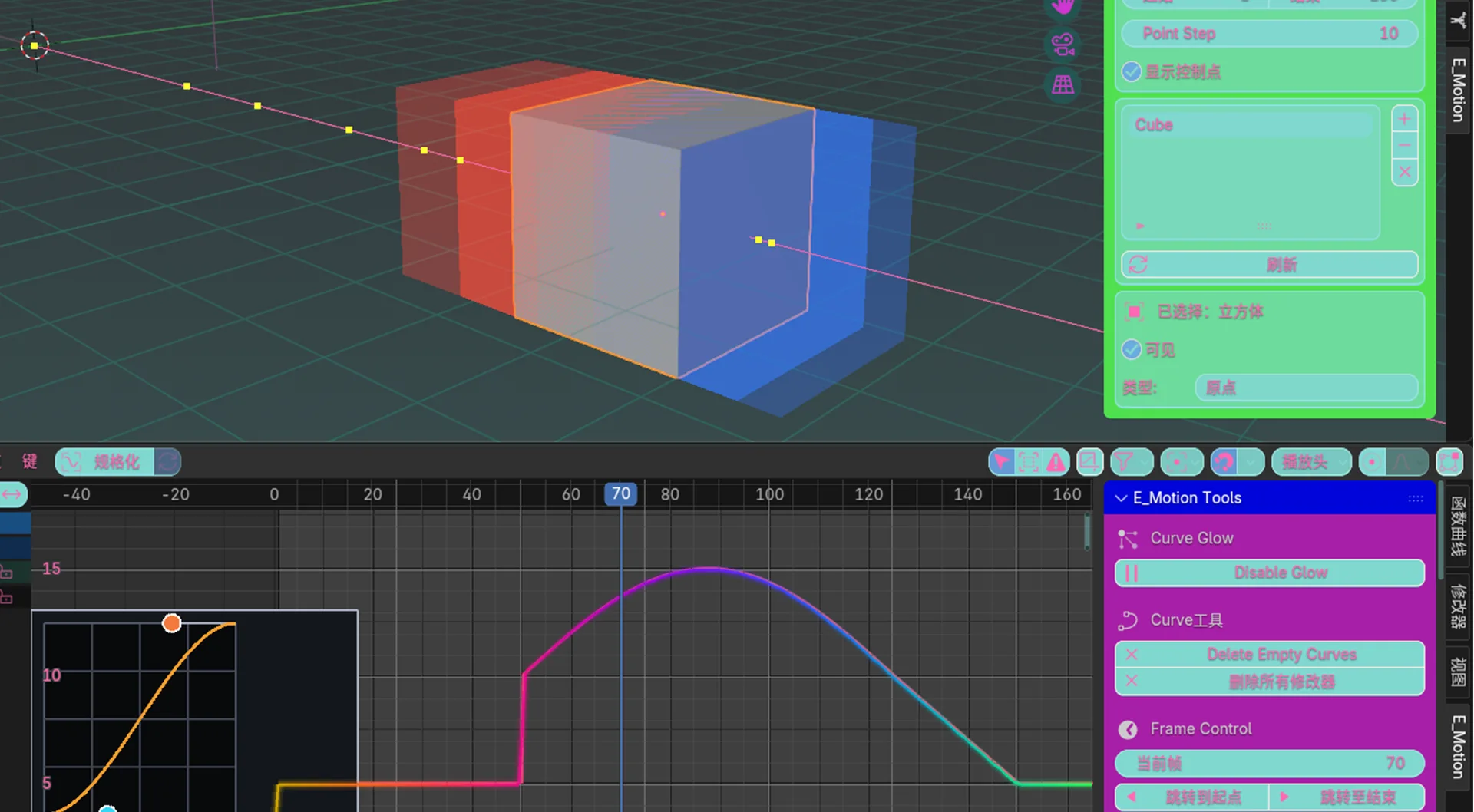
E Motion adds driver time remapping, curve editing, onion skinning, and motion paths to Blender. Check version 0.4.0, compatibility, and download details.
Build animations with Cloner, Fracture, and MoText in After Effects using E3D Mografter FX and Element 3D. Review its six scenes, compatibility, and CS6 setup.
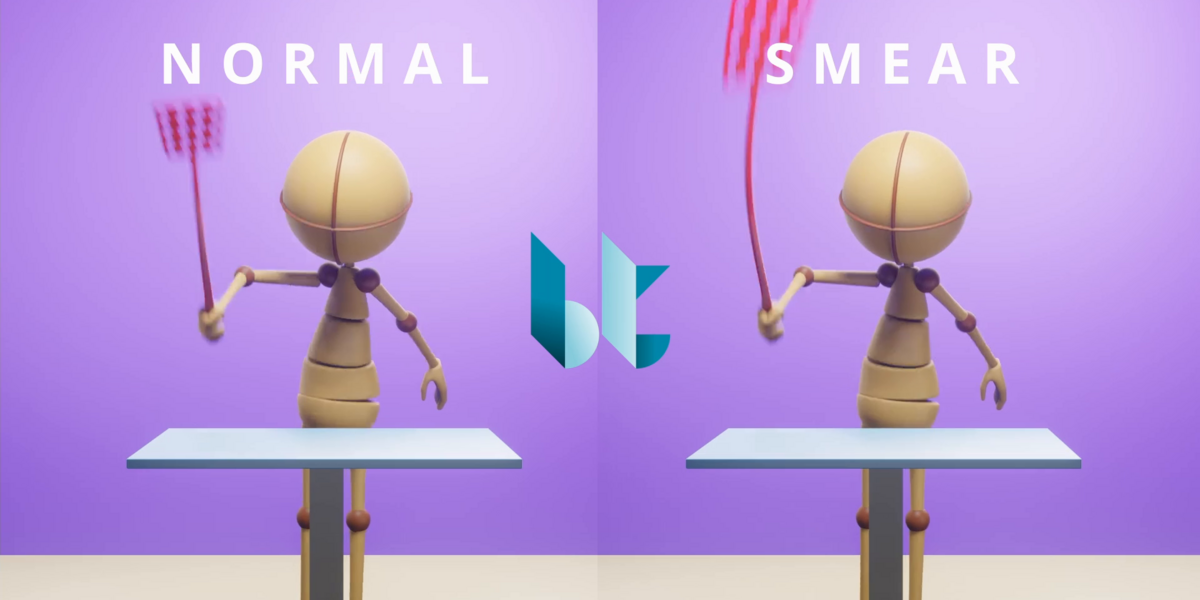
Ead Easy Animation Deform (Smear) uses an animated grid for camera-view object deformation in Blender. Review its setup steps and version notes.
Ease and Wizz is an After Effects plugin for expression-based easing, editable keyframes and control over easing across keyframes.
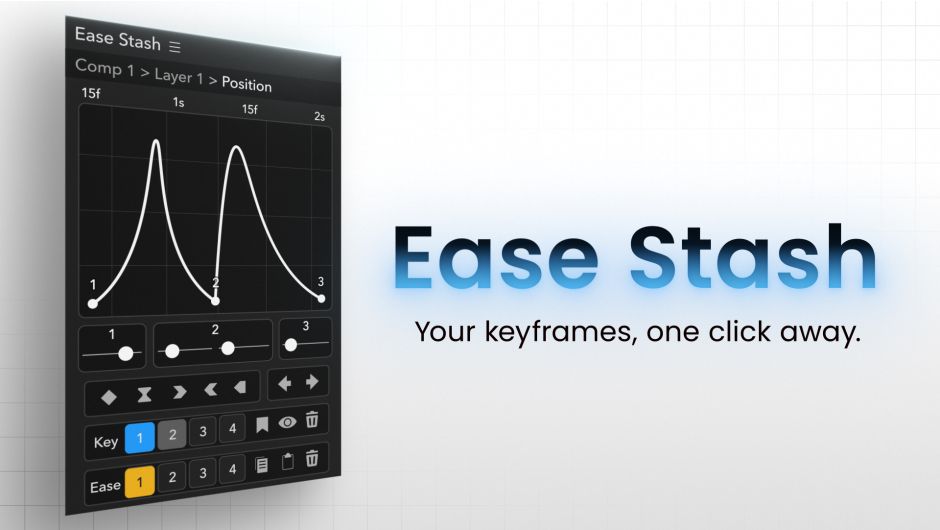
Ease Stash saves After Effects keyframe selections for one-click recall, easing edits across up to eight properties, and curve reuse between animations.
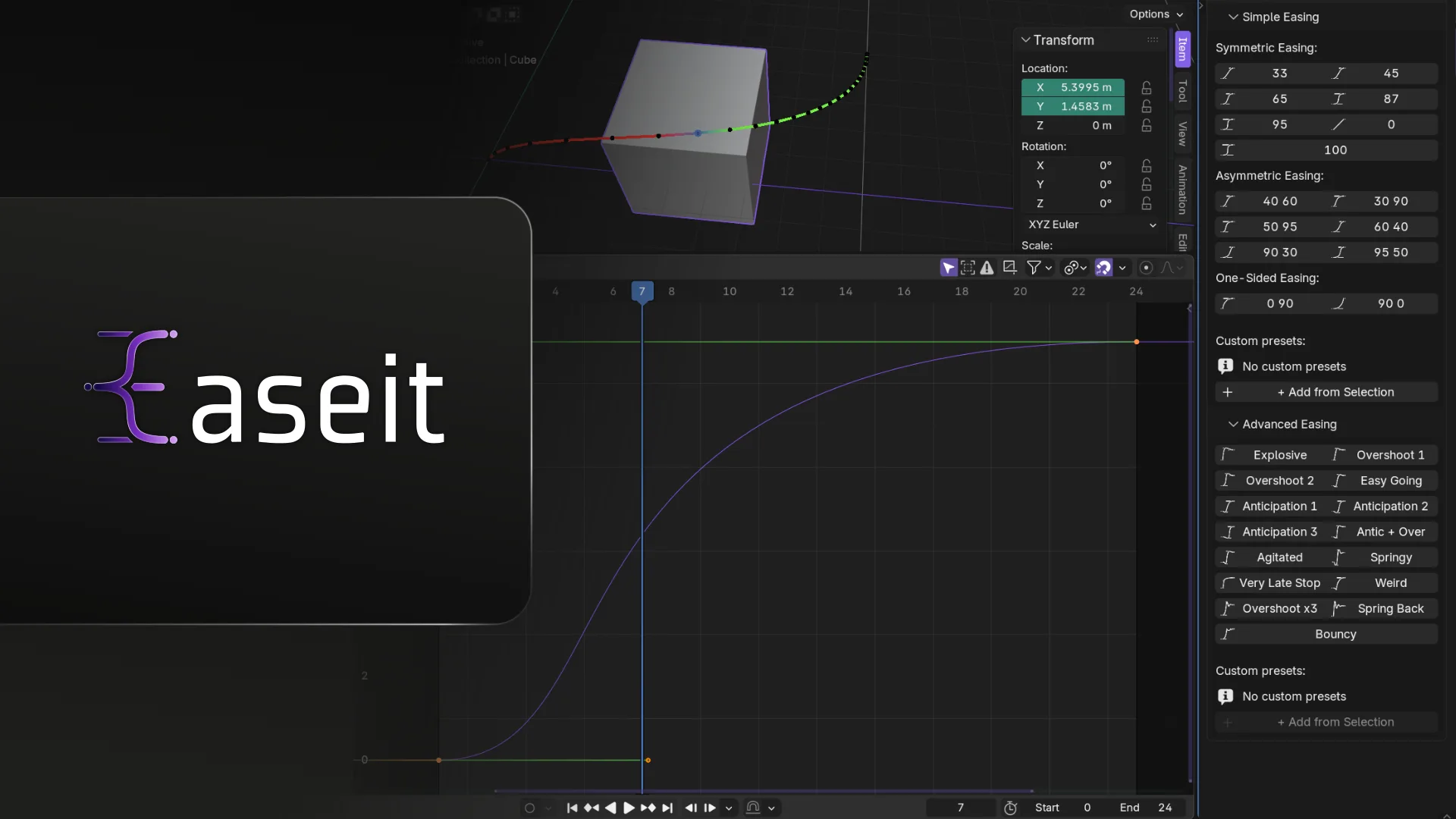
Easeit is a Blender add-on for easing selected keyframes in the Dope Sheet or Graph Editor; version 2.0.3 lists Blender 4.2.0 as its minimum.
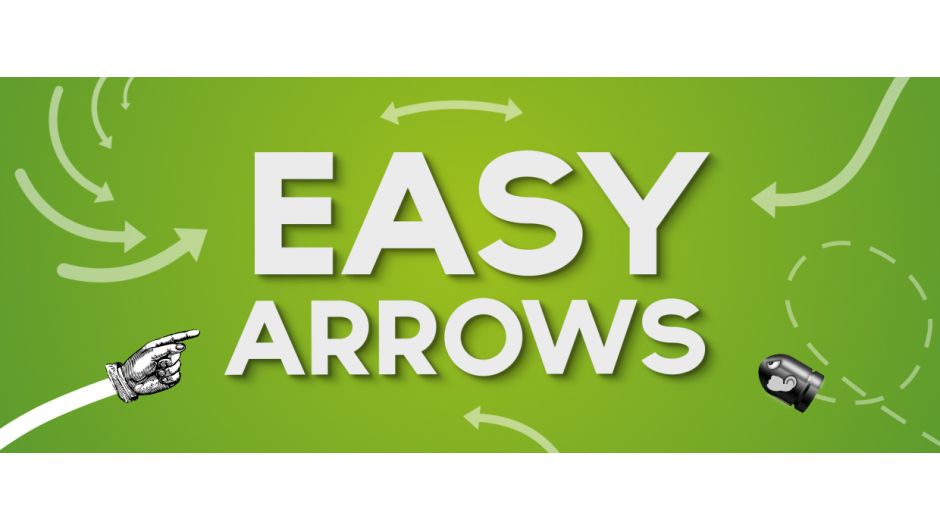
Easy Arrows makes built-in or custom graphics follow Shape Layer paths in After Effects, with controls for stroke, direction, color, size and endpoints.
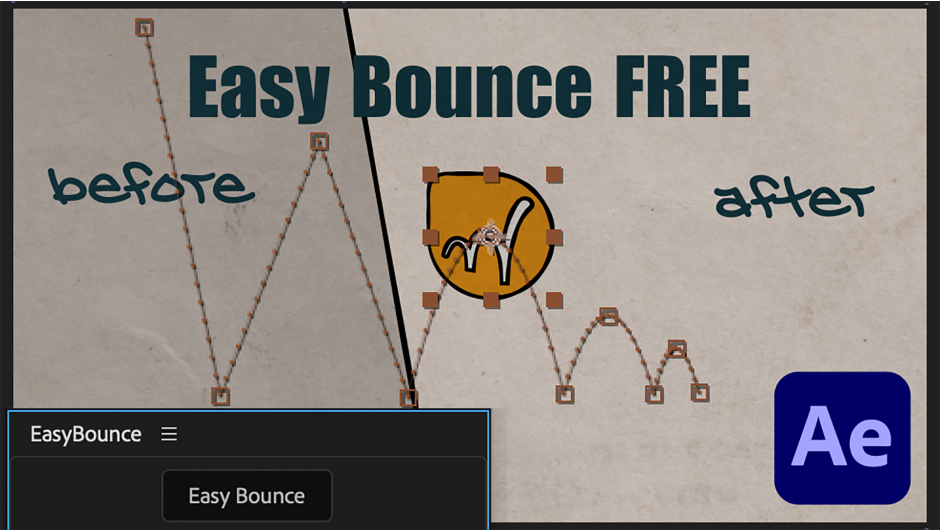
Turn rough keyframes into bounce animation in After Effects with Easy Bounce Free & Pro. Pro adds wall bounces and scripting; its trial lasts seven days.
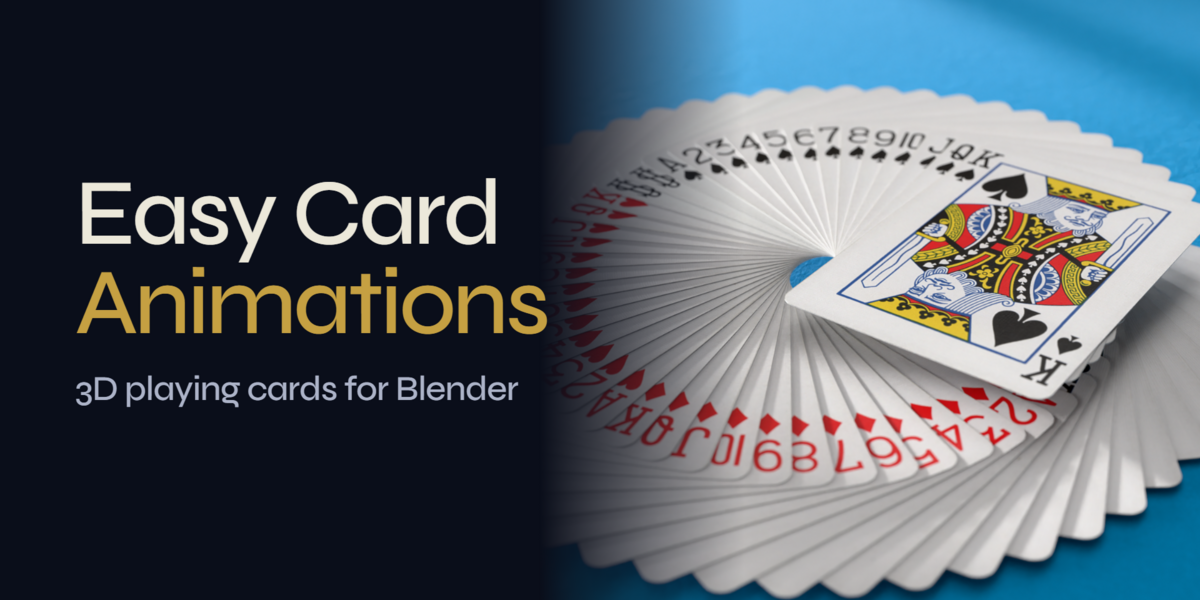
Easy Card Animation is a Blender pack for card renders: 21 Geometry Nodes setups, 31 scenes, PSD templates and a 54-card deck. Blender 5.2+ required.
Easy Clones 2 is an After Effects tool for 2D artwork and supported 3D layers, with clone spacing, randomized motion, delays and loopable wiggles.
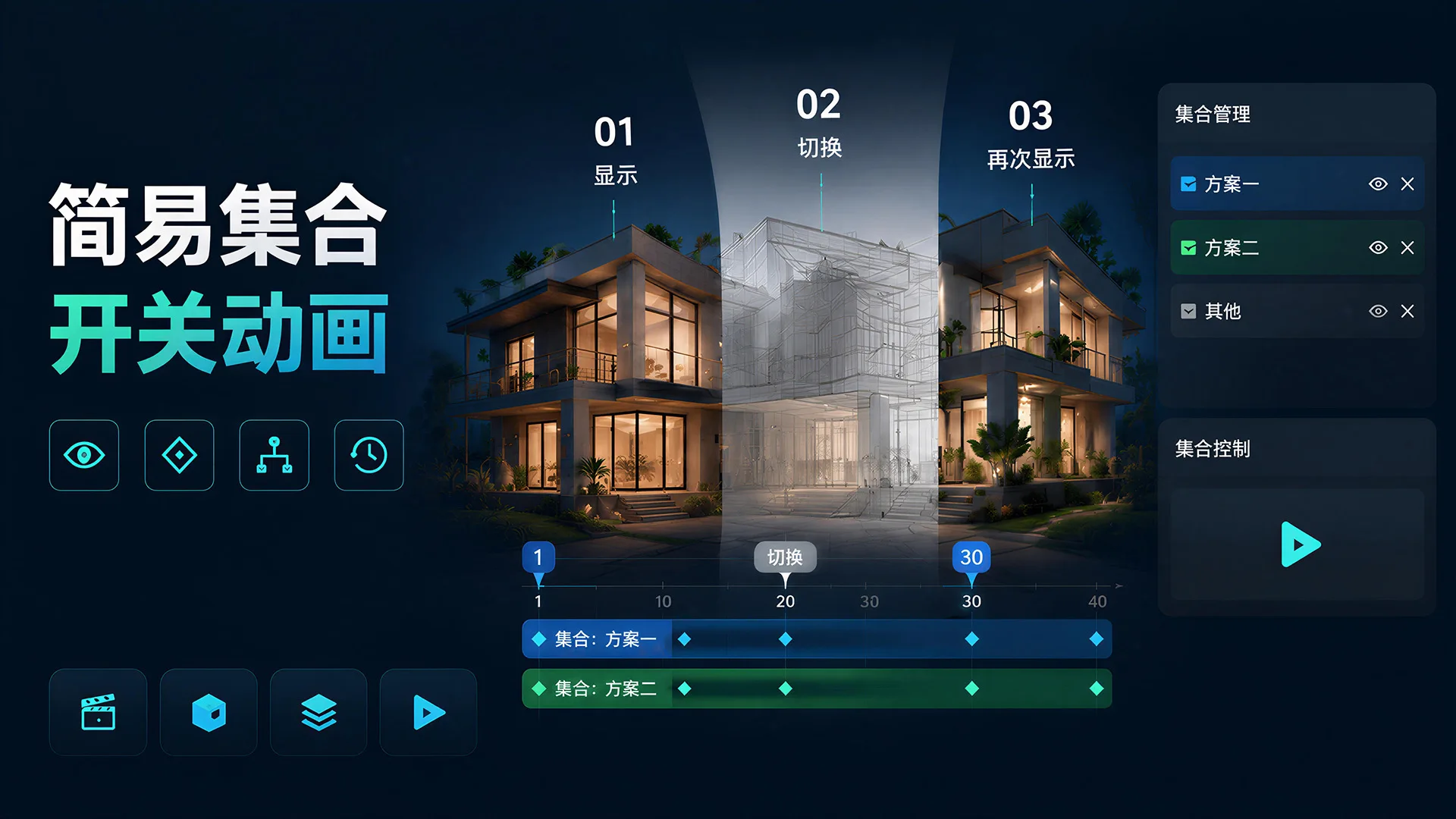
Animate visibility across nested Blender collections with viewport/render keys and show/hide controls using Easy Collection Visibility Keyframes.
Build, style and revise animated layer connections, then trace objects along shape or mask paths. Requires After Effects 2020+ with JavaScript expressions.
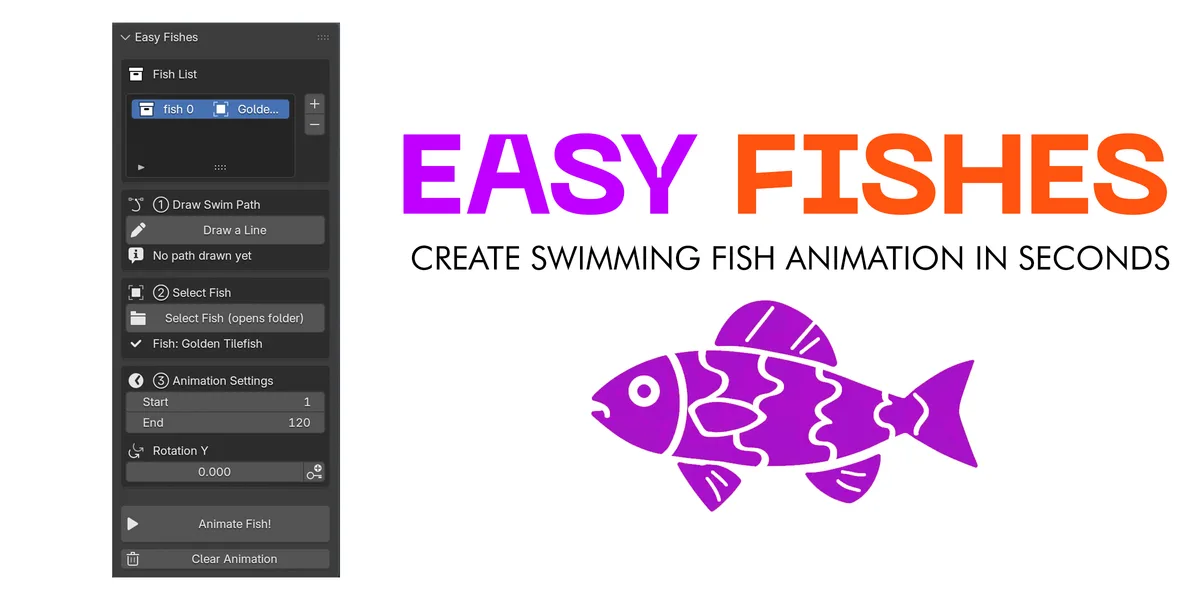
Draw a swim route in Blender, load a fish model, set the frame range and let Easy Fishes animate it. Check the documentation for your Blender version.
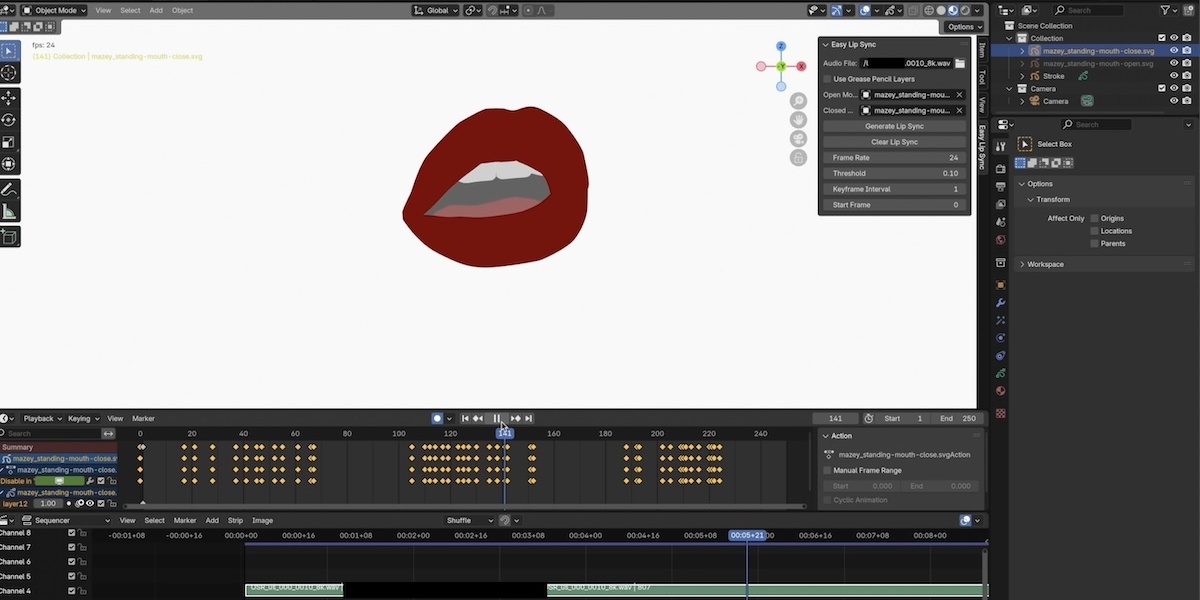
Easy Lip-Sync makes Blender mouth keyframes from audio with objects or Grease Pencil. Use 16-bit mono or stereo WAV for best results; check versions.
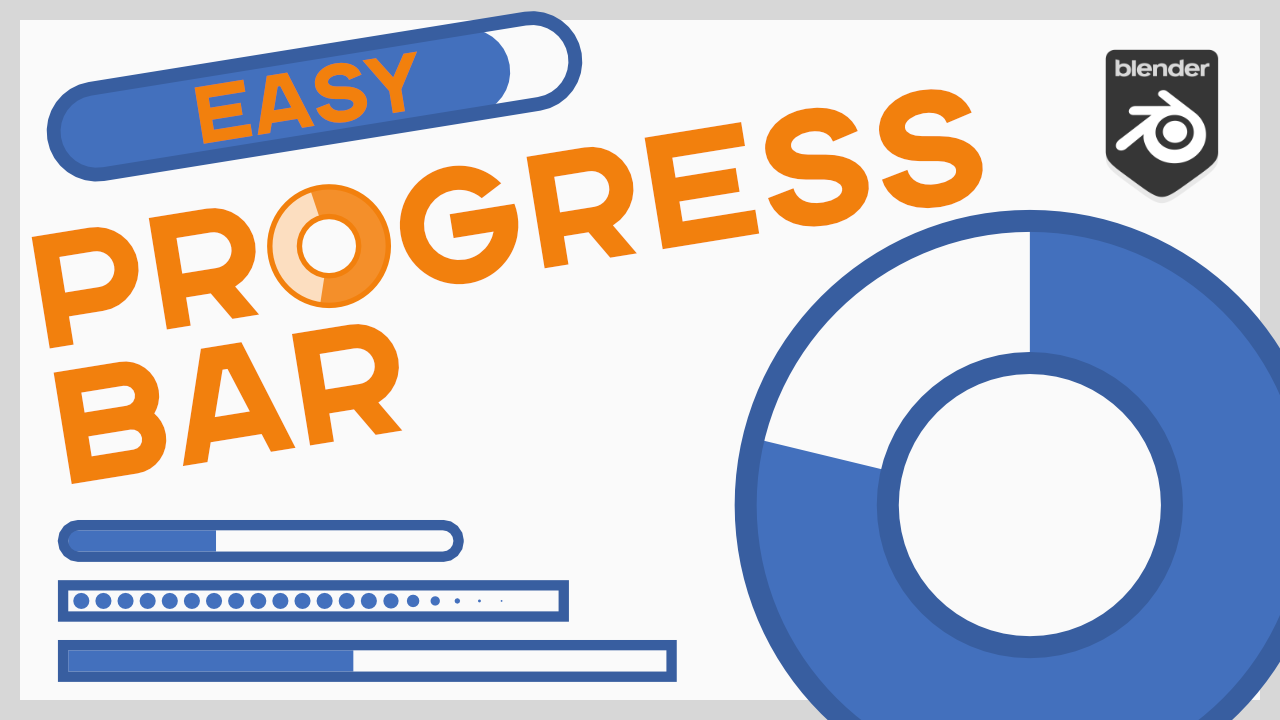
Easy Progress Bar creates Blender progress bars with geometry nodes in Rect, Stepped, Scaling Circle, and Arrow styles. Review controls and install steps.
Create stylized rocks, ruined walls, ores and overgrown props in Blender, then bake them to GLB for Godot or Unity. Review export details before starting.
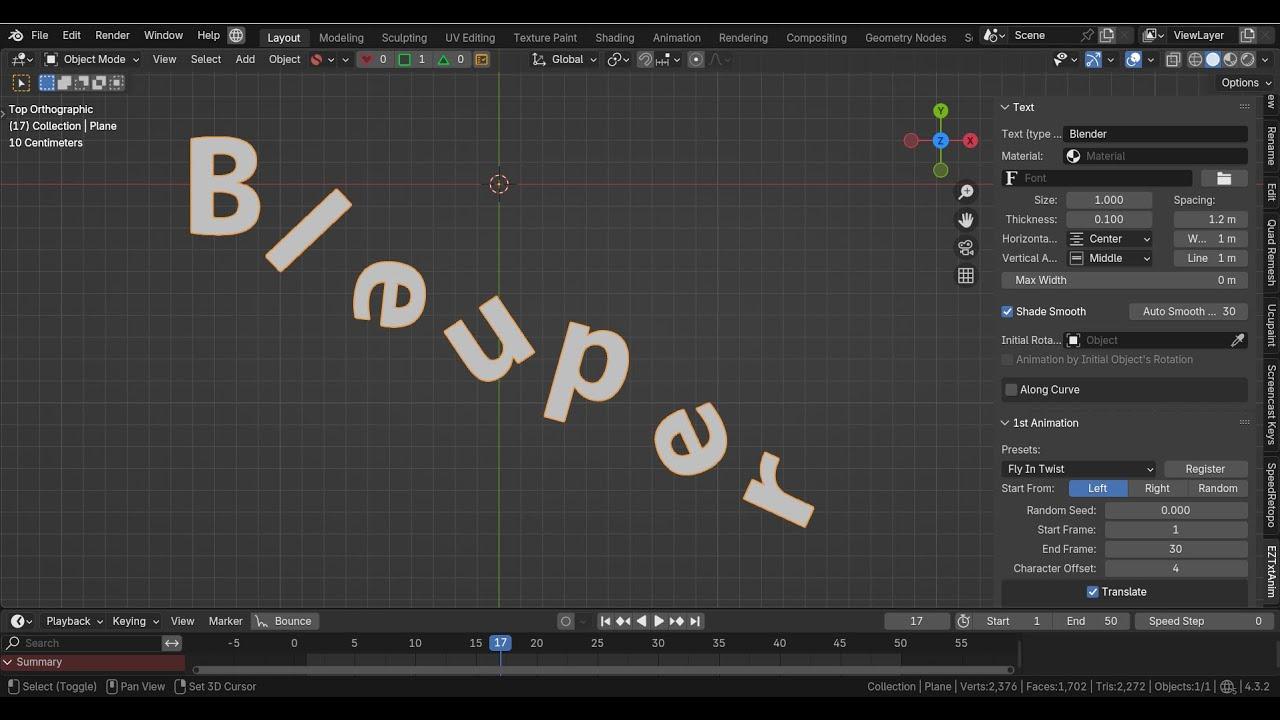
Easy Text Animation uses Blender Geometry Nodes for per-character translation, scale and rotation. Review the listed versions and license before downloading.
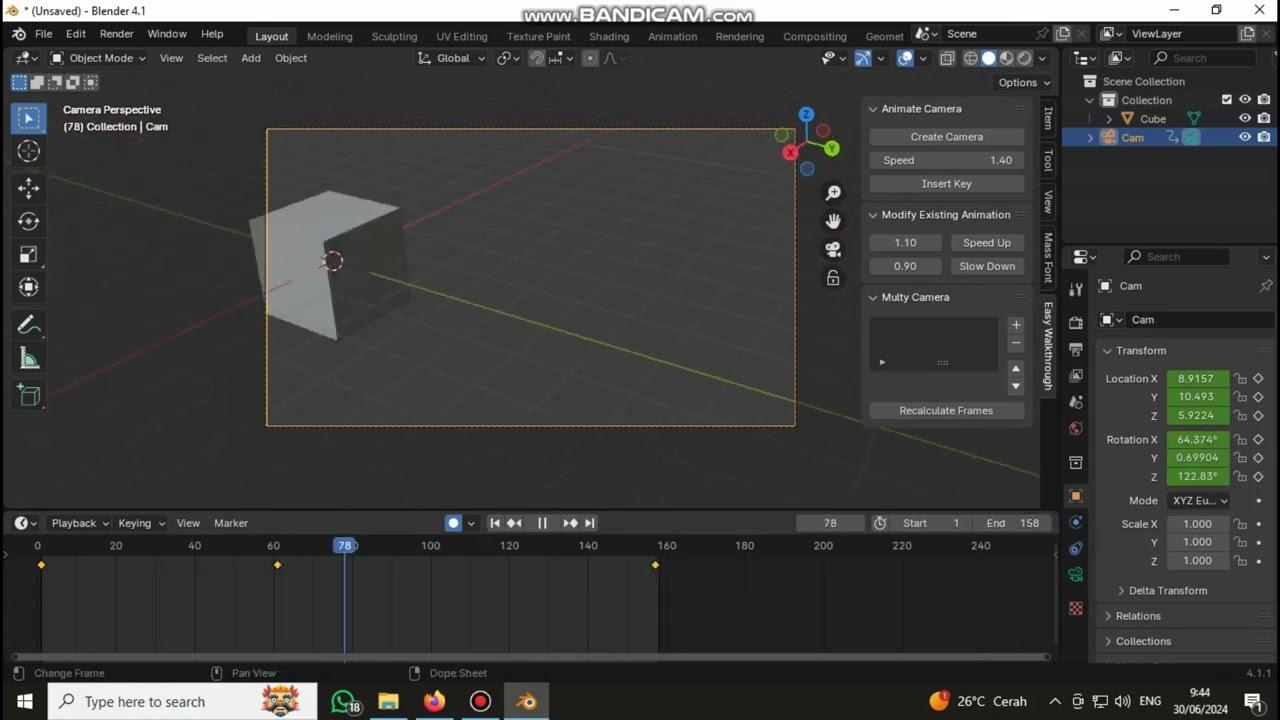
Create Blender walkthroughs with Easy Walkthrough Camera. It calculates constant motion in one click and scales existing animations to adjust speed.