easyRulers 2
Build rulers and gauges in After Effects with generated labels, pointer-driven text effects, date and weekday sequences, plus label styling and falloff.
Animation tools for motion design, including keyframe helpers and transitions. Filter by your editing or 3D application. Page 16 of 45.
Build rulers and gauges in After Effects with generated labels, pointer-driven text effects, date and weekday sequences, plus label styling and falloff.
Build symmetry, metaball, radial, linear, and grid effects with easyShape FX on one selected After Effects shape layer, using controls for spacing and layout.
Rubberize It adds rubber, plastic or goop motion to After Effects layers with Puppet Pins, eight presets, custom controls and Bake for previews and renders.
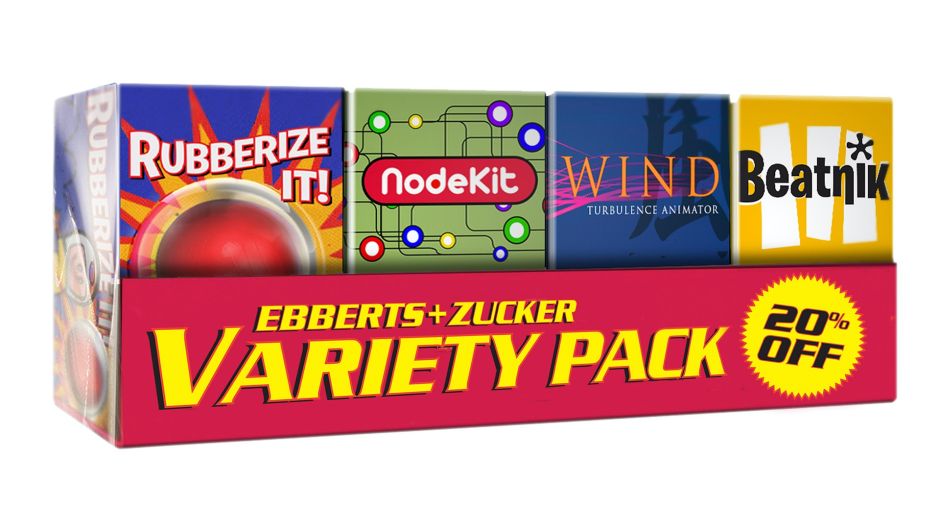
Four After Effects tools for audio-driven retiming, infographics, breeze-like layer motion, and squash-and-stretch animation. See workflows and compatibility.
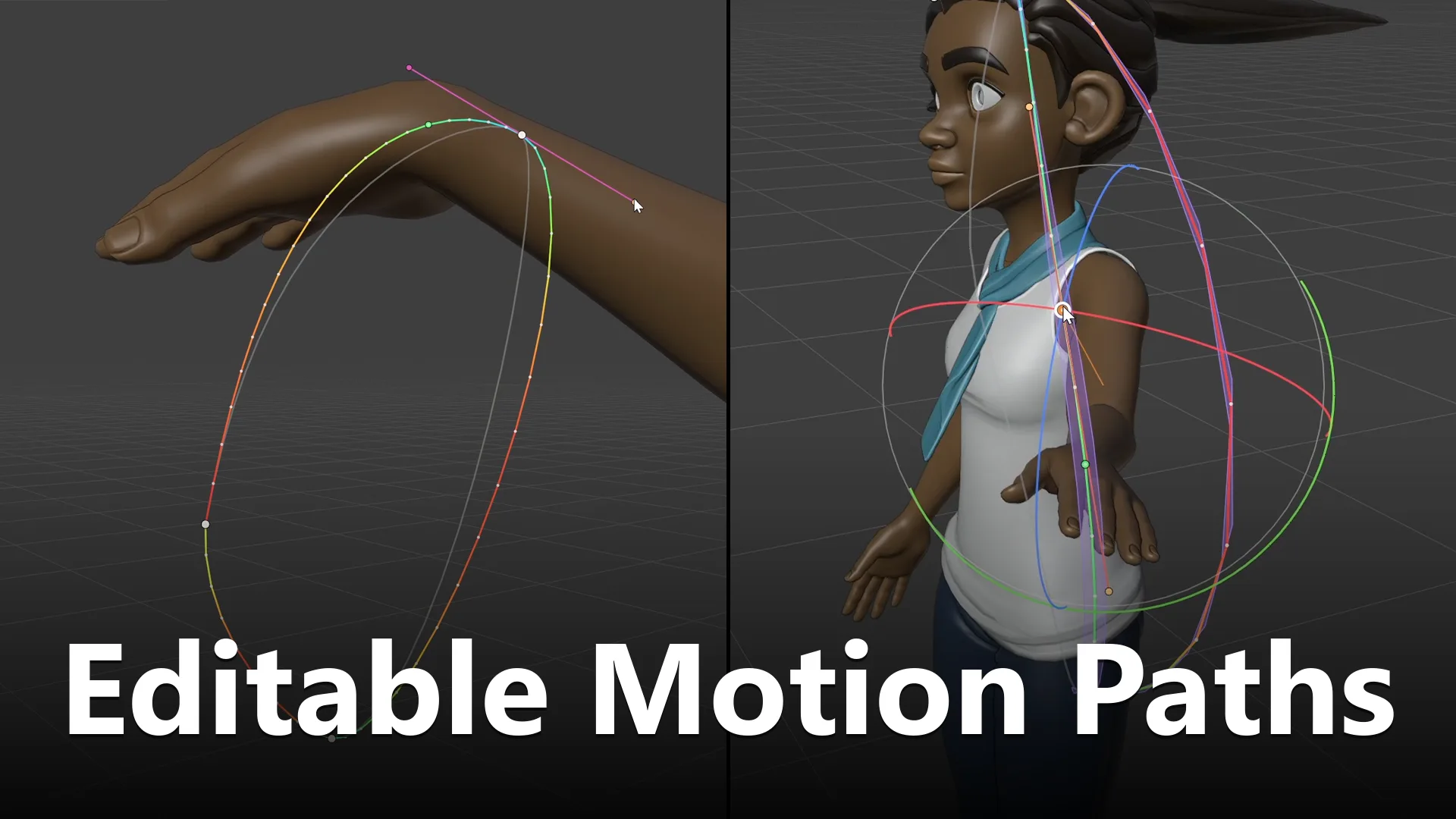
Editable Motion Paths are Blender curves for reshaping bone and object motion, with timing and channel edits in the 3D Viewport. Requires Blender 4.4+.
Batch-build and sequence After Effects animations for text, video, and graphics with marker-based retiming, text splitting, and per-page motion control.
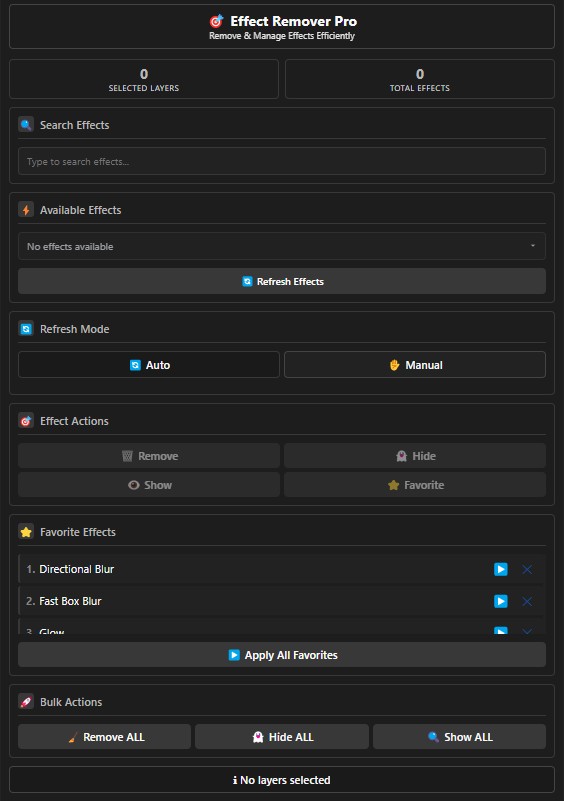
Search effects on selected layers, hide or remove them, scan compositions, and reuse Favorites with Effect Remover Pro. Supports After Effects 2024-2026.
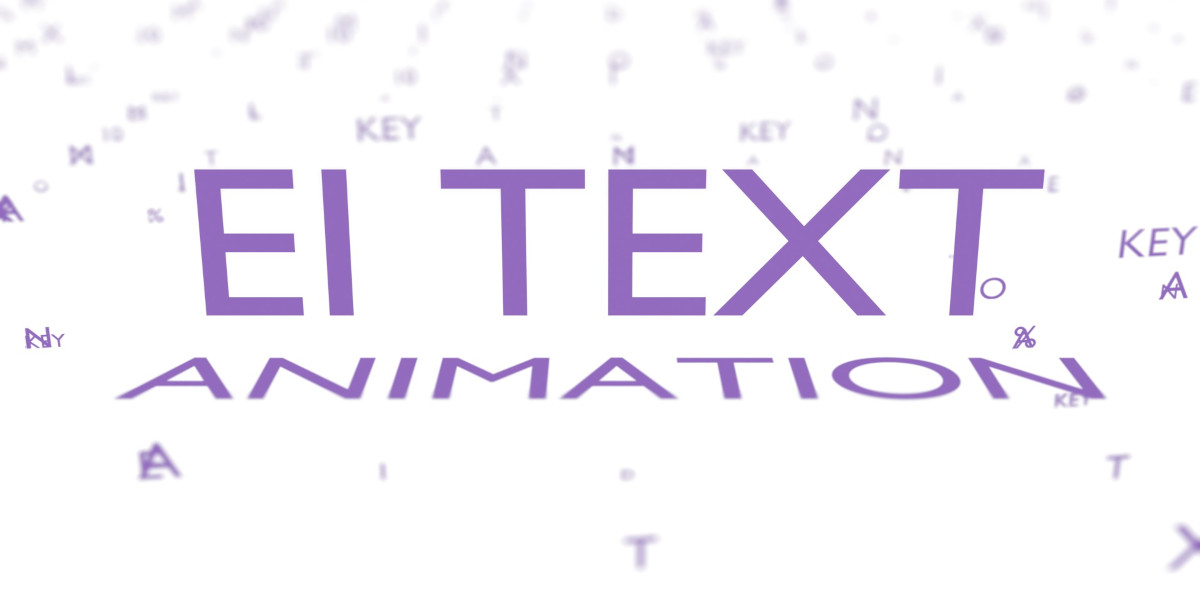
Explore Ei Text Animation Add-On for Blender: Text Keying, Percentage, Countdown and Text Shuffle, with setup steps and listed Blender versions.
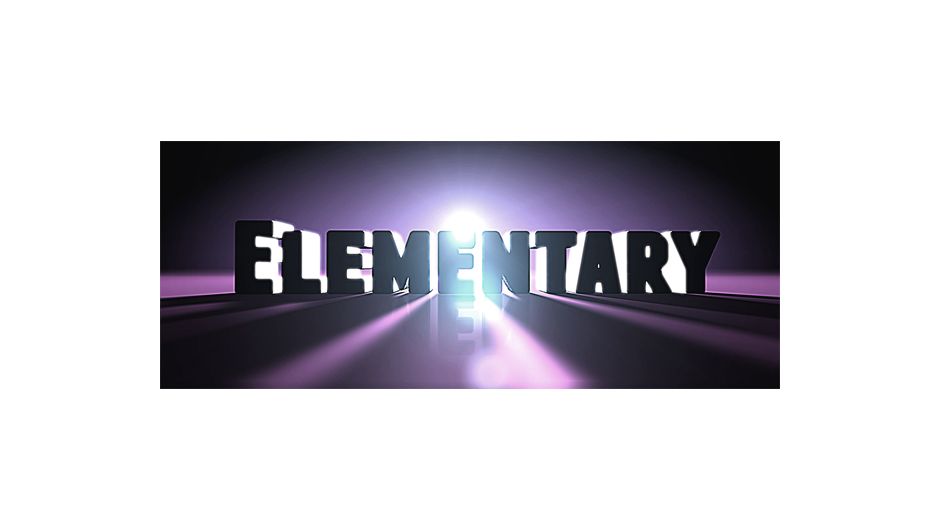
Elementary combines After Effects layers with 2D and 3D plugins using Null Object controls, depth sorting, shadows, reflections and linked effects.
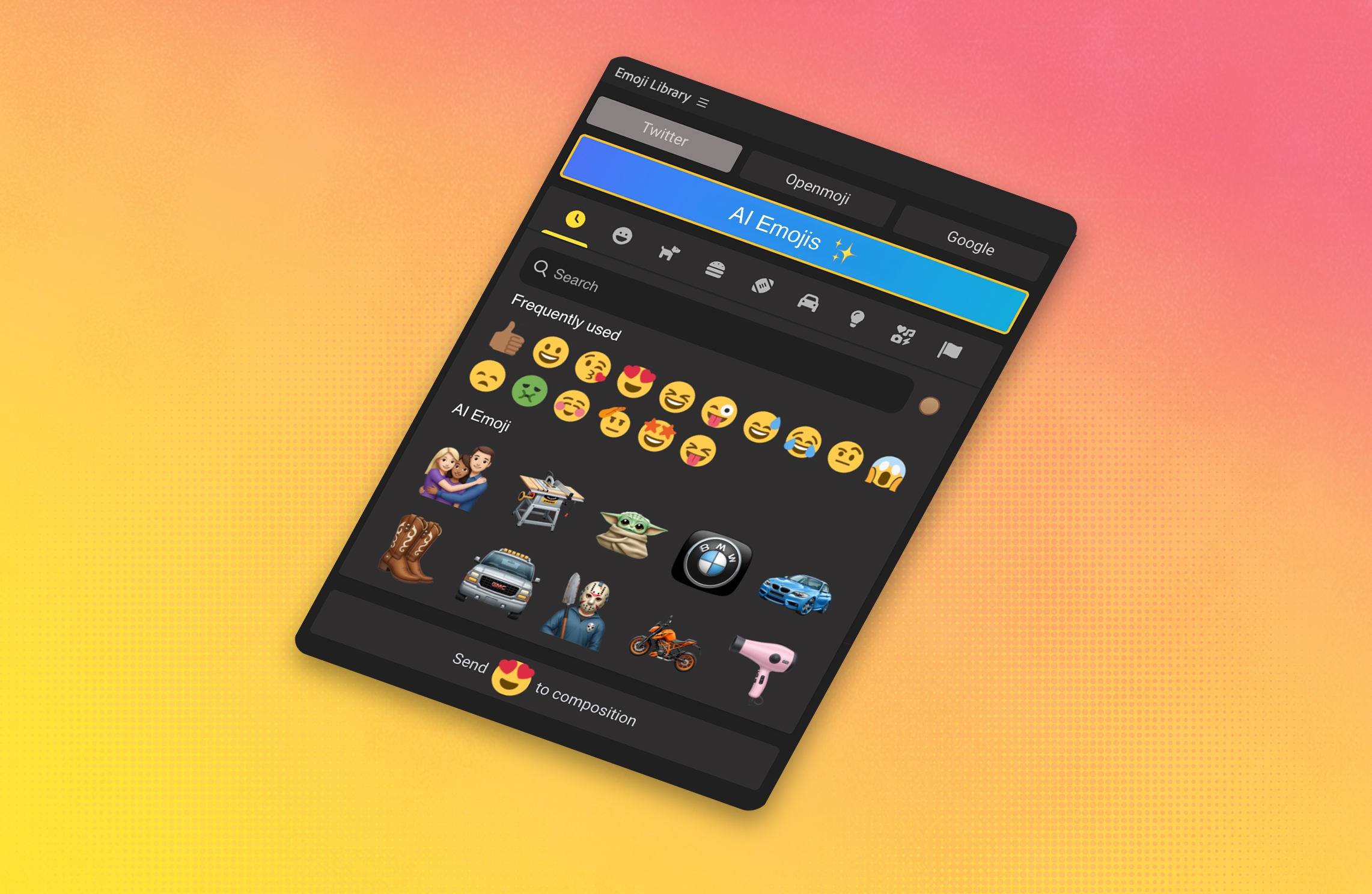
Search 9,000+ emojis by name in Emoji Library, choose among six skin tones, generate AI emojis, and add PNG layers to After Effects or Premiere Pro.
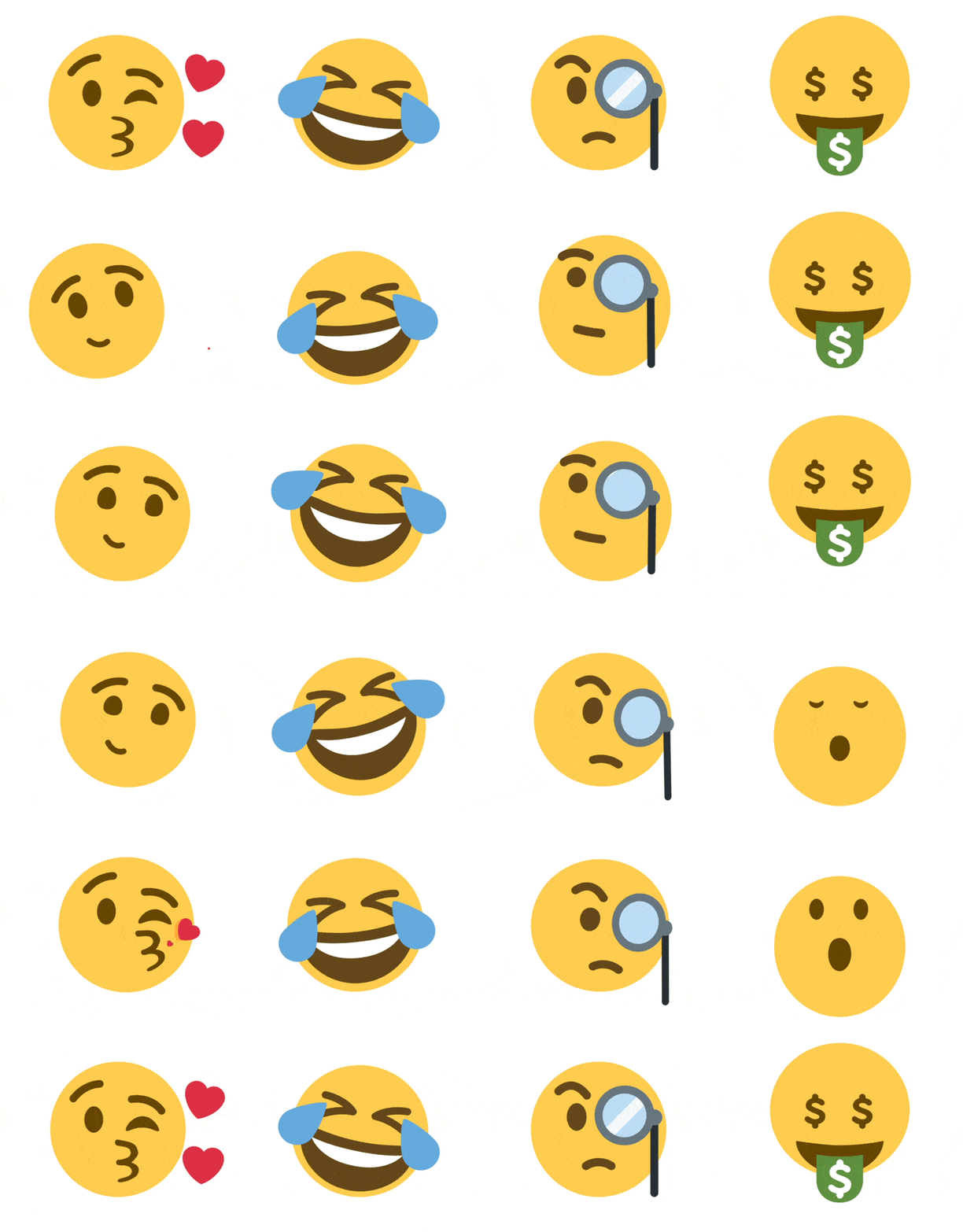
Add 50+ emojis to After Effects as stills, animations, or loops. Edit shape layers, export for Lottie with Bodymovin, and check compatibility and reuse terms.
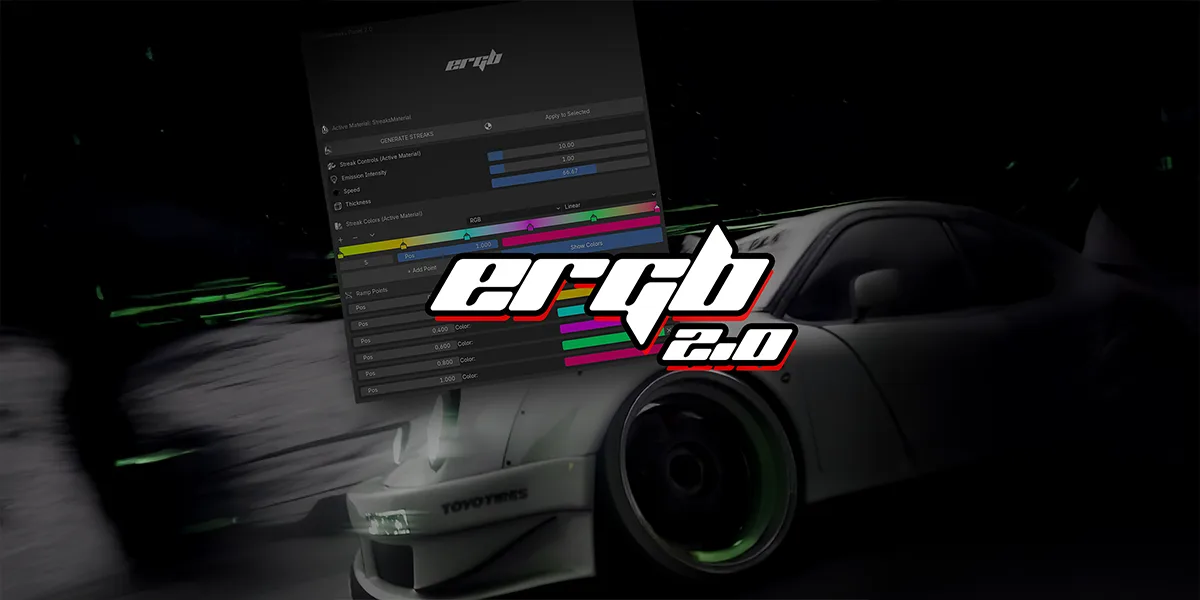
Ergb Streaks Panel 2.0 creates animated emission streaks in Blender without node setup. Adjust speed, color, thickness, and strength, then revise results.
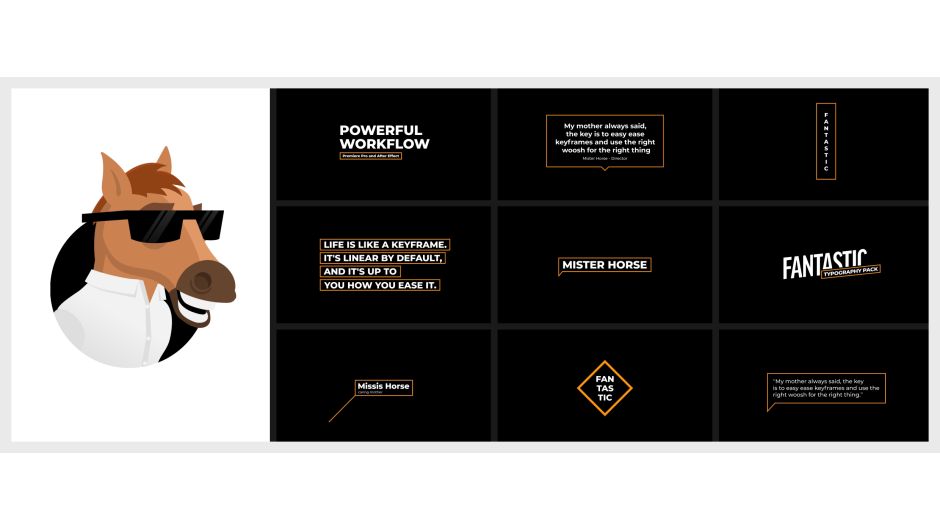
Essential Typography is an animated title pack for Premiere Pro and After Effects, with editable styles, compatibility, plan access and license terms.
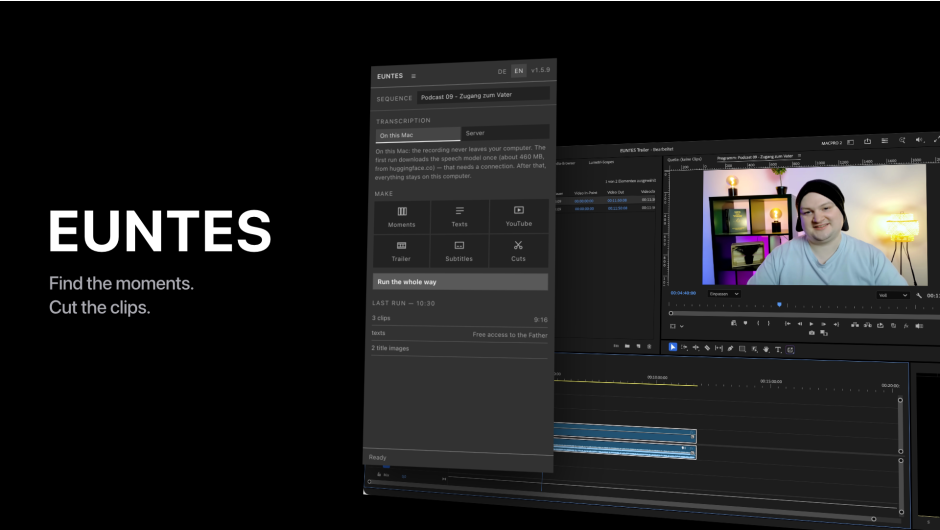
EUNTES finds clip-worthy moments in long Premiere Pro recordings, then builds vertical sequences with editable subtitles and social copy.
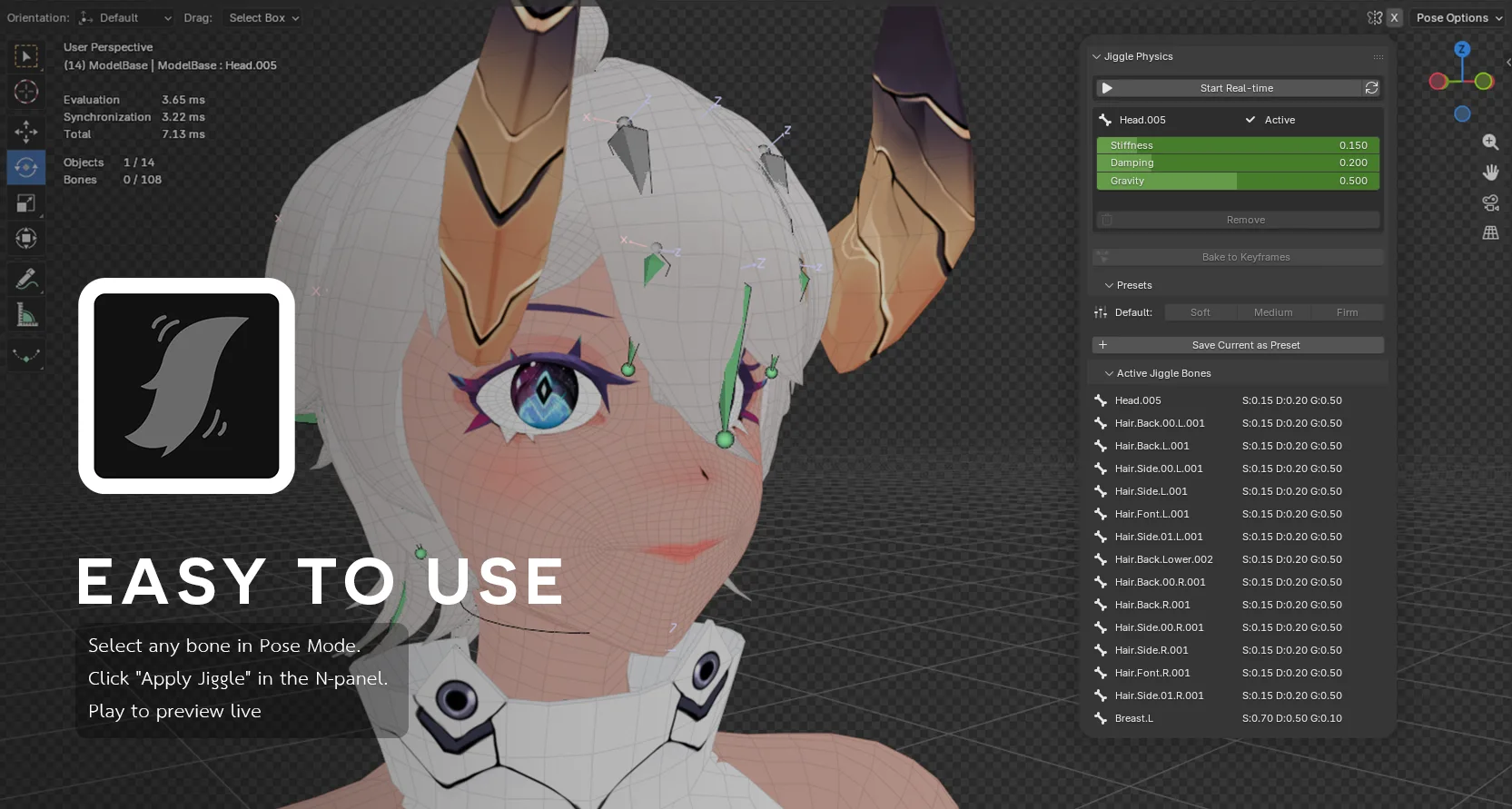
Add real-time jiggle-bone physics and secondary motion in Blender with EXea Jiggle. Apply physics to a bone or chain, preview motion, and bake keyframes.
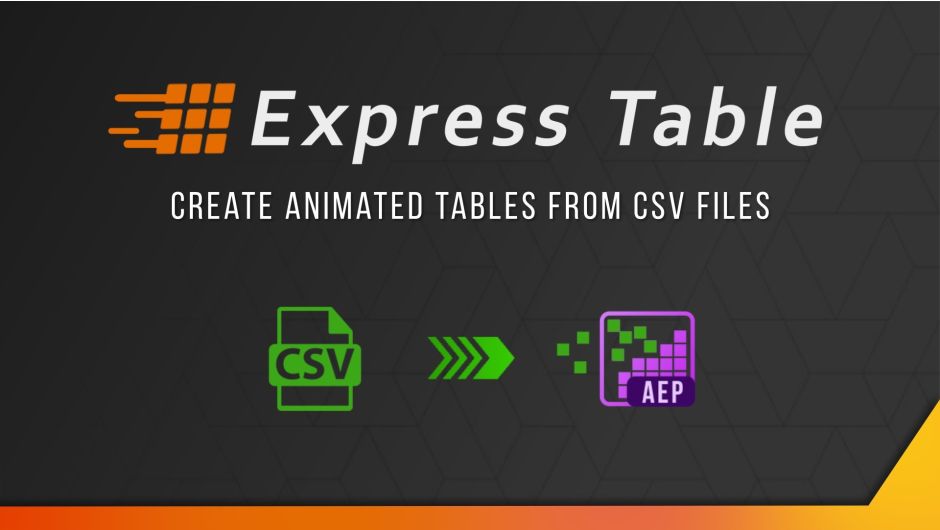
Turn CSV rows into animated tables in After Effects, reuse XML templates, and control fixed cells or empty entries for data-driven motion graphics.
Extend shape paths from two points, bend them, and batch-control path points with nulls. Exte supports After Effects 2020-2026; trial allows one extended path.
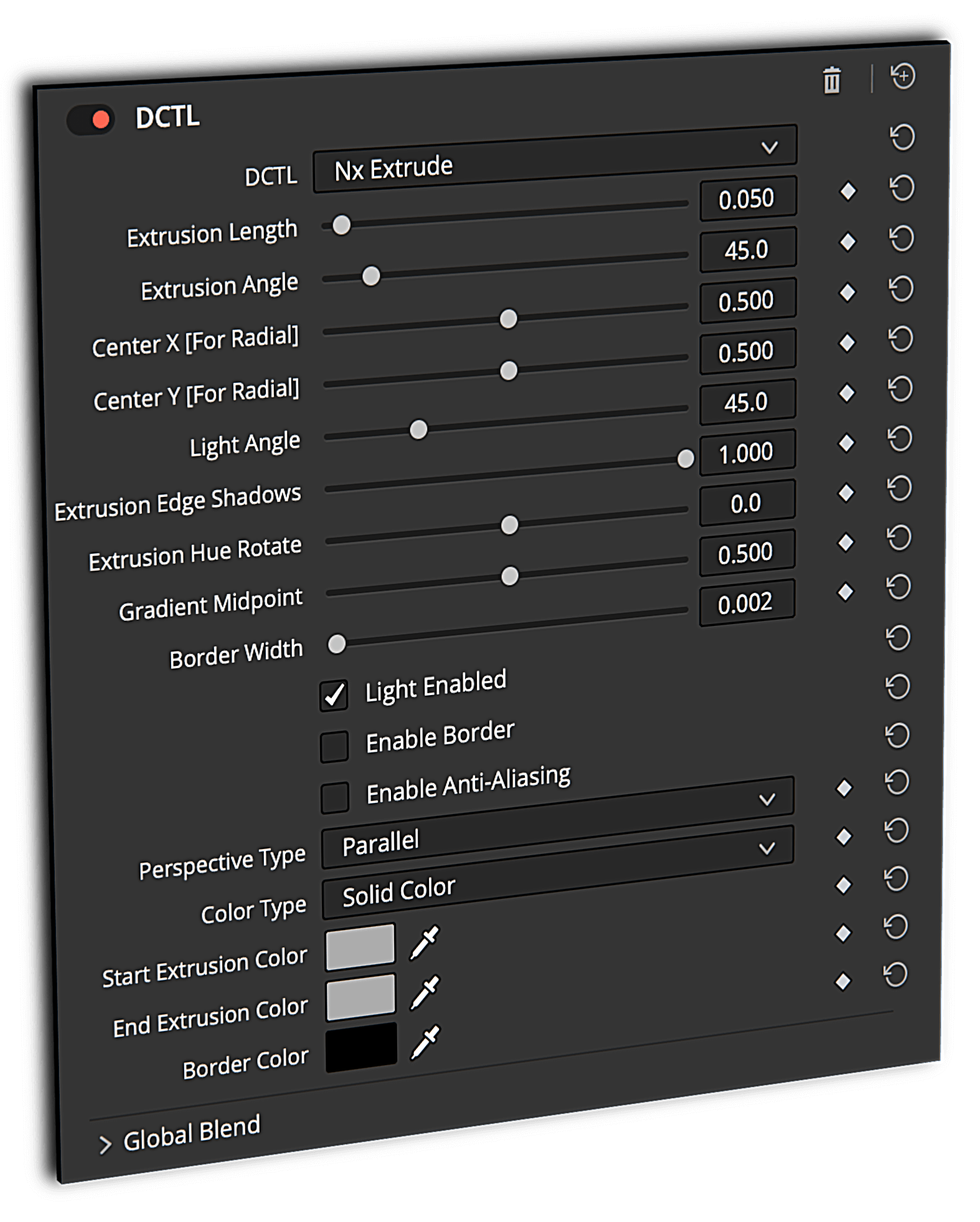
Extrudalizer turns After Effects shape paths into virtual 3D, with face controls, artwork mapping, animation and Lottie export options for web and mobile.
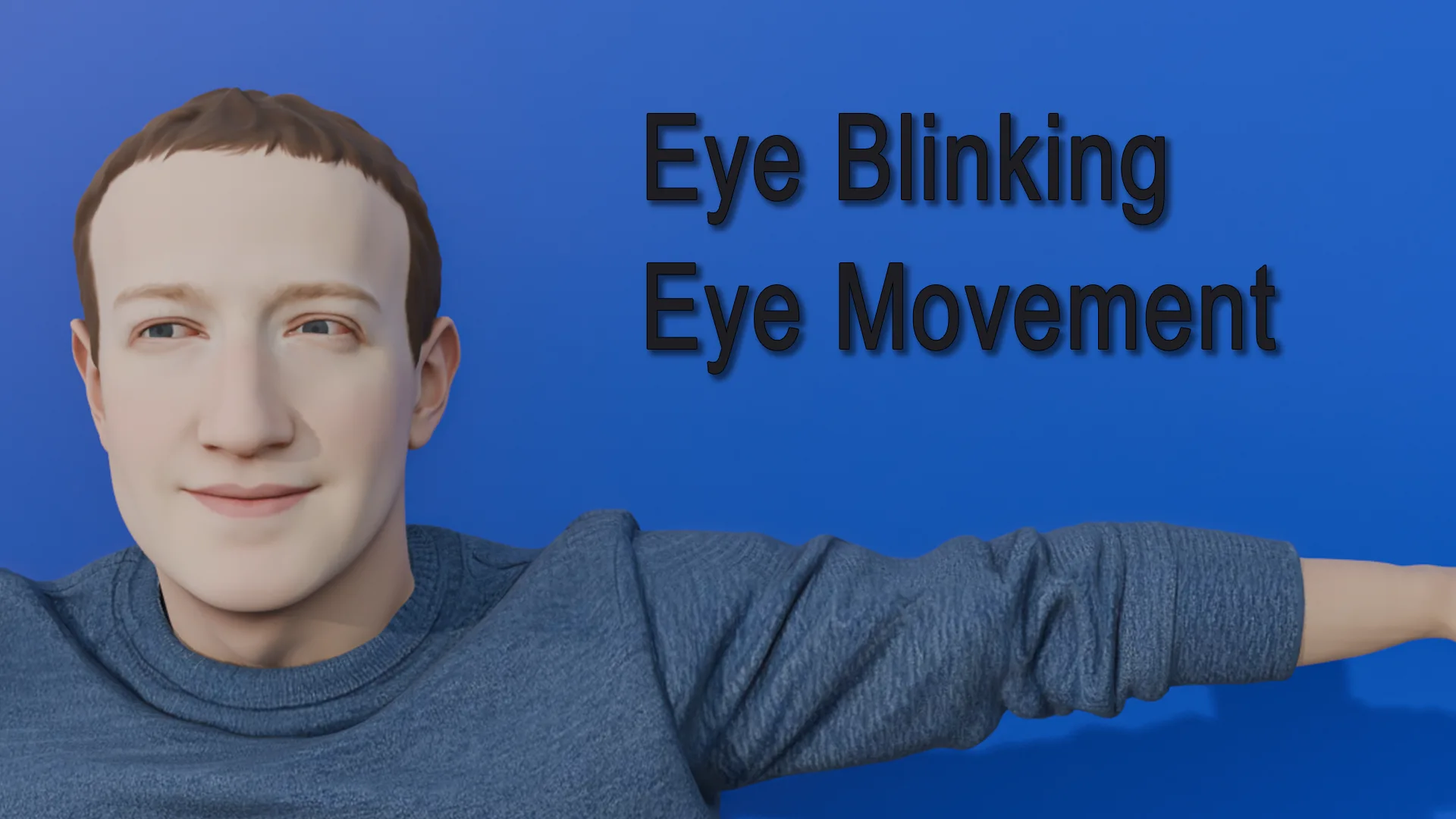
Keyframe eye movement and blinking in Blender with Eye Animation; winking and squinting are included. Check rig requirements, timing, and version support.
Fade It! fades selected After Effects layers in and out with linear, ease, blink or crazy styles; layer markers let you adjust transition duration.
Animate multiline After Effects text by character, word, or line in RTL or LTR direction. Adjust fade timing, speed, smoothness, and animation curve.
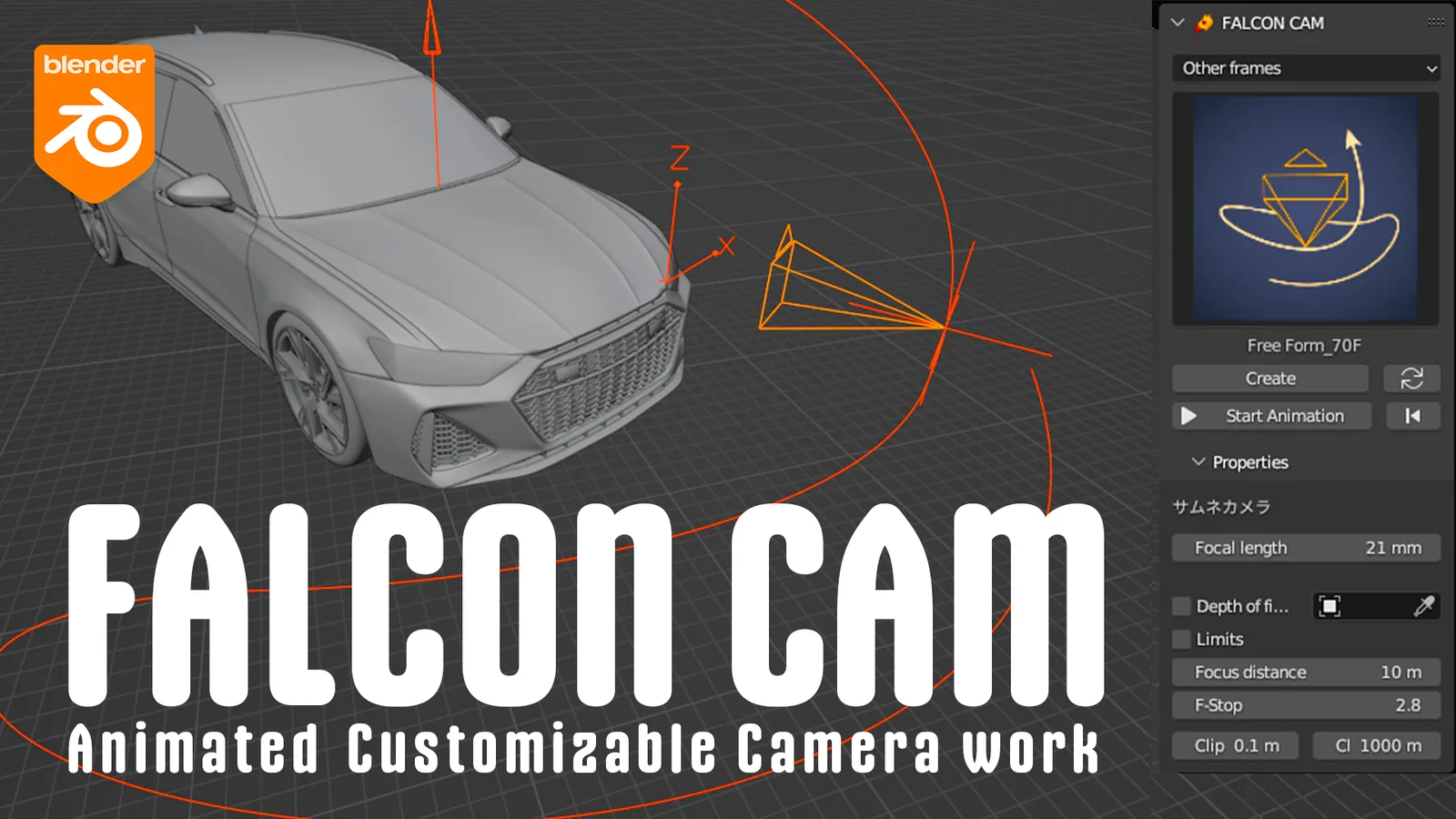
Falconcam adds 18 camera animation presets to Blender, with adjustable movement, speed, focus and direction. Check listed versions before installing.