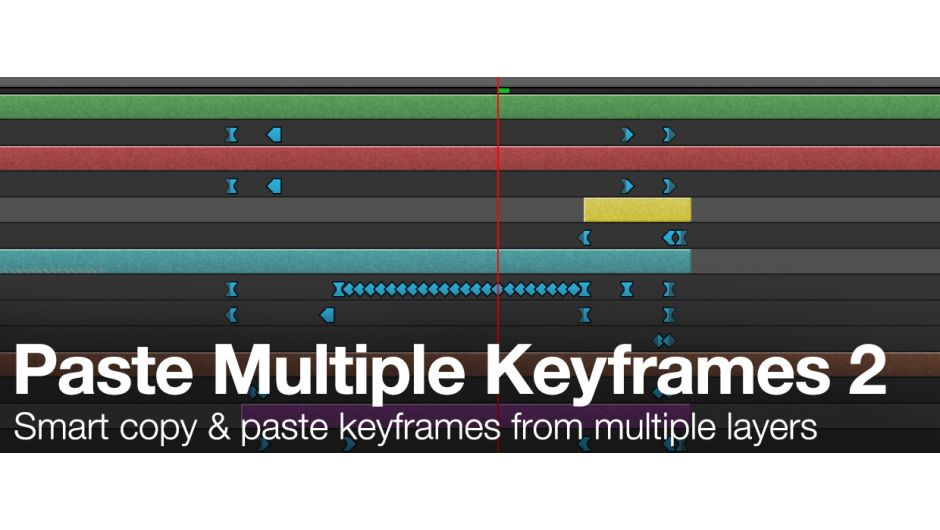
Paste Multiple Keyframes 2
Paste Multiple Keyframes 2 is an After Effects script for copying keyframes across layers, with per-property looping and keyframe color copying.
Tools for organizing files and automating repeated tasks in creative applications. Browse by application or search for a task. Page 100 of 163.
Paste Multiple Keyframes 2 is an After Effects script for copying keyframes across layers, with per-property looping and keyframe color copying.
Copy static or keyframed paths between masks and shape layers in After Effects. PastePath also supports multiple paths and keeps source names.
Pataz Notes adds scene-linked feedback to Blender, restoring a note's frame, camera, and viewport as you move between notes. Check release details.
Pataz Thumbnail Toolz copies thumbnails between Blender assets or exports them as PNG. It supports Current File assets and requires Blender 4.2.0 or newer.
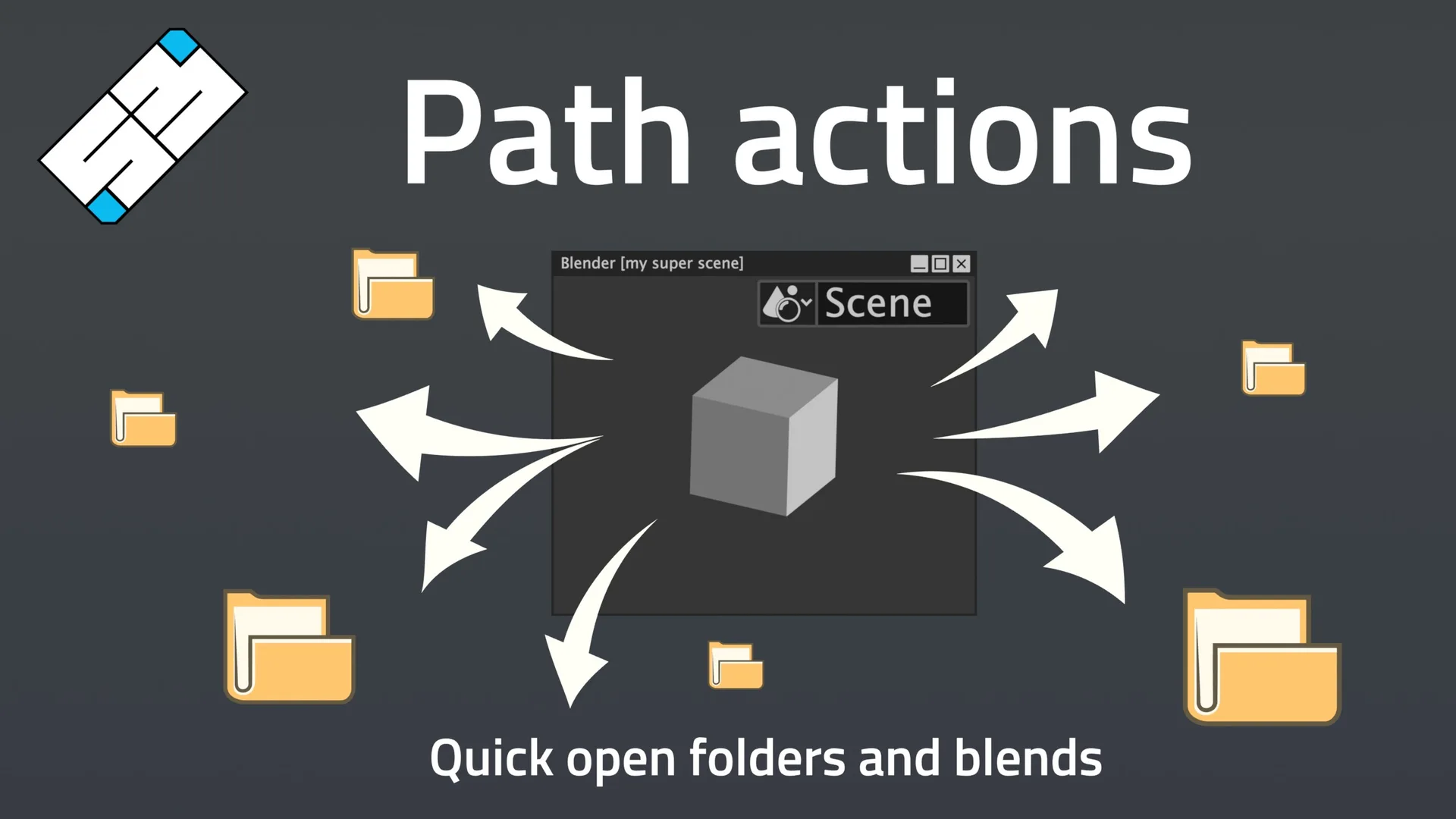
Path Actions are for opening blend folders, path copying and browsing blends. The Extensions build requires Blender 4.2.0+; Developer mode adds link checks.
Path Duplicator places After Effects layer copies along a selected path and can orient them to follow it. Check version support and license terms.
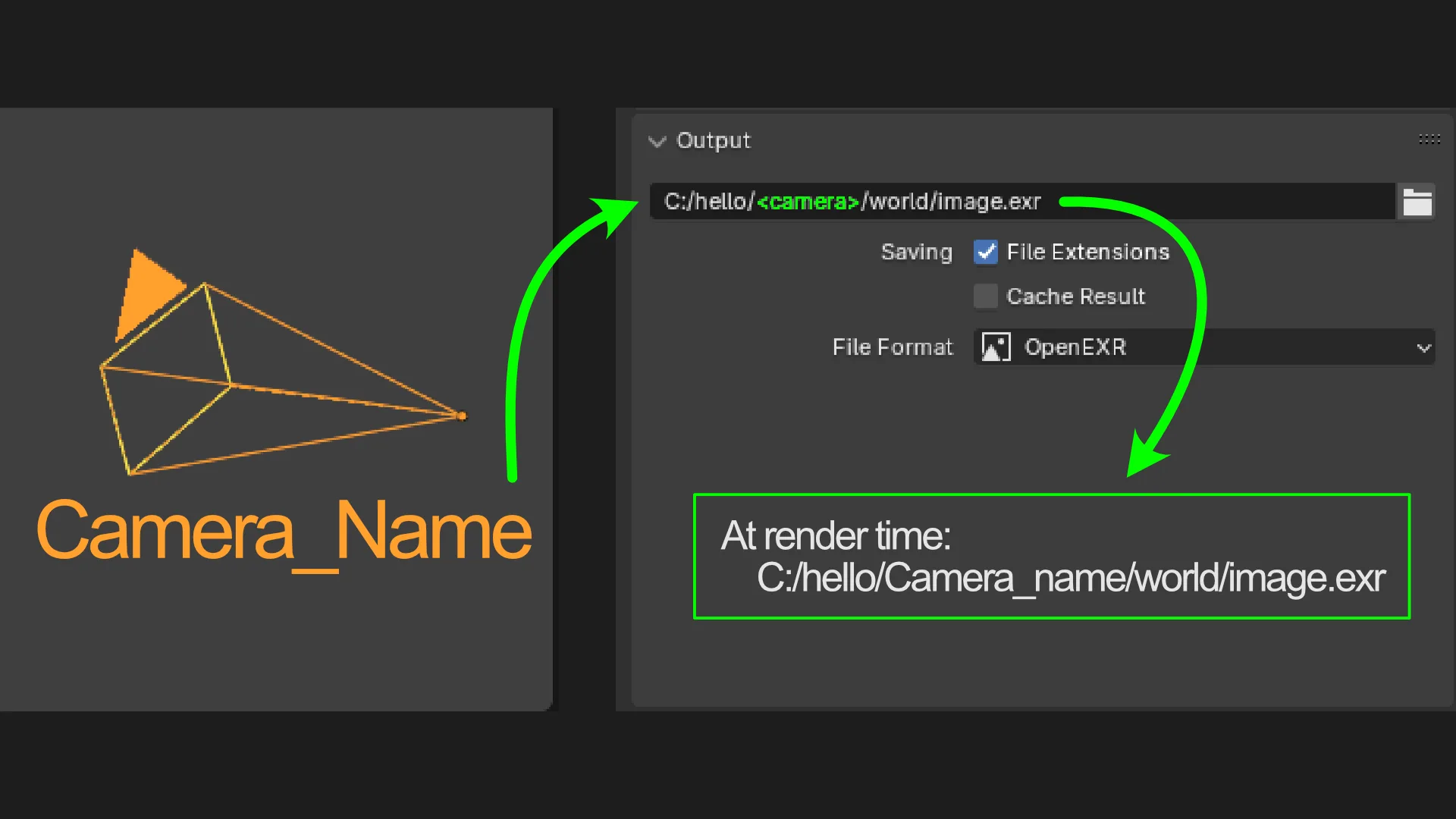
Path Maker resolves Blender output path tags from expressions, fixed strings, or Python scripts. See the supported fields and minimum Blender version.
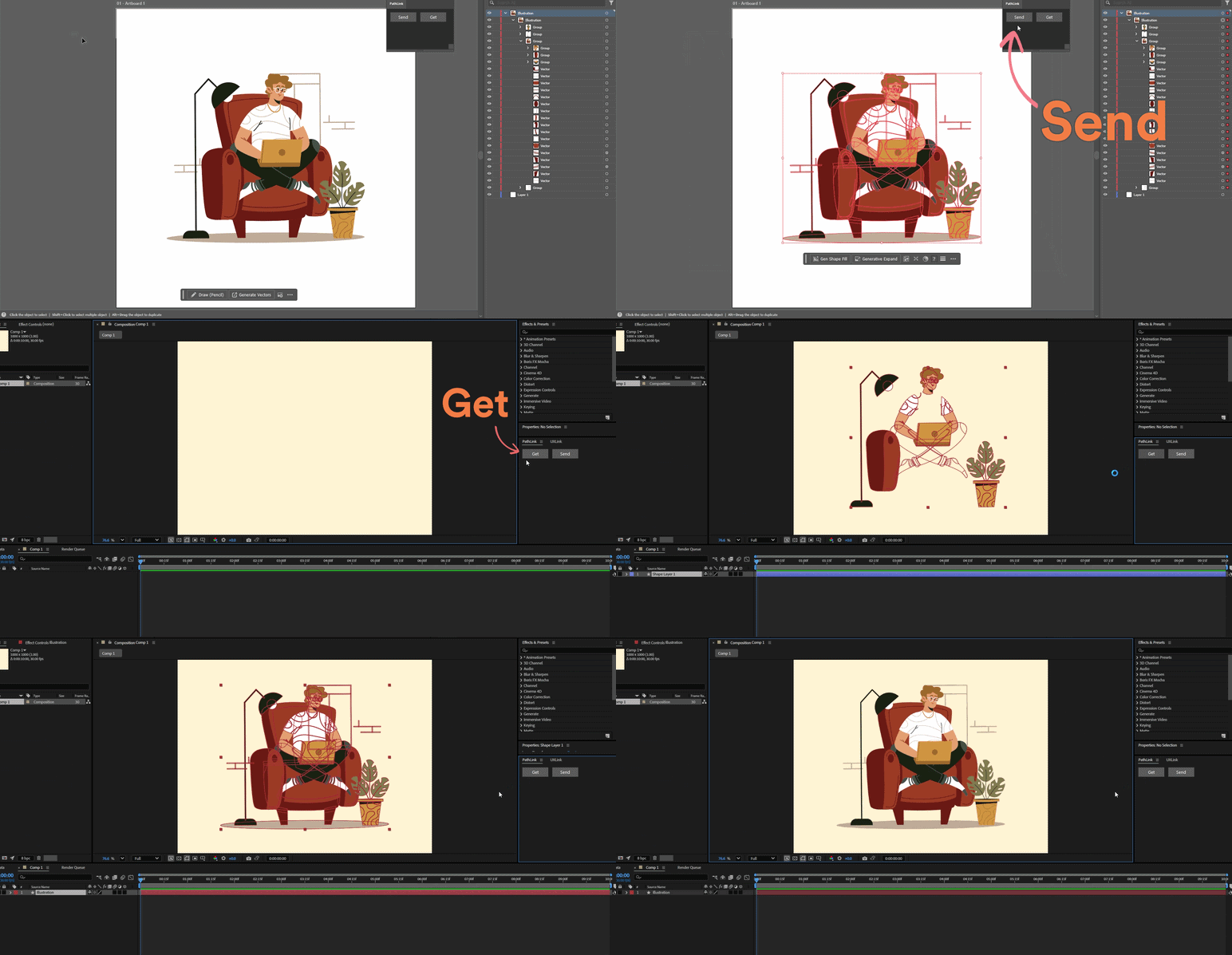
Path Me copies or saves asset paths from After Effects panels, then imports files from clipboard paths. It understands Mac and PC paths.
Path Selection Mode 2 is an After Effects plugin for single- or double-click selection of path points; check the listing for compatibility and trial details.
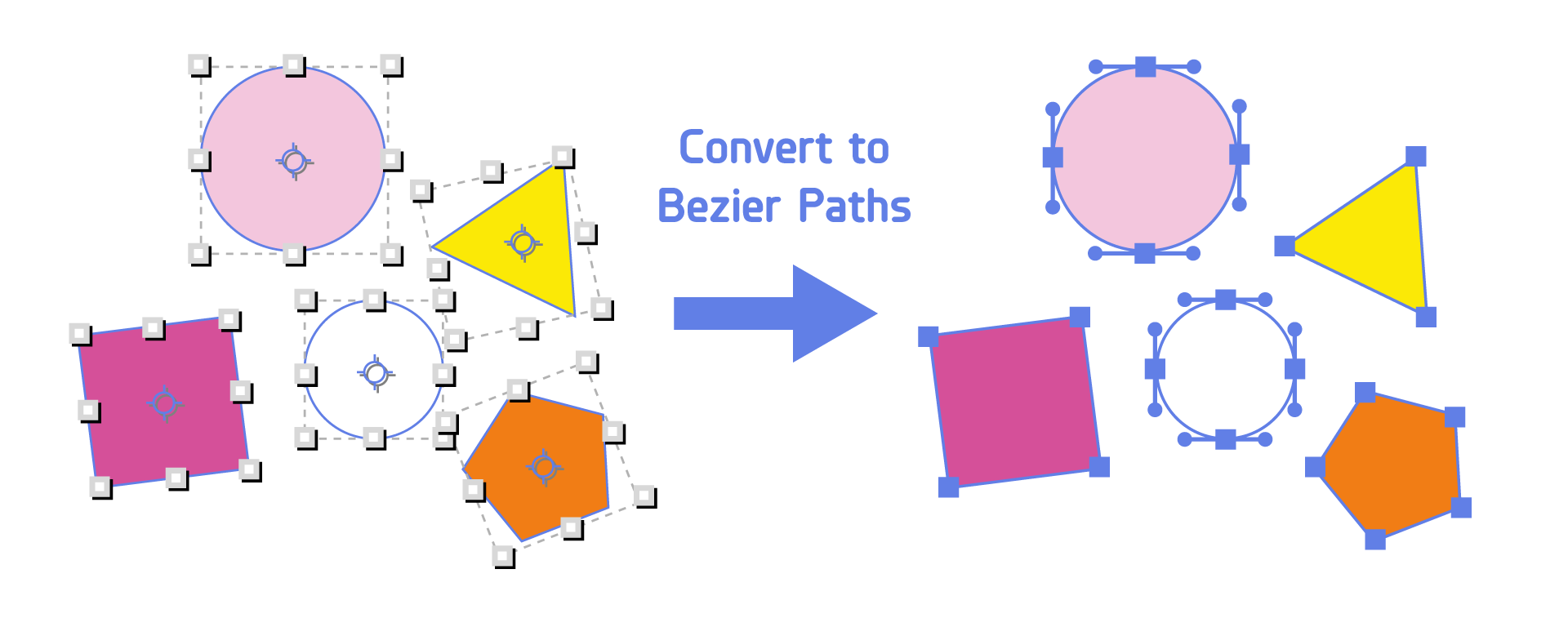
PathPrep prepares After Effects shape layers by converting parametric shapes to Bezier paths, baking transforms, selecting paths and copying vectors.
Pattern Collections are a Blender add-on for sorting objects by names, materials and attributes. Check Blender version support before installing.
Create editable Voronoi, Honeycomb, Bionic and other surface patterns in Autodesk Fusion. Tune spacing, rotation and margins, then inspect the live preview.
Pattern Tools are a Revit add-in for rotating drafting patterns in filled regions, creating angled patterns for materials, and exporting .pat files for reuse.
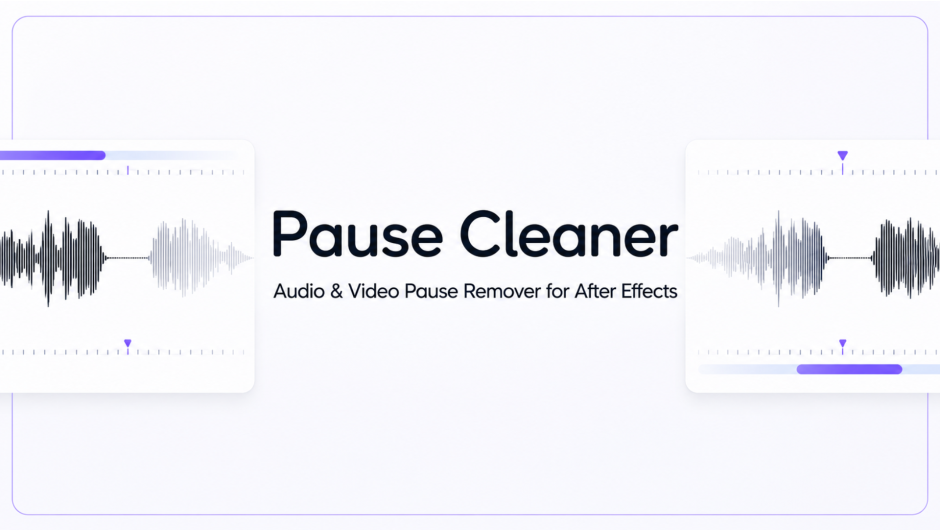
Pause Cleaner detects pauses in After Effects audio, lets you review and adjust cuts, then returns the edit as split layers, a precomp, or a rendered file.
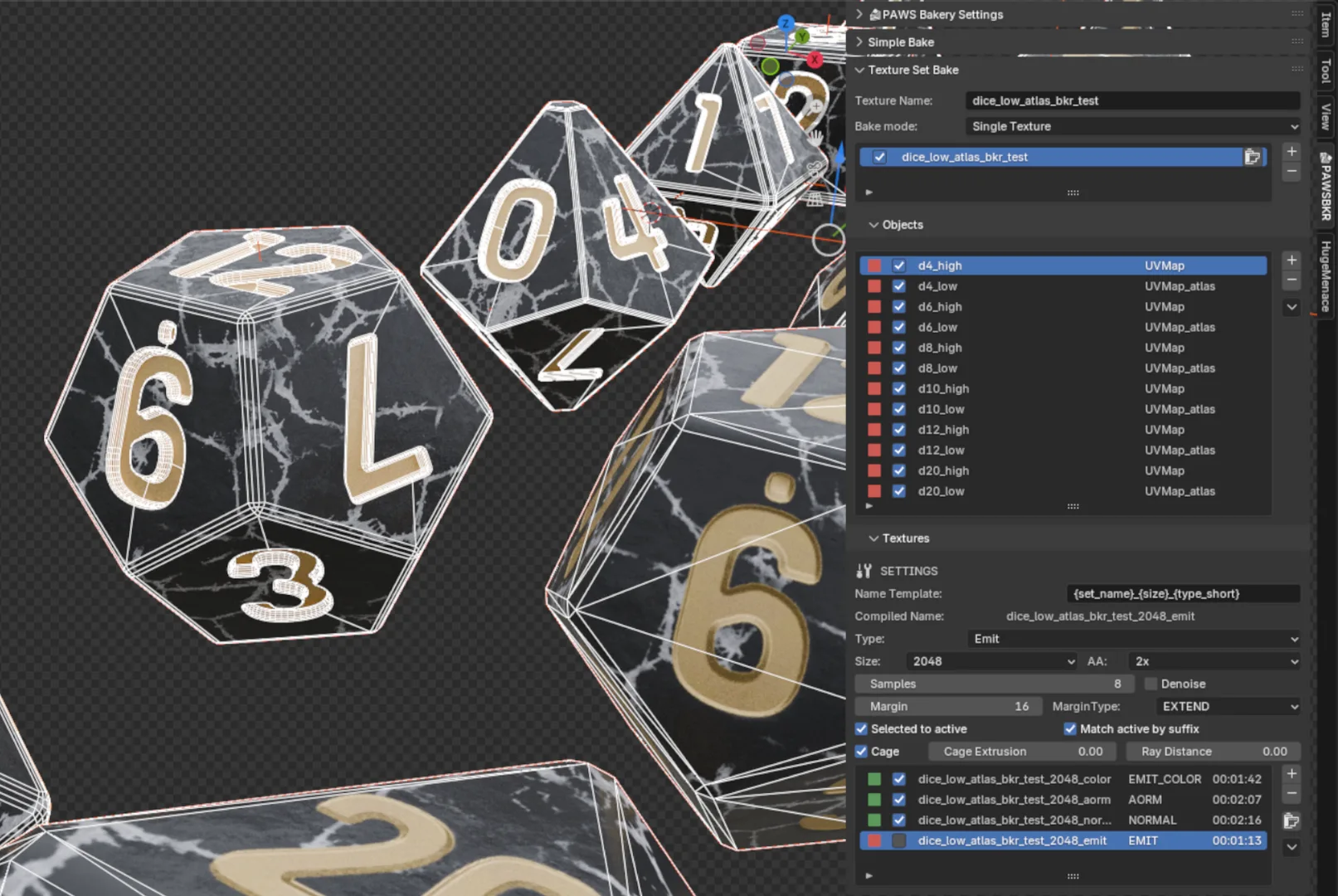
PAWS: Bakery is a Blender add-on for game-ready texture baking, with automatic material setup, batch atlas and per-object baking, and multiple map outputs.
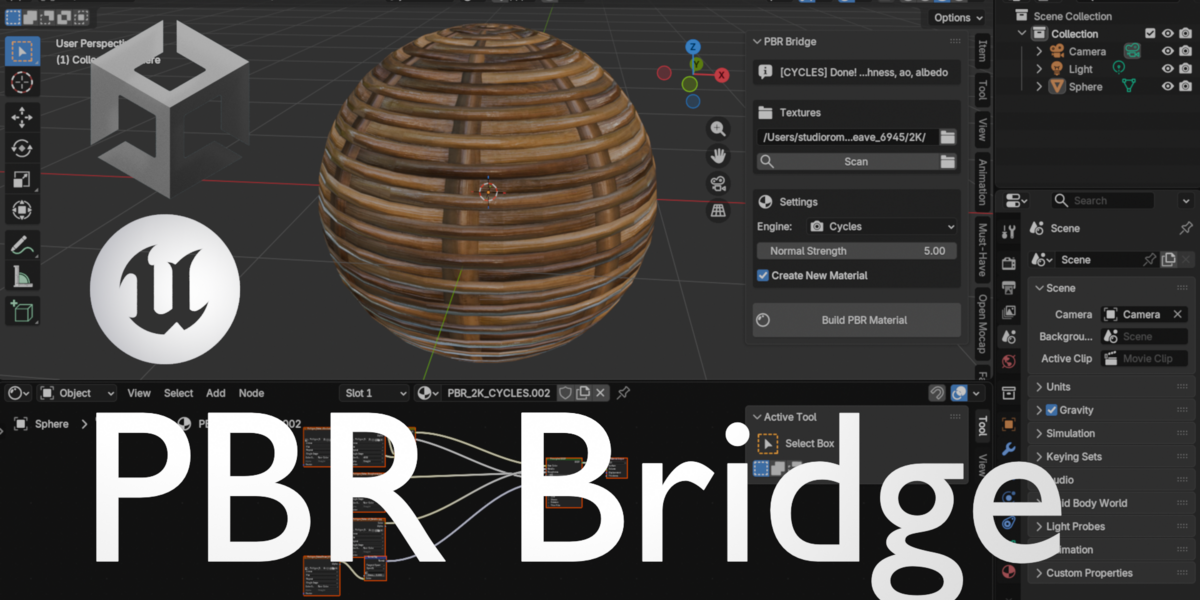
PBR Bridge builds Blender materials from texture folders and adapts maps for Cycles, EEVEE, Unreal Engine 5, and Unity. Review supported maps and compatibility.
PBR Brush is a multi-channel texture-painting add-on, listed for Blender 2.93; compatibility with newer releases is unconfirmed.
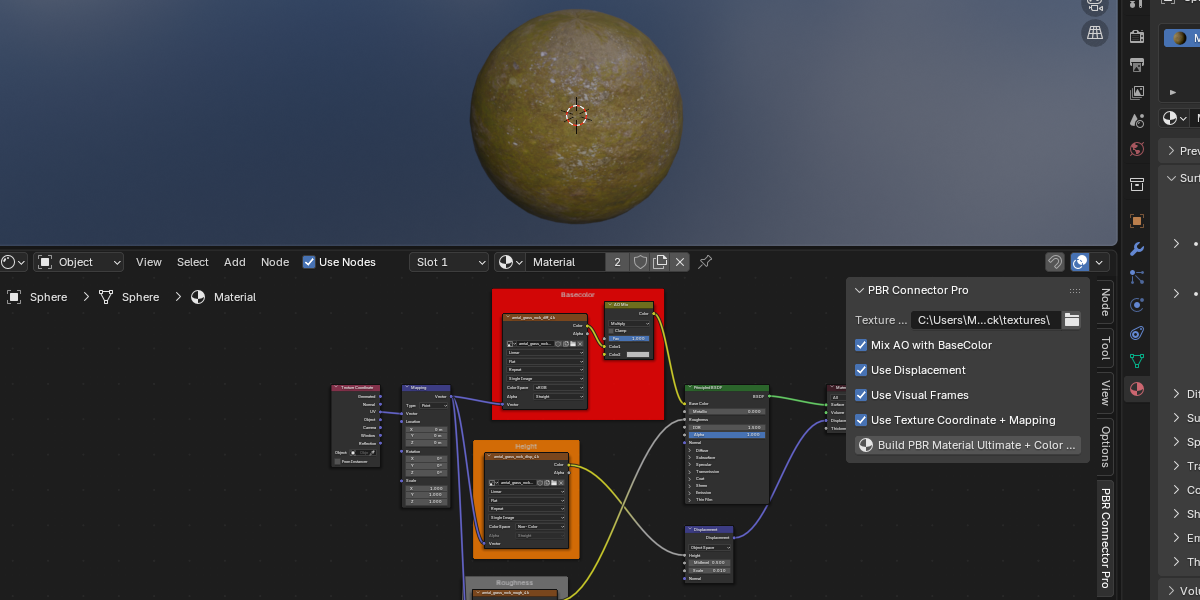
Pbr Connector Pro builds PBR materials in Blender from texture folders using fuzzy map matching, optional AO and displacement, color-coded frames, and UDIM tiles.
PBSU 3D Studio (.3ds) brings 3DS scene import and export to Blender, with meshes, cameras, lights, and basic animation for legacy assets and PBSU projects.
Set up cinematic Blender camera rigs with PCam by PTools. Adjust lens, tilt, focus and f-stop, animate controls, and reuse camera presets across shots.
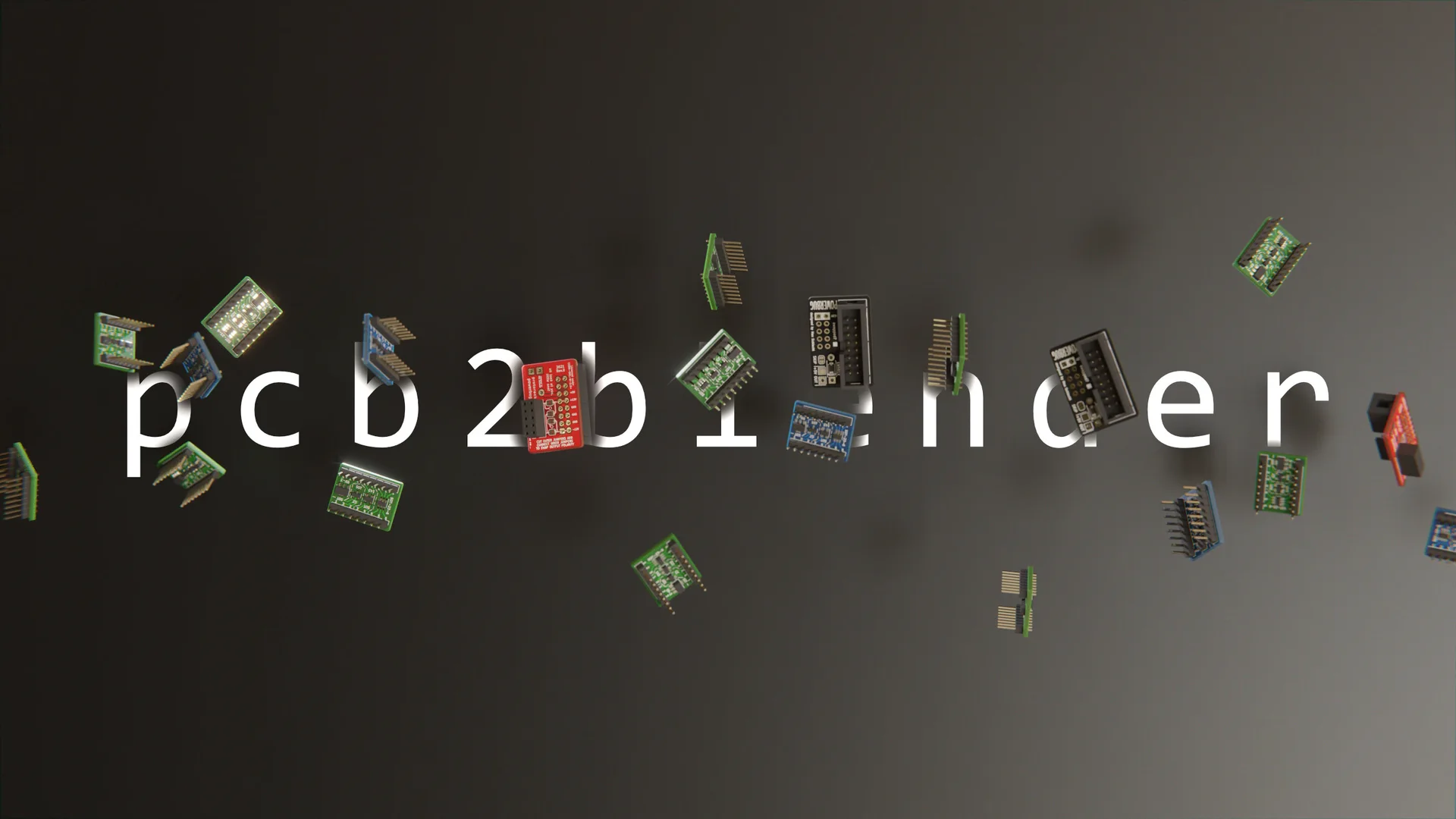
Move KiCad boards into Blender with PCB 3D Importer. Export a .pcb3d file from pcbnew, import it, then compose and light product renders.
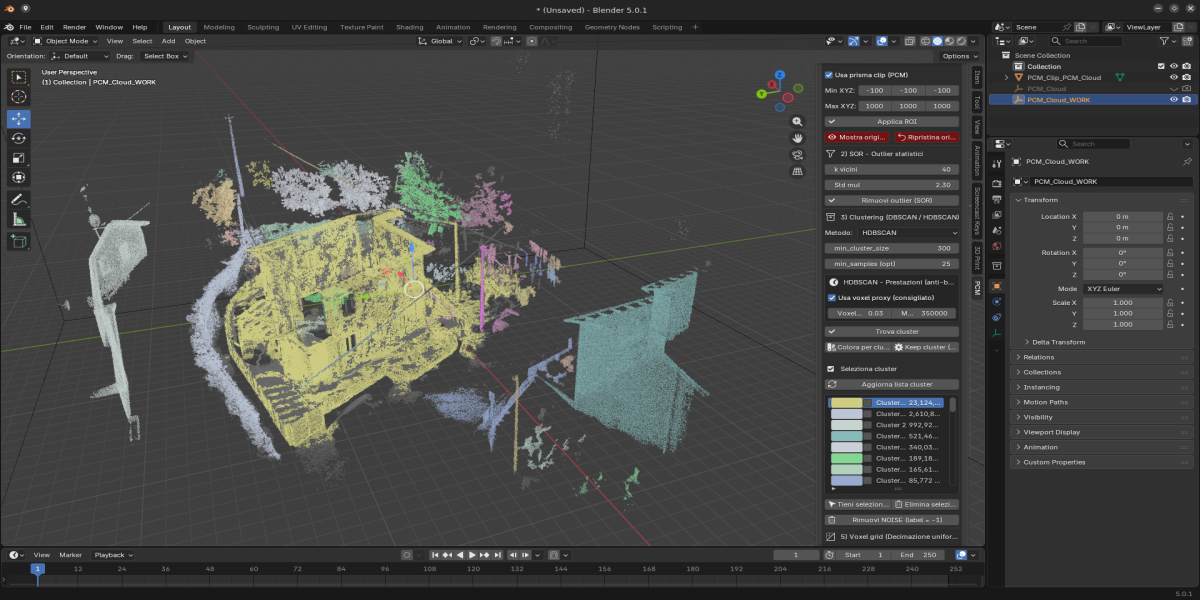
Clean Blender point clouds with statistical filtering, clustering and voxel reduction. PCM_Clean requires PCM_Core and prepares scans for modeling.