Qol Tools: Hud-Dimensions
Qol Tools: Hud-Dimensions keeps Blender object dimensions visible, with adjustable HUD placement and color, direct size control, and a scale warning.
Tools for organizing files and automating repeated tasks in creative applications. Browse by application or search for a task. Page 111 of 163.
Qol Tools: Hud-Dimensions keeps Blender object dimensions visible, with adjustable HUD placement and color, direct size control, and a scale warning.
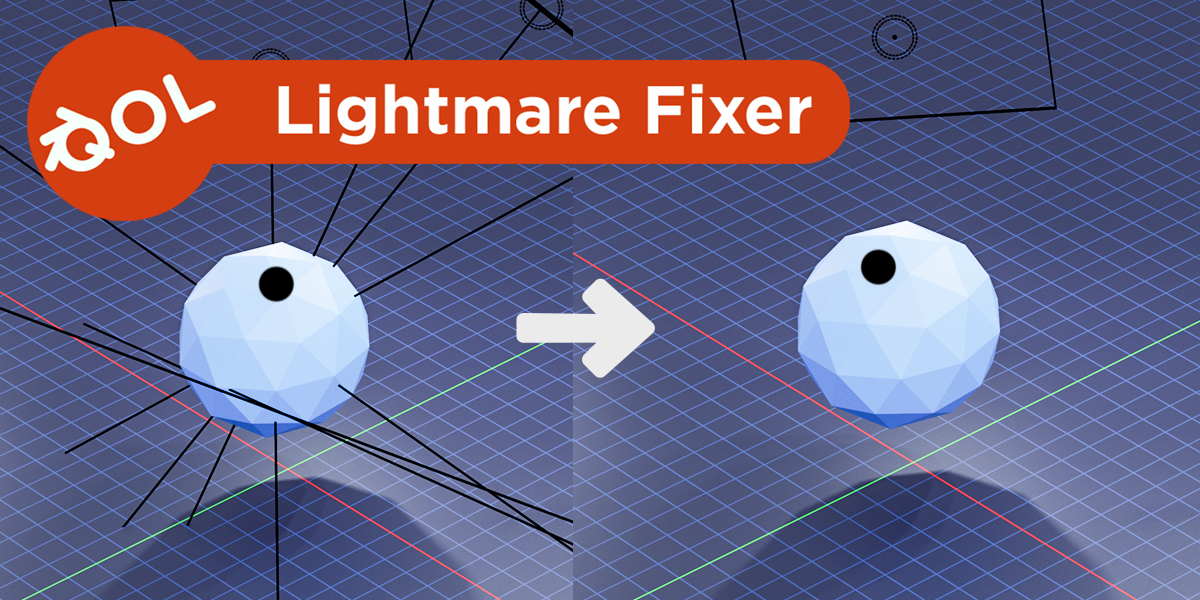
Qol Tools: Lightmare Fix is a Blender add-on that clears Cycles viewport clutter. One View-menu action sets all lights' custom distances to zero by default.
Qol Tools: Link Widget adds a Blender widget showing instance status and count for the active object, with modifier-key clicks to manage instances.
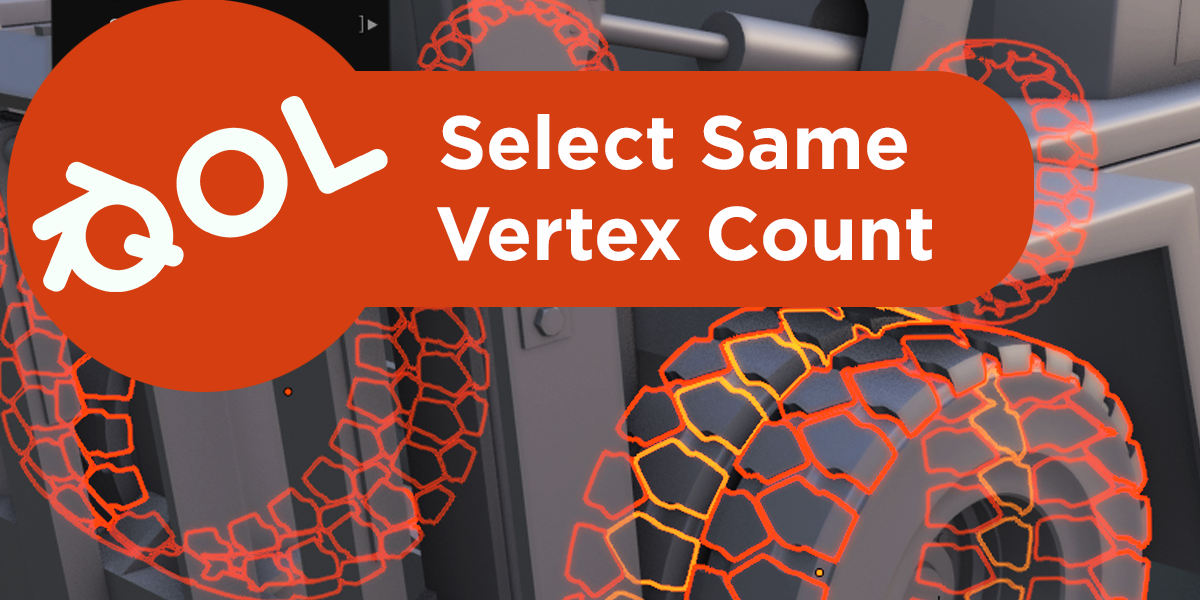
Qol Tools: Select Same Vertex Count is a Blender add-on that matches objects to the active object's vertex count, with wiggle room for a few extra vertices.
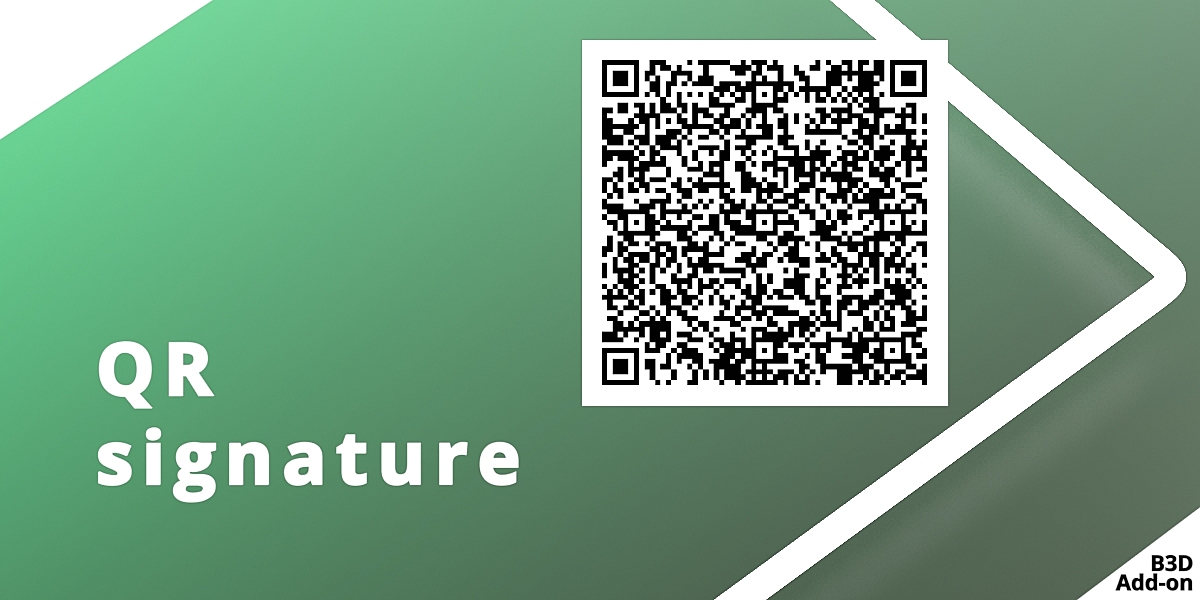
Add a QR code automatically to finished Blender renders with Qr Signature, then adjust its location, indent, and color. Check listed versions before installing.
Quad Splitter makes horizontal and vertical splits, three-way cuts, and continuous Split Rolls. Version 3.5.1 requires Blender 4.2.0 or later.
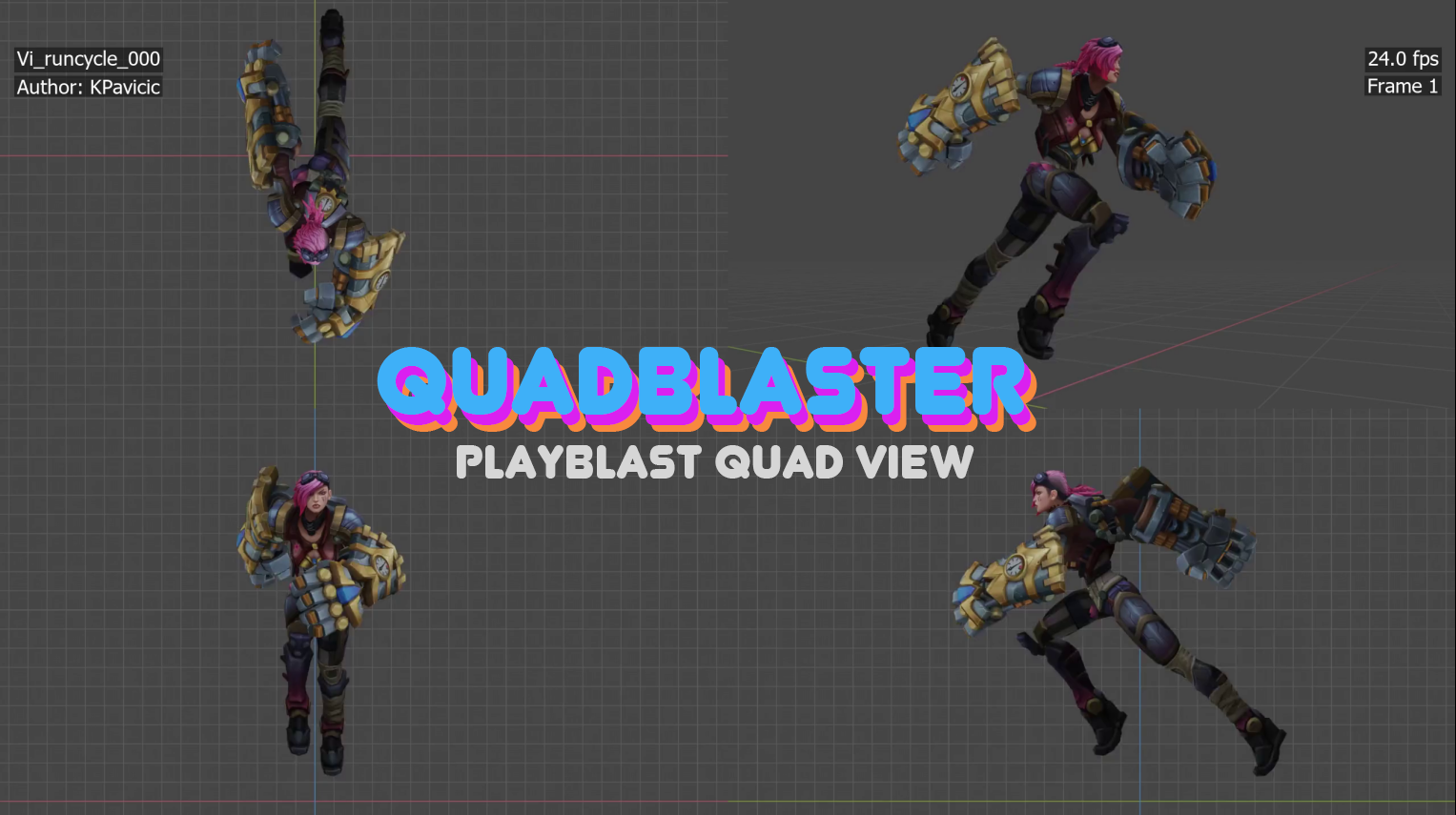
Quadblaster adds metadata, four-view collages and filename controls to Blender playblasts. Check FFmpeg setup, output options and tested version details.
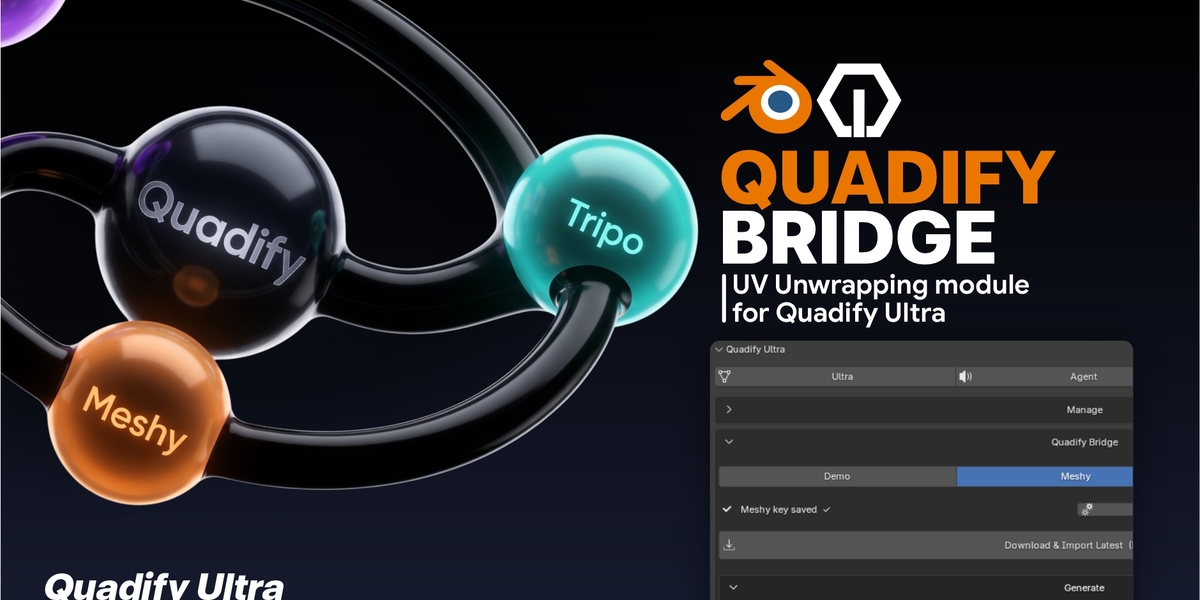
Quadify Bridge - Ai Mesh Pipeline is a Blender bridge for Meshy, Rodin, and Tripo; its listing allows standalone use, but documentation requires Ultra 1.3.0+.
QueueUp saves a separate output folder and render settings for each After Effects job. See how it routes previews and final renders, plus version notes.
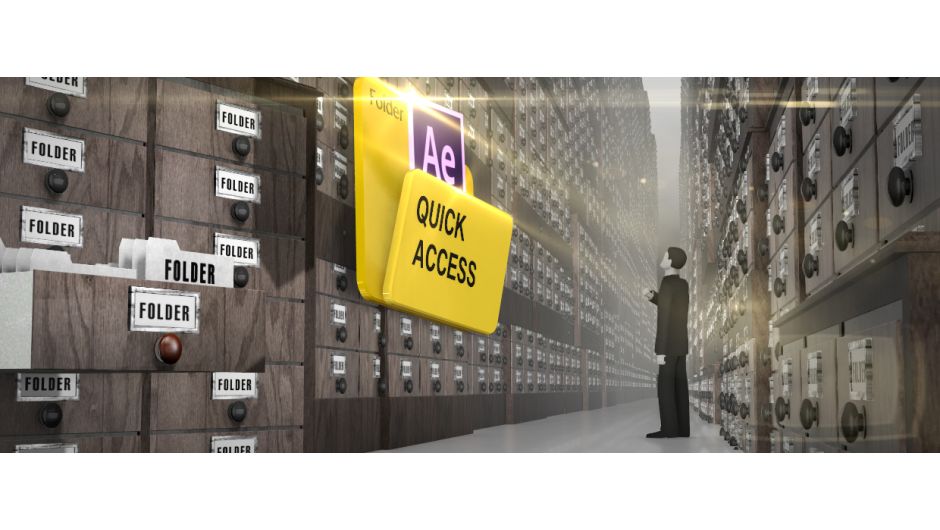
Quick Access 2 is an After Effects path utility with selected-layer PNG renders and JPG composition output when a JPG preset is available. Check compatibility.
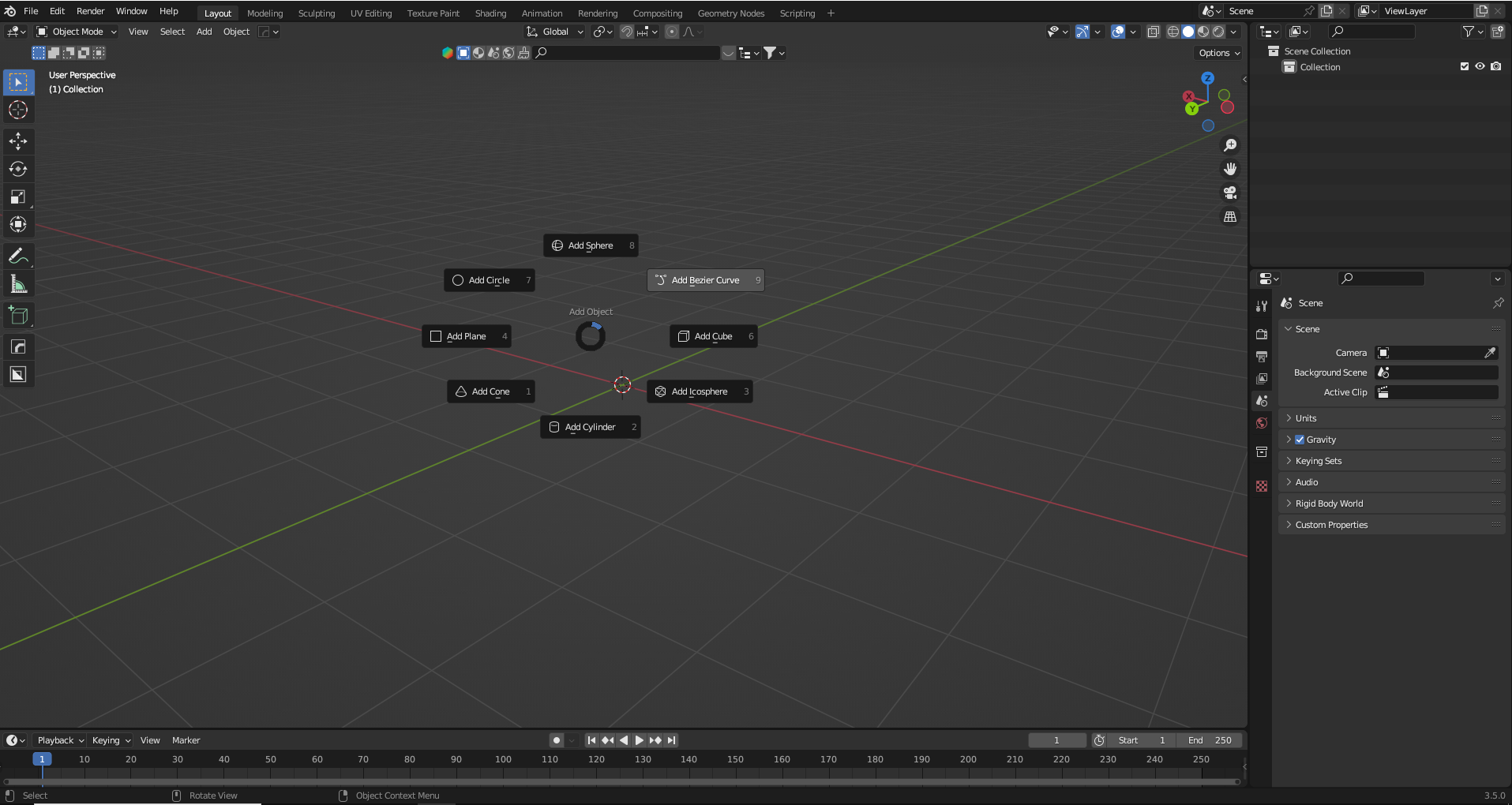
Add common basic meshes in Blender with an Alt + Q pie menu. Quick Add Objects works in Object and Edit modes; review setup steps and listed versions.
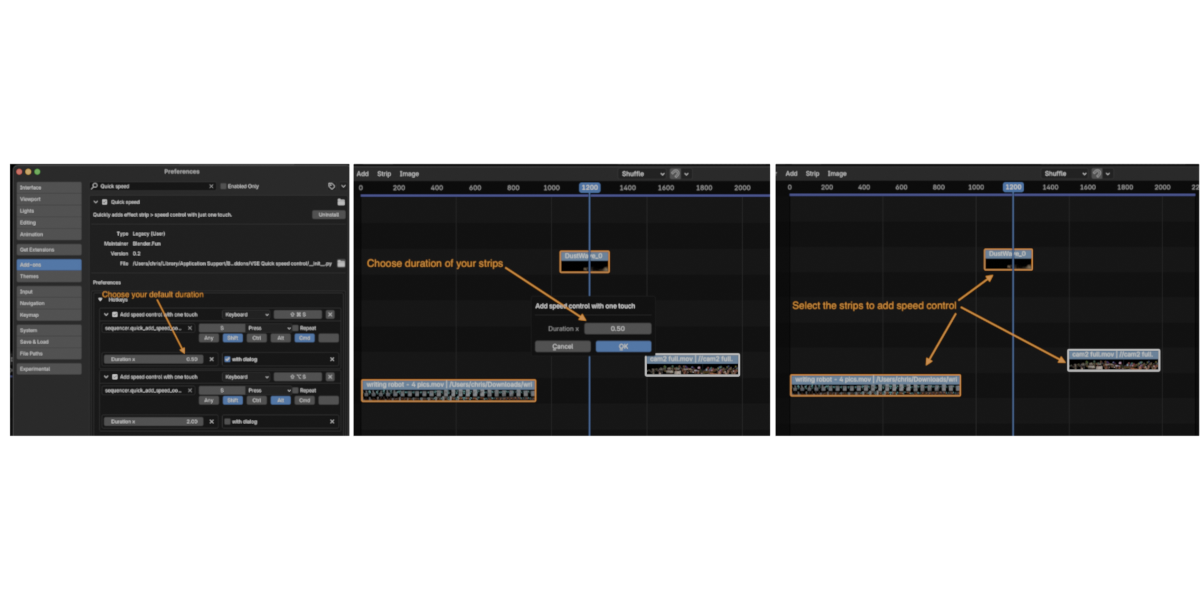
Add speed control effect strips to multiple selected Blender VSE strips at once. See its listed Blender versions, GPL license, and placement tip.
Quick Align for Blender provides six alignment and six distribution modes, with automatic or manual axes and targets for the selection or active object.
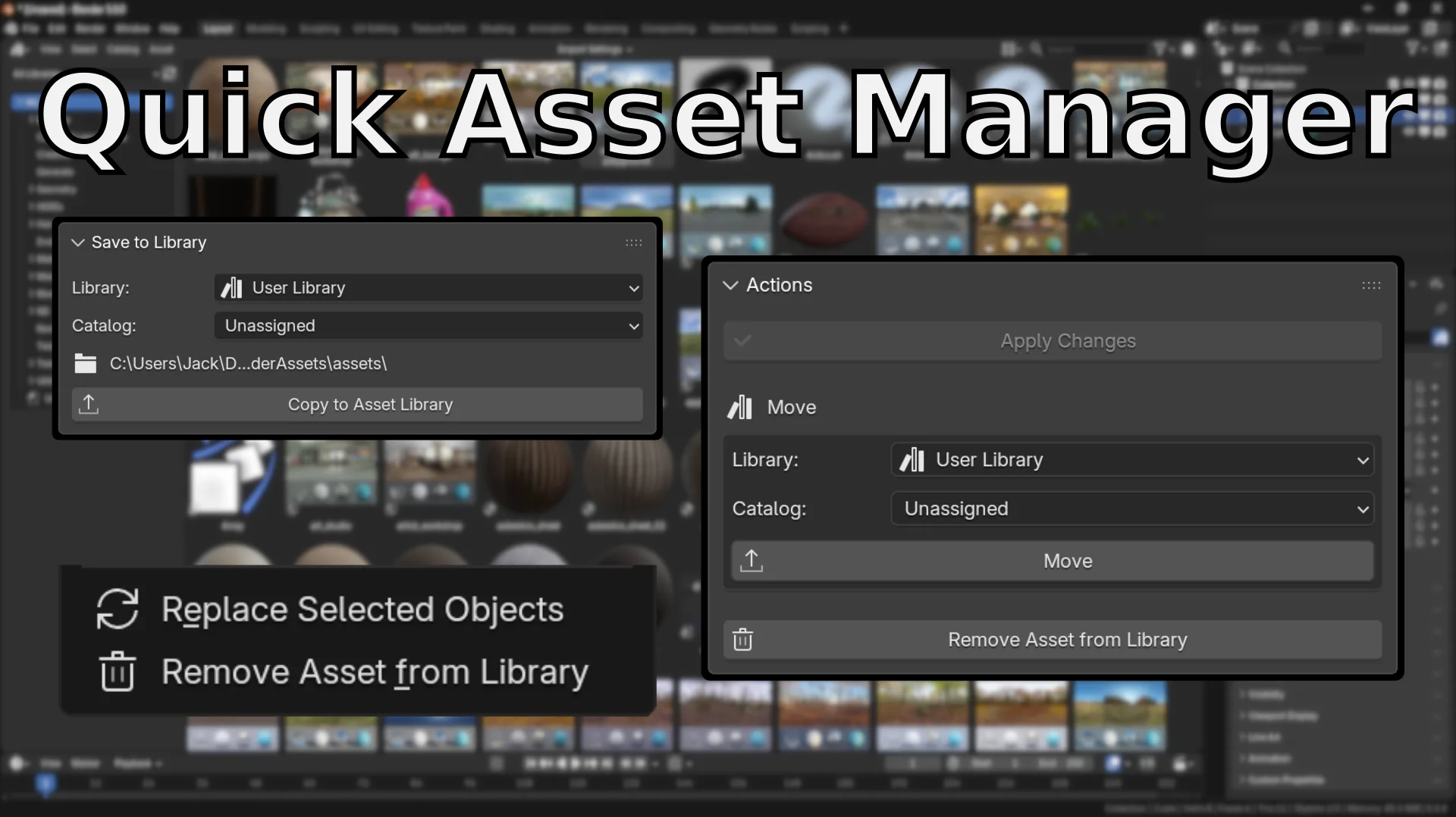
Quick Asset Manager creates, edits, organizes, or deletes local Blender asset files. The catalog lists Blender 4.2.0 as the minimum for version 2.1.1.
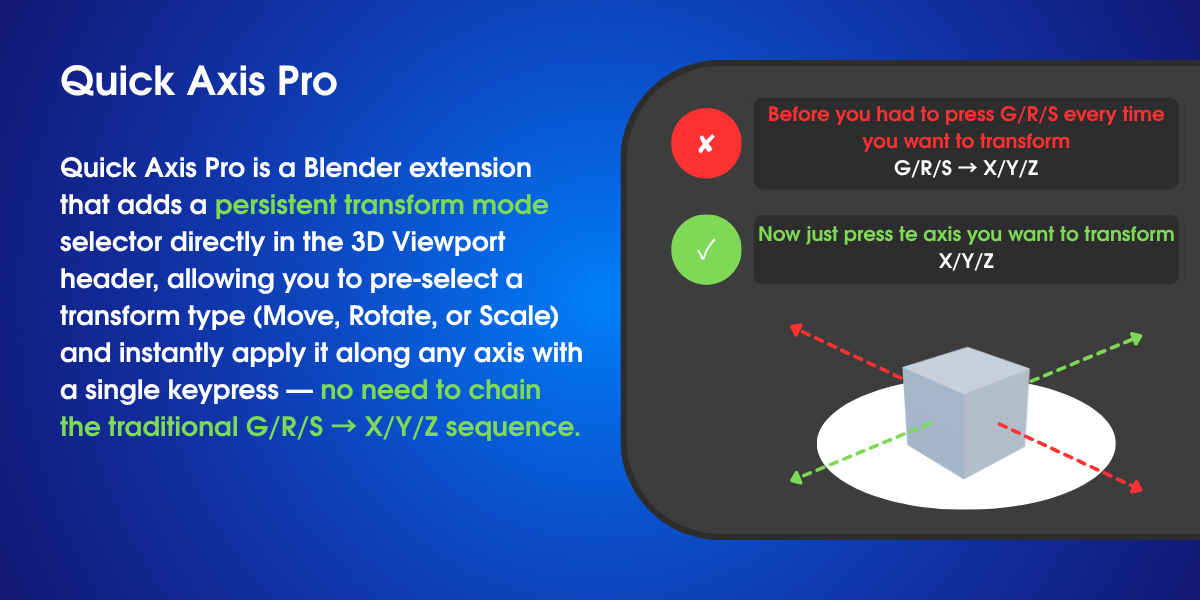
Quick Axis Pro adds Move, Rotate and Scale controls to Blender's 3D Viewport, with axis shortcuts and remappable keys. Check compatibility before installing.
Quick Baker bakes PBR, Mesh, Principled BSDF, and Cycles maps in Blender, with multi-object support, automatic cage setup, and UDIM baking.
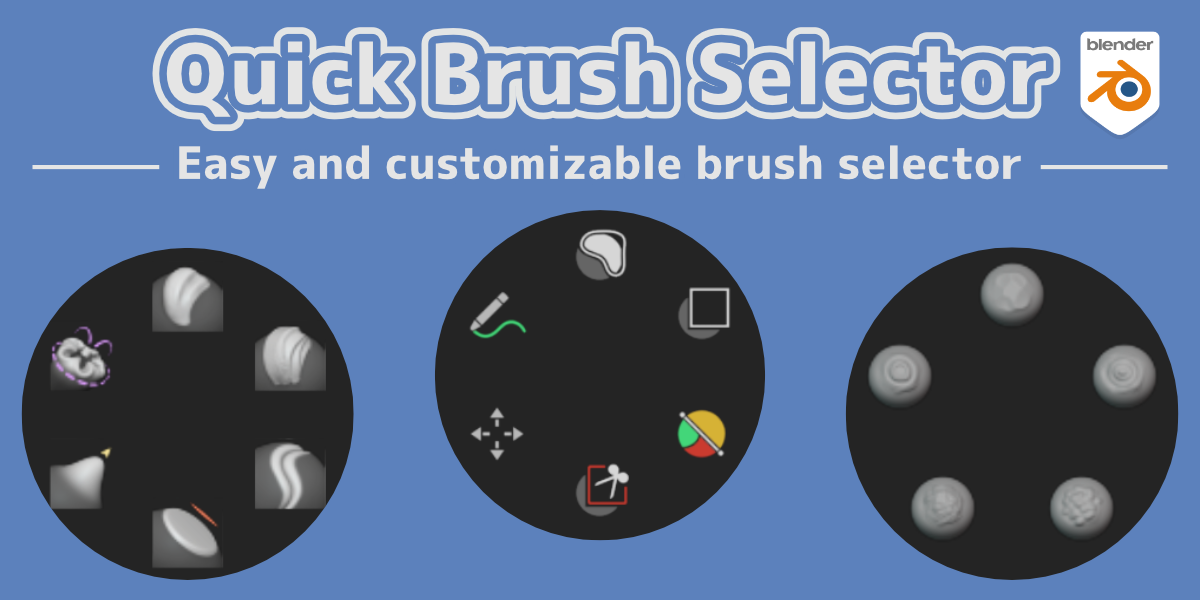
Quick Brush Selector adds a customizable brush menu for Blender sculpting, texture painting, and Grease Pencil Draw. Check compatibility before installing.
Quick Calcs adds four Blender calculators for frame timing, render estimates, aspect ratios and basic arithmetic. Check versions and setup instructions.
Quick Cam is a Blender add-on with timeline buttons to bind cameras to markers and delete the marker on the current frame. Check versions and GPL terms.
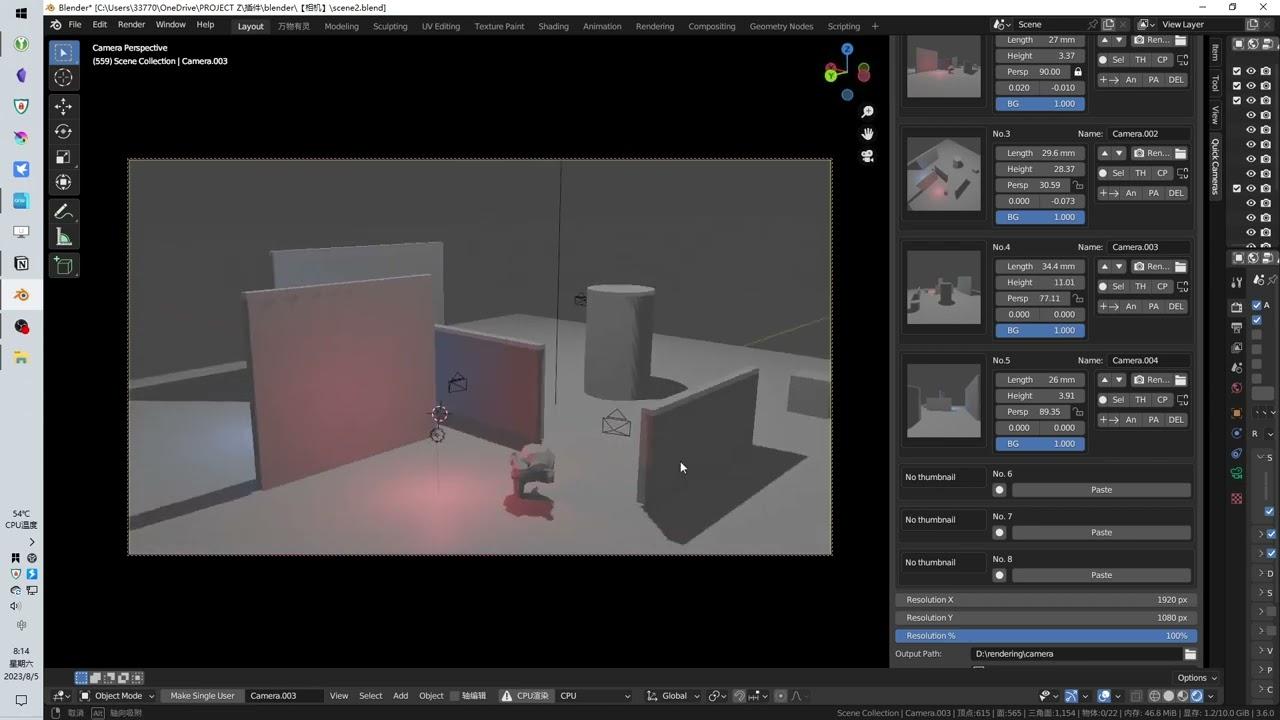
Organize Blender cameras with Quick Camera's thumbnails, lens controls, animation tools and rendering management, including Cycles panorama rendering.
Animate Blender shots with camera shake, tracking, switching, path following and 360 rendering using Quick Camera Fx Addon by EdenWeby 3D.
Quick Catalogs makes Asset Catalogs from selected Blender Collections. Check Blender 4.2.0 compatibility and release details on the official listing.
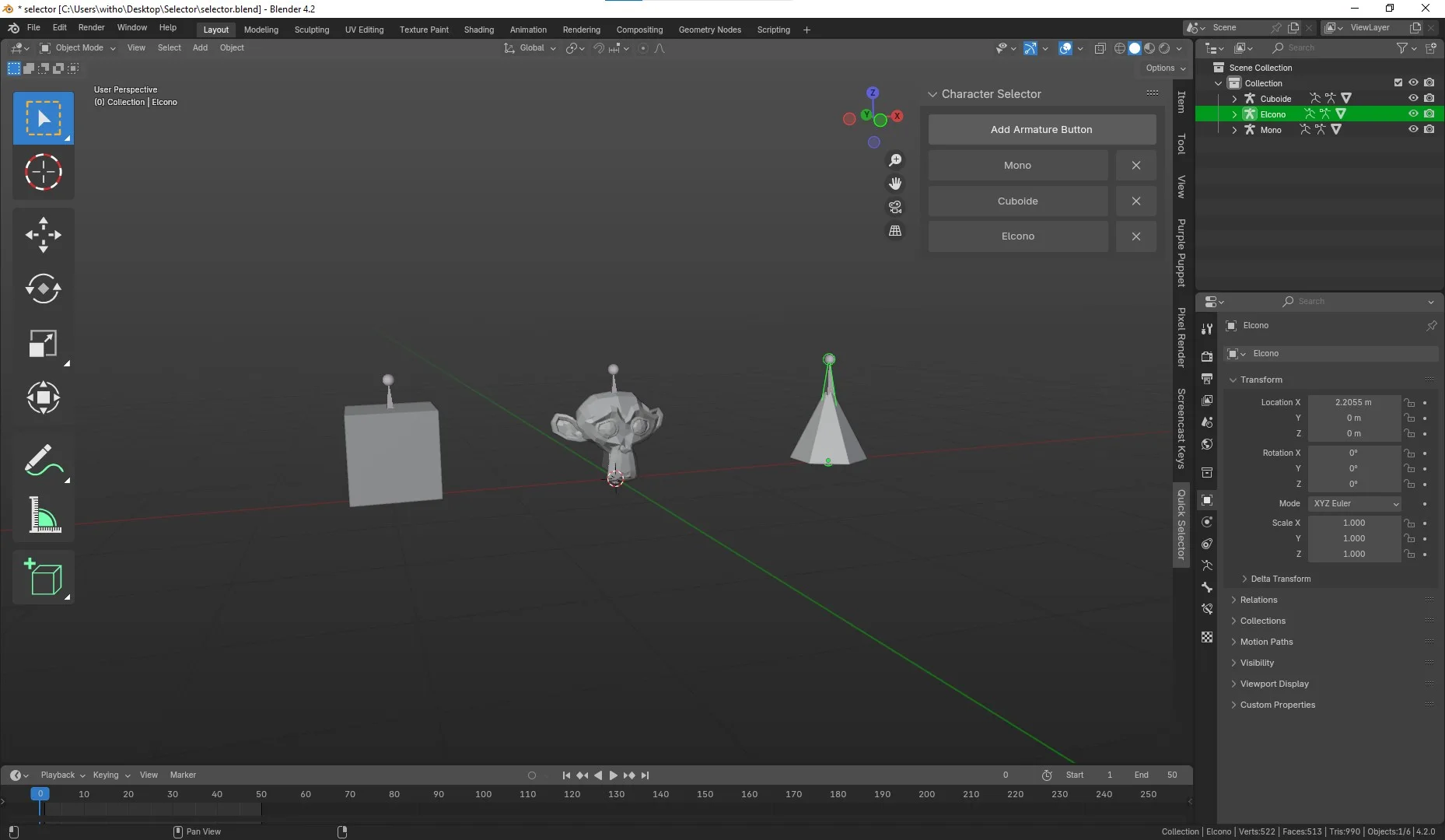
Select character rigs and orient the camera in Blender with Quick Character Selector. See version 1.4.0, minimum Blender version 4.2.0, and installation guidance.