Sculpt Stroke Replay
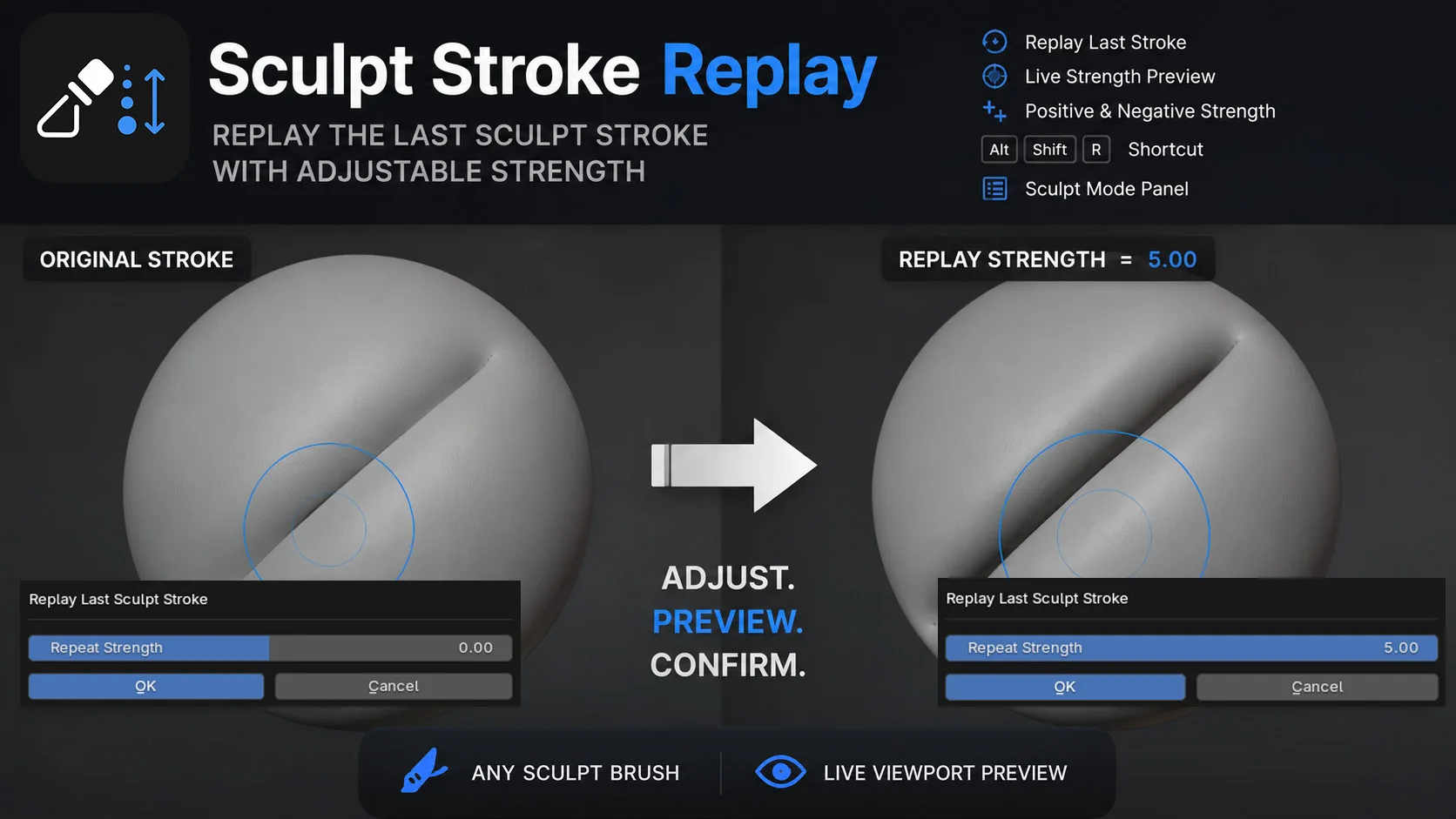
Sculpt Stroke Replay repeats a recent Blender sculpt stroke with adjustable strength and a live preview. Check its workflow, version support, and limits.
Browse published guides by application, developer or task. Check product details before downloading. Page 262 of 337.
Sculpt Stroke Replay repeats a recent Blender sculpt stroke with adjustable strength and a live preview. Check its workflow, version support, and limits.
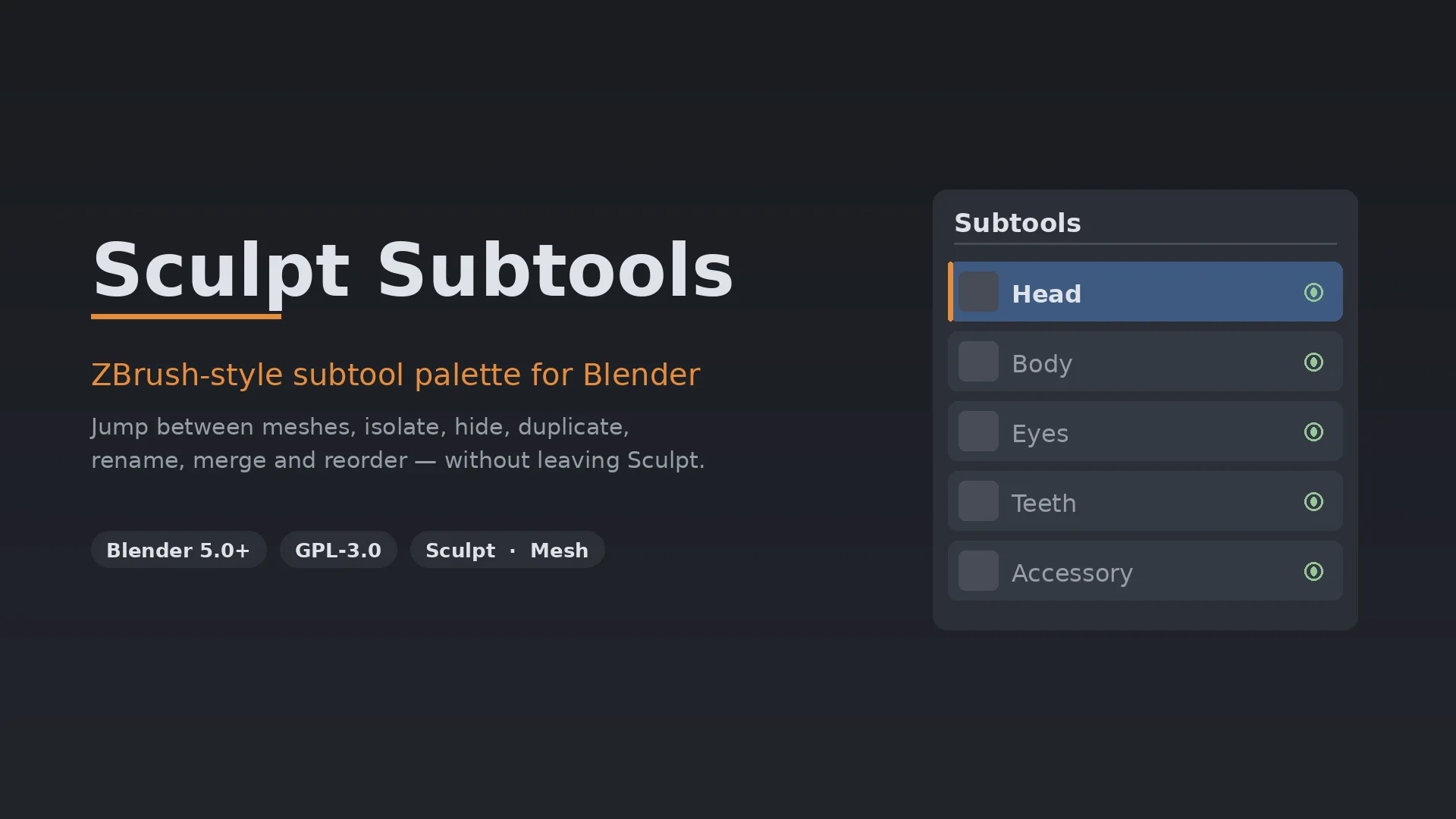
Sculpt Subtools are a ZBrush-style subtool palette for sculpting and organizing meshes; Blender 5.0.0 is the listed minimum. Check version support first.
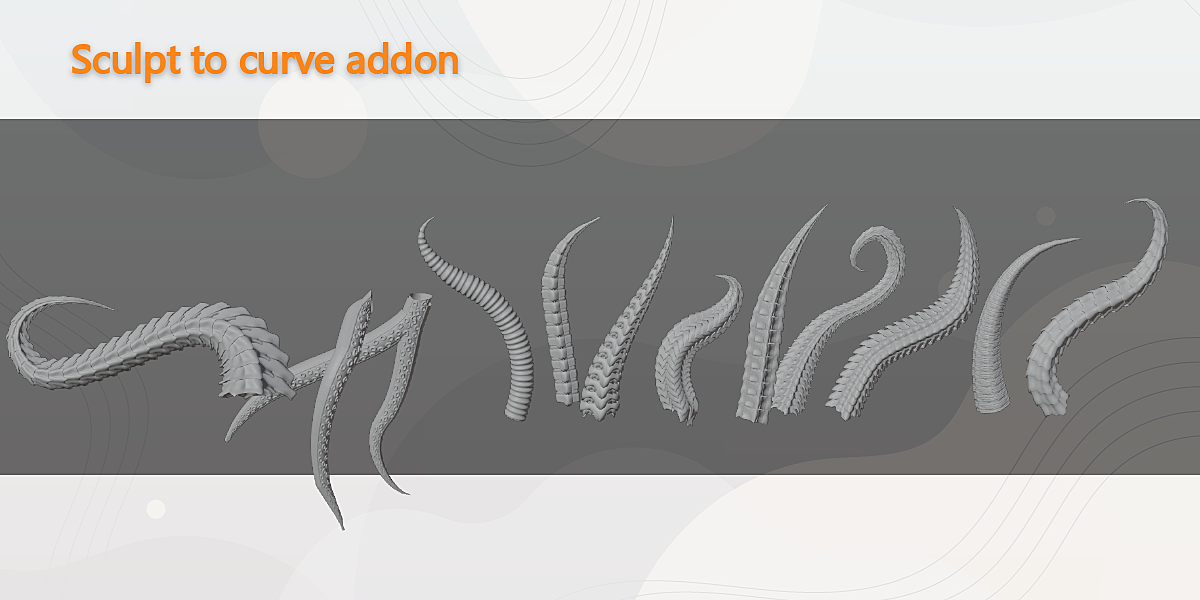
Shape horns, tentacles, teeth, scales, and chains along editable curves in Blender. See Sculpt To Curve's mesh library, controls, and version 4.0 features.
Explore Sculpt Toolkit for Blender: quad remeshing, envelope basemesh creation, boolean operations, sculpt mask tools, and viewport lighting controls.
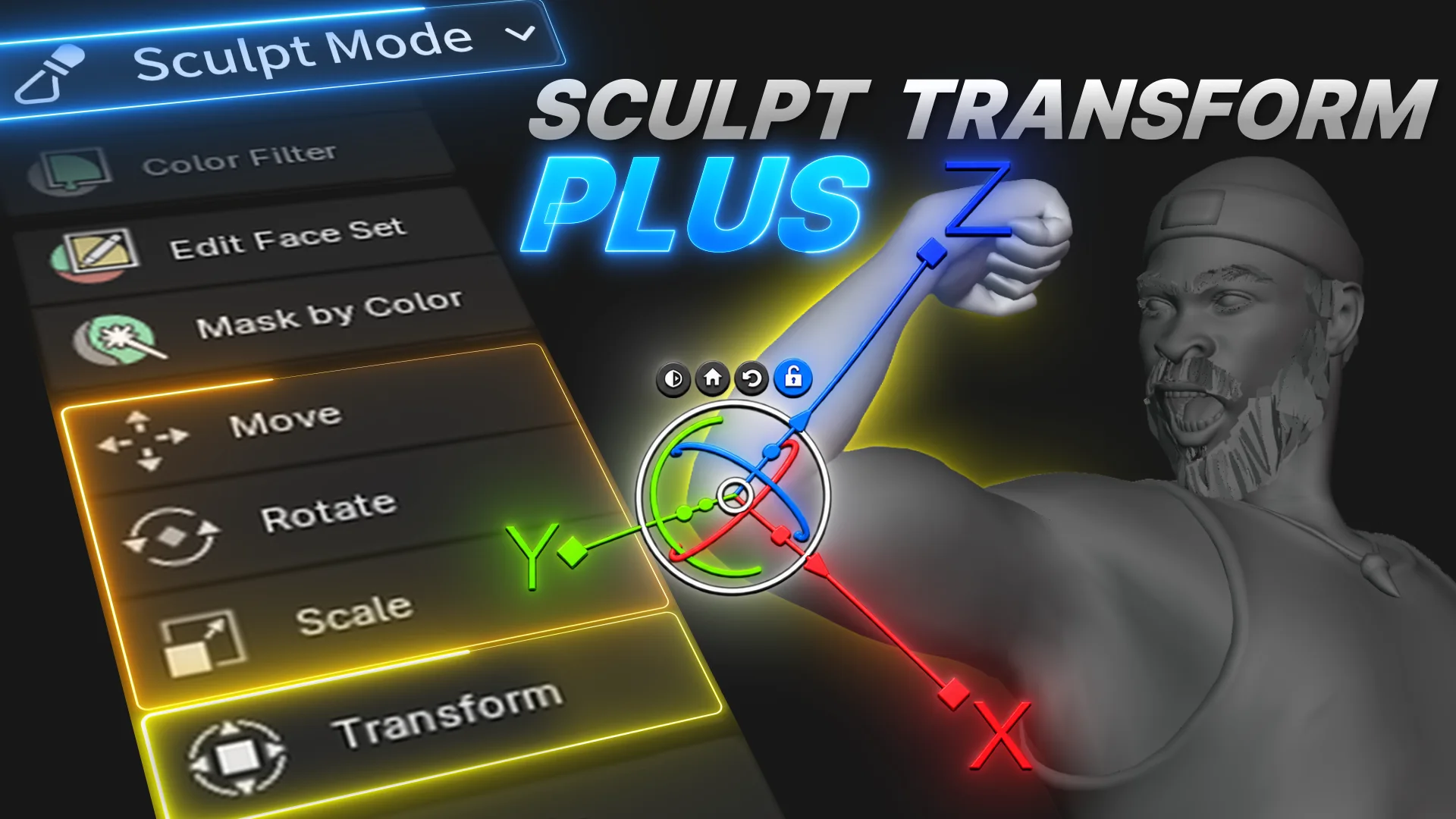
Sculpt Transform Plus is a Blender add-on that aligns its gizmo with its pivot, places pivots on mesh surfaces, and remembers them per object. Blender 5.3+.
Sculpt UVs are for painting, erasing, moving, and smoothing UV seams on the original mesh in Blender 5.0 and newer, using single-object Edit Mode.
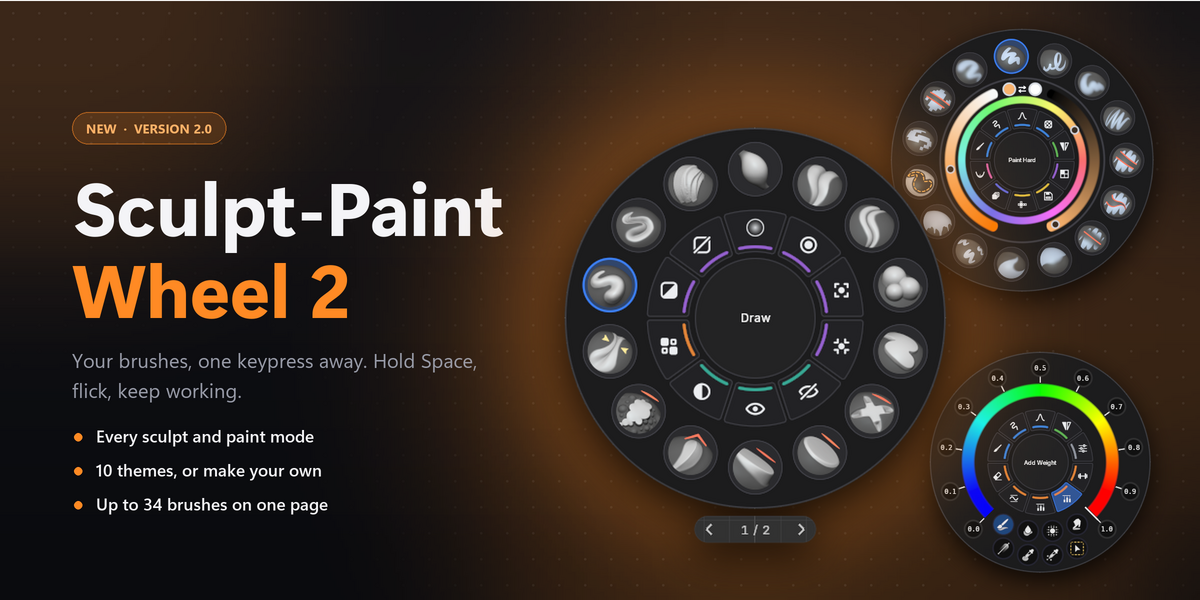
Use a cursor-centered Sculpt-Paint Wheel in Blender 5.1+ for sculpt, paint and Grease Pencil modes, with adjustable brushes, custom buttons and themes.
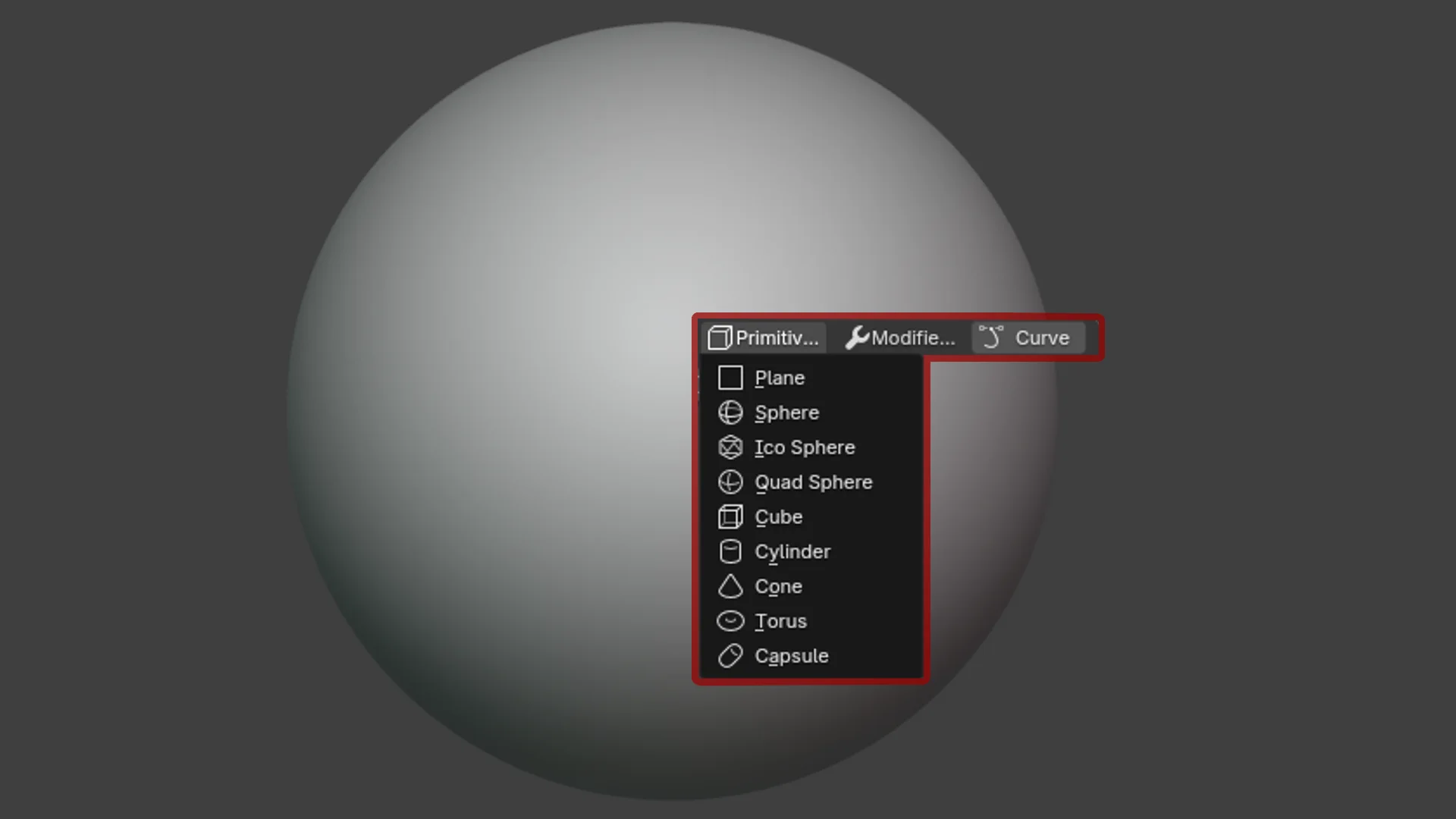
Use Sculpting Extra Meshes + Curve to add primitives, join objects, use Boolean and mirror tools in Sculpt Mode, and return editable curves to sculpting.
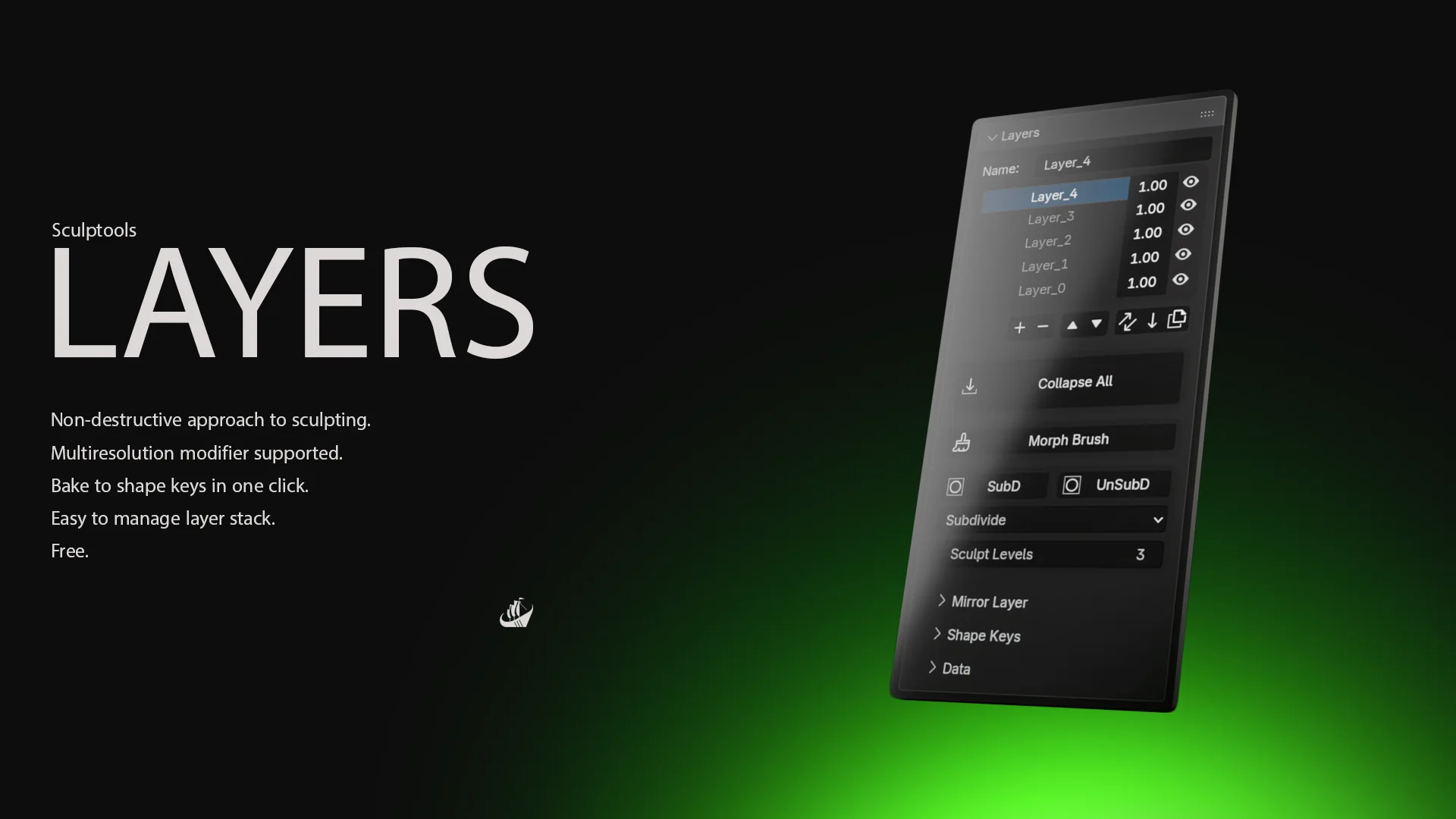
Explore Sculptools: Layers, a Blender add-on for non-destructive sculpting, with version 1.1.0 and a minimum Blender version of 4.5.0. Check the listing.
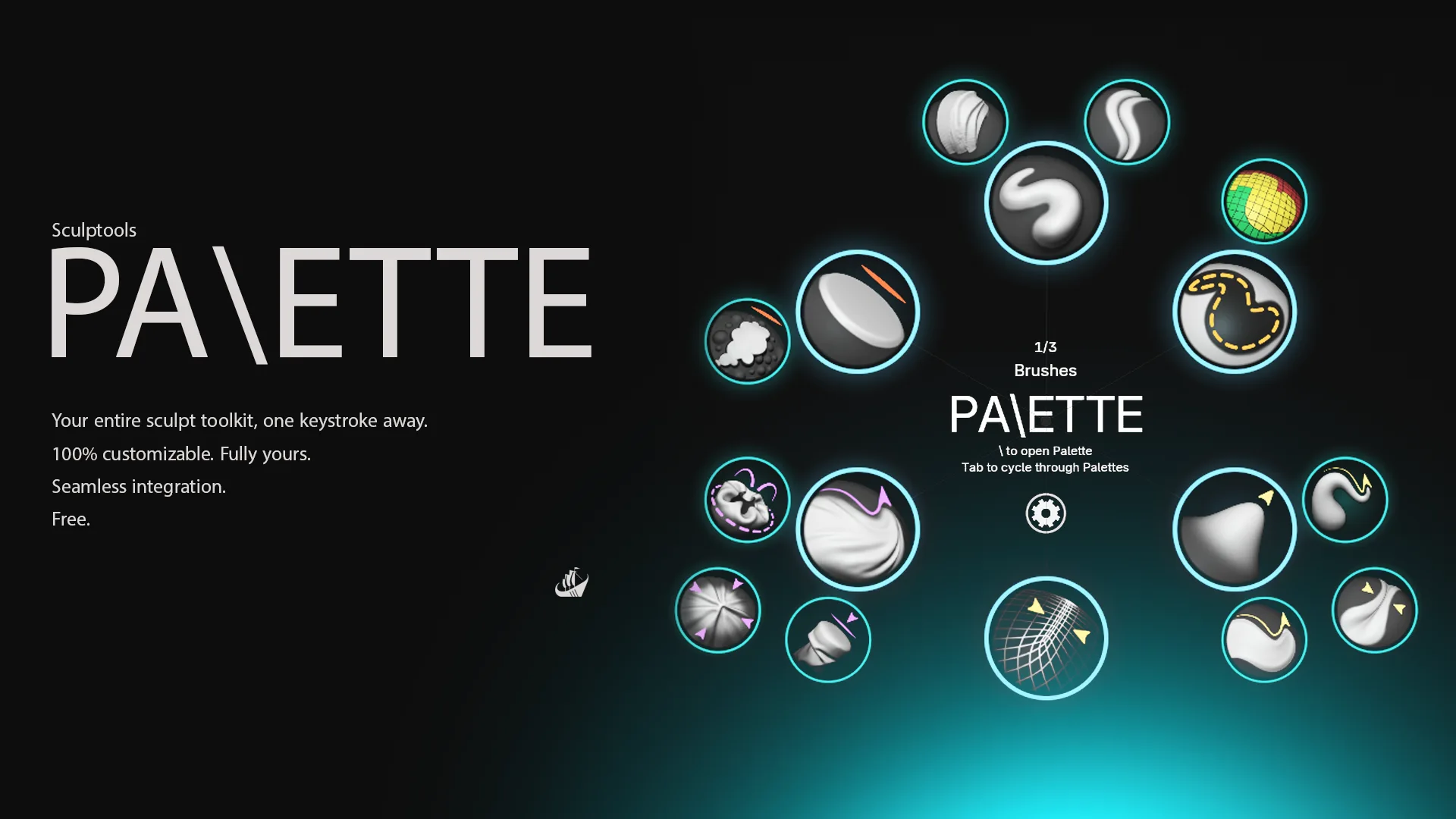
Sculptools: Palette adds a radial palette for Blender sculpt brushes and tools. Check the 1.4.0 release details and Blender 4.5.0 compatibility.
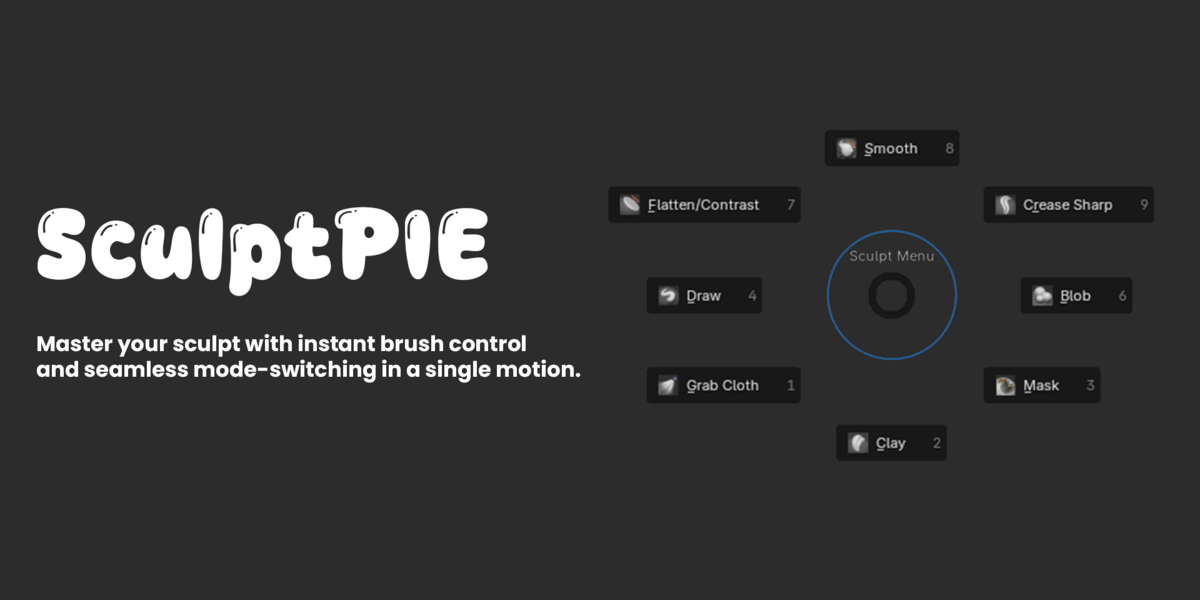
SculptPie puts brush selection, radius, strength and direction in an eight-slot Blender pie menu. See its shortcuts and Blender 5.0 test status.
Sdf.R adds GPU-based SDF modeling to Blender, with live previews, Boolean operations, curves, procedural fields, and editable mesh output.
SDFlow morphs shapes, text, logos and RGB images in After Effects using SDF, Optimal Transport and guided image warping. Review its modes and system support.
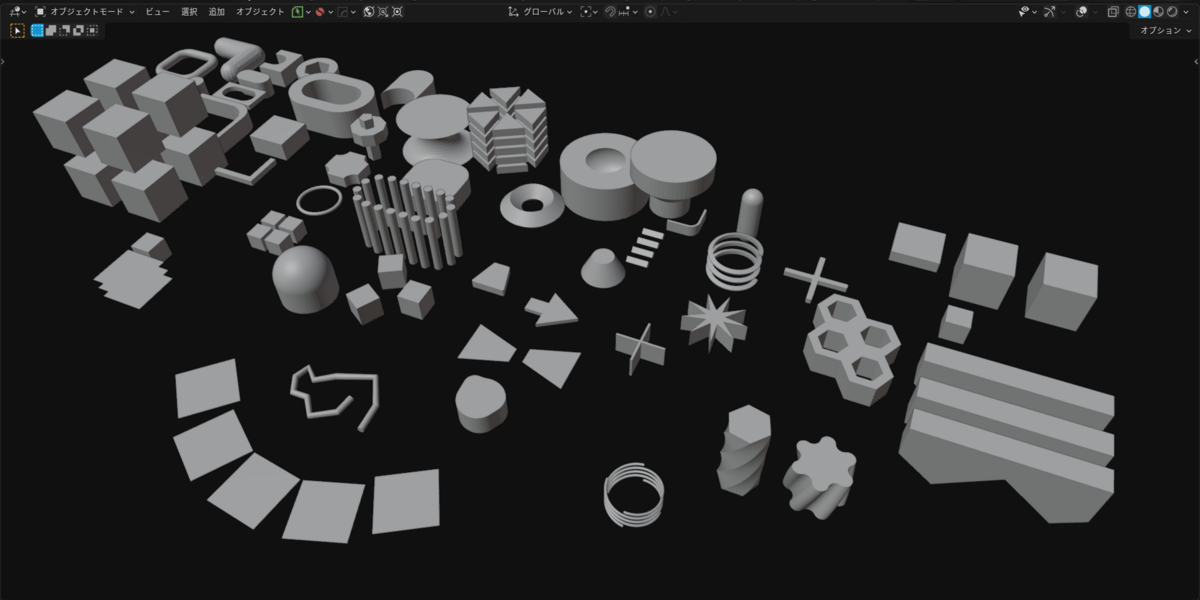
SDFusion organizes Blender Boolean cutters into ADD/SUB layers, with modifier and native SDF Geometry Nodes editions. Compare their workflows and setup.
SDVI Rally Access brings Rally workorders and metadata into Premiere Pro for manual QC, compliance edits and versioning. Check the workflow and compatibility.
SDVI Rally Access - Legacy is a Premiere Pro QC panel for Rally work orders. It covers captions and metadata; Premiere Pro 26.2 is its last supported version.
Use Sdwebuitools to add Stable Diffusion images to Blender with txt2img, inpainting and up to three ControlNet units. It requires Windows, WebUI and ControlNet.
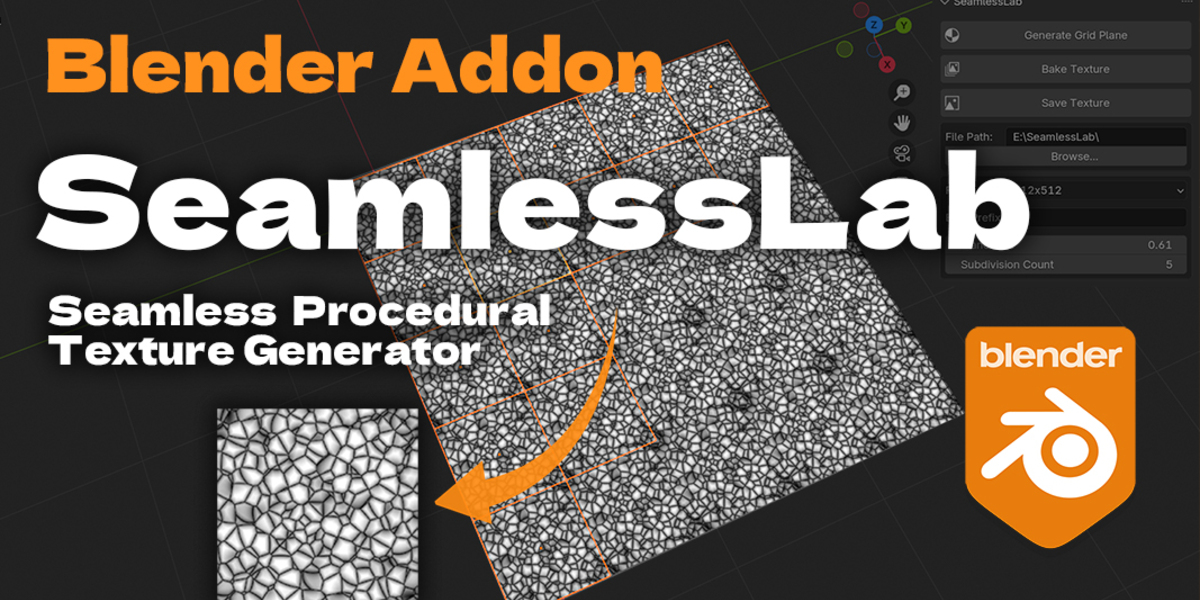
Preview tileable Noise and Voronoi materials in a Blender grid, then bake padded PNG textures from 64px to 8K with SeamlessLab. Review the workflow.
Replace text in Premiere Pro clip and marker names or metadata within a chosen range, and undo changes made by Replace. Check Adobe Exchange before installing.
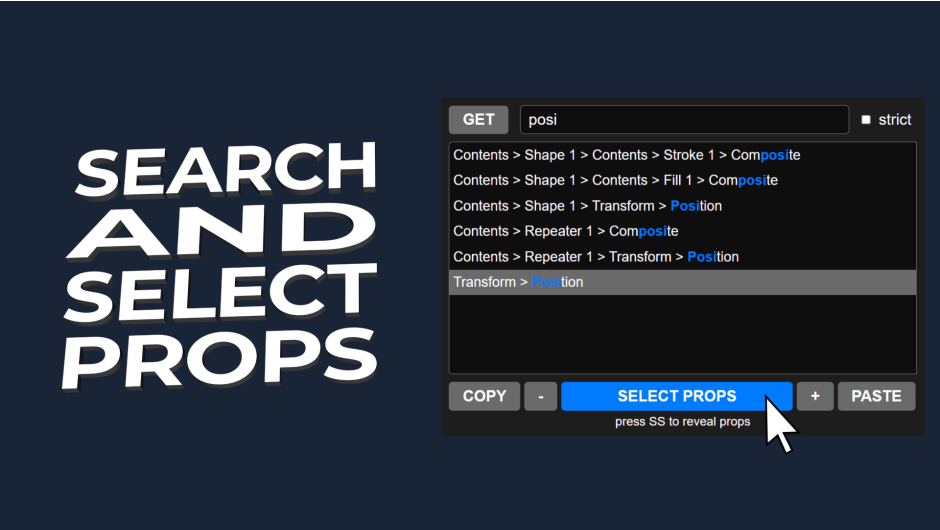
Search and Select Properties for After Effects supports property search, multiple selection, optional Strict mode and copy/paste. Check versions and trial.
Search Assistant searches the web and stock sites from After Effects and Premiere Pro, with license-type filters. Review each image's terms before use.
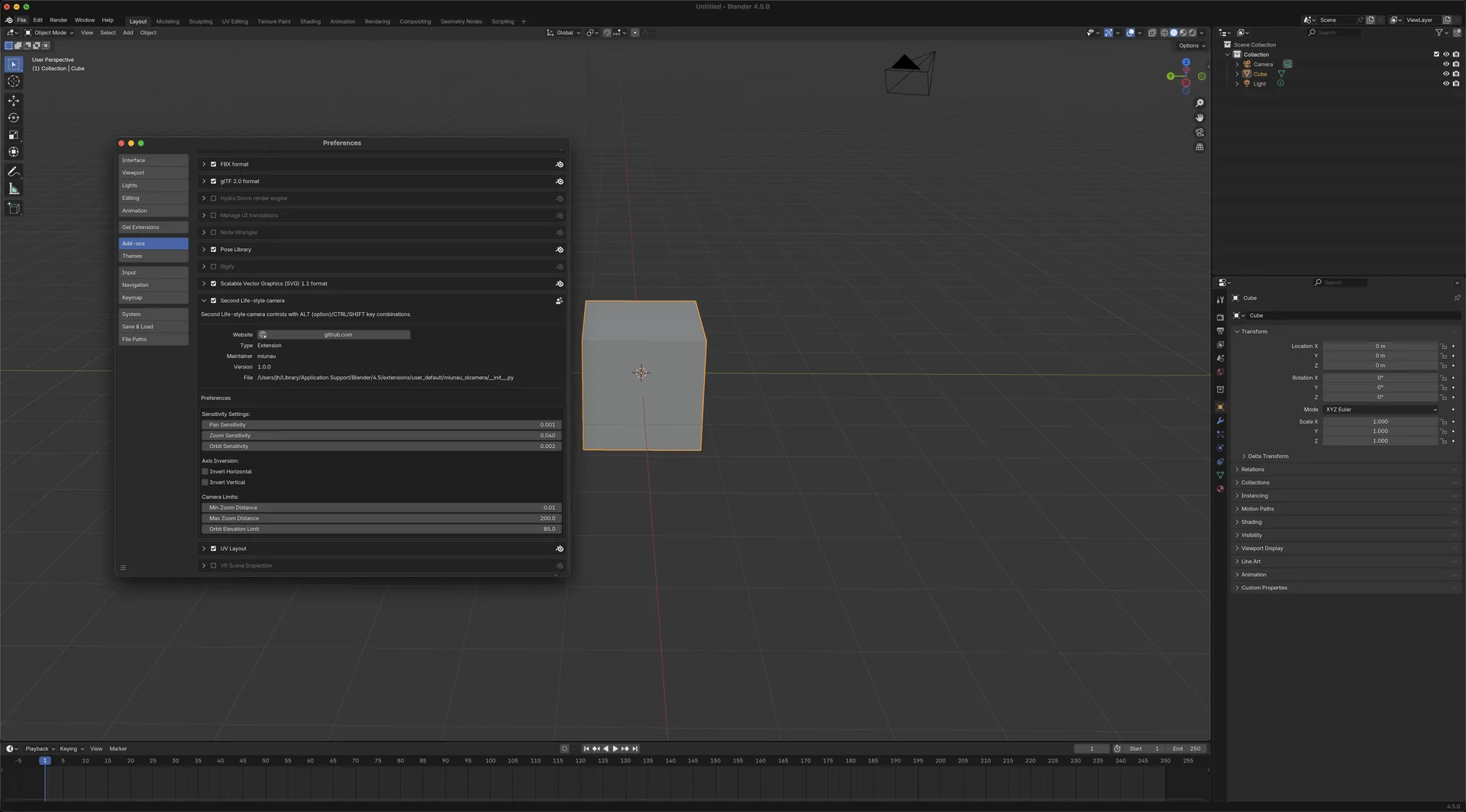
Use Second Life-style camera to focus, orbit, zoom and pan Blender's 3D View with Alt, Ctrl and Shift. See the supported Blender version and mouse controls.
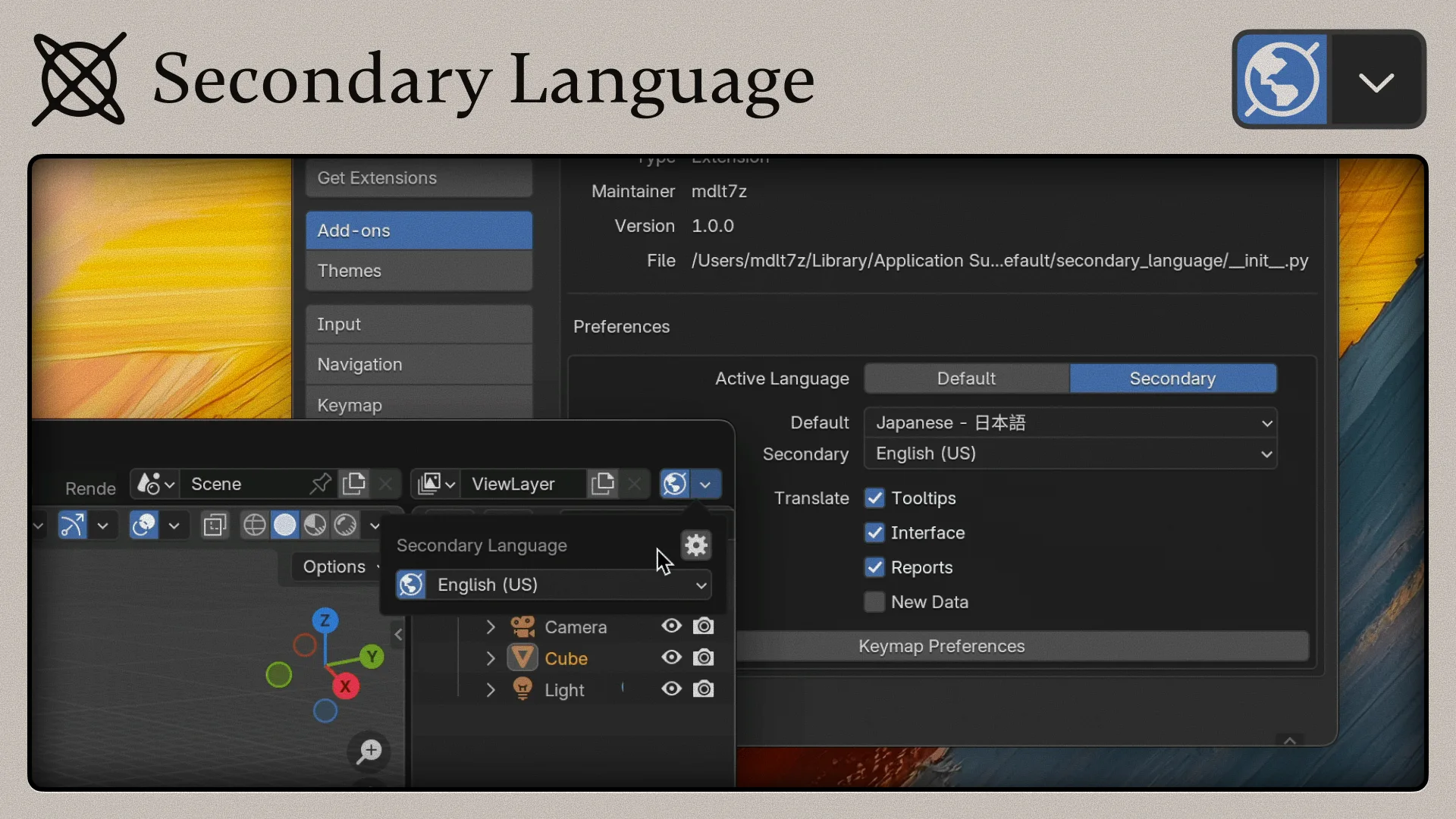
Switch between two Blender interface languages with Secondary Language’s configurable keymap. Version 1.1.0 supports Blender 5.0 and newer.
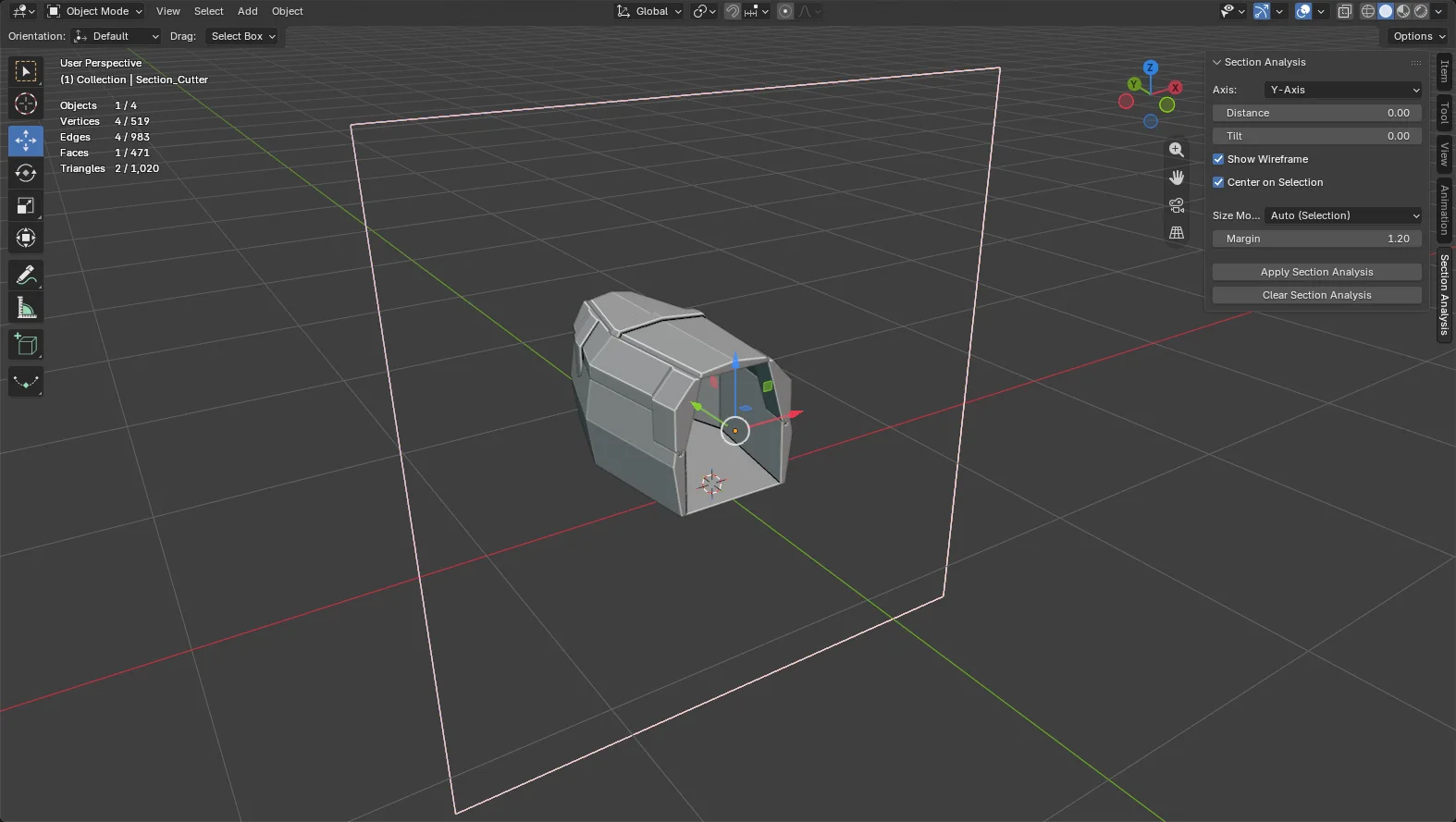
Section Analysis Tool for Blender creates cross-sections and analyzes internal geometry. Check its version, Blender requirement and license before installing.