Valhalla Super Massive
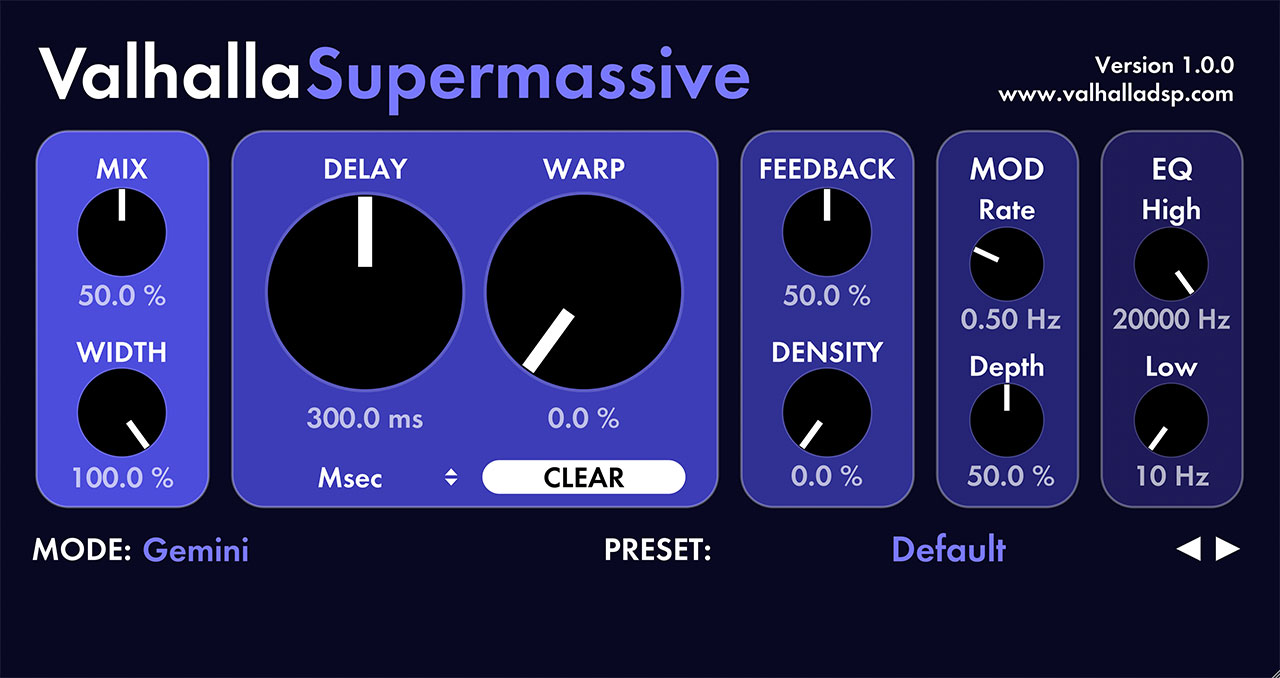
Explore Valhalla Super Massive’s 22 reverb and delay modes, sound-shaping controls, supported formats, and system requirements for music production.
Audio plugins and sound utilities for creative applications. Filter by the software you use. Page 18 of 21.
Explore Valhalla Super Massive’s 22 reverb and delay modes, sound-shaping controls, supported formats, and system requirements for music production.
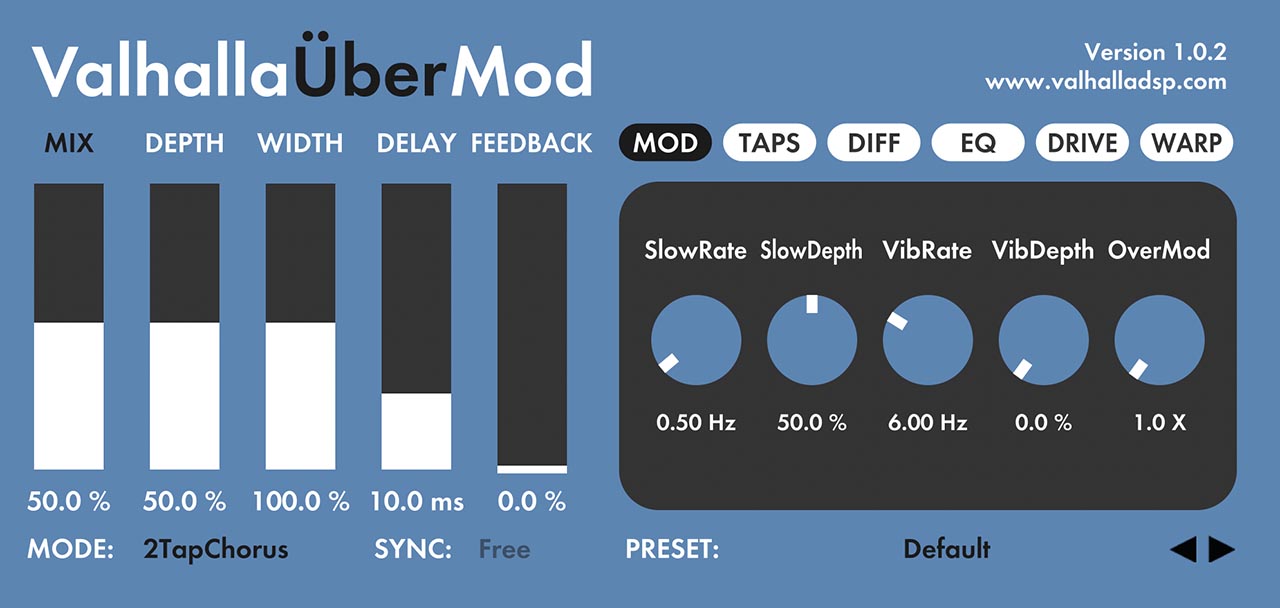
Compare Valhalla UberMod's chorus, ensemble, echo and reverb modes, then check supported systems, formats and keyfile licensing for your DAW.
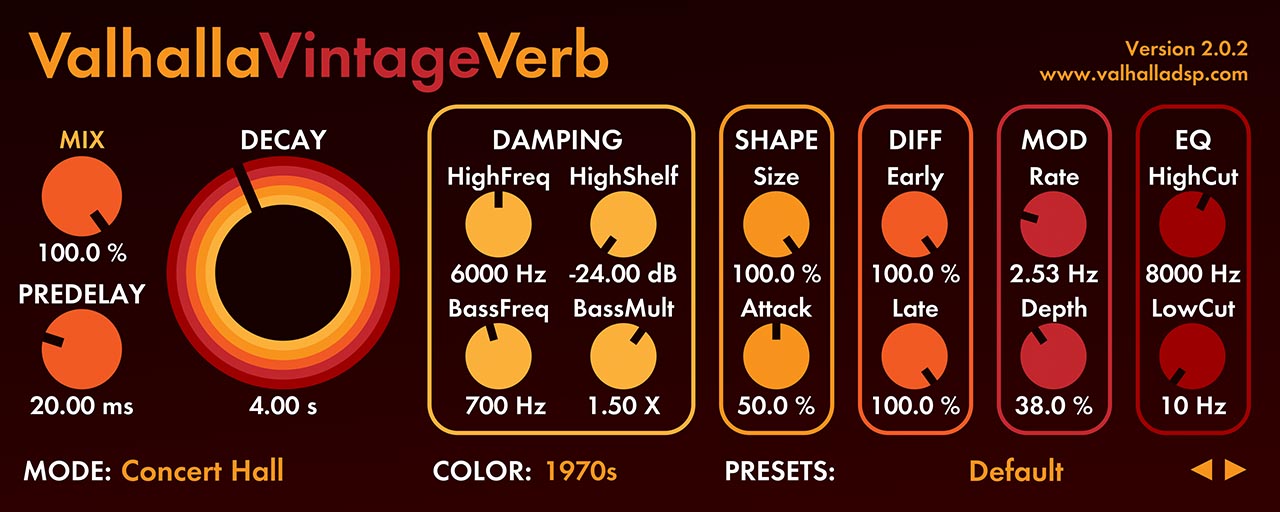
Explore Valhalla VintageVerb's 22 reverb algorithms, three era-based color modes, practical drum and vocal uses, DAW formats, and license requirements.
Generate or revise voiceovers with Vampro Voice Generator Text-to-Speech in Premiere Pro. Use voice, tone, speed and pitch controls; check Windows requirements.
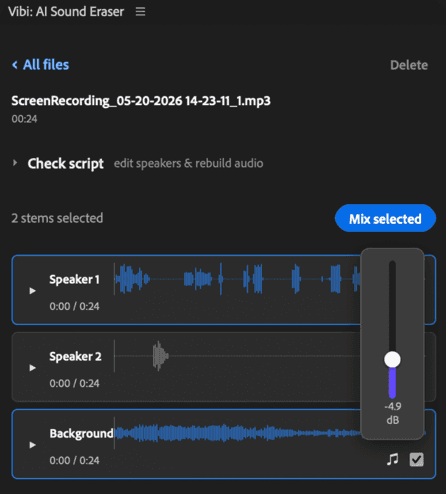
VIBI: AI Sound Eraser is a Premiere Pro panel for speaker and background separation, transcript editing, and .wav mixing. Premiere Pro 26+ required.
Explore VKO Shader for After Effects, a GPU-based GLSL effect with keyframable controls, custom shader workflows, and audio or BPM-driven animation.
Explore VKO Shader for Final Cut Pro: 91 built-in shaders, keyframable controls, audio or BPM sync, custom imports, and Motion support.
Vocal Isolator separates vocals and music or denoises speech in Premiere Pro and After Effects on Windows. See its modes, batch workflow and requirements.
Separate vocals from music inside Premiere Pro or After Effects. VocalSplitter creates two aligned stems on your timeline and processes audio locally.
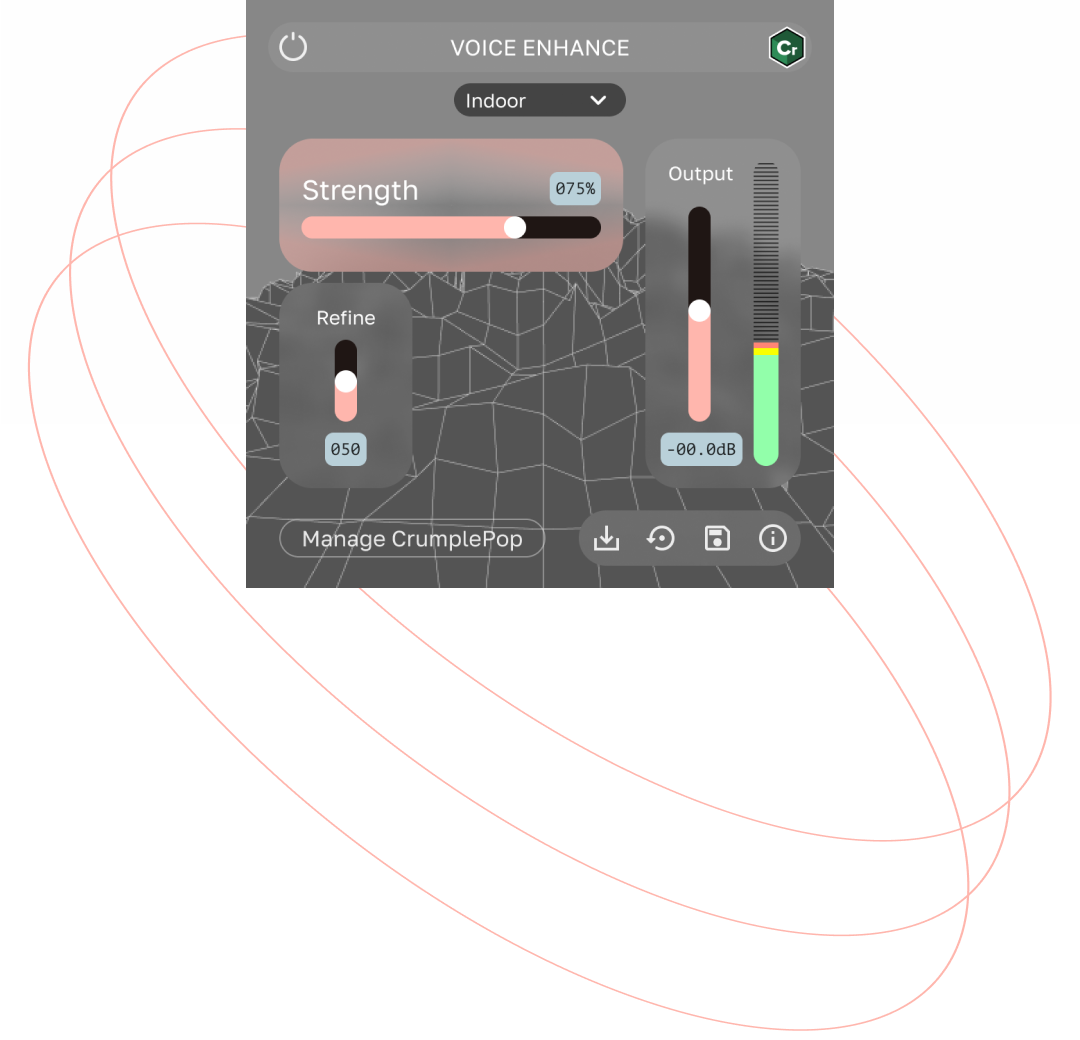
Voice Enhance improves noisy, echoey, or muffled speech in real time. Adjust Strength locally in supported hosts or the standalone app, without uploads.
VoicePitcher 4 creates vocal doubles and harmonies with two pitch shifters, formant control, LFO movement, freeze effects and four switchable snapshots.
VoiceWunder adds text-to-speech, speech-to-speech and custom voice tools to Premiere Pro. See audio tips, consent rules and commercial-use limits.
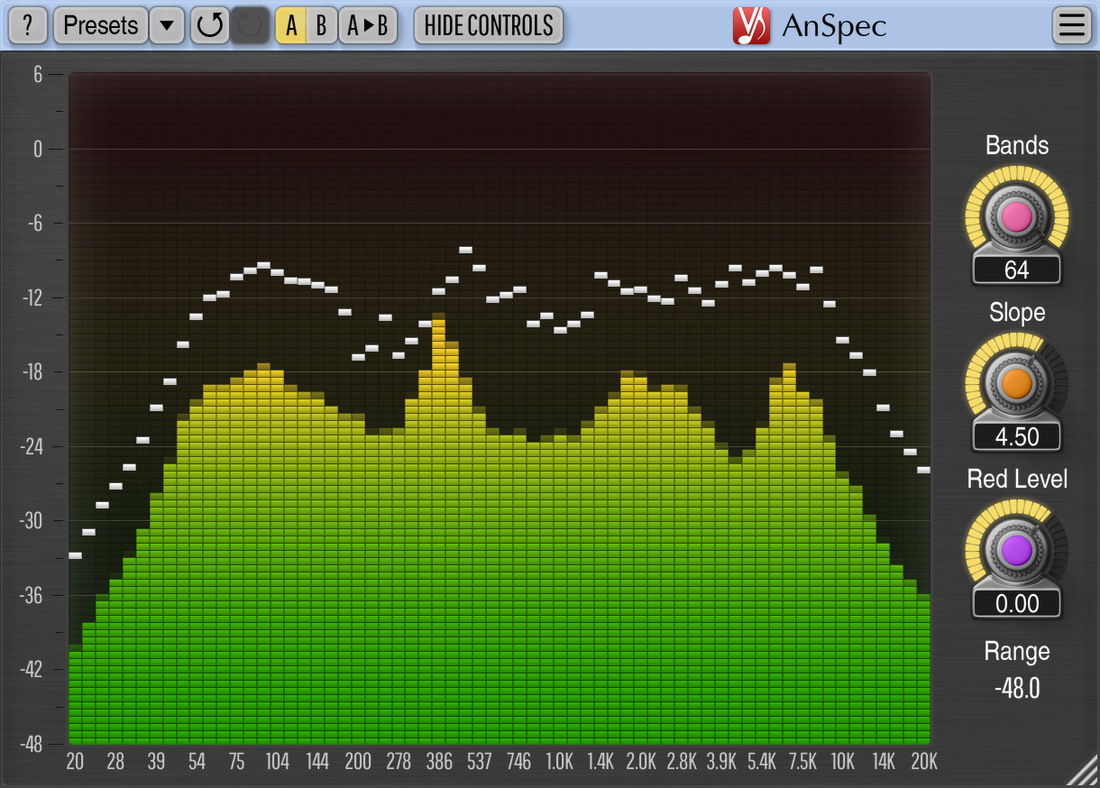
Voxengo AnSpec is a free spectrum analyzer with selectable band count, adjustable slope and range controls, peak indication, and Mac and Windows plugin support.
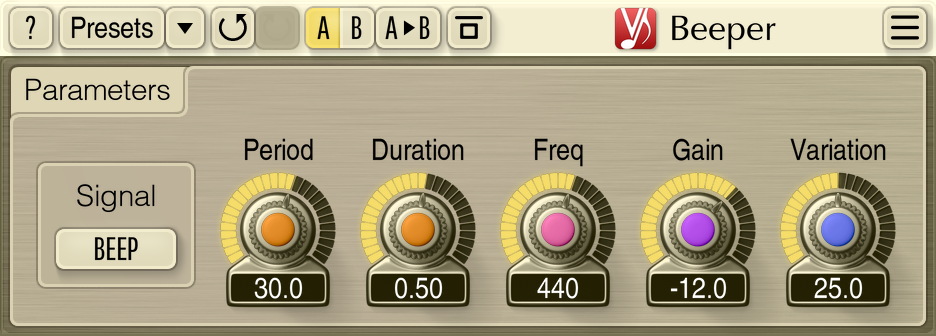
Voxengo Beeper adds beeps, filtered noise bursts or proportional volume reduction; controls set interval, duration, frequency, gain and beep variation.
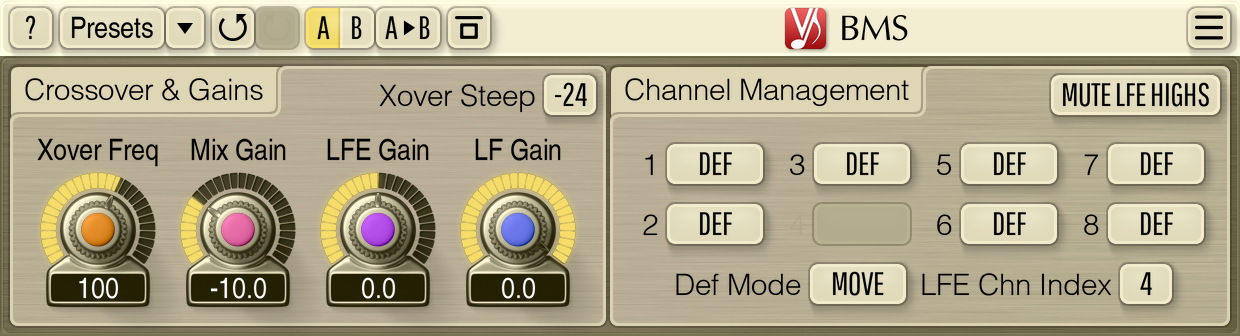
Voxengo BMS extracts low frequencies in surround mixes for monitoring or LFE routing, with adjustable crossover controls and AU, AAX, VST, and VST3 formats.
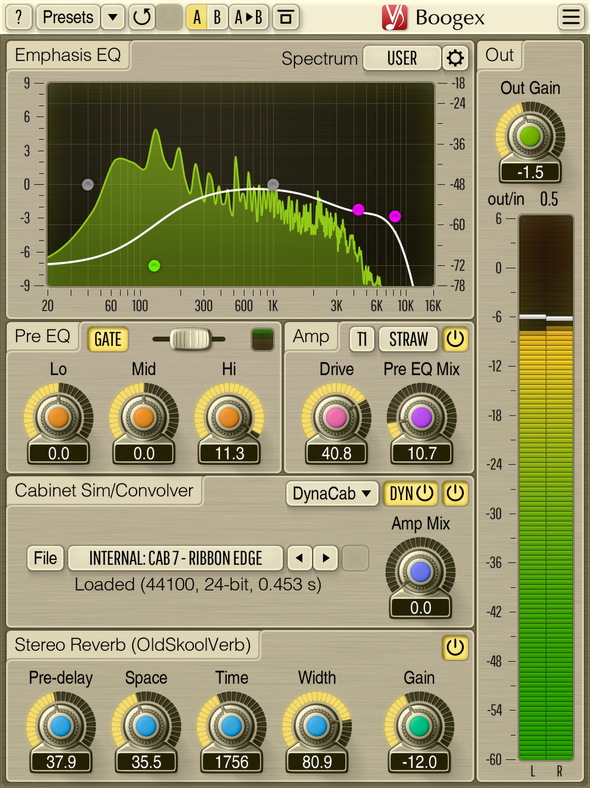
Voxengo Boogex combines amp, cabinet convolution, DynaCab, gate and reverb. See its guitar and stereo IR workflows, supported formats and model limits.
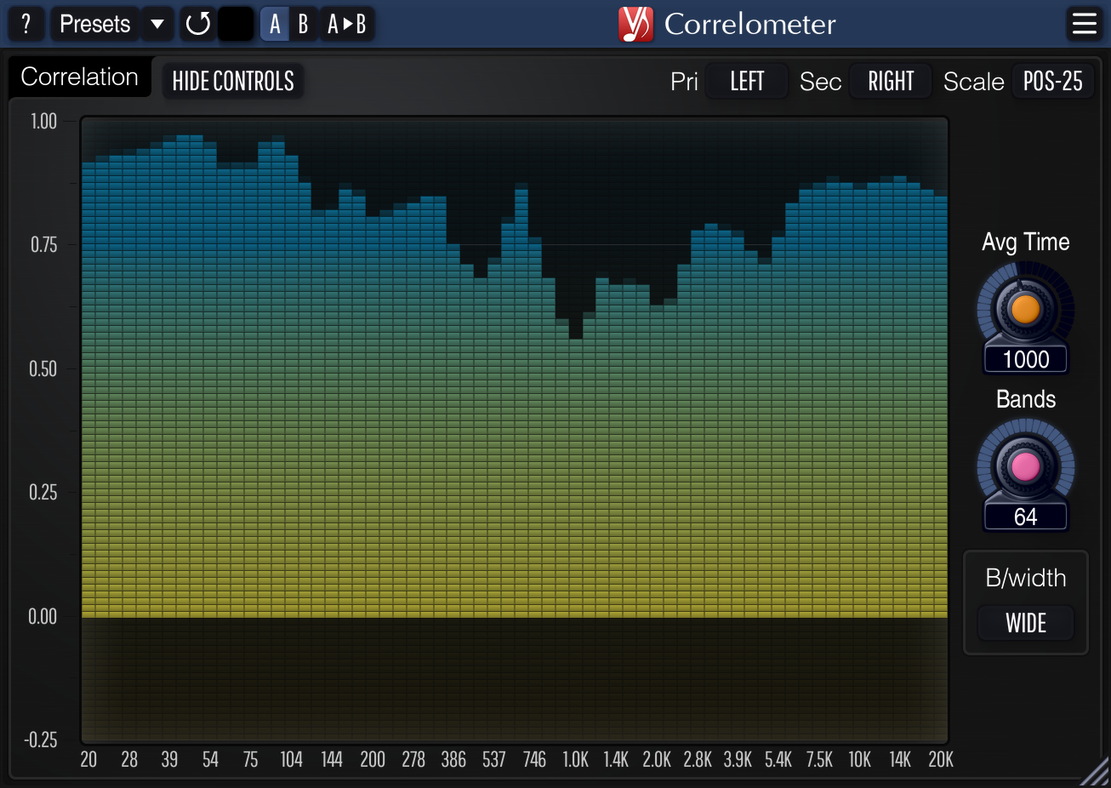
Voxengo Correlometer is a stereo correlation meter for track comparison across 4 to 64 bands, with side-chain input and adjustable selectivity and averaging.
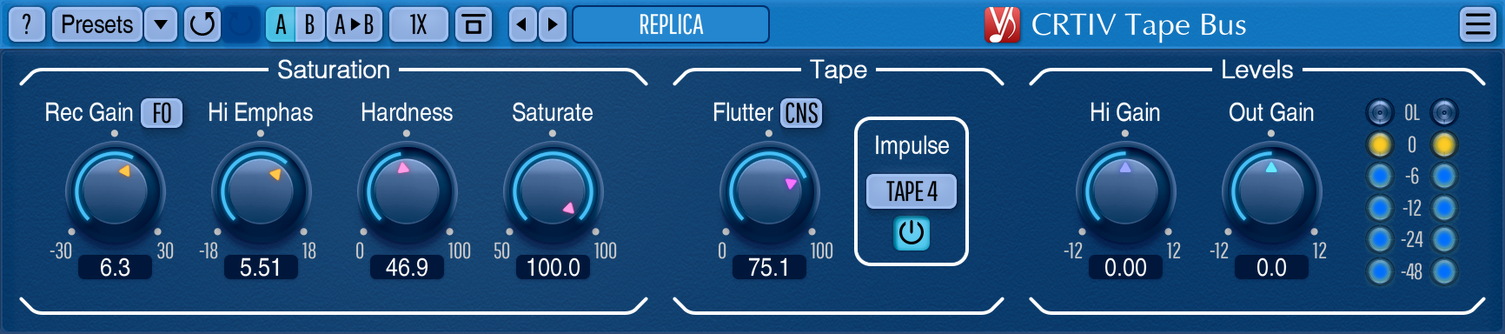
Voxengo CRTIV Tape Bus adds adjustable tape saturation, four tonal impulse responses, flutter and transient control, with AU, AAX, VST and VST3 support.
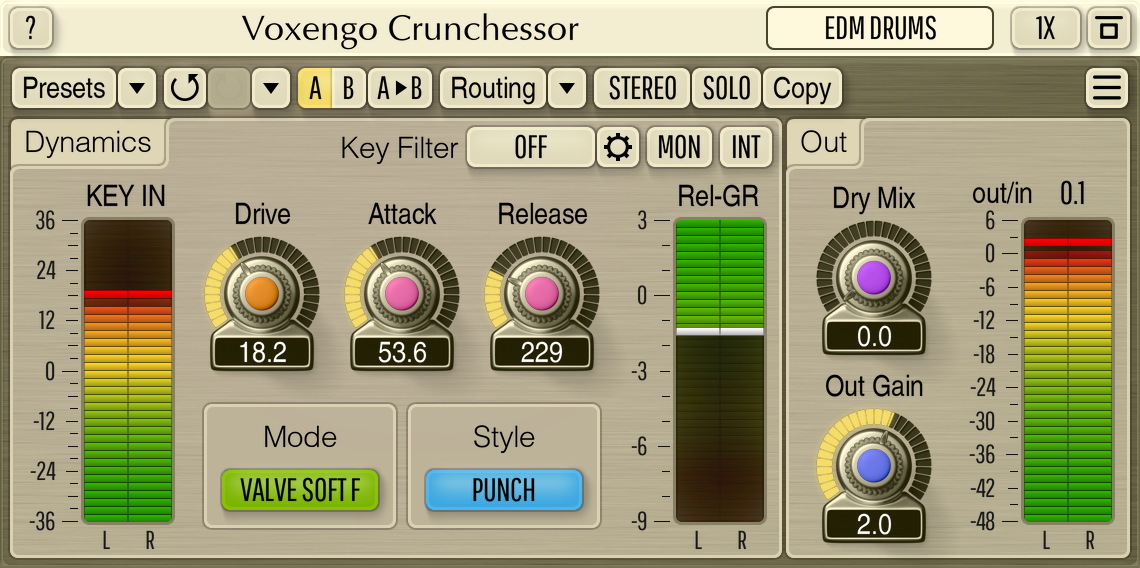
Voxengo Crunchessor compresses tracks and buses with Drive, valve or clean modes, tone styles, key filtering, and parallel mix for macOS and Windows.
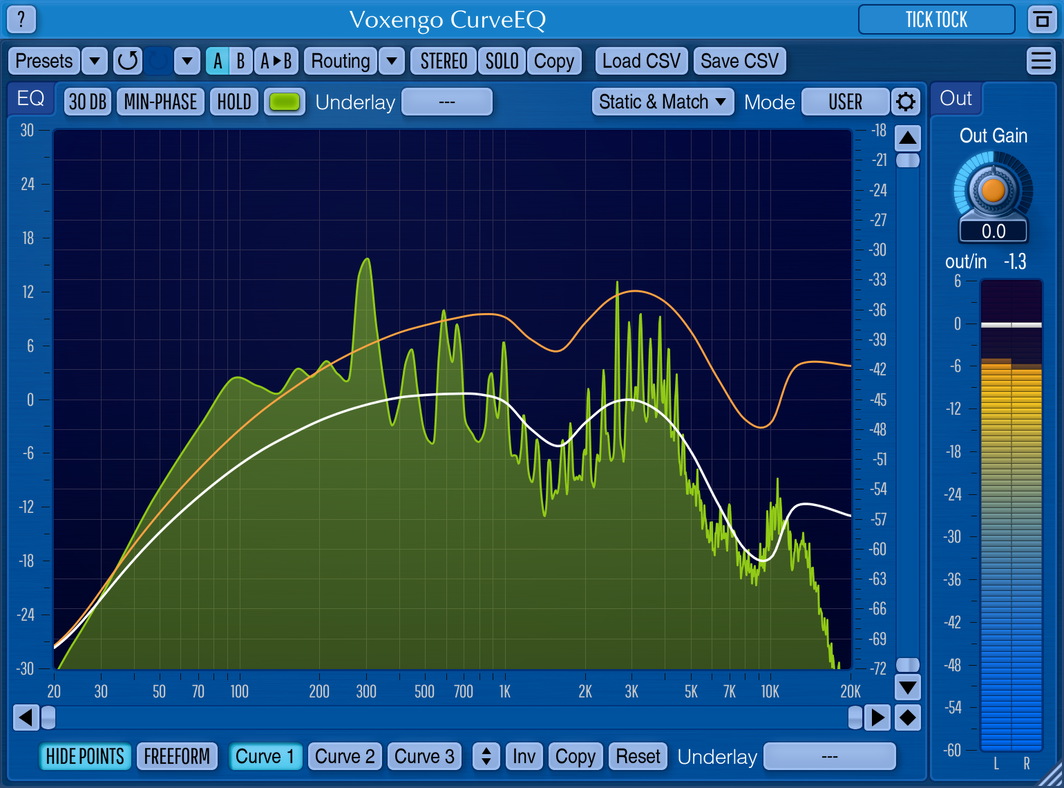
Shape EQ curves by hand, match a mix to reference spectra, and compare output in real time with Voxengo CurveEQ. Check formats, latency, and demo limits.
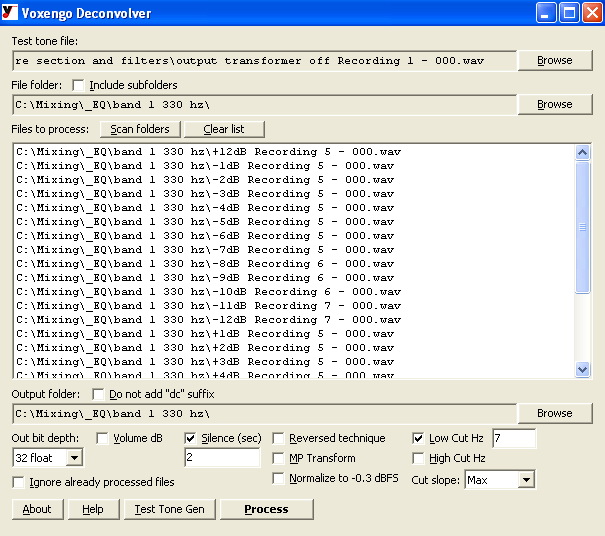
Voxengo Deconvolver is a Windows app for impulse recovery. The demo allows three deconvolution operations per program session.
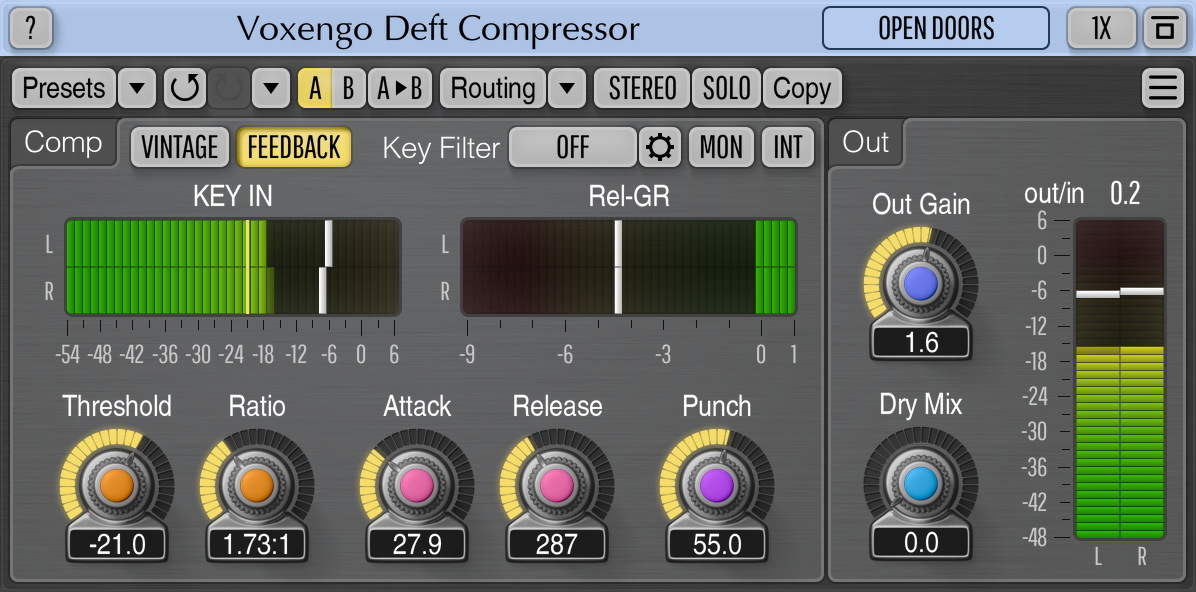
See how Voxengo Deft Compressor handles S-curve timing, vintage and feedback modes, filtered sidechains, parallel blending, supported formats and trial limits.