AutoCollapse
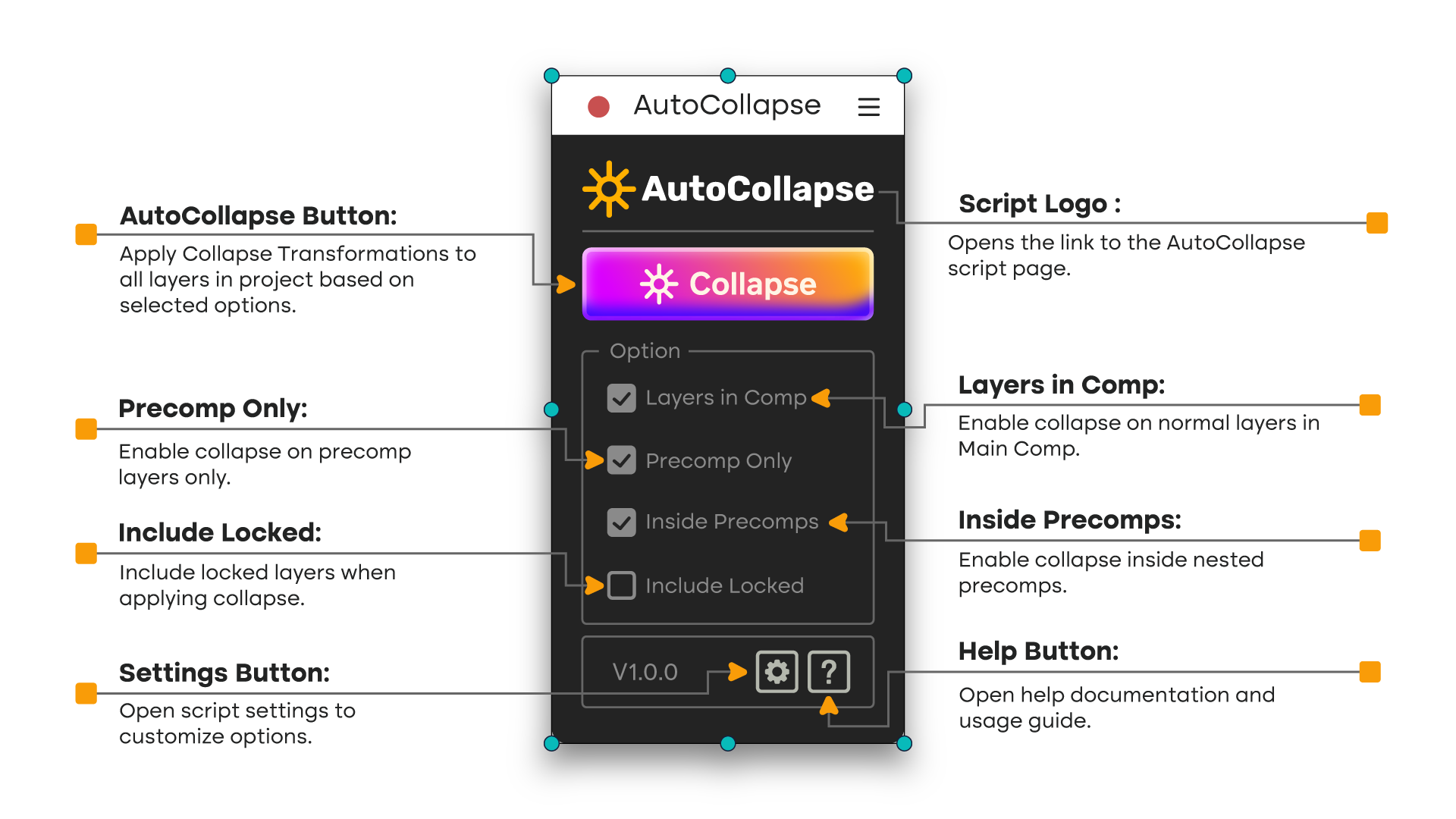
AutoCollapse applies Collapse Transformations to After Effects layers and nested comps, with controls for locked layers and an optional summary of each run.
Tools for organizing files and automating repeated tasks in creative applications. Browse by application or search for a task. Page 14 of 163.
AutoCollapse applies Collapse Transformations to After Effects layers and nested comps, with controls for locked layers and an optional summary of each run.
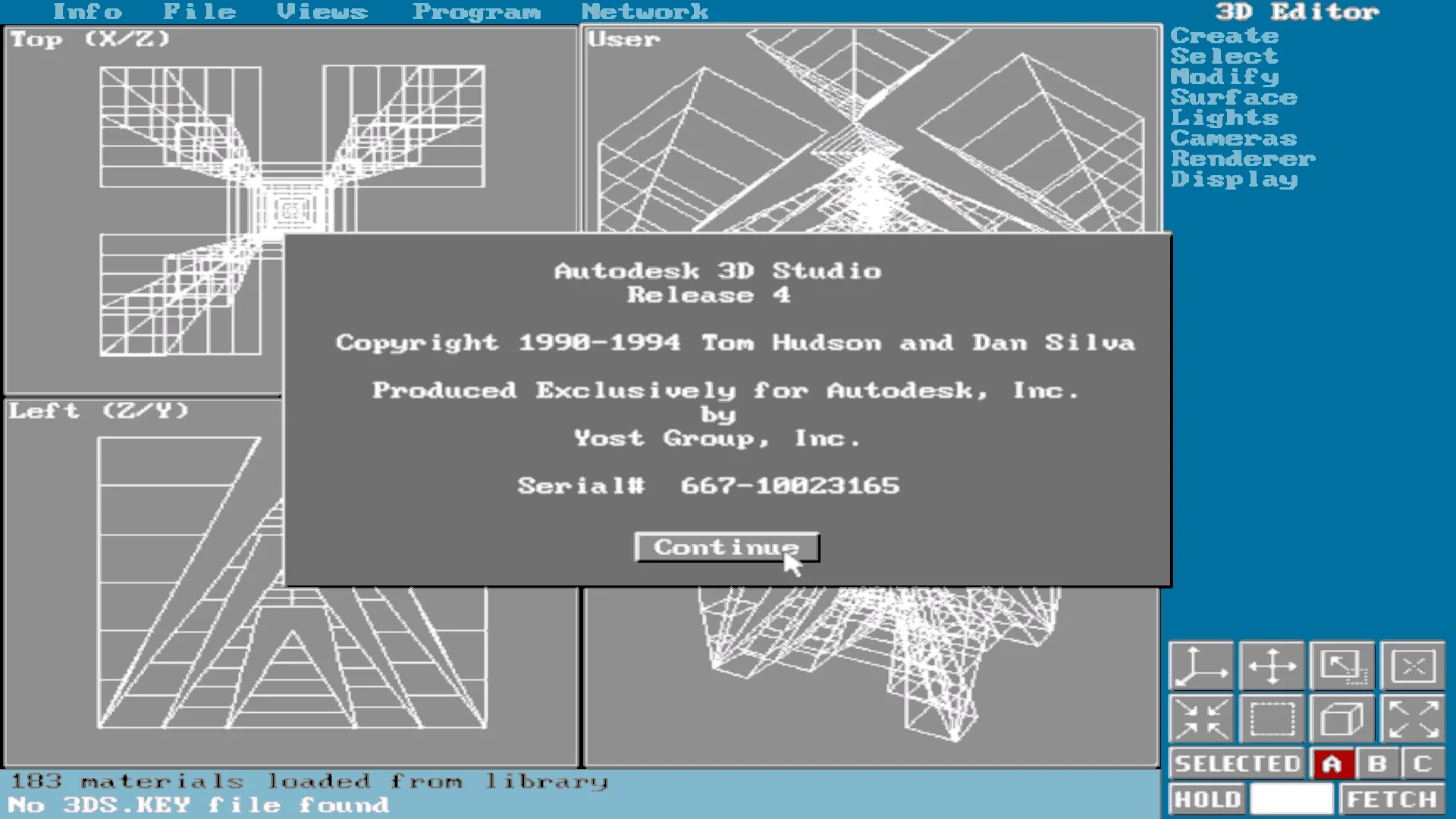
Autodesk 3D Studio (.3ds) adds .3ds import and export to Blender. Version 3.0.2 requires Blender 4.2.0; the v3.0.1 manual says textures stay linked.
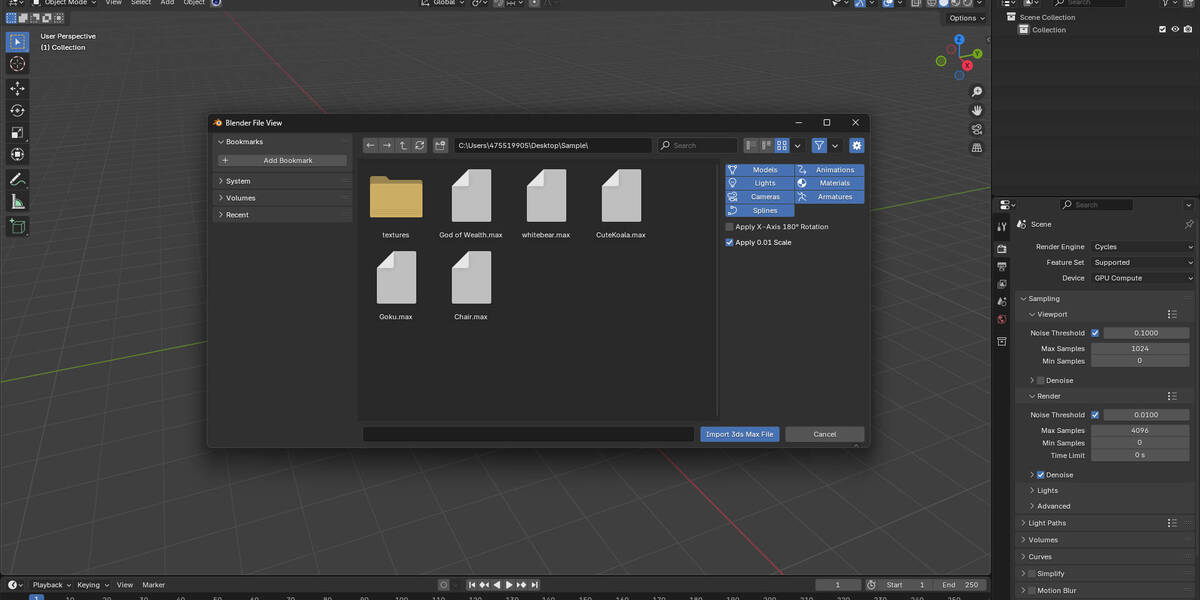
Autodesk 3Ds Max File Import-Export (.Max) is a Blender add-on for importing and exporting .max scenes, with selective controls and Windows requirements.
Exchange selected Tekla Structures geometry and properties with Revit, Rhino or Power BI. Review version support, project access and load behavior.
Autodesk Maya File Import-Export (.Mb .Ma) is a Blender add-on using mayapy; Maya must be installed locally. Check OS and version support before installing.
Batch-process AutoCAD-exported .3ds objects with AutoEdge Selected in 3ds Max: convert to Editable Mesh, select edges, and run Auto Edge. Check compatibility.
AutoExchanger automates shell-and-tube exchanger assemblies, Inventor drawings and BOMs. Review its requirements, trial and licensing options.
AutoFloor UVs applies planar UVW mapping to tiled and parquet surfaces in 3ds Max, with per-element resize, shift, mirroring and rotation controls.
Autofocus Pro is a Blender add-on for depth of field, custom focus regions, and animated focus pulls. Check version support before installing.
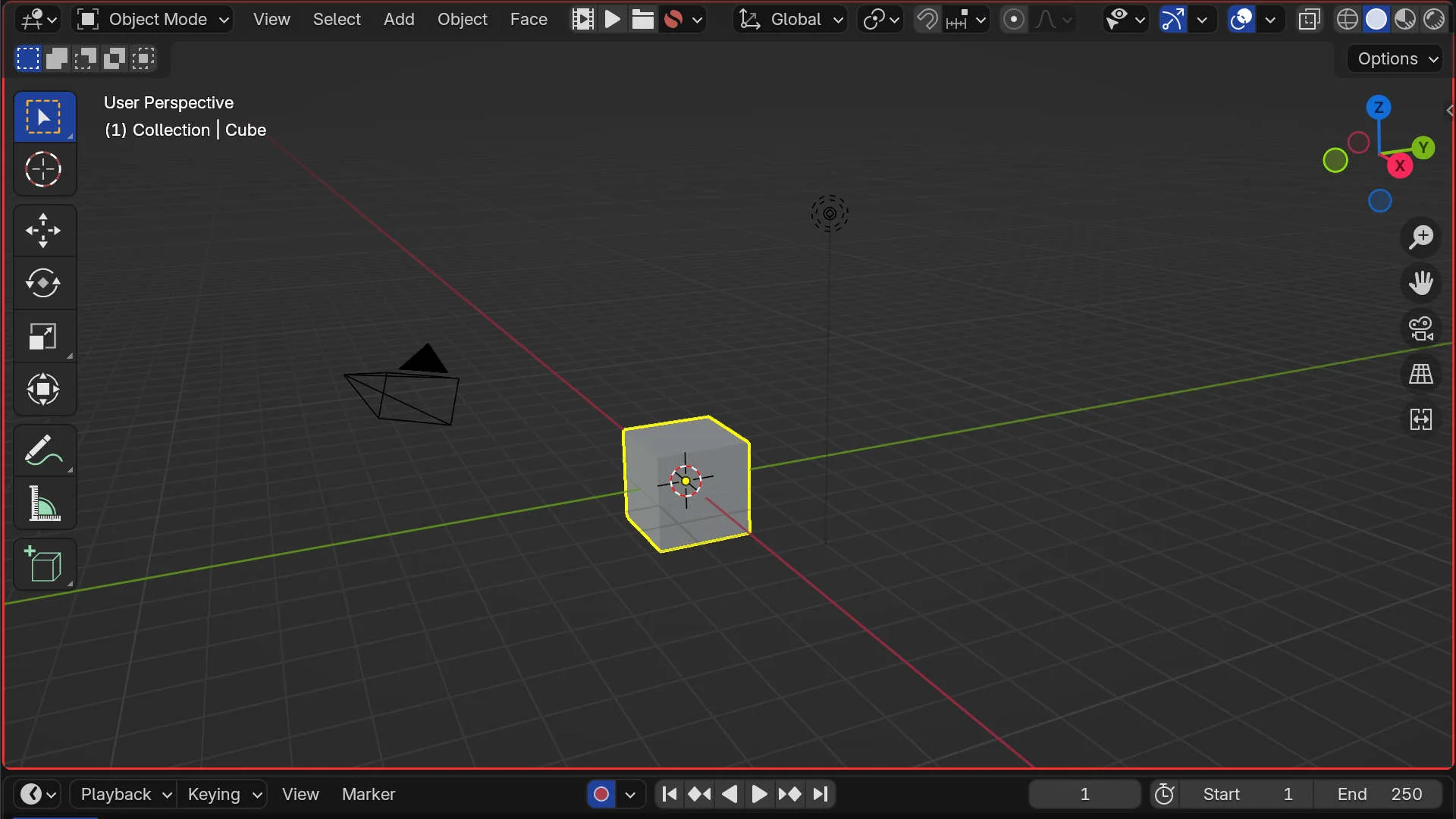
Autokey Highlight shows when Blender Autokey is active in the viewport. Check Blender 4.2.0 compatibility, display settings and license before installing.
Automate keyframe selection, movement and spacing in Blender's Dope Sheet. See supported versions, installation steps and overlap risks before use.
Autokroma PlumePack copies, trims, or transcodes used Premiere Pro media into a new project. Compare its consolidation modes, file handling, and limits.
AutoLINE Linetypes are AutoCAD tools for building and editing patterns with parallel lines, blocks, text, and LISP expressions. Start a free trial.
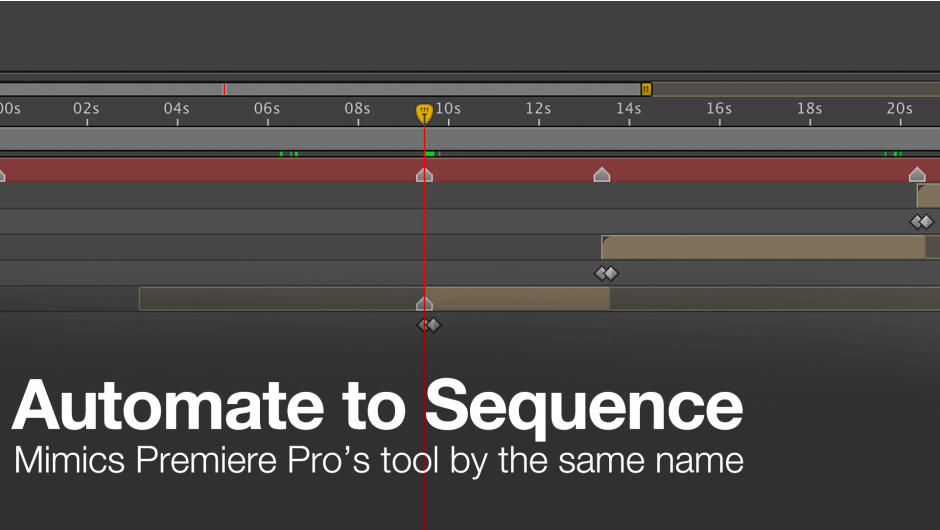
Sequence selected After Effects layers from markers on a chosen layer, with controls for ordering, overlap and whether timing shifts or in points change.
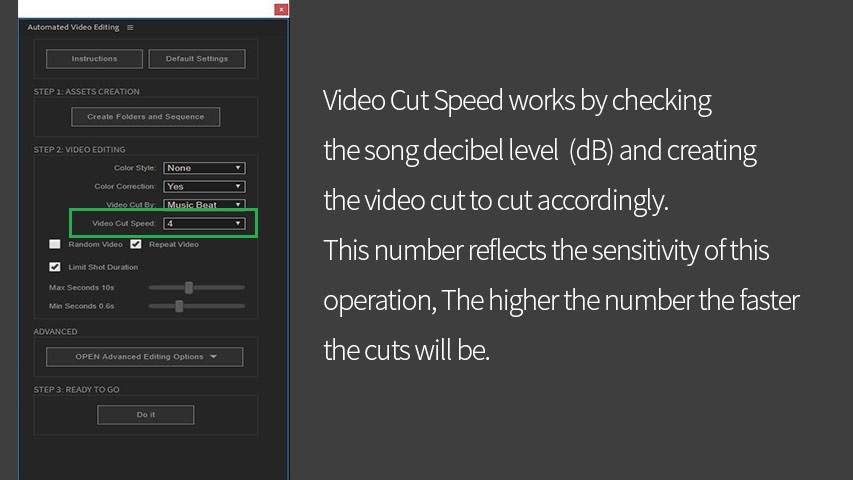
Automated Video Editing is a Premiere Pro tool for cuts using a music-volume threshold, fixed time, or markers, with shot limits, dissolves, and scaling.
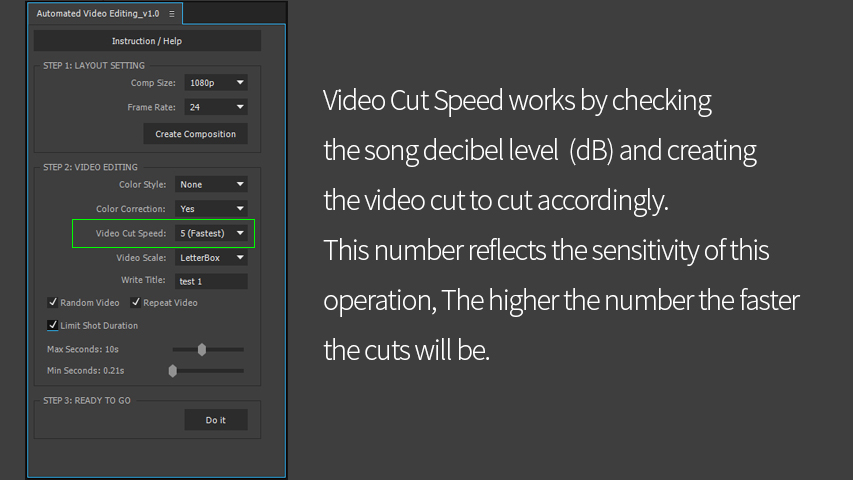
Create music-synced edits in After Effects from your clips, then adjust shot length, transitions, scaling, color style and opening or closing titles.
Generate Blender drivers for shape keys, lattices, shaders, and motion. Review the sidebar workflow, Blender 4.0 listing, and auto-replace caution.
Automatic Duck Ximport AE converts Final Cut Pro XML into After Effects compositions, with layer and media controls plus documented limits on transferred edits.
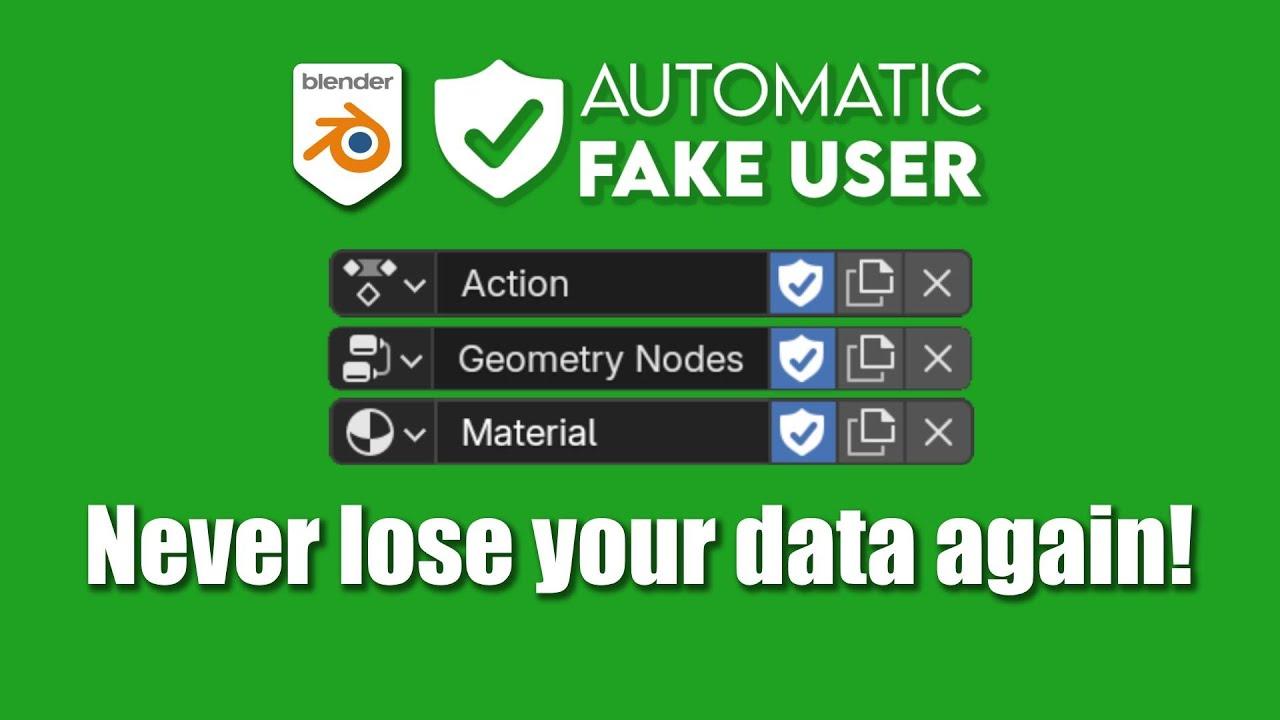
Automatic Fake User is a Blender add-on that assigns fake-user flags to chosen datablock types on save, with exclusions and a manual File Menu option.
Automation Agent for Adobe Premiere is a Premiere Pro panel for saved workflows and selected ChatGPT or Claude tasks. Check version and setup needs.
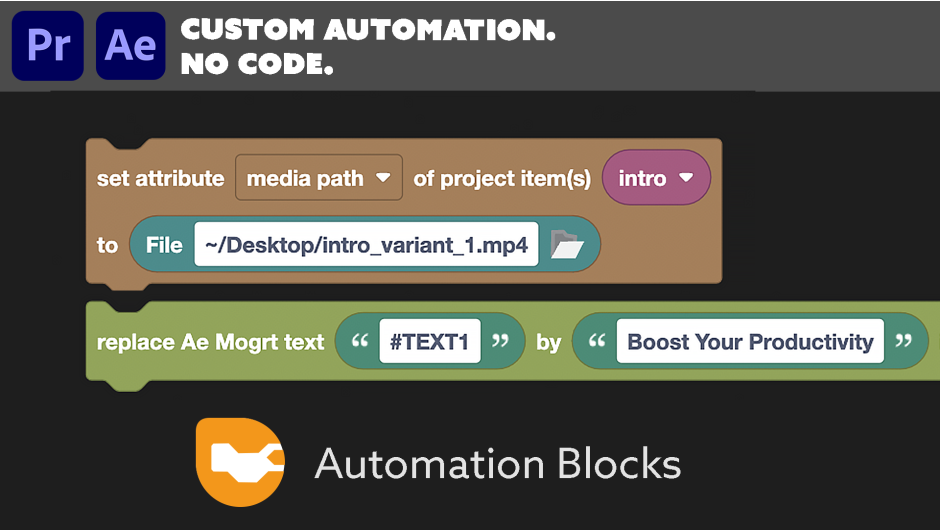
Automate Premiere Pro setup, template edits, clip animation and marker tasks with Automation Blocks. Review its workflows, compatibility and licensing.
Automation Surfaces creates TIN surfaces, splits existing surfaces with polylines, and automates volume-surface creation. Check Marketplace compatibility.