Label Isolate
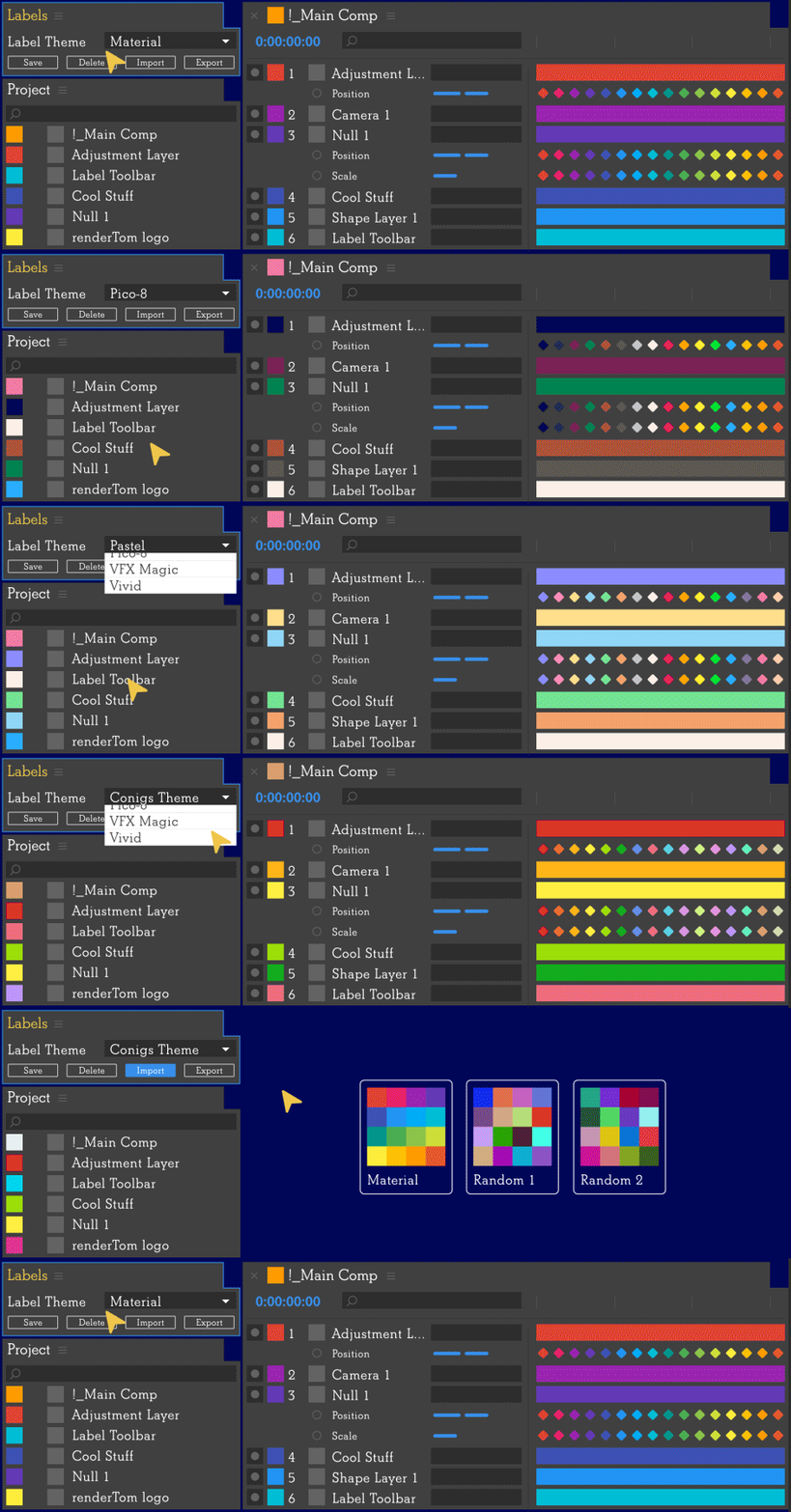
Label Isolate is an After Effects script that hides layers by label color, isolates several colors, and restores the prior timeline state with a second click.
Published software and plugin guides for Adobe After Effects. Page 38 of 76.
Read the software guideLabel Isolate is an After Effects script that hides layers by label color, isolates several colors, and restores the prior timeline state with a second click.
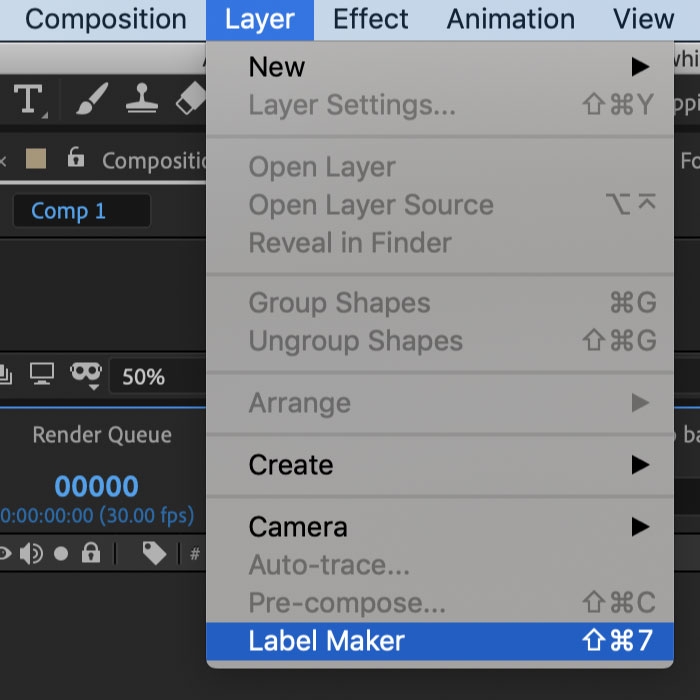
Label Maker assigns default color labels from After Effects layer pixels. Check AE support, custom-color limits, EULA and Floating License Server requirement.
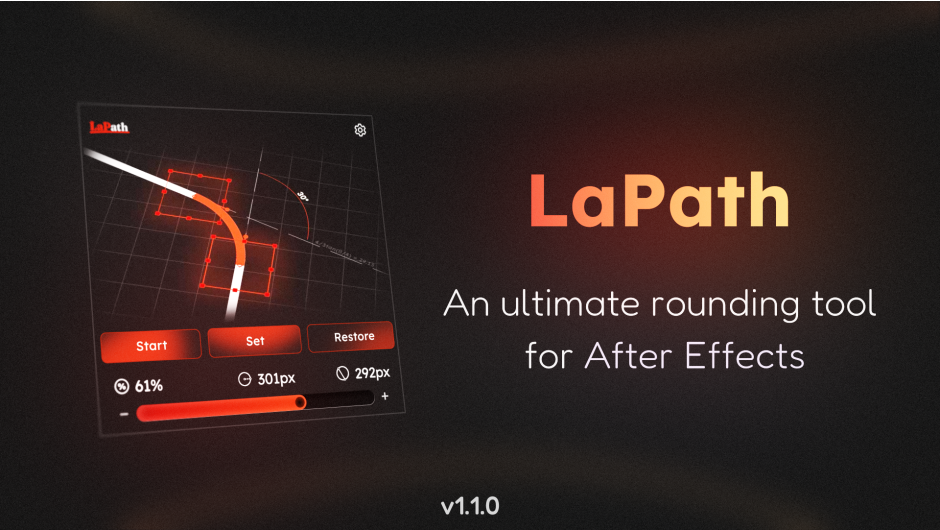
Round selected corners on After Effects shape and mask paths, adjust existing arcs, edit animated paths across keyframes, and restore the original geometry.
LaunchBox brings Ebberts + Zucker After Effects tools into one launcher, opening installed scripts and linking to product pages for trials or full versions.
Layer Displayer filters After Effects layers by time, keyframes, labels, selection, parent, and group, with commands, buttons, and Windows shortcuts.
Layer Force builds After Effects slideshows with 19 transitions, audio sync, per-cut overrides and Premiere Pro timeline paste. Check versions and licensing.
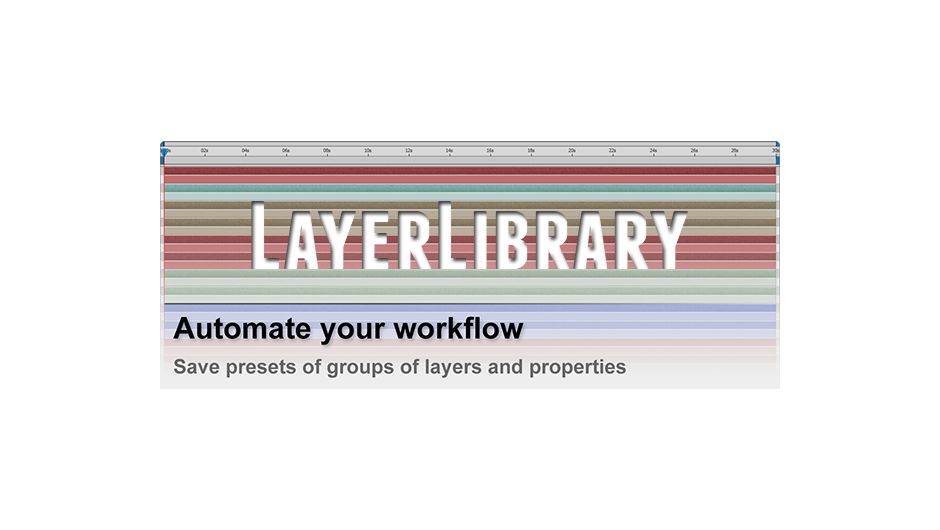
Layer Library is an After Effects preset tool for recreating layer groups or applying saved properties, including effects and masks where applicable.
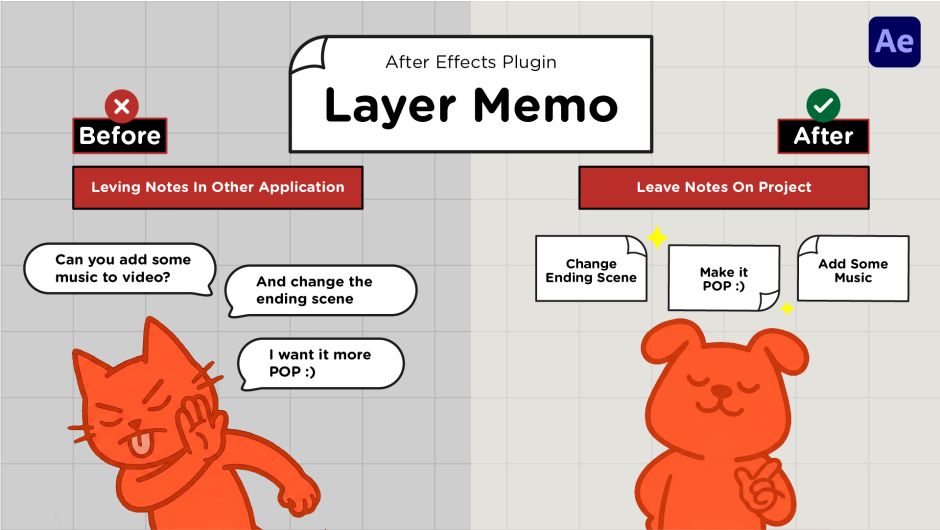
Layer Memo stores searchable After Effects layer notes in the .aep project, with tags, resolution tracking and one-click navigation to each layer.
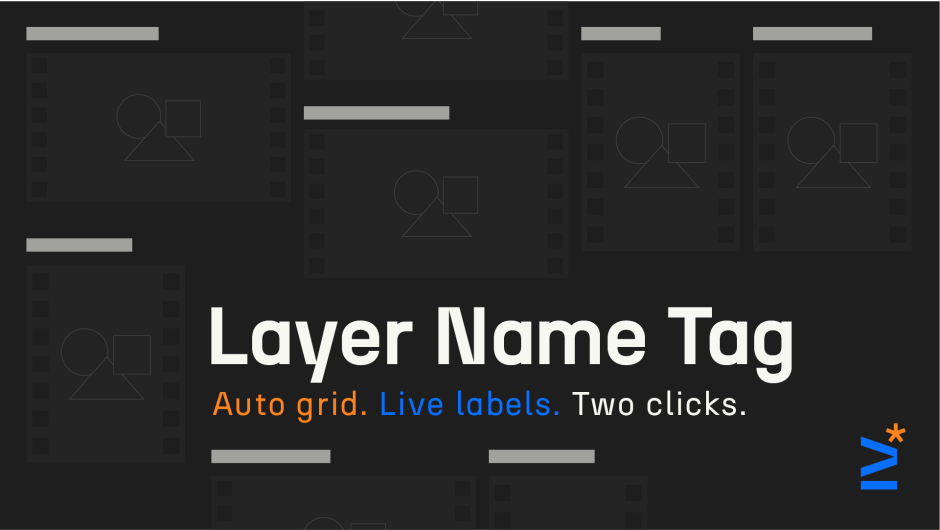
Layer Name Tag is an After Effects script that grids pre-comp layers and adds labels that track renames. See its layout, compatibility and trial limits.
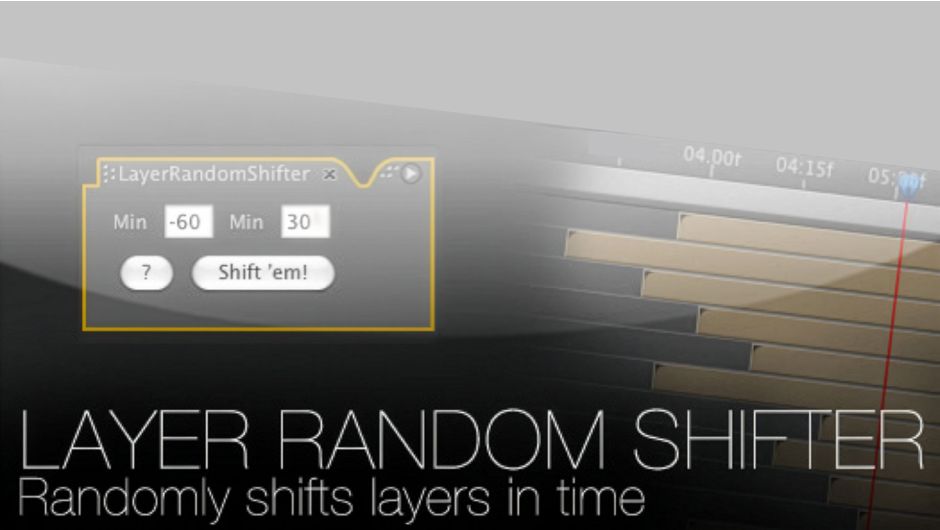
Randomly shift selected layers with Layer Random Shifter within a user-set time range; individual and business licenses have different pricing terms.
Create animated layer repeats in After Effects with spatial and frame offsets, randomized transforms, 3D options, and null-based controls for motion design.
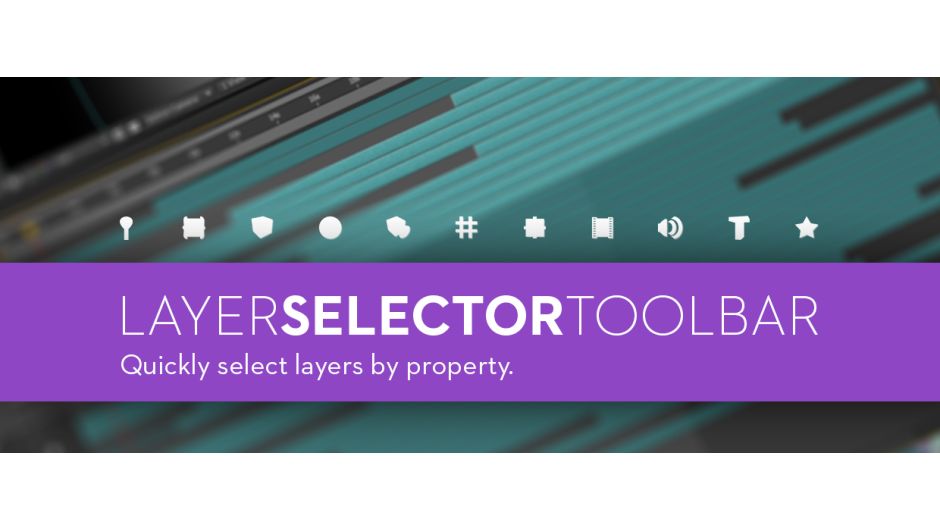
Layer Selector Toolbar selects After Effects layers by type, current-time activity, or inverse selection; see setup, compatibility and licensing details.
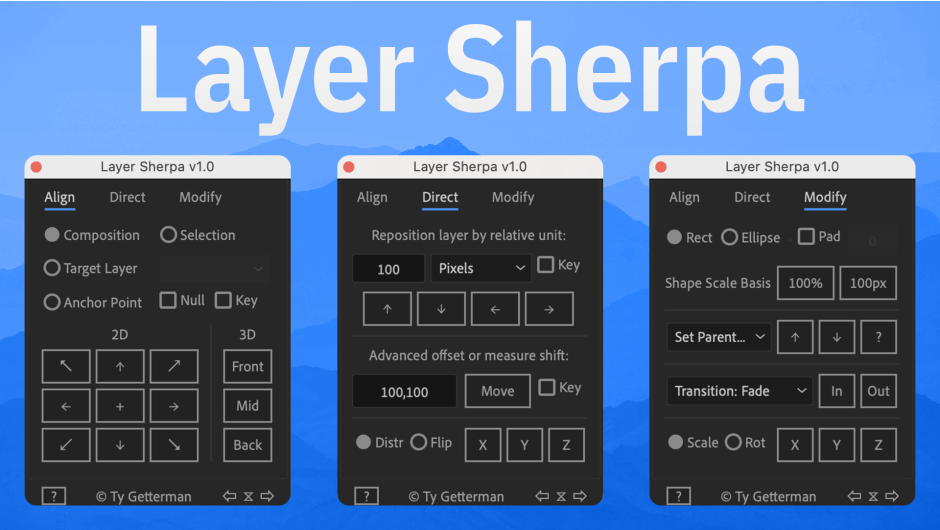
Align and space layers, set parents and timing, create guides and mattes, and apply transitions or transforms from Layer Sherpa's tabbed After Effects panel.
Layer Sitter speeds up After Effects parenting with filtered layer lists, custom nulls, saved Quick Parents, and parent-chain navigation for dense comps.
Layer Slayer syncs After Effects Master and Slayer layers for compositing, mattes, repeats and loops, with compatibility and license terms to check.
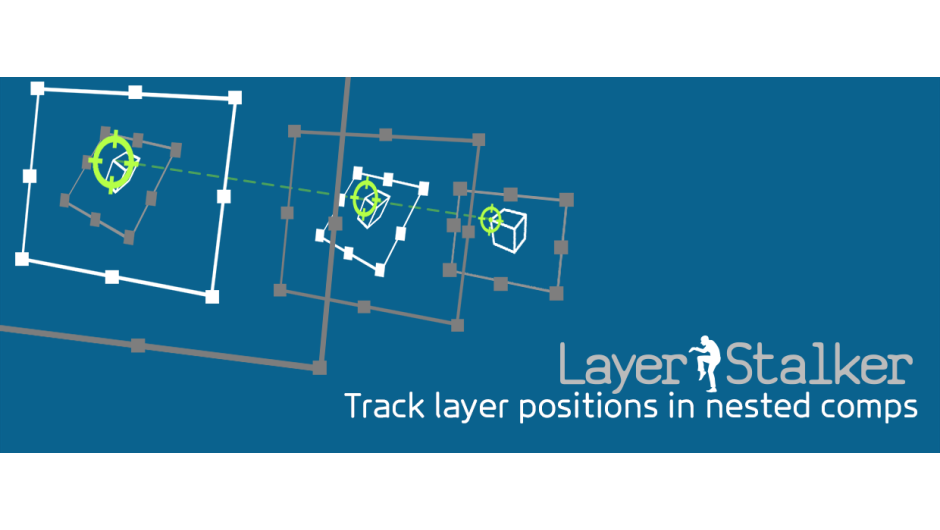
Layer Stalker links 2D or 3D properties to layers across nested After Effects comps, with parent-space output, Strength and Lag controls, and layer-name rules.
Layer Storage groups After Effects layers across compositions for shared solo, hide, shy, select and isolate controls, with groups saved inside the project.
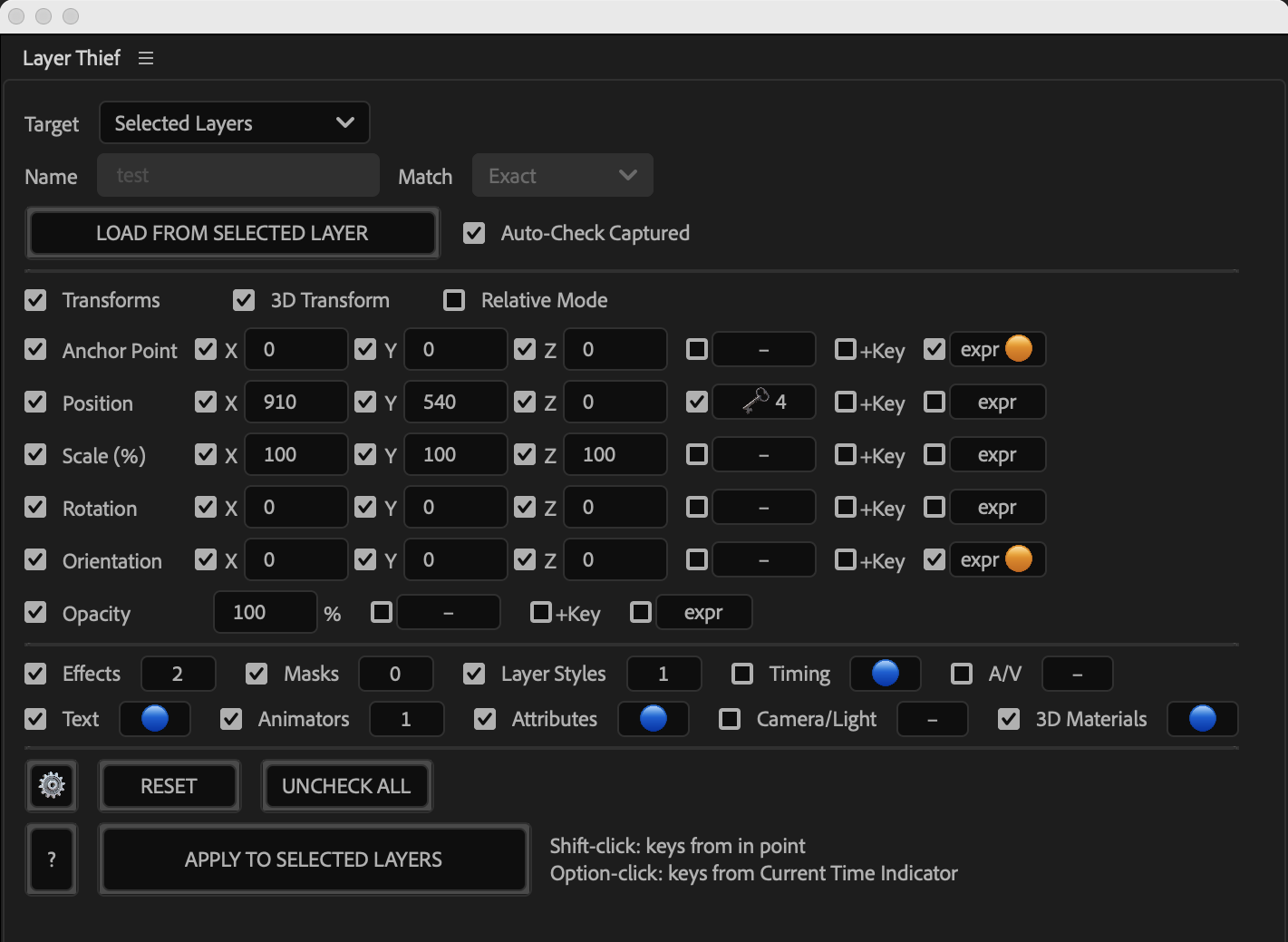
Layer Thief for After Effects transfers keyframes, effects, masks, text styles, and layer settings, with controls for timing and relative adjustments.
Generate text characters, colored solids, and vector icons with LayerGenerators for After Effects. Review tools, setup, compatibility, and license terms.
Export a .cube LUT from an After Effects layer with effects for use in other software. Check the supported After Effects versions and single-computer license.
LayerMonkey builds animated layer layouts in After Effects with camera and marker controls. See supported layer types, timing tools and listed AE versions.
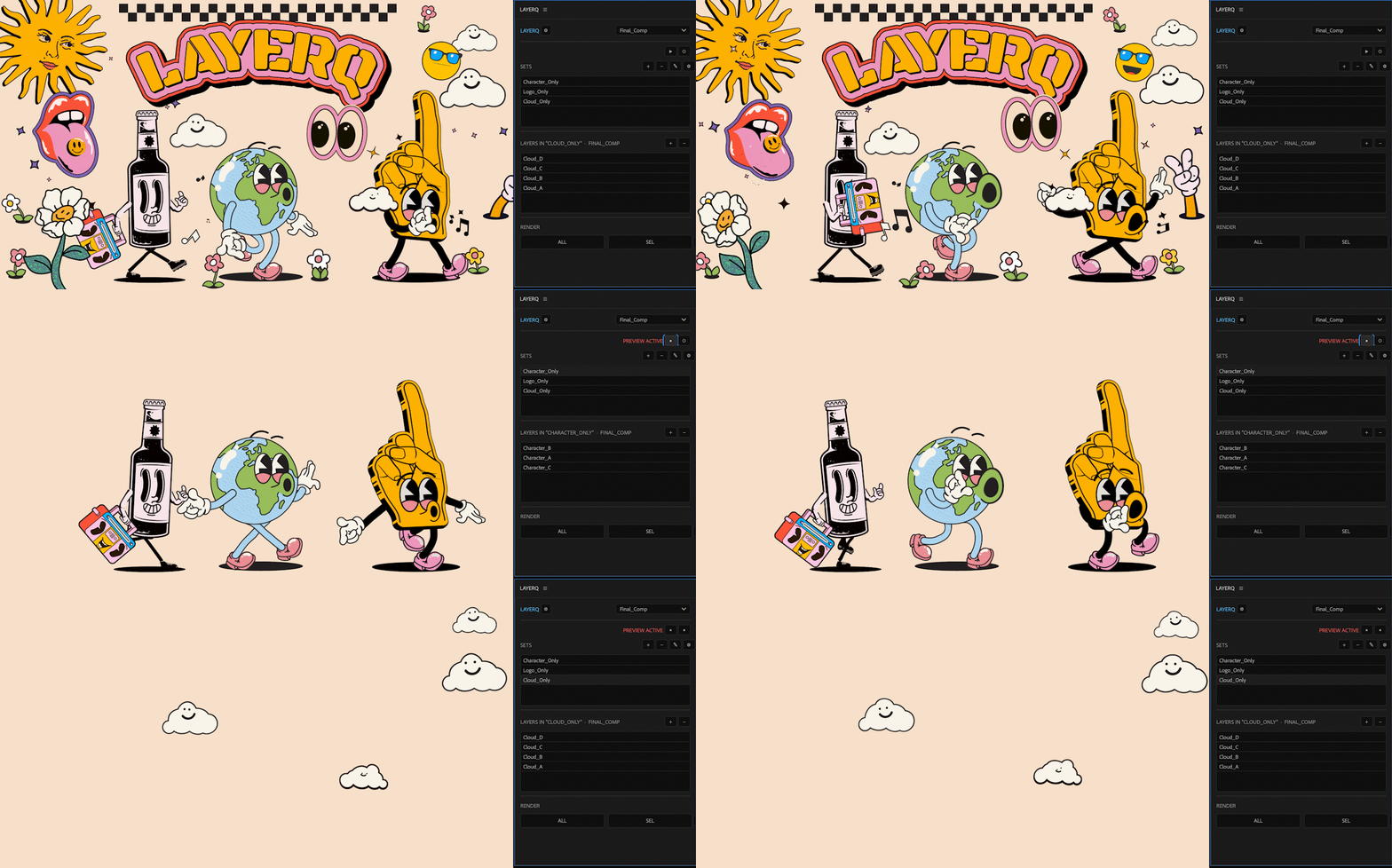
Save named layer-visibility sets, preview with Solo, and batch-render selected variations across nested After Effects compositions with per-set export settings.
Render After Effects layers with LayerRender using FFmpeg codecs and presets. See the layer-range workflow, bit-depth options, trial limits, and compatibility.