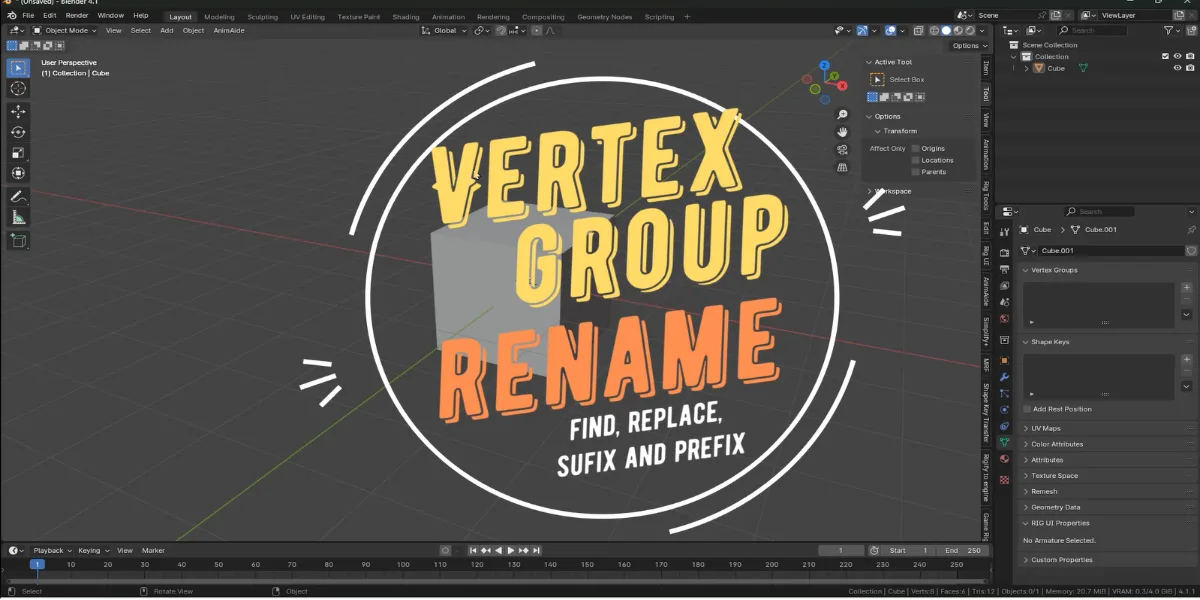
Vertex Group Rename
Diego Hay Ochani Santos de Almeida
Rename multiple Blender vertex groups with find and replace or add prefixes and suffixes. Review its setup steps and compatibility before downloading.
Published software and plugin guides for Blender. Page 187 of 196.
Read the software guideDiego Hay Ochani Santos de Almeida
Rename multiple Blender vertex groups with find and replace or add prefixes and suffixes. Review its setup steps and compatibility before downloading.
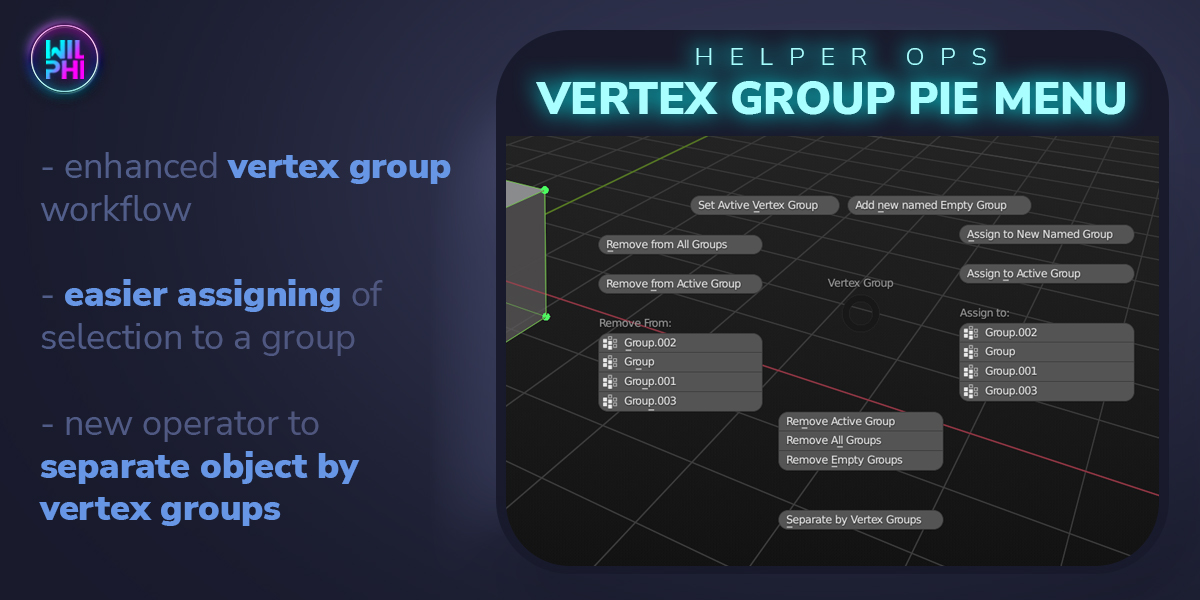
Vertex Groups Pie Menu gives Blender users one place for weights, naming, selection and cleanup. Superhive currently lists it as unavailable for purchase.
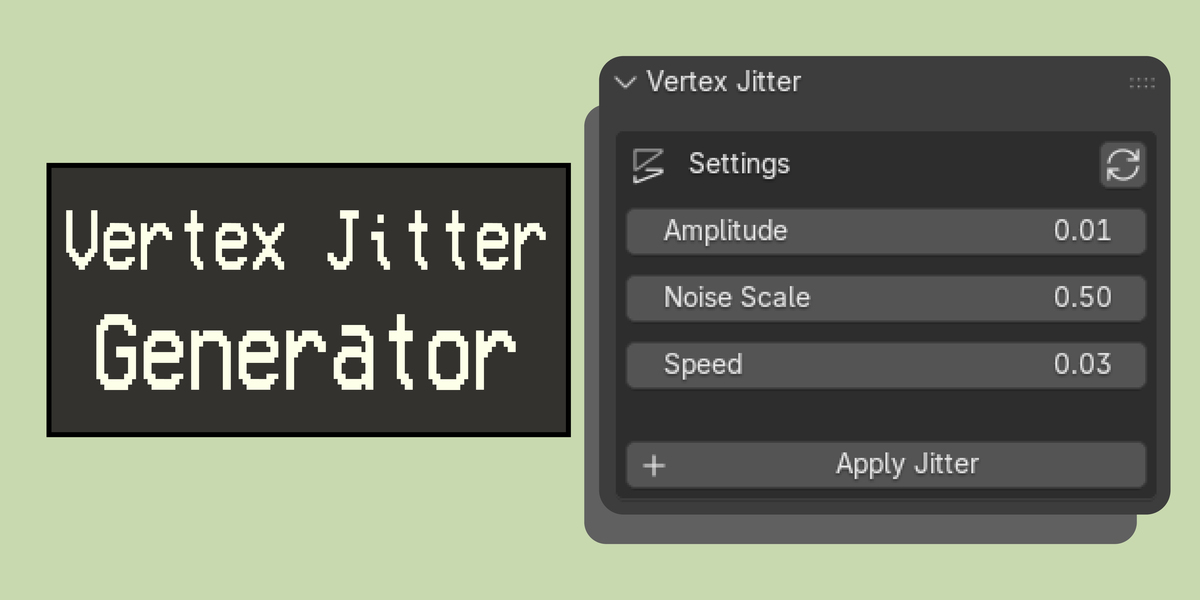
Add editable, timeline-reactive 32-bit-style mesh jitter in Blender with Vertex Jitter Generator. Review its controls, Blender range, and GPL license.
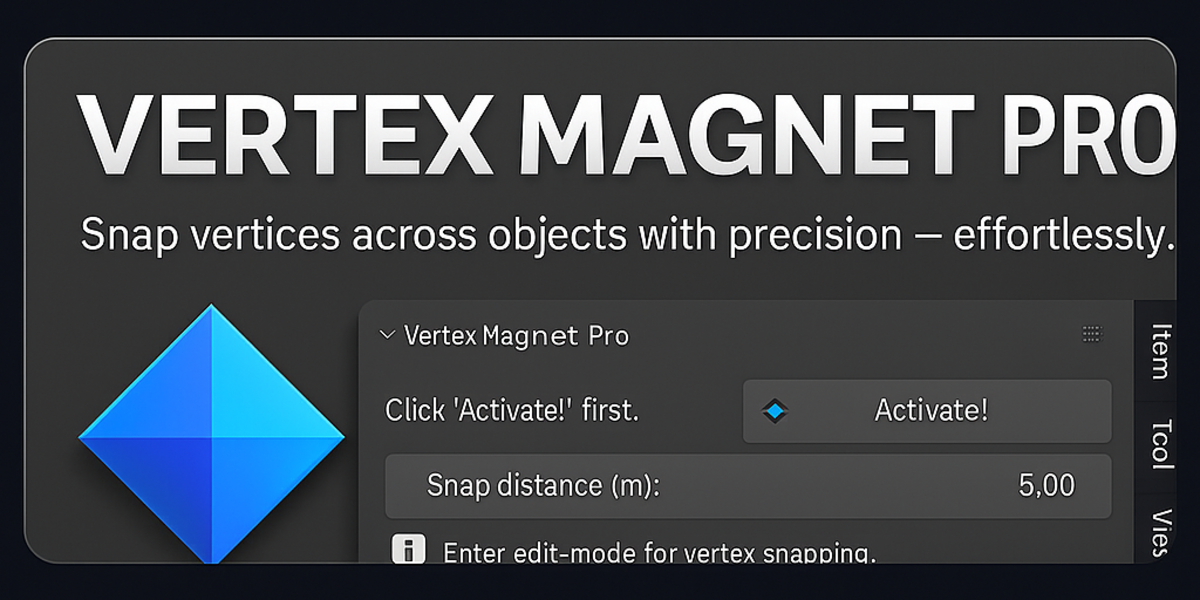
Align selected vertices across Blender meshes in Edit Mode with a 0.01 to 100 m snap range and sidebar controls. Review setup and compatibility details.
Find overlapping vertices in Blender Edit Mode, preview candidates, set a distance threshold, and merge them from the N-panel with Vertex Overlap.
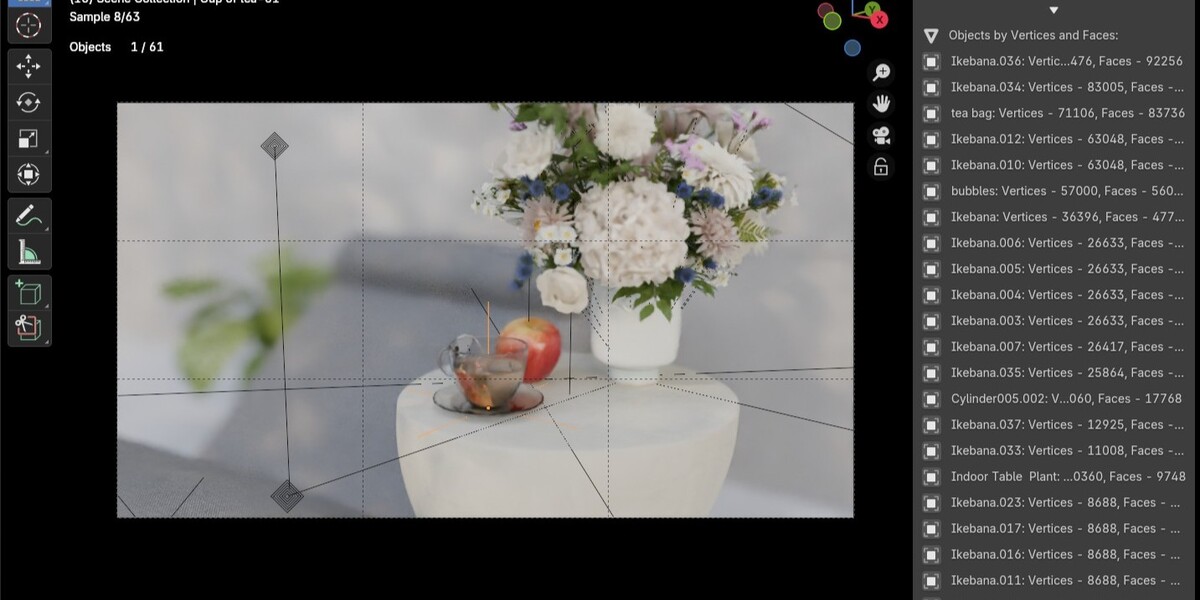
Vertex Reader for Blender sorts scene objects by vertex and face counts and lets you select them from the list. Review version notes and installation guidance.
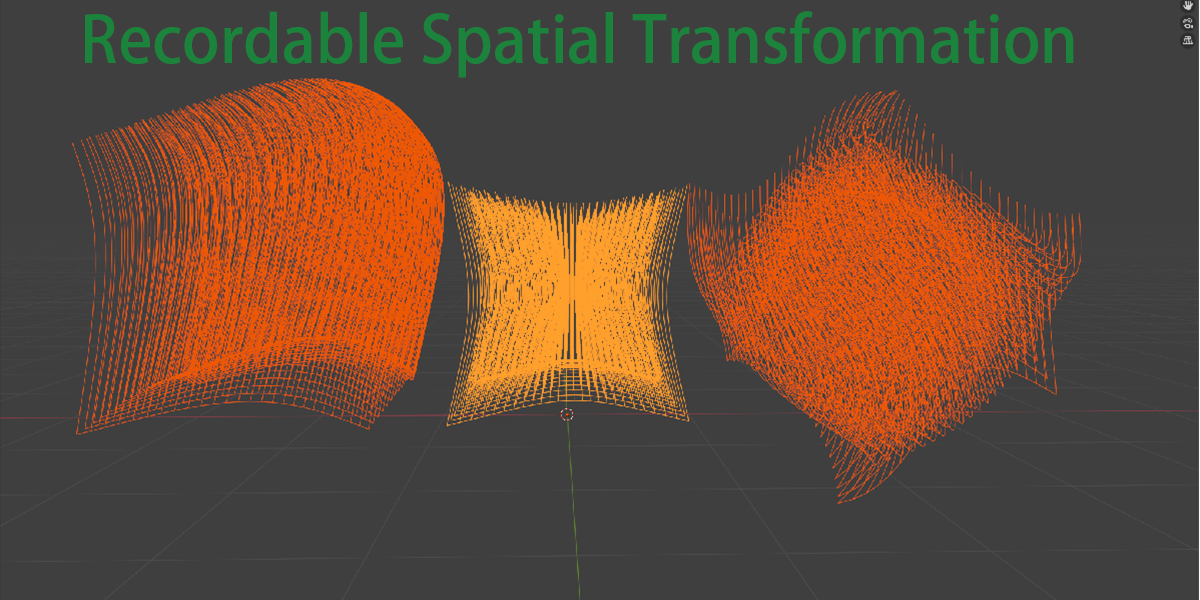
Vertex Record for Blender turns vertex-space changes into script code, with alignment table generation and a bone-partitioning option.
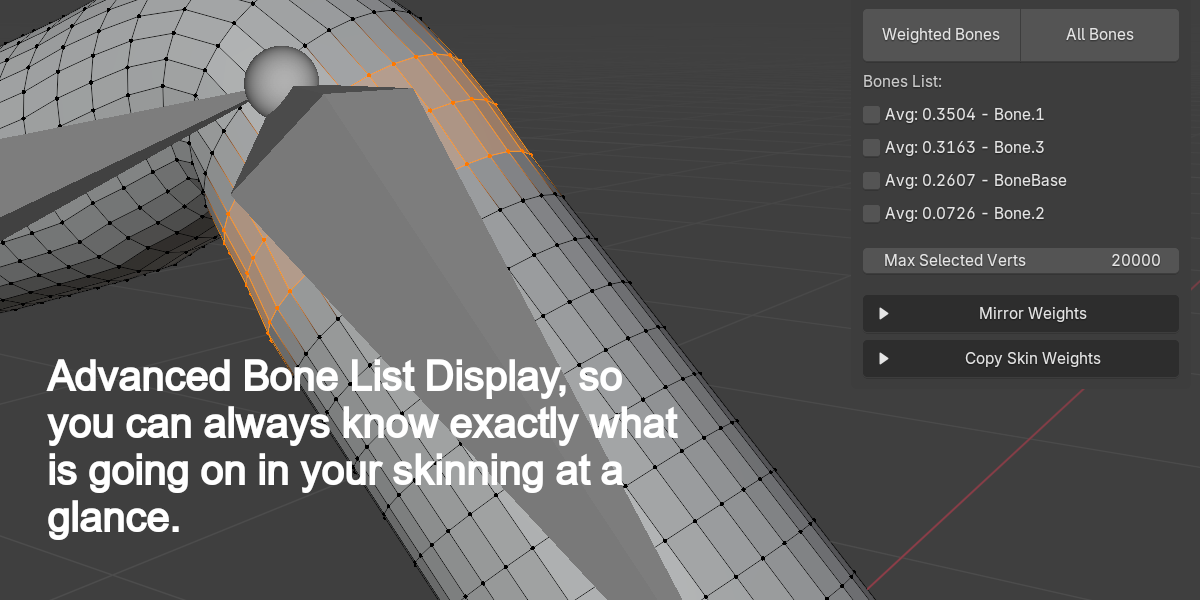
Inspect influences in Vertex Skin Weights, set exact values, smooth or mirror weights, and transfer them between meshes. Check Blender version support.
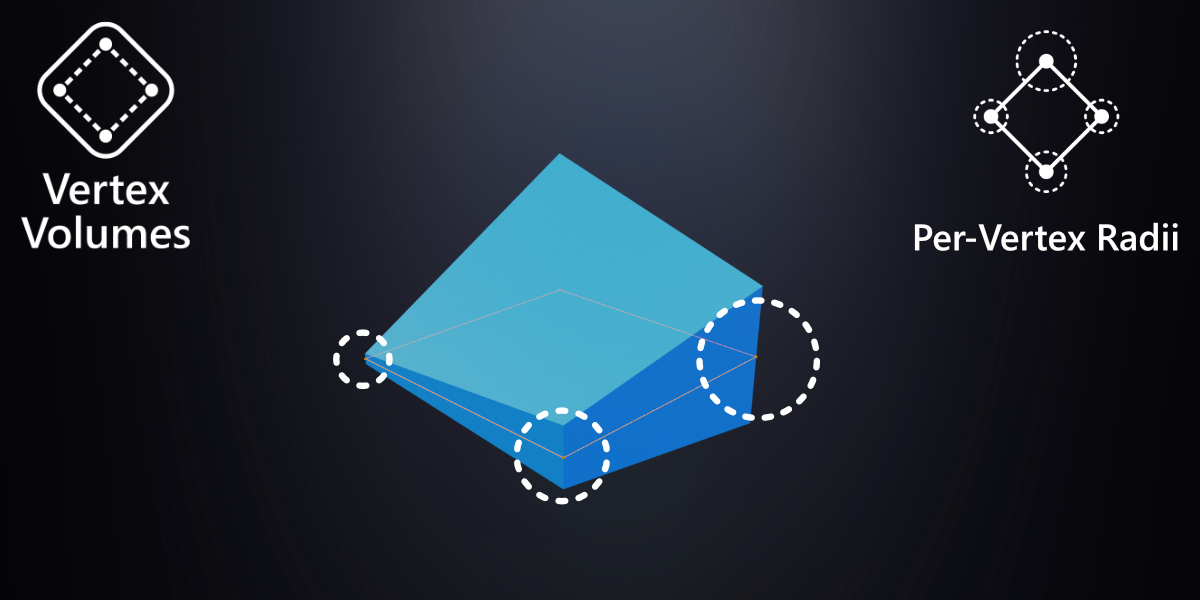
Vertex Volumes creates Blender volumes from faces using per-vertex radii and offsets. See how its Geometry modifier works and check version support.
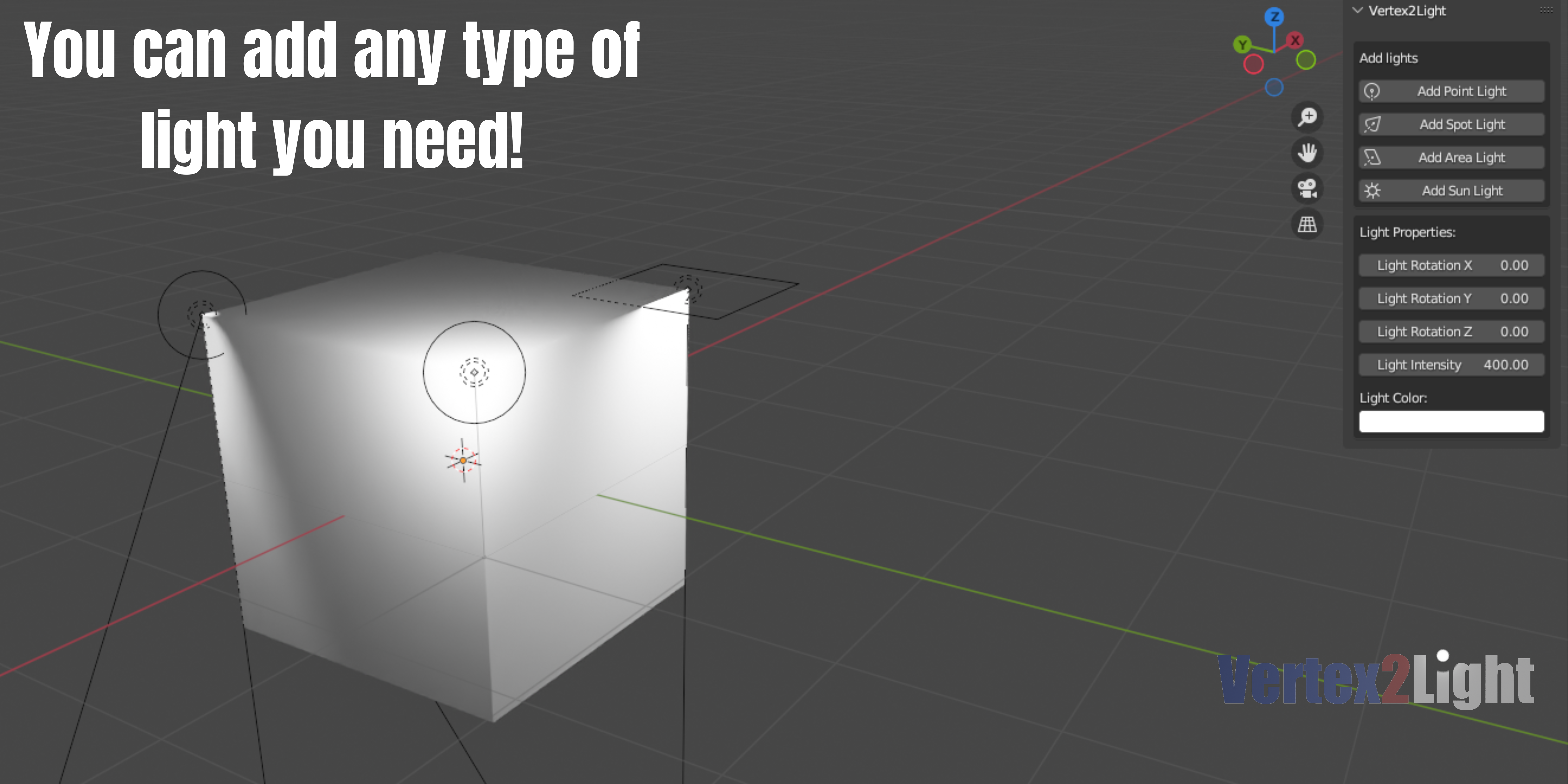
Vertex2Light is a Blender add-on for placing lights on mesh vertices and adjusting their rotation, intensity, and color. Check listed versions and GPL terms.
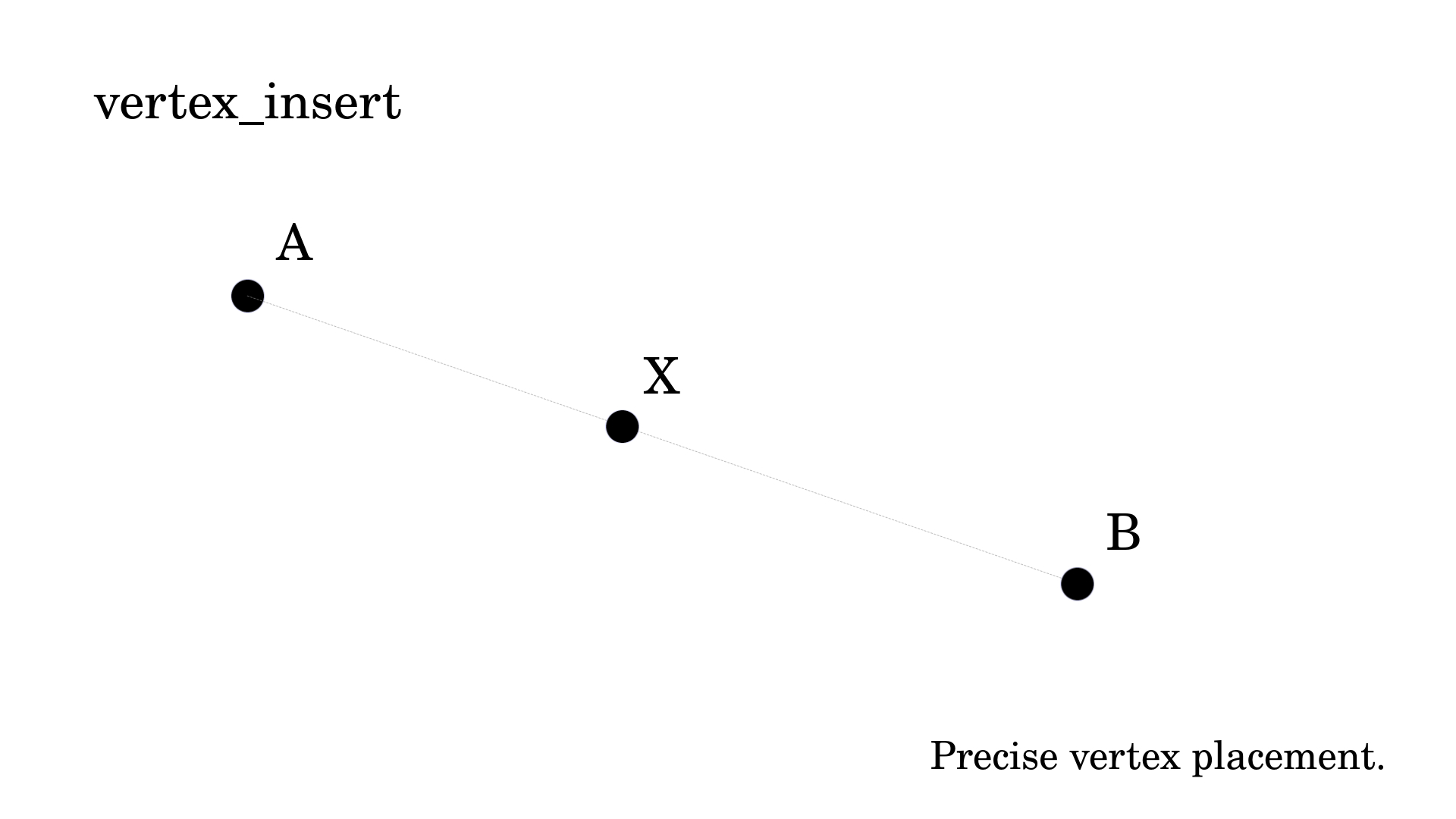
Vertex_Insert is a Blender add-on for placing vertices between selected ones at a set distance. An even count is required; Blender 4.0 is listed.
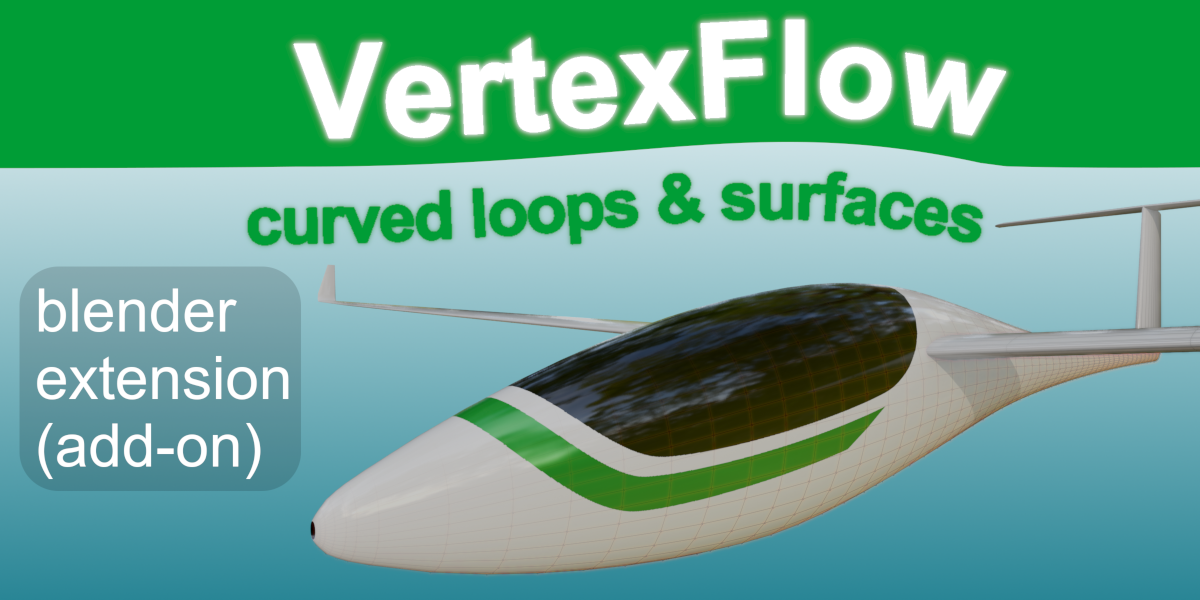
Explore VertexFlow for Blender: edit Bezier and spline loops, rebuild surfaces, and shape topology. Check the product listing for current availability.
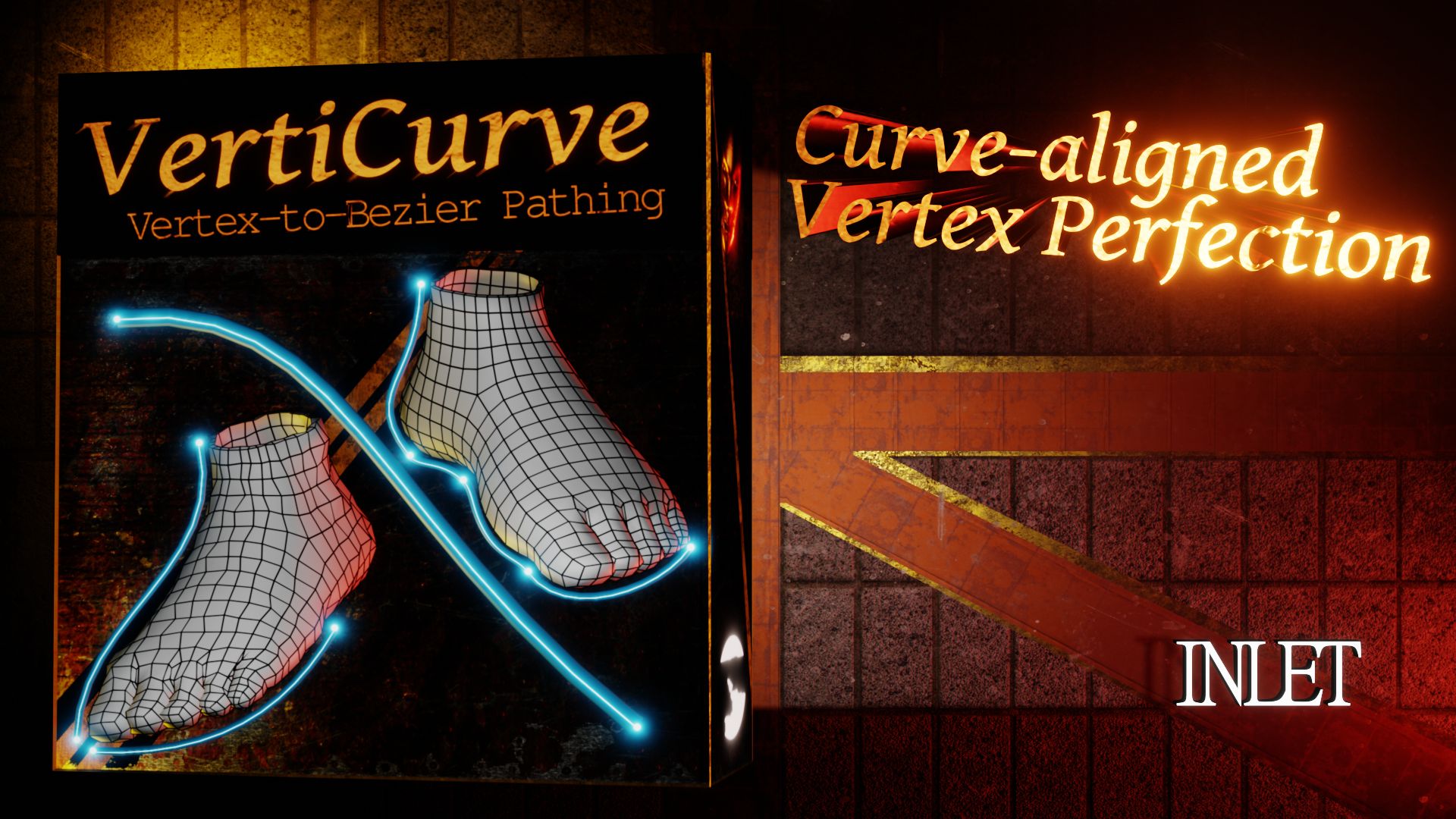
Verti-Curve: Vertex To Bezier Pathing is a Blender add-on for soft-surface retopology. Its Bézier curve guides vertices for one-click refinement.
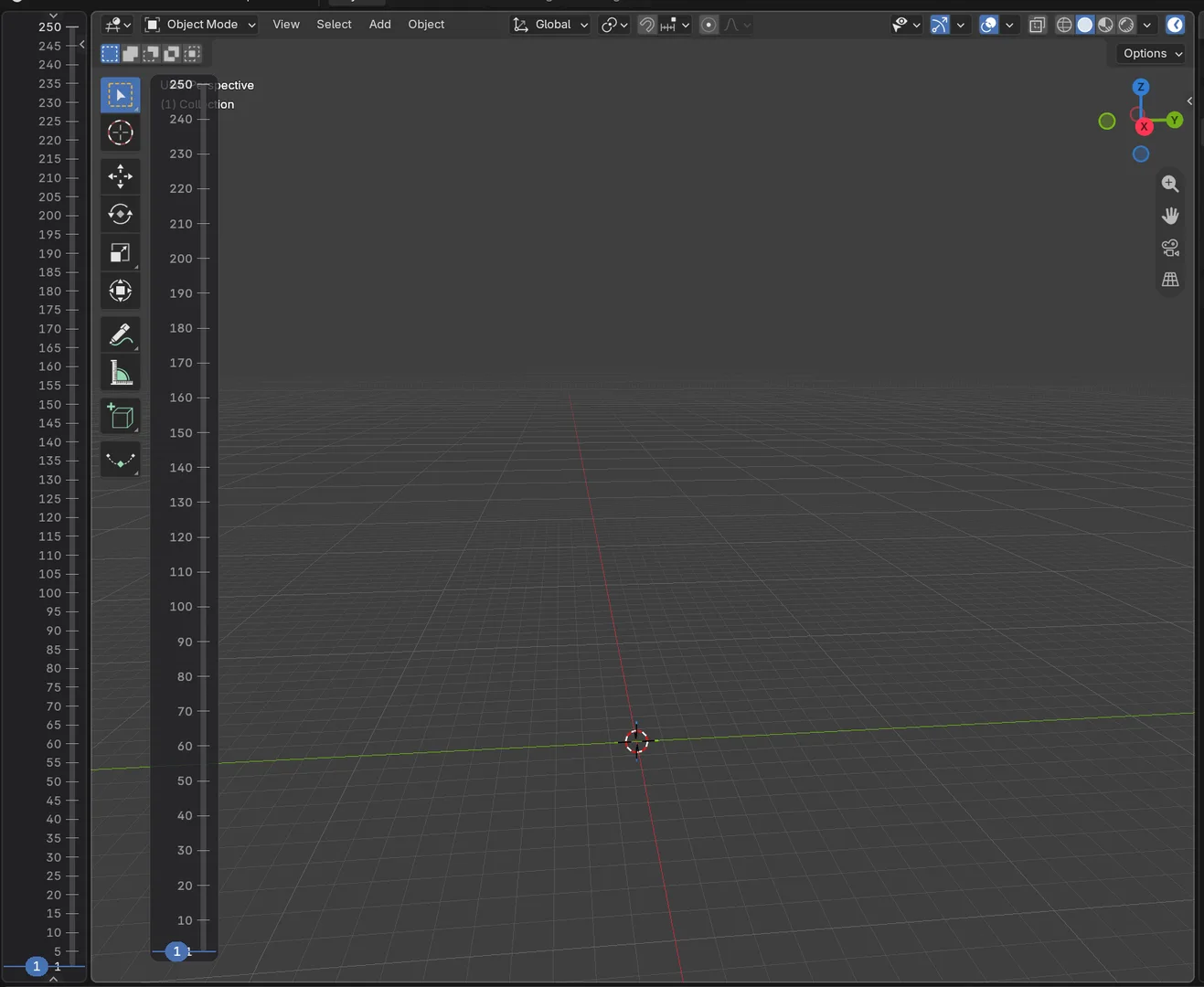
Vertical Timeline is a Blender add-on with a 3D Viewport overlay or separate area. Version 1.7.1 lists 4.2.0 as minimum, compatible from 4.2 LTS onward.
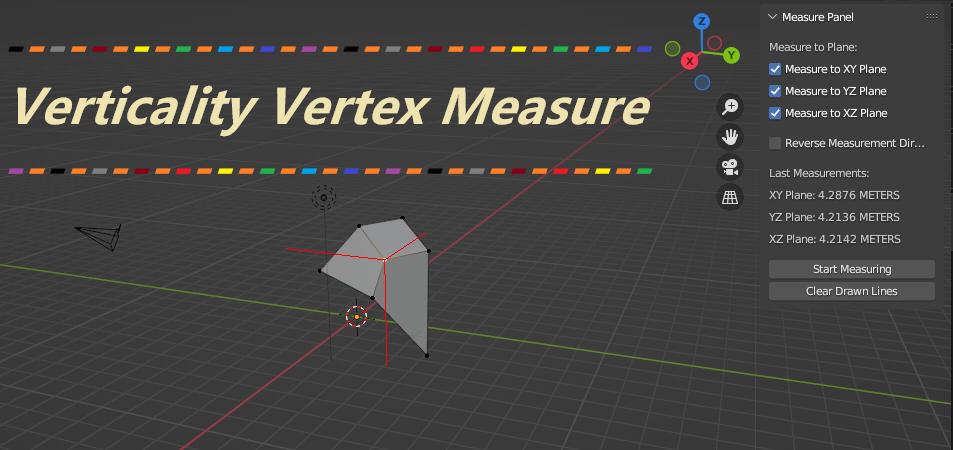
Verticality Vertex Measure measures an object's height relative to a plane. Its listing names Blender 3.6; a video shows installation and features.
Vertx Artist - Vertex Painting Tools are a Blender add-on for channel painting, color selection, stack previews and palettes. Check Blender compatibility.
Vfx Gen Blender Addon is a library of 55+ Geometry Nodes effects with one-click import and adjustable controls; Blender version ranges differ.
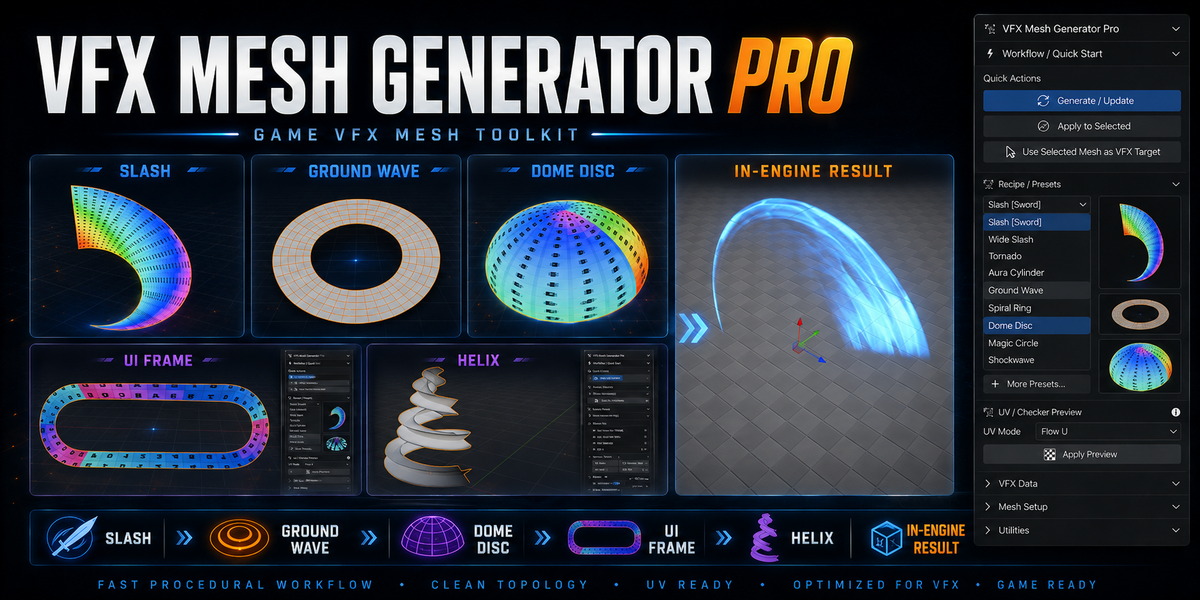
Create slash arcs, shockwaves, beams, trails and shields in Blender with VFX Mesh Generator Pro, plus UV flow and vertex alpha controls.
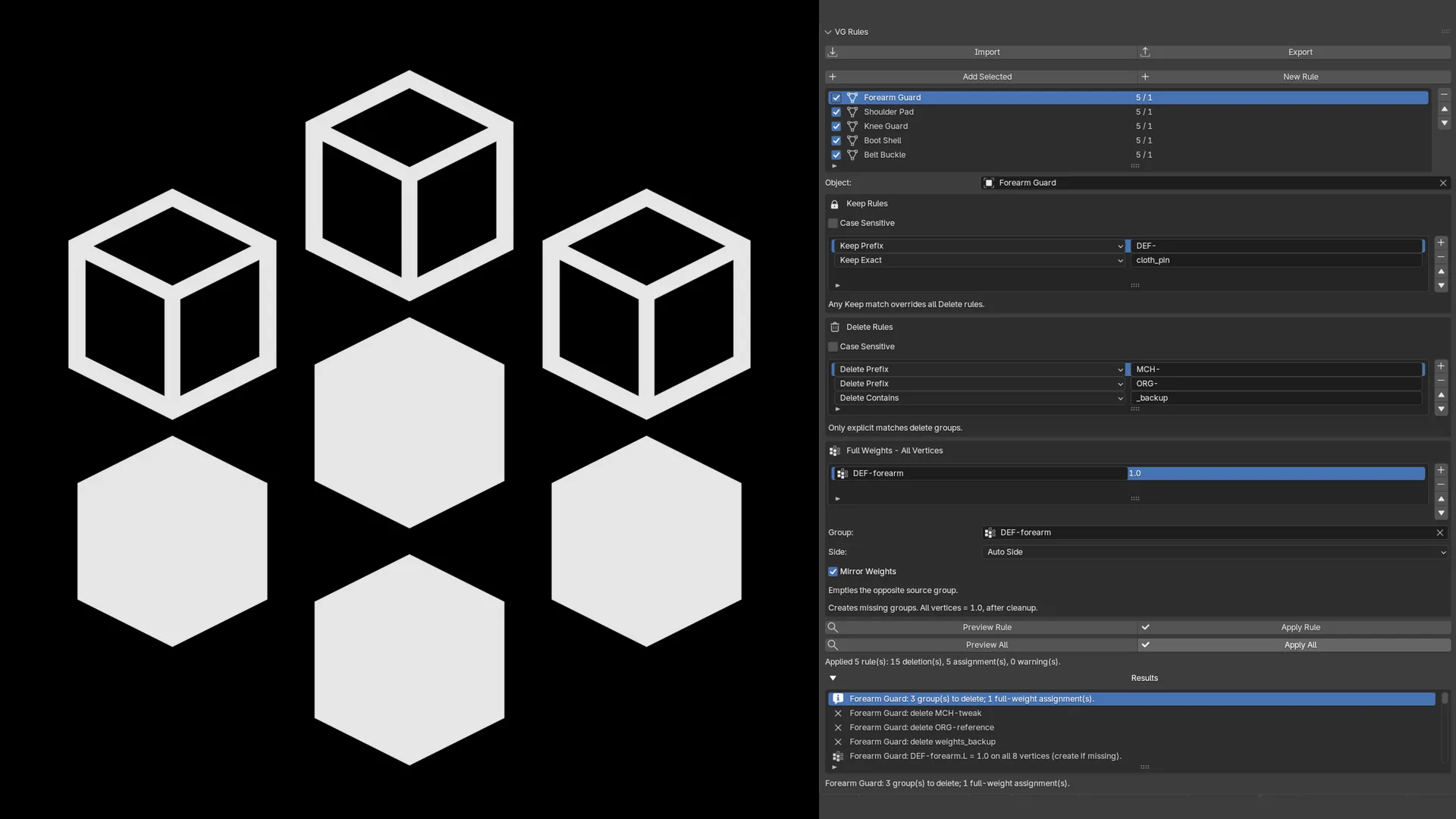
Clean vertex groups with VG Rules: name or regex rules, rule previews, full weights and .L/.R mirroring. Version 0.1.4 requires Blender 4.2.1 or later.
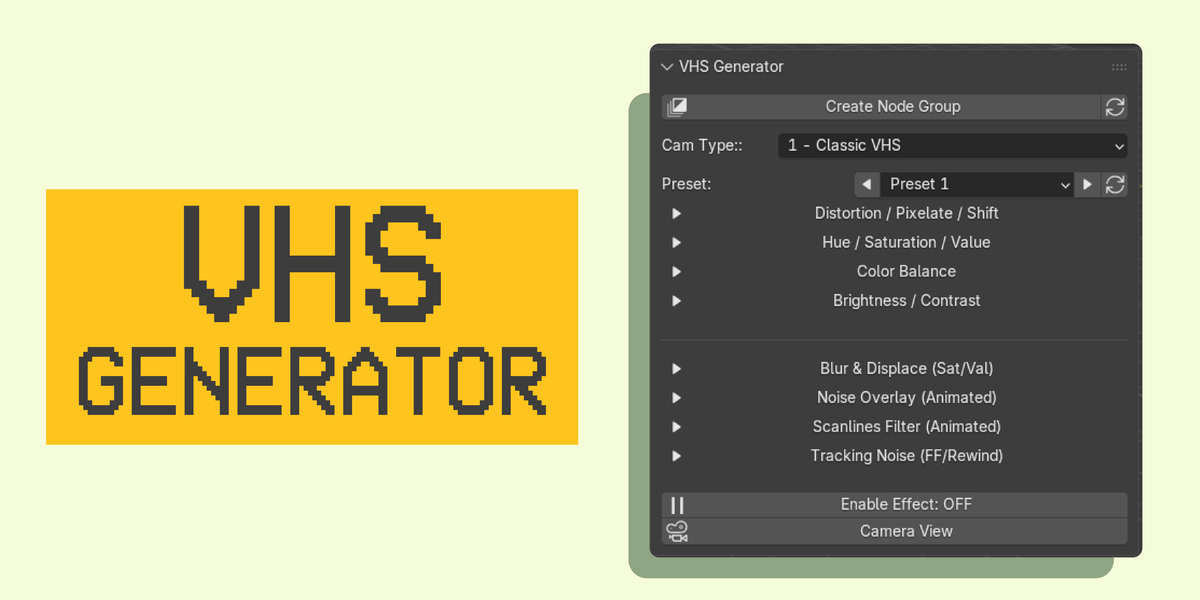
Give Blender renders VHS, CCTV or 90s camcorder character with 15 Compositor presets, animated noise, tracking bands and adjustable analog artifacts.
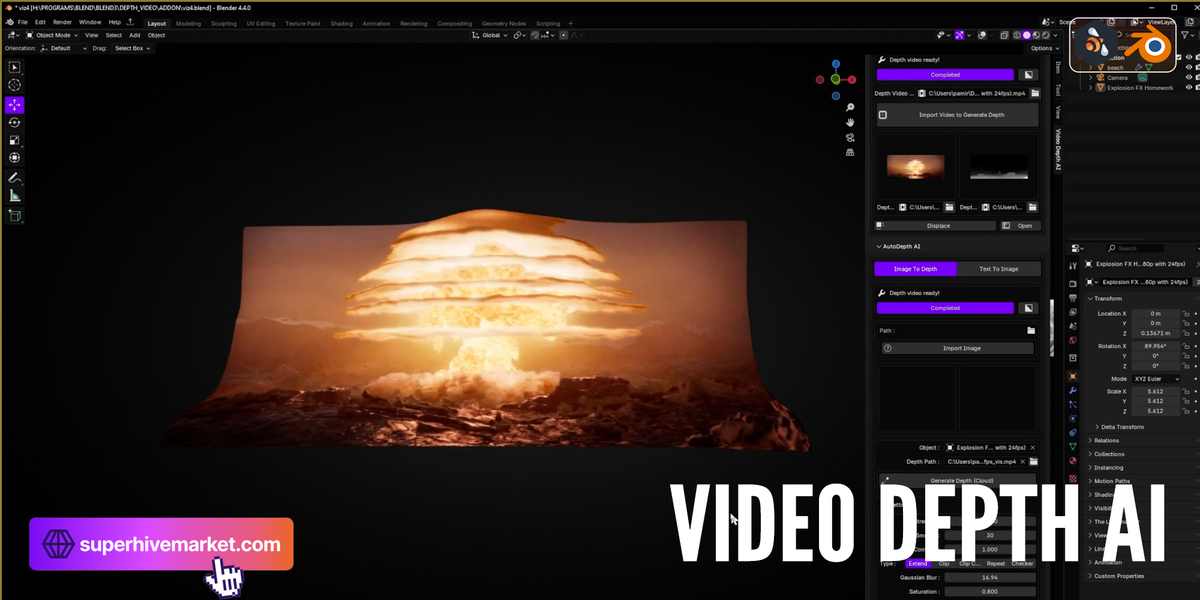
Video Depth AI uses AI depth maps from footage to drive animated Blender displacement. Check its NVIDIA requirement, render engines, and cloud status.
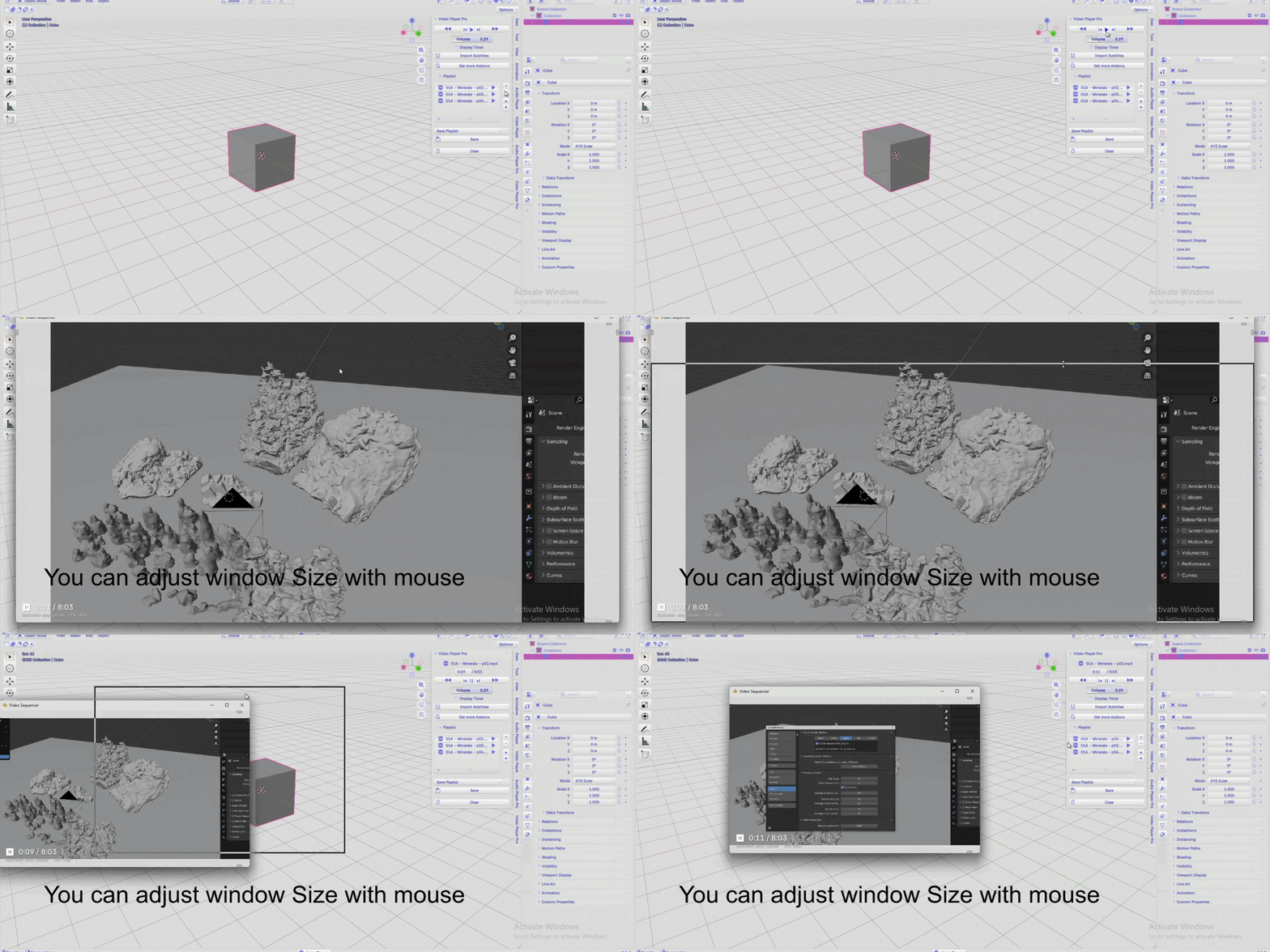
Video Player - Play Videos Inside Blender is a Blender add-on for watching videos with saved playlists, subtitles, volume controls and a resizable window.
Convert videos with Video To Image Sequence Converter into PNG, JPG, or TIFF frames. Drag a video to save frames in a subfolder beside it.
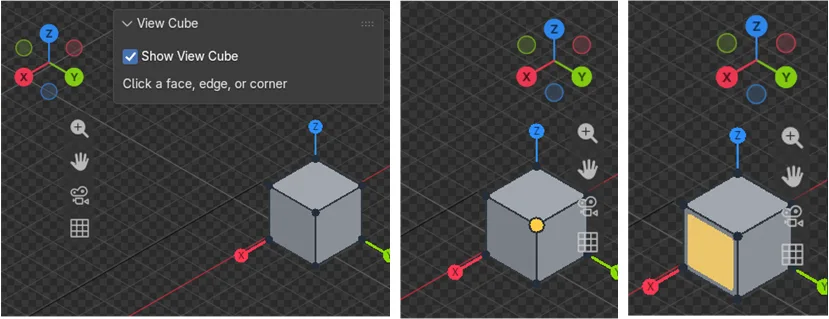
View Cube Navigator is a Blender add-on for aligning the viewport with face, edge, and corner targets; version 0.6.2 lists Blender 5.2.2 LTS and newer.