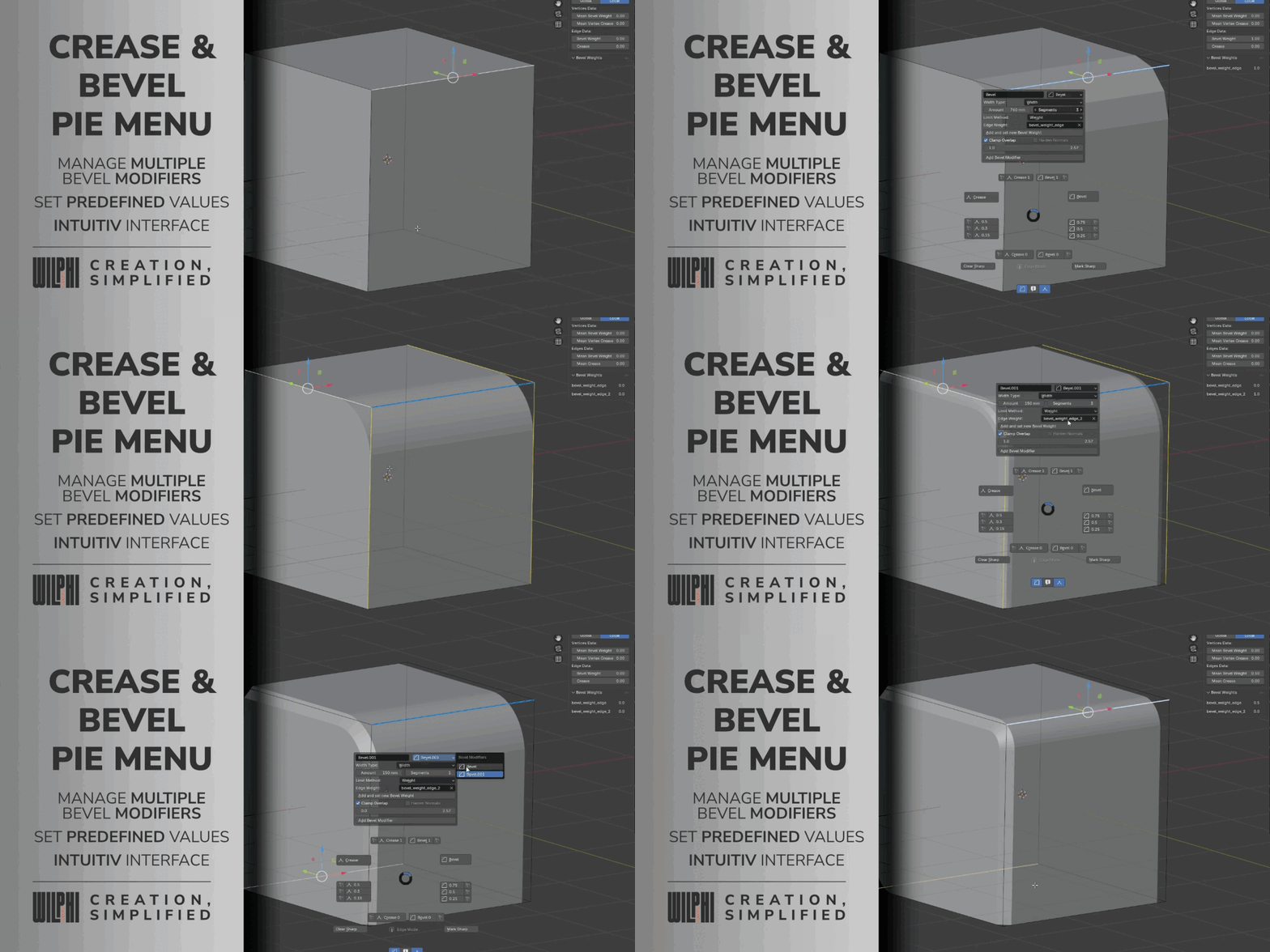
Edge Crease & Bevel Weight Pie Menu
Edge crease and bevel weight controls for Blender, plus sharp-edge marking and bevel modifier management. Check version support and current availability.
Browse published guides by application, developer or task. Check product details before downloading. Page 100 of 337.
Edge crease and bevel weight controls for Blender, plus sharp-edge marking and bevel modifier management. Check version support and current availability.
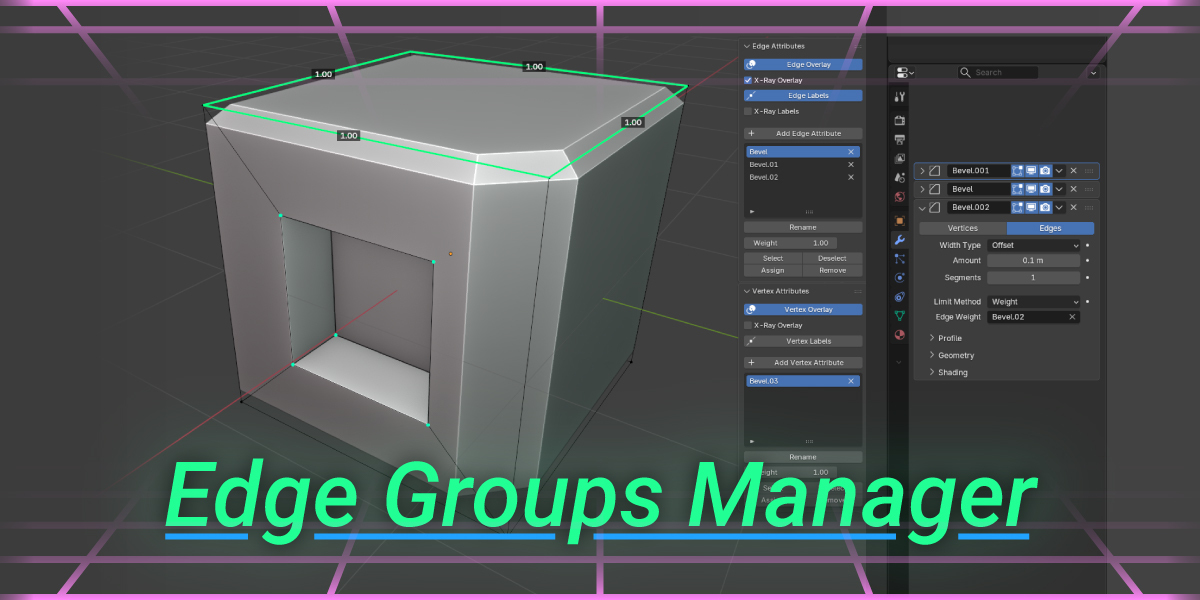
Manage Blender edge and vertex float attributes with overlays, weight labels, modifier name syncing and a configurable pie menu. Check compatibility details.
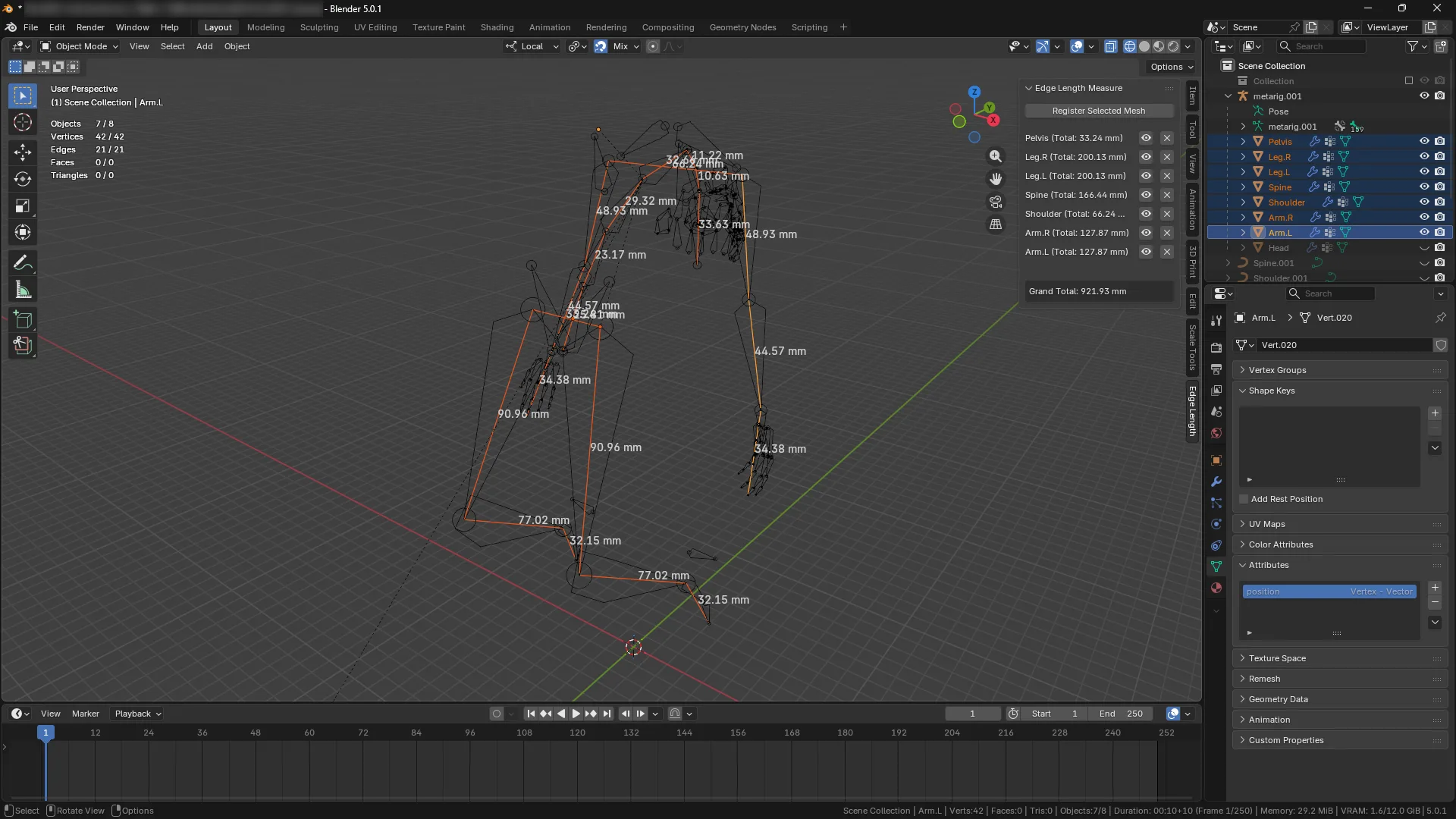
Edge Length Measure displays edge lengths in Object Mode with unit-aware totals. Requires Blender 5.0.0+; the review does not confirm selected-edge support.
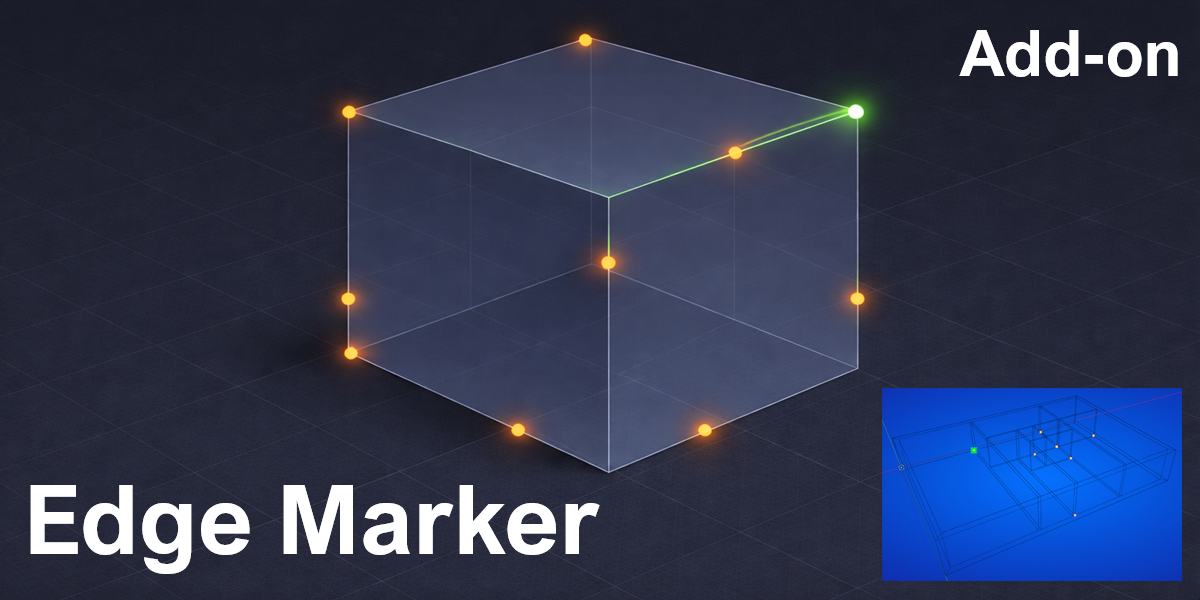
Edge Marker for Blender: saved edge and scene markers for snapping vertices, objects, and the cursor. See the workflow and compatibility details.
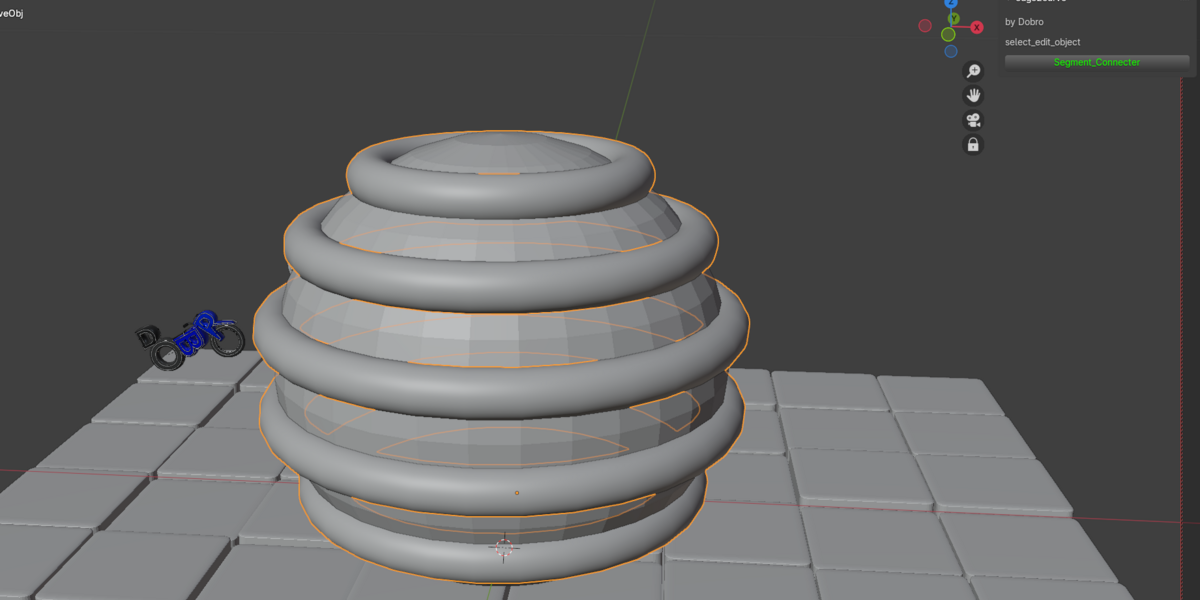
Edge2Curve converts Blender mesh-edge selections into curves for guides, profiles, and animation paths, with automatic loop and open-chain detection.
Use EdgeFlow in Blender to fit edge loops to curved surfaces, straighten loops, bend them to a curve, and shape vertex selections.
EdgeFlowDraw is a Blender add-on for freehand quad paths at 3D cursor depth, with an F3 workflow, Blender 4.2+ support, limited orbit and no zoom.
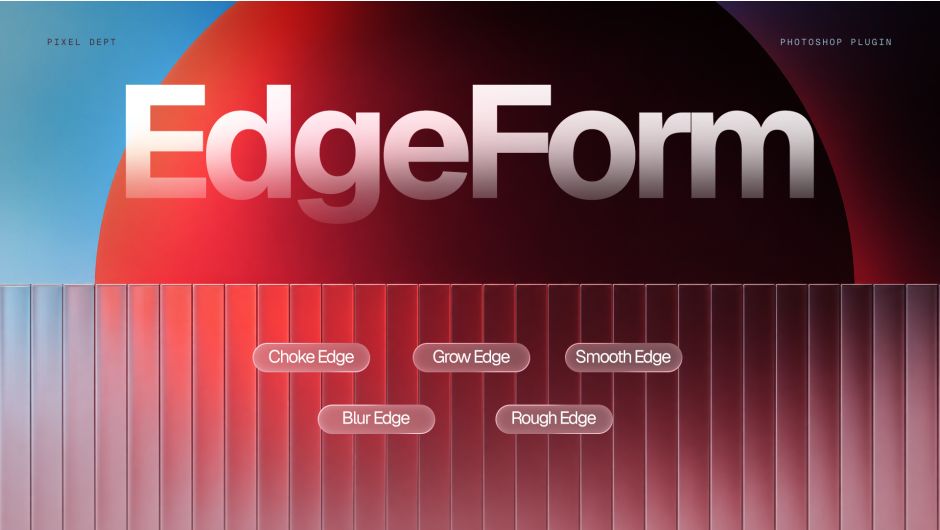
Use EdgeForm in Photoshop to choke, grow, smooth, blur or roughen layer edges with a live preview. Check its 10-day trial and requirements.
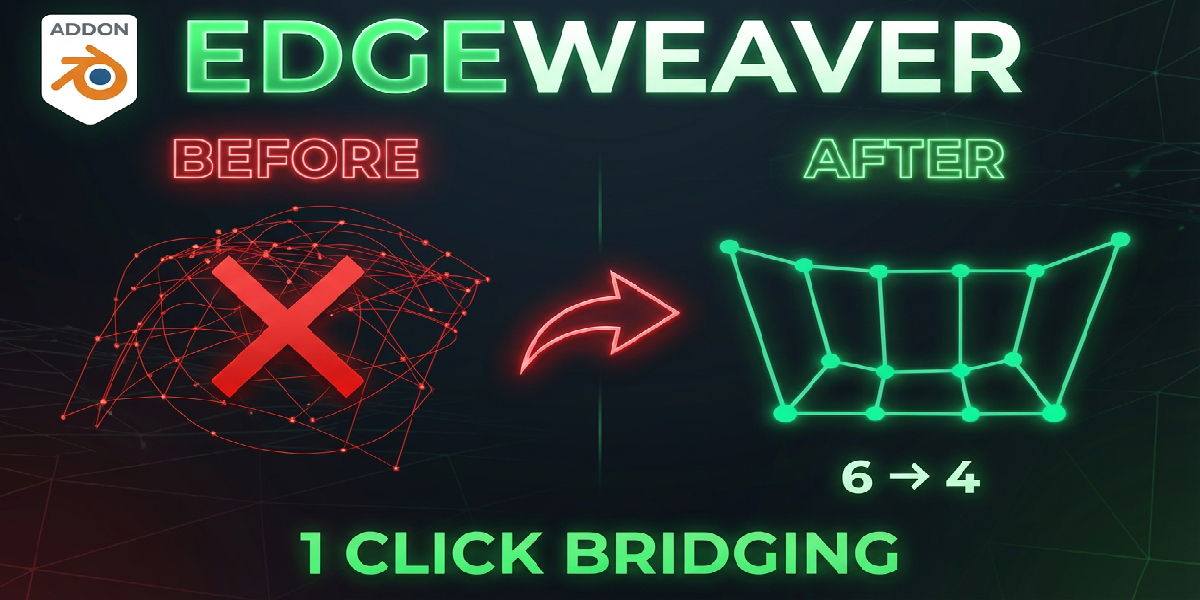
Edgeweaver bridges Blender edge chains with unequal vertex counts using reduction solvers and a live GPU preview. See setup, controls, and topology limits.
Edit Buddy turns interview transcripts and prompts into Premiere Pro timeline edit suggestions. Check its alpha status, API access, and Executor dependency.
See what Edit Buddy Executor does with its companion UXP plugin; the catalog reports Beta-only status and Premiere Pro 12.0+ compatibility, verified July 2026.
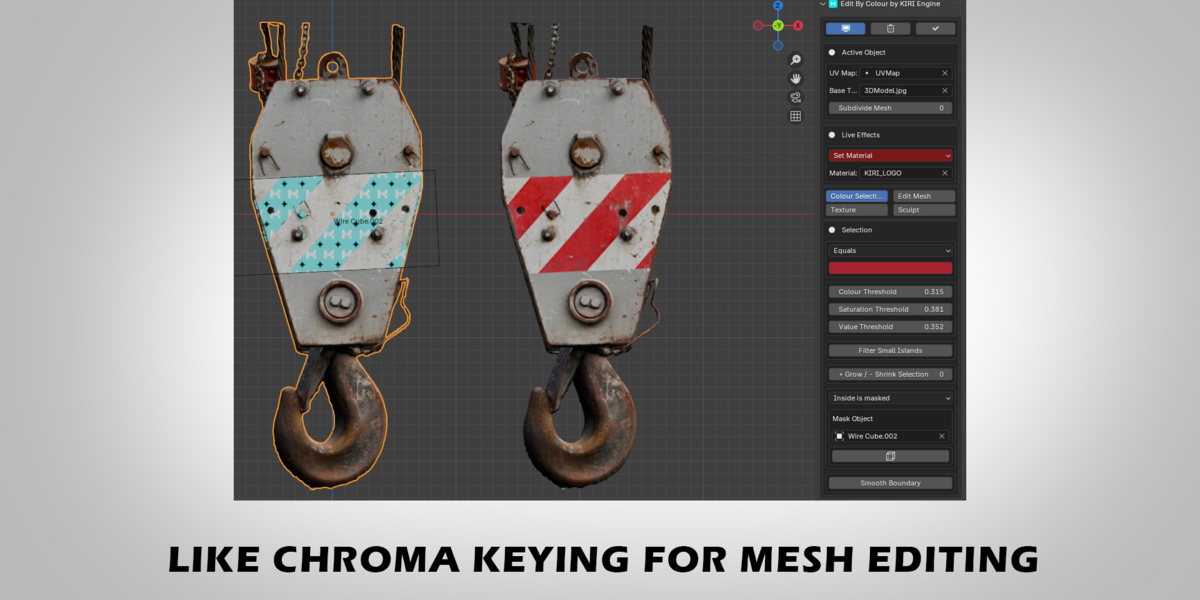
Edit By Colour by KIRI Engine brings color-based selection to Blender, with mesh editing, face sets, material masking, patch texturing and retopology tools.
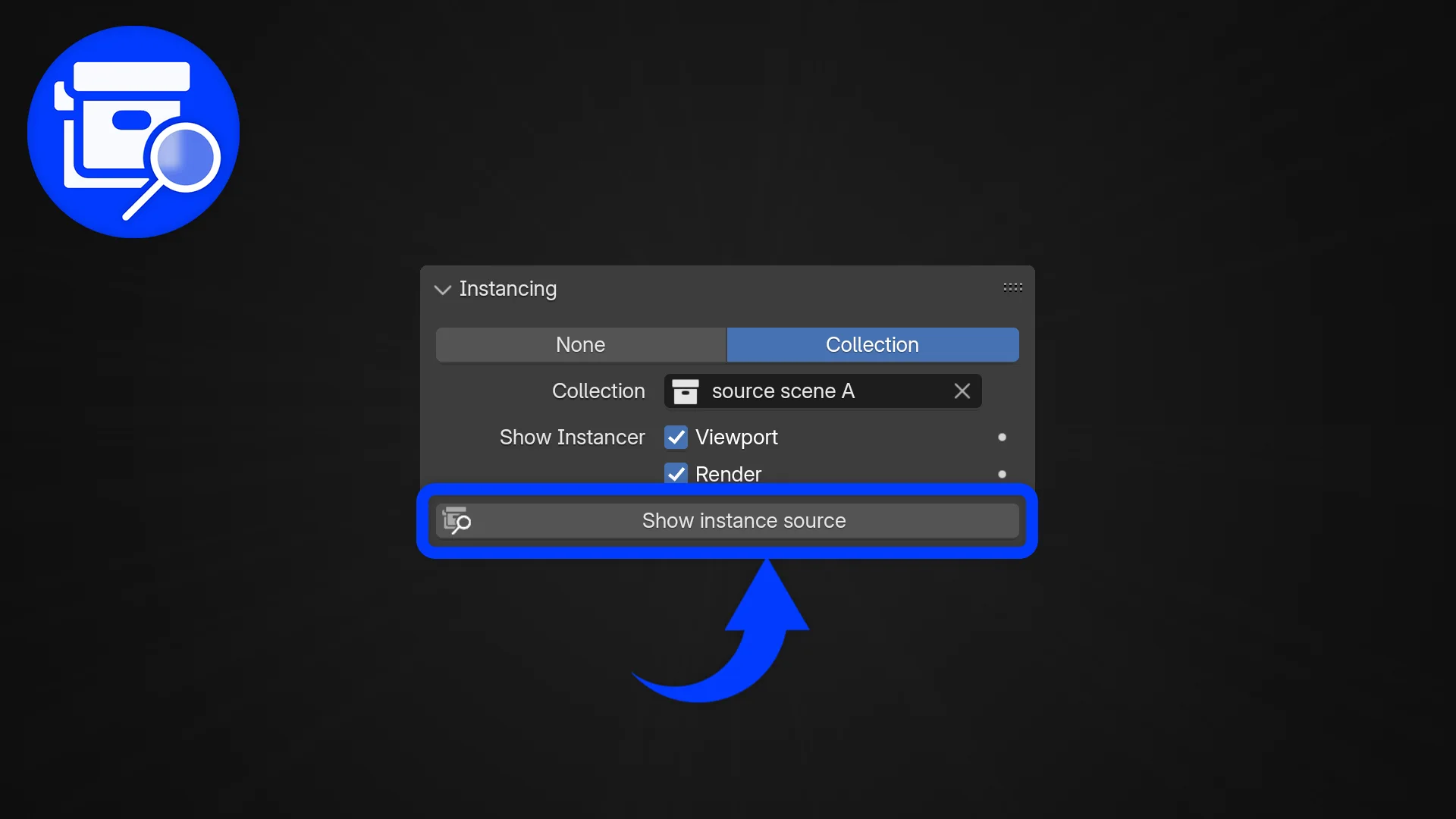
Edit Instanced Collection is a Blender add-on that finds an instance's source collection and frames its objects. Version 0.0.5 supports Blender 4.2 or later.
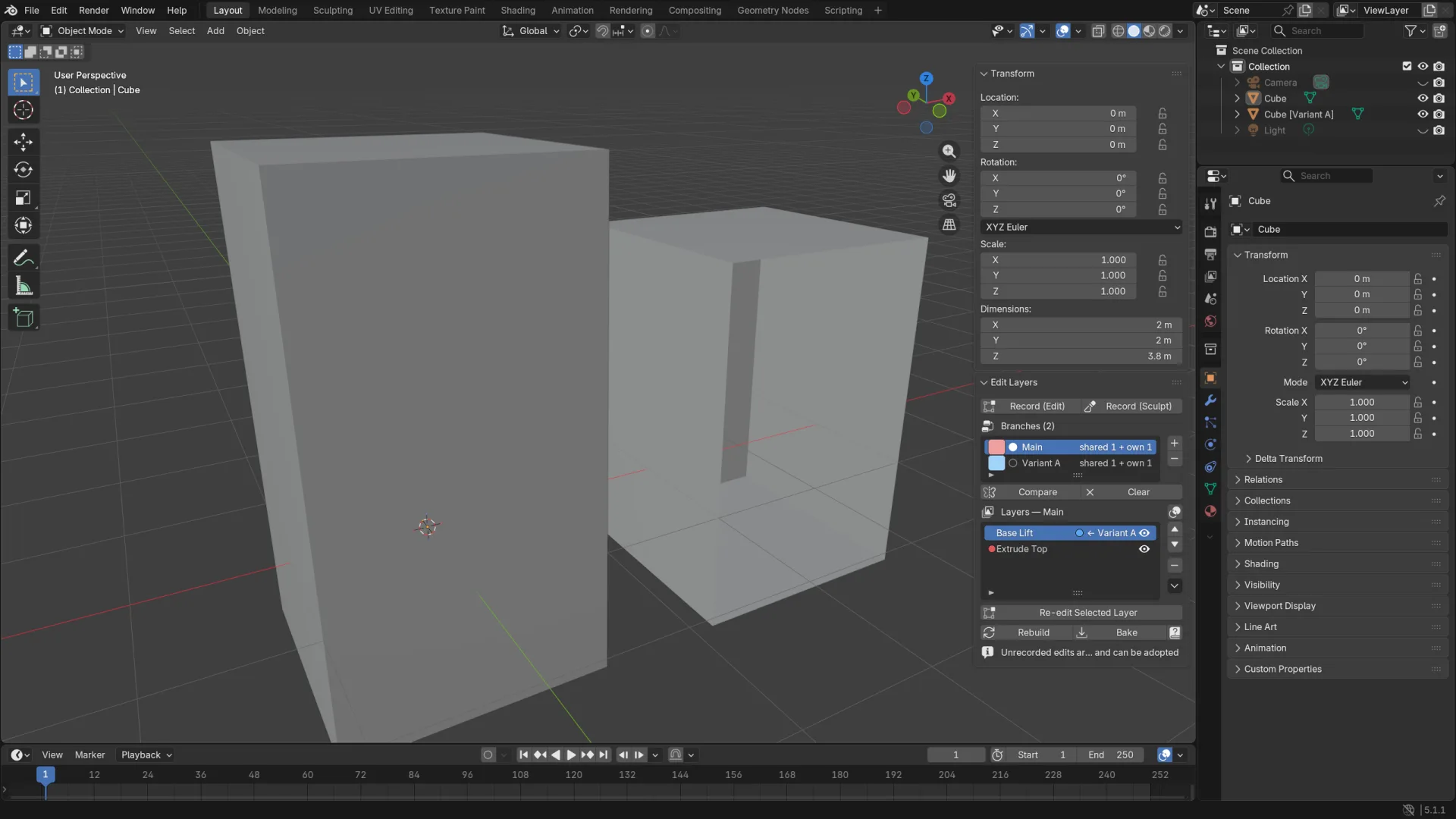
Learn how Edit Layers records Blender mesh work in layers and branches for Blender 5.0+. See what the stack captures and where its limits apply.
Edit Linked Library edits linked objects, collections, and node groups in Blender. The catalog lists version 0.9.2 and Blender 4.2.0 as the minimum.
Edit Mesh Tools adds several mesh modeling tools to Blender. Check its official listing for the Blender 4.2.0 minimum, license, and current release details.
Edit Operator Source opens an operator's source file or call locations in Blender's Text Editor sidebar. Check its Blender 4.2.0+ compatibility.
Edit Poly Modifier [编辑多边形修改器] is a Blender add-on for mesh edits in the modifier stack. Version 1.0.4 is listed for Blender 4.2 LTS and newer.
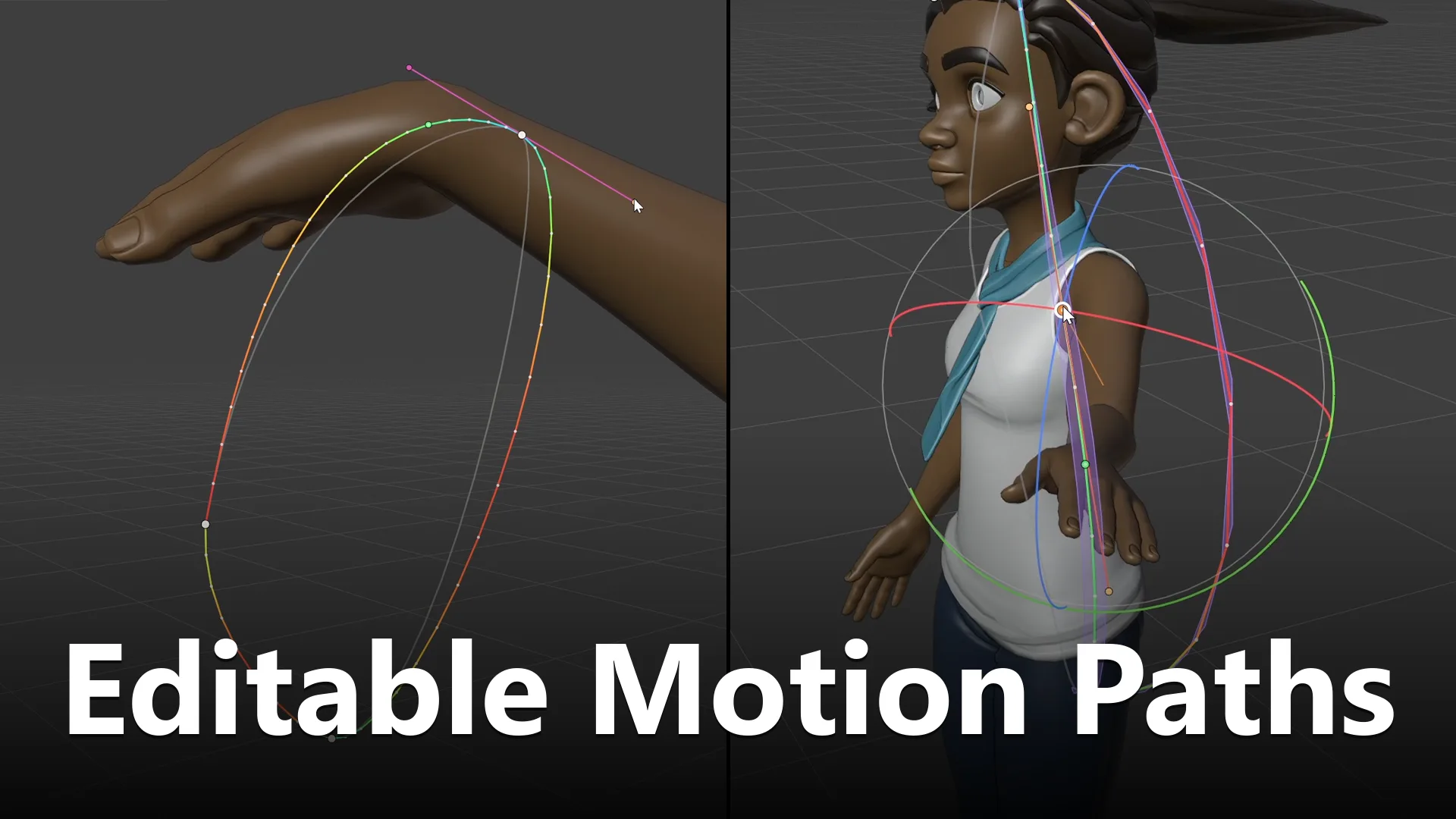
Editable Motion Paths are Blender curves for reshaping bone and object motion, with timing and channel edits in the 3D Viewport. Requires Blender 4.4+.
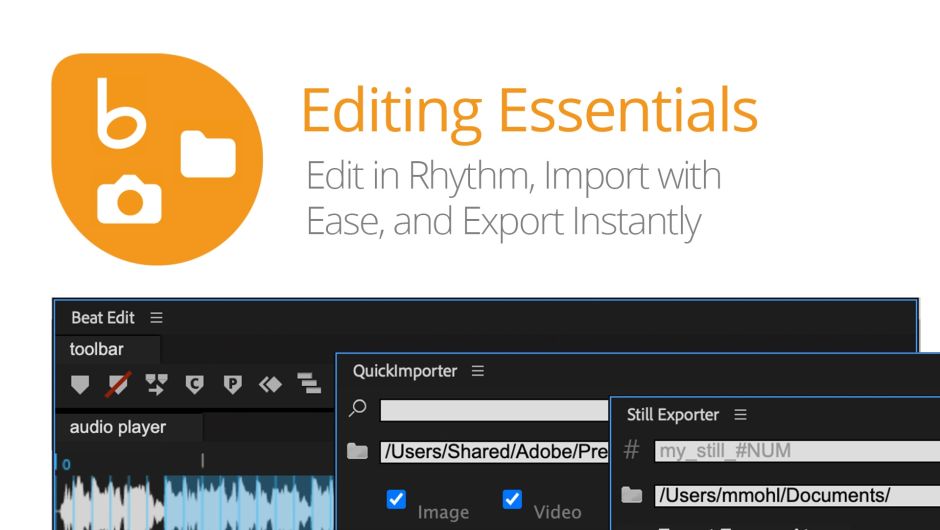
Editing Essentials Bundle brings BeatEdit 2, QuickImporter and Still Exporter to Premiere Pro for beat markers, media search and timeline frame exports.
Batch-build and sequence After Effects animations for text, video, and graphics with marker-based retiming, text splitting, and per-page motion control.
Editnote is a Premiere Pro memo panel for TXT notes. Save manually; AnyPlugins lists Premiere Pro 25.6.2+ compatibility; Adobe Exchange currently lists $4.99.
Editor Swap is a Blender add-on for switching editors by header button or Ctrl + Alt + X, with configurable sequences, icons, and behavior.