Geo Bake Batch
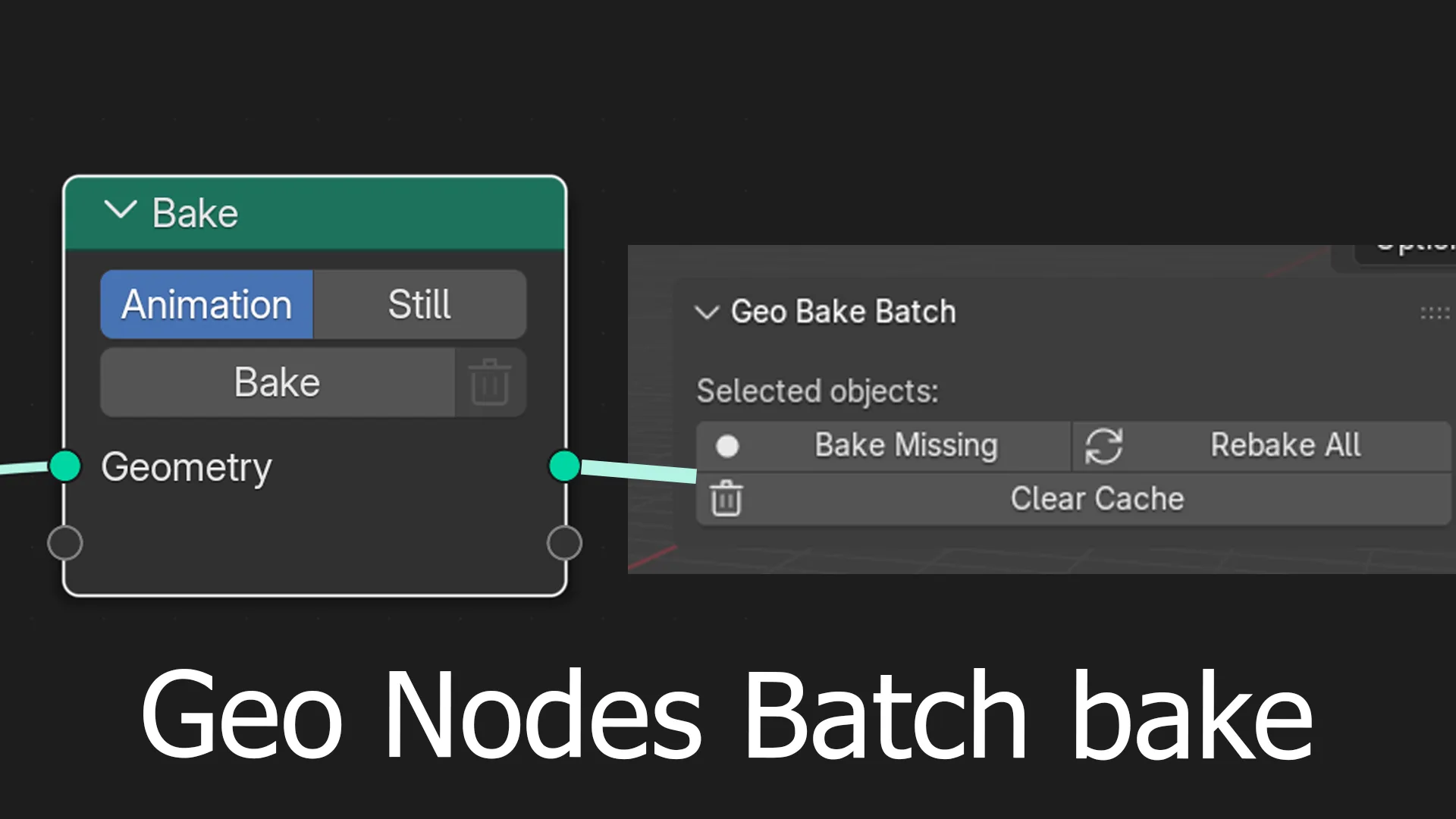
Geo Bake Batch bakes or clears Geometry Nodes caches on selected Blender objects. Release 0.0.1 lists Blender 4.2.0 as its minimum.
Browse published guides by application, developer or task. Check product details before downloading. Page 126 of 337.
Geo Bake Batch bakes or clears Geometry Nodes caches on selected Blender objects. Release 0.0.1 lists Blender 4.2.0 as its minimum.
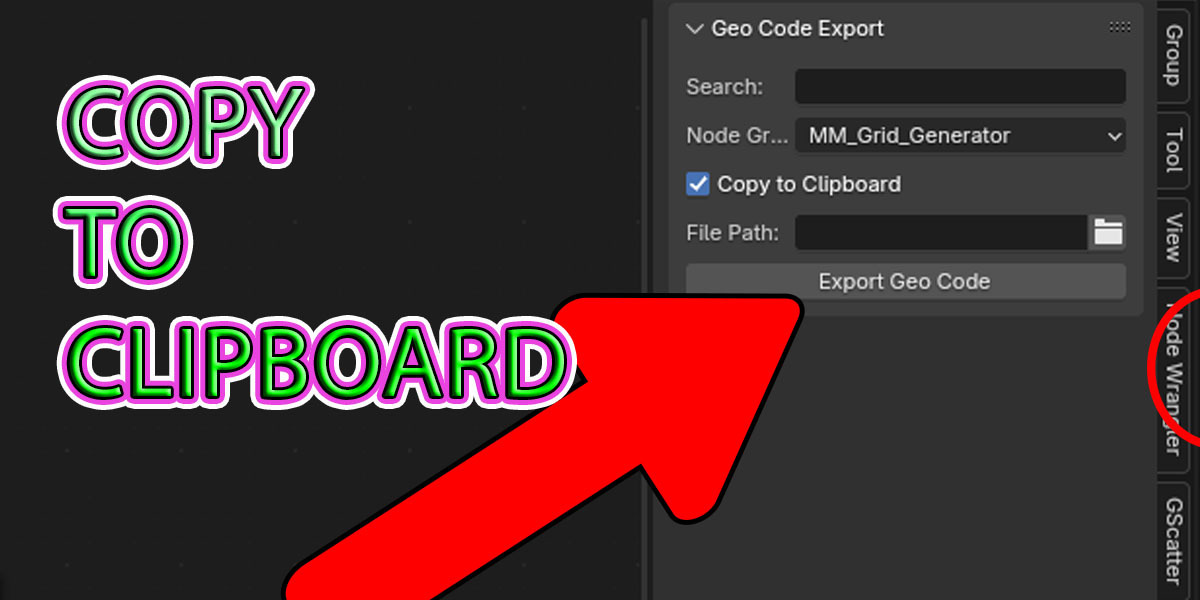
Geo Node Export exports Geometry Nodes setups as copyable text, a Blender text block, or a text file. Check current versions and terms.
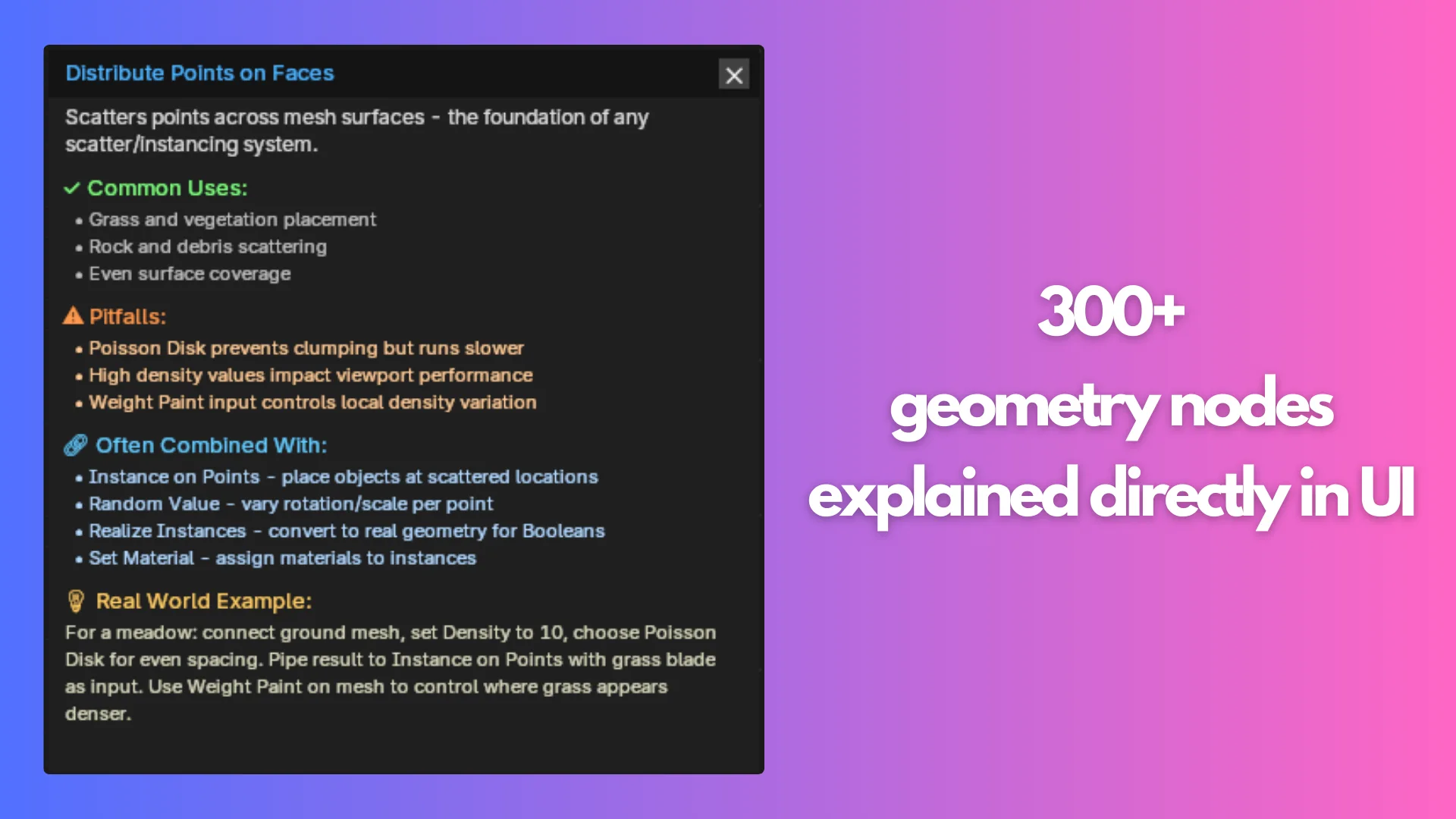
Geo Nodes Guide adds node descriptions, examples and pitfalls inside Blender's Geometry Nodes editor. Check Blender 5.0 compatibility before installing.
Build grounded object stacks on Blender surfaces with Geo Stacks Add-On. See how collections, Geometry Nodes, masking, and N-Panel controls fit the workflow.
Turn IronPython scripts into Revit ribbon buttons, edit them in place, and run saved changes without restarting Revit. Check GEO Supporter's requirements.
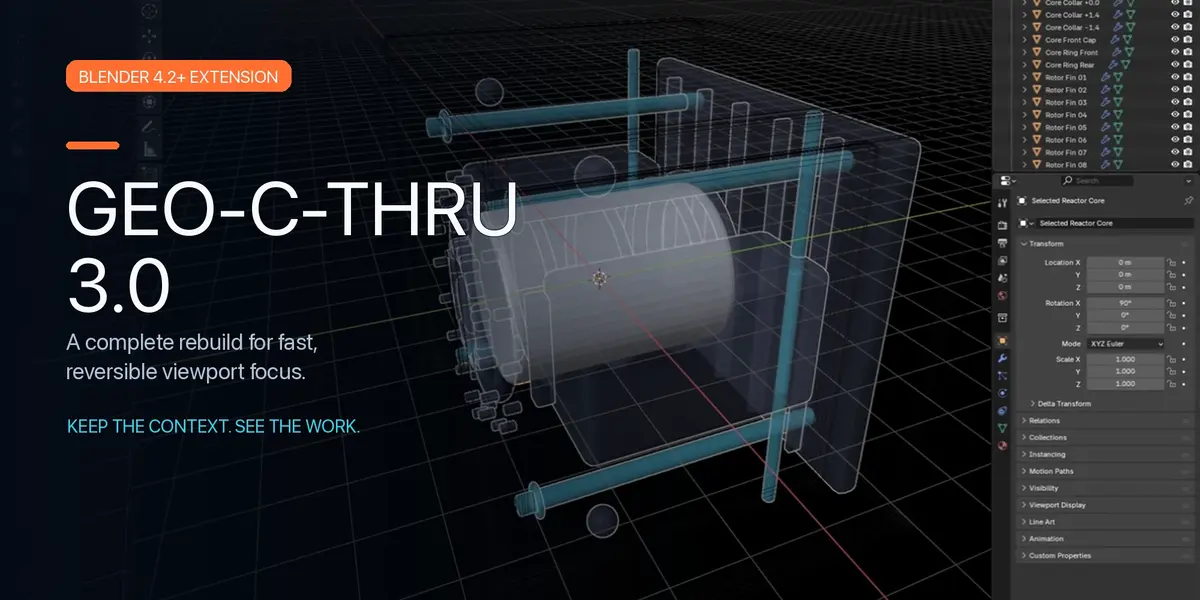
Geo-C-Thru controls object display and viewport shading with reusable presets and ordered Collection Rules. Check Blender version support before installing.
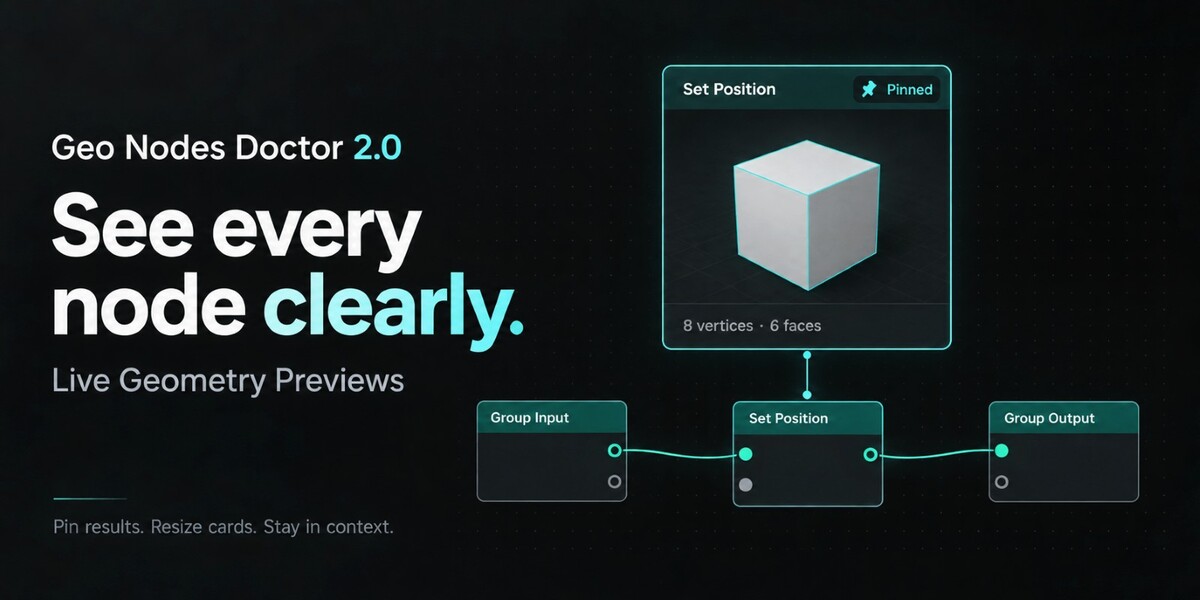
Geo-Nodes Doctor - Understand Your Geometry Nodes Instantly is a Blender add-on for previews, geometry diffs, attribute inspection and performance estimates.
GeoBridge Free imports georeferenced orthophotos, terrain, CityGML and vector data into Revit. Review its formats and coordinate limits before downloading.
Import orthophotos, terrain, CityGML and vector data into Revit with GeoBridge Pro. Check supported formats, coordinate limits, and Pro features.
Geodesic Domes are a Blender add-on for geodesic dome objects, compatible with Blender 4.2 LTS and newer. Version 0.3.6 is listed; support is limited.
View boreholes and ground models in Civil 3D with GeoDin® Ground. Using an existing GeoDin database is free; AGS import and Layer Interpreter need a license.
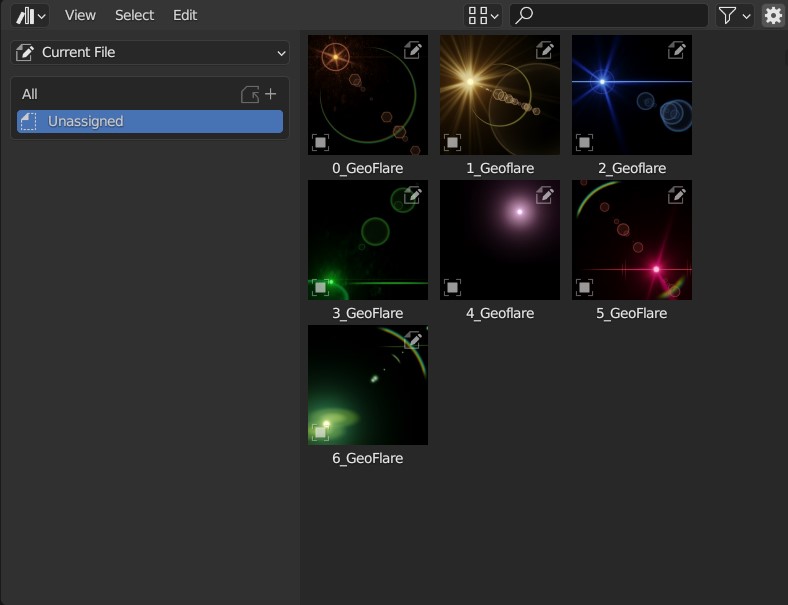
Add real-time lens effects to Blender with Geoflare’s Geometry Nodes presets for Eevee and Cycles. Learn the setup steps and camera-clipping limits.
Animate maps in After Effects with geographic search, labels, styling and CSV/TSV visualization. The MapTiler Cloud data subscription is optional.
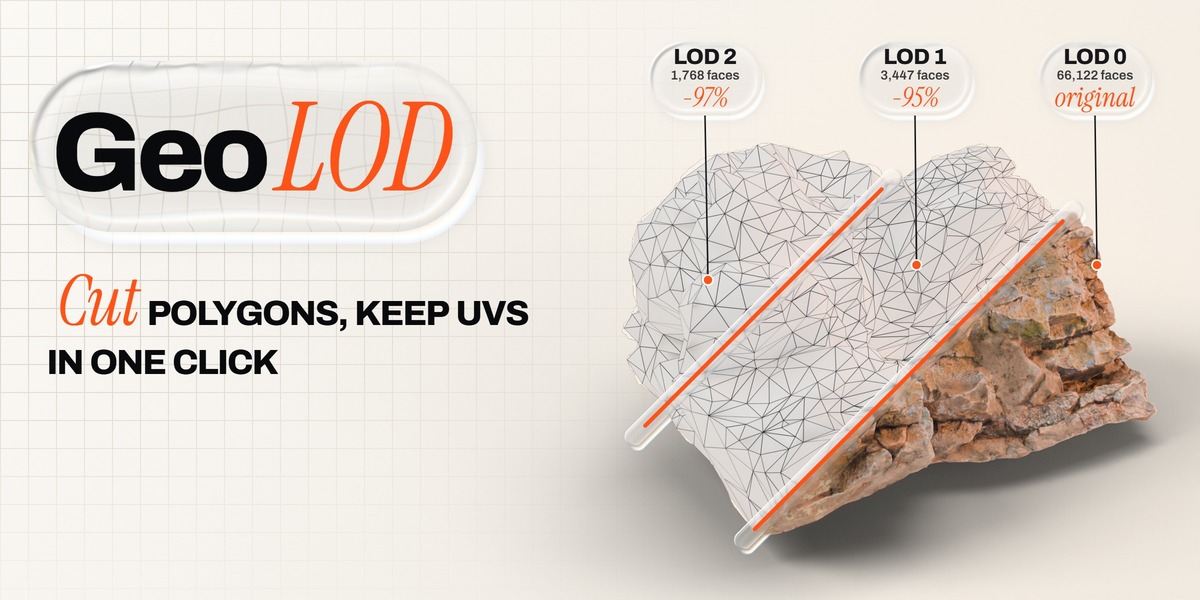
Geolod is a Blender add-on that creates 1 to 10 mesh LODs with custom reduction percentages and optional UV seam protection; output is triangulated.
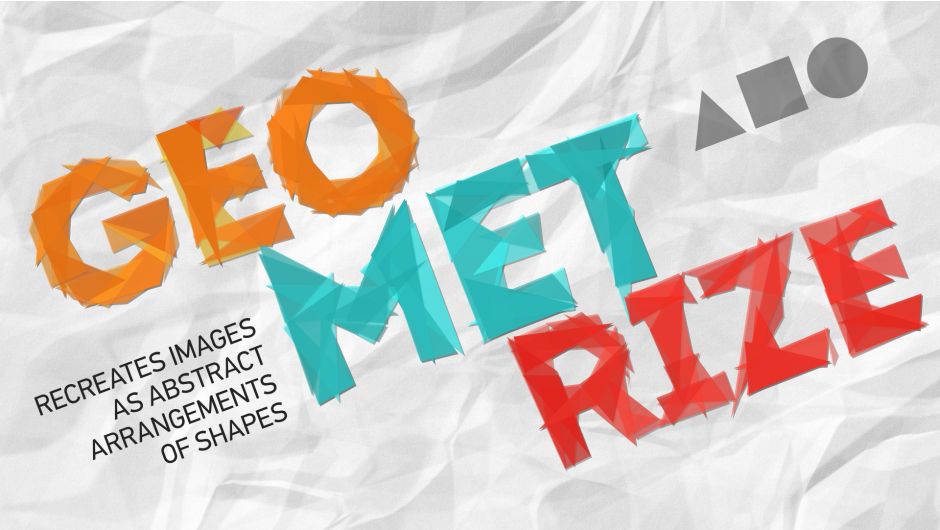
Geometrize! turns images into abstract compositions of geometric shapes in After Effects, with wiggle animation, three shape types, and SVG or PNG export.
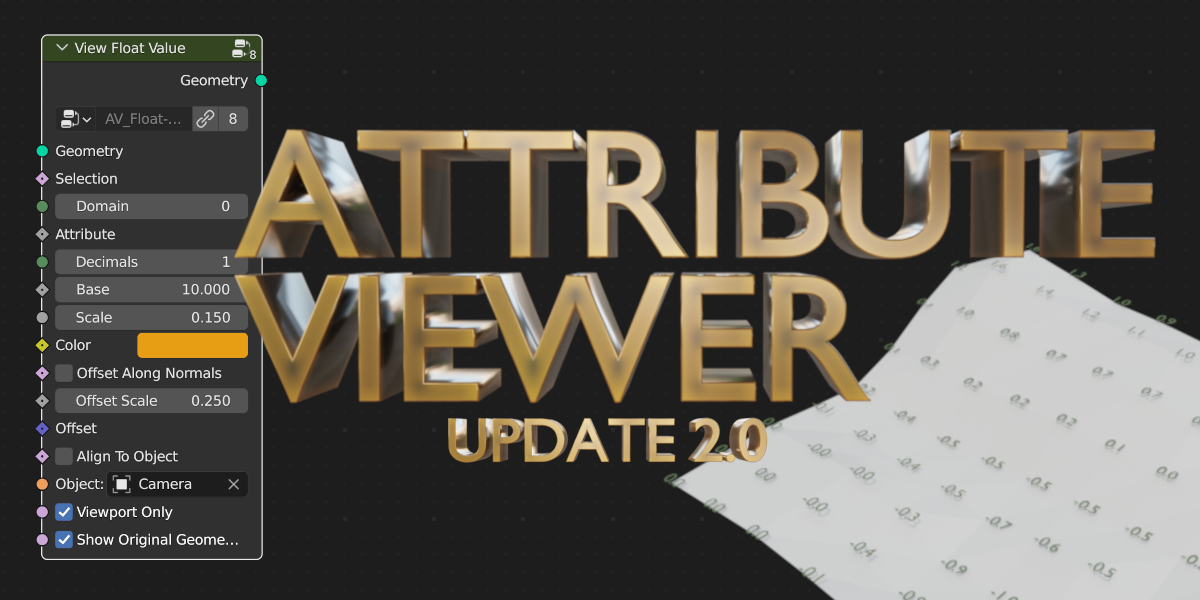
Inspect geometry fields as text in Blender with version 2.0.1 of Geometry Nodes Attribute Viewer; adjust labels and use readouts in renders.
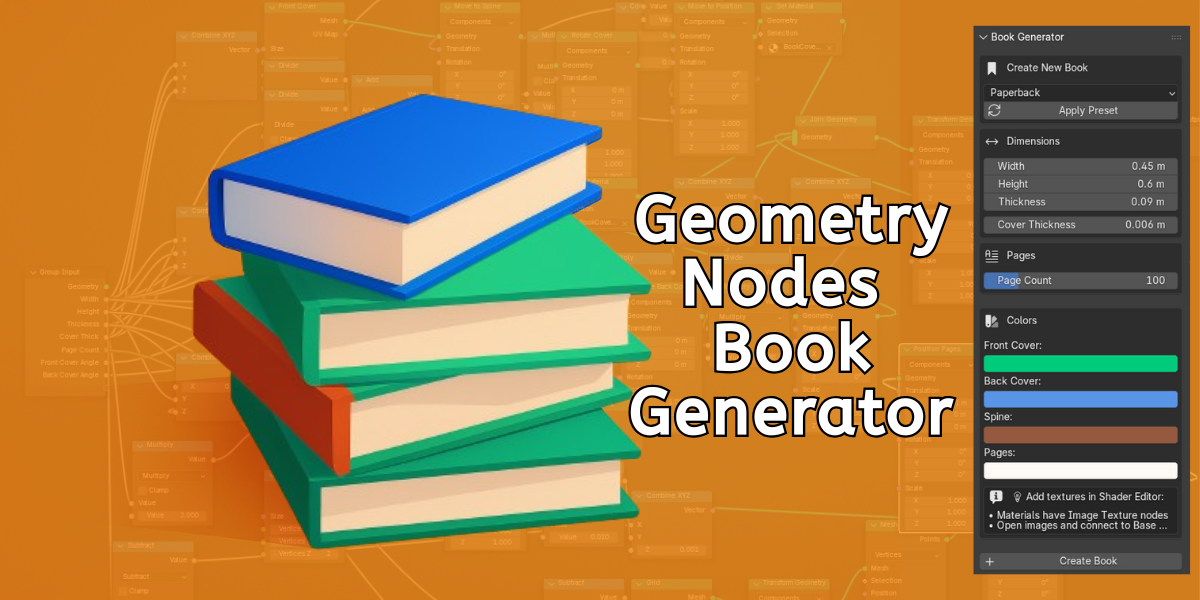
Geometry Nodes Book Generator - Build Procedural Library Fast is a Blender add-on with five presets, custom sizes, 10 to 500 pages and keyframed covers.
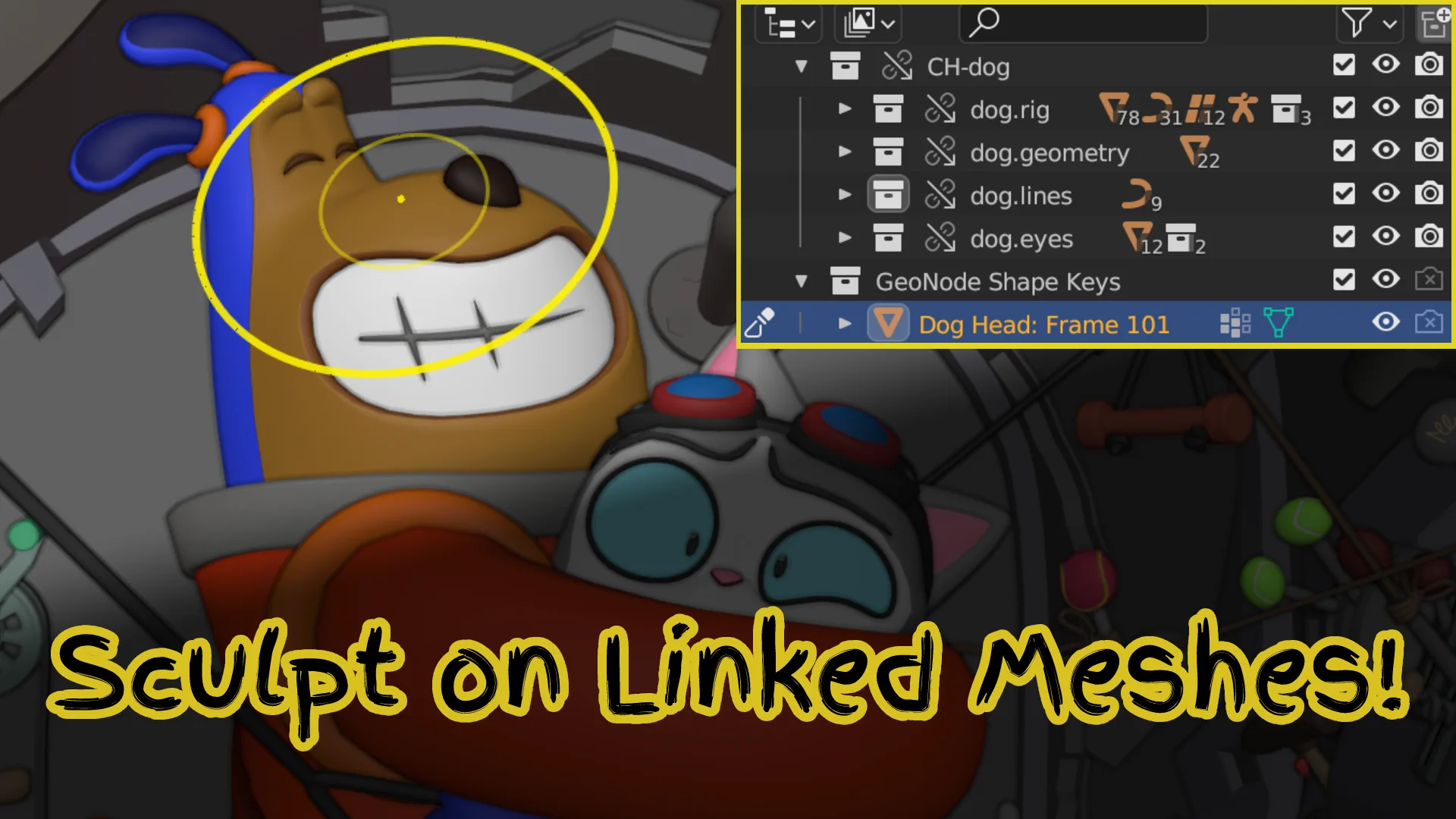
GeoNode Shape Keys are for sculpting linked, overridden, and local meshes; only Tangent Space mode needs UVs. Version 1.0.2 supports Blender 5.0 through 5.x.
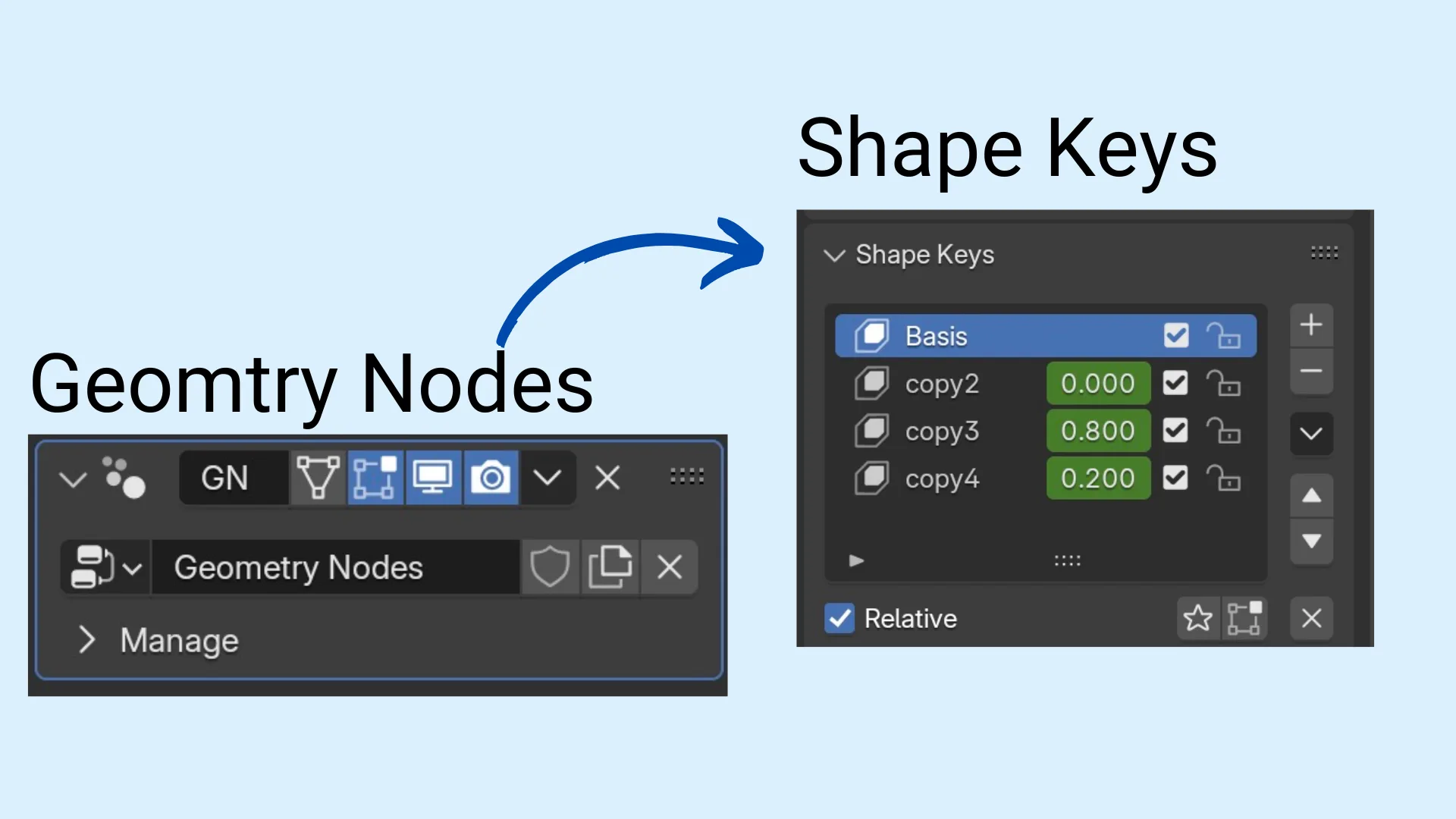
Convert animated Geometry Nodes into shape keys for glTF with Geonode To Shapekey. Check 10-frame sampling, Blender 5.1 minimum and stable mesh topology.
Geoprimitive is a Blender add-on for procedural objects, with editable Geometry Nodes and curve customization that depends on the editing mode.
Connect Geometry Nodes masks to Blender materials, copy node trees from the Asset Browser or Outliner, and build proximity-driven effects in Cycles.
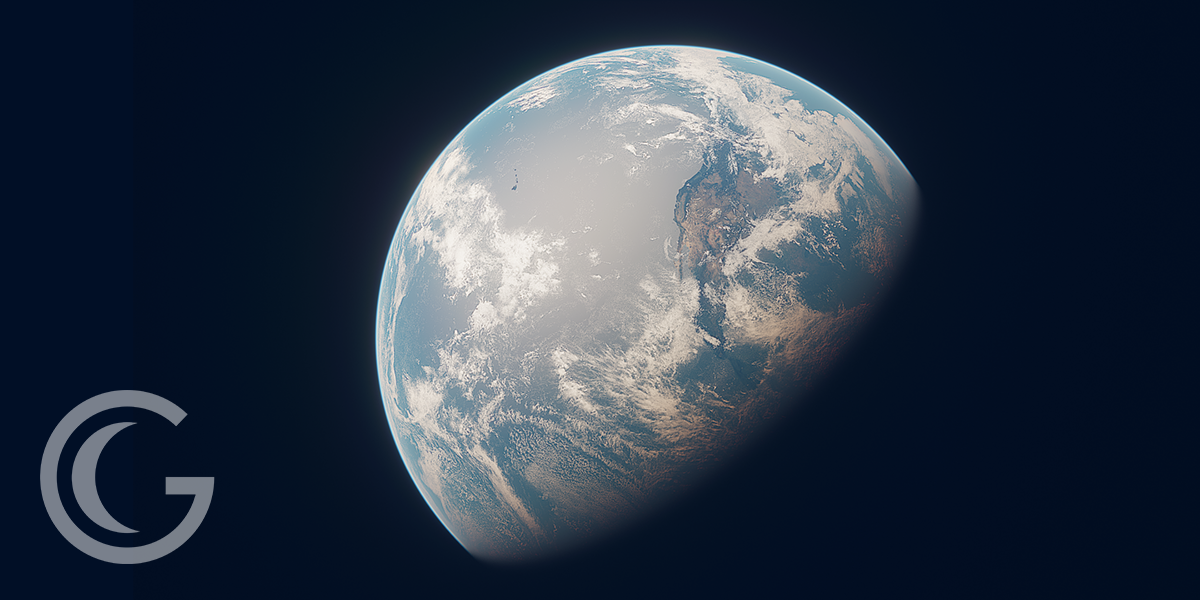
Build customizable planets in Blender with Geosim's volumetric atmospheres, image-based clouds, editable surface textures, and EEVEE and Cycles support.
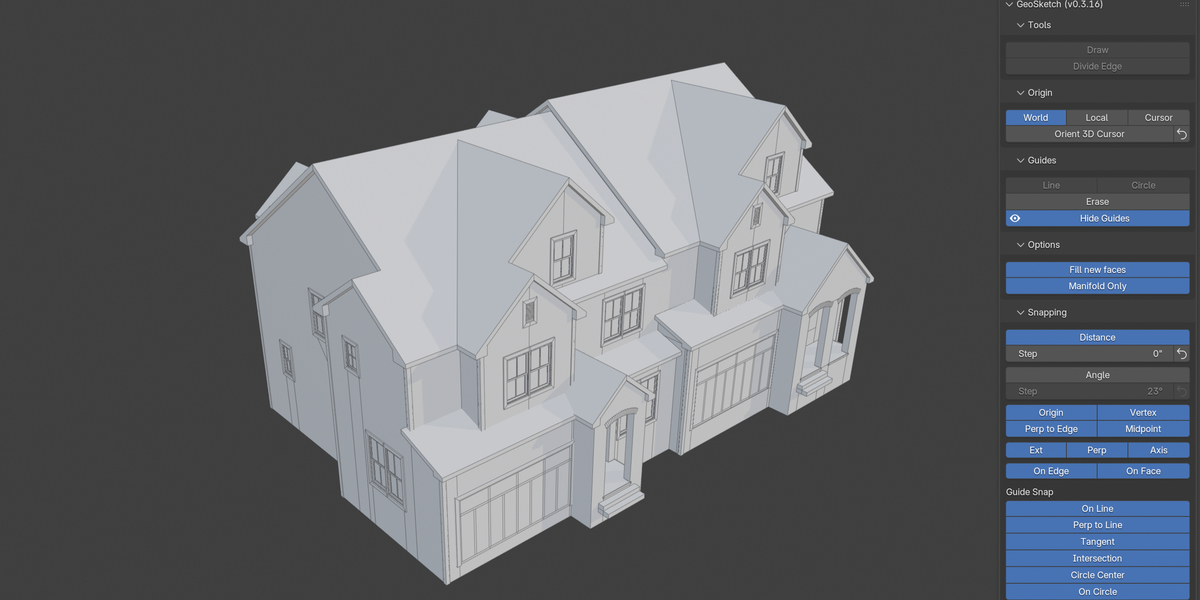
Geosketch adds precise mesh drawing, snapping, edge division, cursor alignment, and mathematical guides to Blender. Review its tools and supported versions.