Sketchfab for Autodesk® 3ds Max®
Sketchfab for Autodesk® 3ds Max® is listed as free and automates model publishing to Sketchfab; supported 3ds Max releases are not specified.
Browse published guides by application, developer or task. Check product details before downloading. Page 274 of 337.
Sketchfab for Autodesk® 3ds Max® is listed as free and automates model publishing to Sketchfab; supported 3ds Max releases are not specified.
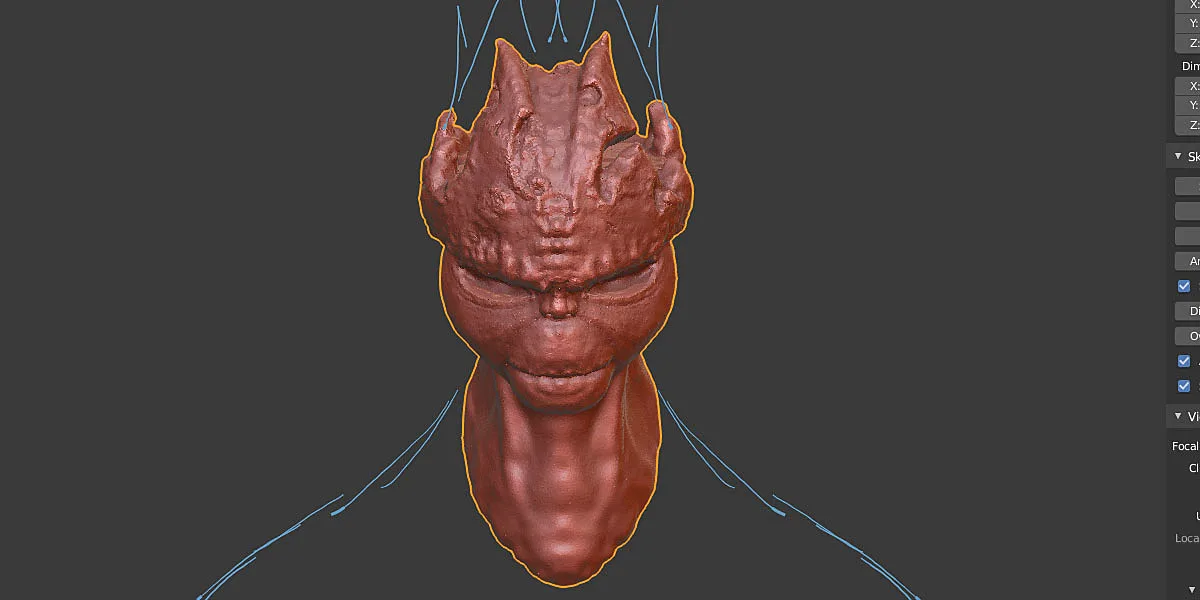
Sketch ideas with Sketching Idea as you sculpt, then develop one. Strokes vanish as camera angles shift; adjust opacity, symmetry and strokes per object.
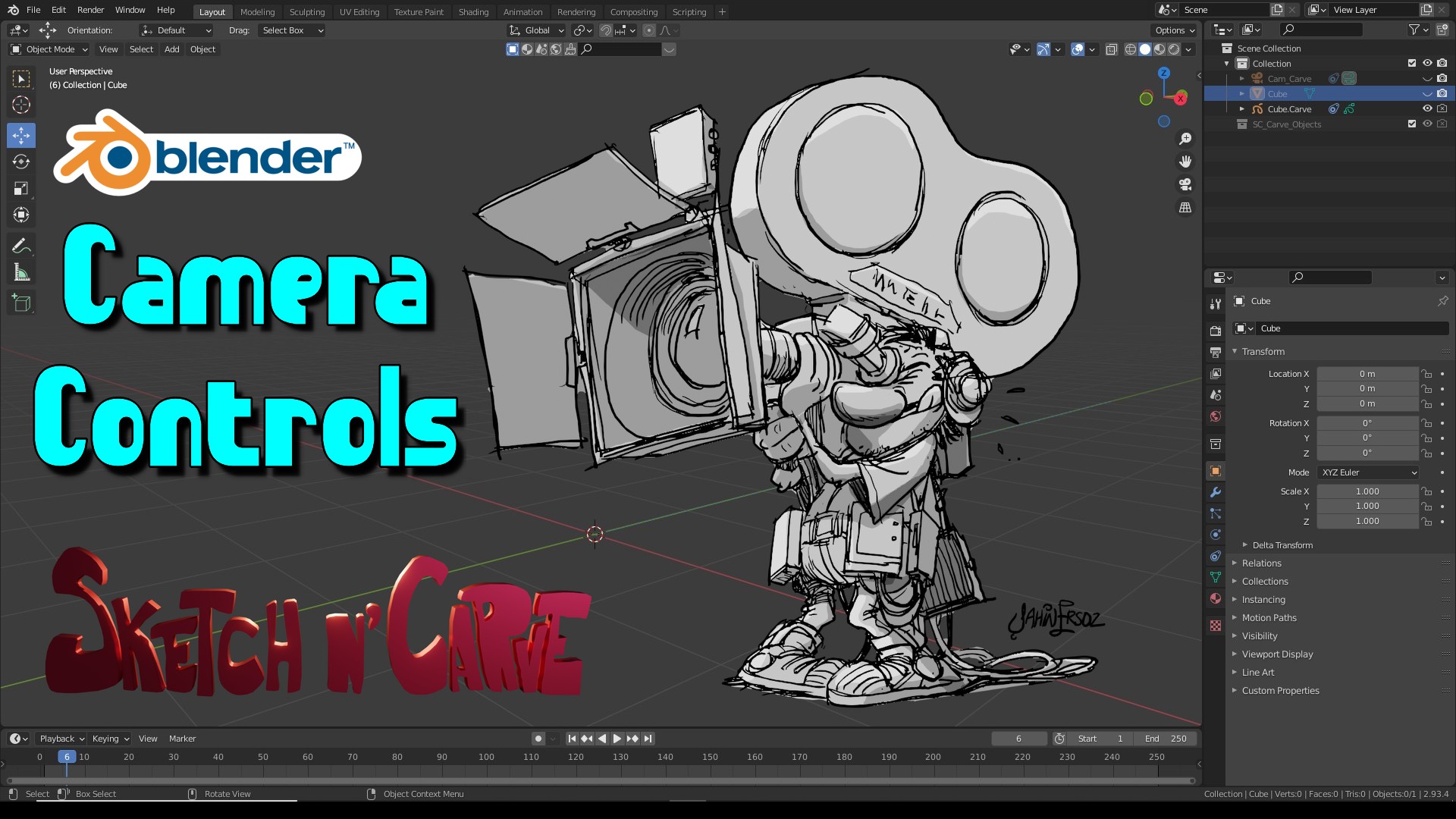
Sketchn Camera Controls aligns Blender's active camera to geometry, snaps the 3D Cursor, and adds camera tilt, pie-menu controls and numpad shortcuts.
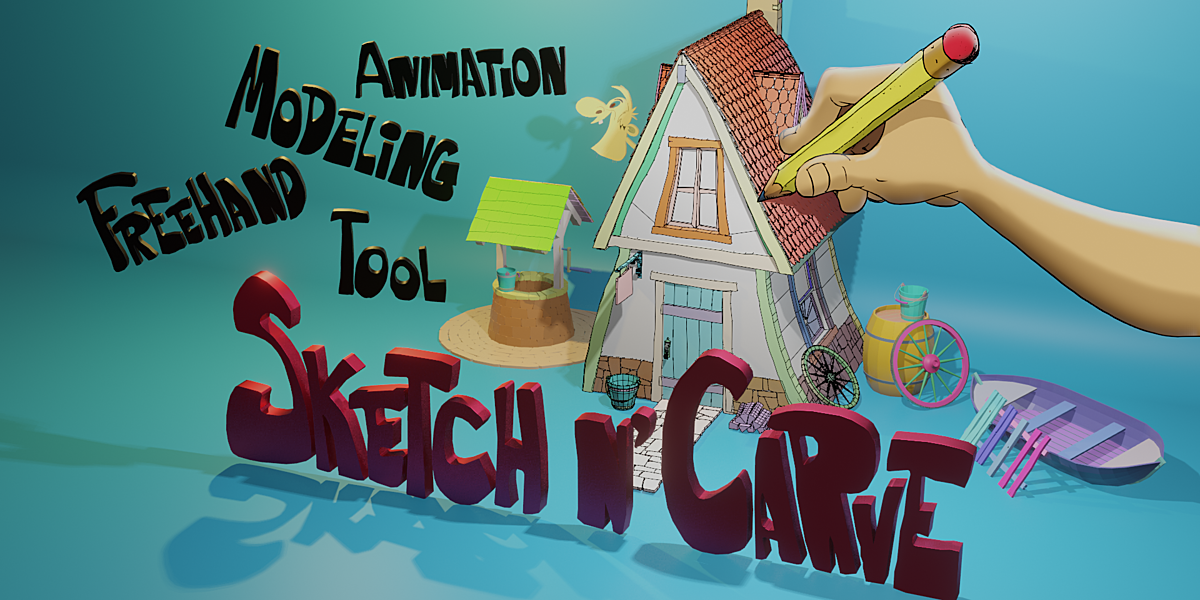
Turn Blender Grease Pencil sketches into 3D geometry with Sketchn'carve. See its Boolean, surface, curve and animation tools, editions and build details.
Skin Mesh To Bone is a Blender add-on that skins selected meshes to one bone on the active armature. Check 4.2 LTS compatibility and install options.
Skin Radius Fix sets inner and outer skin-envelope radii to a fixed size in 3ds Max, easing manual work on rigs with many bones. Check compatibility first.
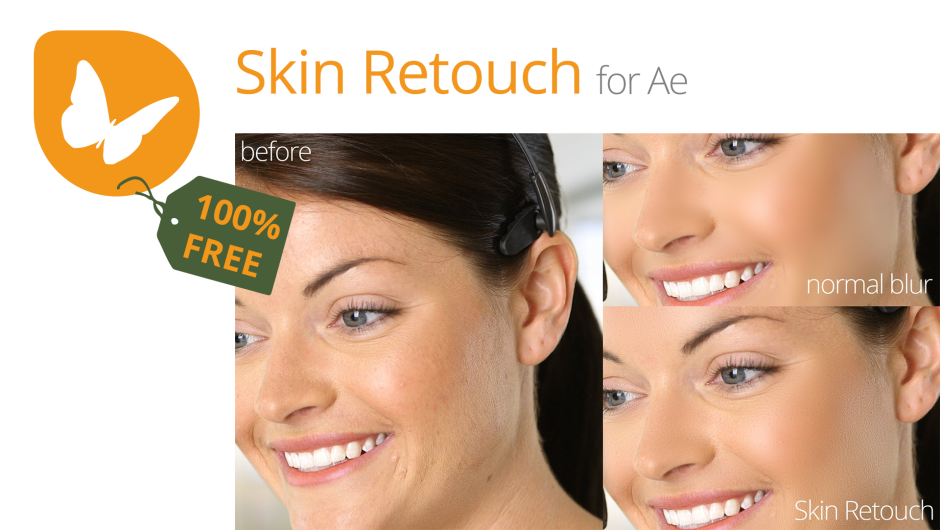
Skin Retouch brings frequency separation to After Effects for skin smoothing and wrinkle cleanup while preserving fine texture. See how the workflow works.
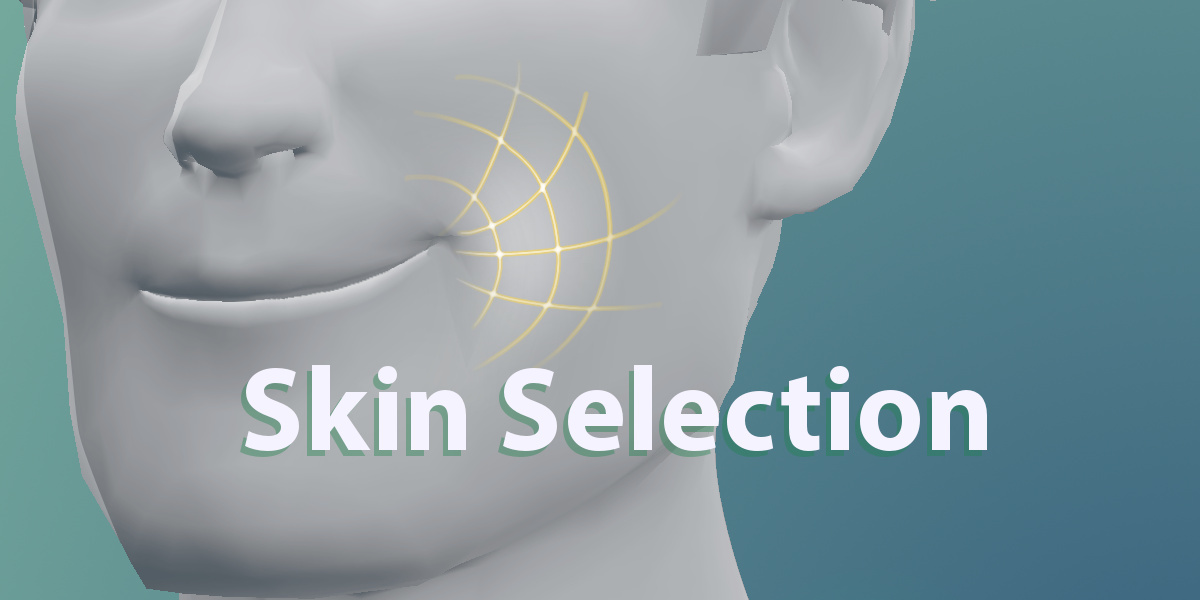
Skin Selection maps Blender mesh areas to rig controllers for click-based picking. Review setup, mirror naming, and viewport limits before installing.
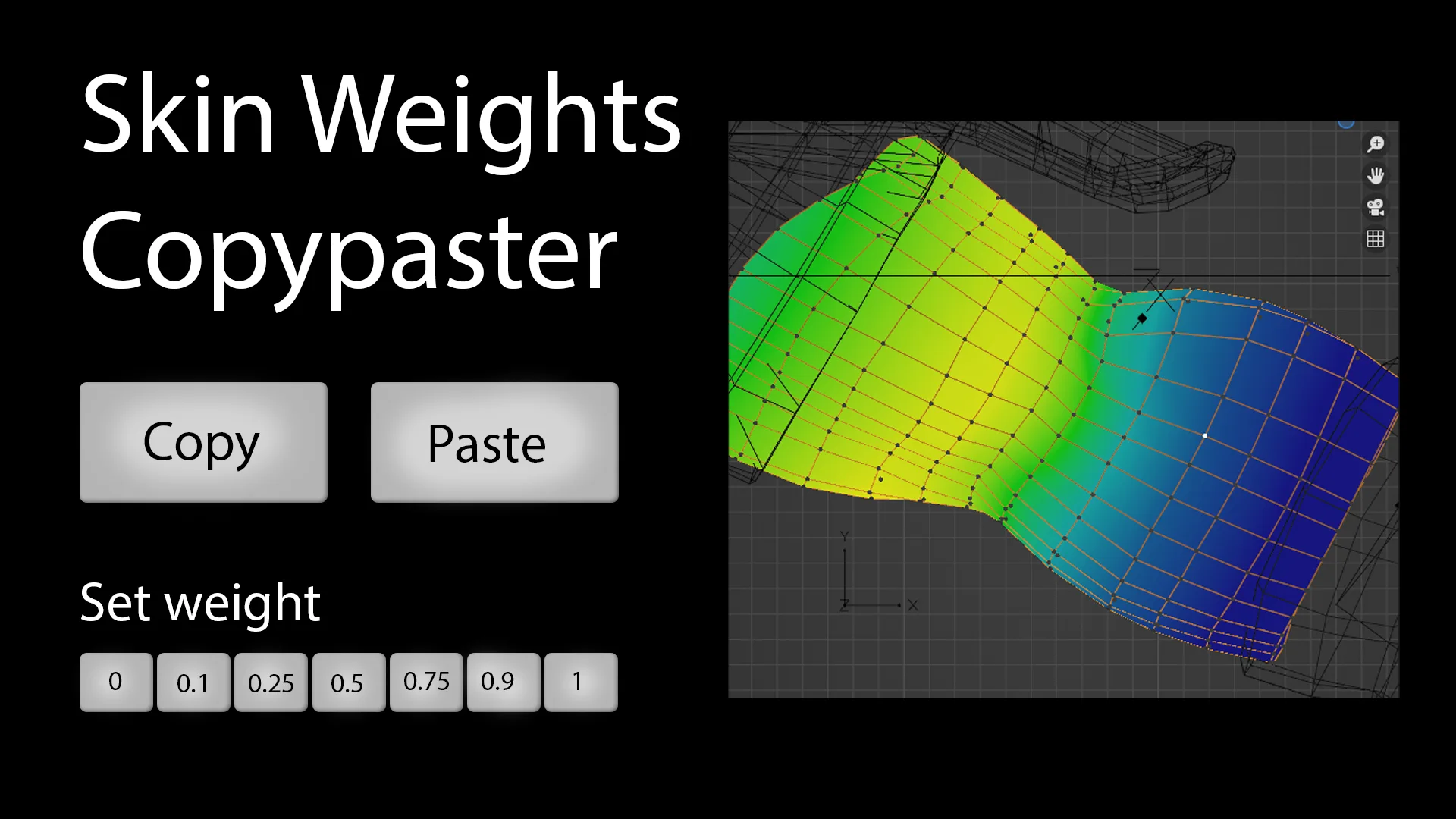
Skin Weights Copypaster copies and pastes vertex weights and includes Set Weights; Blender Extensions lists Blender 4.2.0 as the minimum for v0.3.3.
Skin_Or_Poly_Grow_Selection.ms is a MaxScript for growing Skin or Poly selections. Its listing names 3ds Max 6, 7 and 8; check support in newer versions.
Review Skin_Or_Poly_Loop_Selection.ms, a MaxScript for loop selection in 3ds Max versions 8, 7 and 6. Check whether TiM-Scripts notes apply.
Skin_Or_Poly_Ring_Selection.ms is a MaxScript for ring selection on skin or polygon components, with compatibility listed for 3ds Max 6, 7 and 8.
Skin_Or_Poly_Shrink_Selection.ms is Paul Hormis’s MAXScript for shrinking Skin or Poly selections in 3ds Max. Version 1 lists 3ds Max 6, 7 and 8.
Set After Effects layer anchor points with skinAnchor’s nine-position panel. Use Shift to adjust position while the anchor stays fixed, or choose a custom skin.
Skinify Rig makes per-bone meshes or a whole cover from selected or all armature bones. Version 0.11.2 needs Blender 4.2.0 or later; support is limited.
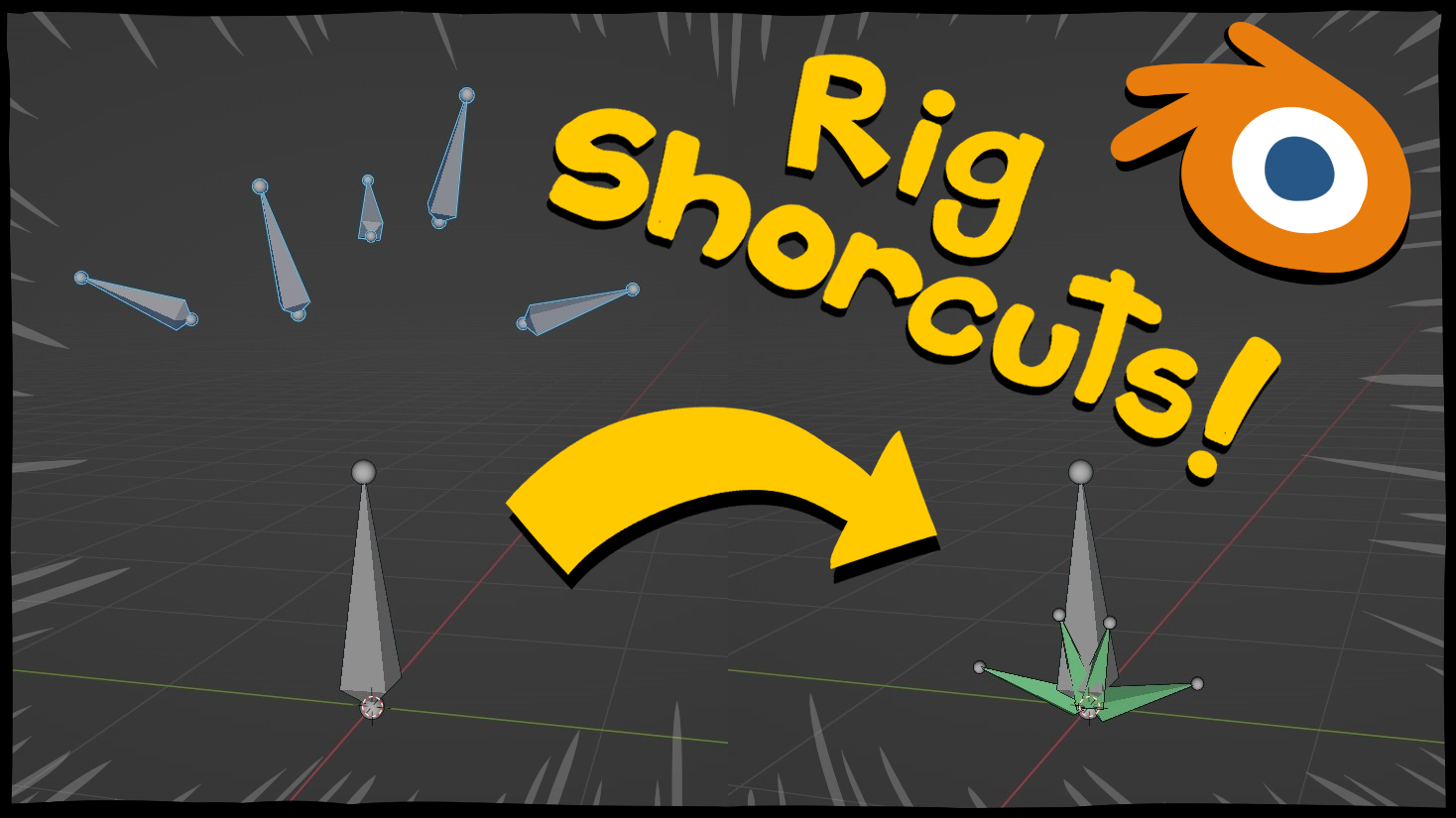
Skip Redundant Steps In Rigging is a Blender add-on for building constraints from bone selections, reusing values, and setting Bendy Bone handles.
Move models between Blender and SketchUp through native SKP exchange and linked updates; live Sync requires SketchUp and its separate extension.
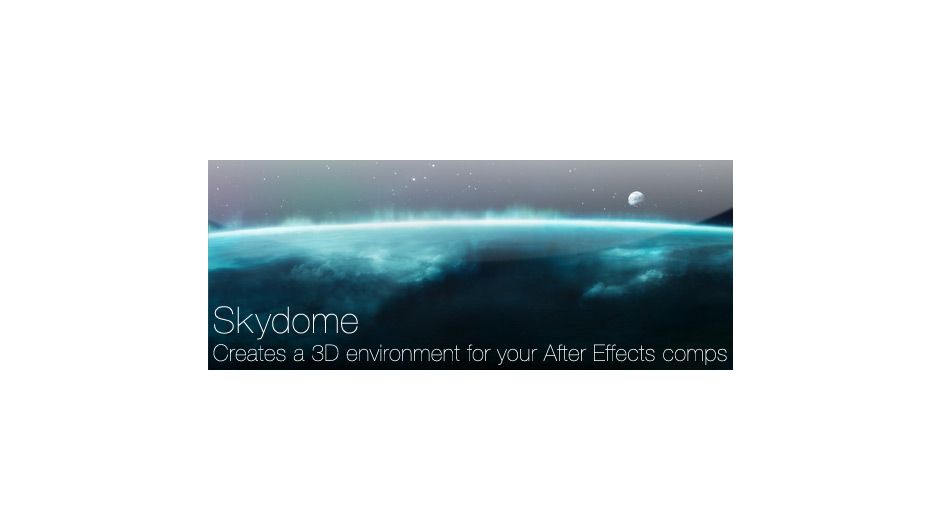
Skydome creates a camera-responsive 3D environment in After Effects. Run its script, then add an HDRI image or other material to the background composition.
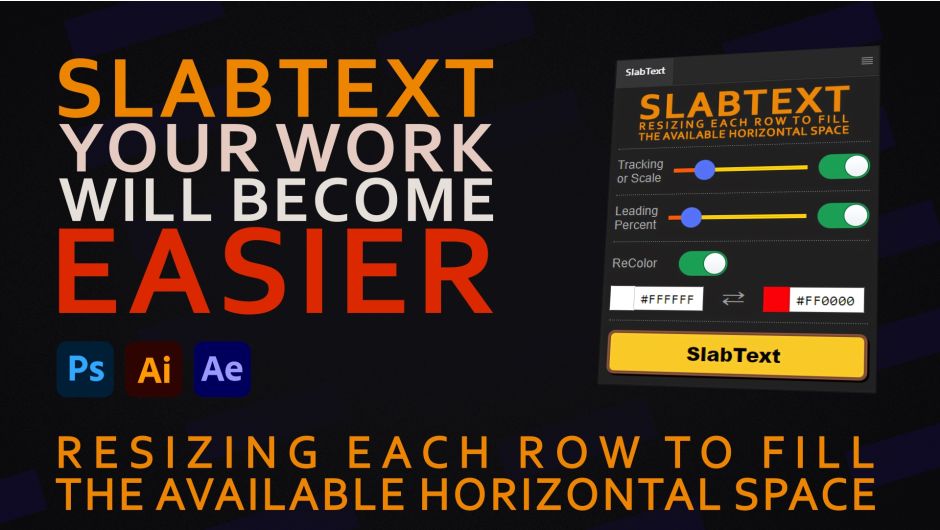
SlabText aligns paragraph line widths in After Effects, Illustrator, Photoshop and InDesign, with controls for scale, tracking, leading and color.
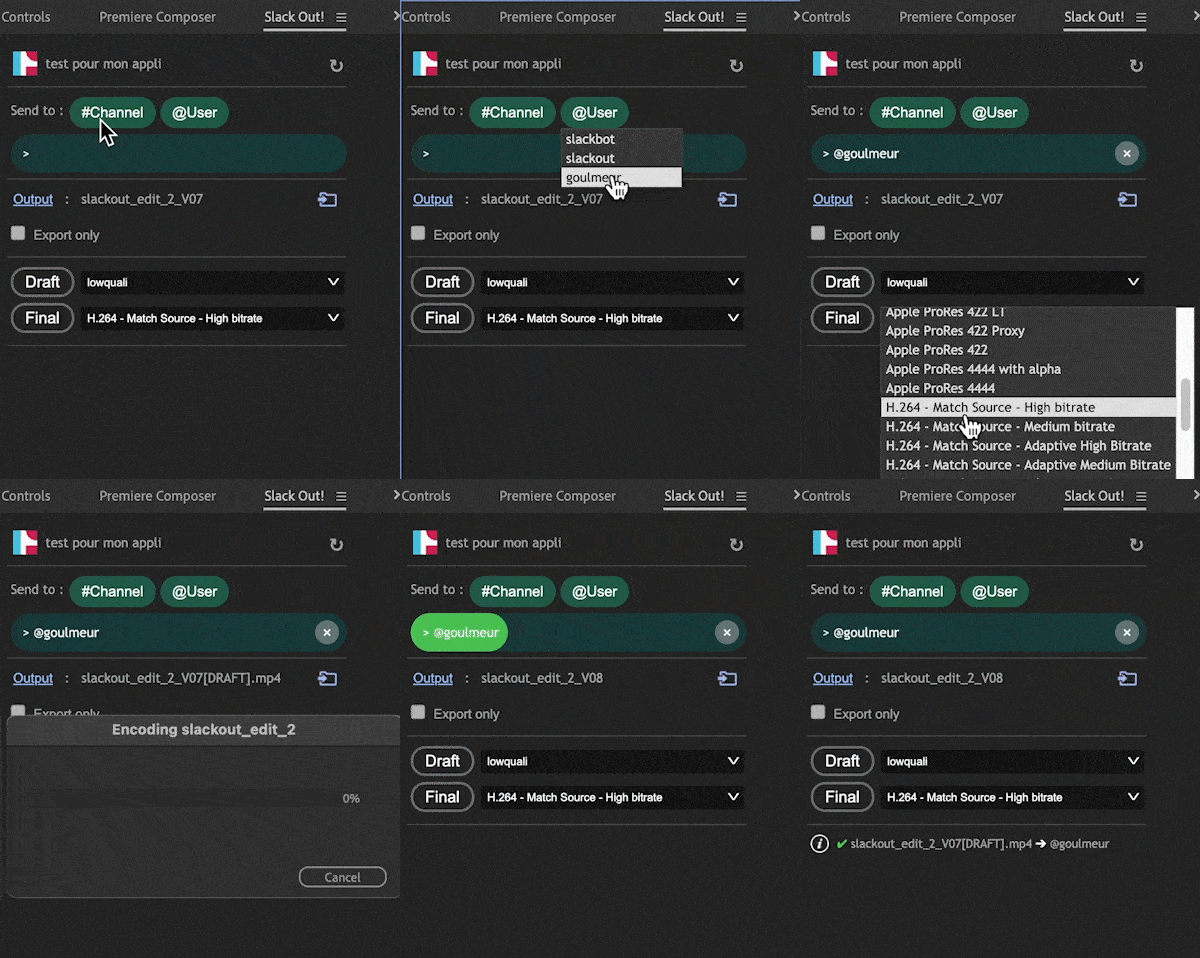
SlackOut sends Premiere Pro and After Effects exports to Slack. Set draft and final presets, choose an output folder, and upload to a channel or user.
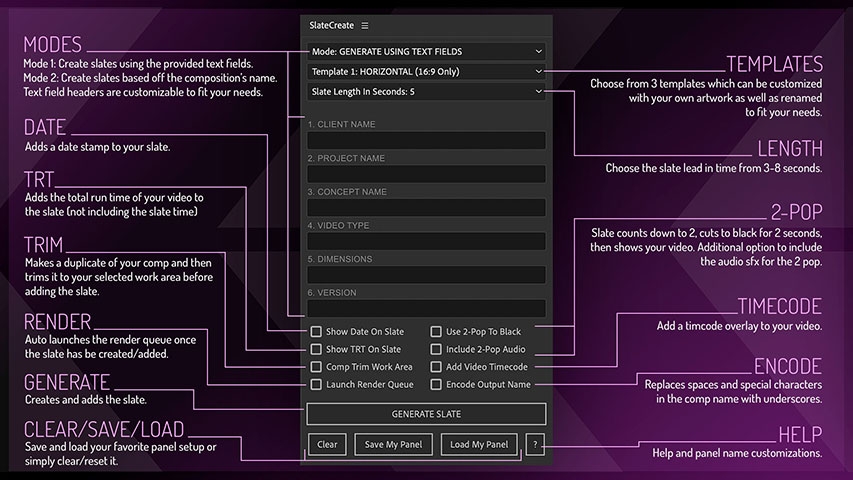
Slate Create makes customizable After Effects slates from panel text or a composition name, adapting to the selected composition. Check listed versions.
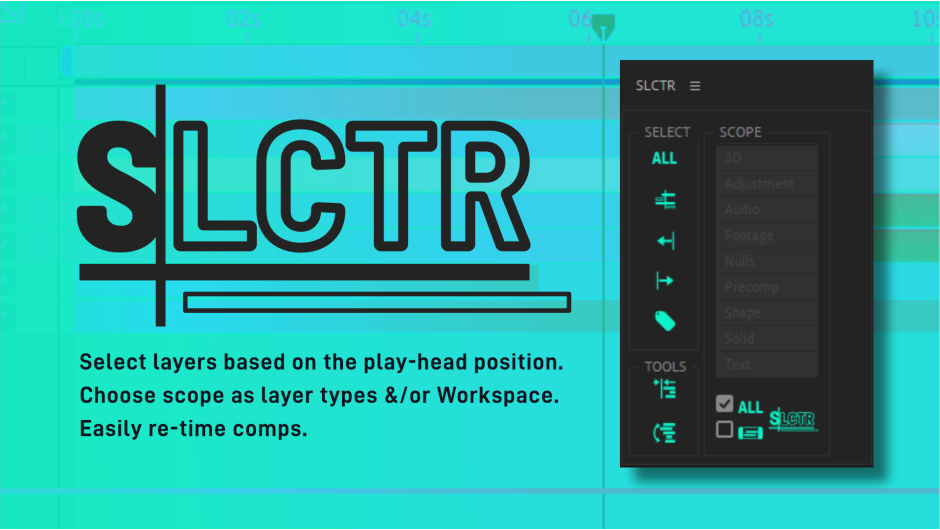
SLCTR is an After Effects script for play-head-based selection and matching labels from selected layers. SHIFT preserves relative timing; FLIP reverses layer order.
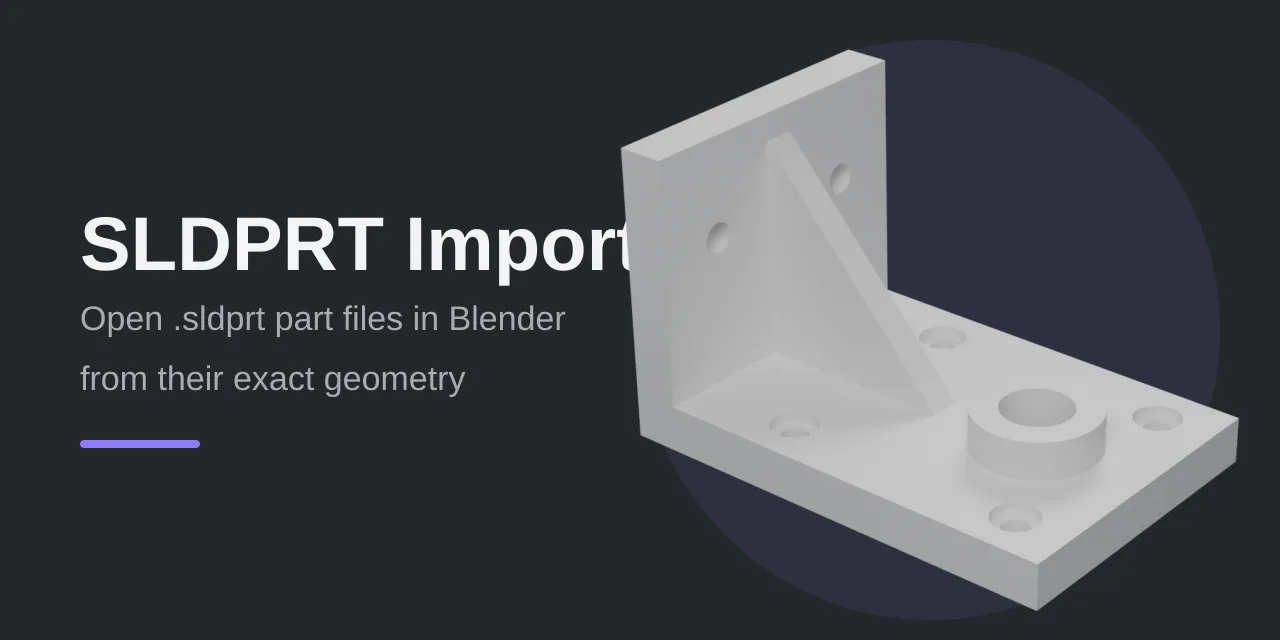
SLDPRT Import brings .sldprt parts into Blender as exact meshed geometry or the file’s preview mesh. Check support and limits before downloading.