Text At Marker
Animate After Effects text by word, character, or line at layer markers. Explore six directions, custom timing, requirements, and a 10-day trial.
Animation tools for motion design, including keyframe helpers and transitions. Filter by your editing or 3D application. Page 39 of 45.
Animate After Effects text by word, character, or line at layer markers. Explore six directions, custom timing, requirements, and a 10-day trial.
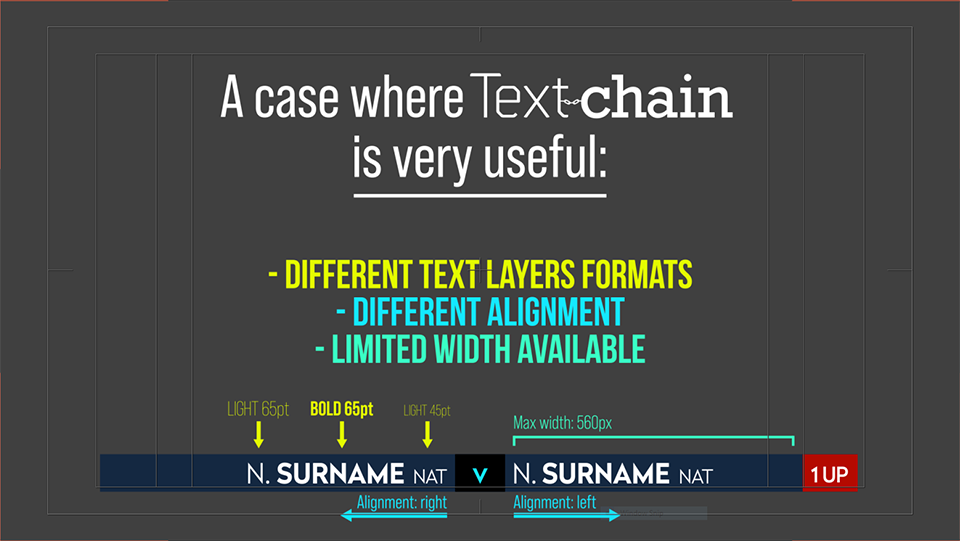
Text Chain for After Effects links separate text layers, with global and per-word tracking plus a maximum-width control. Check compatibility before installing.
Text Chasing Rainbow applies 2 to 16 colors to After Effects text by character, excluding spaces, by word, or by line. View its controls and free trial.
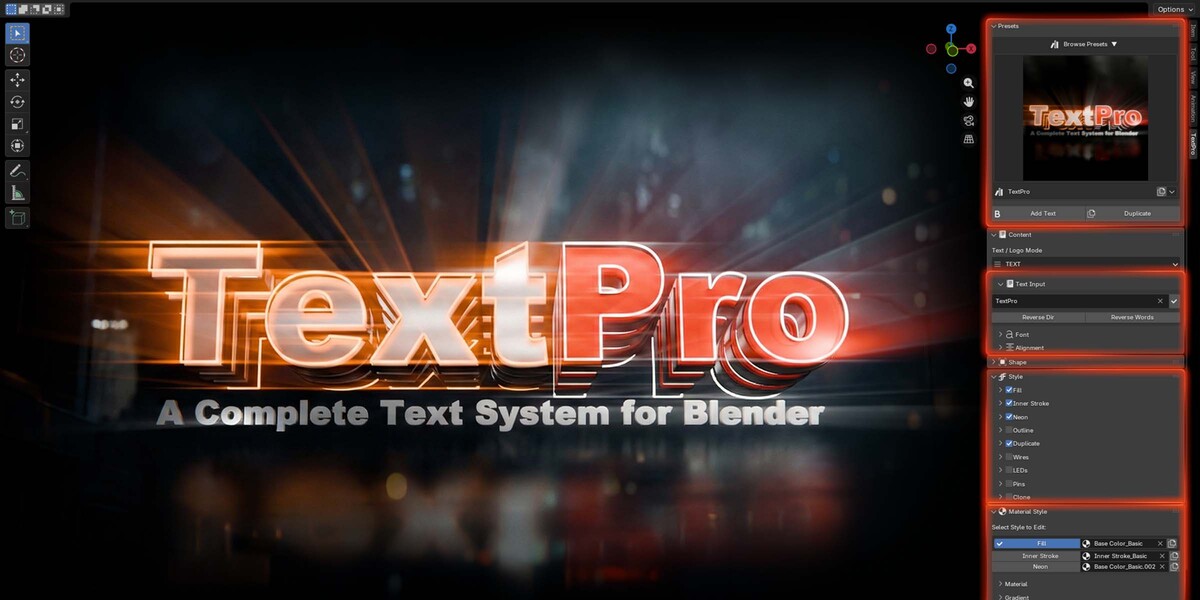
Text Control for Blender lets you style words and individual letters, layer text animations, and reuse presets for 3D titles, motion graphics and UI animation.
Animate Blender text with reusable effects, .srt subtitle import, audio baking and per-letter cascades in Text Effects v5. Check the current listing.
Animate After Effects text with Text Force's 12 styles, word, row or paragraph splits, audio sync and reusable presets. Check trial and compatibility.
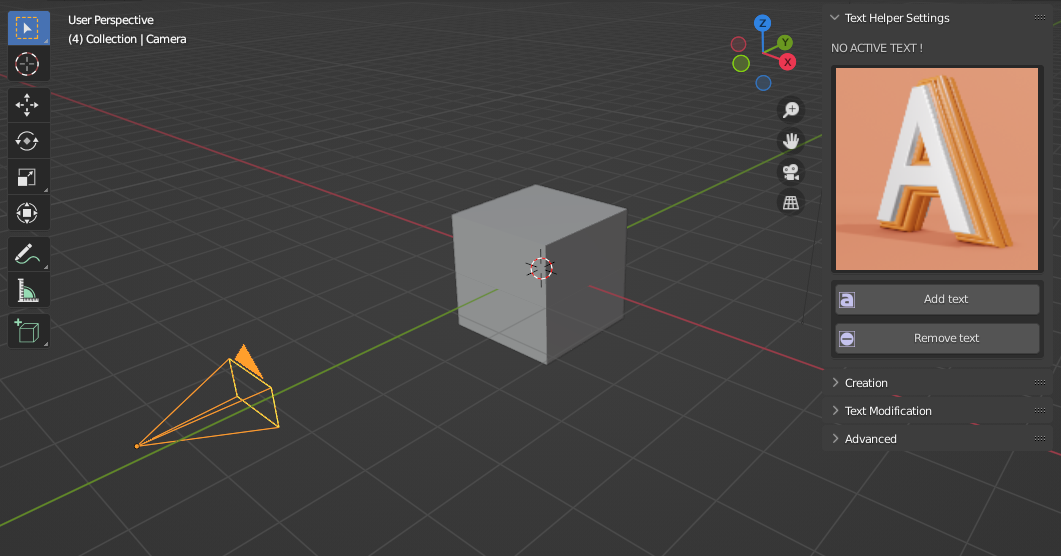
Text Helper adds presets, pie-menu controls, bevel and extrude tools to Blender. Review its multi-object editing, installation steps and listed versions.
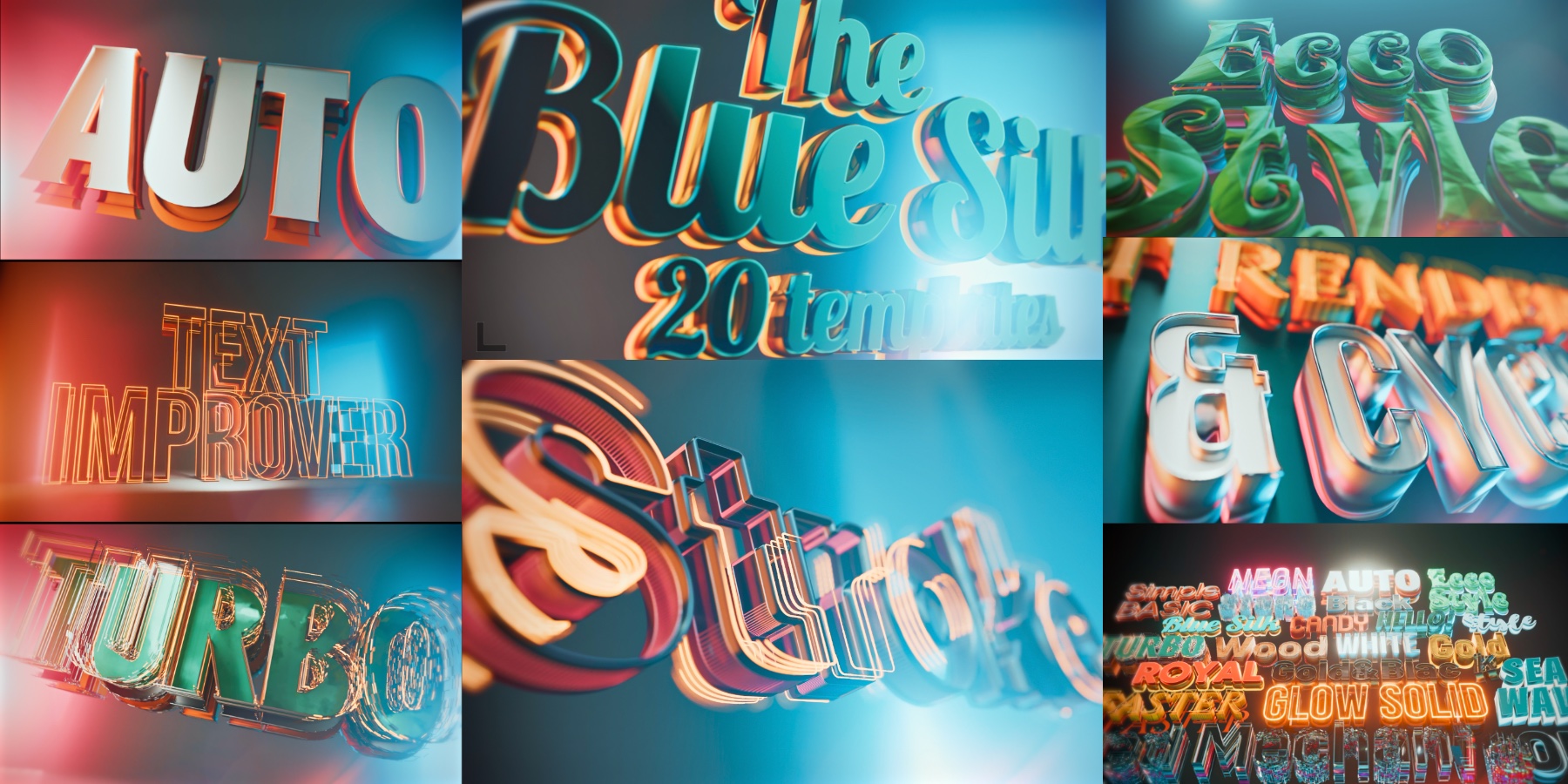
Text Improver is a Blender Geometry Nodes add-on for 3D text, with 20 presets, edge shaping, animation and crack effects. View tutorials; check compatibility.
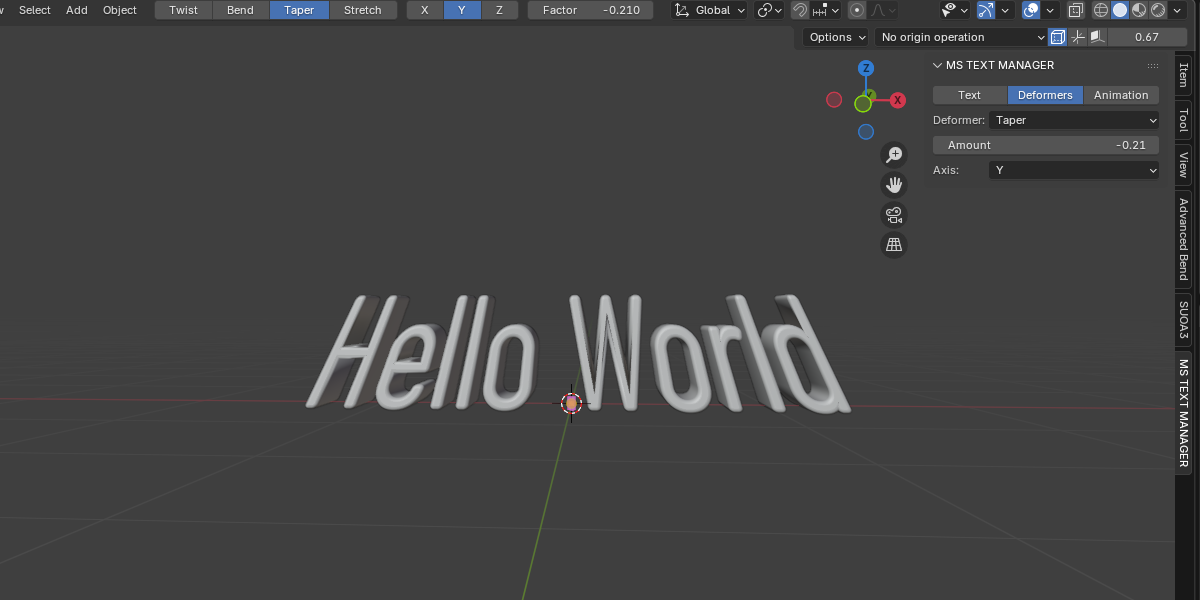
Text Manager edits Blender text live, adjusts transforms, and adds deformers and motion effects. Check Blender 4.0-4.5 compatibility before installing.
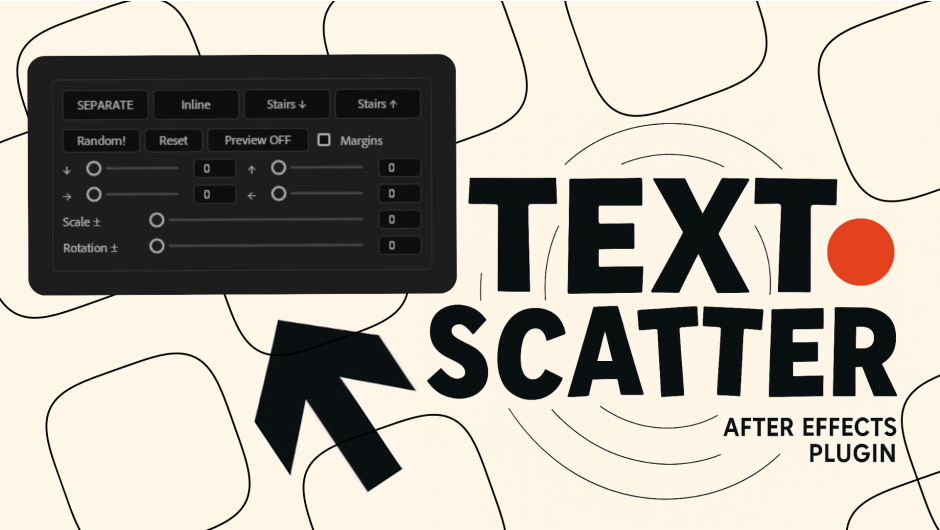
Split text into word or character layers, randomize their order, and arrange them in inline or stair layouts with Text Scatter for After Effects.
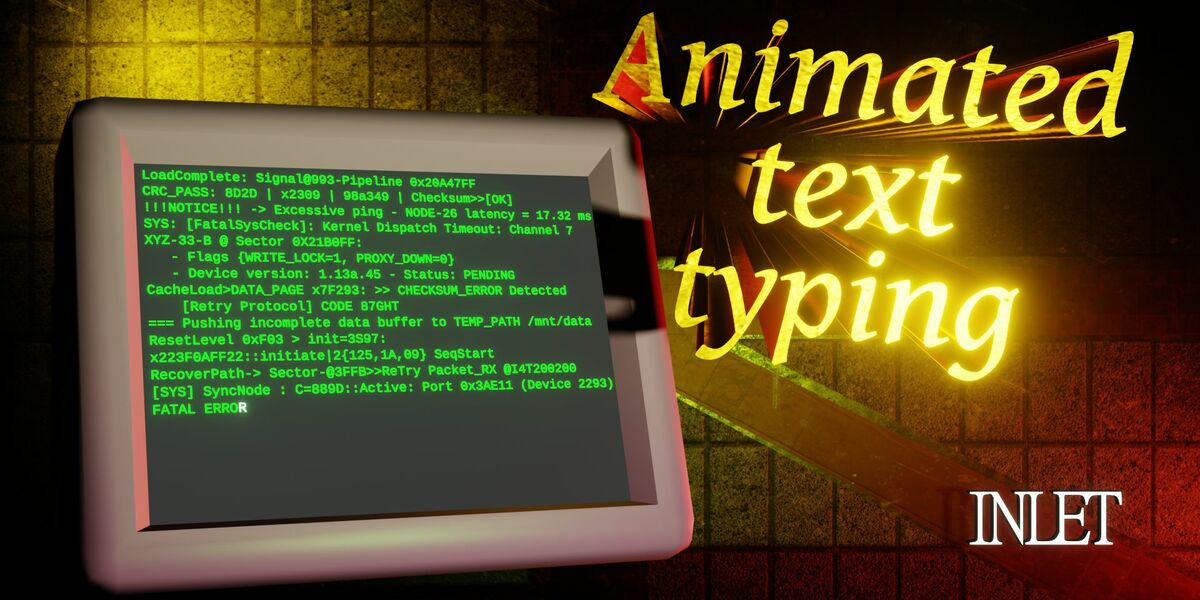
See how Text Typer 3000 creates terminal-style text animation from a text file. Its listing gives Blender 2.93 to 5.0 compatibility and a GPL license.
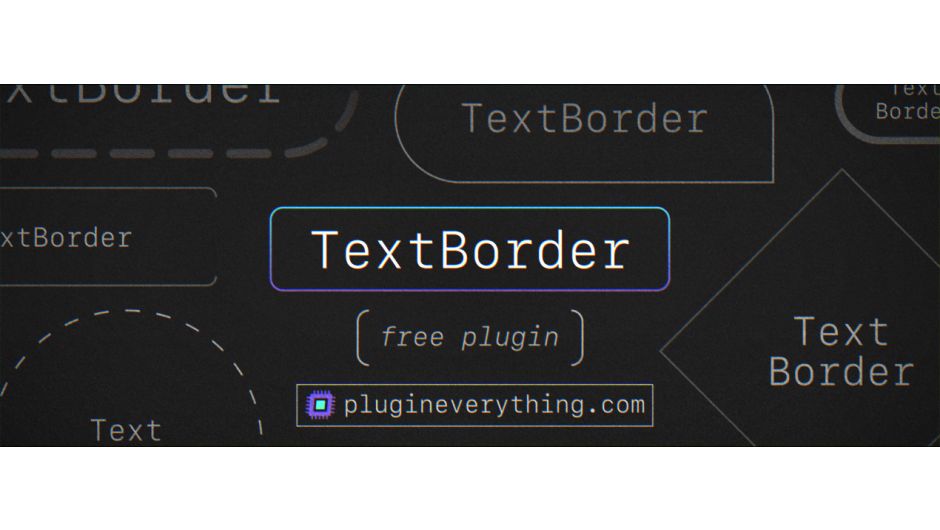
TextBorder adds an adjustable border to After Effects text, with per-edge sizing, rounded edges, gradients and dashes. Check compatibility.
TextBox 2 resizes a custom shape behind After Effects text as copy changes. Adjust expansion, corners, gradients and borders for lower thirds or subtitles.
TextDelay staggers After Effects text by character, word, or line while preserving easing. Review its controls, limits, and version support before installing.
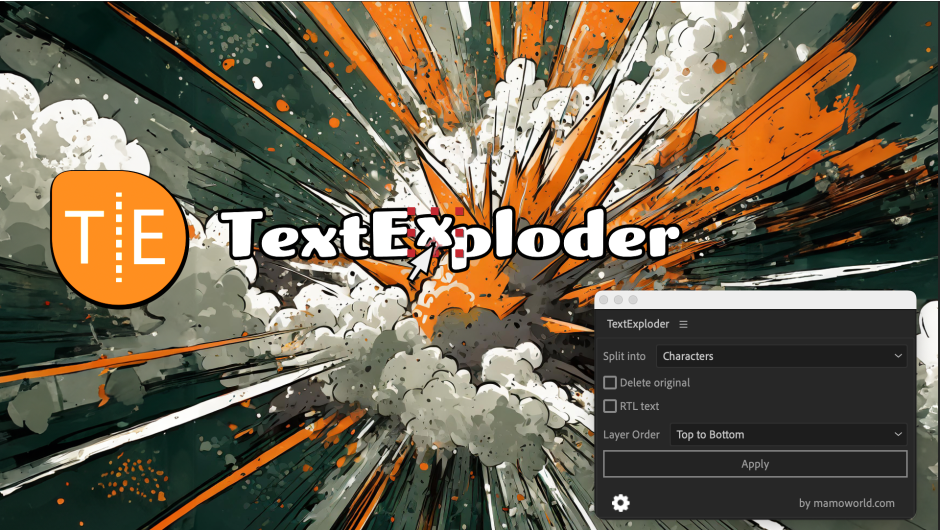
Split After Effects text into characters, words, lines, or custom groups with TextExploder. It preserves placement in clean, editable layers.
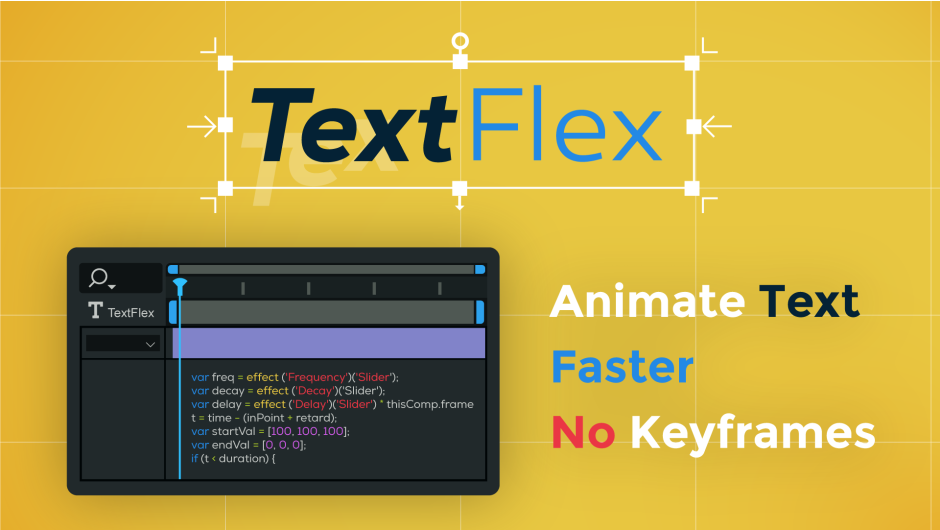
Animate After Effects text by character, word, or line with TextFlex. Set entry and exit modes, adjust timing and direction, and save reusable presets.
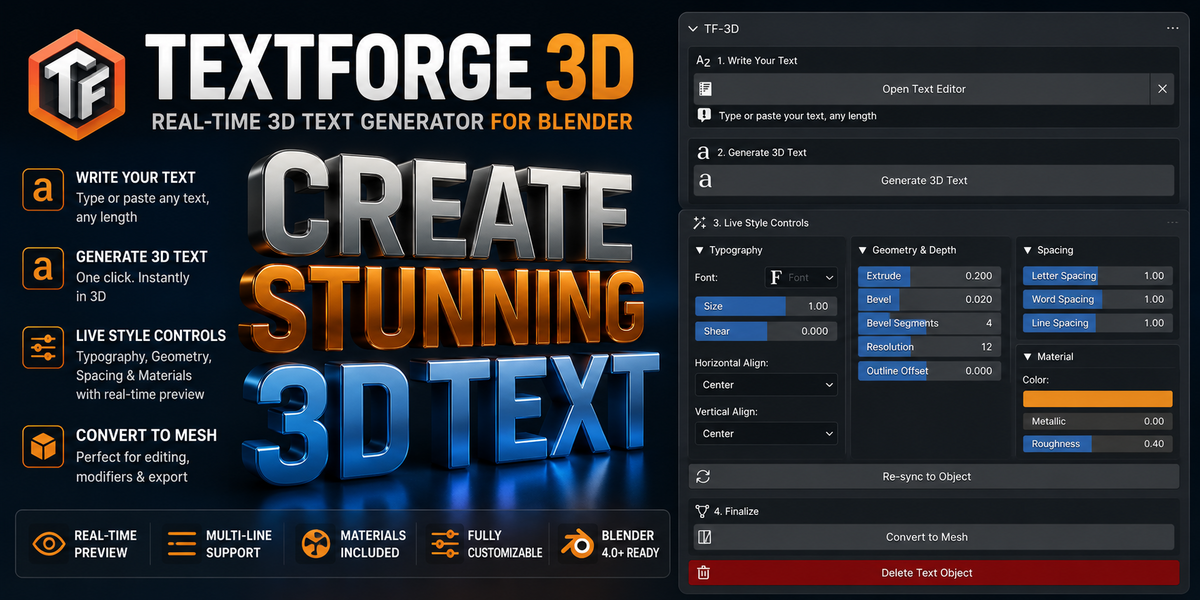
Textforge 3D is a Blender add-on for N-Panel 3D text, with live updates and mesh conversion. Its listing and version 1.0.0 docs conflict on compatibility.
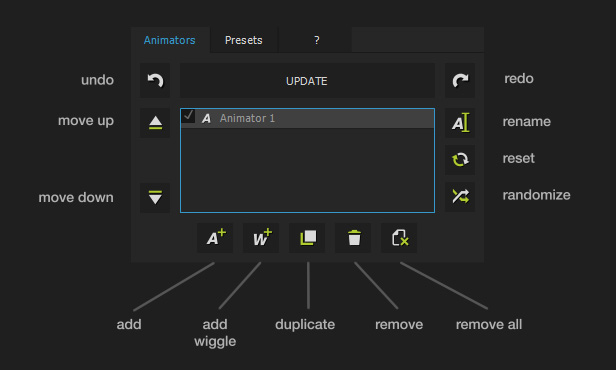
Textor is an After Effects script that animates text with sliders, creates variations for selected properties, and saves reusable presets.
Align an English transcript to audio in After Effects with textsyncr, then use its layer markers for captions, subtitles, lyrics, or Monkey script animation.
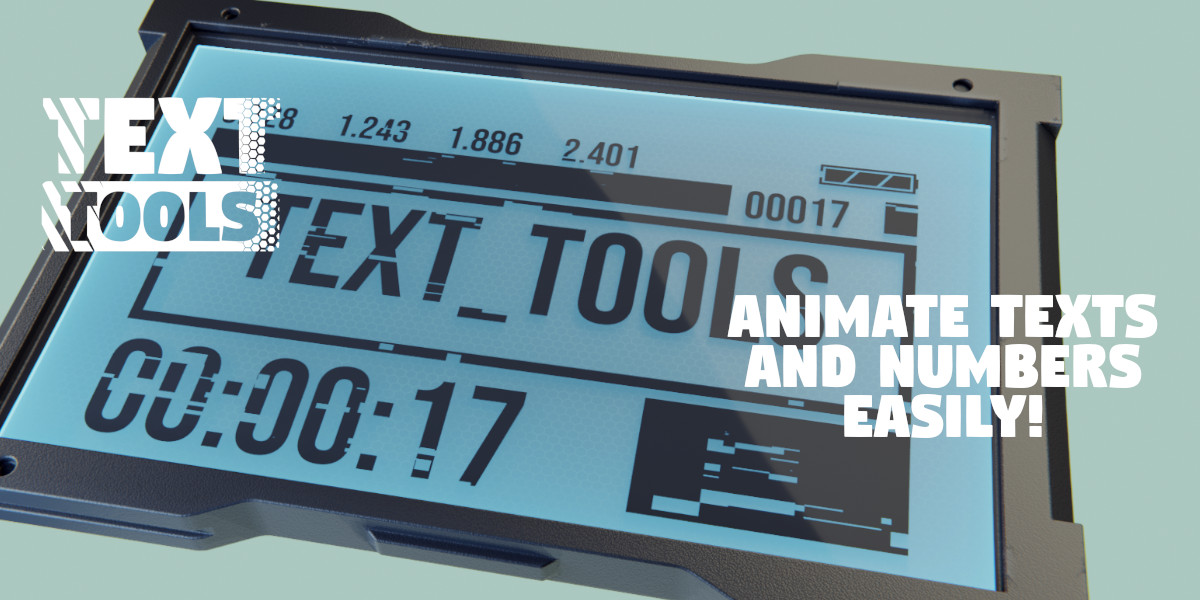
Texttools animates text, numbers, and timecodes in Blender, with AutoMask material effects for any object. Check the listed Blender versions before installing.
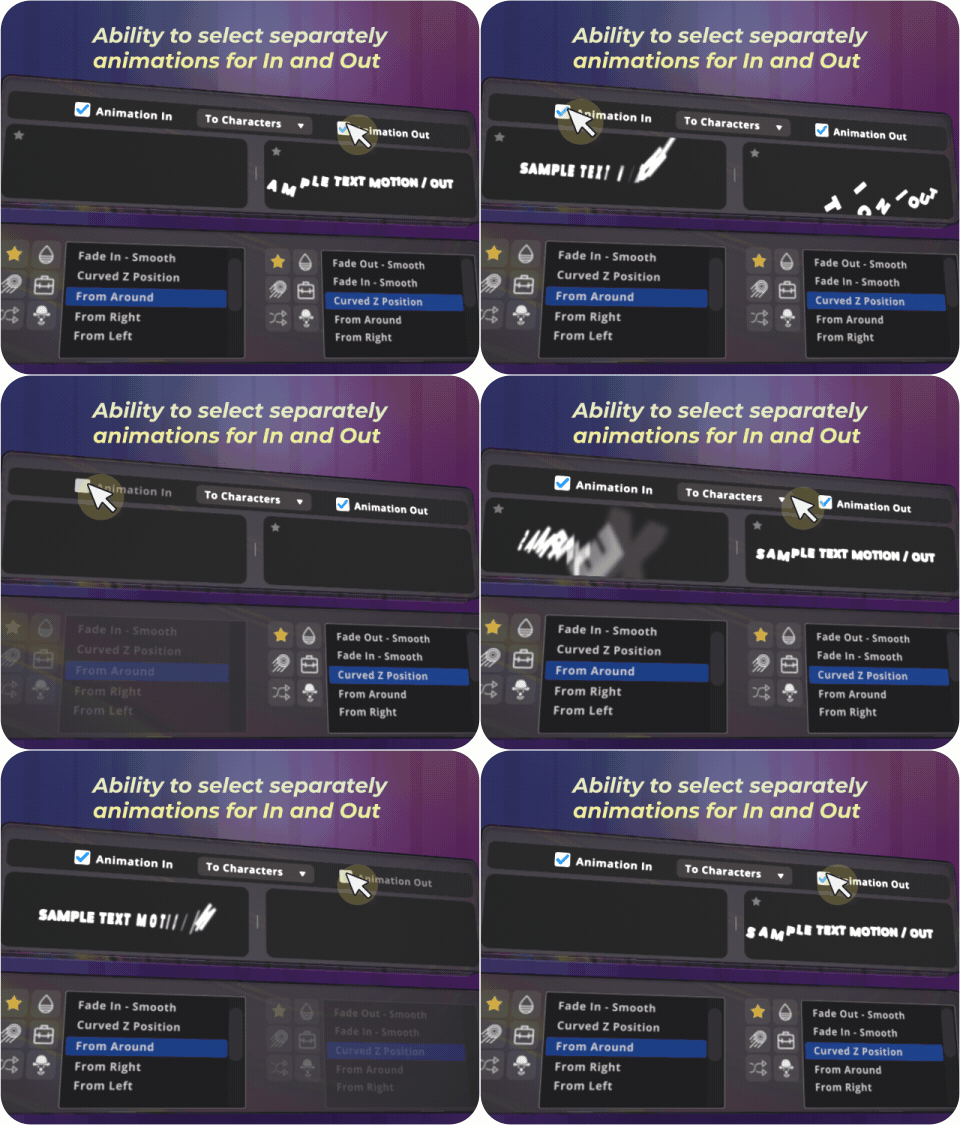
Textyle Premiere adds 550+ title animations, 30+ styles and separate in/out controls to Premiere Pro. Check compatibility and the current trial.
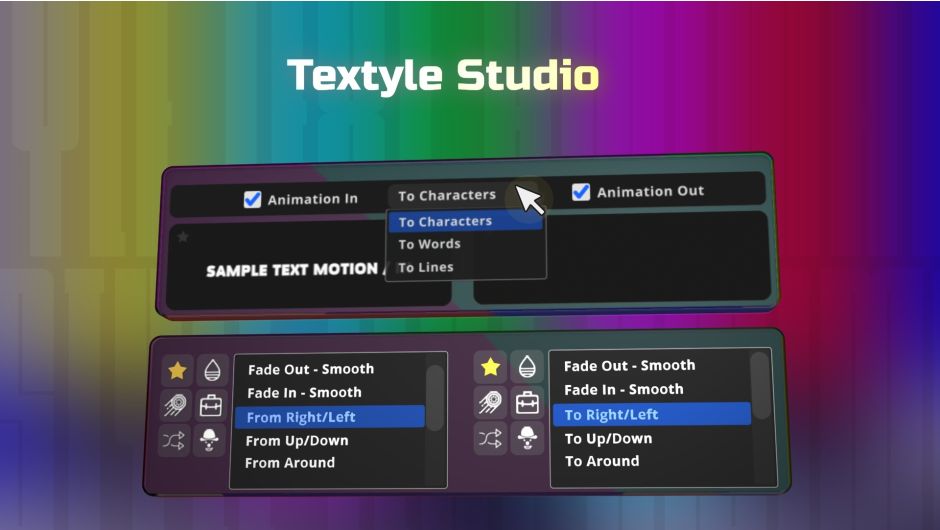
Textyle Studio adds 550+ title animations and 30+ styles to After Effects, with controls for in/out motion and duration. Check compatibility and trial details.
The Parliament creates a parliamentary visual in After Effects with one click, then lets you adjust shapes, colours, size and animation.