Consolimate
ConsoliMate is a Premiere Pro panel that packages sequences with used media and re-wraps supported video without re-encoding. Check MoovIT’s trial terms.
Tools for organizing files and automating repeated tasks in creative applications. Browse by application or search for a task. Page 35 of 163.
ConsoliMate is a Premiere Pro panel that packages sequences with used media and re-wraps supported video without re-encoding. Check MoovIT’s trial terms.
Content Browser for 3ds Max lets artists browse local models, scenes, materials and HDRIs, filter assets, choose variations, and import them.
Browse, preview and drag cloud assets in Adobe Creative Cloud and Figma with Content Cloud Plugin. See supported services, setup, plans and compatibility.
Connect Box inside After Effects or Premiere Pro to search, preview, and place cloud assets. Review the limited free plan, paid tiers, and host-app support.
Browse, preview and place Dropbox assets from Adobe apps with Content Cloud Plugin. See its file-link workflow, supported hosts, setup and plan limits.
Browse Google Drive and Google Photos assets in Adobe apps: search, preview, drag and drop, upload and link files, with account access and free-plan limits.
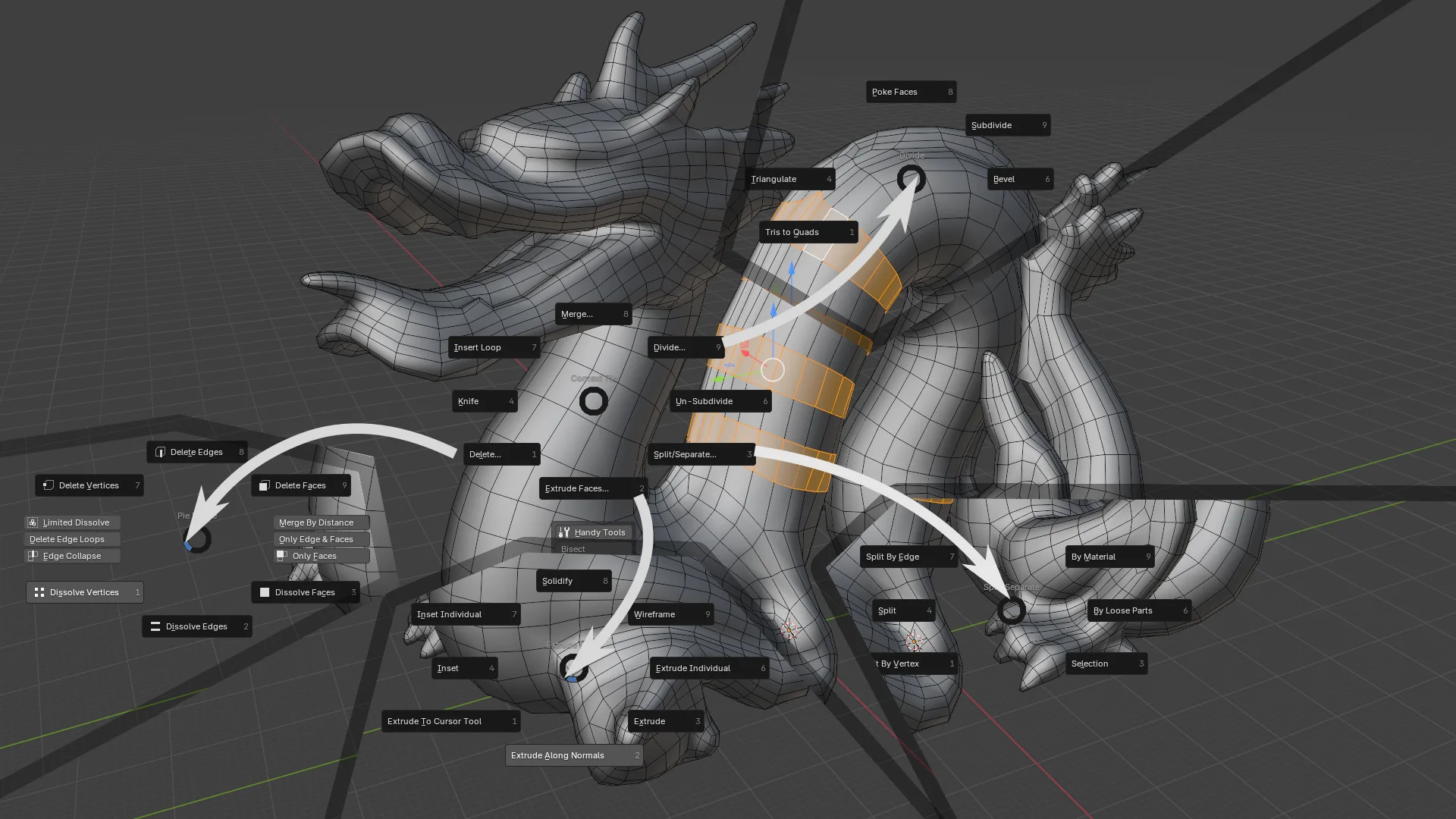
Context Pie adds Blender pie menus for mode selection, context-aware actions, pivots and node links. Version 0.9.51 lists Blender 5.1.0 as its minimum.
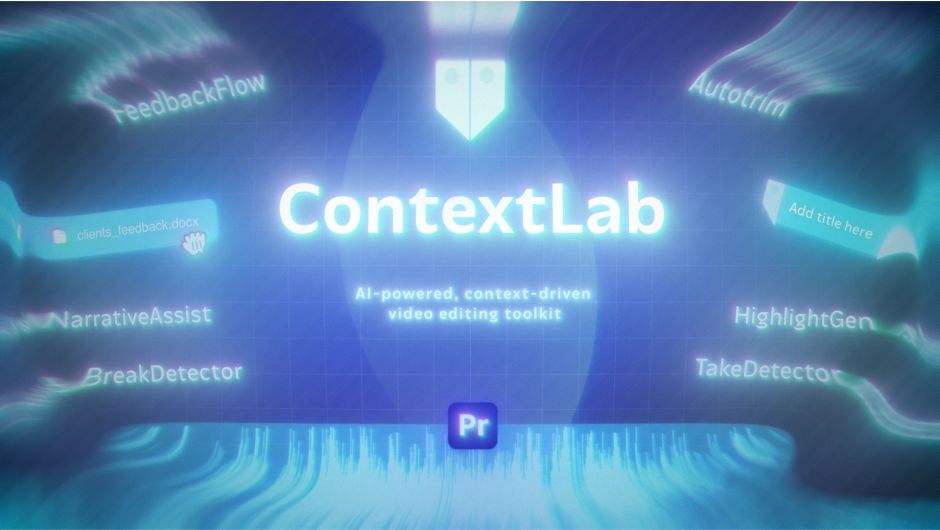
ContextLab: AI Context Video Editing is a Premiere Pro plugin for feedback markers and contextual captions in SRT or plain text. Check compatibility.
Map Fusion design dependencies with Contriver Node Atlas. Trace change impact, record missing links and trace rebuild failures to their source.
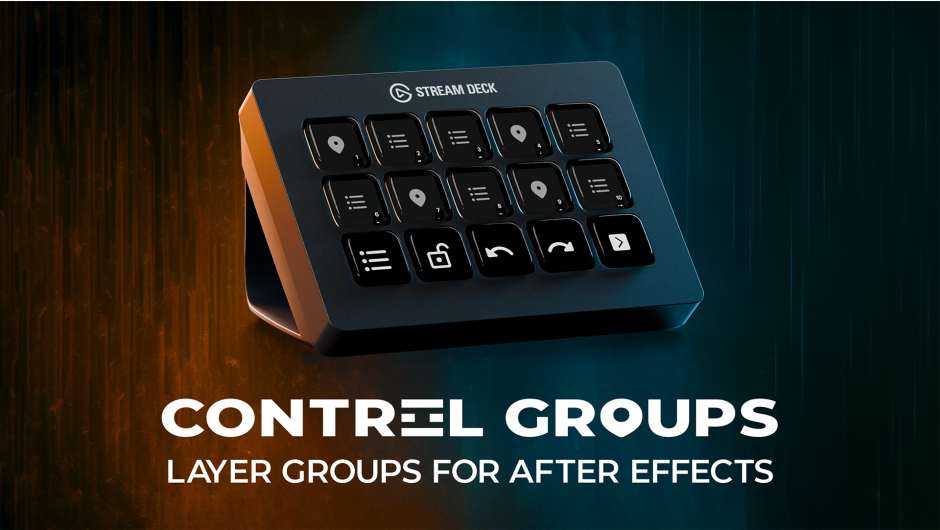
Save layer sets and timeline bookmarks with Control Groups. Spaces hold groups; Stream Deck syncs group states; Command Frame chains group actions.
Control LMFX groups layers, manages effects across compositions, filters the timeline, and includes frame-rate, composition, palette, and keyframe tools.
Control Suite for After Effects combines searchable commands, layer groups, row-based selection and composition history. Check compatibility and licensing.
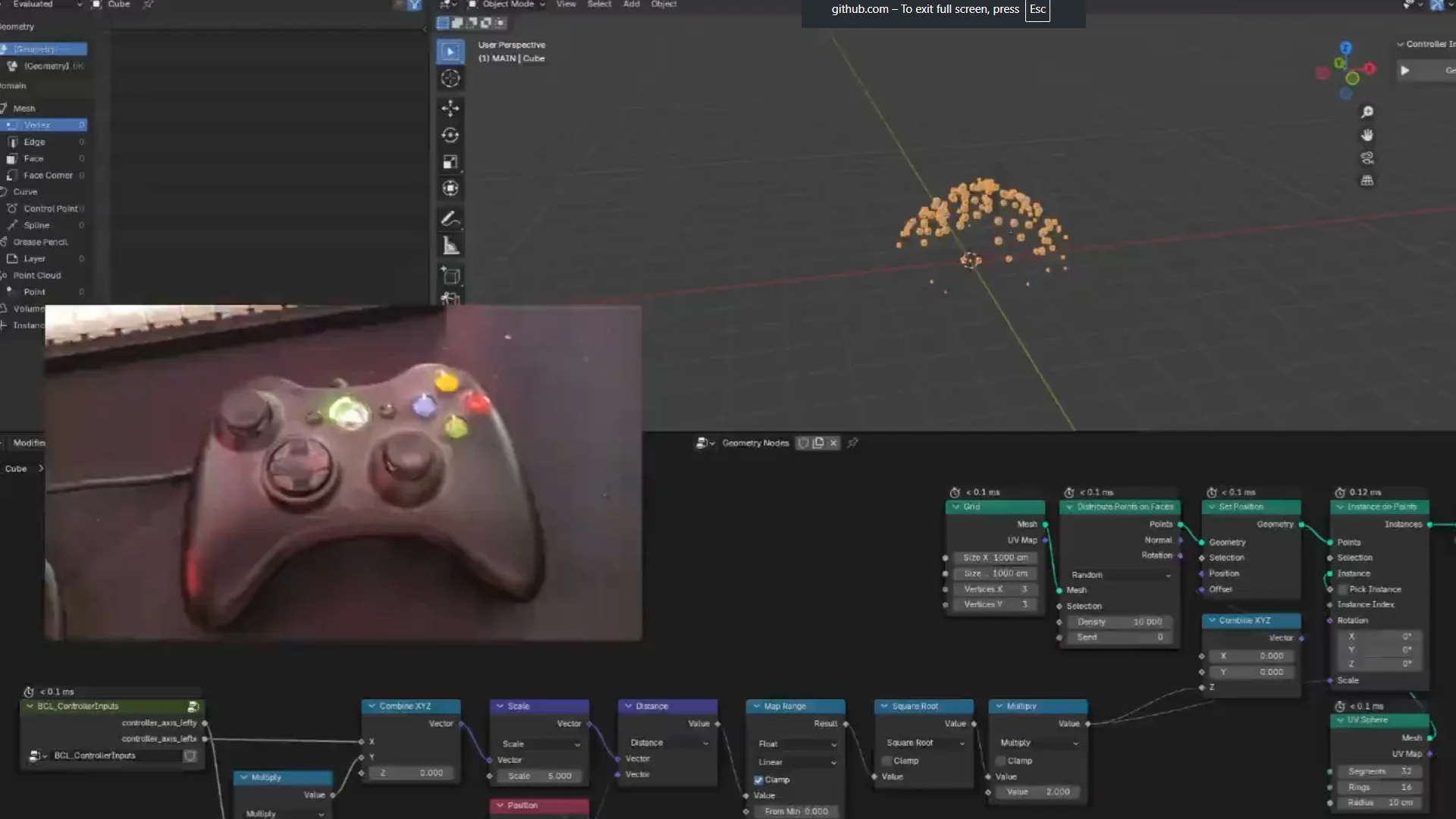
Drive Blender properties and Geometry Nodes with a gamepad, record inputs as keyframes, and review Controller Link's version, compatibility, and license.
Use Conversy Representation Monitoring in Premiere Pro to compare men's and women's speaking time. Check compatibility and service terms before sending video.
Convert Rotation Mode is a Blender add-on for changing bone rotation modes while preserving keyed motion. Check 4.5 to 5.2 support and Blender's 5.3 operator.
Move timeline markers onto Premiere Pro clips with Convert Timeline markers to clip markers. Choose a target track and optionally remove them afterward.
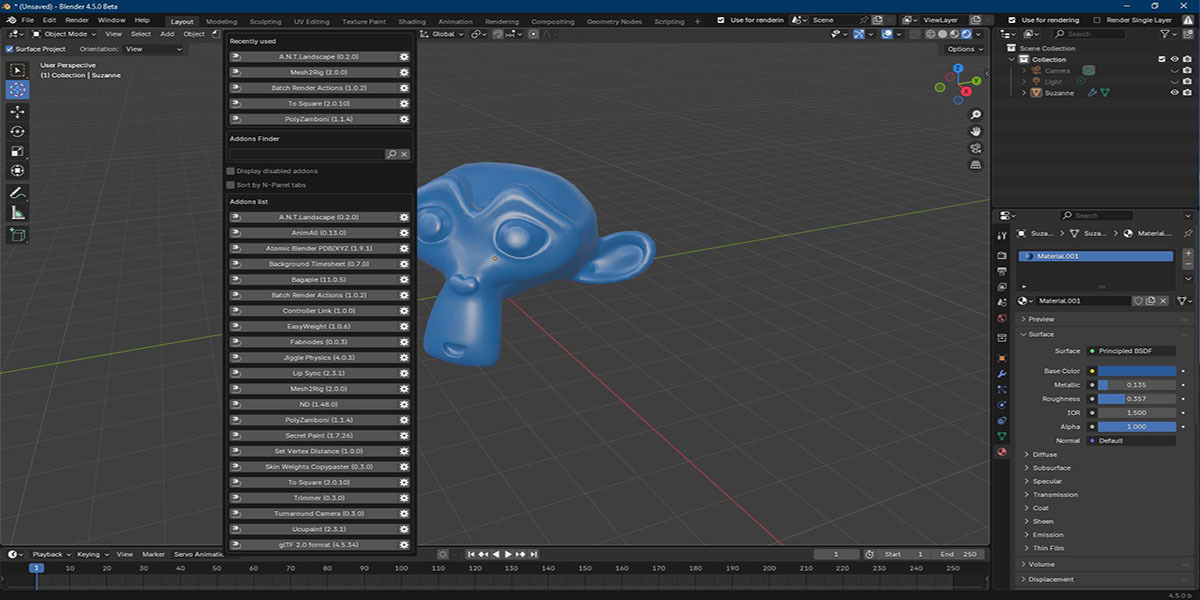
Find Blender add-on panels and preferences in one searchable list with Cool Addons Menu. Sort by N-Panel tab and revisit the last five add-ons.
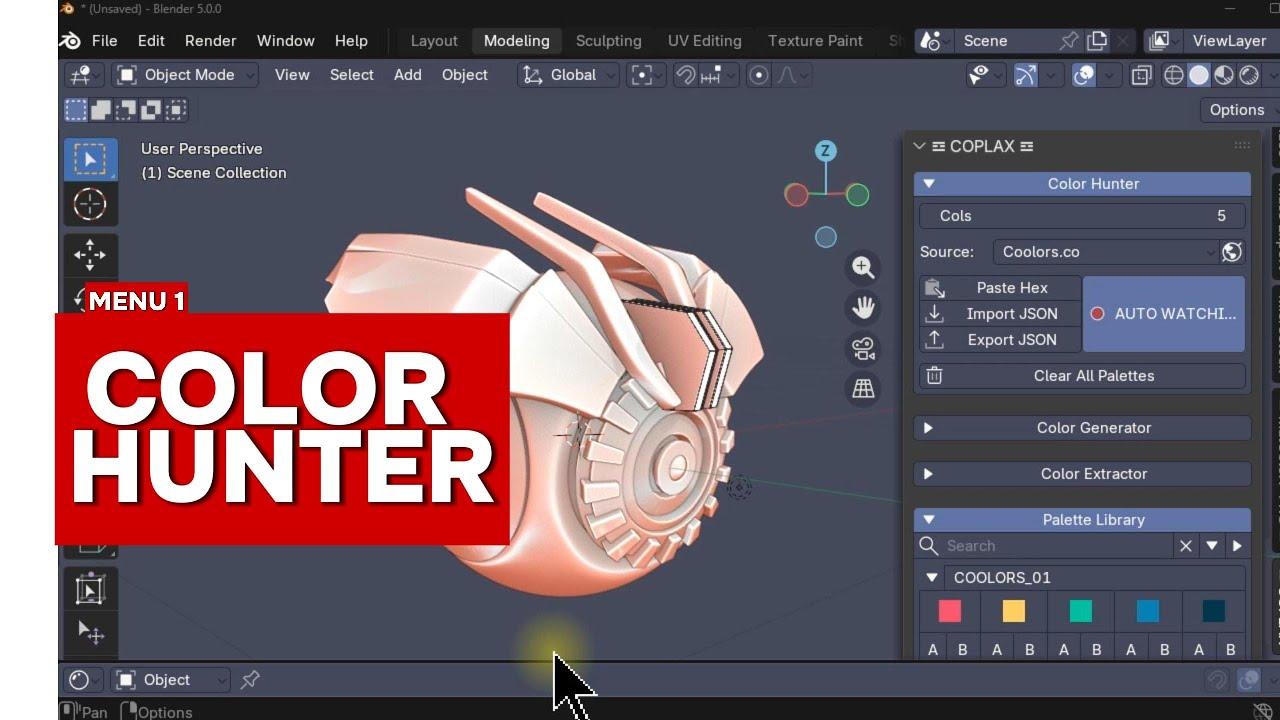
Coplax is a Blender toolkit for web palettes, image extraction and harmonies. Check supported versions, render engines and Studio Pro gradient tools.
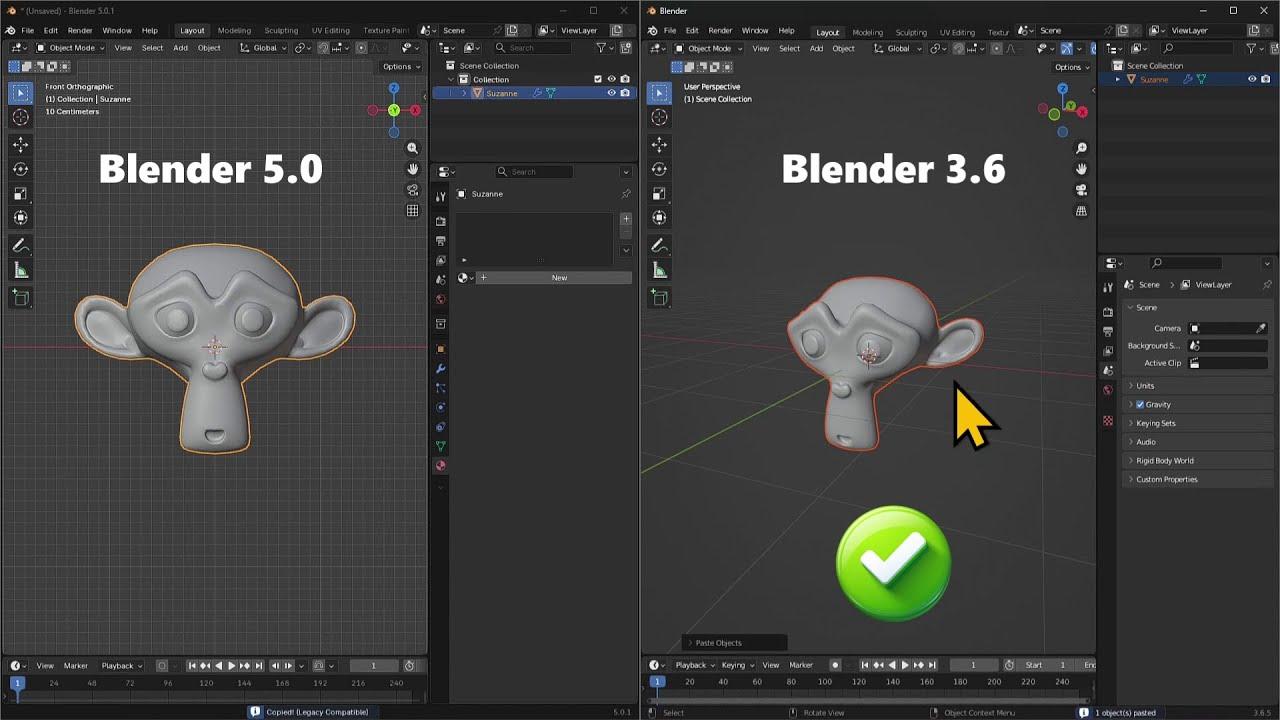
Copy (Legacy) is a Blender add-on for moving Blender 5.0+ objects and collections to older versions via Blender 4.5 LTS; its listing says Blender 5.0 to 5.2.
Copy Attributes Menu copies object, mesh-face, and pose data from Blender's Ctrl-C menu. The current extension requires Blender 4.2.0 or newer.
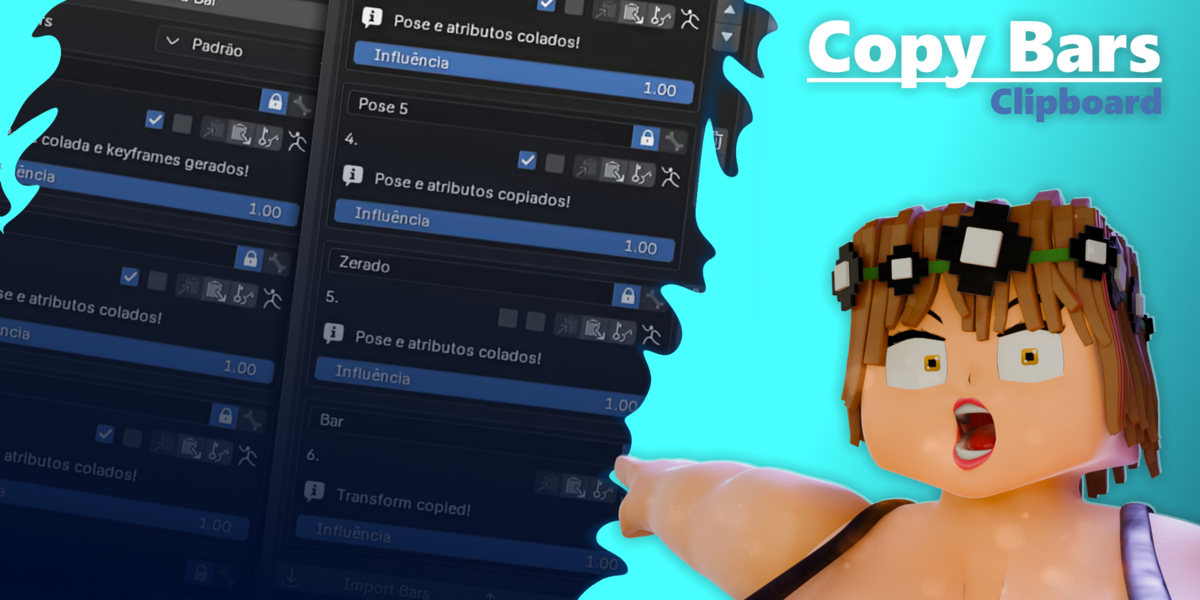
Copy Bars are for storing armature poses, object transforms and custom properties. Save presets, insert keyframes and export JSON for Blender 4.2-4.5.
Copy Cat transfers transforms, modifiers, materials, and UV maps between Blender objects. Review its alignment tools, compatibility notes, and workflow fit.
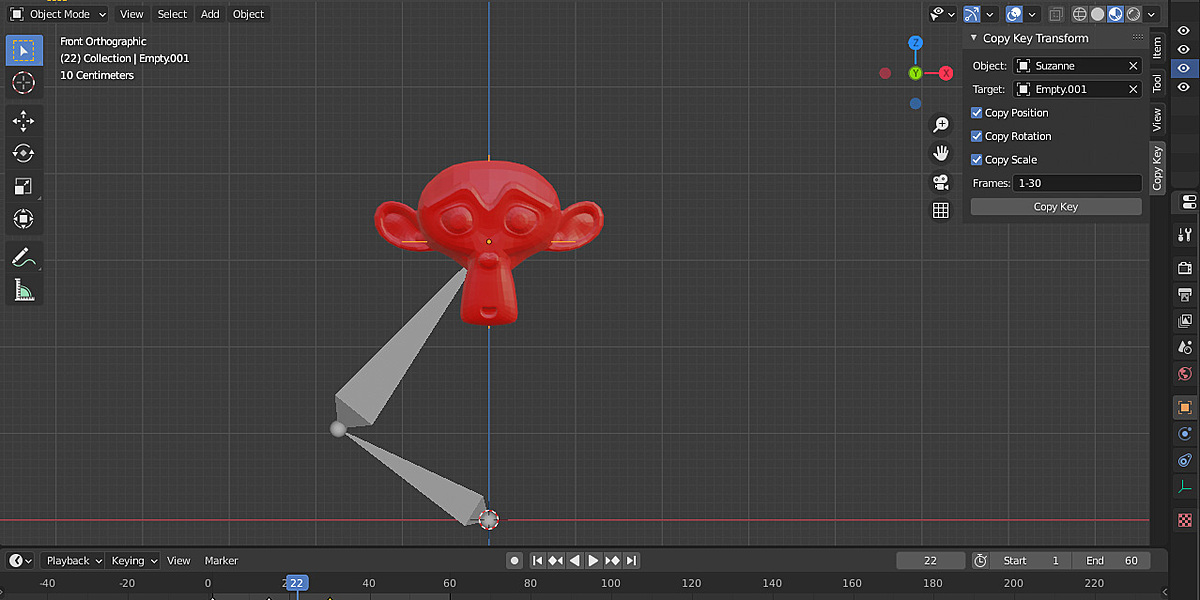
Copy Key Transform is a Blender add-on that copies transform keyframes from a target object at given frames. Check Blender compatibility and installation steps.