Cut-n-Paste
Cut-n-Paste adds a 3ds Max Quadmenu command for copying one object's transform to another. Check its Max 4.x target and setup notes before installing.
Tools for organizing files and automating repeated tasks in creative applications. Browse by application or search for a task. Page 39 of 163.
Cut-n-Paste adds a 3ds Max Quadmenu command for copying one object's transform to another. Check its Max 4.x target and setup notes before installing.
CutCue.io CSV Marker Importer is a Premiere Pro CSV importer that places sequence markers with color support. Premiere Pro 25.6+ is listed as compatible.
CutScene - 3D View Animator animates Revit's Section Box in six directions for GIF, MP4, or PNG sequences, with adjustable timing and resolution up to 8K.
Review Cuttana Illustrator's path-slicing options, compound-path handling, rename caveat and three-character trial limit before choosing it for lettering work.
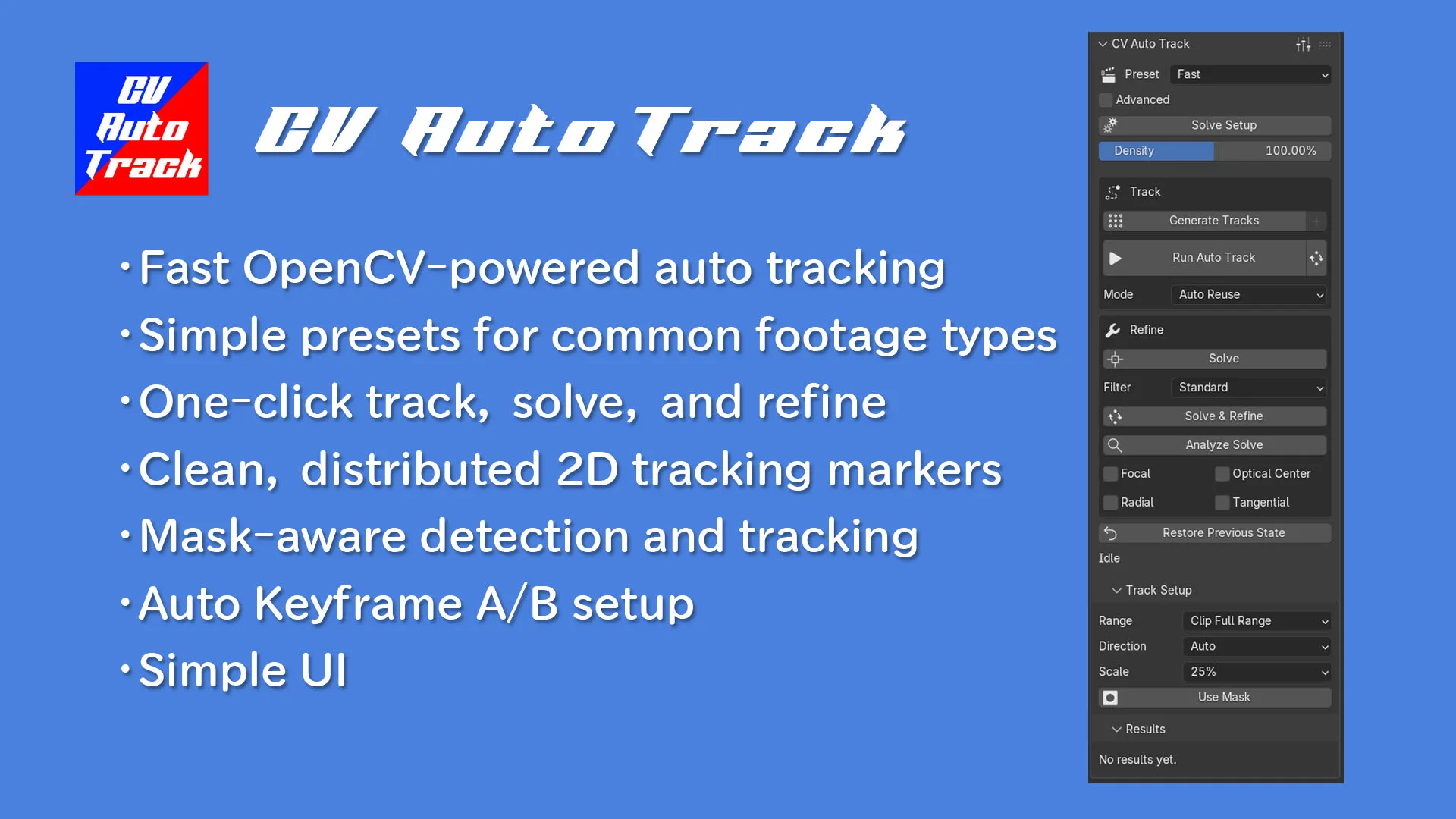
CV Auto Track adds OpenCV tracking and solve refinement to Blender. See its presets, masks, footage requirements and editable Movie Clip markers.
Color Variations of Eldorado - cvELD -
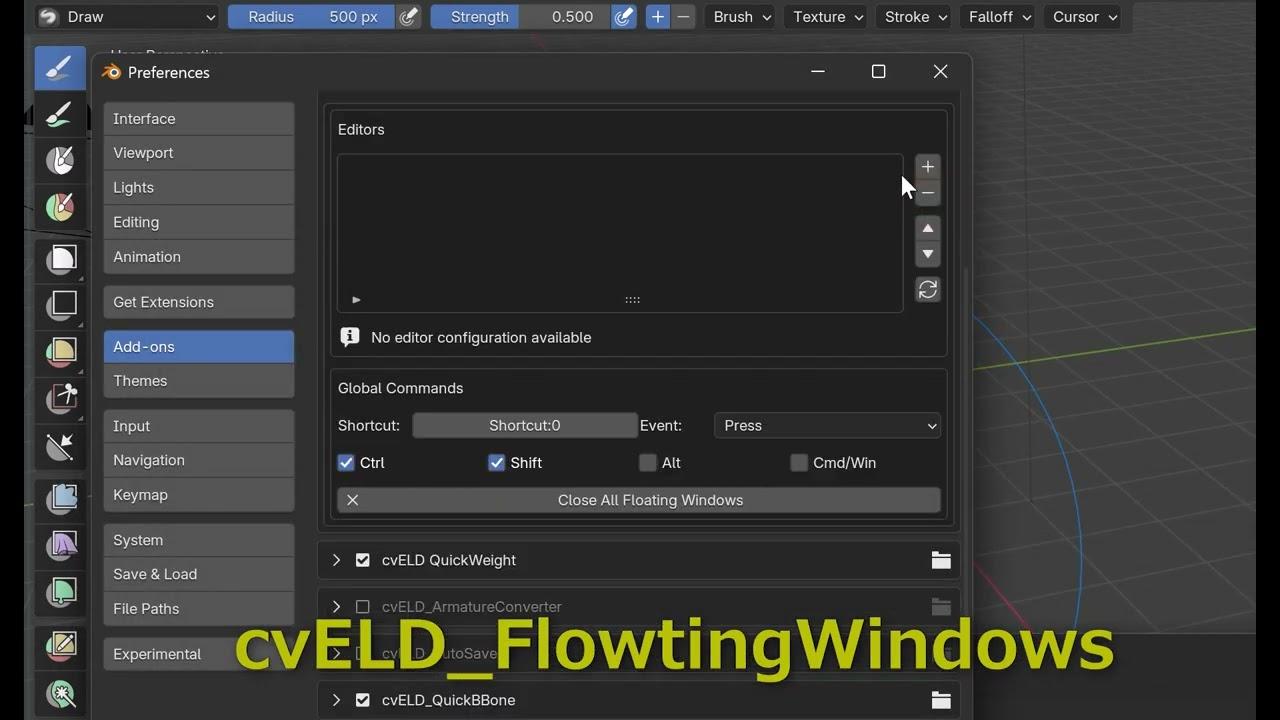
Open Blender editor windows at your cursor, set per-editor shortcuts and sizes, and check platform limits before installing Cveld Flowting Windows.
Color Variations of Eldorado - cvELD -
Generate bendy-bone rigs in Blender with segment, simple, full and chest rig tools. Check Cveld Quick Bbone's package notes for your Blender release.
Color Variations of Eldorado - cvELD -
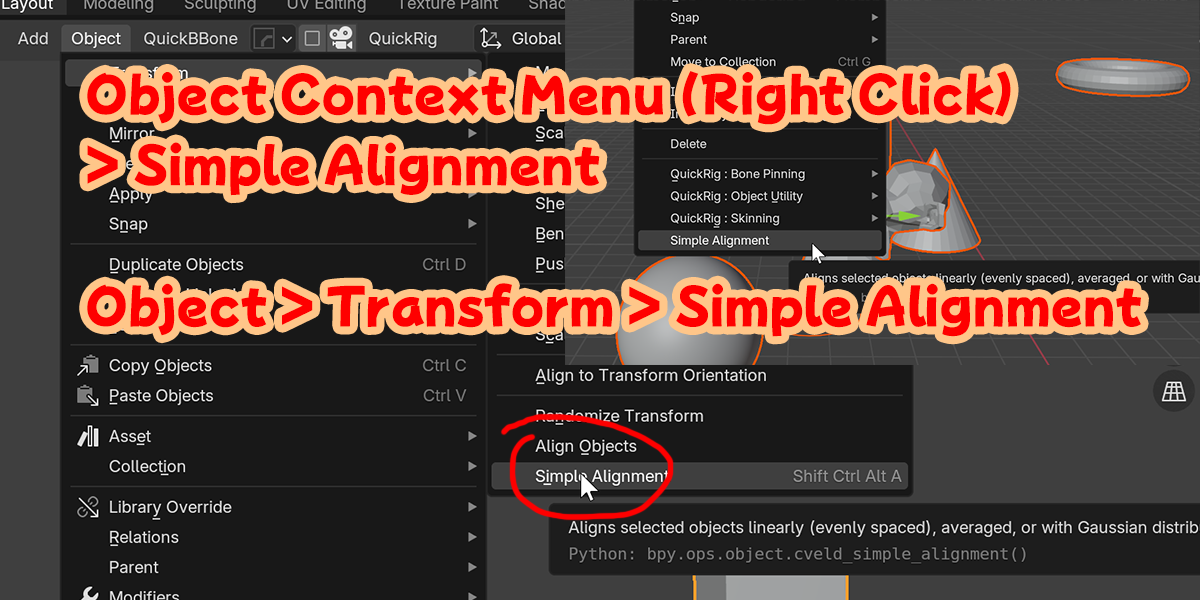
Cveld Simplealignment is a Blender add-on for aligning selected objects and distributing them with linear, center, Gaussian, or seeded random modes.
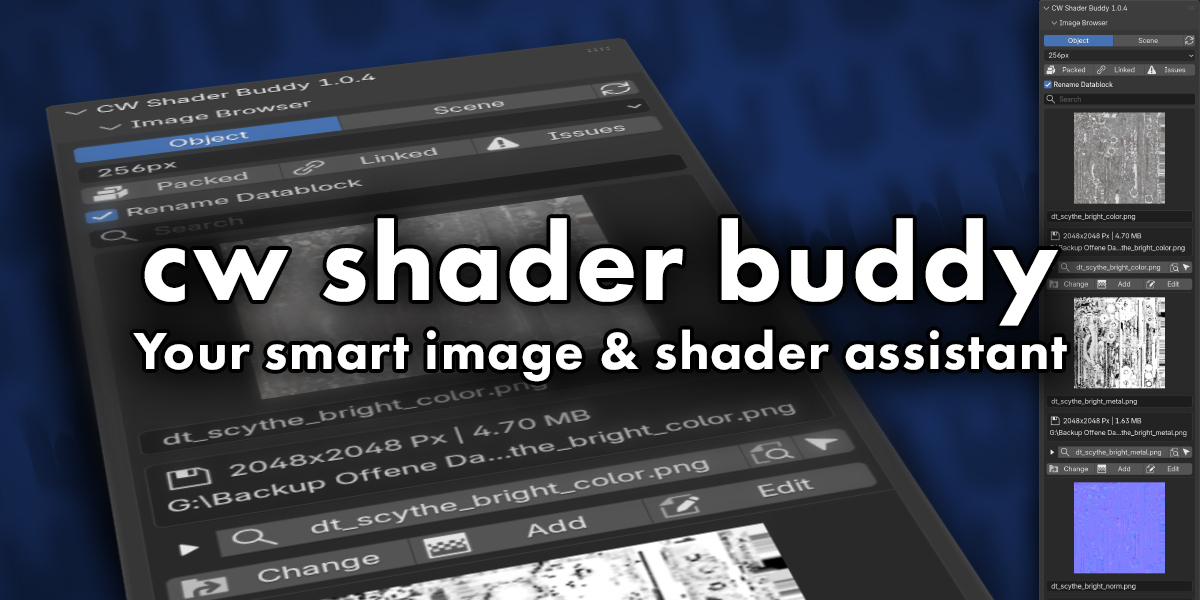
Explore Cw Shader Buddy's Blender tools for image usage, missing files, material cleanup, texture replacement, and batch renaming across supported editors.
Cycle Ortho View is a Blender add-on for cycling through front, right and top orthographic views, with Ctrl for the opposite set.
Create After Effects breakdown renders with motion paths, nulls, and layer bounds. Compare output modes, setup, compatibility, licensing, and practical limits.
Cyclops 3 is an After Effects extension for rendering animation breakdowns with visible motion paths, nulls and layer bounds; see workflow and version limits.
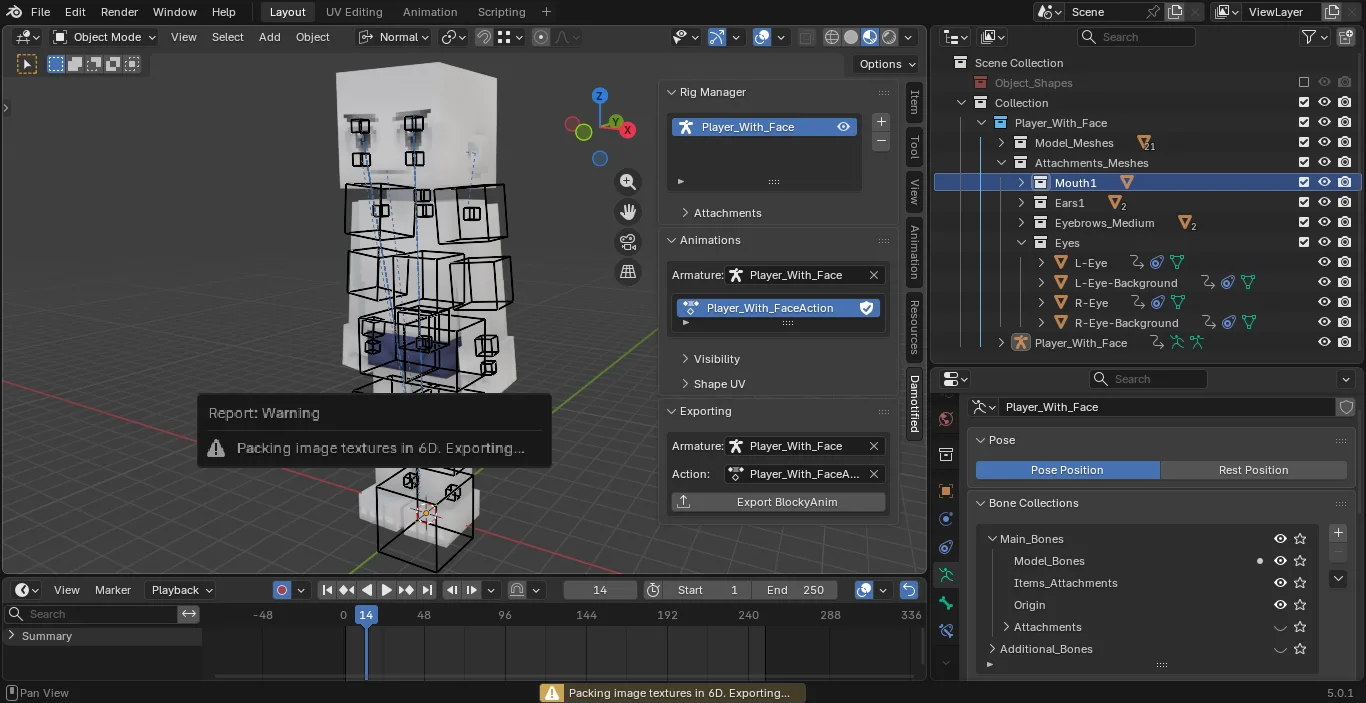
Import, animate, and export Blockbench models for Hytale in Blender with Damotified. Review version 0.2.1 and Blender 5.0+ compatibility.
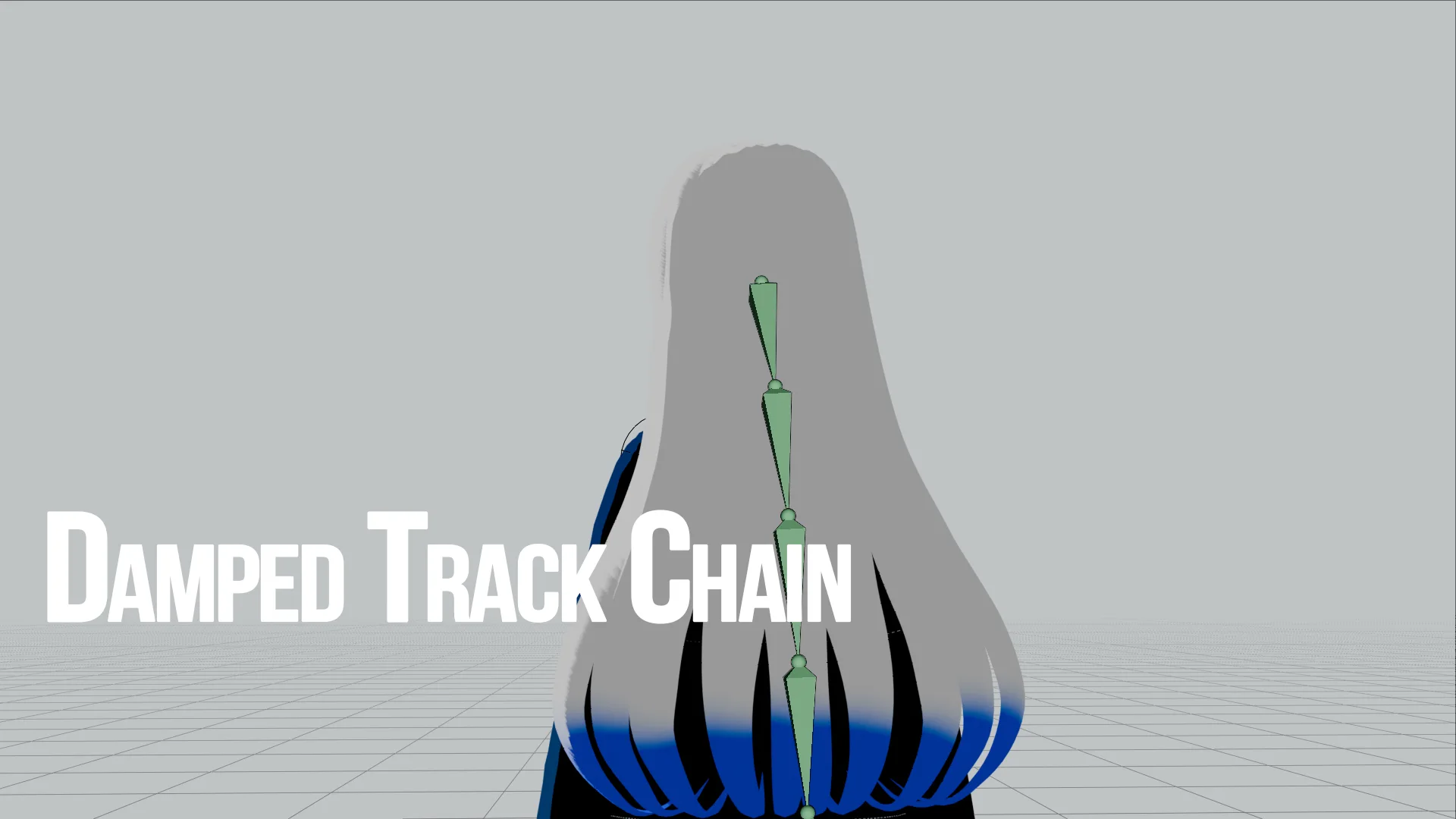
Create parent-targeting constraints with Damped Track Chain, vary influence, set the tracking axis, and clear Damped Track constraints on selected chains.
Dark Listener is a free 3ds Max plugin that enables dark mode for the listener at startup after installation. Check the listing for current compatibility.
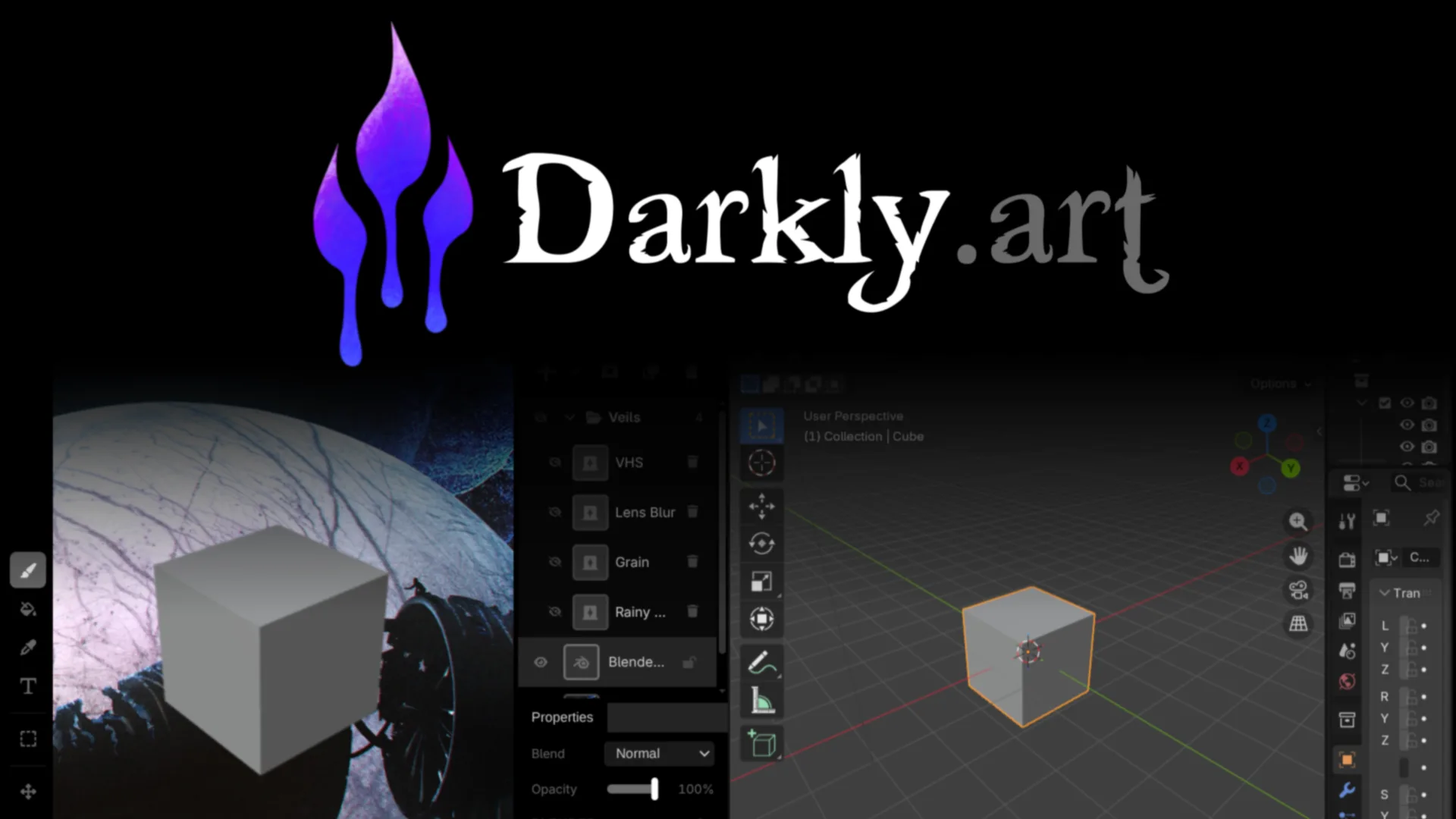
Darkly streams Blender viewport or camera views to a transparent layer over localhost. Compare angles live; adjust FPS and PNG compression in Blender 5.1+.
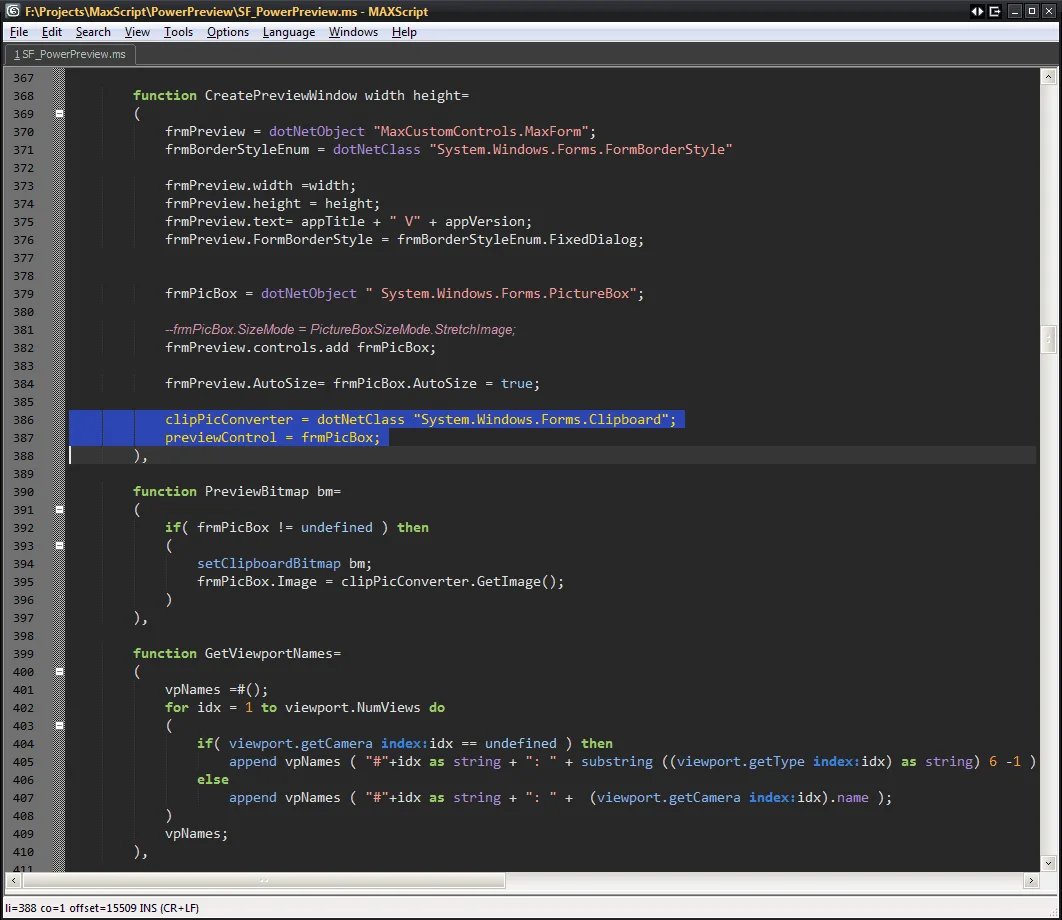
DarkScintilla adds editable dark colors to the 3ds Max Maxscript Editor. Review its installer, compatibility notes, and HTML display limitation.
Data Cells are spreadsheet-like cells for Revit sheets, with formulas that read model data, Excel exchange and conditional formatting. See trial options.
See how Autodesk's free Revit 2023 Tech Preview connector exchanges geometry and property data, which apps it names, and what installation requires.
Preview Blender Geometry Nodes attributes in the 3D view, including IDs, indices and positions. Compare editions and check setup details on cgpiece's listing.