Blender guides - Page 145
Published software and plugin guides for Blender. Page 145 of 196.
Read the software guideCatalog results
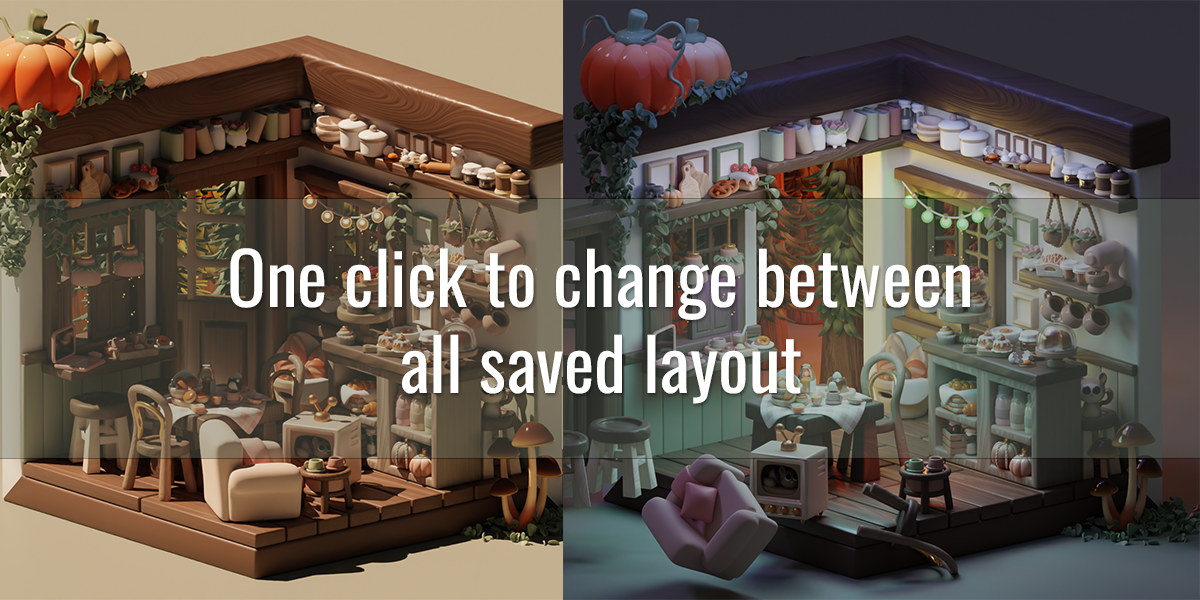
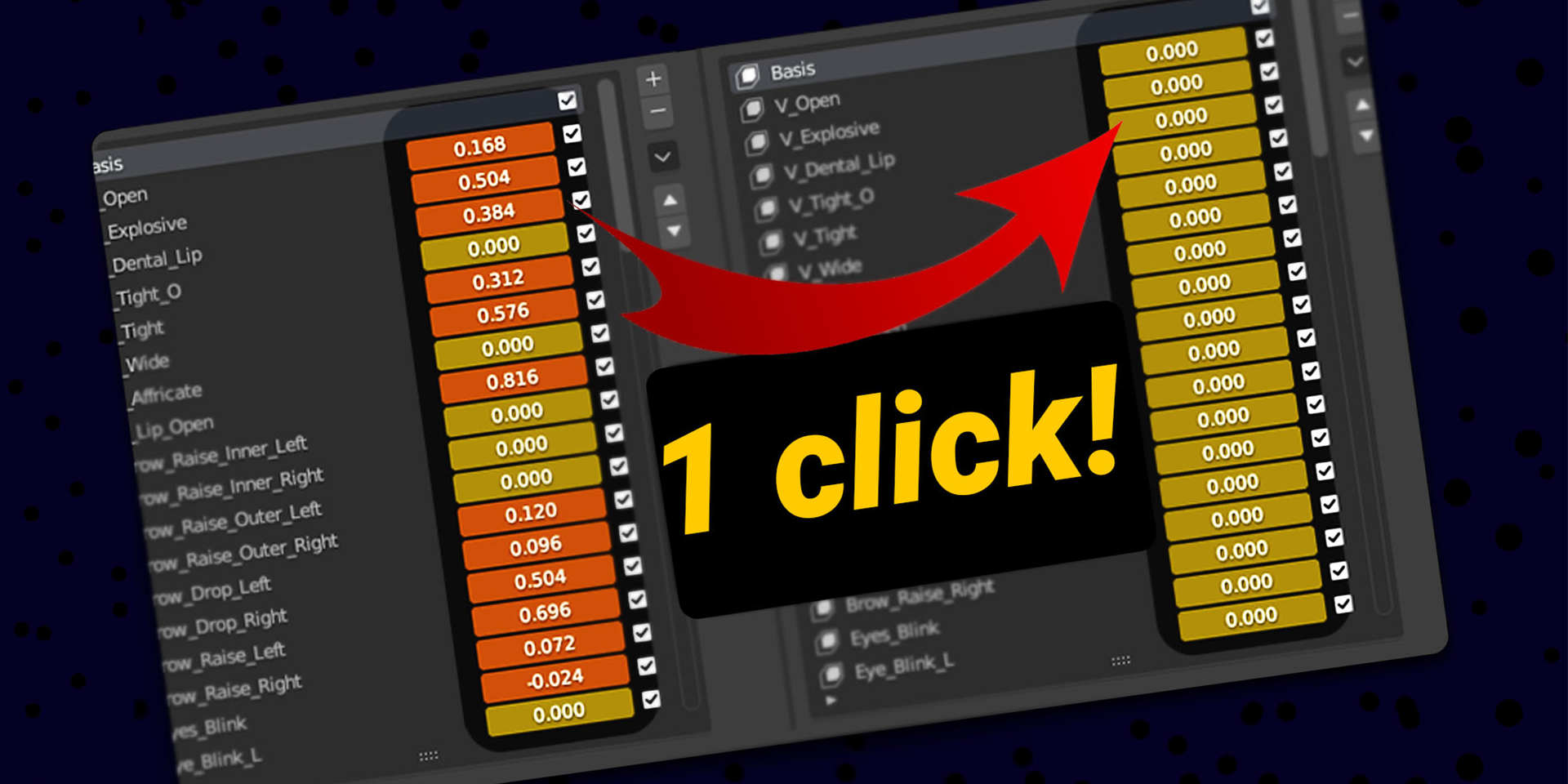
Reset All Shape Keys Hotkey
Reset All Shape Keys Hotkey is a Blender add-on for resetting selected-mesh shape key values, optional keyframing, bypass options, and shortcut assignment.
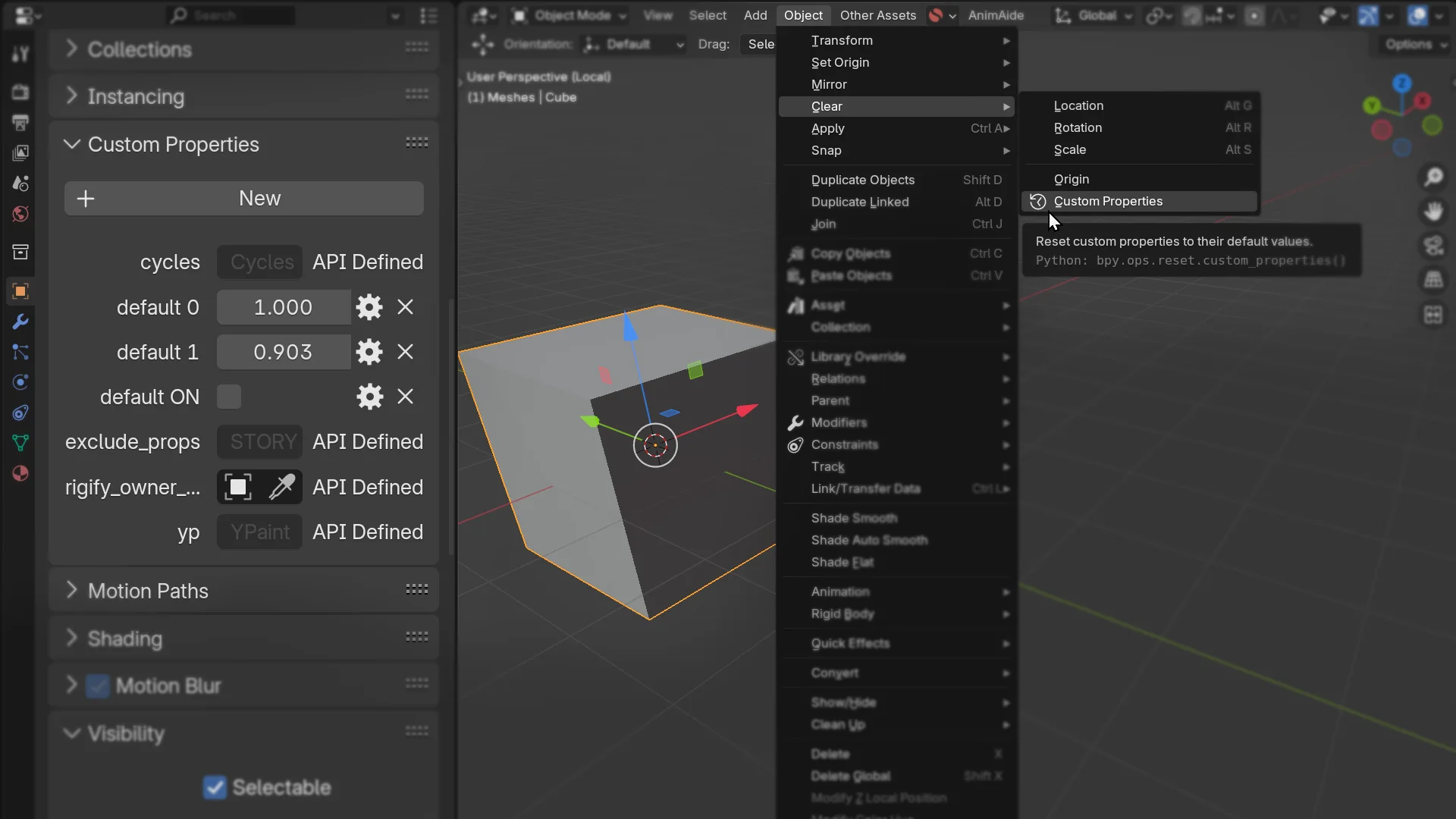
Reset Custom Properties
Reset Custom Properties on objects and pose bones with Lauloque’s Blender add-on. It supports Blender 4.2 and newer.
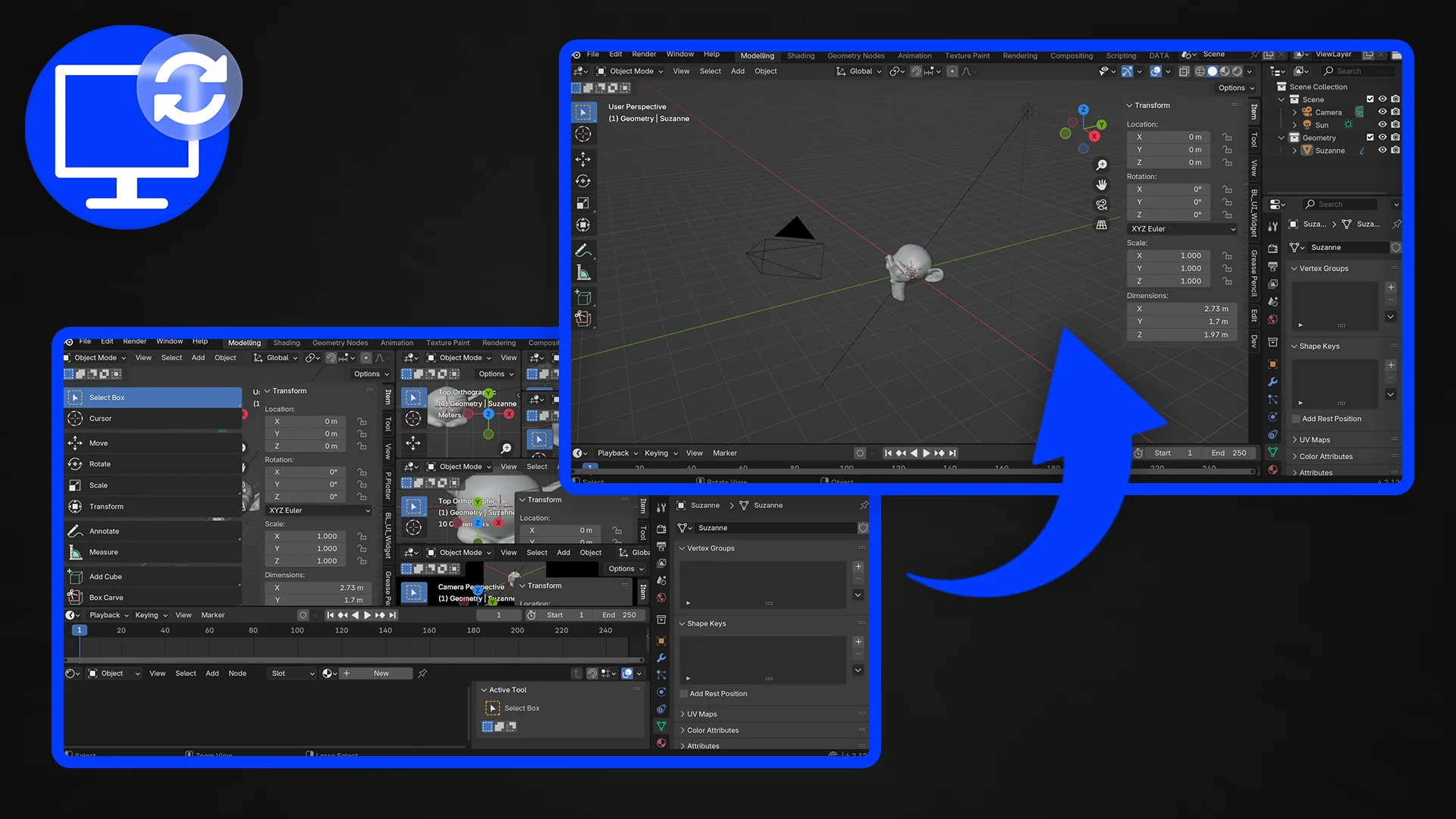
Reset Workspace
Reset Workspace restores Blender's interface from your startup file. Run it from Window > Reset Workspace and review version 0.0.5 details.
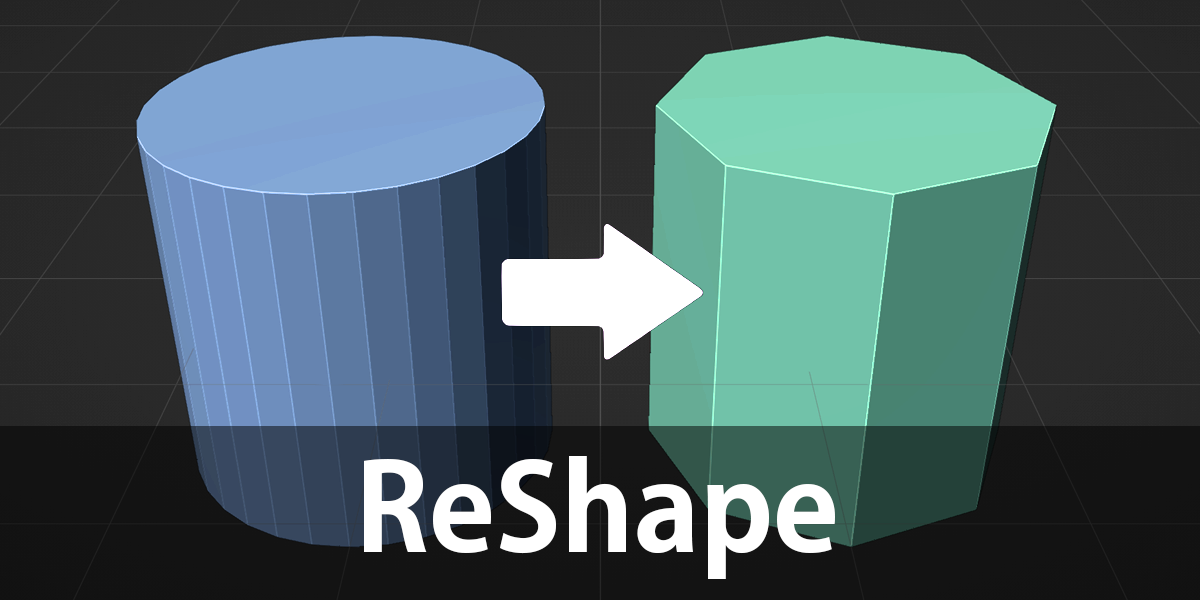
Reshape
Reshape for Blender lets you change segment and ring counts on existing cylinders and spheres, with a backup option and clear limits on mesh attributes.
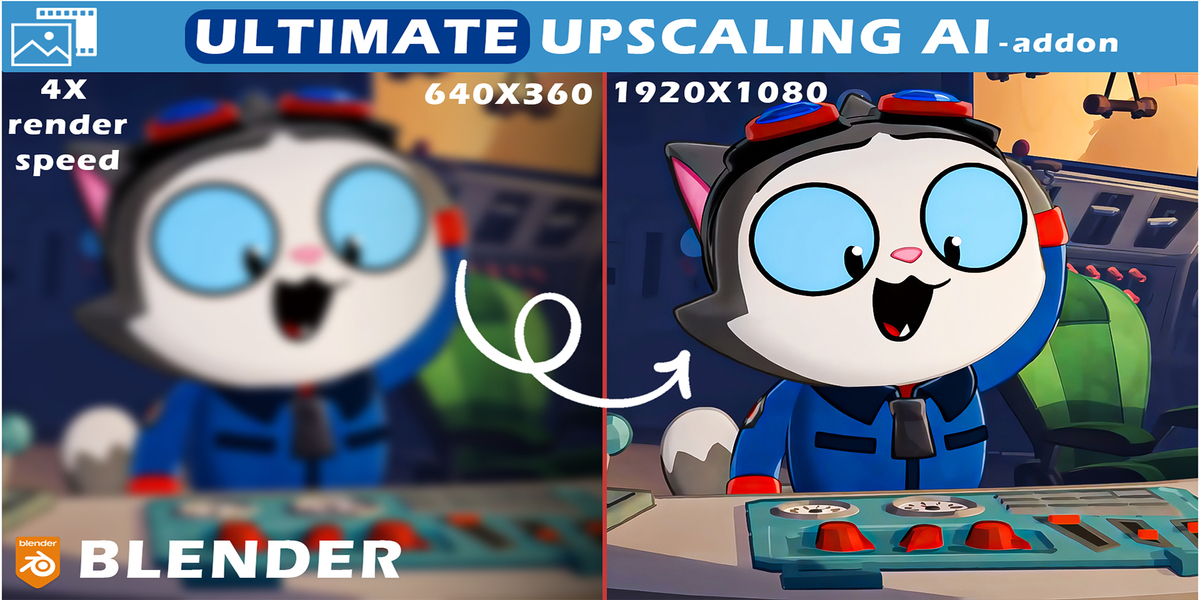
Resmax - Upscale Ai
Resmax - Upscale AI is a Windows-only Blender add-on that uses Real-ESRGAN to upscale images and sequences. Batch supports PNG, JPEG, and JPG.
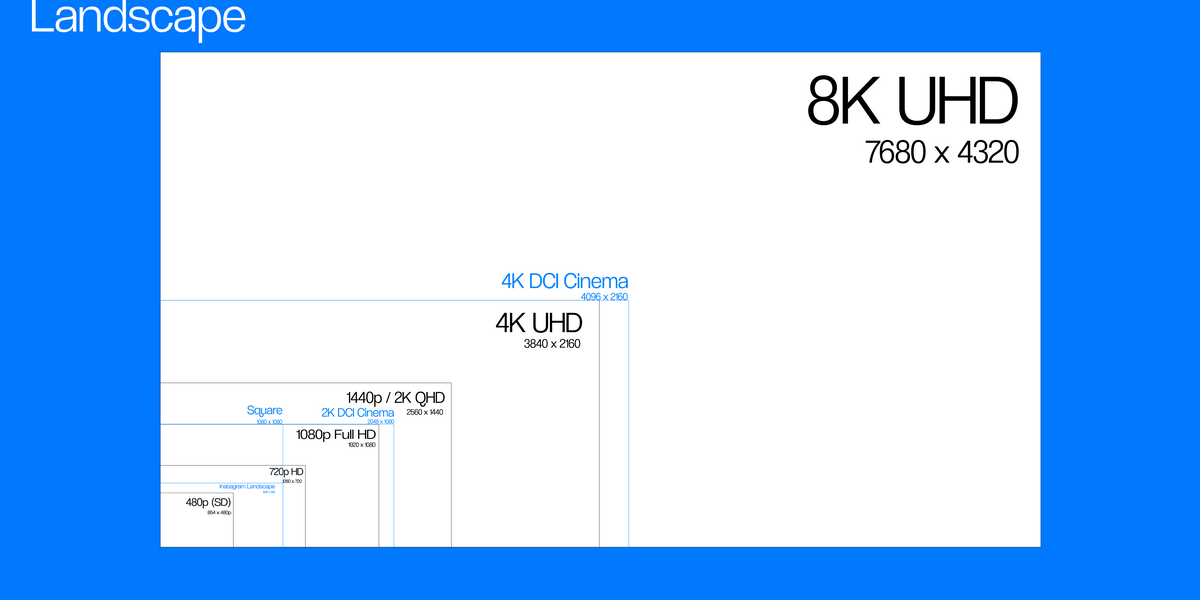
Resolution Pro
Set Blender output dimensions with Resolution Pro's HD, 4K, 8K and social presets, then switch between landscape and portrait in Output Properties.
Resources Manager
Resources Manager is a Blender add-on for organizing texture maps, videos and linked libraries, checking their use and consolidating project resources.
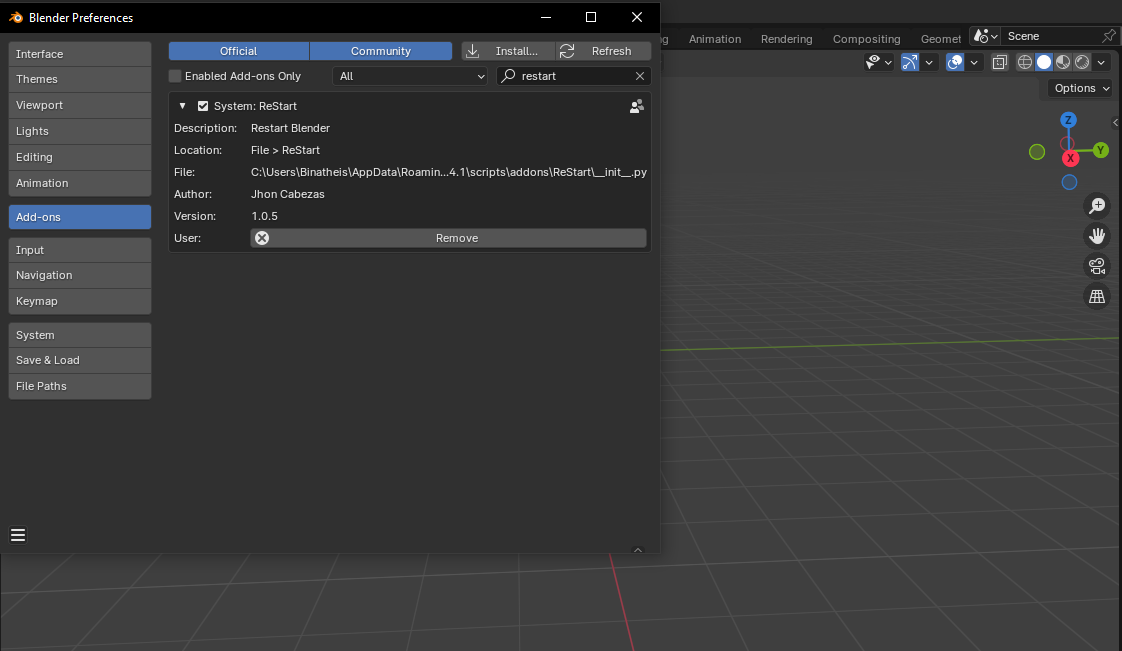
Restart: A Simple Functionality
Restart: A Simple Functionality is a Blender add-on for one-click restarts. Check listed versions and save new, unsaved files first to avoid losing work.
Restore State
Track Blender mesh changes with Restore State. See how it handles saved states and Geometry Nodes, and check compatibility before installing.
Retargeting Automation System
VertSoftex Studio - Support Periods Included at NO Extra Cost!
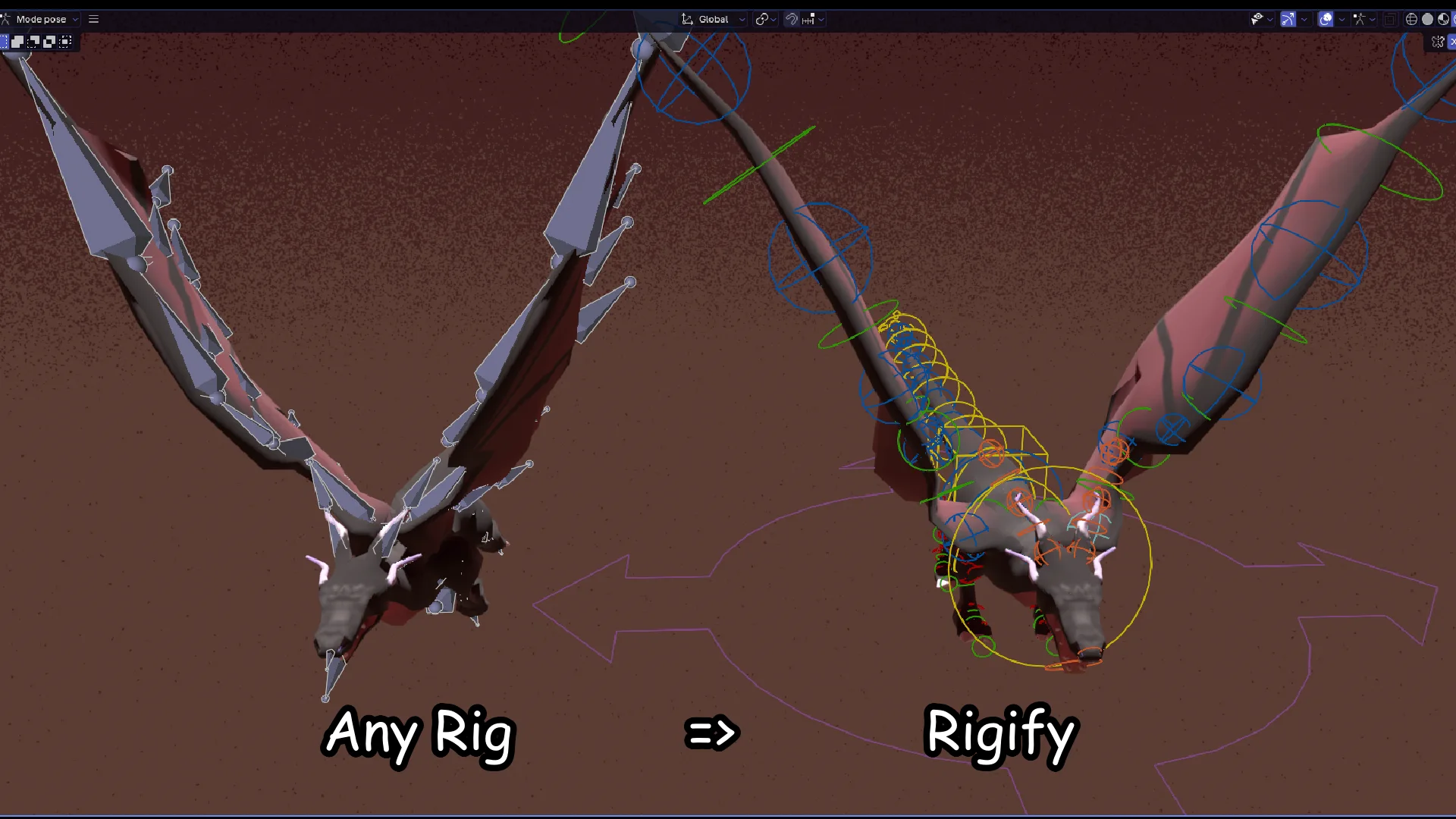
See how Retargeting Automation System adds batch retargeting, rest-pose matching and edition-specific tools to Blender's Auto-Rig Pro workflow.
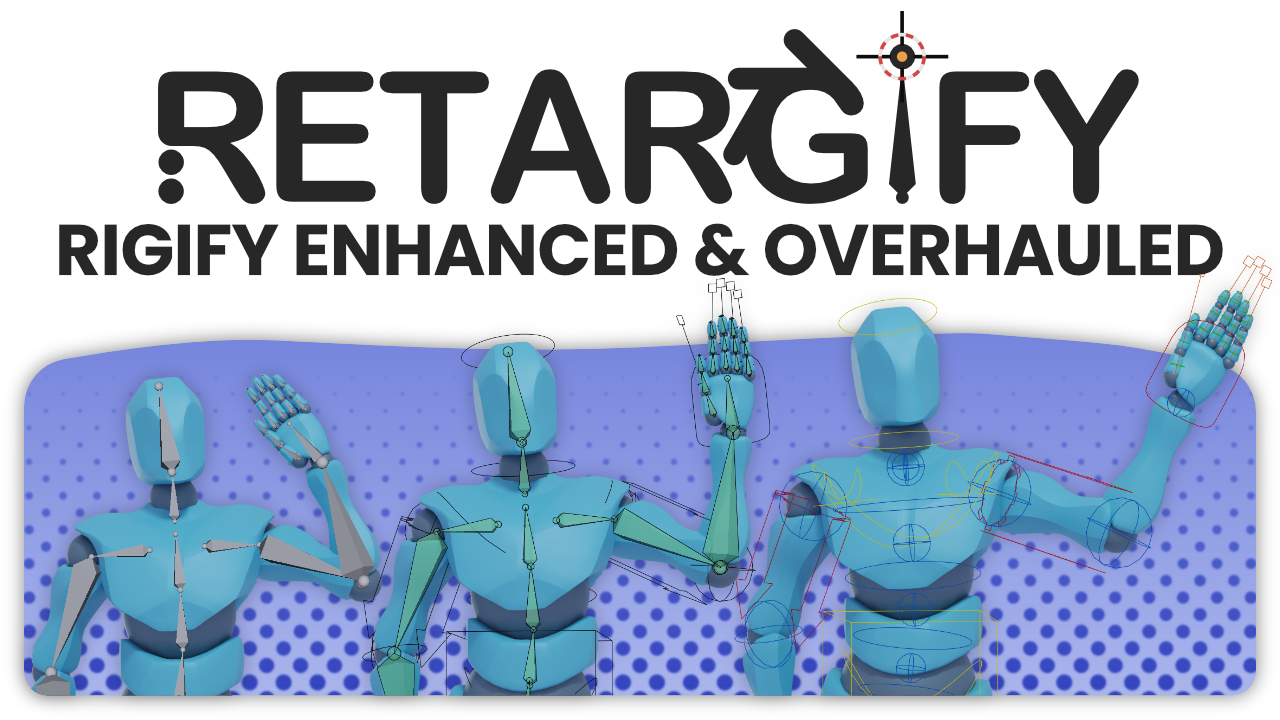
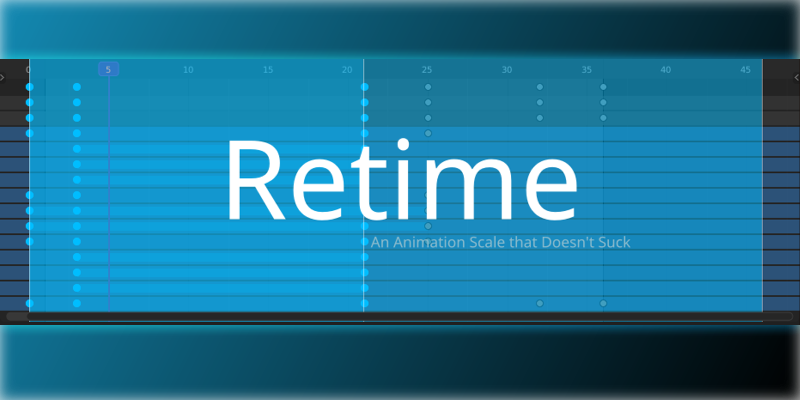
Retime: An Animation Scale That Doesn't Suck
Retime: An Animation Scale That Doesn't Suck is a Blender add-on for frame-based timing that moves following items to keep markers useful.
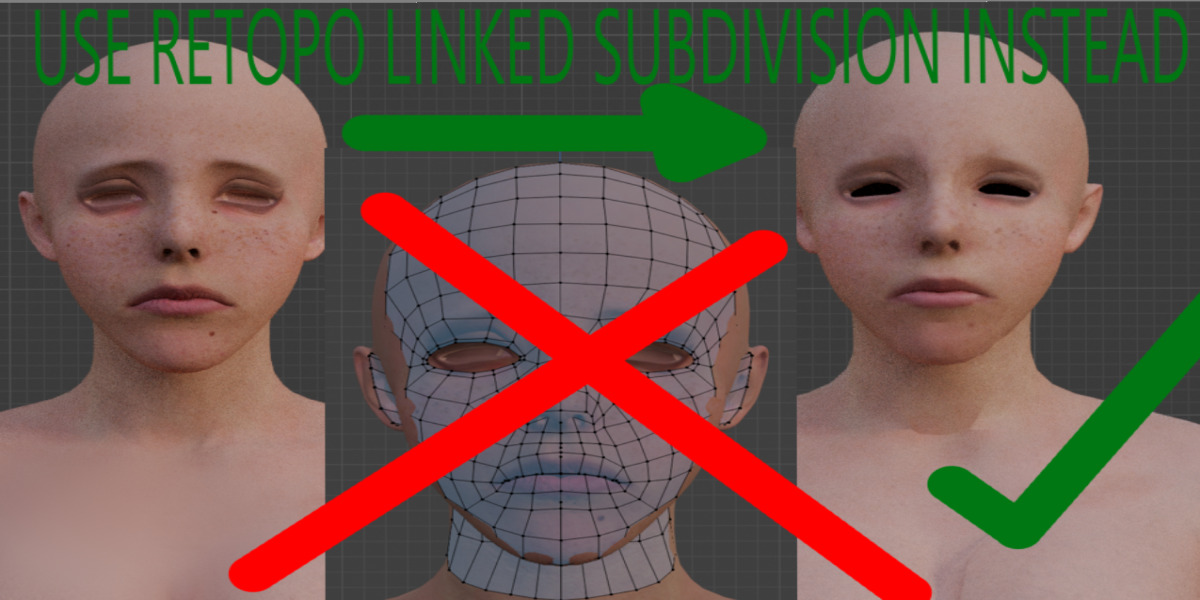
Retopo Linked Subdivision
Retopo Linked Subdivision links Blender levels for sculpting while keeping the original mesh intact. Check Windows beta support and existing mesh behavior.
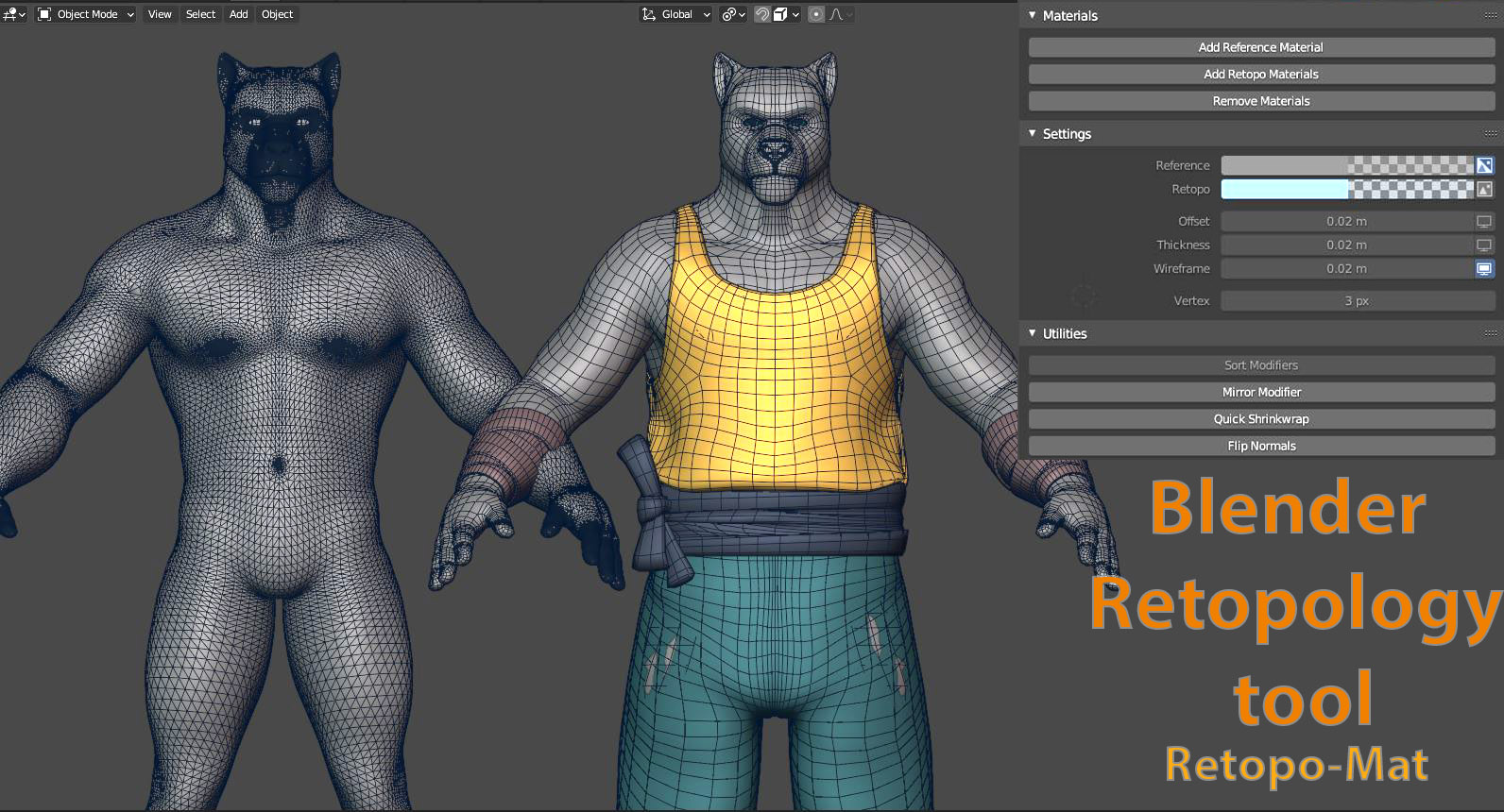
Retopo_Mat
Retopo_Mat is a Blender retopology tool for mesh projection, topology cleanup and display controls. Check its listed Blender versions, updates and GPL license.
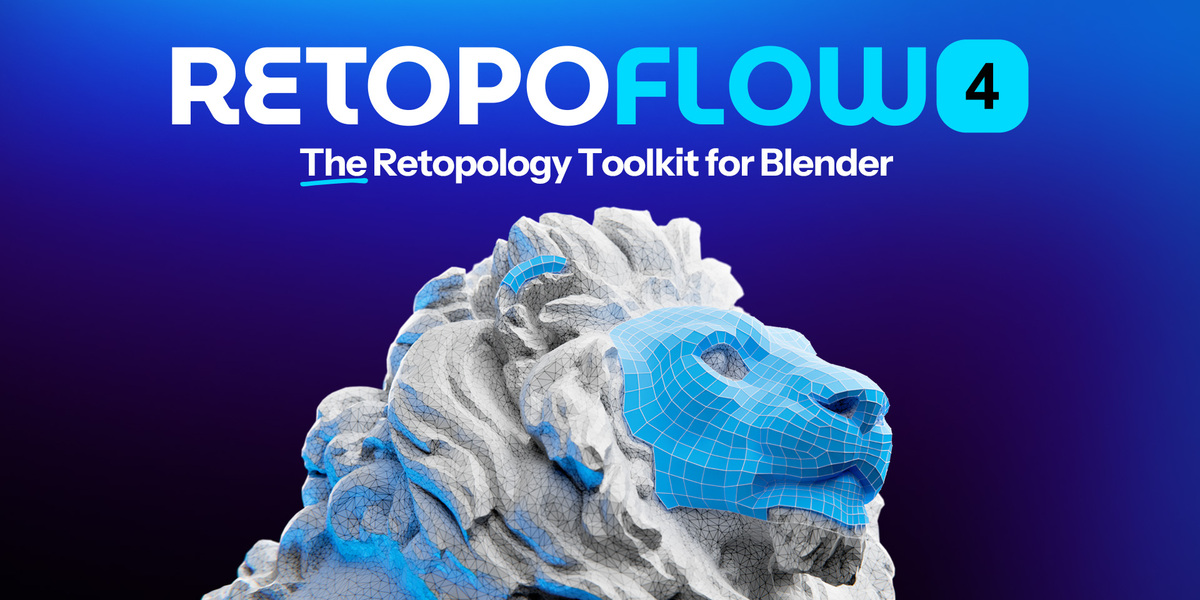
Retopoflow 4
Retopoflow 4 adds sketch-based retopology tools to Blender's Edit Mode. See how its loops, strokes and brushes shape meshes over sculpts and scans.
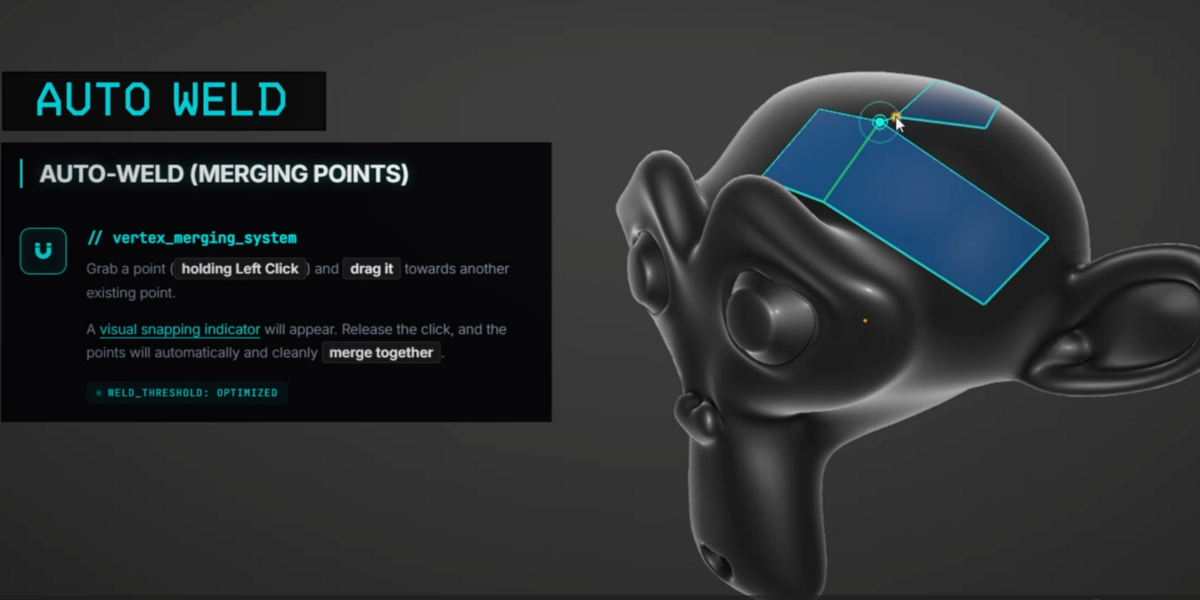
Retopomagic
RetopoMagic adds viewport retopology tools to Blender: surface-snapped points, quad previews, edge loops, drag extrusion, and Magic Bridge. See how it works.
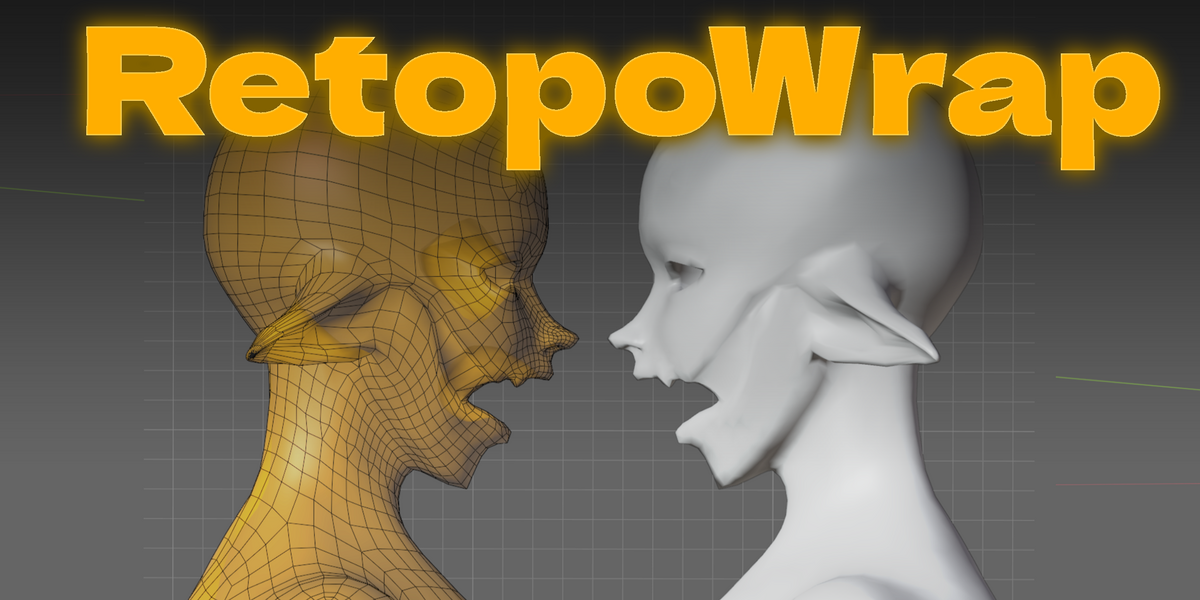
Retopowrap
Use RetopoWrap in Blender to sketch Annotate-brush spines, generate editable quads, and snap them to surfaces. Blender 3.6 through 5.0 are listed as compatible.
Retro Console Lite
Retro Console Lite converts Blender image textures to a Game Boy Color look with 64 x 64 output and dithering. Check compatibility before installing.
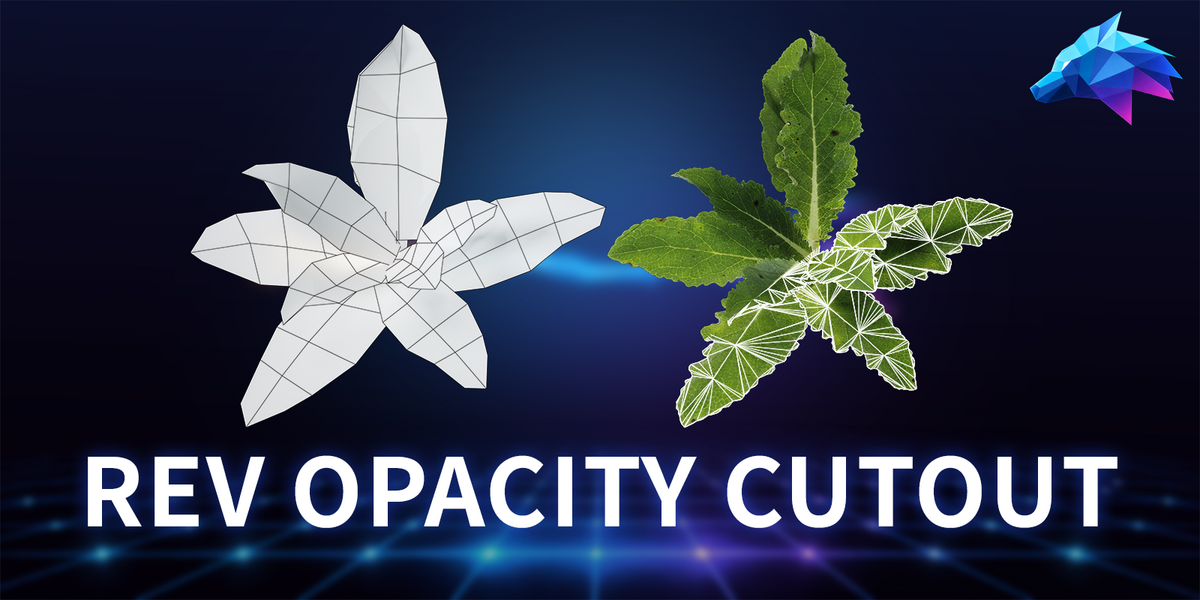
Rev Opacity Cutout
REV Opacity Cutout turns texture masks into Blender cutout geometry for foliage and decals, with planar and 3D modes, contour controls, and vertex painting.
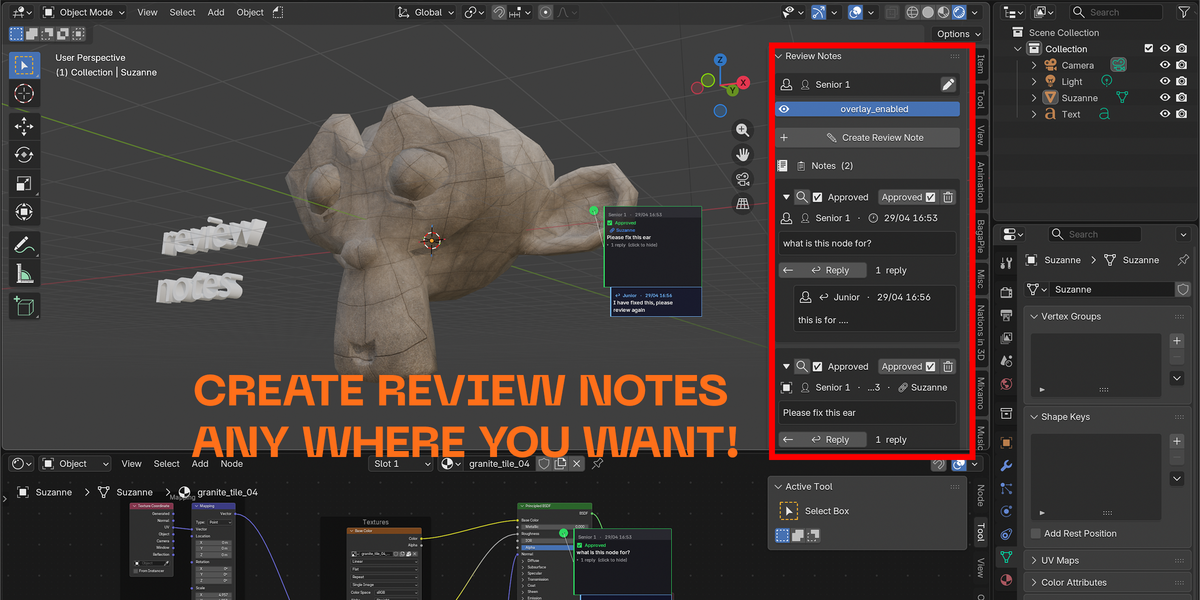
Review Notes
Review Notes are a Blender add-on for pinning feedback to 3D work, with reply threads, review statuses, and CSV export. Check Blender compatibility.
rFactor 2 GMT Importer
rFactor 2 GMT Importer is a Blender add-on that imports track and car models as mesh objects, with materials and billboards. Blender 4.2.0 is the minimum.